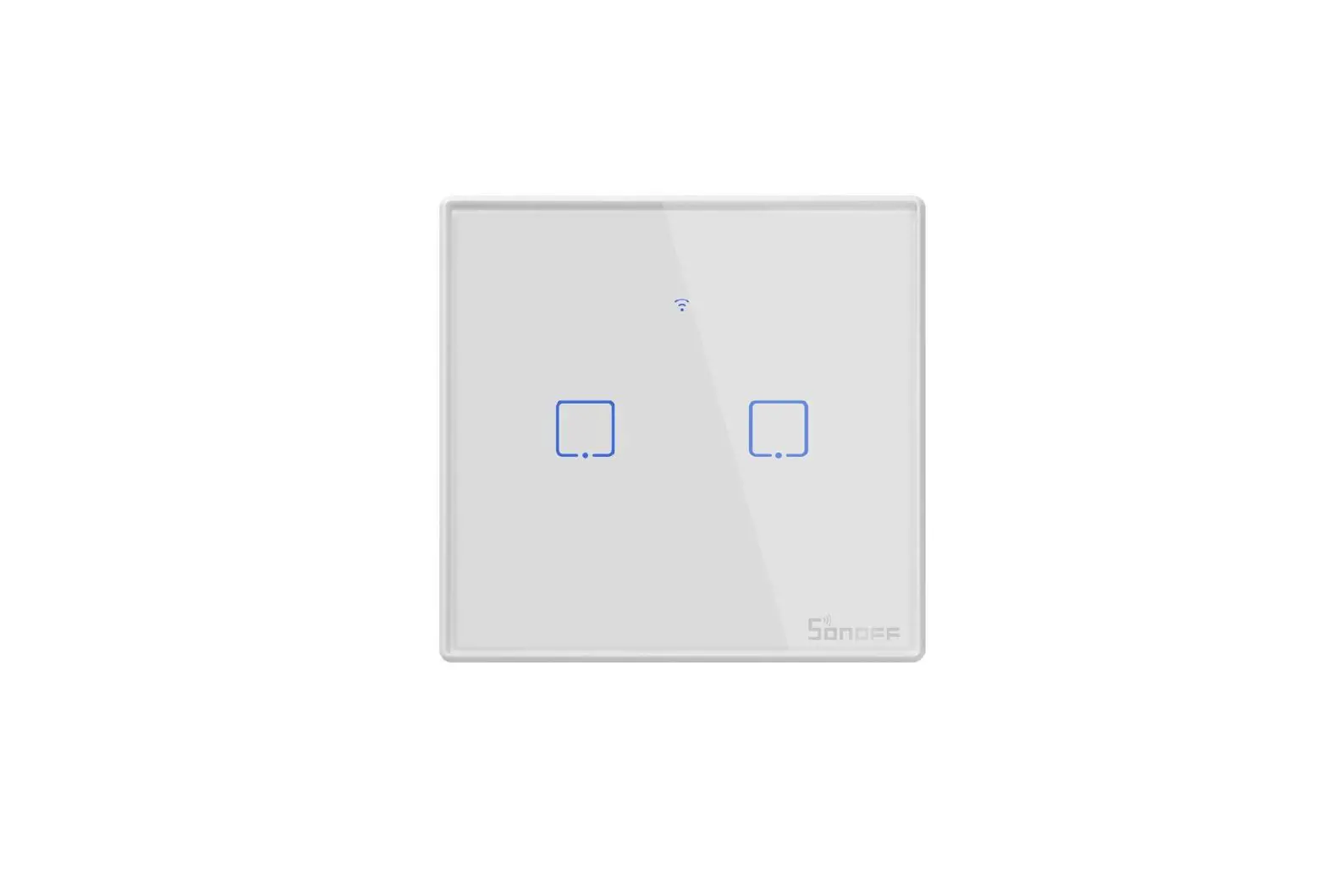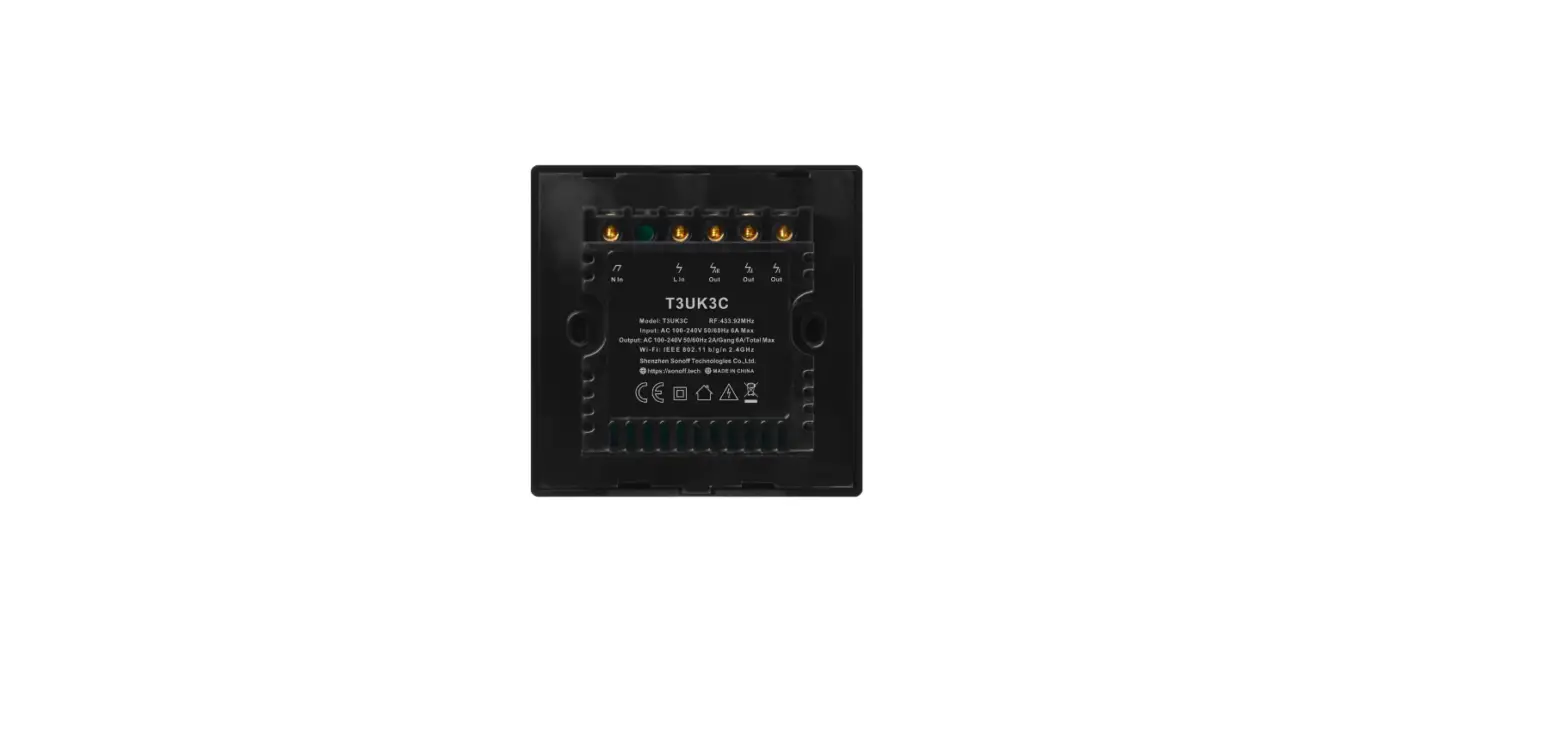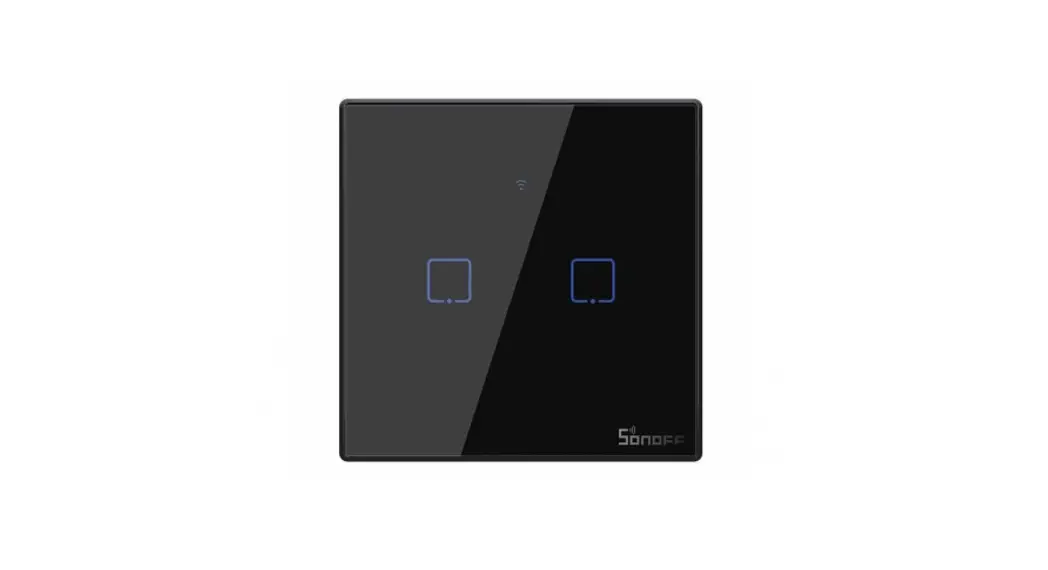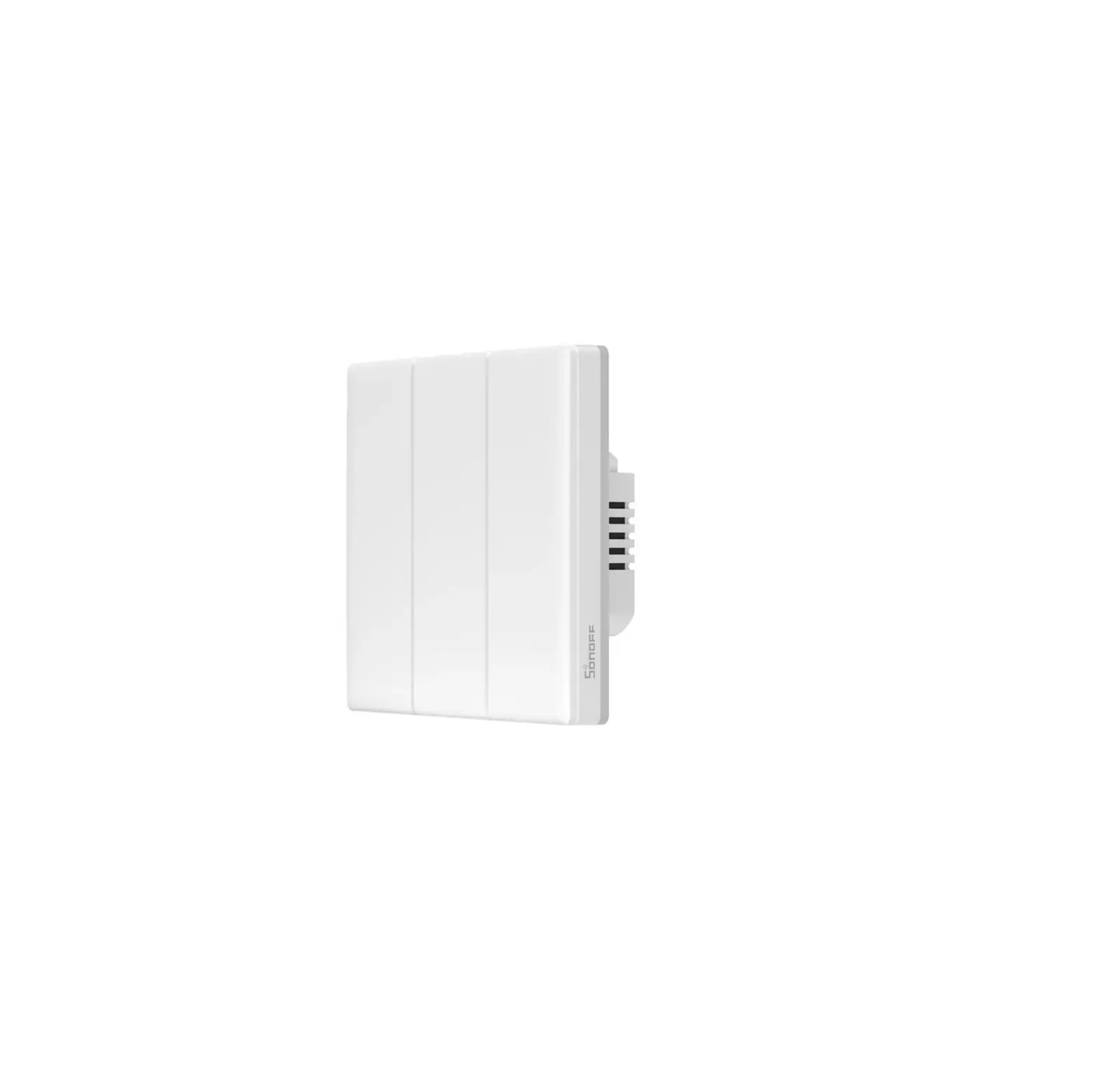
SONOFF TX NSPANEL Smart Scene Wall Switch User Manual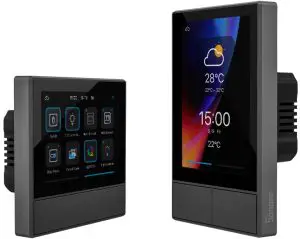
Product Introduction
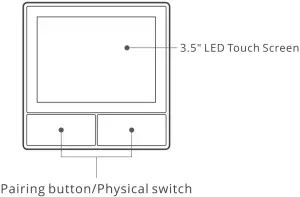
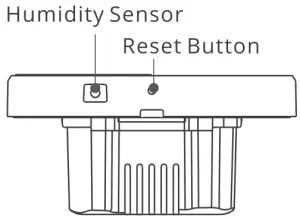
 The device weight is less than 1 kg. The installation height of less than 2 m is recommended.
Features
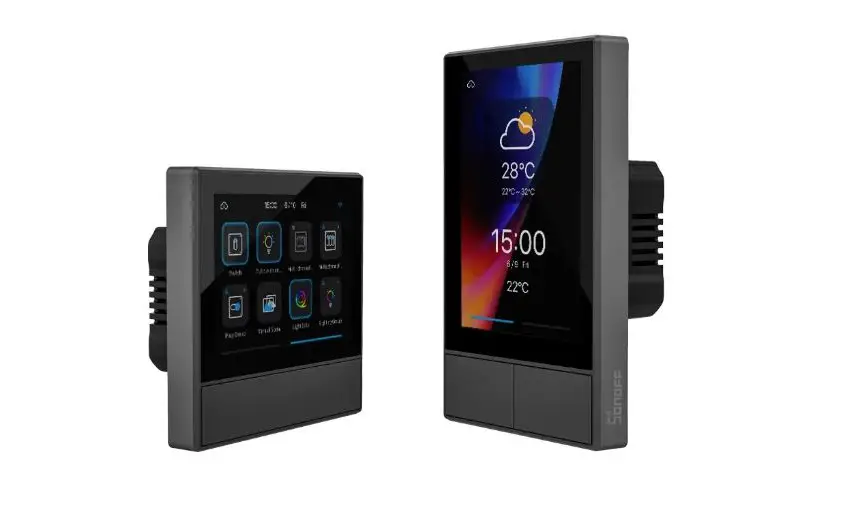
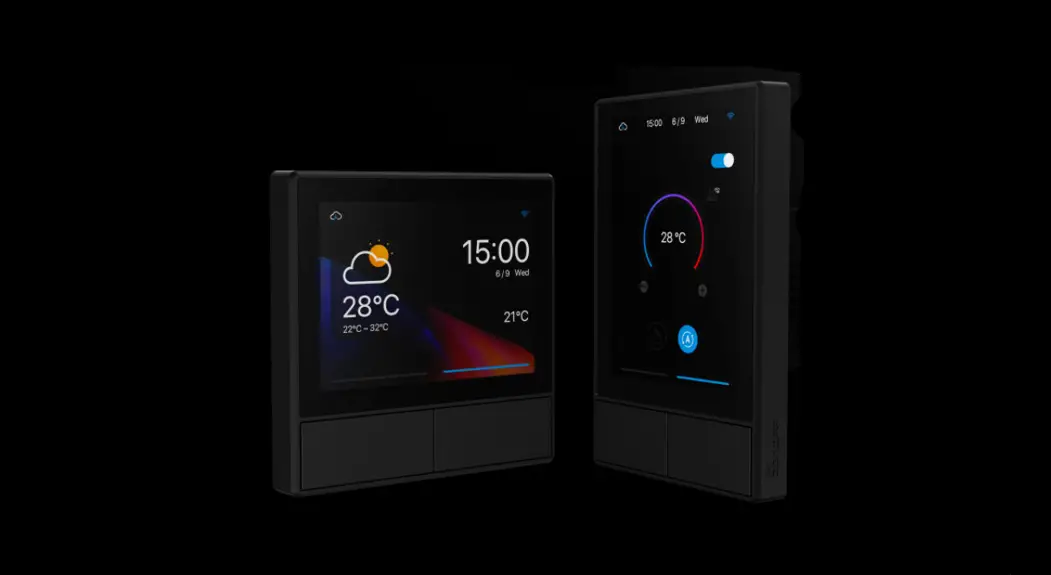
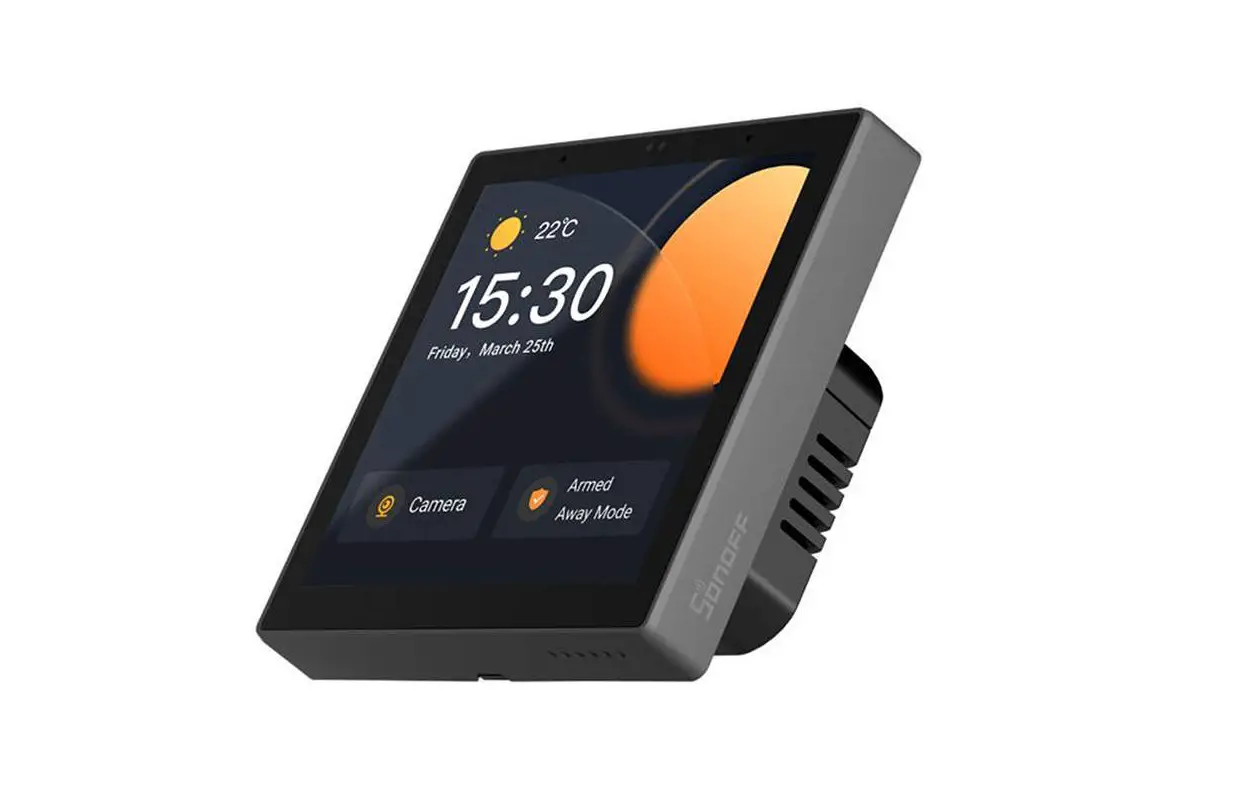
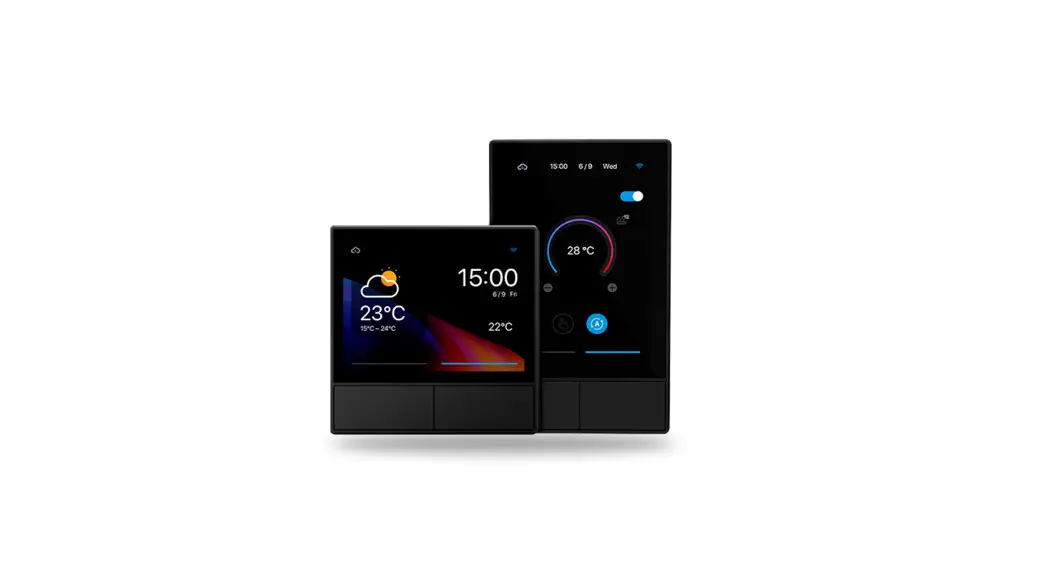
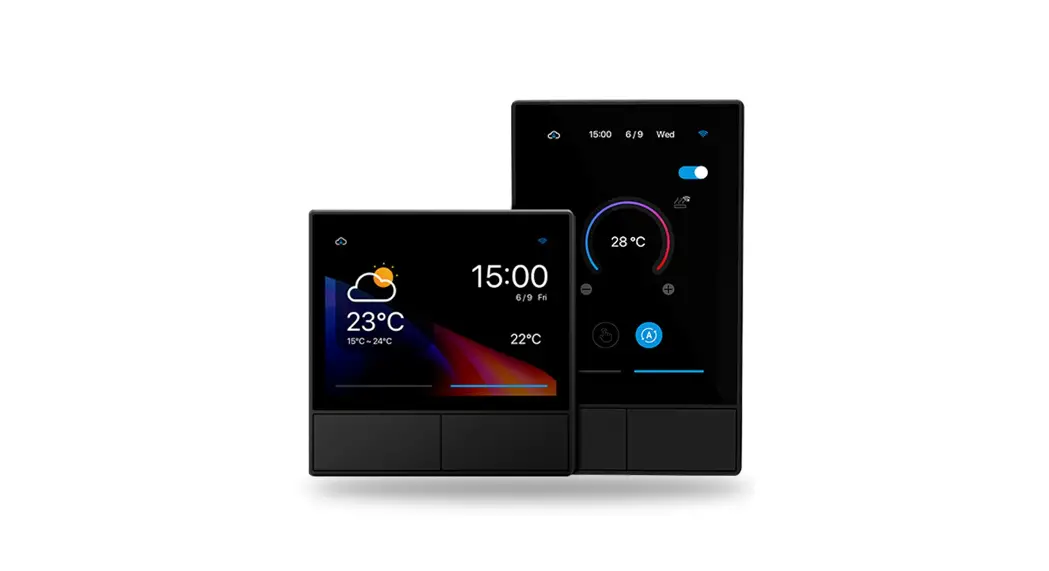
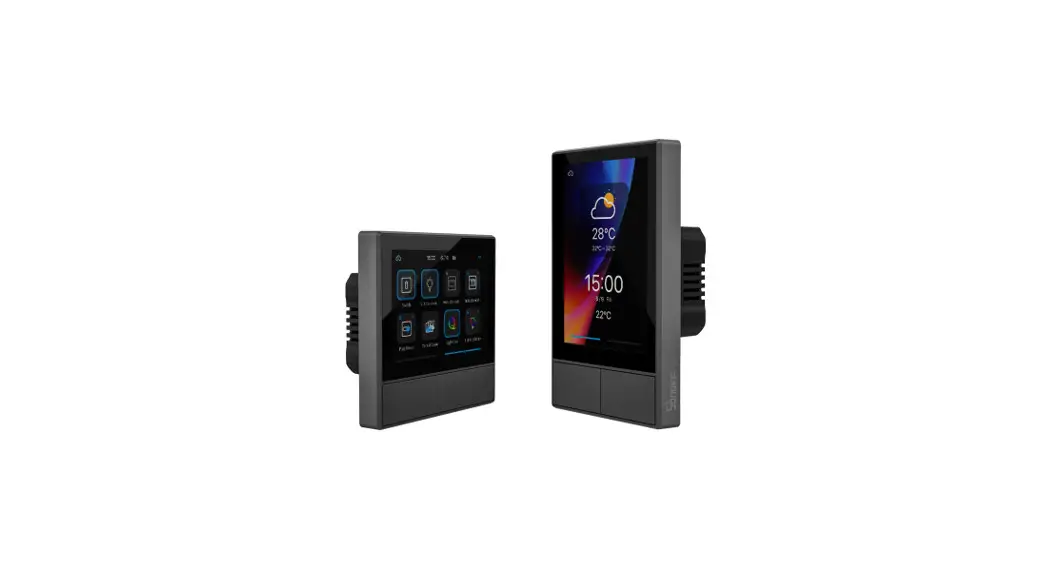
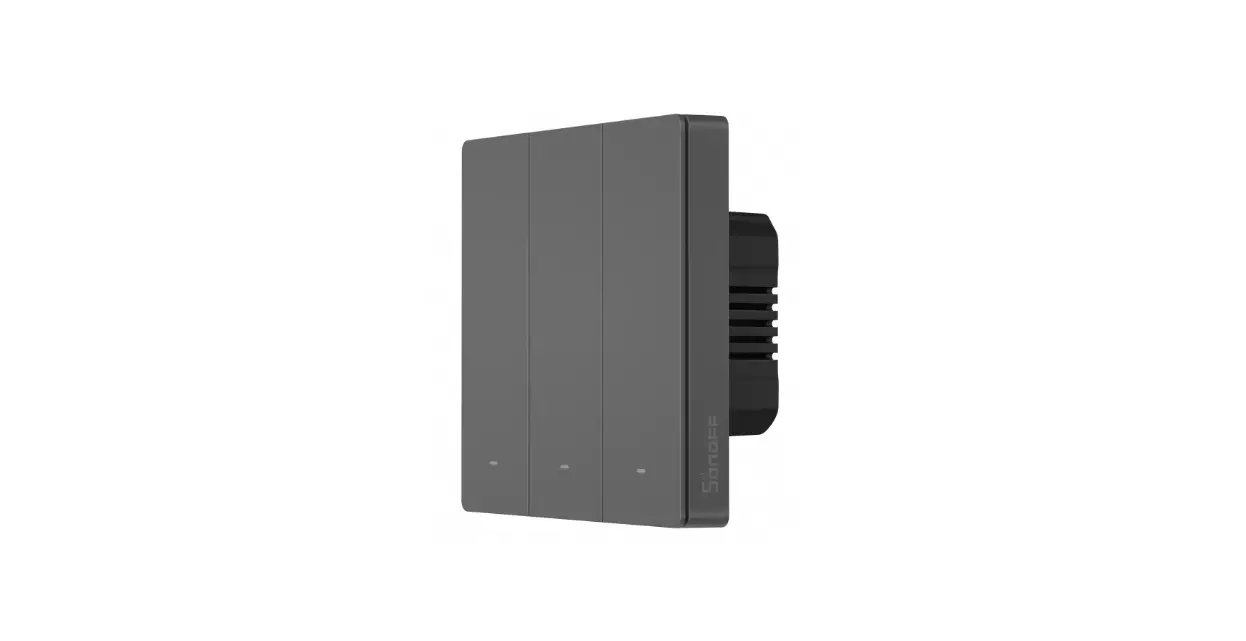
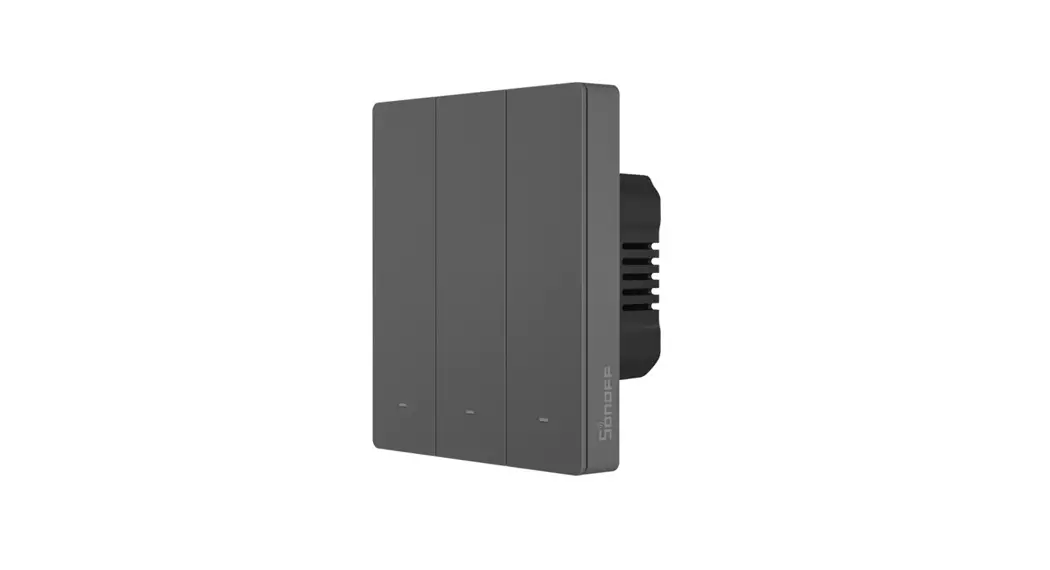
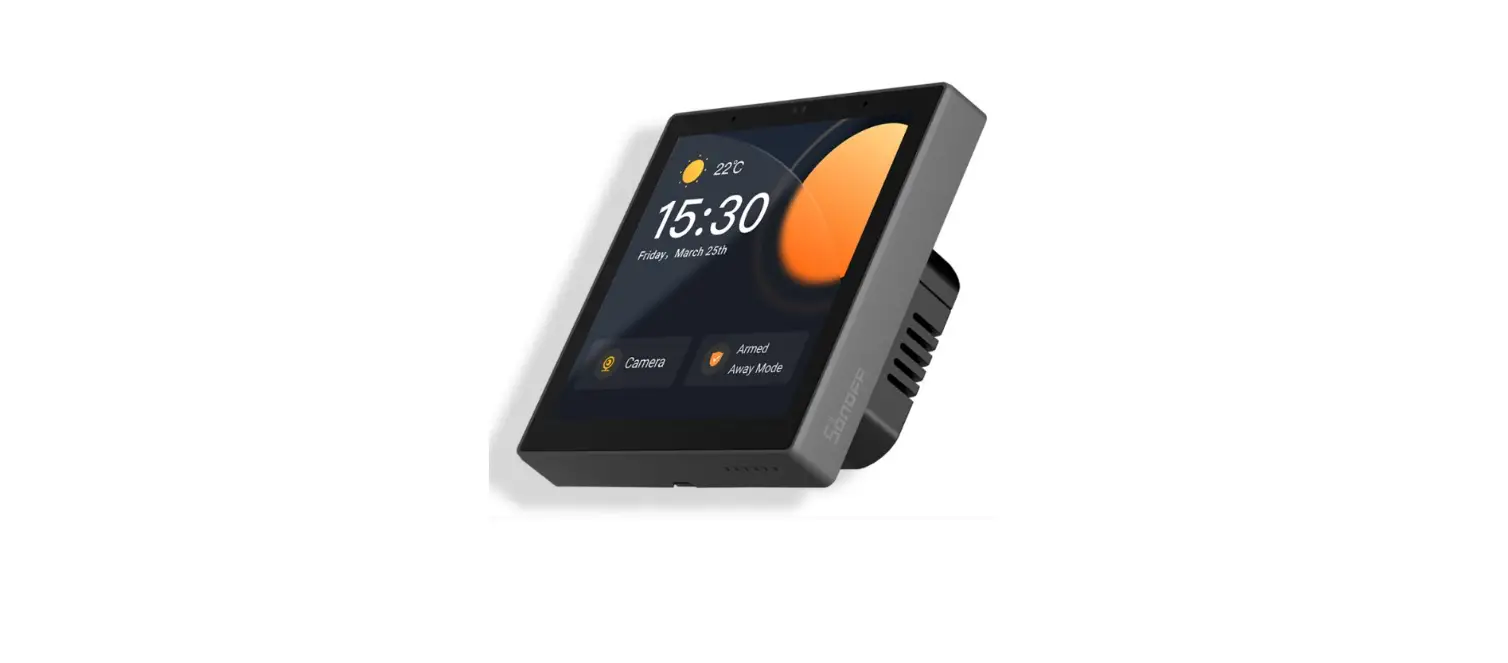
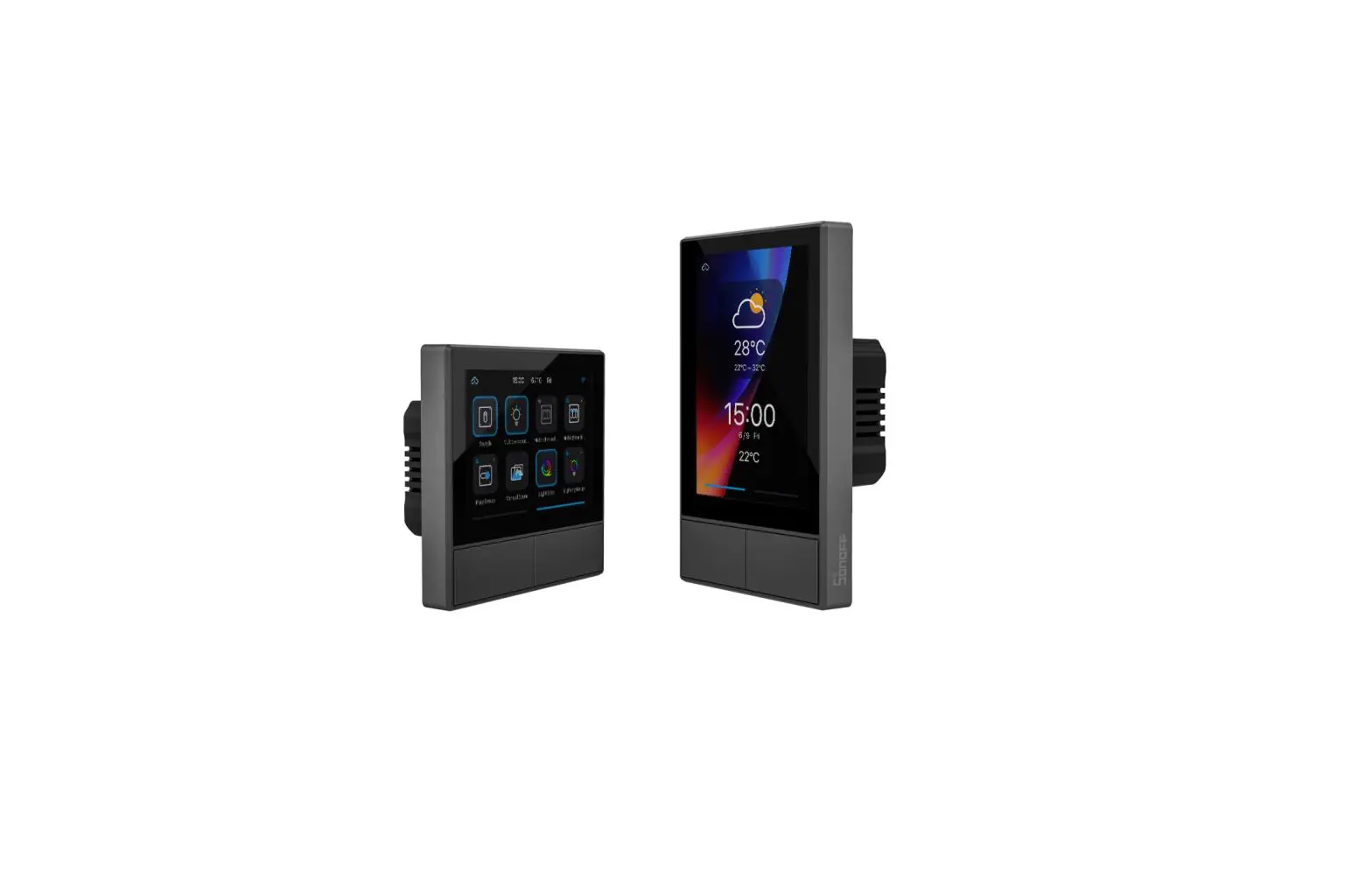
NSPanel is a dual-channel smart touch control panel integrating three interactive methods, screen touching, voice control and App control. Users can control the device types including smart switch and plugs (heating/cooling) under the eWeLink account. Users are able to control multiple smart devices through adding widgets on their smart phones, such as turn on/off, schedule on/off the connected devices and share them with families to control.
Remote Control
Single/Countdown Timing
Voice Control
Share Control
3.5” LED Touch Screen
Adding Widgets
Smart Scene
Thermostat
Inching Mode
Interlock
Group Control
LAN Control
The device is able to support 8 screen widgets at most.
Operating Instruction
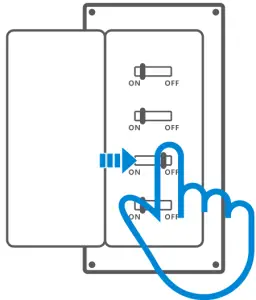
- Power off

 Please install and maintain the device by a professional electrician. To avoid electric shock hazard, do not operate any connection or contact the terminal connector after plugging in!
 - Wiring instruction
Light fixture wiring instruction:

 Make sure all wires are connected correctly.
 - Download the eWeLink APP


- Power on

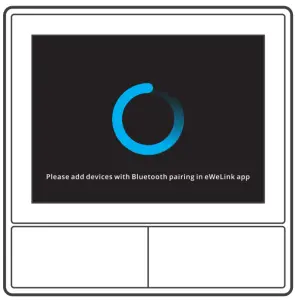
After poweri ng on, the device wilI enter the bI uetooth pairing mode duri ng the first use. The screen statu s is shown in the above image. - Add the device

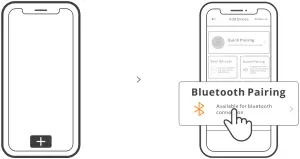
Tap “+” and select “bluetooth pairing”, then operate following the prompt on the APP.
 Please install and maintain the device by a professional electrician. To avoid electric shock hazard, do not operate any connection or contact the terminal connector after plugging in!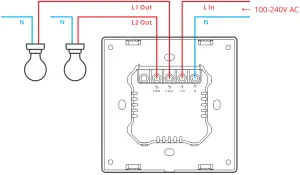




Operation Guide
Drop down
Settings of the screen brightness and sleep time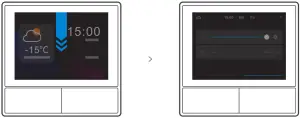
Swipe right
After adding temperature controller function in the App, you can set the added temperature controller on the device.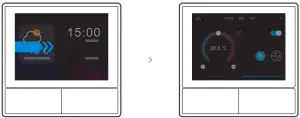
Swipe left
After adding widgets in the App, you can control the added widgets on the device.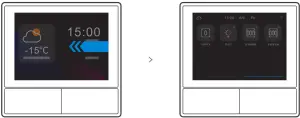
Specifications
Model | NSPaneI-EU, NSPaneI-US |
Input | 100-240V – 50/60Hz 4A Max |
| Output | 1 00-240V – 50/60Hz 2A/Gang 4A/Total |
LED load | 150W/1 1 0V/Gang, 300W/1 1 0V/Total 300W/220V/Gang, 600W/220V/Total |
| Wi-Fi | IEEE 802.11 b/gin 2.4GHz |
Screen Size | 3.5″ (Capacitive Touch Panel) |
| Screen Resolution | 480*320px |
Operating systems | Android & iOS |
| Shell materials | PC V0 + CRS+Toughened Glass |
| Dimension | NSPaneI-EU: 86x86x41.7mm NSPaneI-US: 120x74x41.7mm |
Switch Network
When the device changes the network environment, it is required to press and hold any pairing button for 5s until the pairing status shows on the screen and release. Then the device entered the Bluetooth pairing mode and can be added again.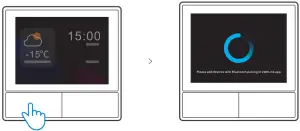
The device will exit the bluetooth pairing mode if not paired within 3mins.
Factory Reset
Deleting the device on the eWeLin k app indicates you restore it to factory setting.
Common Problems
Fail to pair Wi-Fi devices to eWeLink APP
- Make sure the device is in pairing mode. After three minutes of unsuccessful pairing, the device will automatically exit pairing
- Please turn on location services and allow location Before choosing the Wi-Fi network, location services should be turned on and location permission should be allowed. Location information permission is used to obtain Wi-Fi list information. If you click Disable, you will not be able to add devices.
- Make sure your Wi-Fi network runs on the 4GHz band.
- Make sure you entered a correct Wi-Fi SSID and password, no special characters Wrong password is a very common reason for pairing failure.
- The device shall get close to the router for a good transmission signal condition while
FCC Warning
Changes or mod ificatio ns not expressly approved by the party responsi bIe for complian ce could avoid the user’s authority to operate the equipment.
This device complies with part 1 5 of the FCC Rules. Operation is subject to the following two conditions:
- This device may not cause harmful interference, and
- this device must accept any interference received, including interference that may cause undesired operation.
FCC Radiation Exposure Statement
This equipment complies with FCC radiation exposure limits set forth for an uncontrolled environment. This equipment should be installed and operated with minimum distance20cm between the radiator & your body. This transmitter must not be co-located or operating in conjunction with any other antenna or transm itter.
Note
This equipment has been tested and found to comply with the limits for a Class B digital device, pursuant to part 1 5 of the FCC Rules. These limits are designed to provide reasonable protection against harmful interference in a residential installation. This equipment generates, uses and can radiate radio freque ncy energy and, if not i nstalled and used in accordance with the instructions, may cause harmful interference to radio communications. However, there is no guarantee that interference will not occur in a particular installation. If this equipment does cause harmful interference to radio or television reception, which can be determined by turning the equipment off and on, the user is encouraged to try to correct the interference by one or more of the following measures:
- Reorient or relocate the receiving antenna.
- Increase the separation between the equipment and receiver.
- Connect the equipment into an outlet on a circuit different from that to which the receiver is connected.
- Consult the dealer or an experienced radio/TV technician for help.
Hereby, Shenzhen Son off Technologies Co., Ltd. decIares that the rad io equ i p ment typ e NSPaneI-EU, NSPaneI-US is in compliance with Directive 2014/53/EU.The full text of the EU declaratio n of conformity is available at the following internet address:
https://sonoff.tech/usermanuals

Shenzhen Sonoff Technologies Co., Ltd.
1 001, BLDG8, Lianhua Industrial Park, shenzhen, GD, China
ZIP code: 518000 Website: son off.tech
MADE IN CHINA