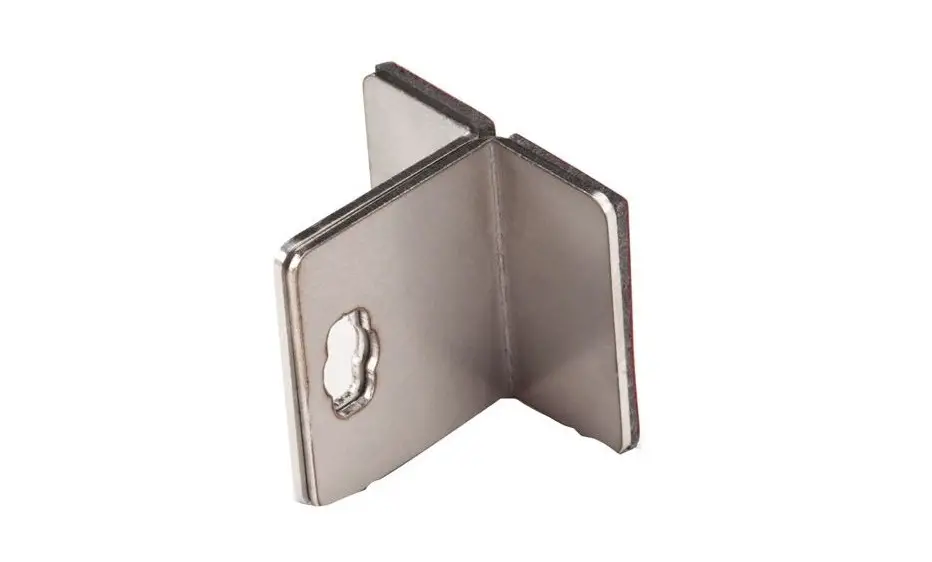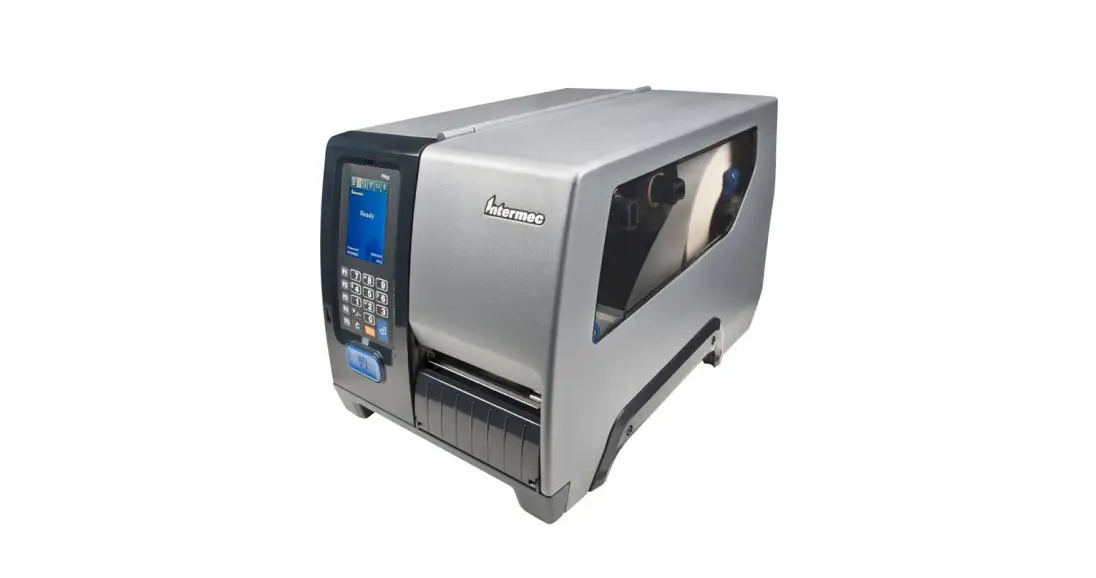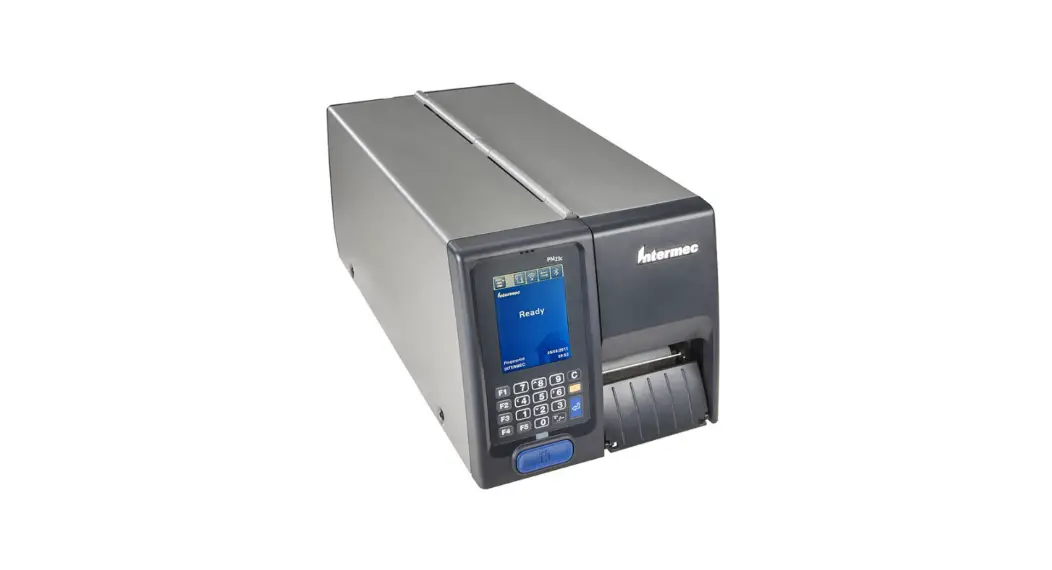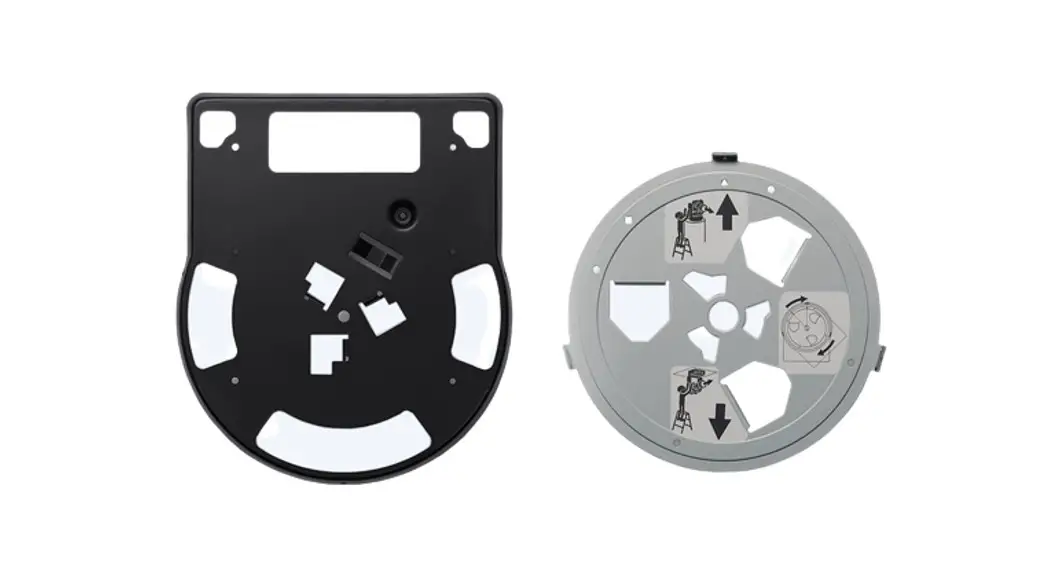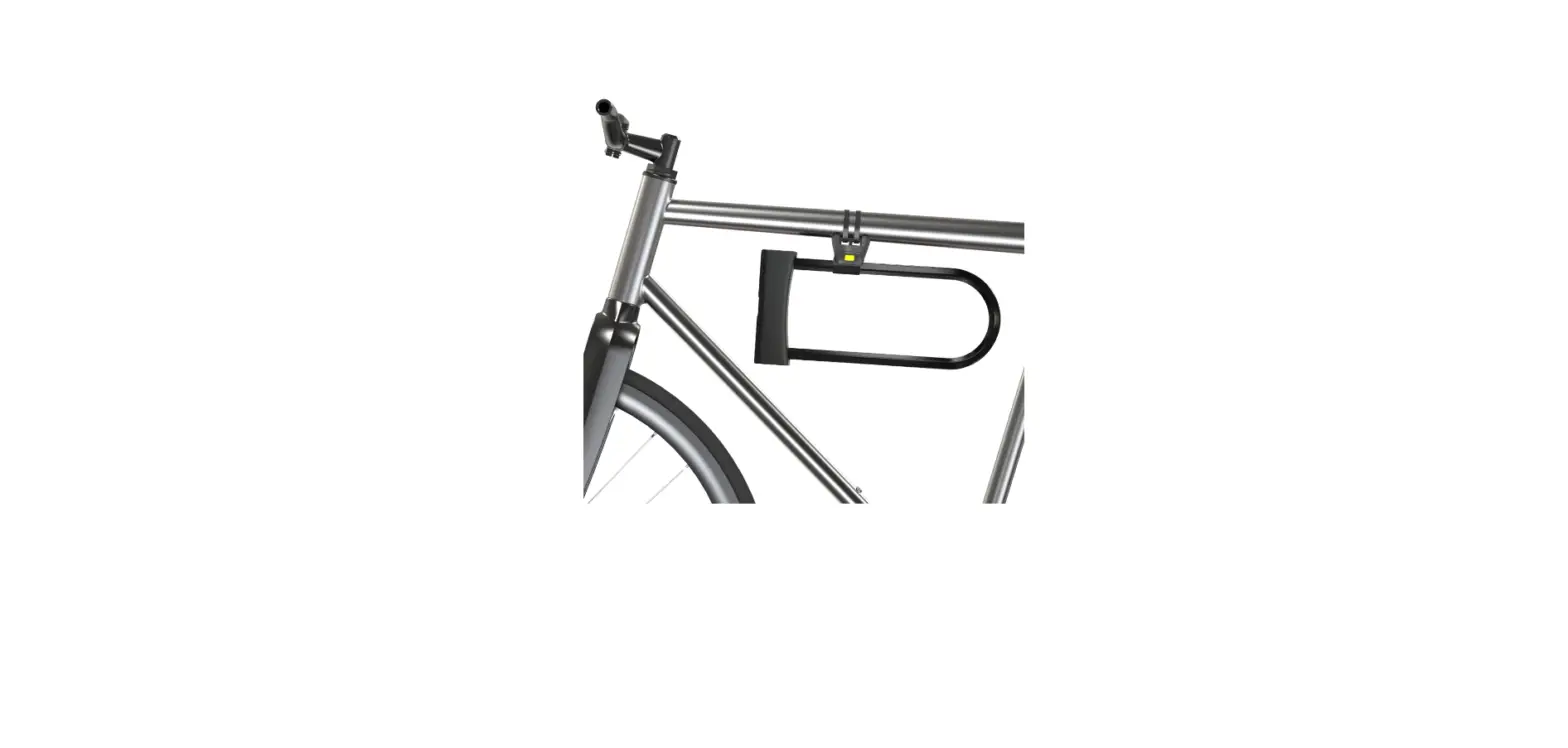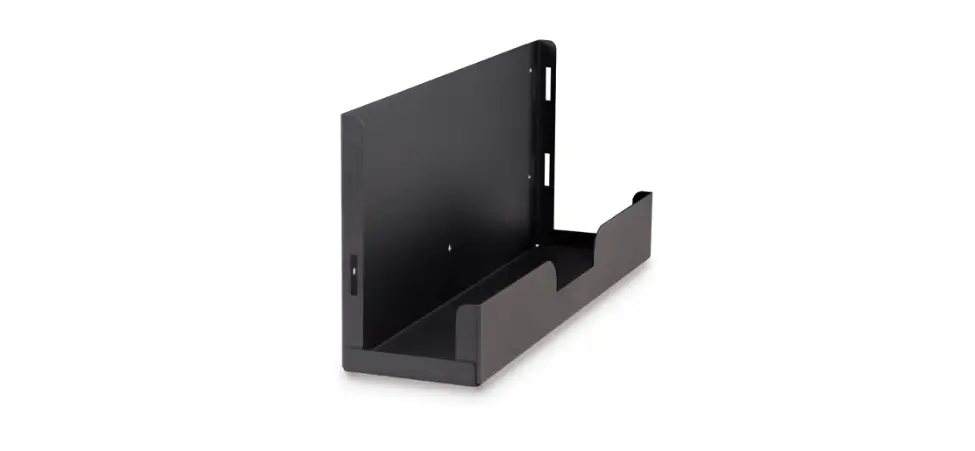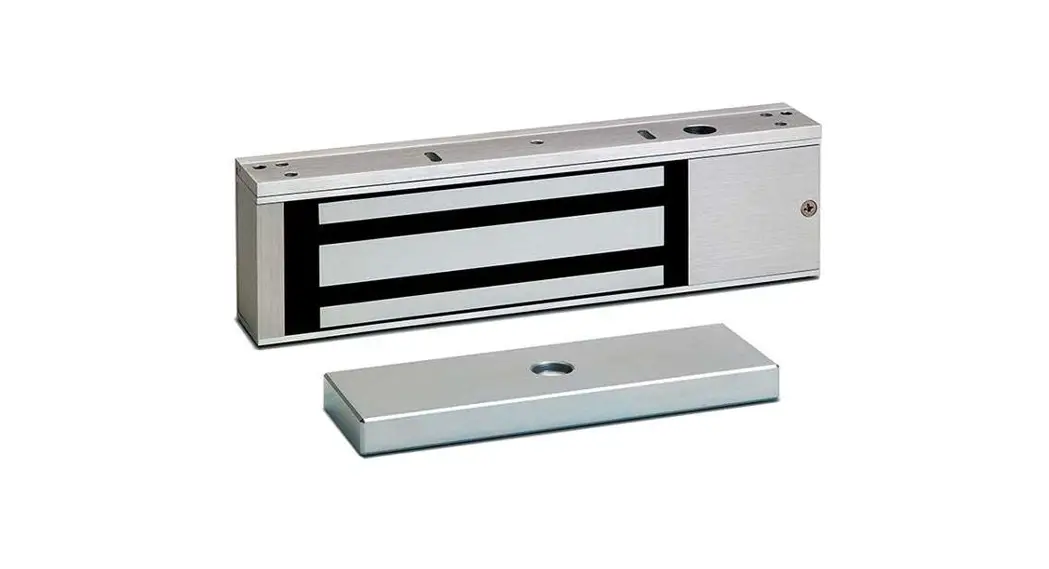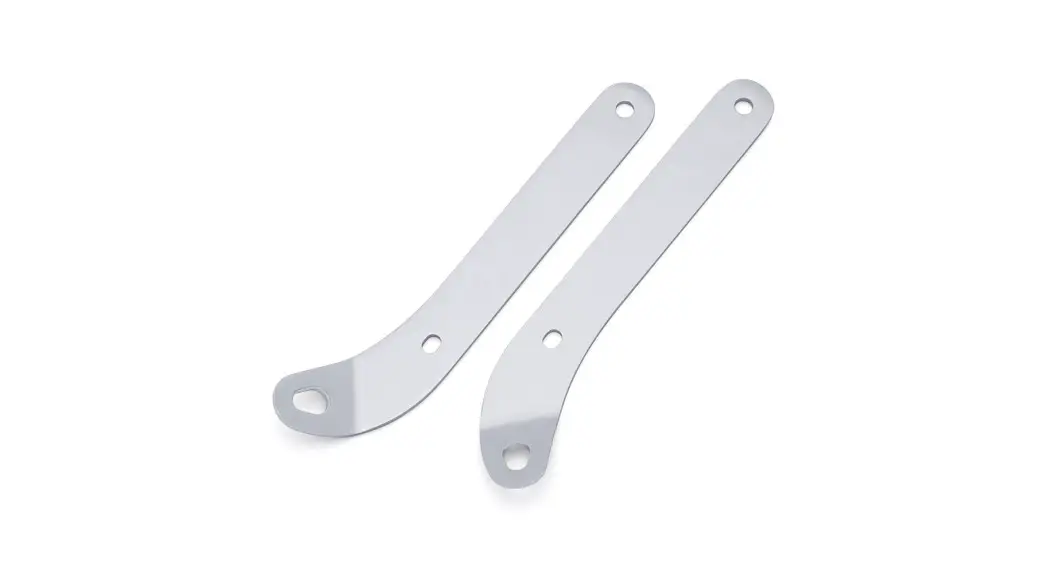

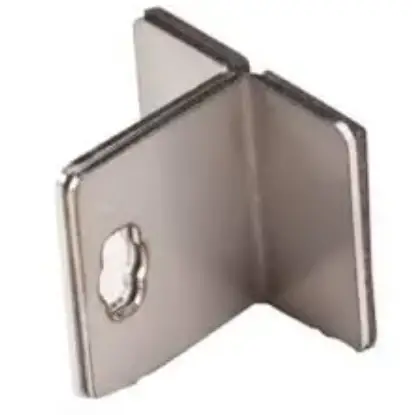
Intermec PC23d Media Cover Lock Bracket
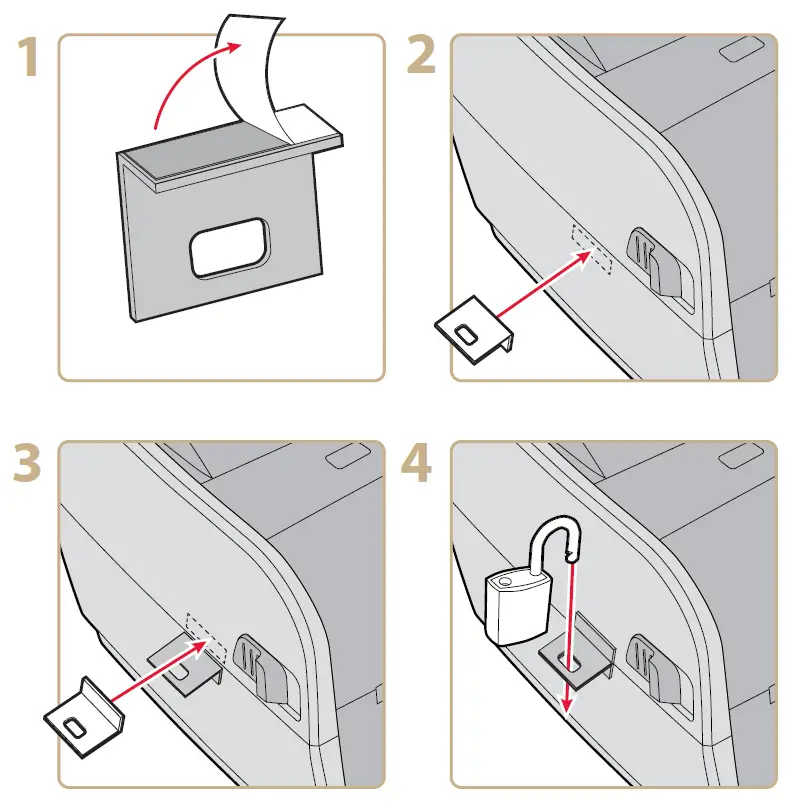
Instructions
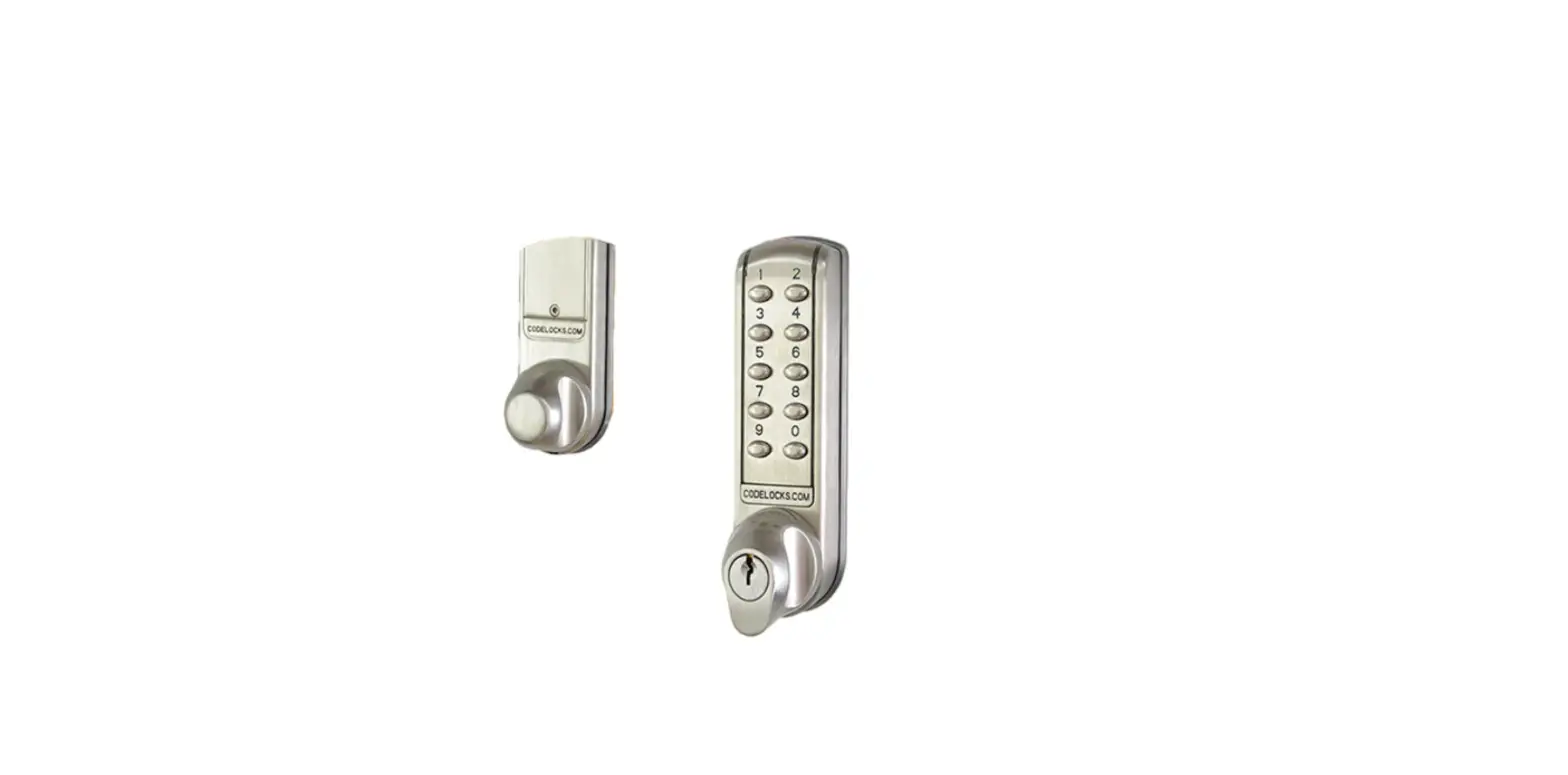
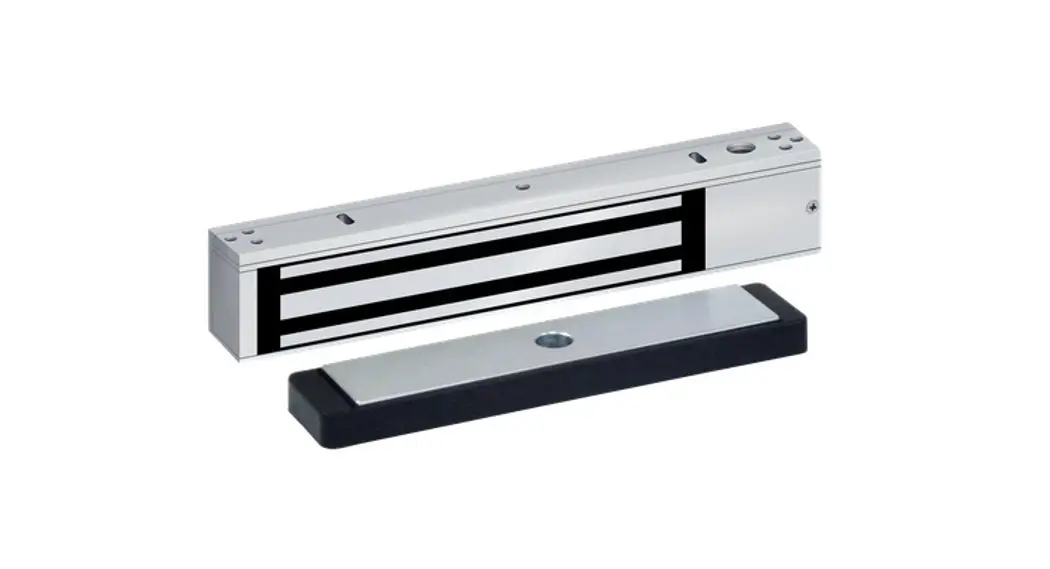
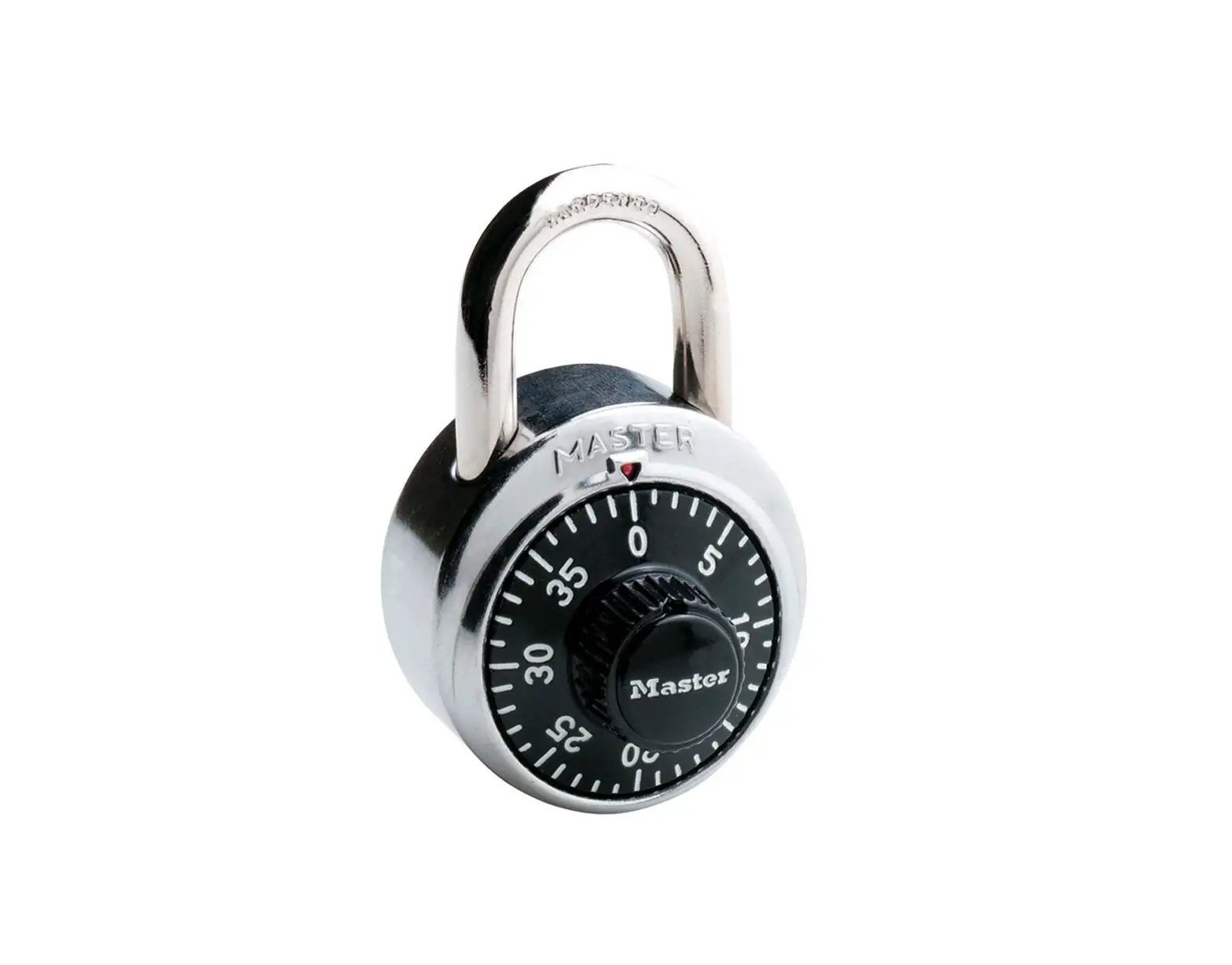
Clean the printer surface before you install the bracket on the printer. After you install the bracket, wait 24 hours before you install a lock (not supplied).
Worldwide Headquarters
6001 36th Avenue West
Everett, Washington 98203
U.S.A.
tel 425.348.2600
fax 425.355.9551
www.intermec.com
© 2011 Intermec Technologies
Corporation. All rights reserved.