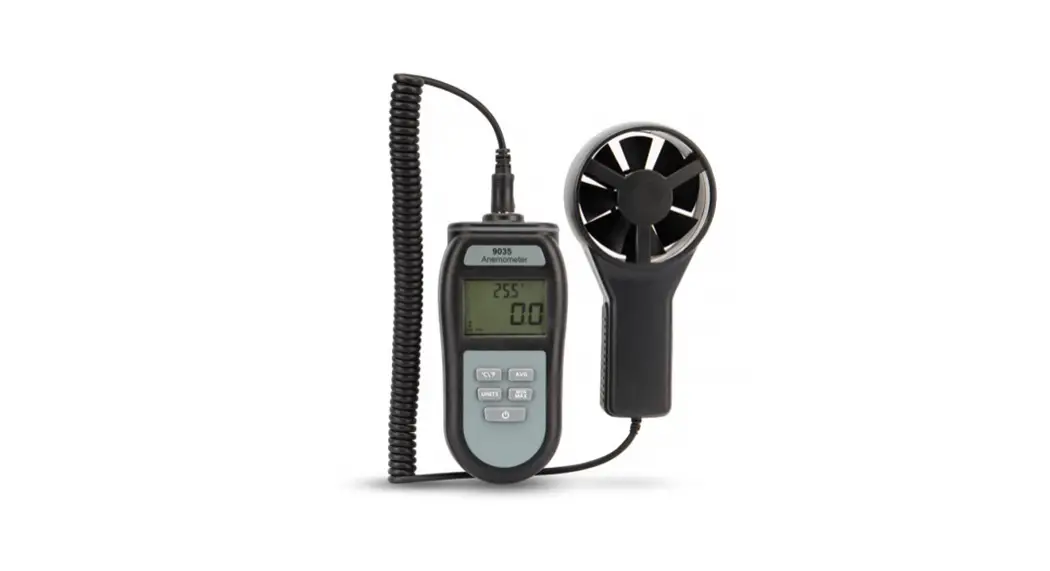

9035
ANEMOMETER
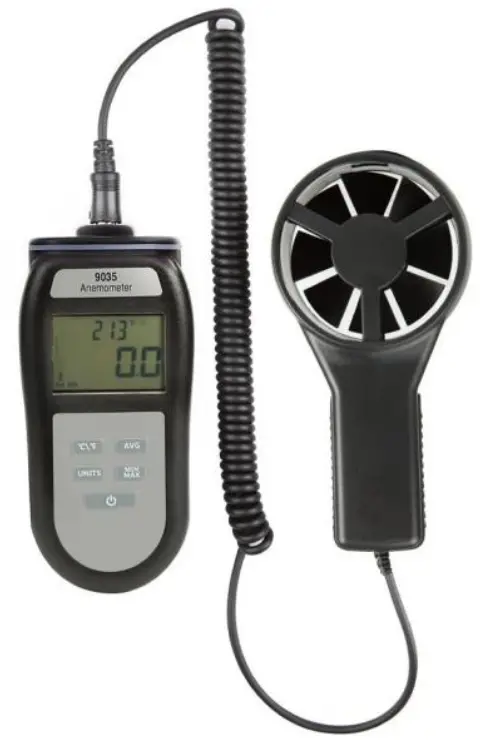
Operating Instructions
INSTRUMENT OPERATION
– Open battery cover and install 3 x AAA batteries in the battery compartment.
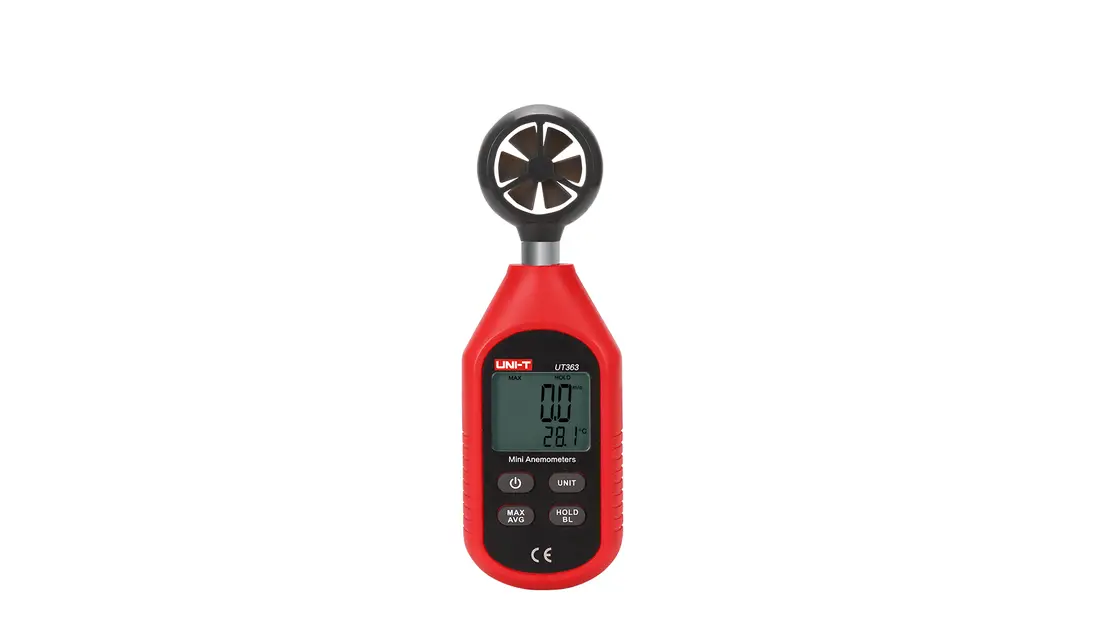
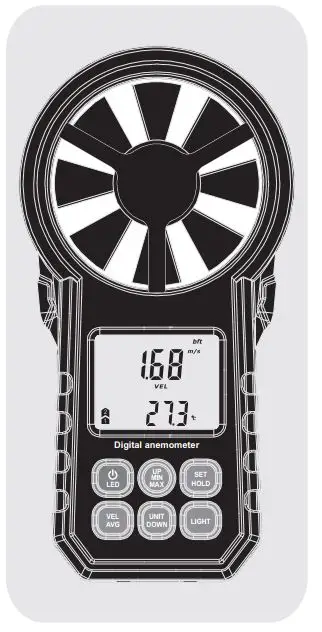
POWER ON – Turn the unit on by pressing the ‘  ‘ button for 1 second until the LCD display lights up, then release the button.
POWER OFF – Turn the unit off by pressing and holding the ‘ ‘ button for approx. 3 seconds until the LCD display is switched off, then release the button.
BATTERY REPLACEMENT – When the low battery icon appears  replace the batteries with 3 x AAA batteries.
AUTO-OFF – The unit will switch off automatically after 15 minutes.
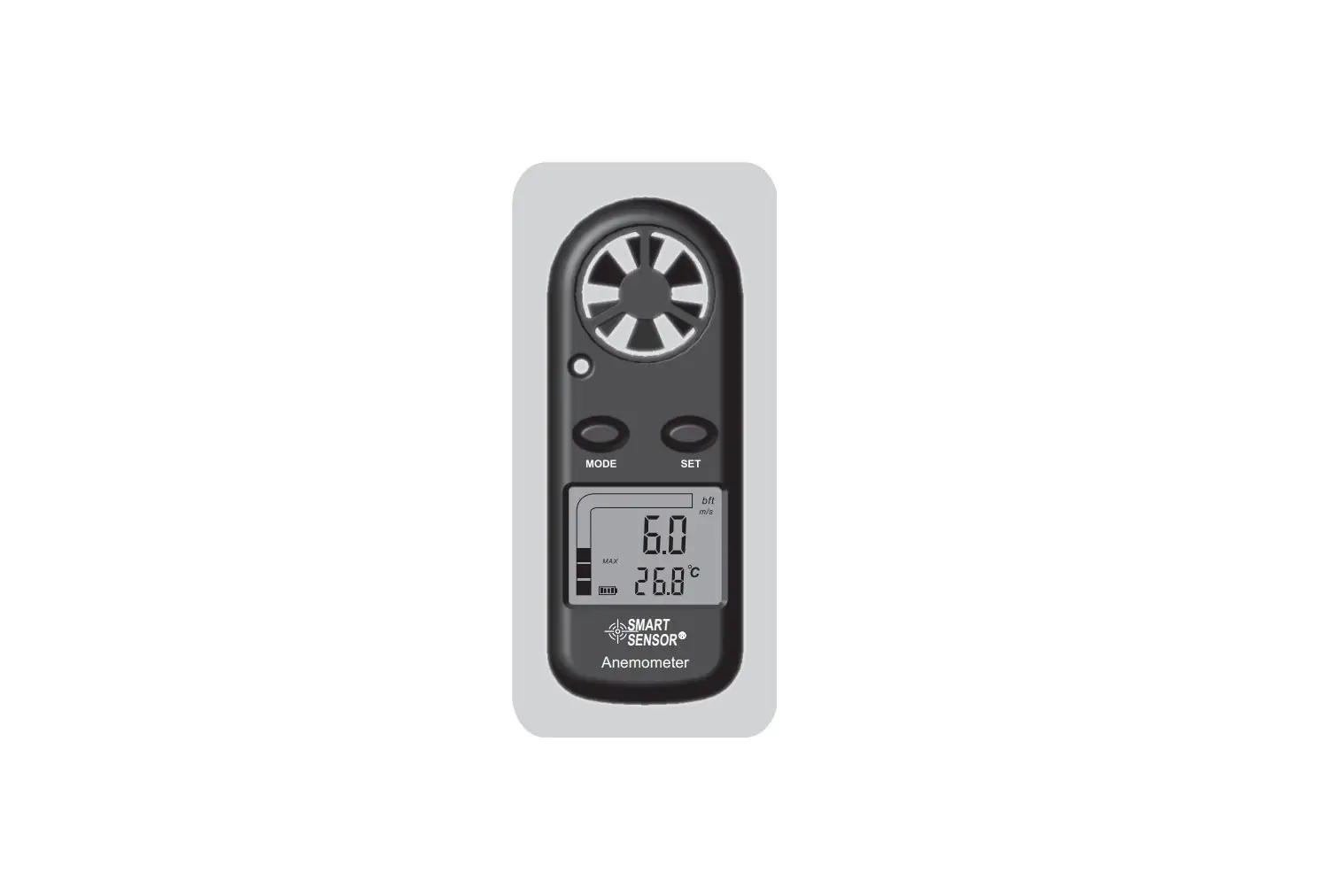
BACKLIGHT– After turning the unit on, press the ‘AVG’ button, the backlight will turn on. It will automatically turn off after approx. 30 seconds of inactivity.
UNITS SELECTION – After entering measuring mode, press the ‘UNITS’ button to select the desired units.
HOLD – Press the ‘MAX/MIN’ button three times to stop measurements, then the ‘HOLD’ icon will be displayed. Press the button again to exit HOLD mode.
MAX/MIN – Press the ‘MAX/MIN’ button once until ‘MAX’ is displayed to view the current MAX reading. Press the button again, ‘MIN’ icon will appear to view the current MIN reading. To exit the MAX/MIN mode, press the ‘MAX/MIN’ button twice.
AVG BUTTON – Press the ‘AVG’ button for three seconds, ‘AVG’ will appear in the display, the unit will enter into average measuring mode. The average reading of the latest 10 records will be displayed. To exit press and hold the ‘AVG’ button for 3 seconds. °C /°F – Press the ‘°C/°F’ button to select °C or °F.
MEASURING CMM / CFM – To calculate the volume using CMM / CFM, measure area to be tested in m2 or ft2 and adjust using Area Set function below .
AREA SET – Press the ‘UNITS’ button and then power the unit on, release the ‘UNITS’ button when LCD displays. (Note: the area units can be selected by pressing the ‘UNITS’ button for 3 seconds).
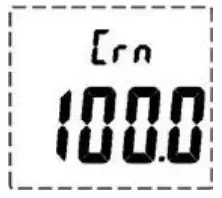
SQUARE CENTIMETRES – Set the area units as square centimetres (fig. as above). Press the ‘MAX/MIN’ button to increase the area, press the ‘UNITS’ button to decrease the area by increments of 0.1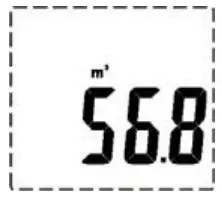 SQUARE METRES – Set the area units as square metre (fig. as above). Press the ‘MAX/ MIN’ button to increase the area, press the ‘UNITS’ button to decrease the area by
increments of 0.1
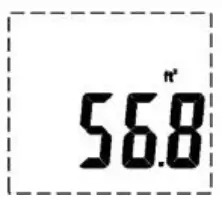
SQUARE FEET – Set the area units as square feet (fig. as above). Press the ‘MAX/MIN’ button to increase the area, press the ‘UNITS’ button to increase the area by increments of 0.1 Press the ‘°C/°F’ button to increase the data x 10, press the ‘AVG’ button to decrease the data x 10. To exit area set, power unit off.
GUARANTEE
This instrument carries a one-year guarantee against defects in either components or workmanship. During this period, products that prove to be defective will, at the discretion of ETI, be either repaired or replaced without charge. The product guarantee does not cover damage caused by fair wear and tear, abnormal storage conditions, incorrect use, accidental misuse, abuse, neglect, misapplication or modification. Full details of liability are available within ETI’s Terms & Conditions of Sale at etiltd.com/terms. In line with our policy of continuous development, we reserve the right to amend our product specification without prior notice.

Rio Refugio 9648 – Parque de Negocios ENEA,
Pudahuel, Santiago ~ CHILE
Tel. +56 2 28988221 • www.yalitech.cl 
 Terms and Conditions - ETI Thermometer Shop
 Yalitech Intruments | Food & Water | Yalitech