luminii Plexineon Surface Static Color Instruction Manual
Installation Instructions
Please read all instructions prior to installation and keep for future reference!
- PRODUCT TO BE INSTALLED BY A QUALIFIED ELECTRICIAN.
- USE ONLY WITH CLASS 2 POWER UNIT
- 24 VOLTS DC
- SUITABLE FOR WET LOCATIONS
- SURFACE MOUNT ONLY
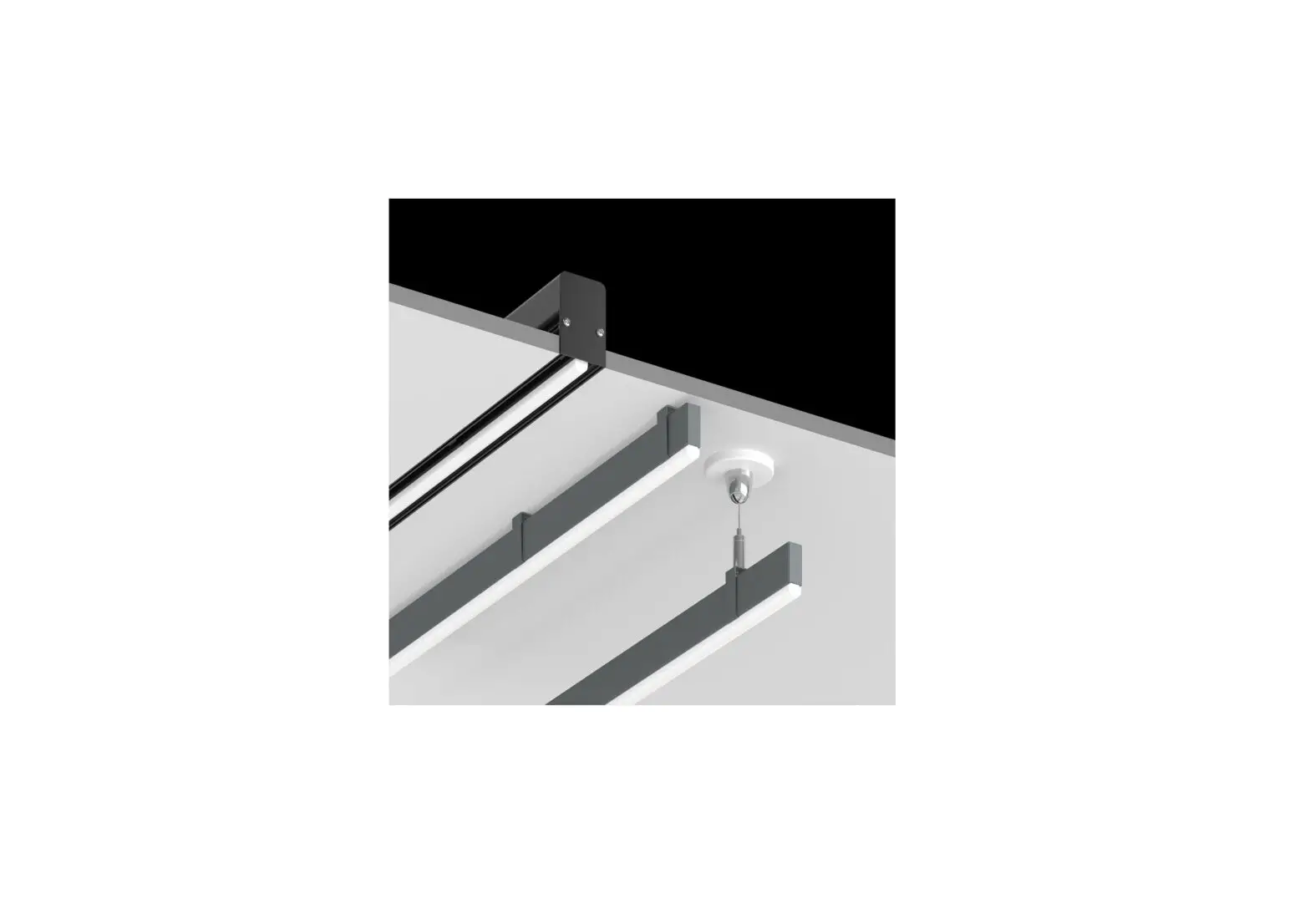
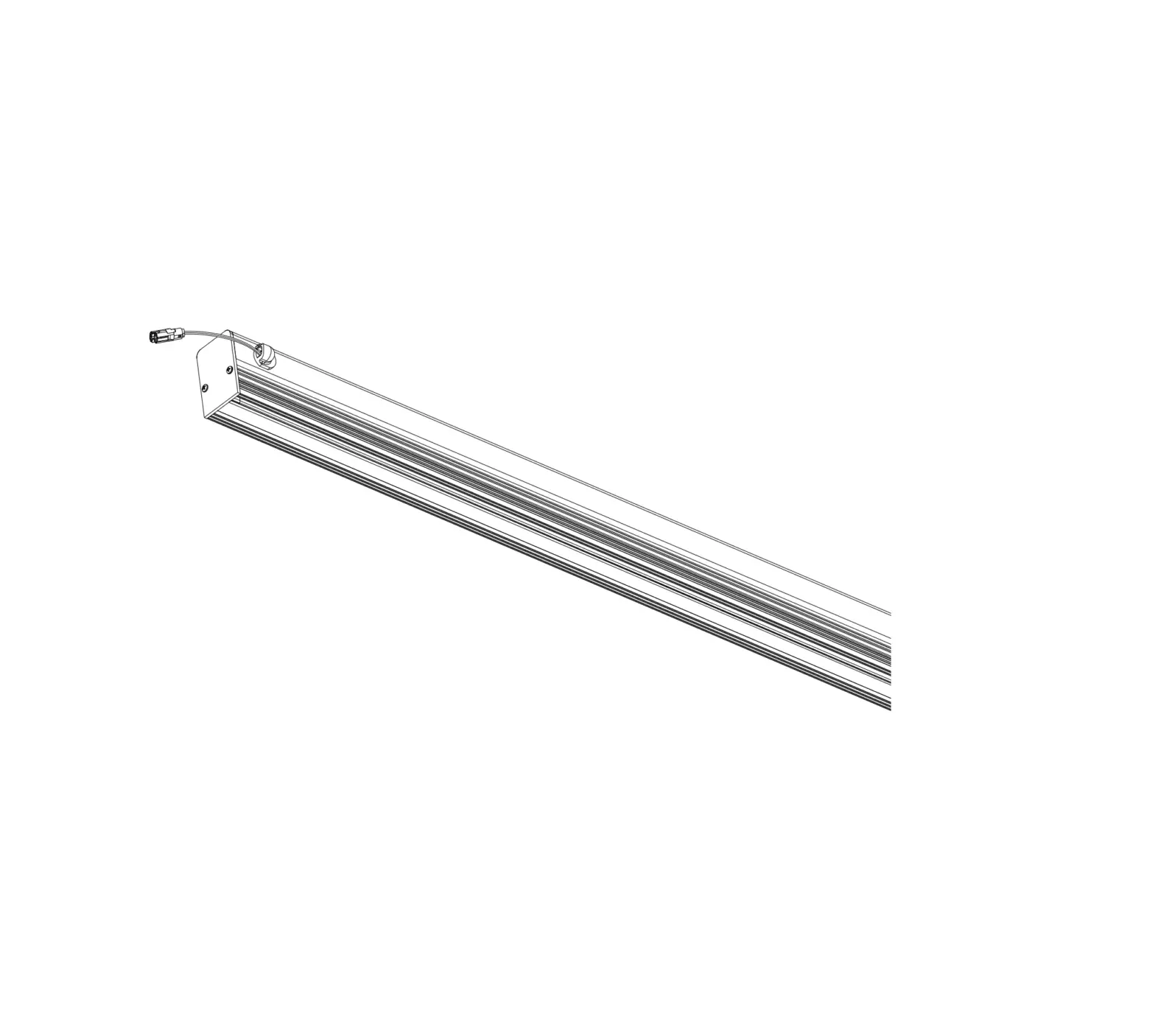
 Plexineon Straight Run Fixture
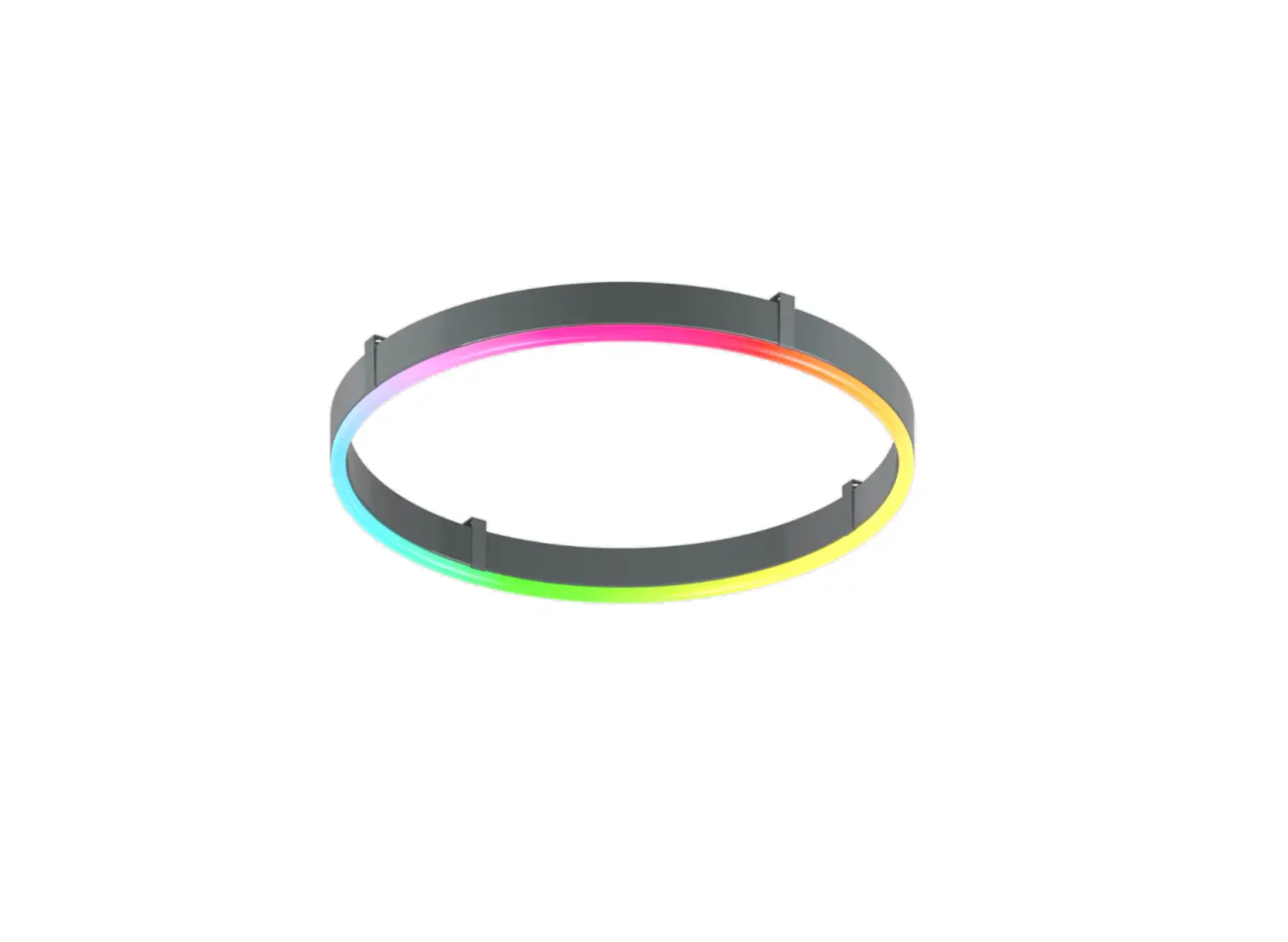
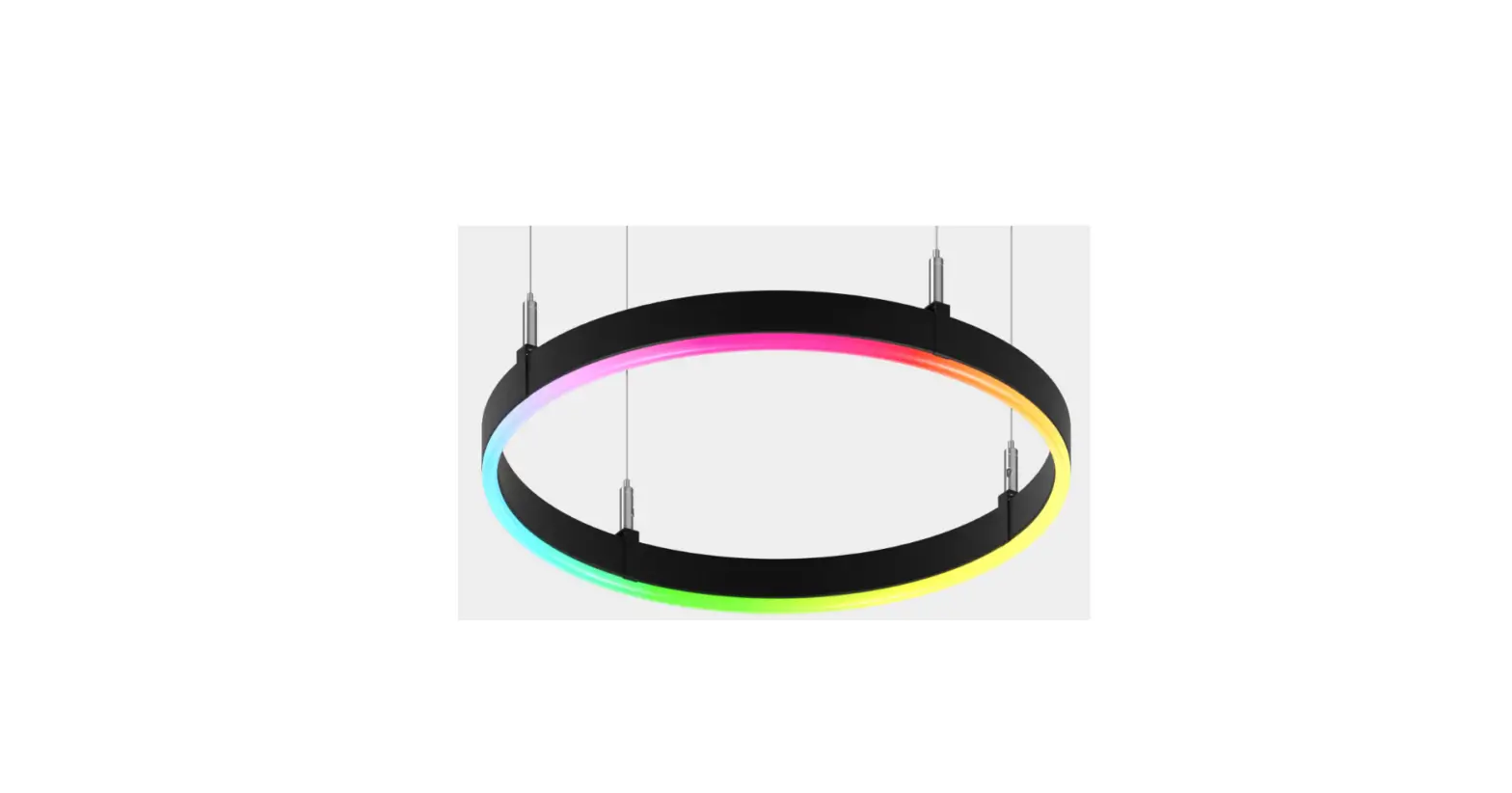
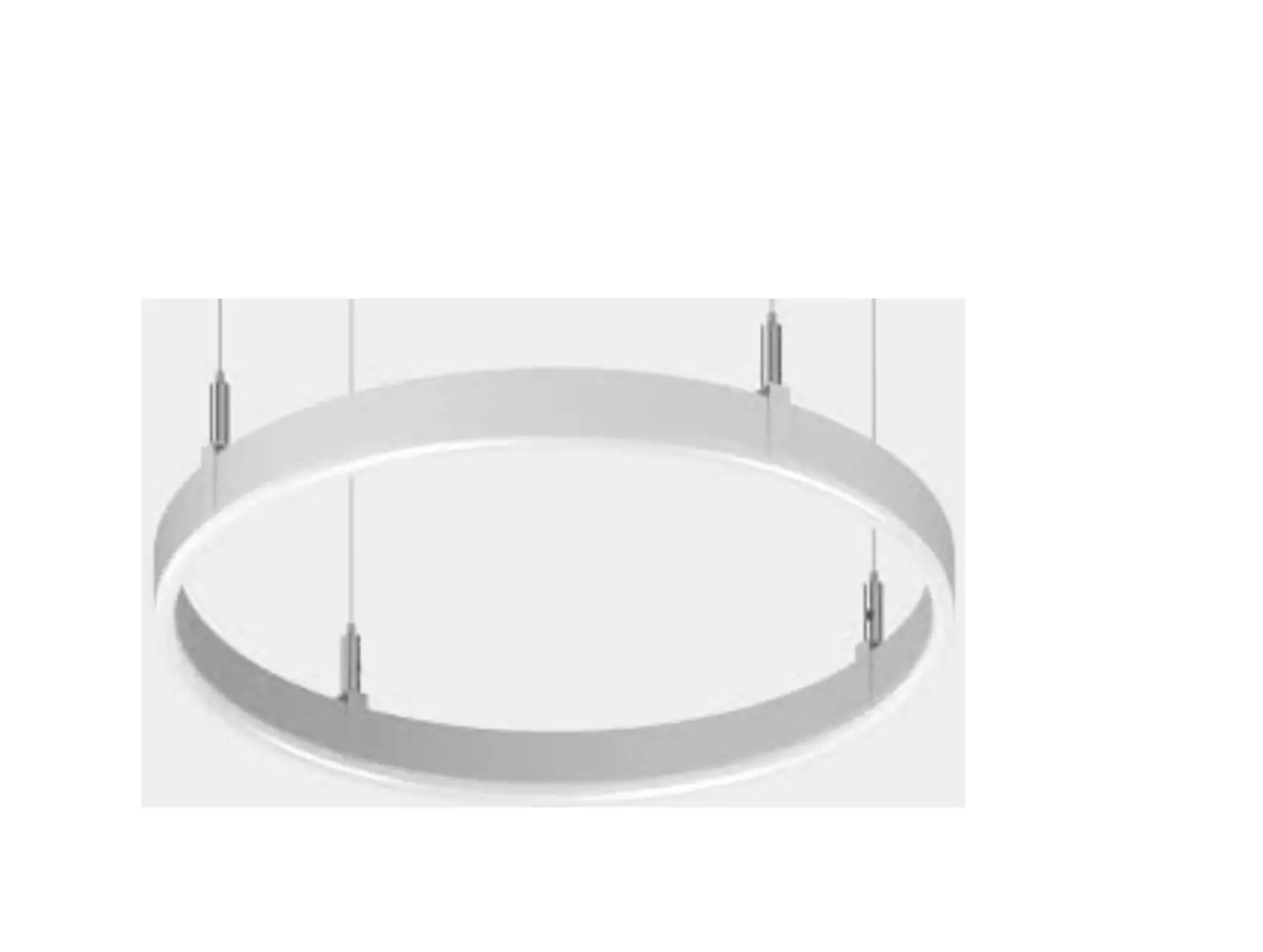
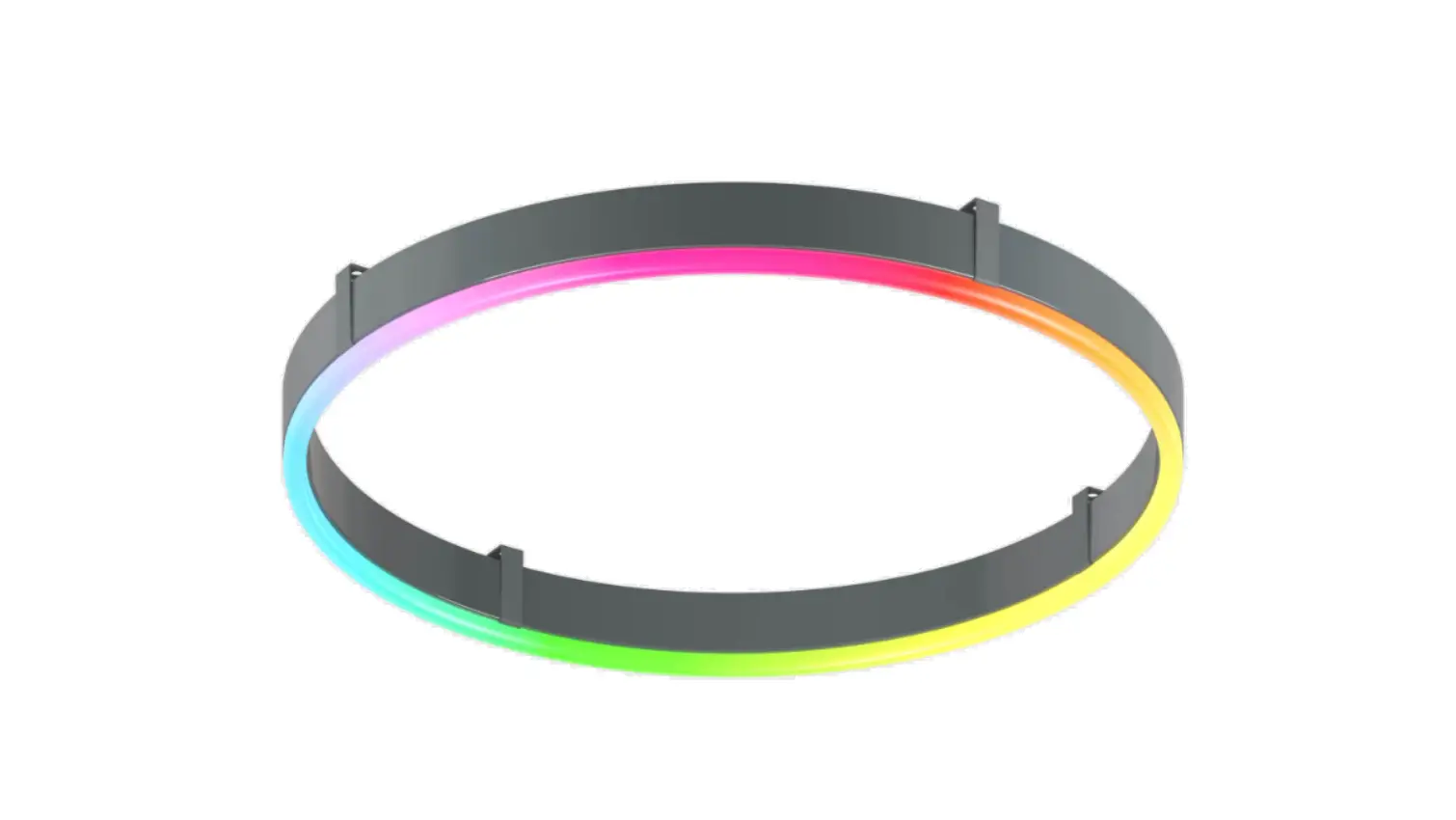
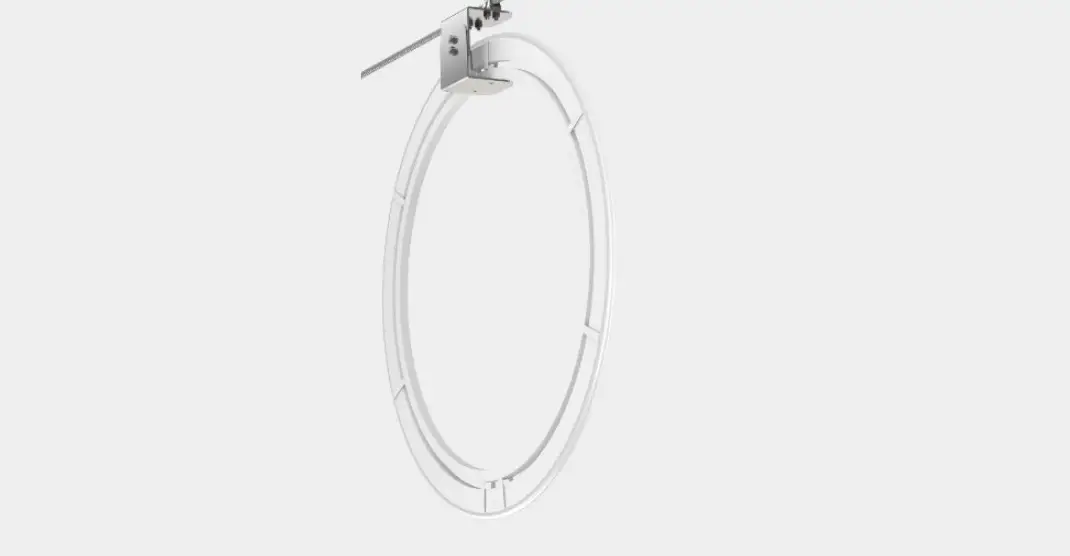
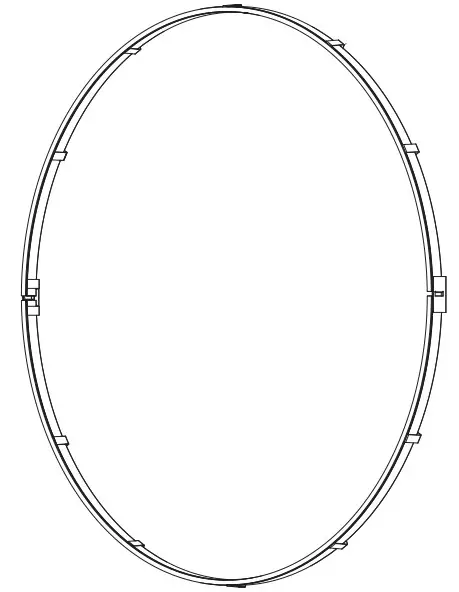 Plexineon Ring Surface Mount
NOTE: Prior to installation all 24VDC wires must be present within 72” of the installation. Refer to the power supply installation instruction for additional information.
NOTE: More than one person is recommended for this installation
Once the location or pattern is determined for Plexineon to be installed, start off by marking the area. Amount of mounting clips may vary dependant upon pattern. Reference diagrams below.
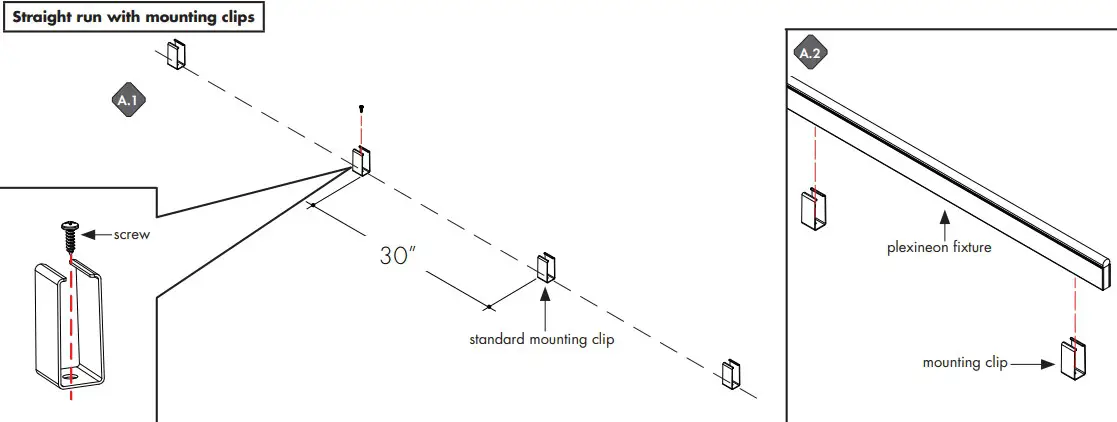
- Line up and screw on the mounting clips to the mounting holes with no greater than 30” apart. Make sure it is straight by using a level.
- Fix the plexineon fixture into installed mounting clips. See page 3 for clipping instructions
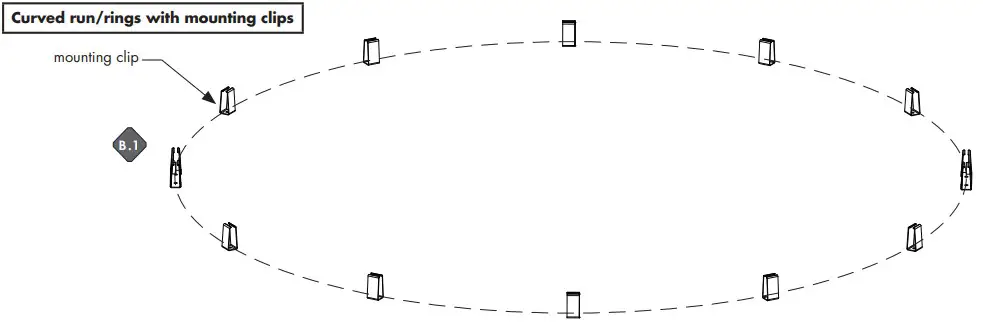
- Determine the shape of the plexineon layout, then mark thel pattern onto the surface. Place the mounting clips with no greater than 30” apart. Screw onto surface.
- Fix the plexineon bend/ring fixture into installed mounting clips. See page 3 for clipping instructions.
NOTE: Standard Clips and Decorative Clips have different required spacing.

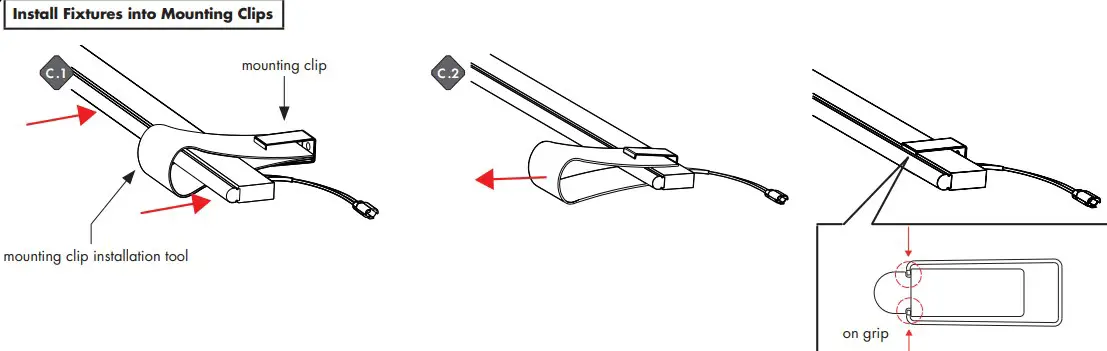
- Make an U shape with mounting clip installation tool, insert two edges into mounting clip. Place plexineon fixture insde the shape. Then push the fixture into clip.
- Remove the tool. Make sure mounting clip is clipped right on the grip.
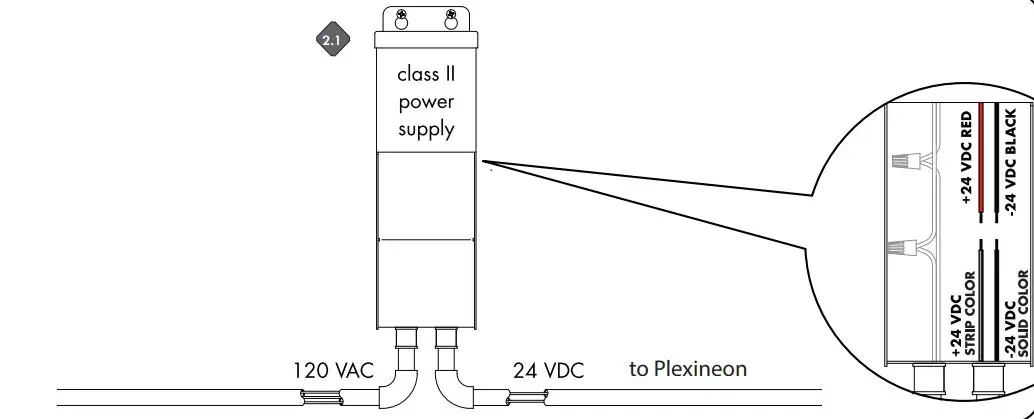
Connect +24 VDC strip color from the Plexineon to the power supply +24 VDC red wire. Connect -24 VDC solid color wire from the Plexineon to power supply -24 VDC black wire.
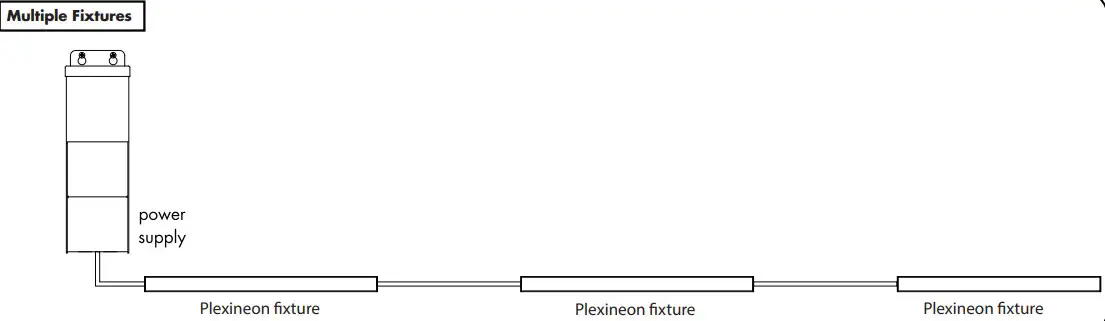
Multiple Fixtures

 Home - Luminii