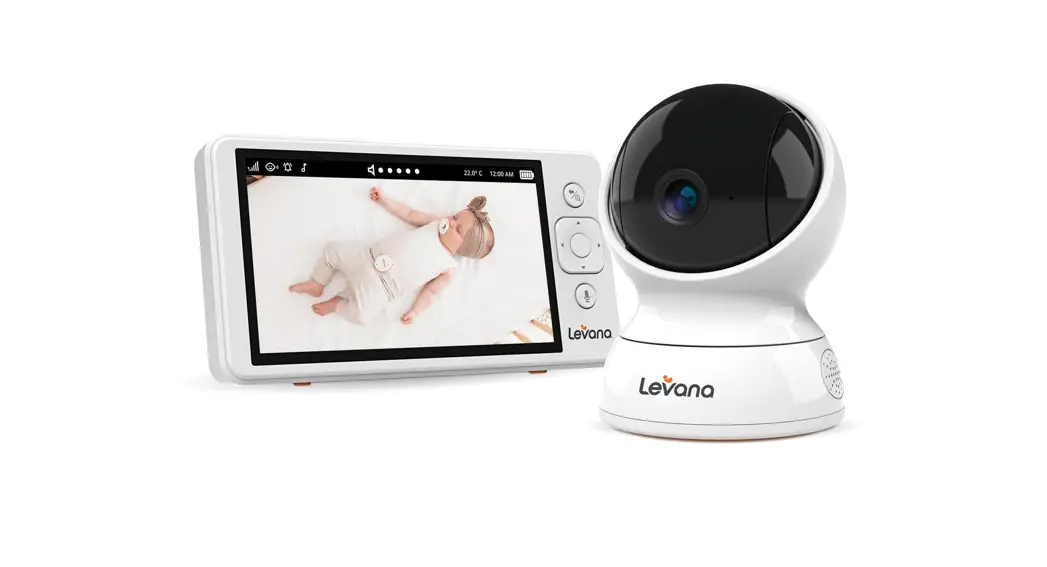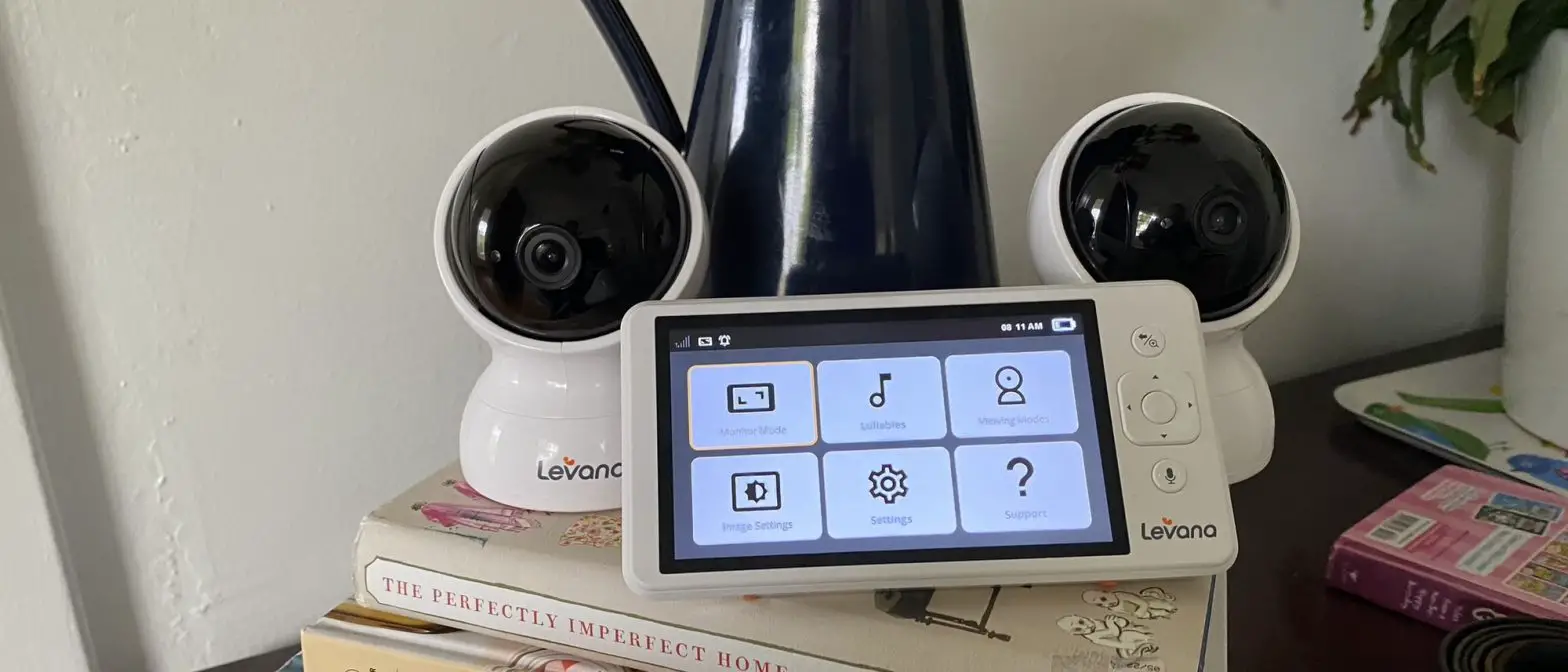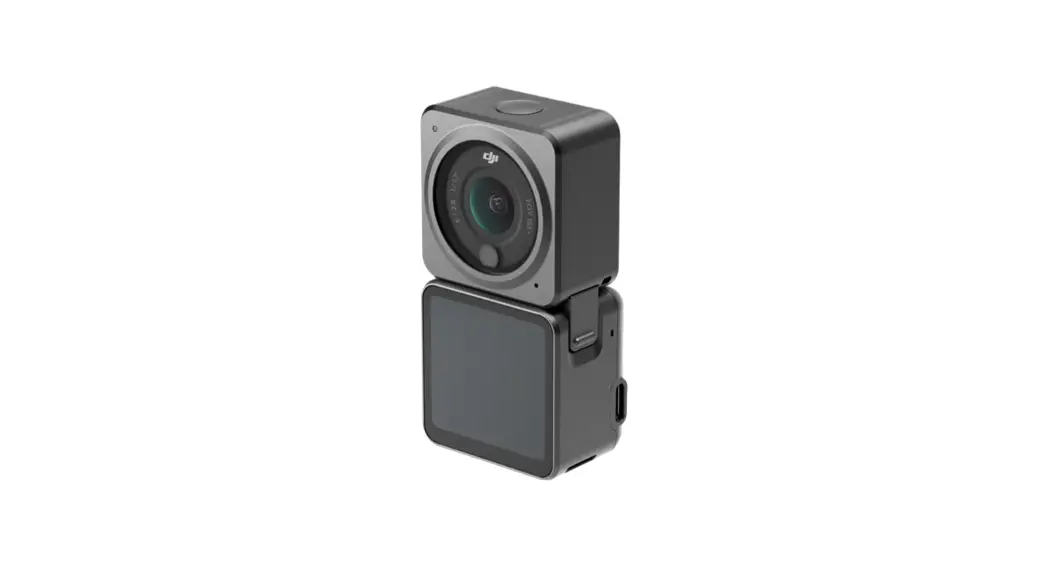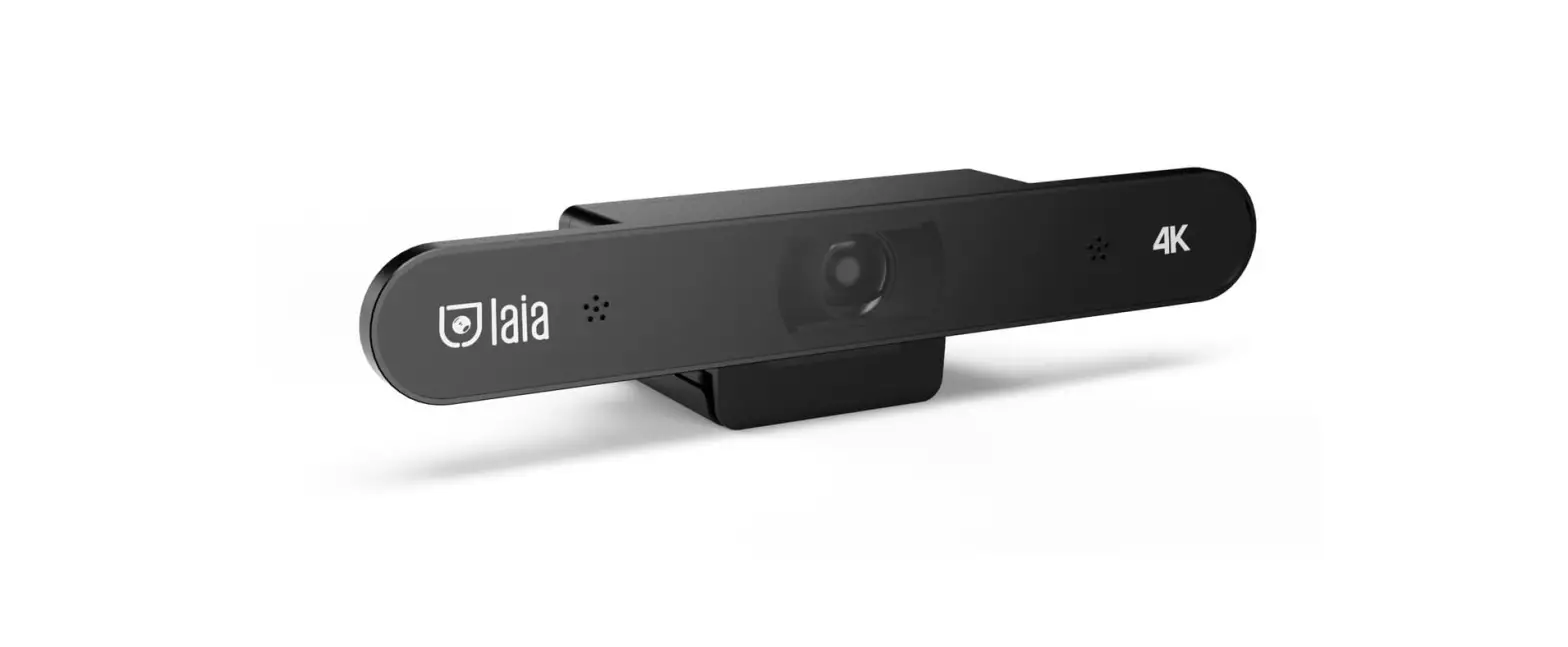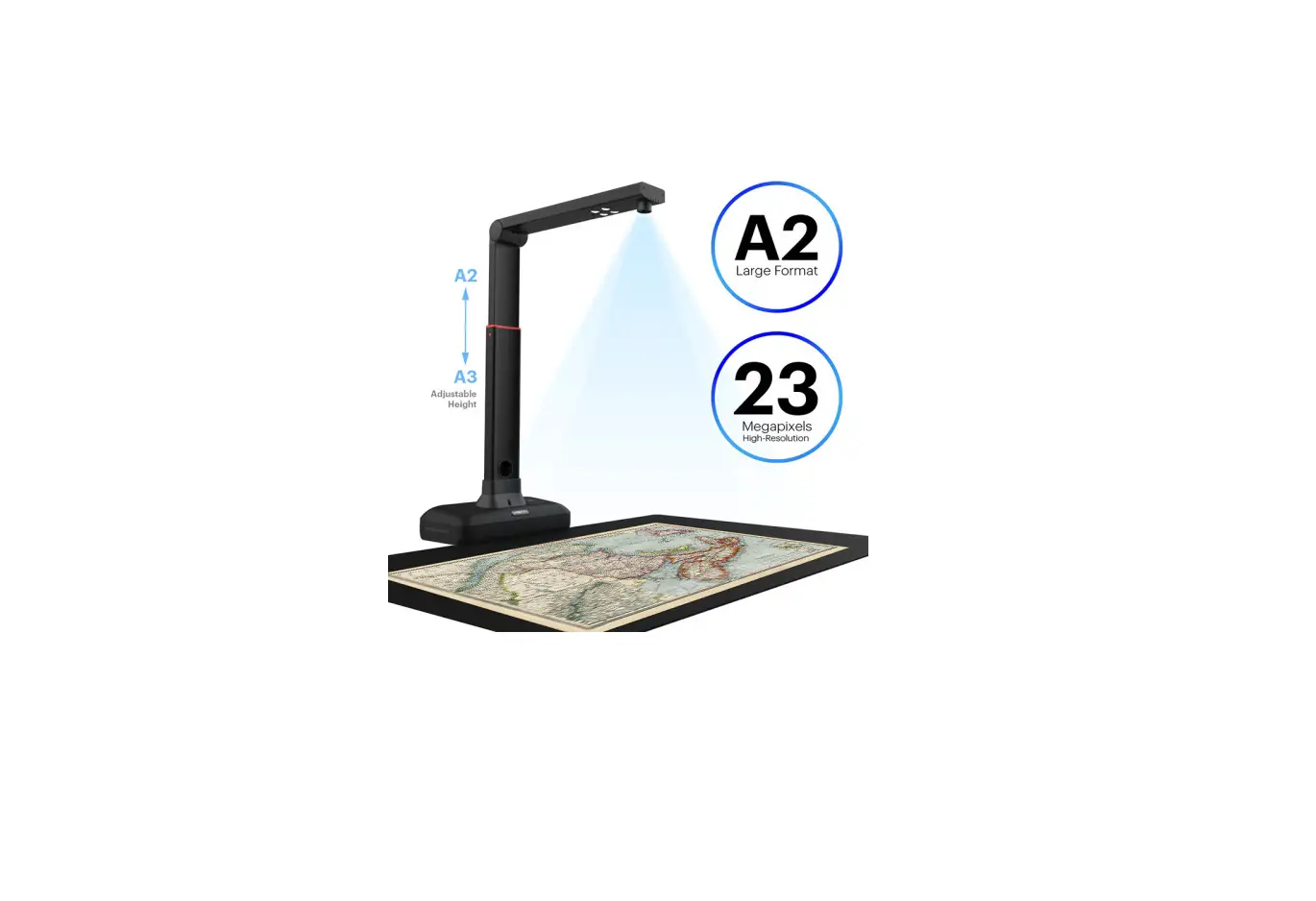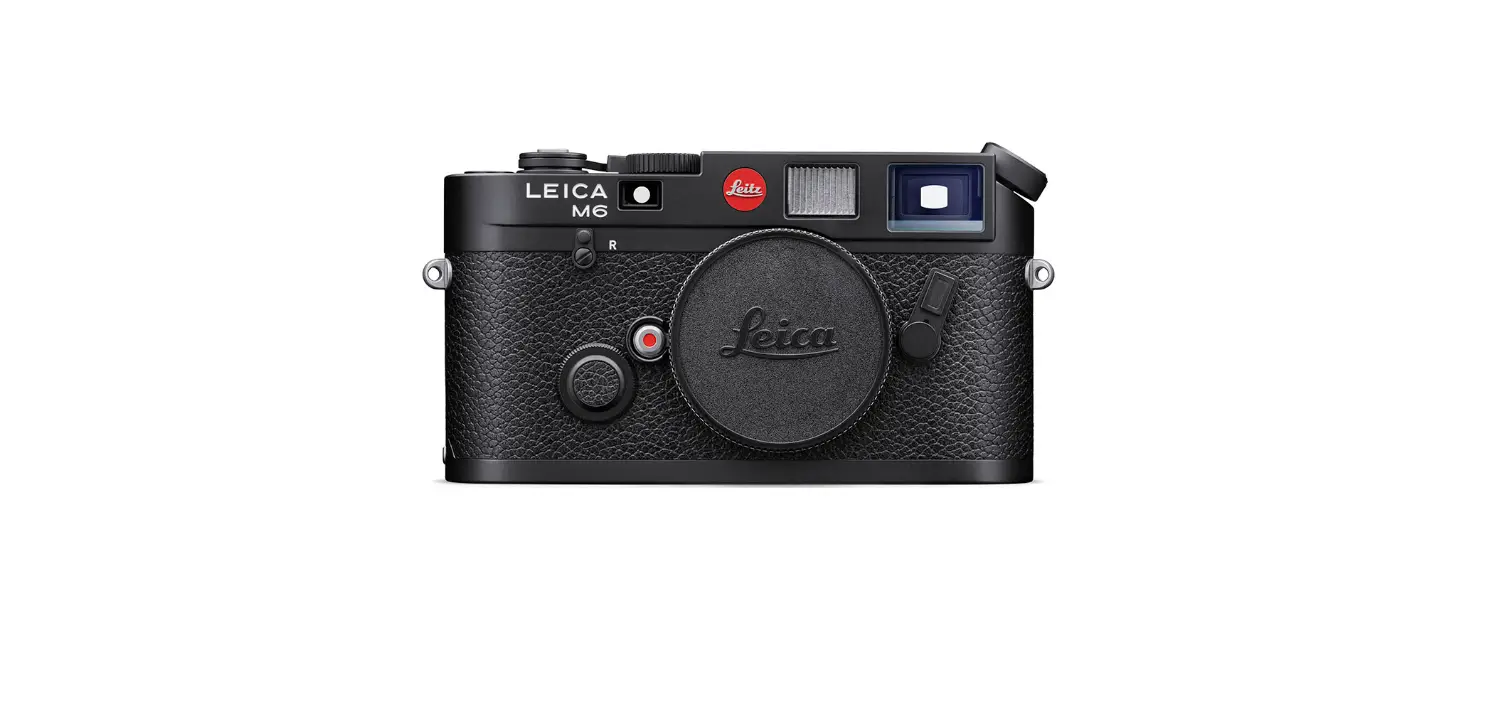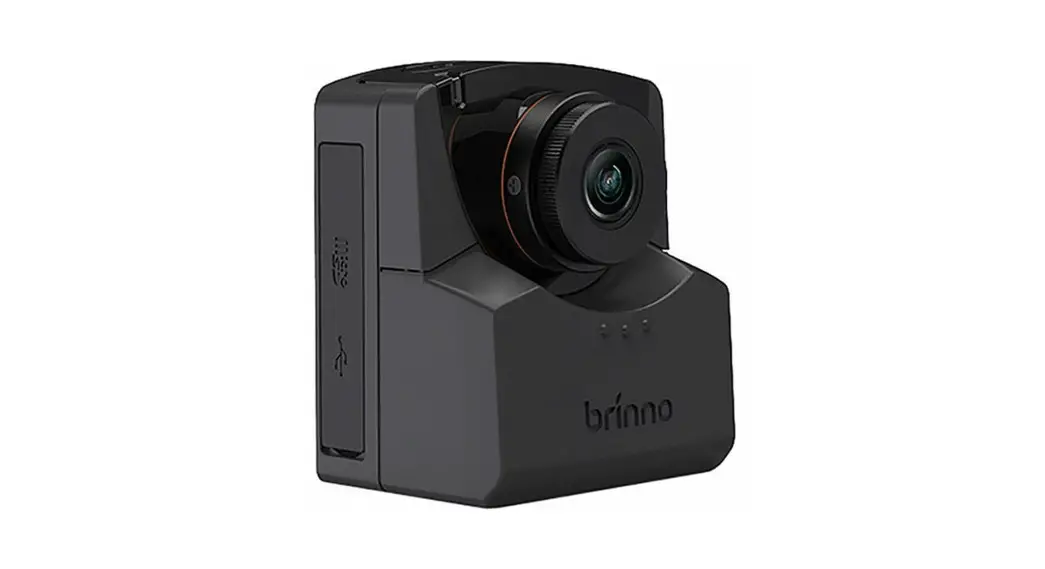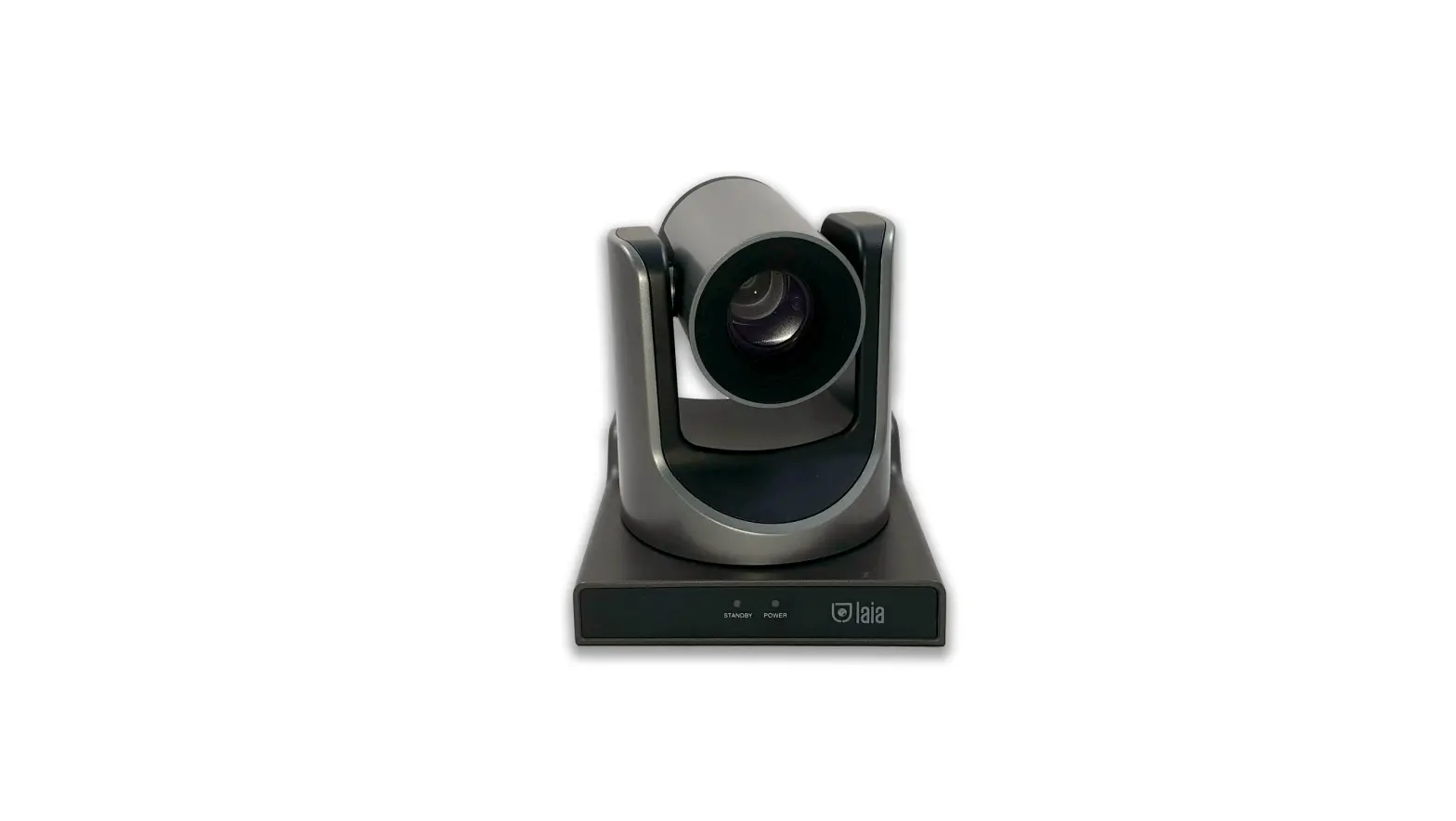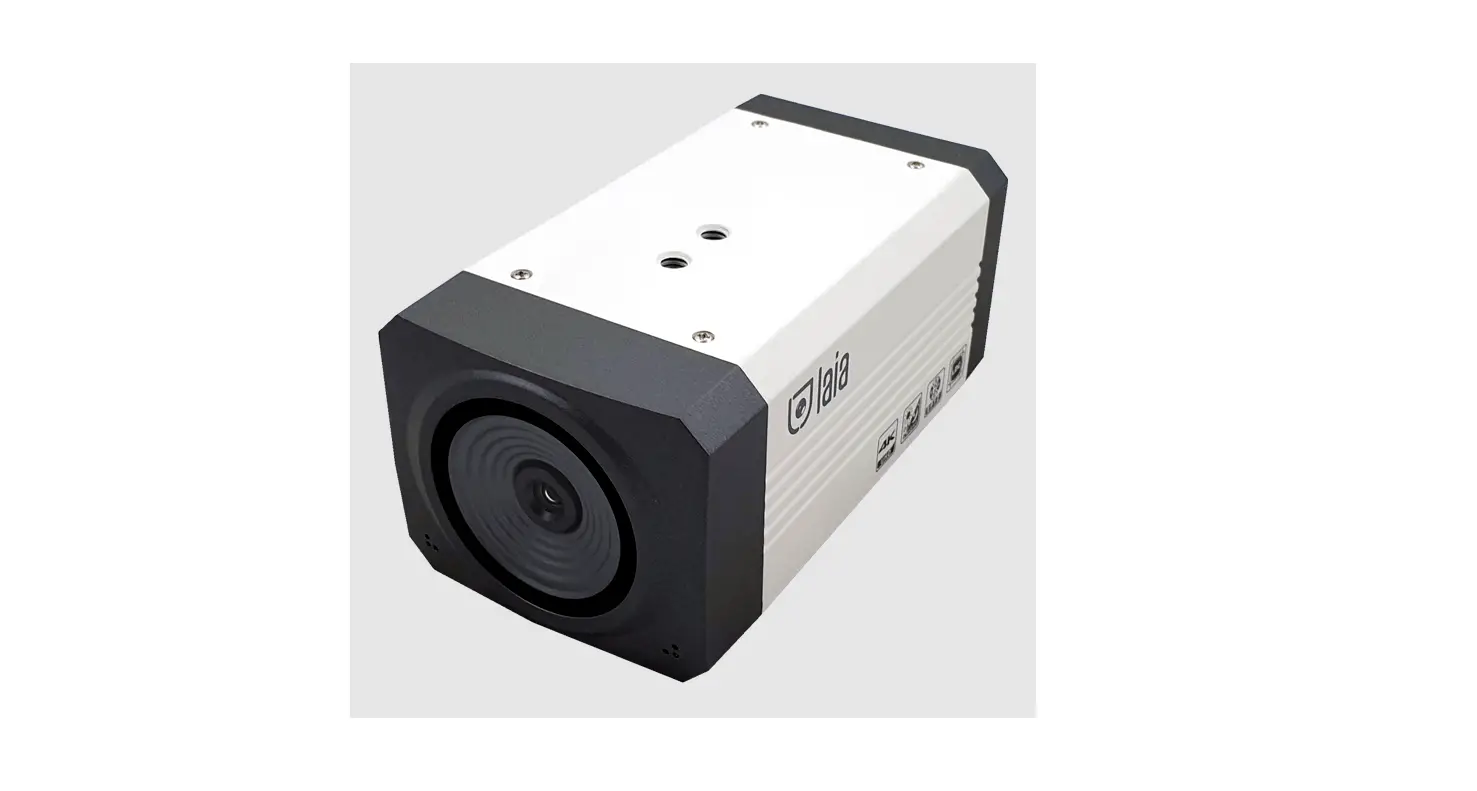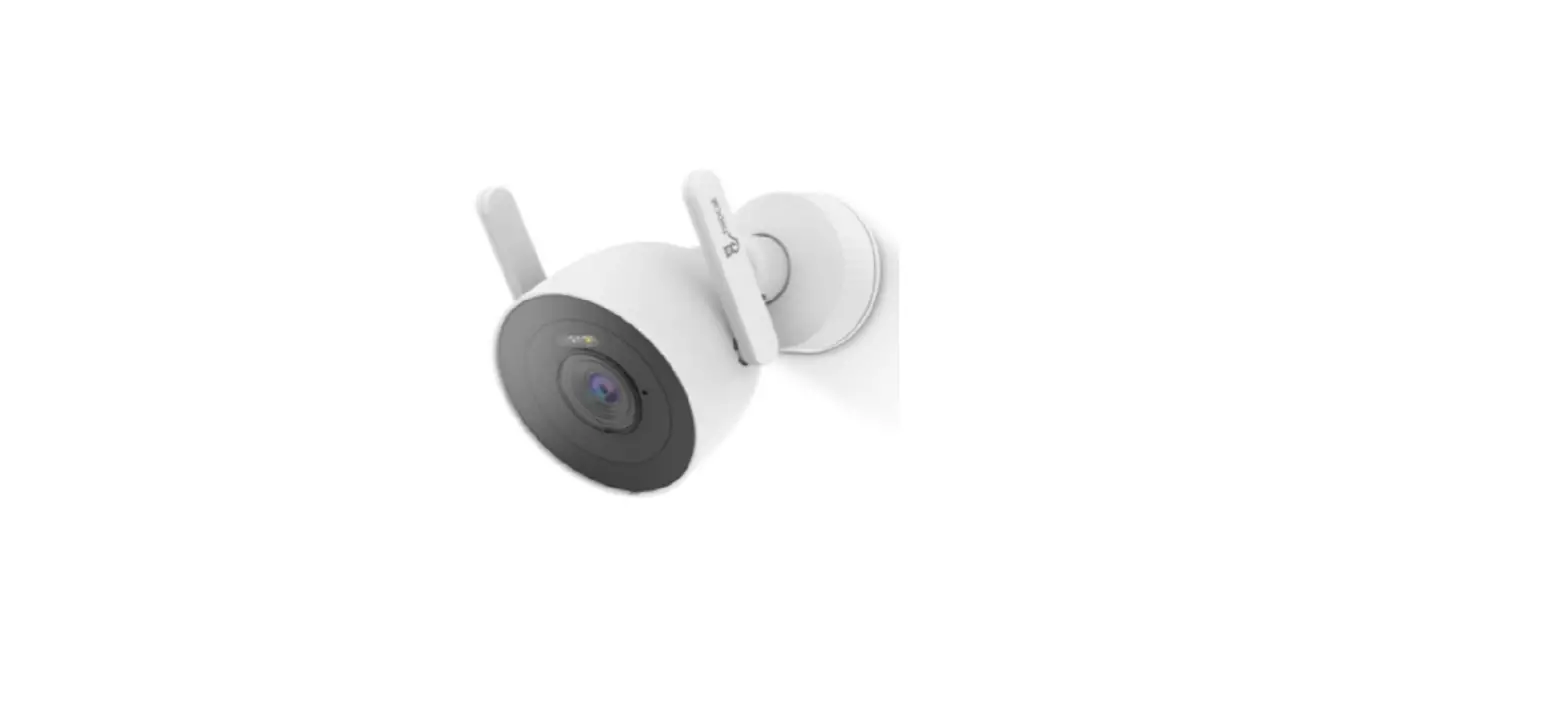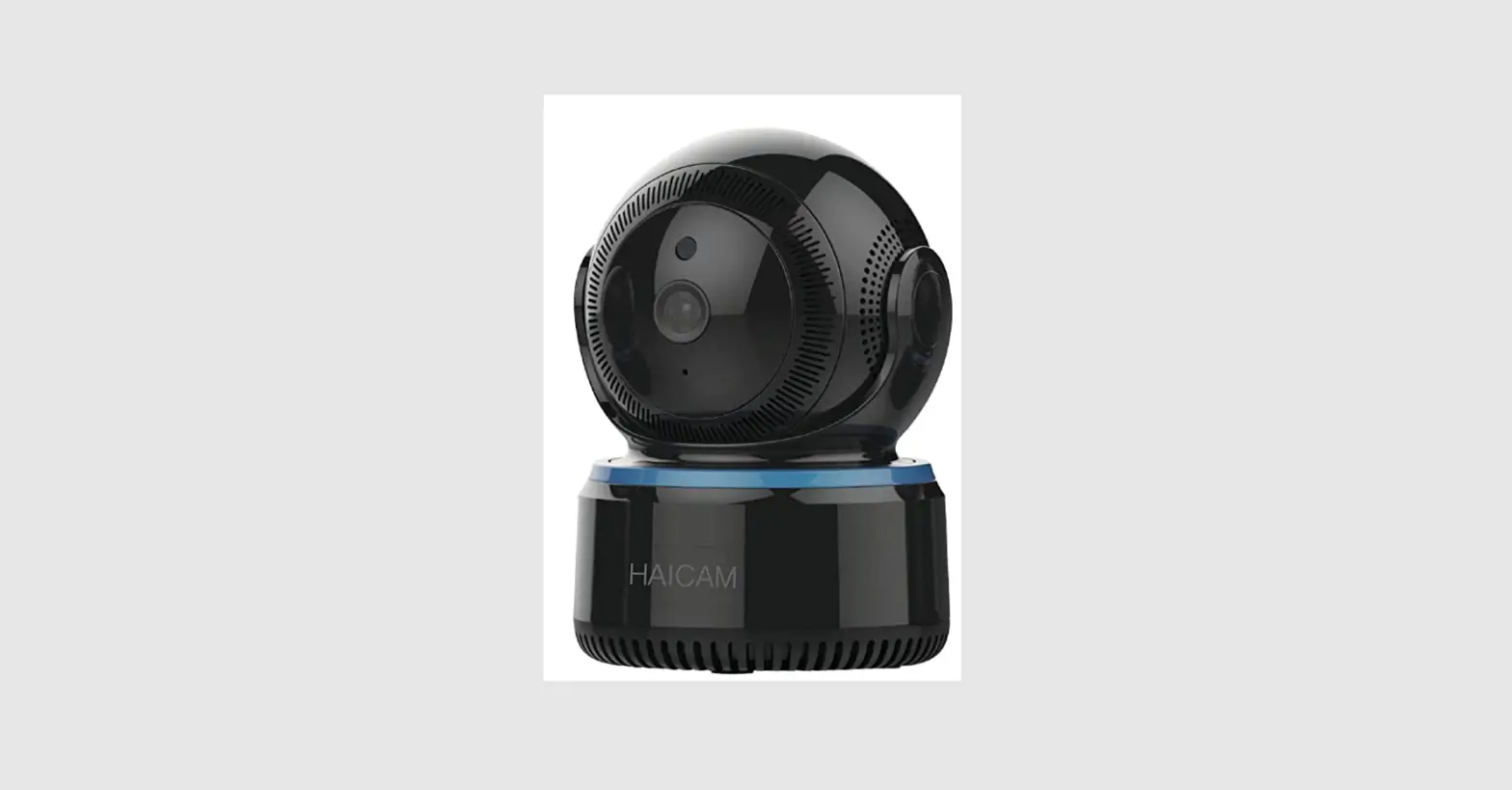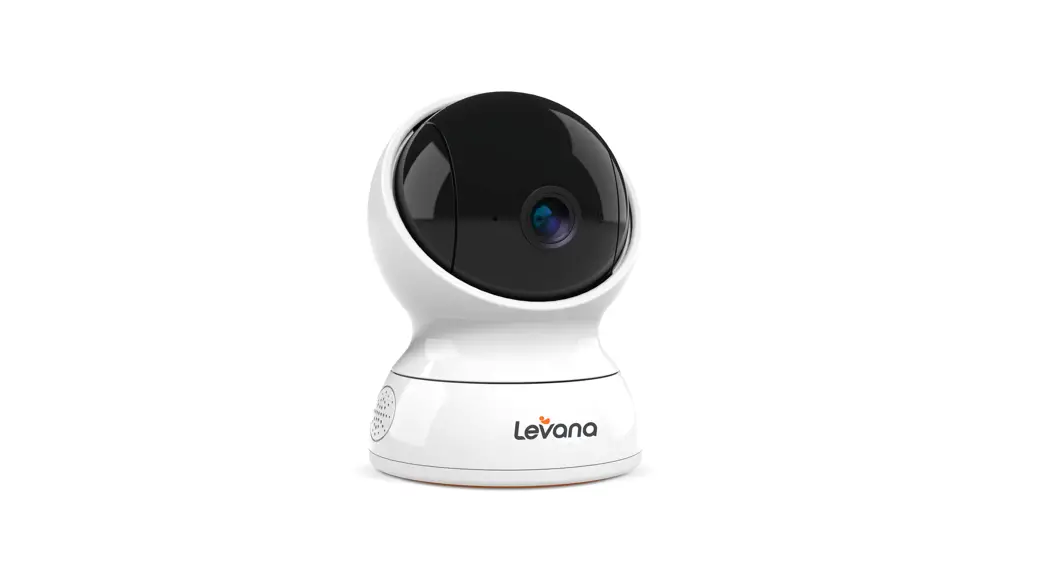

Mila Additional Camera
User Guide
Pairing Additional Cameras
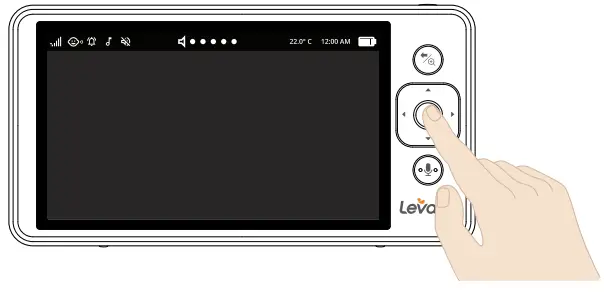
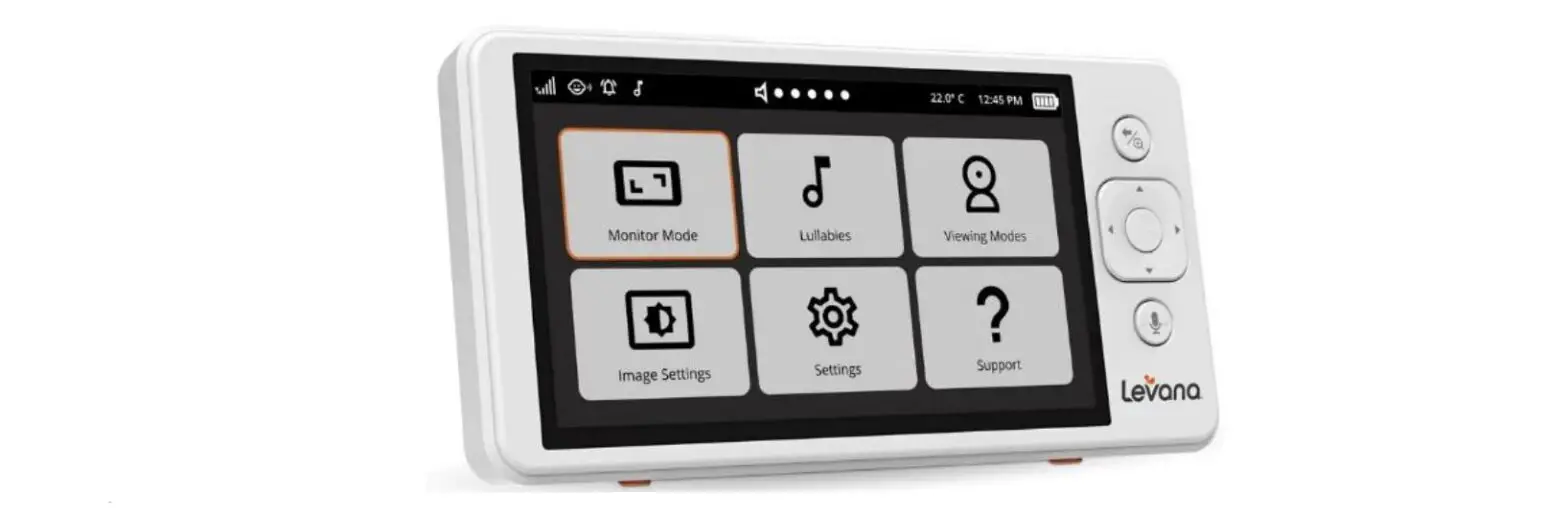
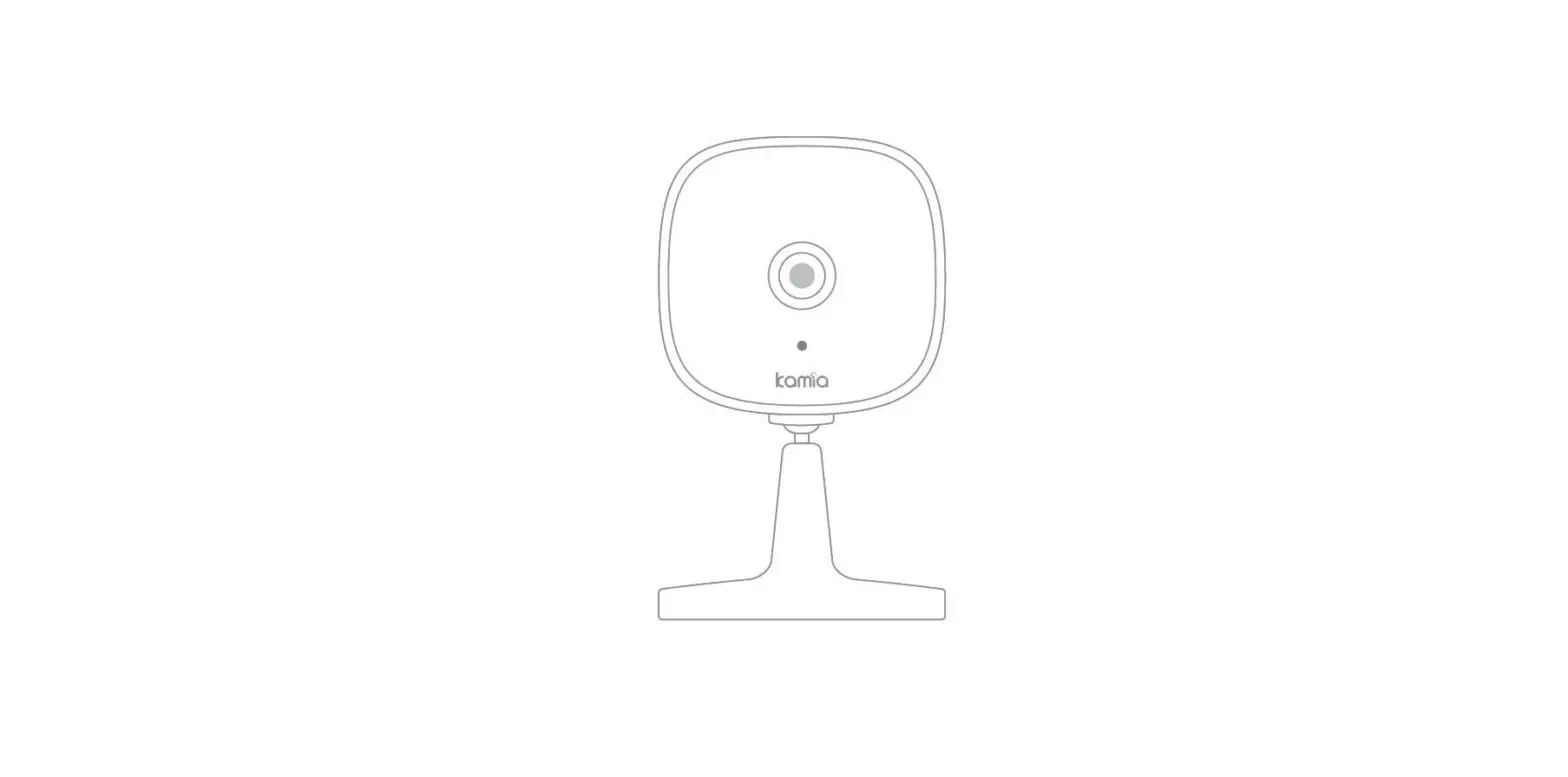
Plugin your Camera and Press the Menu Button.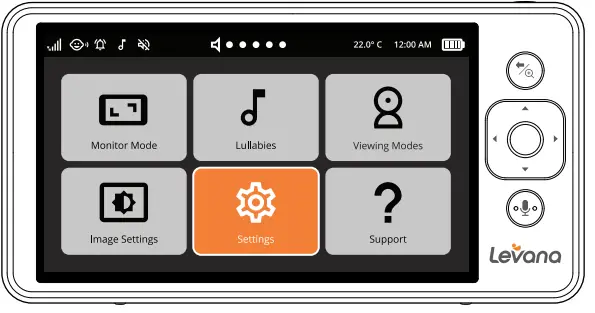 Select Settings.
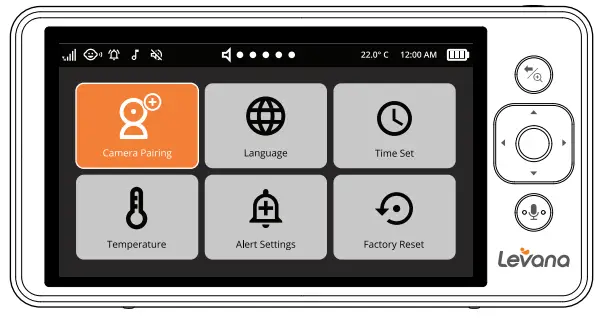 Select Camera Pairing.
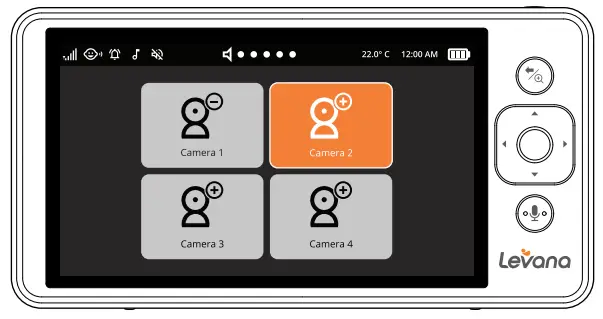 Select a camera square with a (+) icon to pair a new camera.
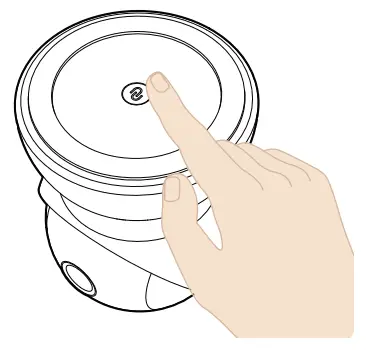 Press and hold the Pair button on the bottom of the camera until a beep is heard.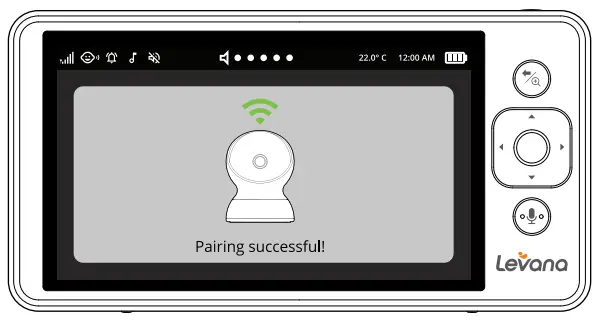
Pairing successful!
TIP: Press and hold the button to switch between cameras when more than one camera is paired.
WARNING
STRANGULATION HAZARD: Children have STRANGLED in cords. Keep this cord out of reach of children (more than 3ft. (0.9 m) away).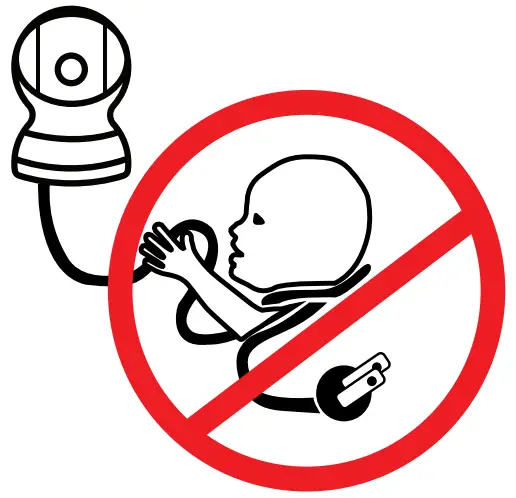
 This device complies with part 15 of the FCC Rules. Operation is subject to the following two conditions: (1) This device may not cause harmful interference. (2) This device must accept any interference received, including interference that may cause undesired operation.
This equipment complies with IC RSS-102 radiation exposure limits set forth for an uncontrolled environment. This equipment should be installed and operated with a minimum distance 20cm between the radiator and your body.
mylevana.com