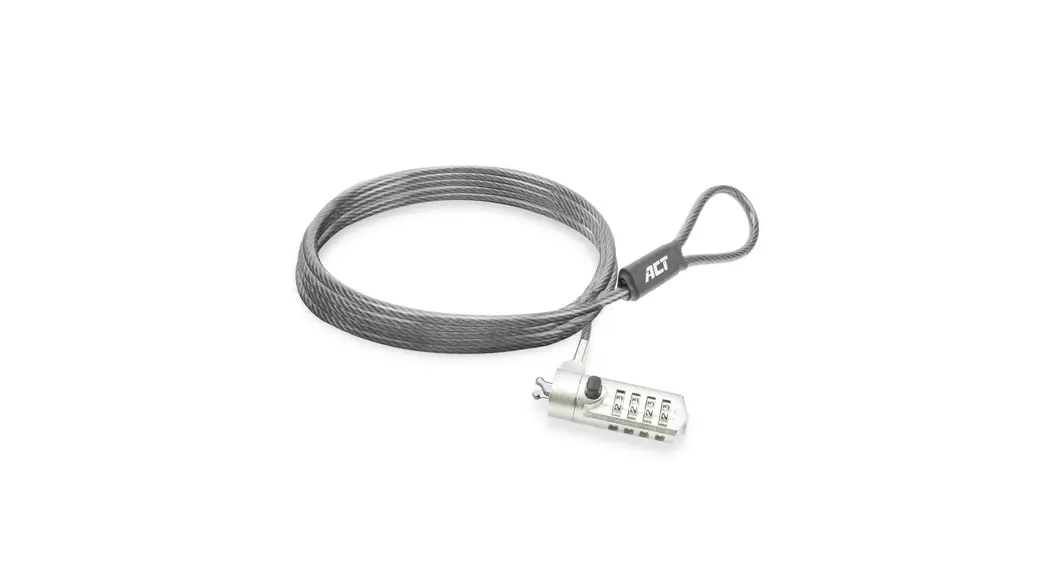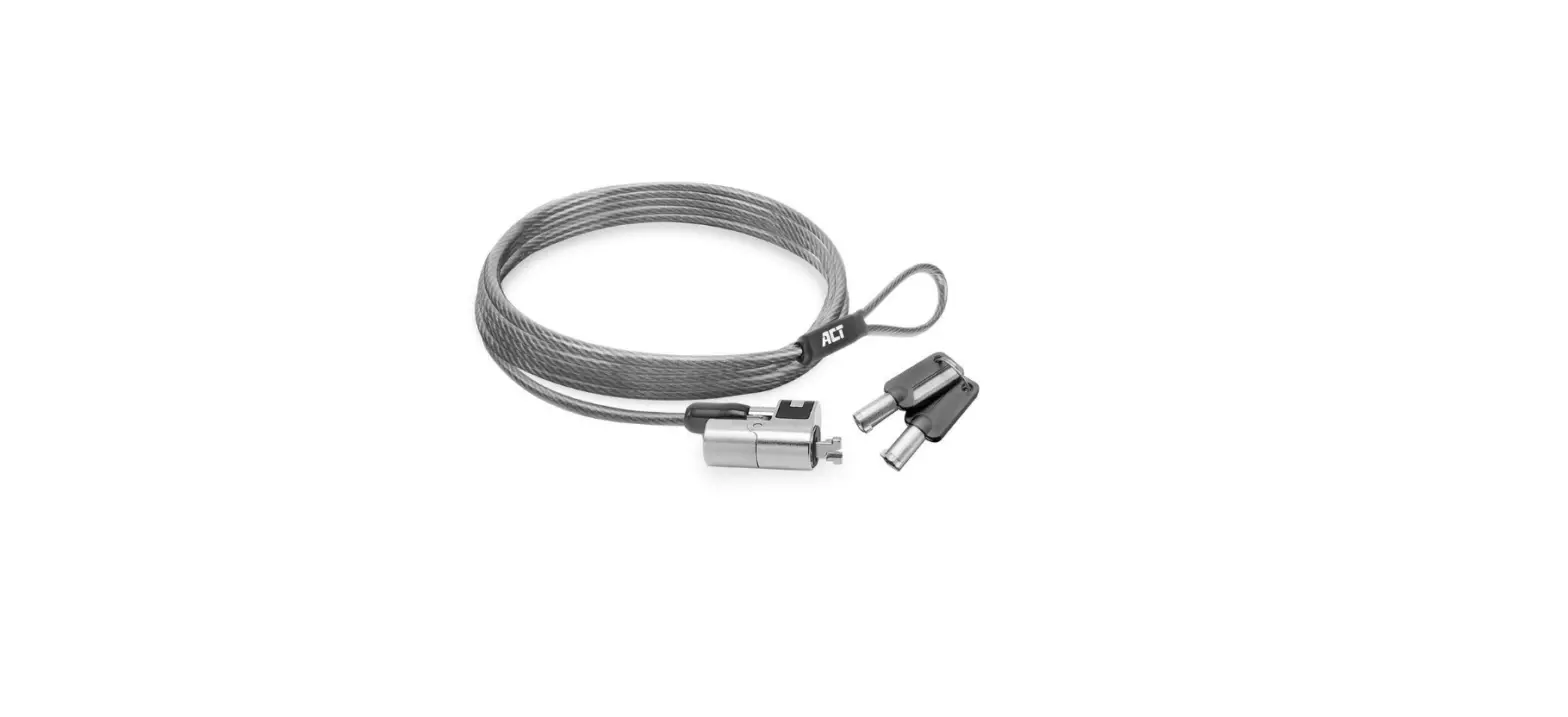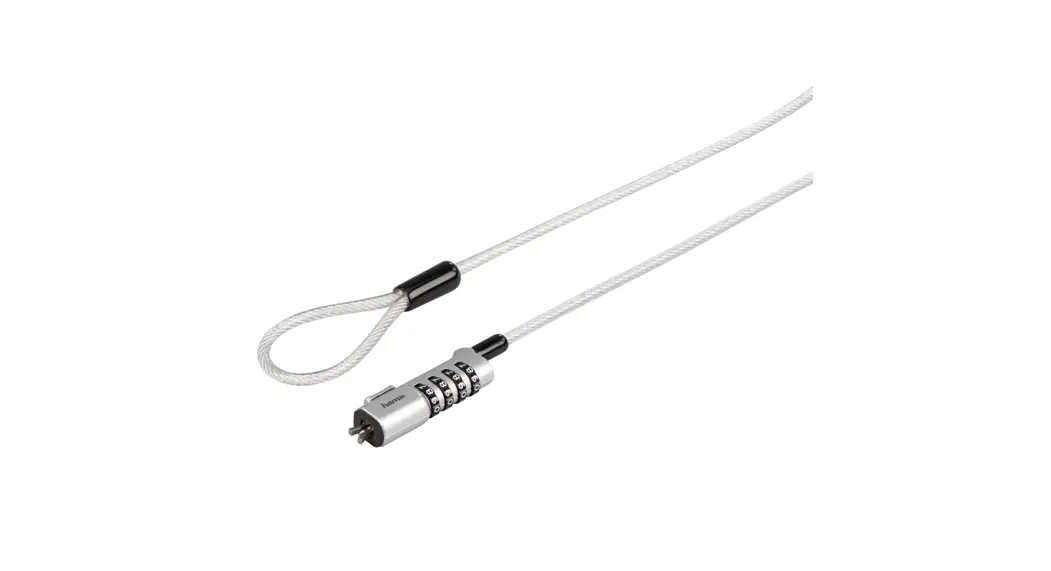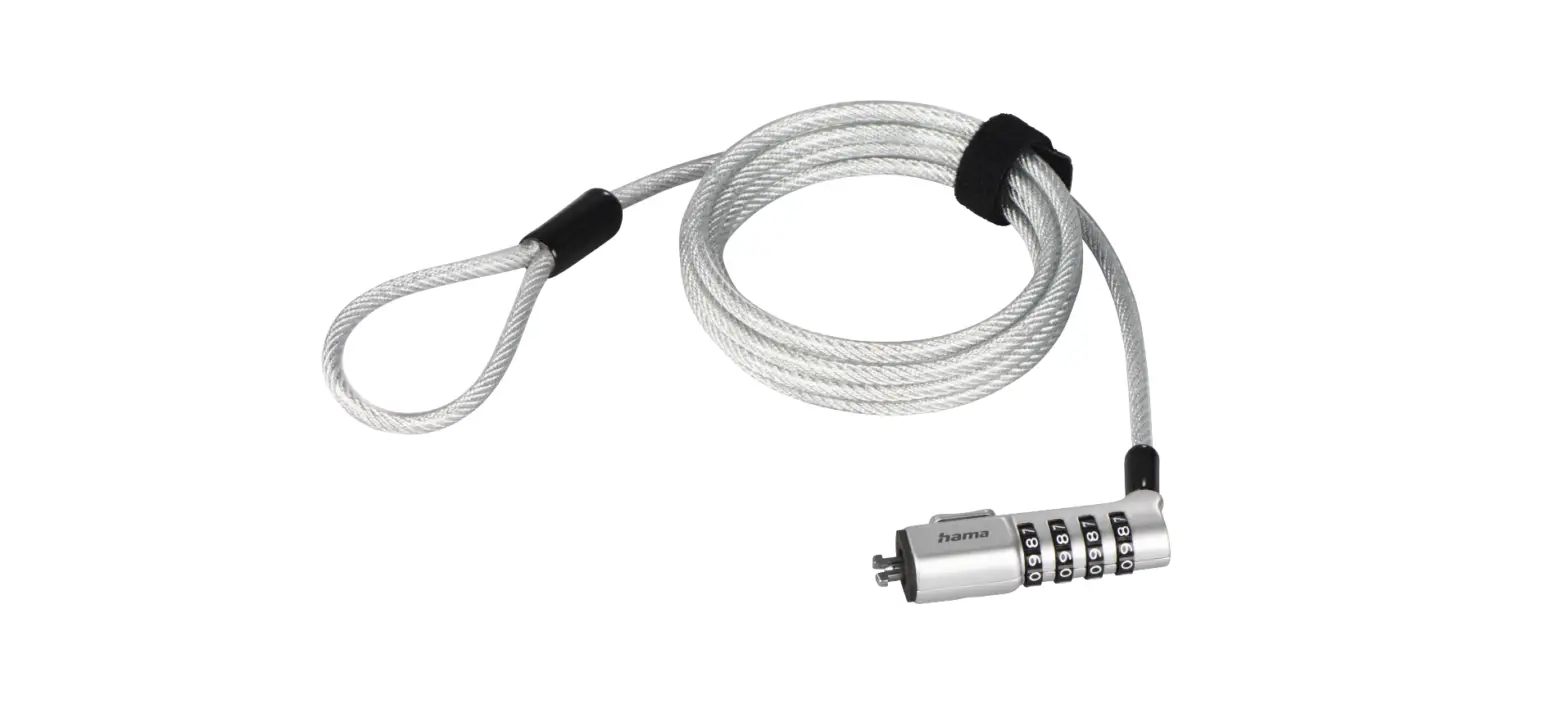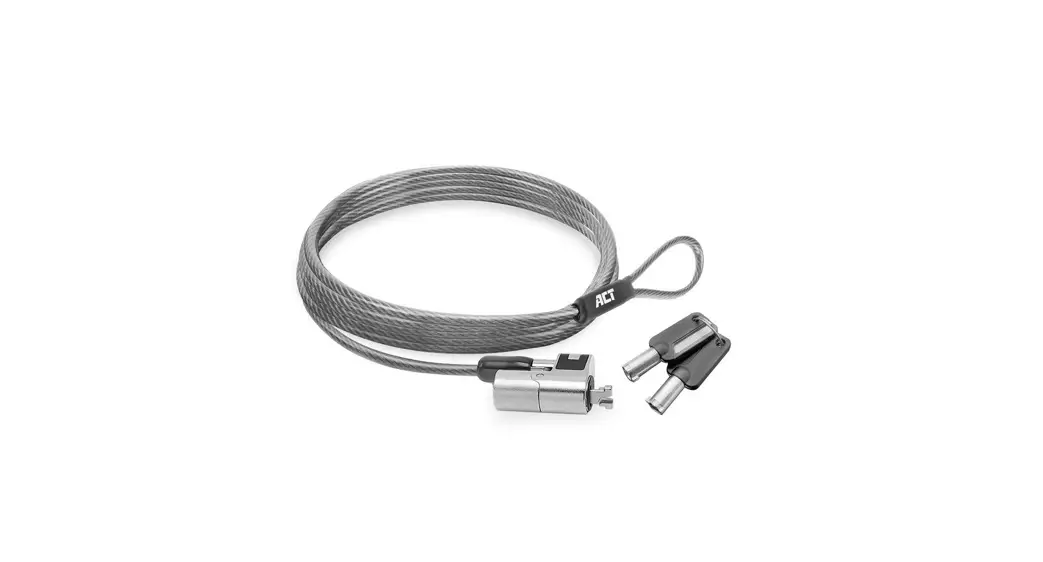
 AC9025 Nano Laptop Lock with Combination Lock
User Guide
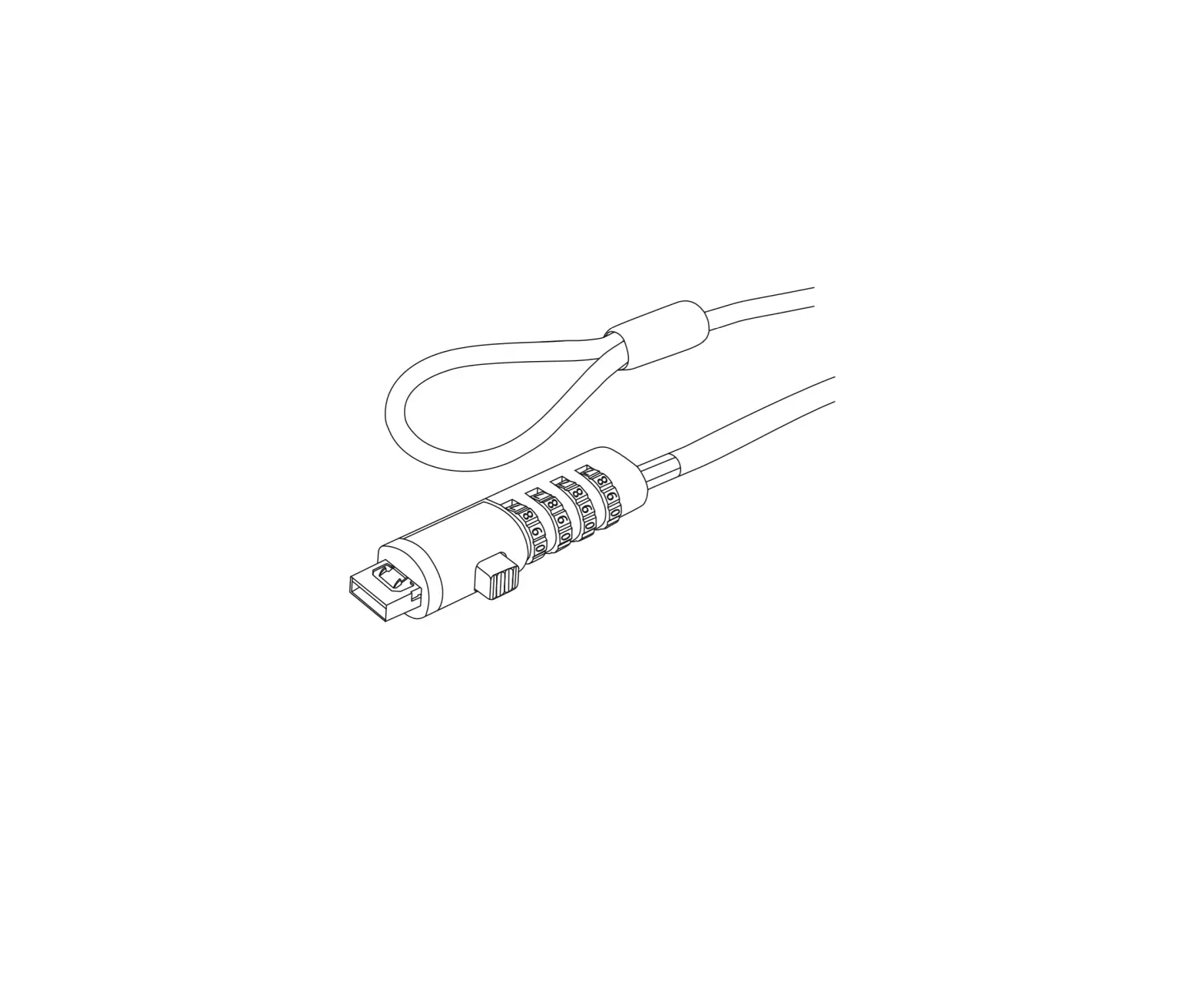
Setting your own combination
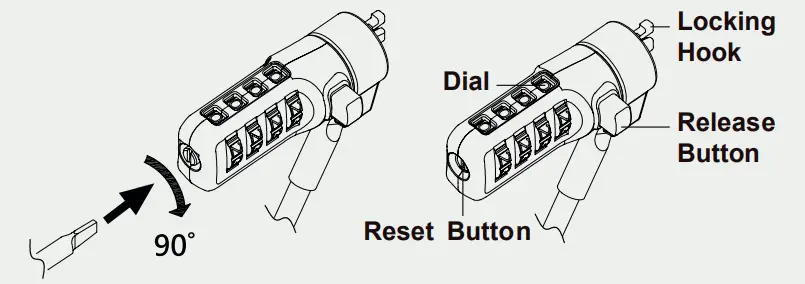
- Turn the Dials to the factory preset combination 0-0-0-0.
- Turn the Reset Button 90° clockwise with a small flathead screwdriver or similar tool.
- Turn the Dials to set your own desired combination.
- Turn the Reset Button 90°counterclockwise back to its original Your lock is now ready to open at its new combination Keep your combination in a safe and accessible place for future reference.
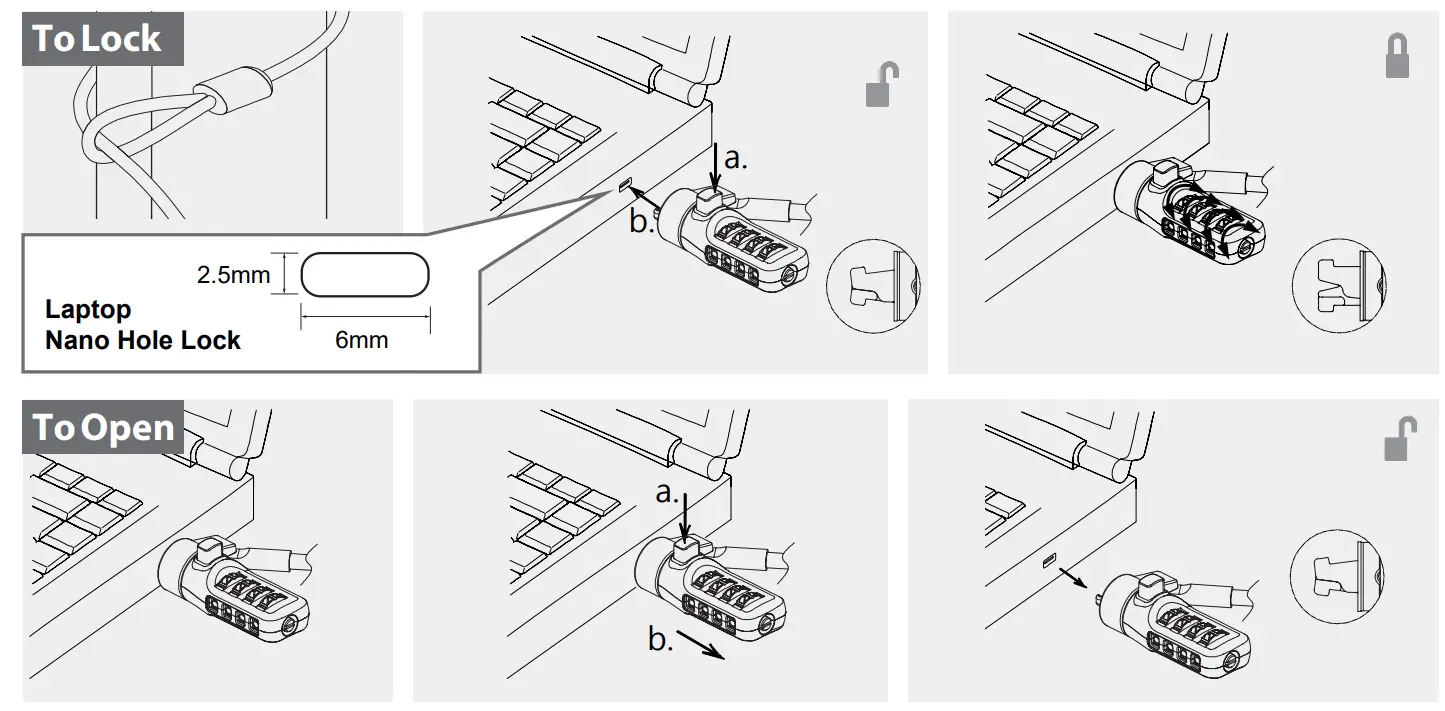
For service, manuals, firmware or updates visit www.act-connectivity.com
You can find safety information at www.act-connectivity.com/safety
Made in Taiwan
5 Year Warranty
ACT, Koolhovenstraat 1E, 3772 MT Barneveld, The Netherlands

 Safety instructions | ACT
 Online Review & Business Listing Management | Connectivity
 Home | ACT