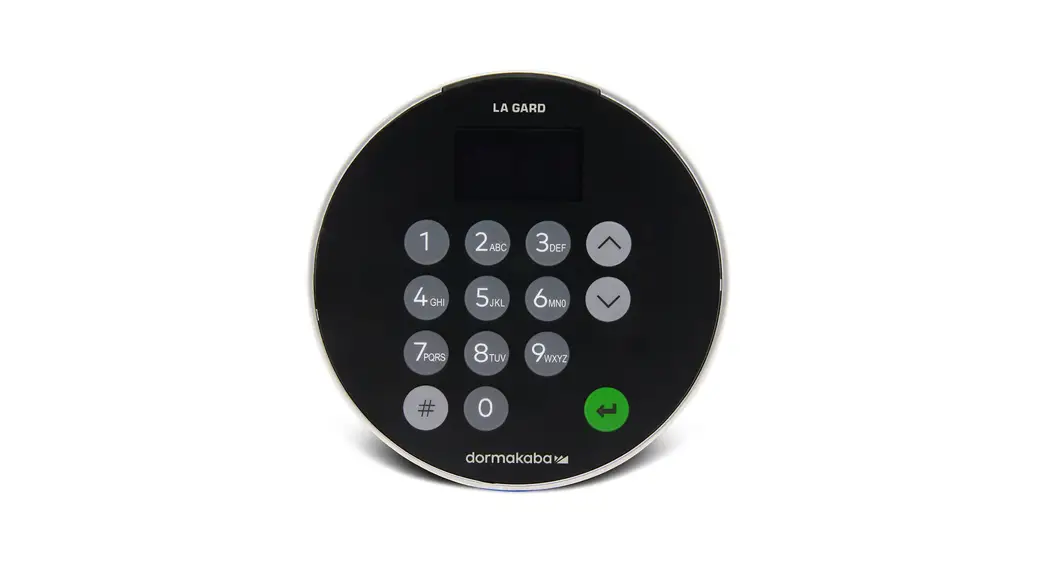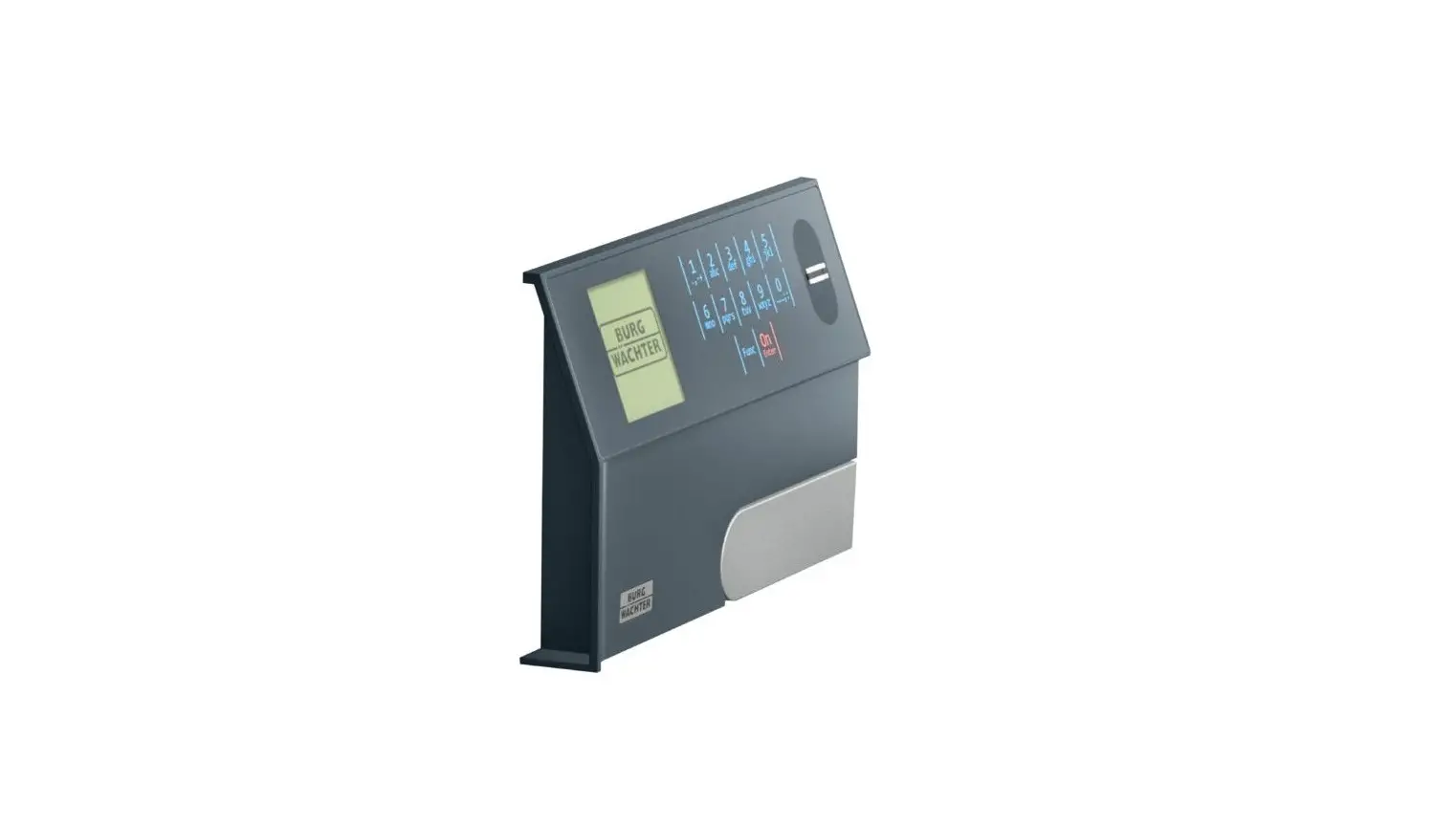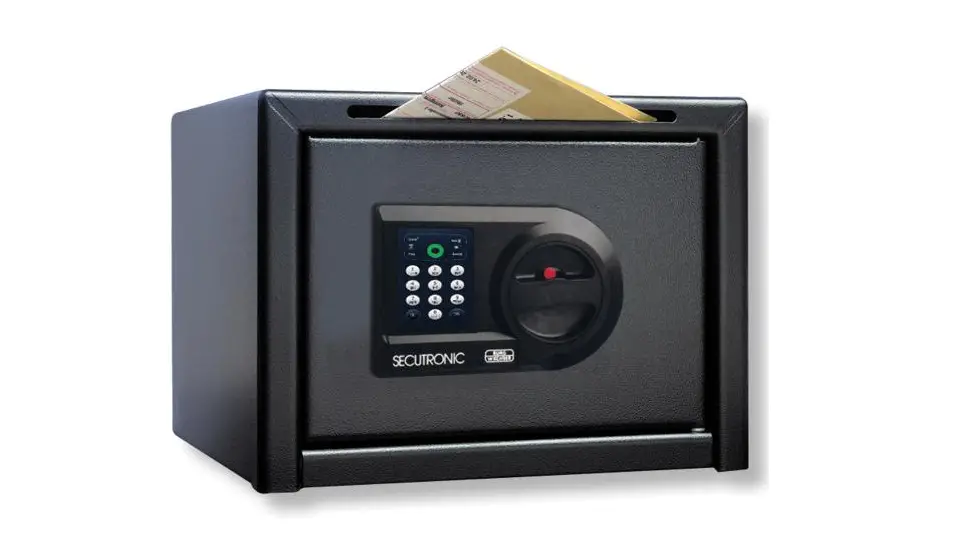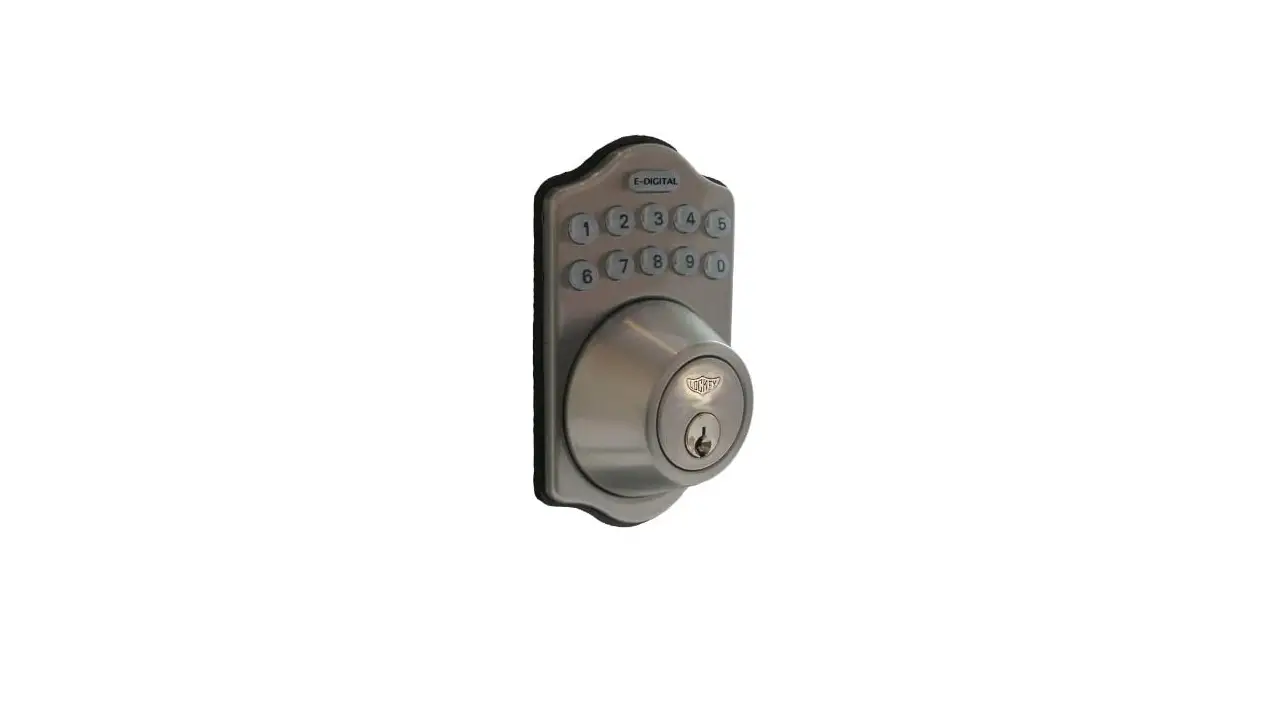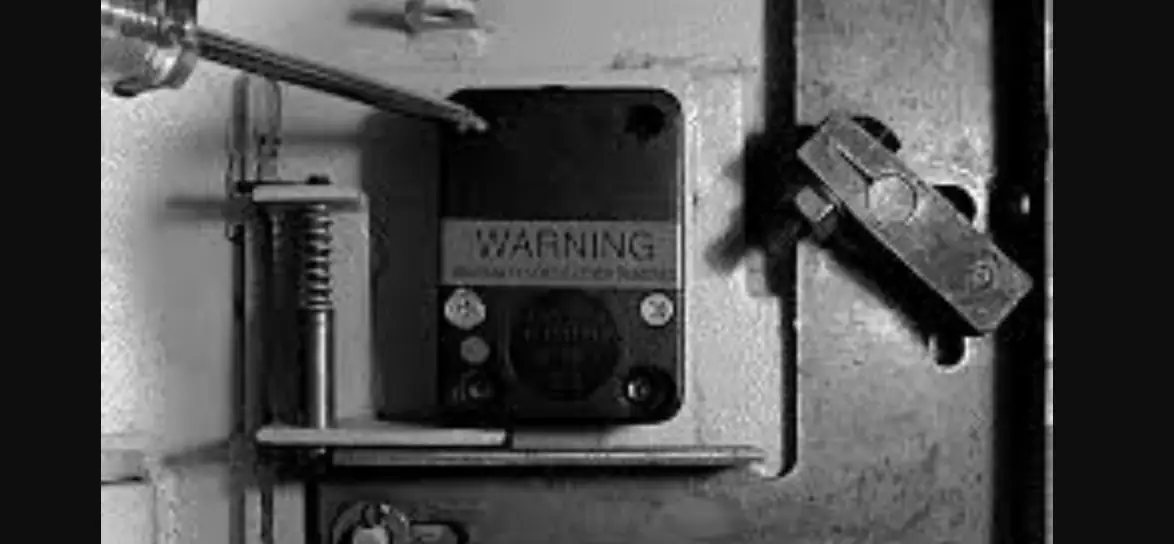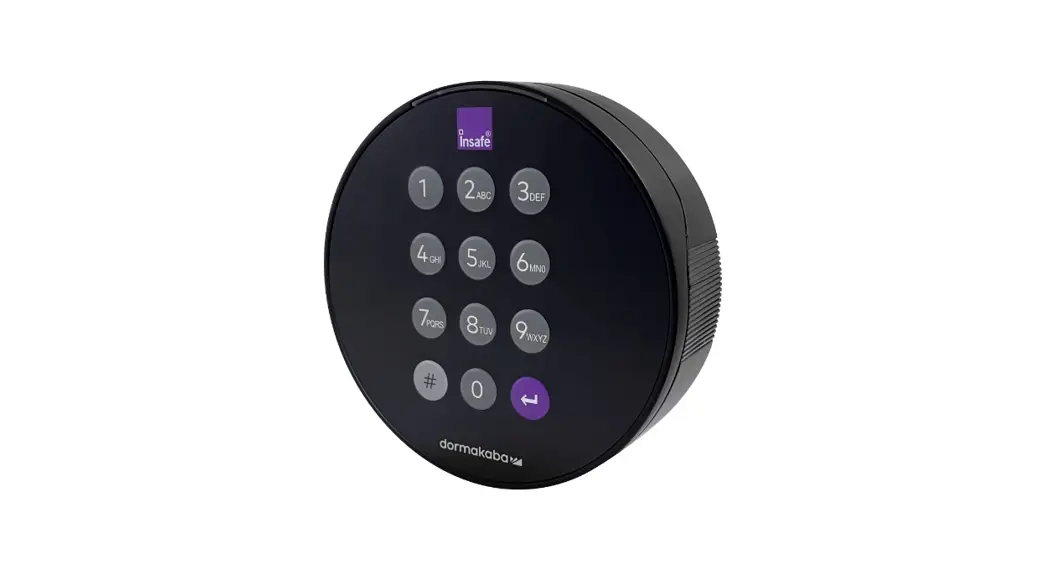
 Matrix 3 Electronic Combination High Security Lock
User Manual Matrix 3
USER INSTRUCTIONS
Matrix 3 Electronic Combination High Security Lock
INSAFE HELPDESK
0800 52 63 88
[email protected]
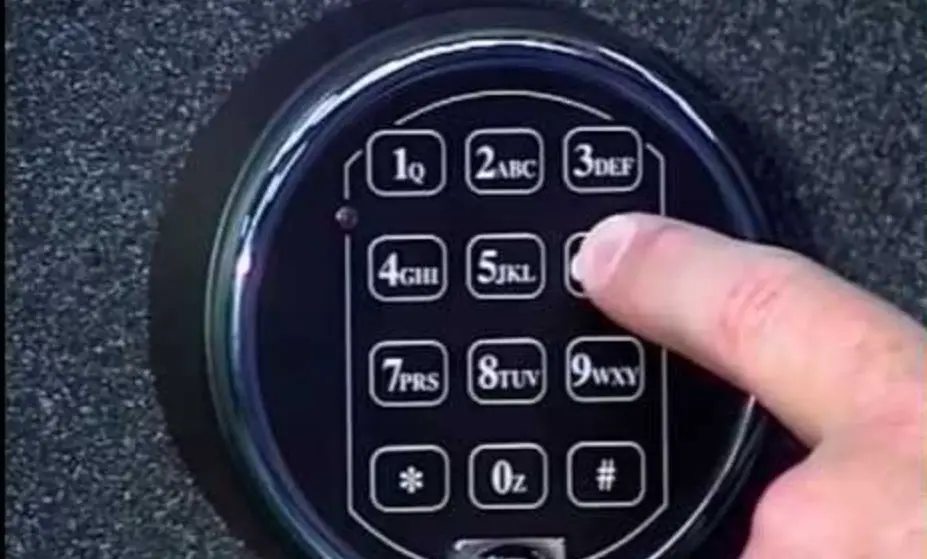
Enter each digit slowly and distinctly. The lock signals at each entry.
If a mistake is made press ‘#’ to clear.
Factory-set Master code: 00-12345678 (Change immediately after installation).
This code is for resetting the lock. Please keep it safe.
Factory-set Manager code: 01-123456 (Change immediately after installation).
This code opens the lock and can add or delete a second (02) user if required.
Opening the Lock for the first time
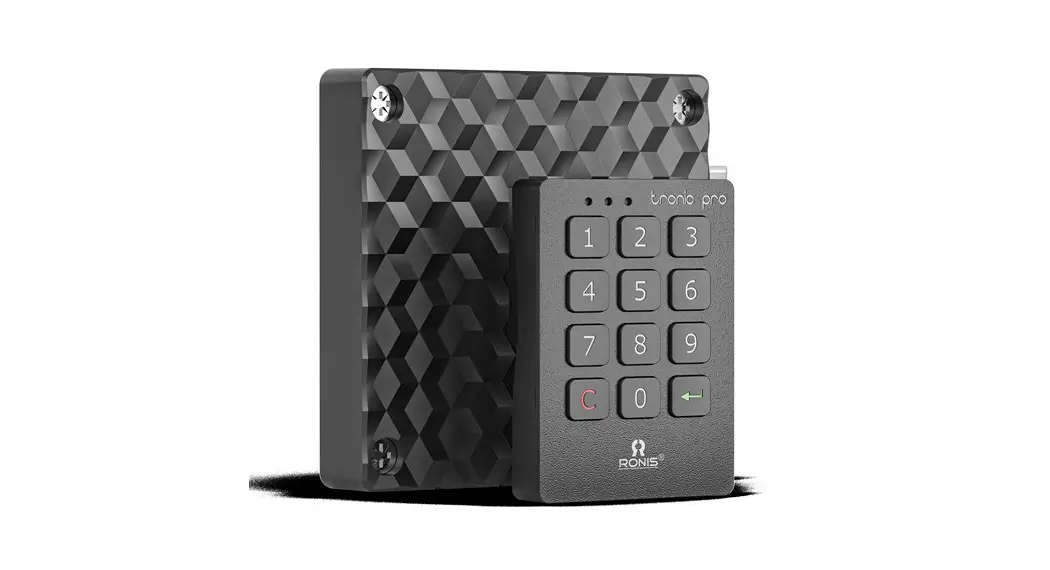
 Enter Manager ID and code (01-123456) the keypad will beep and flash green 3 times. 3 red flashes indicate wrong code (see “Wrong Try Penalty”)
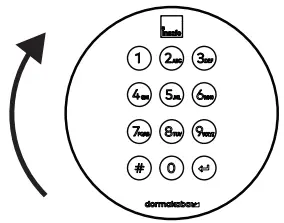 Turn keypad clockwise 1/4 turn within 3 seconds.
Open safe, turn handle, if any, and open safe door.
Now change your Master and Manager code
Changing the Master Code
Enter each digit slowly and distinctly. The lock signals at each entry.
 Press #52 to put lock in program mode.
The green led will stay on during this process.
If the light goes out, restart the process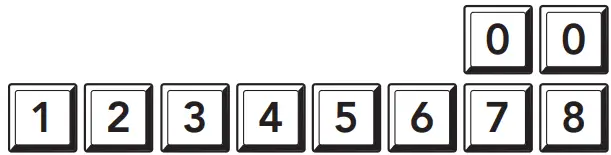 Enter ID (00) plus existing 8-digit code (12345678)
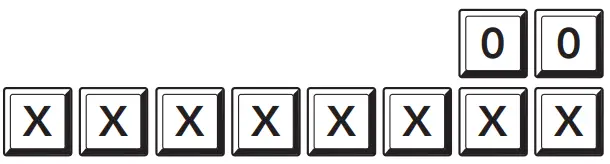 Enter ID (00) and new 8-digit code
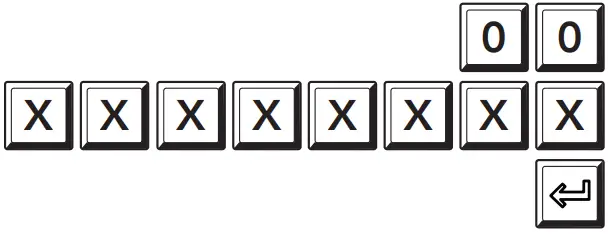 Enter ID (00) and new 8-digit code again and press the purple button to complete the process. The keypad will beep and flash green 3 times. 3 low beeps and 3 red LED flashes will indicate code not changed.
Manager / User Code Change
Remember: Manager and User codes are 8 digits long (a fixed 2-digit ID followed by a changeable 6-digit PIN).
Ensure door is open through the entire process (including testing).
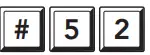 Press #52 to put lock in program mode.
The green led will stay on during this process.
If the light goes out, restart the process Enter user ID and current combination “01-xxxxxx”Enter user ID again followed by your new combination “01-xxxxxx”
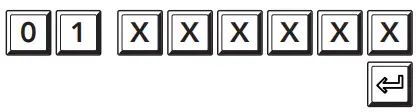 Enter ID and new combination again then press purple button to complete the process. The keypad will beep and flash green 3 times. 3 low beeps and 3 red LED flashes will indicate code not changed
Test the code by opening and closing the lock with the door in the open position.
Adding 02 User Code
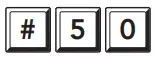 Press #50 to enter Add User Mode. The green led will stay on during this process. If the light goes out, restart the processInput Manager code (01-xxxxxx)
 Input new user ID and code (02-xxxxxx)
 Press 2 then 1, followed by the purple button to complete the process. The keypad will beep and flash green 3 times. 3 low beeps and 3 red LED flashes will indicate code not added.
CODE MUST BE CHANGED BY THE USER BEFORE THE LOCK CAN BE OPENED.
Deleting 02 User Code
 Press #56 to enter Delete User Mode
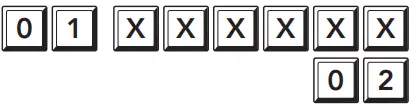 Input Manager code (01-xxxxxx) followed by 02
 Press purple button. The keypad will beep and flash green 3 times. 3 low beeps and 3 red LED flashes will indicate code not deleted.
Wrong Try Penalty
The entry of four consecutive invalid combinations will start a 5-minute penalty period. The keypad will not operate during this period.
Changing Batteries
- Remove battery box located at the bottom of the keypad by pressing the button. The spring-loaded mechanism will partially eject the battery pack out of the keypad.
- Remove old batteries and install new 9 vdc ALKALINE only, e.g. Energizer or Duracell batteries.
- Reinstall battery pack.
In case of difficulty, call the Insafe Helpdesk on 0800 526388
INSAFE.COM
SALES & SERVCE• [email protected]
080 0 52 6 3 8 8
Insafe International Limited
Insafe House Decimus Park Kingstanding Way Tunbridge Wells TN2 3GP
Telephone 01892 533 000