
TWS Quick Start Guide
NAS-3105D
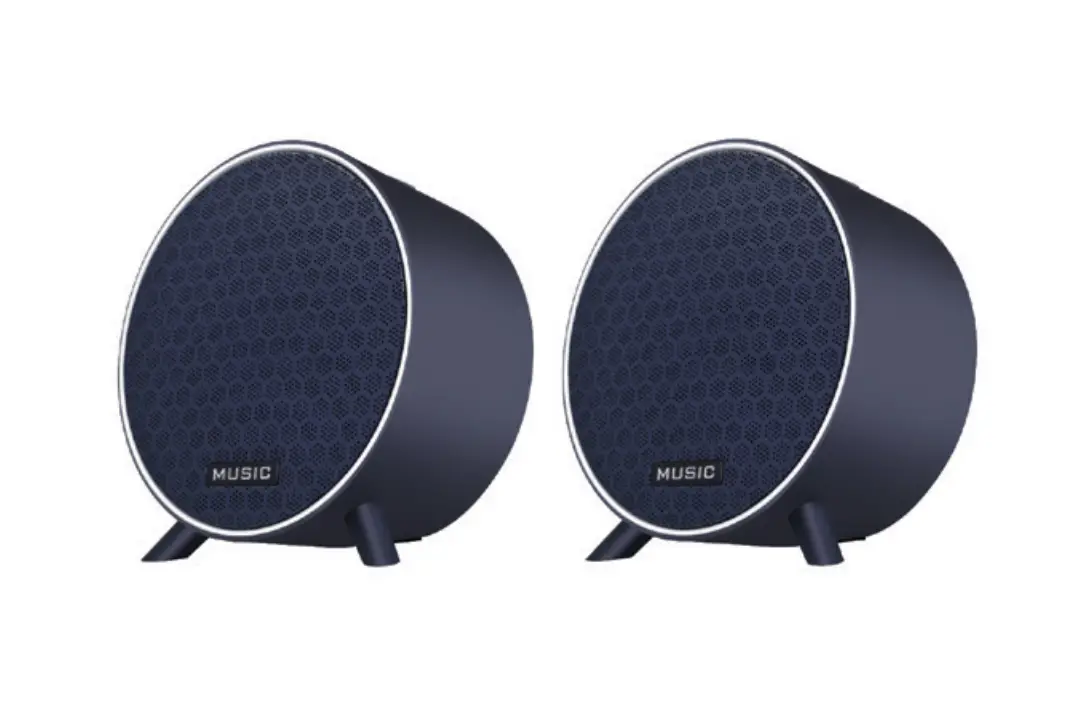
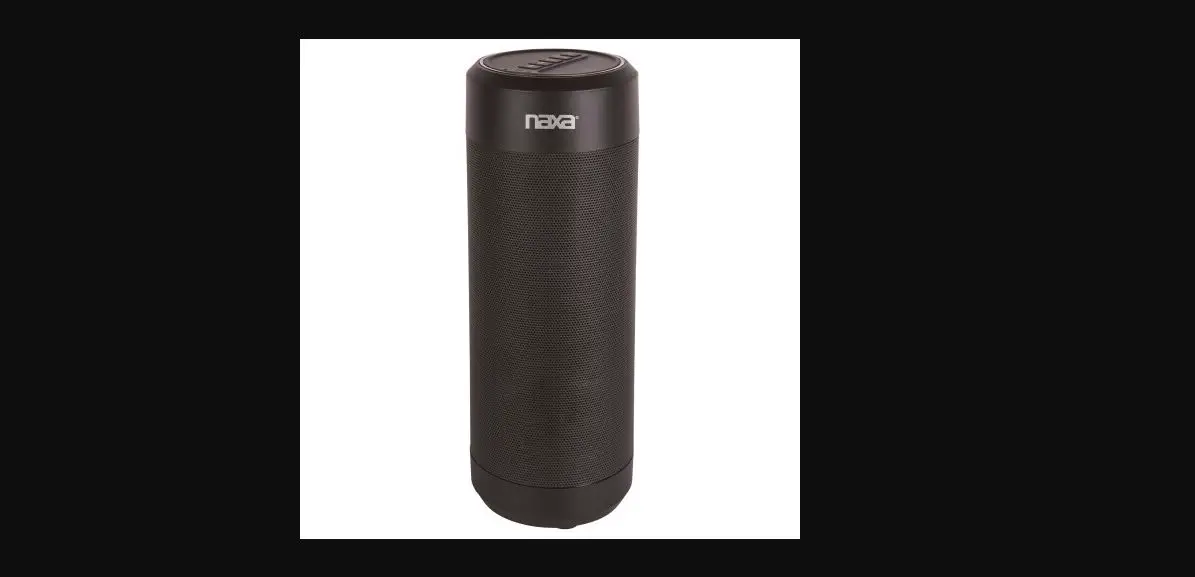
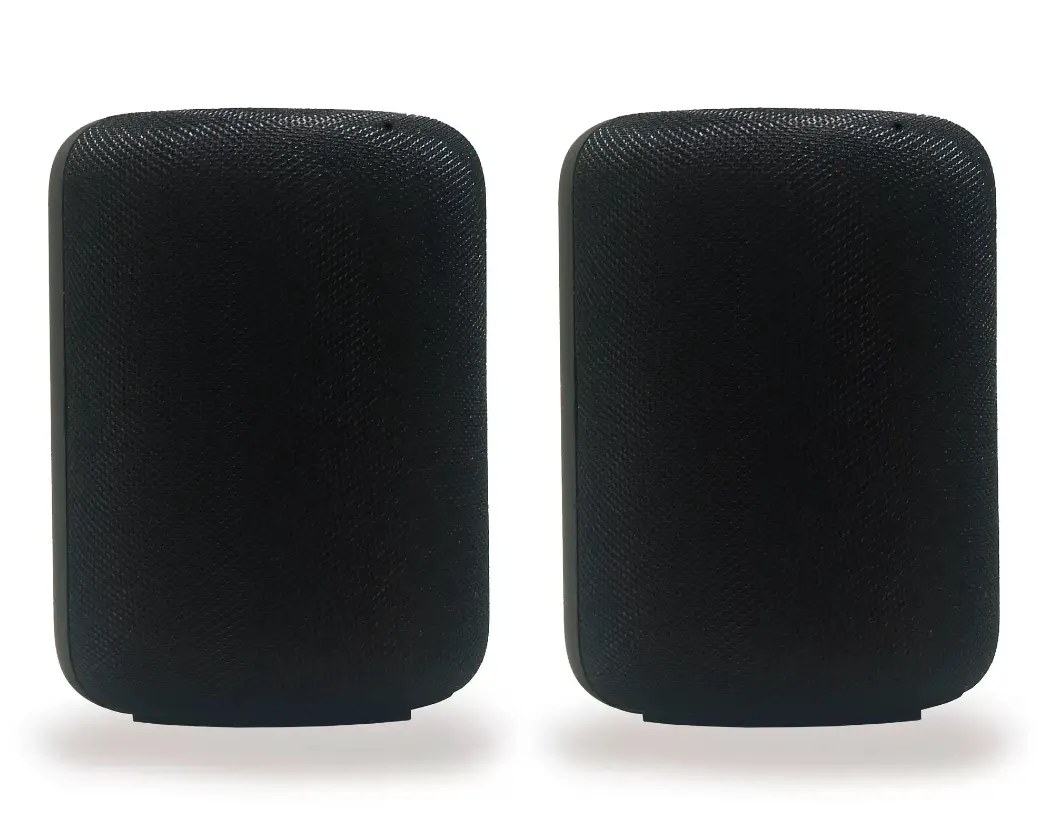
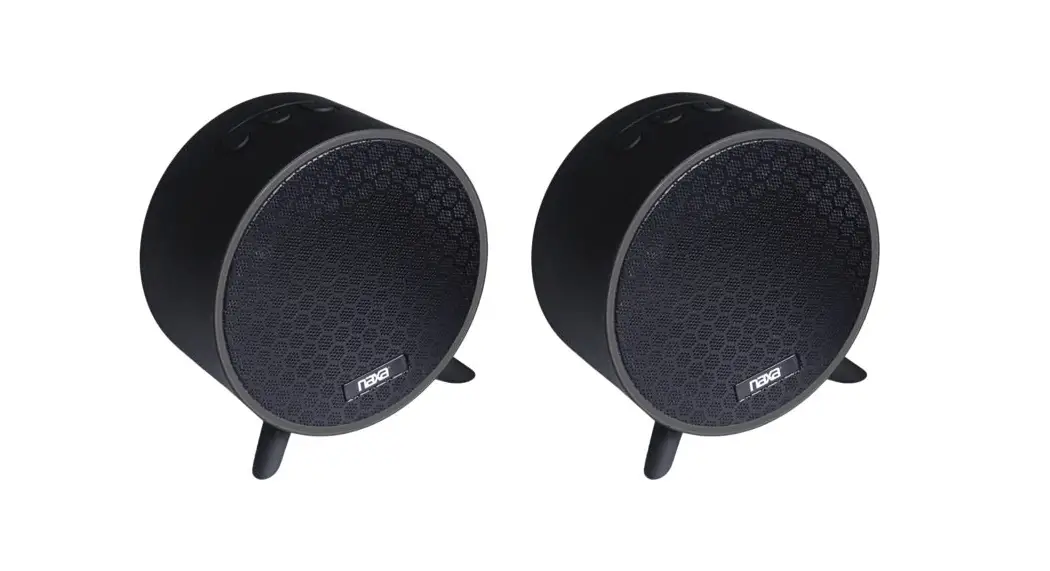
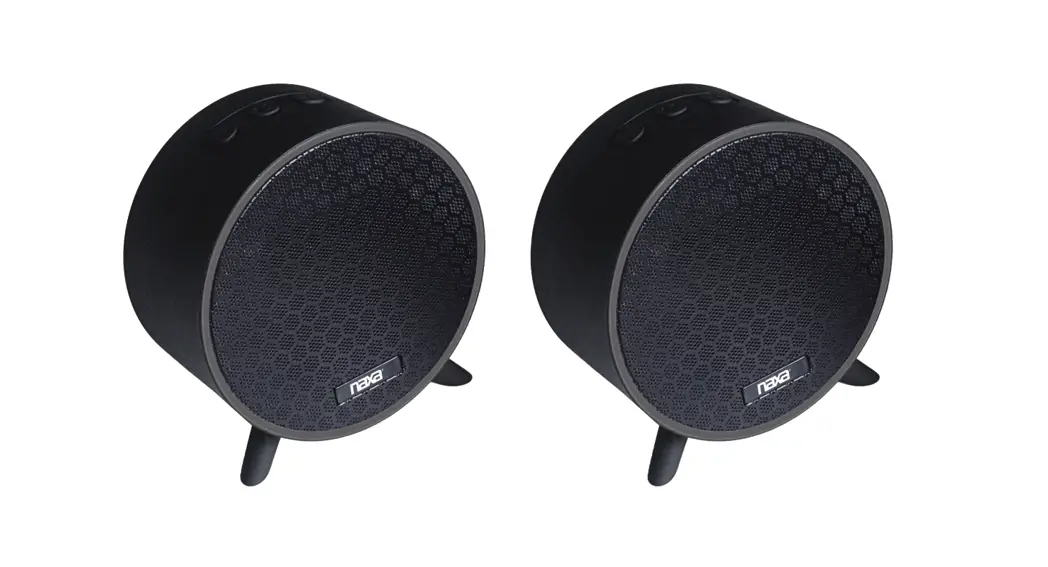
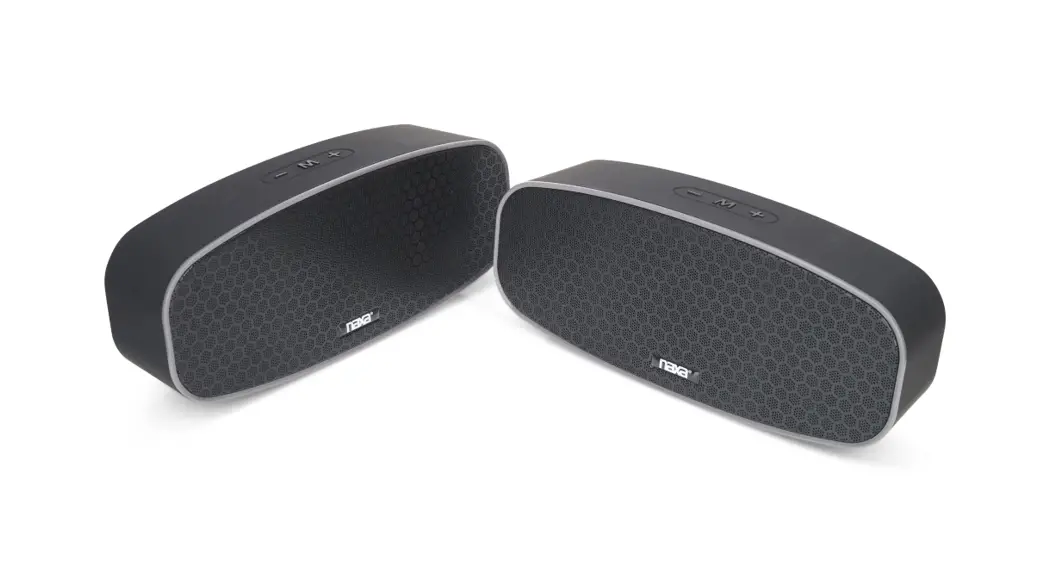
These Bluetooth® speakers support TWS functionality, allowing you to seamlessly play music through both speakers at the same time across rooms. To do so, follow these steps:
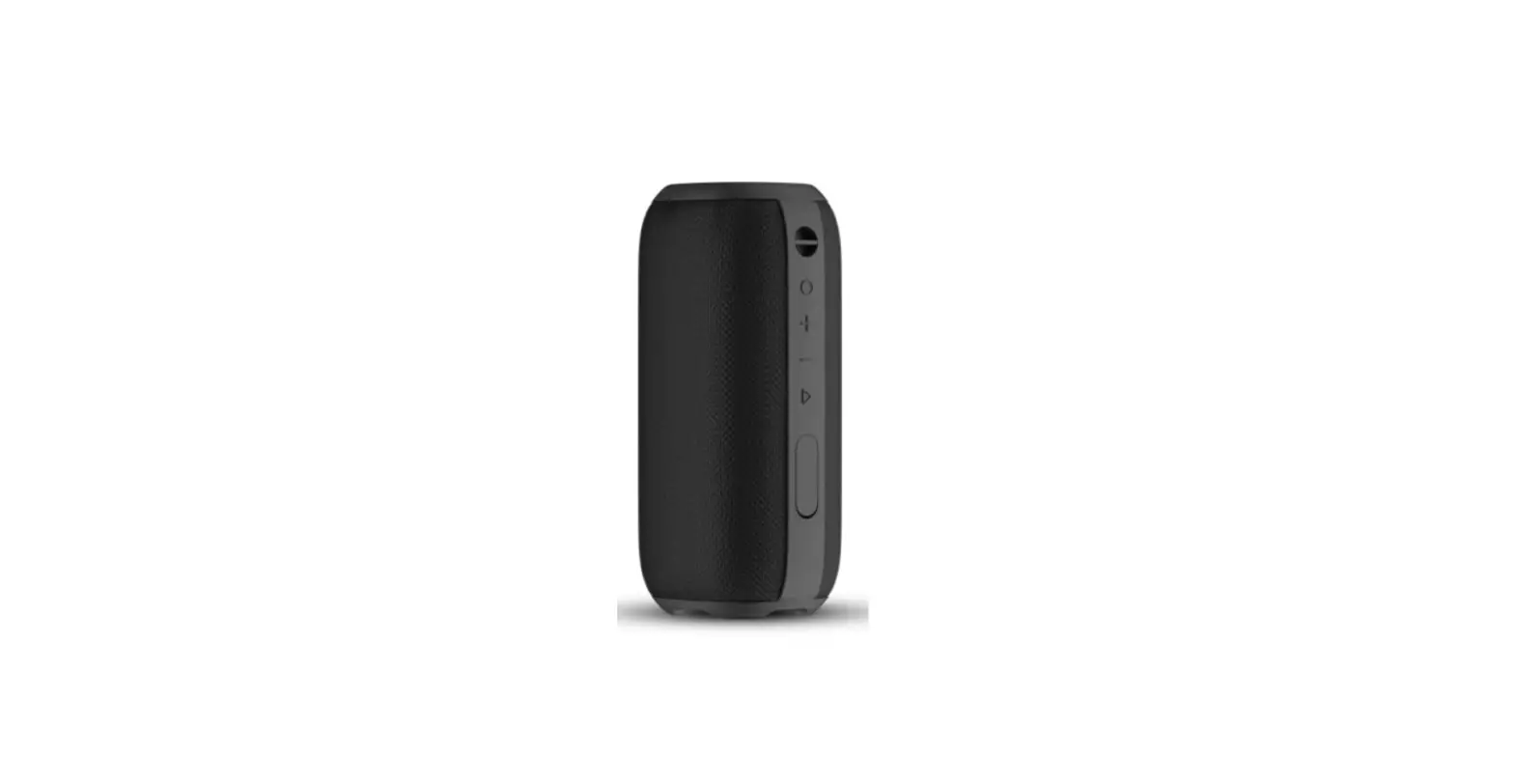
- Press and hold the “+” & “-” buttons at the same time for both speakers and the TWS speaker will pair with each other
- An audio prompt will sound to indicate the TWS speakers have paired successfully.
- In the Bluetooth menu on your mobile phone, search the speaker’s pairing name and connect.
NOTE: please keep the distance between the two speakers within 3 to 9 feet after TWS pairing to avoid poor connection.