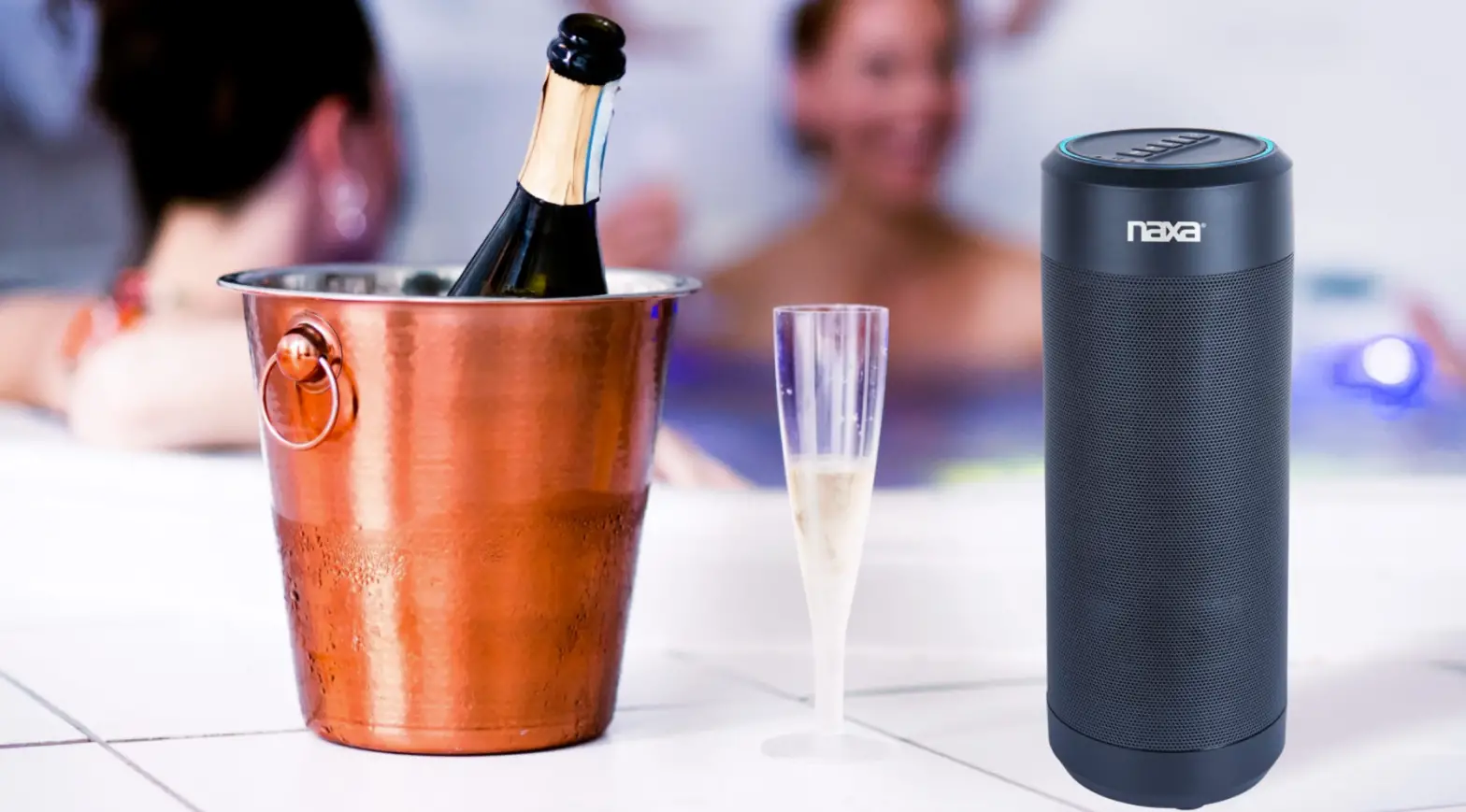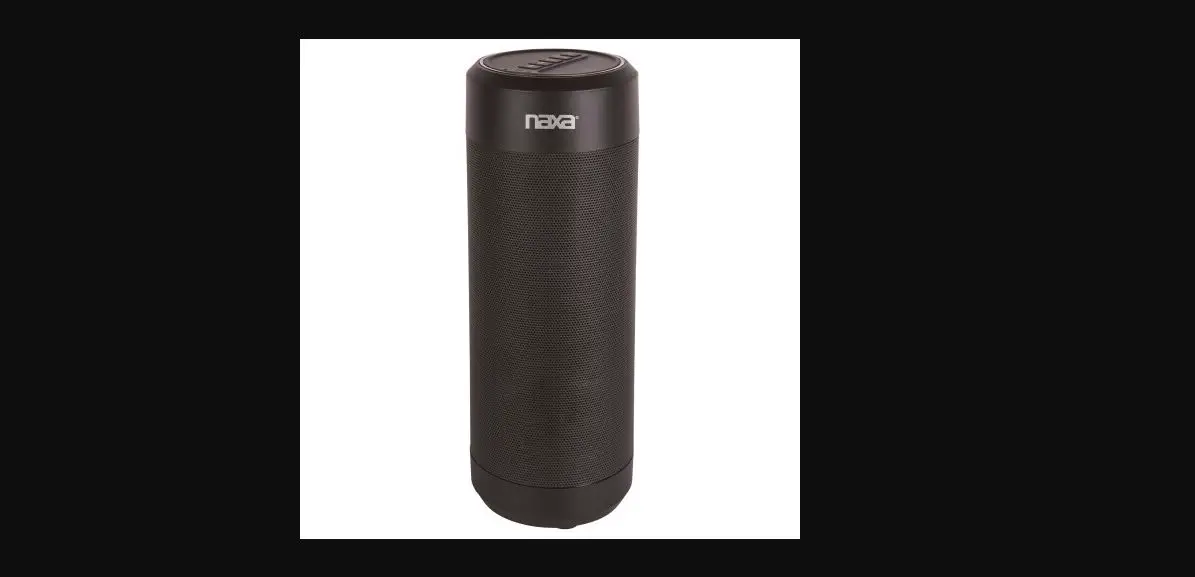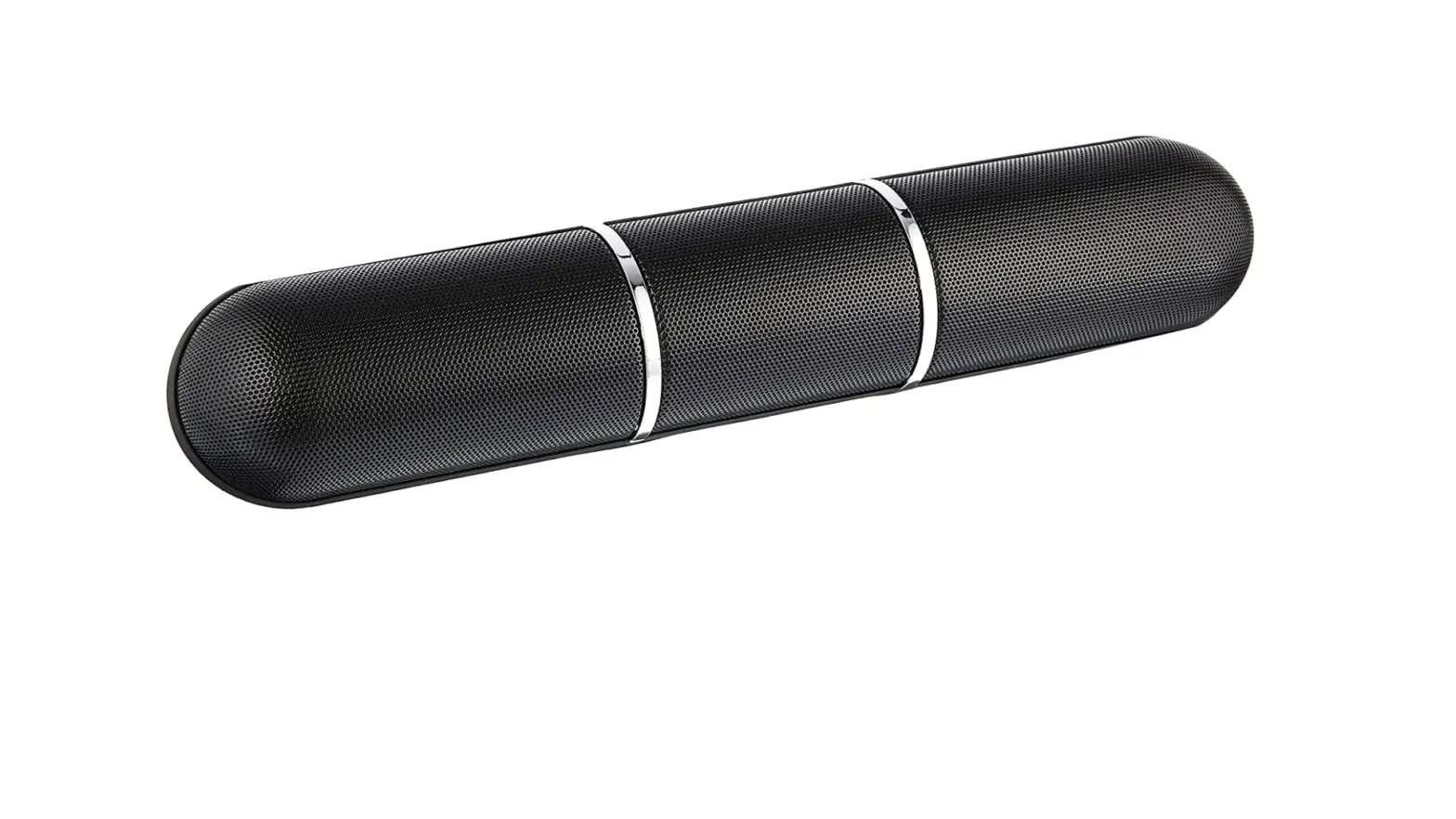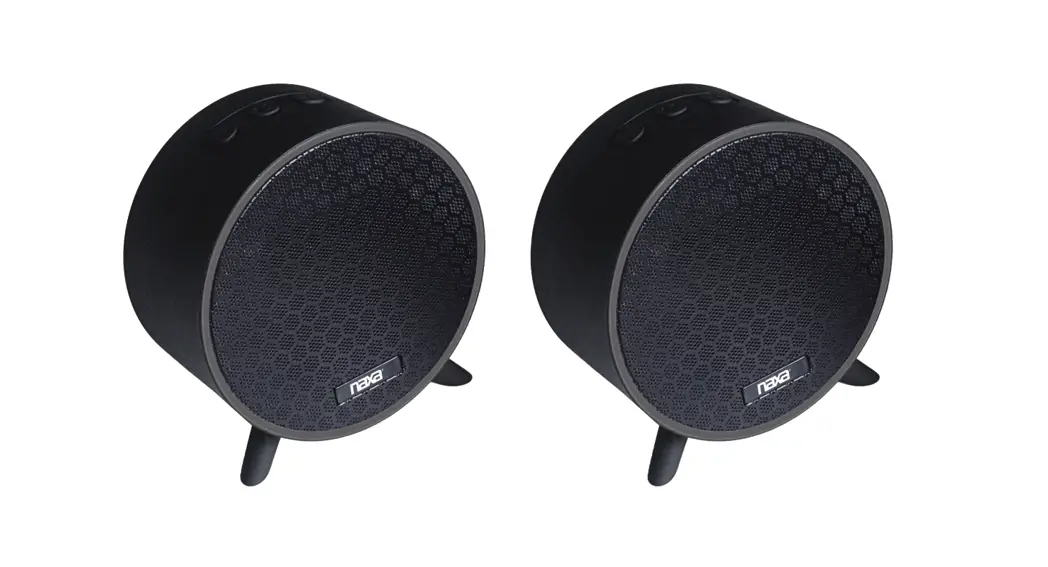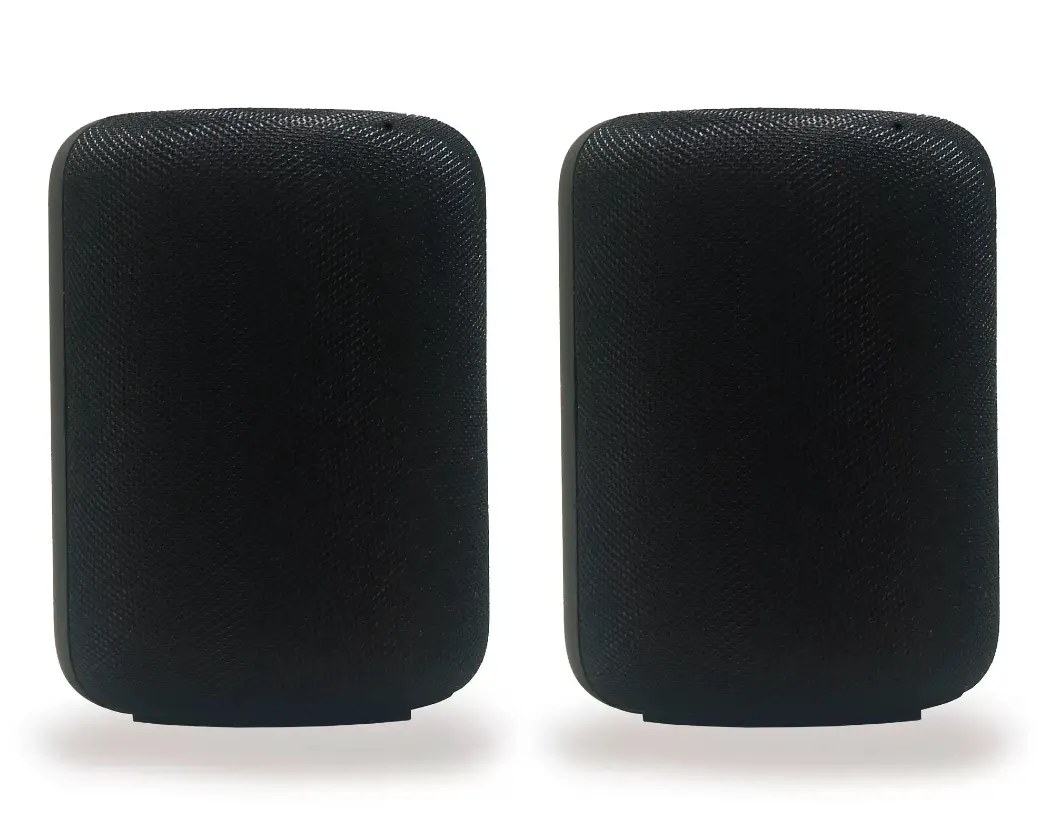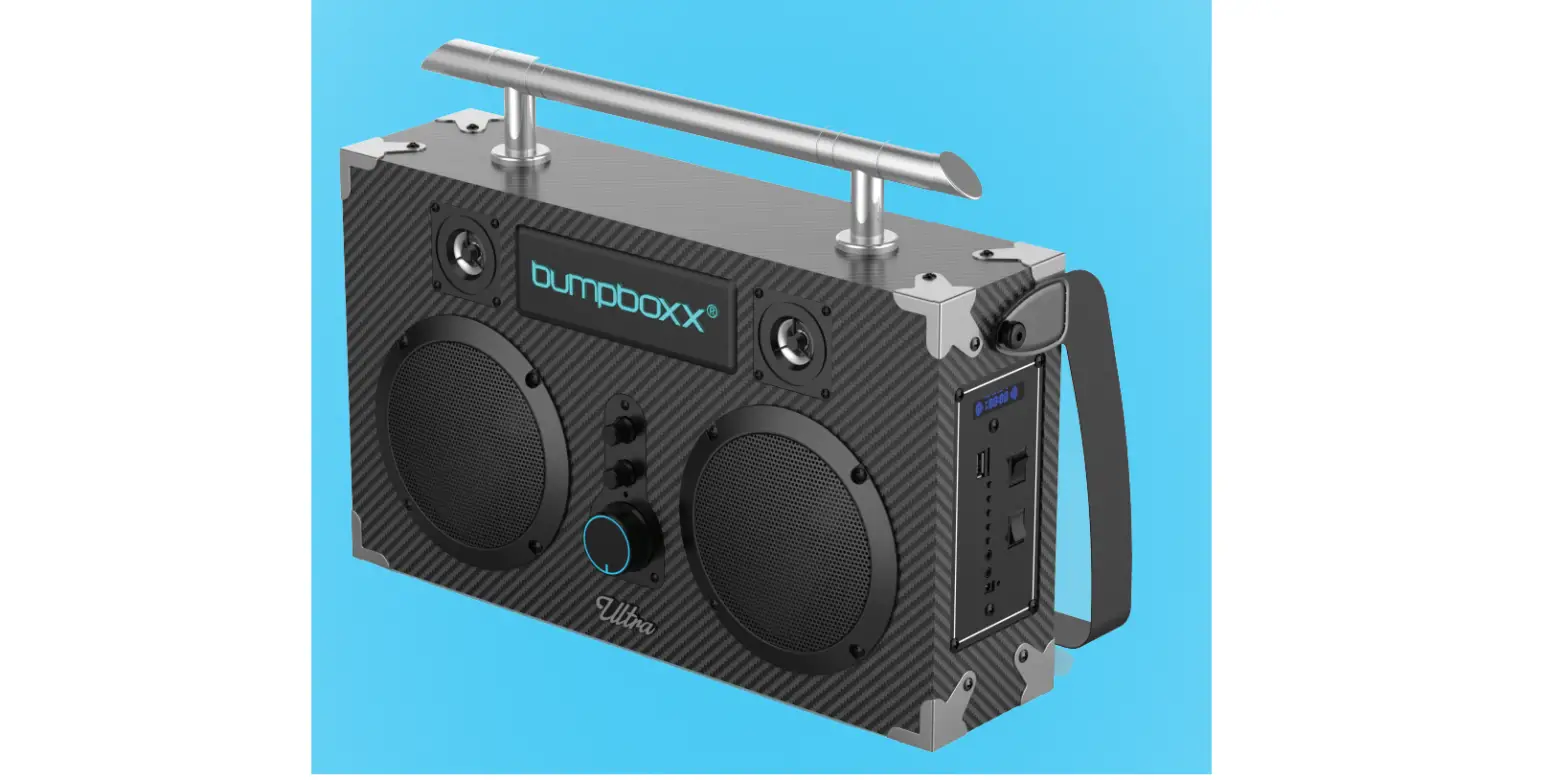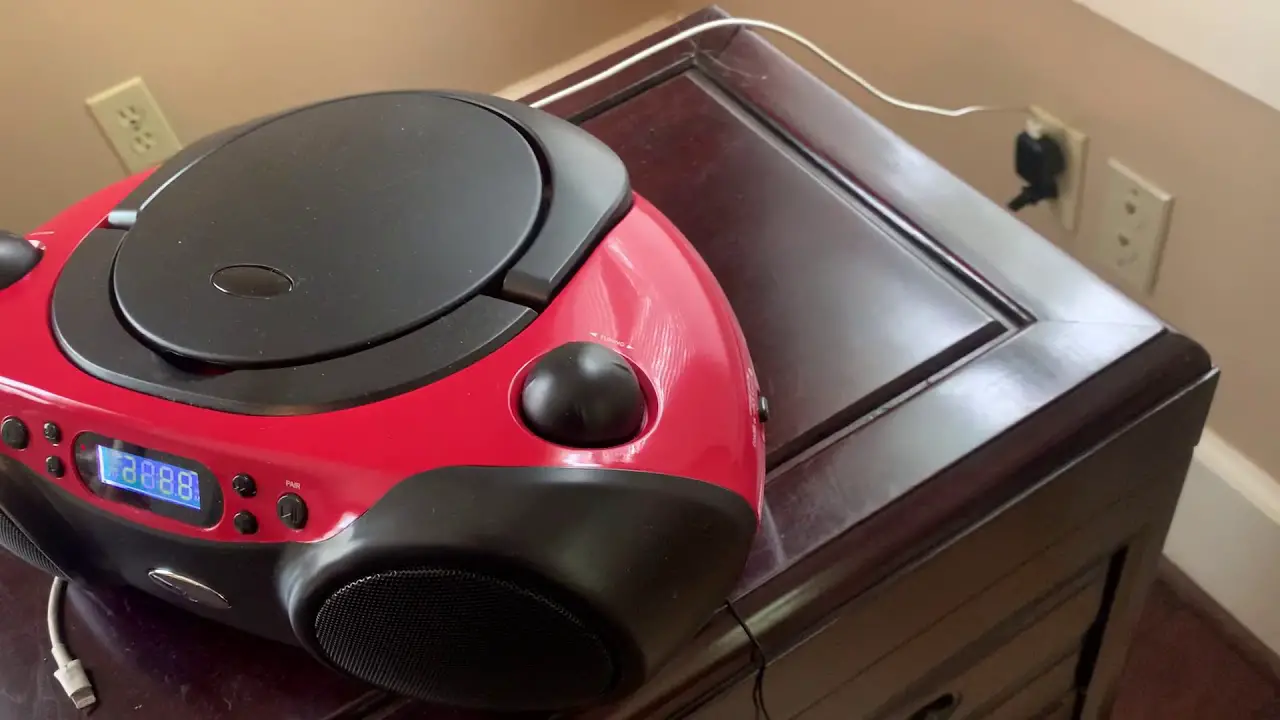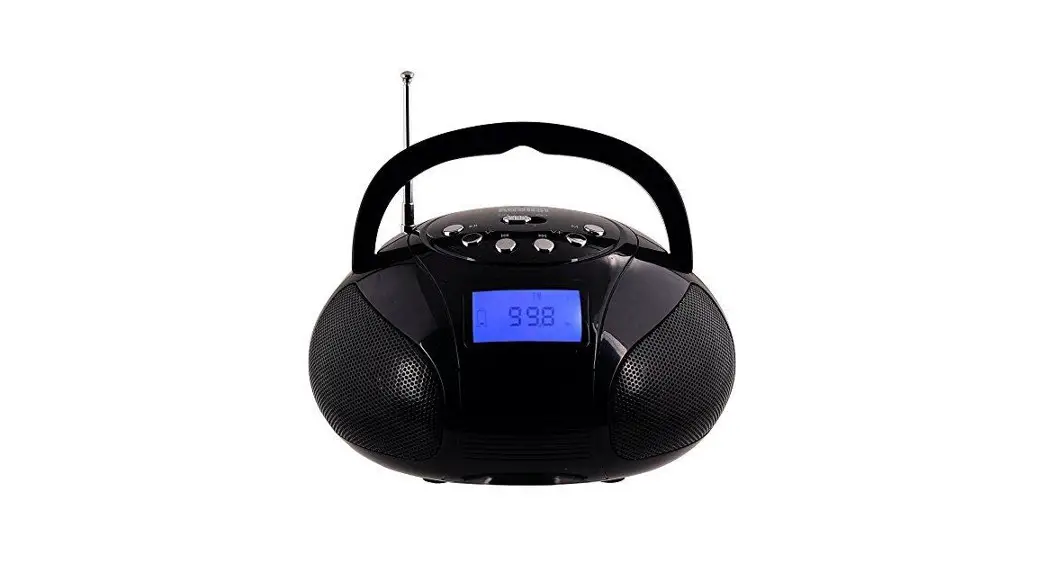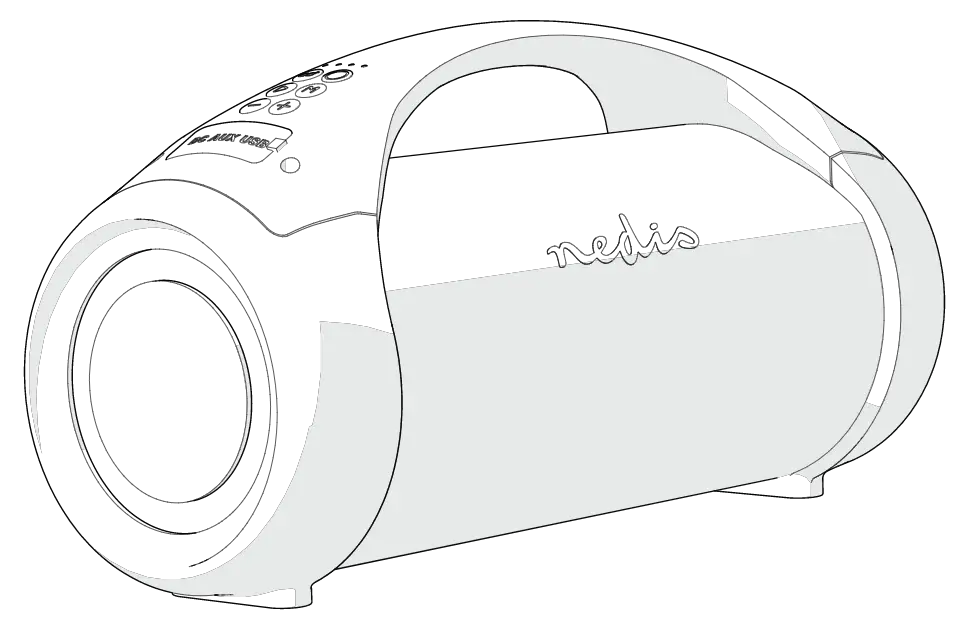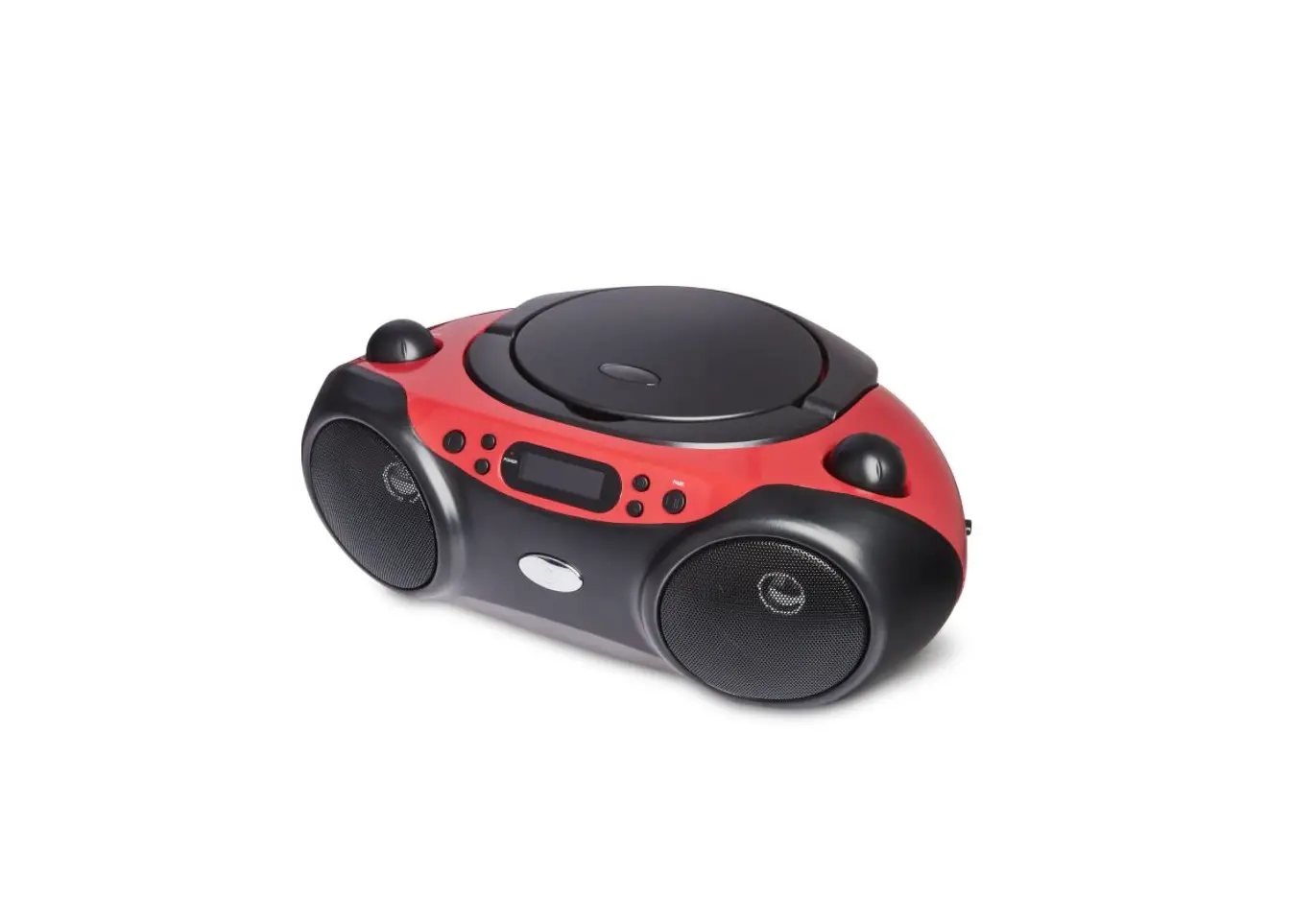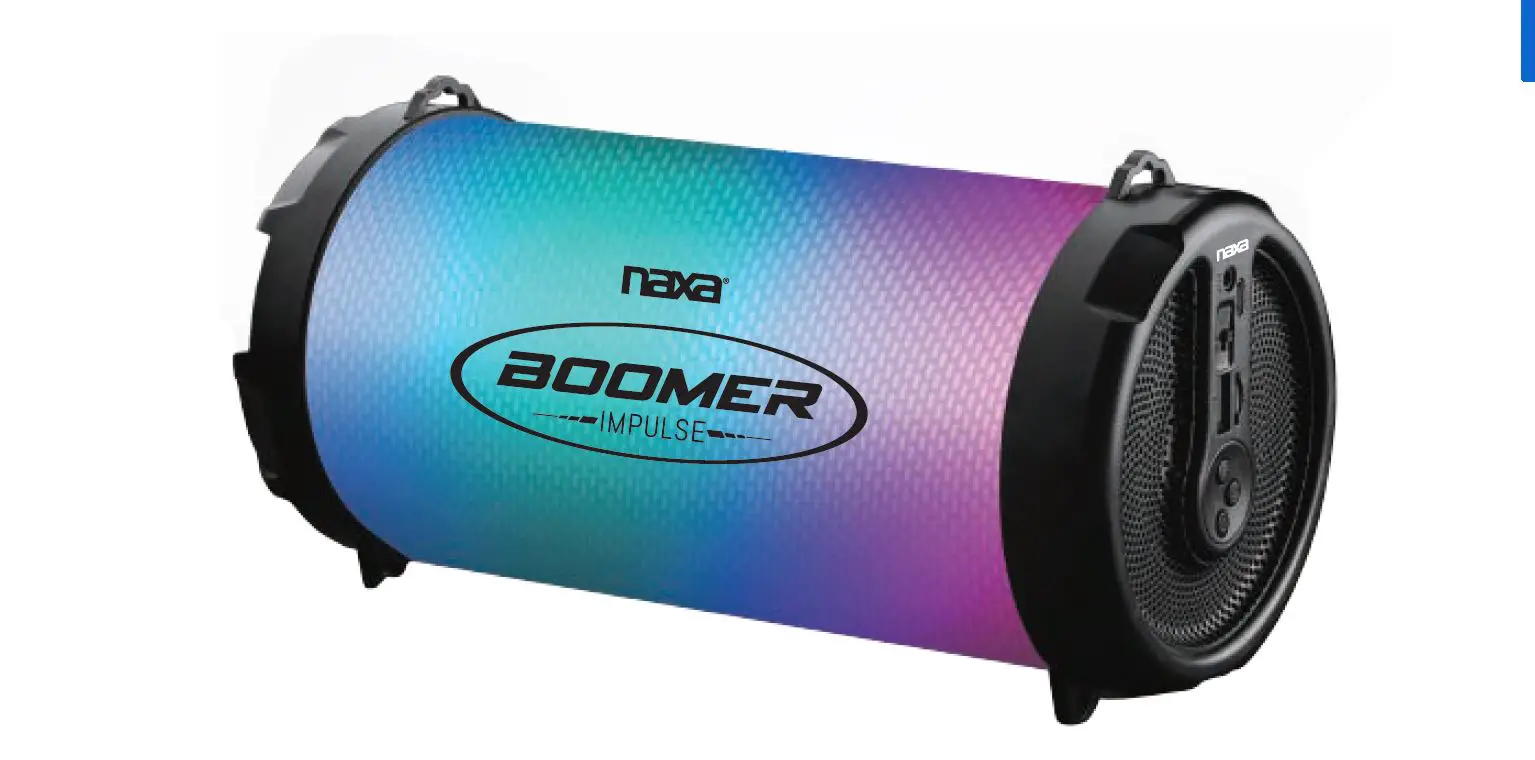

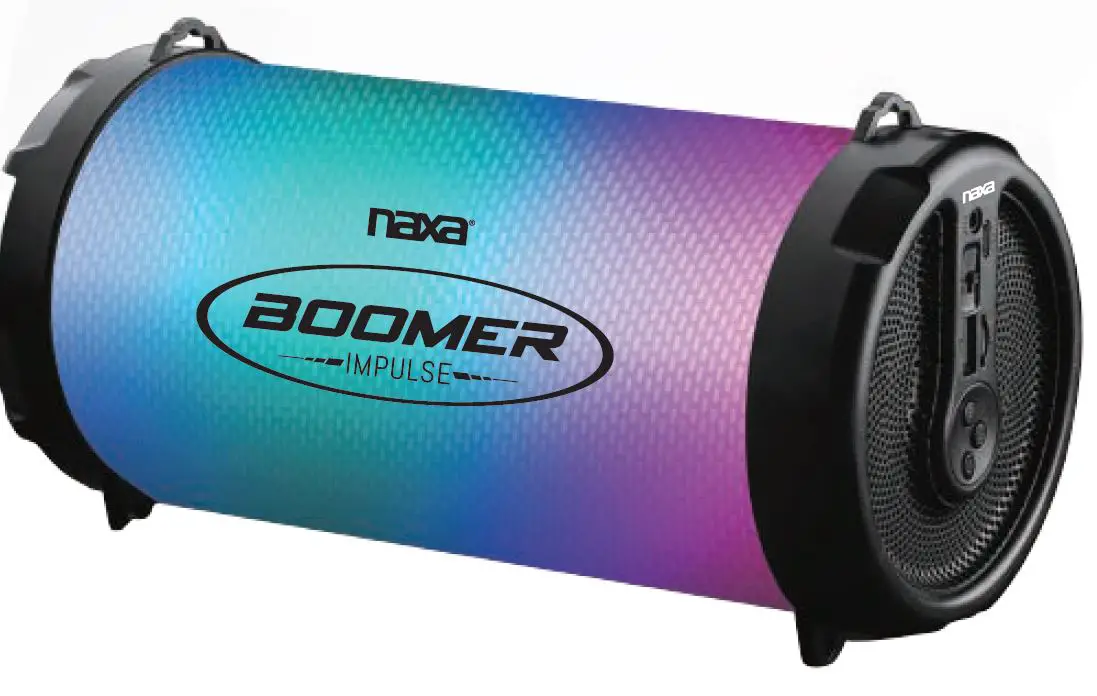
Naxa Electronics NAS-3087 Bluetooth Boombox
Specifications
- Bluetooth Version: 2.1 + EDR
- Subwoofer Size: 247.5°116°127mm
- Speaker Output: 5W
- Playtime: Up to 2 hours ( max volume)
- Charge Voltage: DC 5V (USB)
- Radio Band Coverage: 87.5 – 108 MHz
- Bluetooth Range: 26-33 Feet
- Built-in Rechargeable battery: 3.7V / 800 mAh
Accessories
- 1 x Bluetooth Portable Speaker
- 1 x Owner’s Manual
- 1 x Shoulder Strap
- 1 x USB Charging Cable
- 1 x 3.5 mm AUX cable
Specifications are subject to change without prior notice.
Introduction
The NAXA boom box has LED lighting effects in multiple colors with an on/off switch. It wirelessly streams music from a Bluetooth-enabled laptop, tablet, or smartphone.
plays MP3s directly from micro SD or USB flash devices (32 GB max). It has an aux connection of 3.5 mm. It also has an integrated FM radio.
Important Safety Information
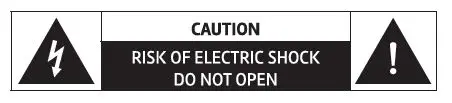
The lightning flash with arrowhead symbol within an equilateral triangle, is intended to alert the user to the presence of uninsulated “dangerous voltage” within the product’s enclosure that maybe of sufficient magnitude to constitute a risk of electric shock to persons. The exclamation point within an equilateral triangle is intended to alert the user to the presence of important operating and maintenance (servicing) instructions in the Literature accompanying the appliance.
WARNING: TO REDUCE THE RISK OF FIRE OR ELECTRIC SHOCK, DO NOT EXPOSE THIS APPARATUS TO RAIN OR MOISTURE.
WARNING: This product contains lead, a chemical known to the State of California to cause cancer and birth defects or other reproductive harm. Wash hands after handling.
- Read these instructions.
- Keep these instructions.
- Heed all warnings.
- Follow all instructions.
- Do not use this apparatus near water.
- Clean only with dry cloth.
- Do not block any ventilation openings. Install in accordance with the manufacturer’s instructions.
- Do not install near any heat sources such as radiators, heat registers, stoves, or other apparatus (including amplifiers) that produce heat.
- Do not defeat the safety purpose of the polarized or grounding-type plug. A polarized plug has two blades with one wider than the other. A grounding type plug has two blades and a third grounding prong. The wide blade or the third prong are provided for your safety. If the provided plug does not fit into your outlet, consult an electrician for replacement of the obsolete outlet.
- Protect the power cord from being walked on or pinched particularly at plugs, convenience receptacles, and the point where they exit from the apparatus.
- Only use attachments/accessories specified by the manufacturer.
- Use only with the cart, stand, tripod, bracket, or table specified by the manufacturer, or sold with the apparatus. When a cart is used, use caution when moving the cart/apparatus combination to avoid injury from tip-over.
- Unplug this apparatus during lightning storms or when unused for long periods of time.
- Refer all servicing to qualified service personnel. Servicing is required when the apparatus has been damaged in any way, such as power-supply cord or plug is damaged, liquid has been spilled or objects have fallen into the apparatus, the apparatus has been exposed to rain or moisture, does not operate normally, or has been dropped.
FCC NOTICE
This device complies with Part 15 of the FCC Rules. Operation is subject to the foUowing two conditions:
- this device may not cause harmful interference, and
- this device must accept any interference received, including interference that may cause undesired operation.
Note: This equipment has been tested and found to comply with the limits for a Class B digital device, pursuantto Part 15 of the FCC Rules. These limits are designed to provide reasonable protection against harmful interference in a residential installation. This equipment generates, uses and can radiate radio frequency energy and, if not installed and used in accordance with the instructions, may cause harmful interference to radio communications. However, there is no guarantee that interference will not occur in a particular installation. If
this equipment does cause harmful interference to radio or television reception, which can be determined by turning the equipment off and on, the user is encouraged to try to correct
the interference by one or more of the following measures:
- Reorient or relocate the receiving antenna.
- Increase the separation between the equipment and receiver.
- Connect the equipment into an outlet on a circuit different from that to which the receiver is connected.
- Consult the dealer or an experienced radio/TV technician for help.
CAUTION ON MODIFICATIONS
Any changes or modifications not expressly approved by the grantee of this device may void the authority granted by the FCC to operate the equipment.
AT A GLANCE
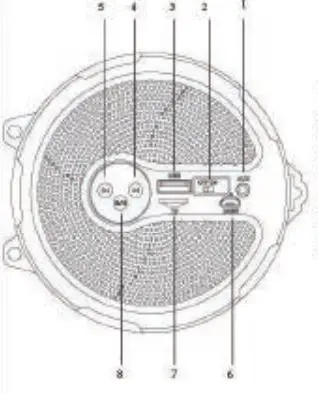
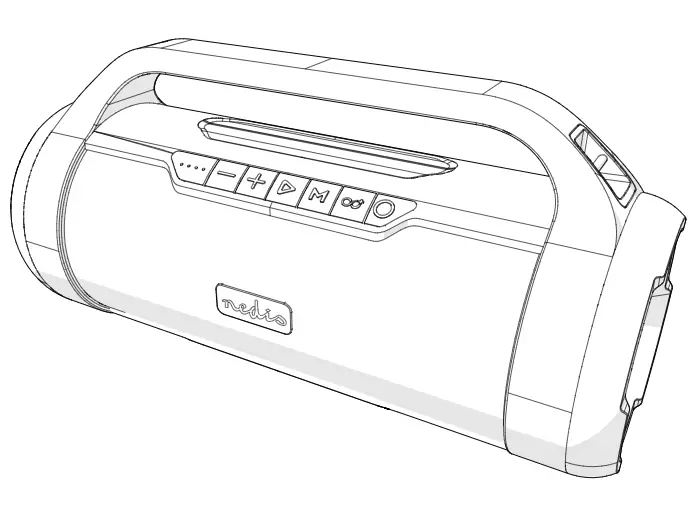
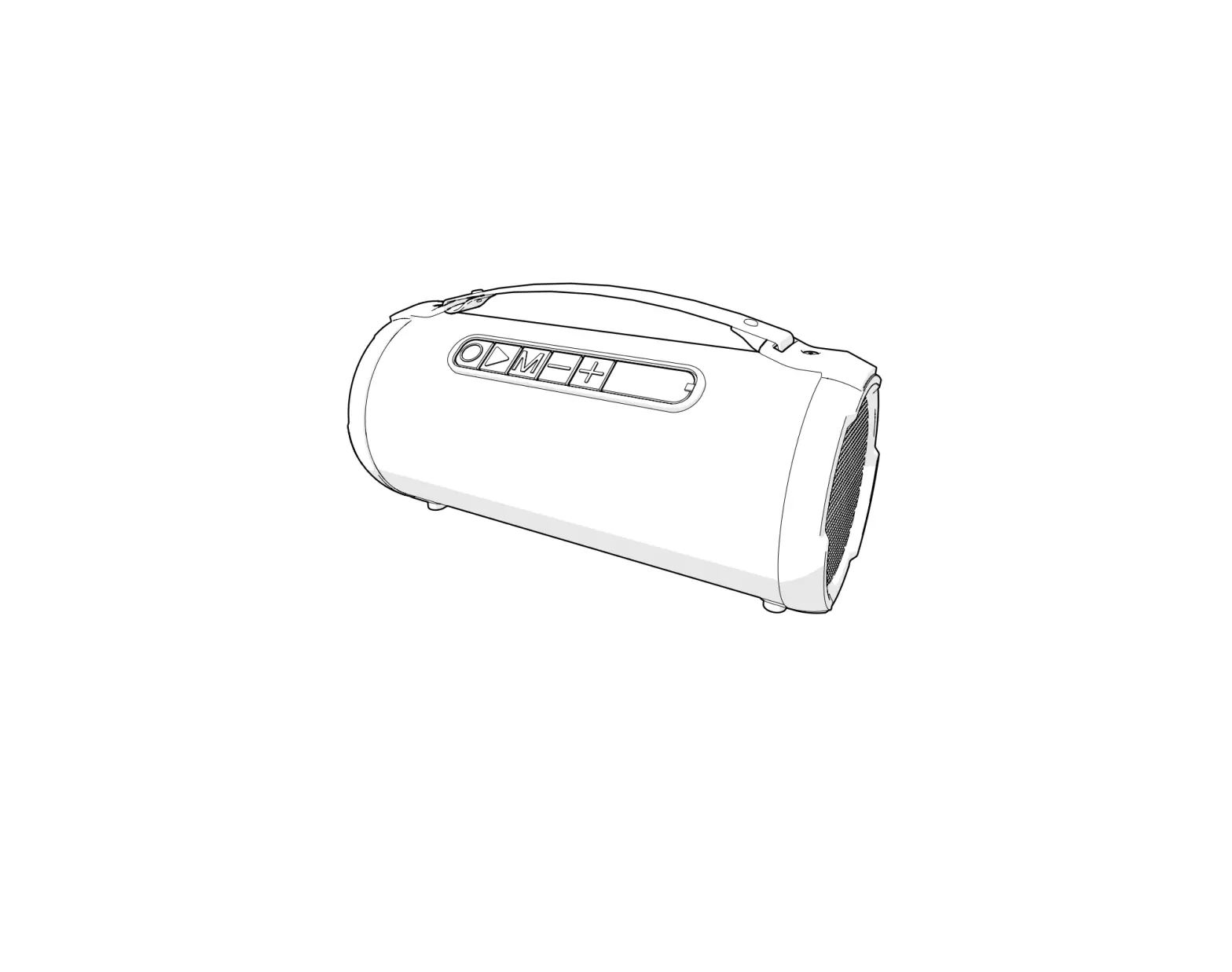
- AUX Port: 3.5 mm AUX port
- ON/OFF Switch: Power ON/OFF switch
- USB Port: USB port to stream music from a flash drive.
- Next Track: Press skip to the next track.
- Volume +: Press and hold to increase the volume.
- Previous: Press to skip to previous track.
- Track or Volume – : Press and hold to decrease the volume.
- DC SV charge: Charge port port
- Micro SD: Card Slot
- Play / Pause, MODE button: Press to Pause or resume playback, Press to switch between inputs
Connecting to Power
Your speaker has an integrated rechargeable battery. Upon initial use, the battery should be fully charged to ensure optimal performance and battery life.
Use the included USB charging cable to connect the speaker to a USB power source to charge the battery.
- Connect the USB charging cable (included) to the DC 5V charging port of the speaker and insert the other end into a USB port on our computer or a similar power source.
- Red LED indicator signifies that the unit is charging. Once the unit is fully charged, the LED indicator wi ll turn off.
In order to extend the Ufe of the battery, please do not charge more than 6 hours. Over charging the speaker can adversely impact the battery life.
Getting Started
Turn ing the Unit On and Off
To turn the unit on, slide the Power ON/OFF to the «ow position.
To turn the unit off, slide the Power ON/OFF to the «OFF” position.
Bluetooth® Mode
Your Bluetooth speaker can wirelessly stream audio from any Bluetooth enabled device within the distance of 26-33 ft. Please follow the steps below to setup connection.
- Turn ON the unit.
- The Blue LED light will flash rapidly indicating your speaker is powered on and in «pairing” mode.
- Enable Bluetooth on your Mobile Phone, Tablet, or Computer.
- Scan for available devices and pair with «NAXA NAS-3087″.
- If your device requires a password, please enter “0000” to confirm the pairing process.
- You will hear a tone once you have paired successfully and the Blue LED light will remain on steady.
- If pairing was unsuccessful, please repeat the steps above.
AUX IN Mode
Connect devices without Bluetooth® by using the AUX connection. A 3.5mm stereo mini patch cable is required to make this connection.
- Turn ON the unit.
- Press the MODE button to select the AUX input.
- Select your favorite song on your source player and begin playback.
Once the AUX cable is connected to a Bluetooth device and speaker, music through Bluetooth will be stopped. Media and volume control can only be controlled through the source device while in AUX playback.
Using USB & Card Mode
Install a USB drive or MicroSD card and music will automatically begin playback.
- Turn ON the unit.
- Insert a USB flash drive or a MicroSD card in the slot and music will automatically begin playback.
- Press Skip Forward or Skip Backward to switch between your tracks.
- Press the Play/Pause button to Pause or resume playback.
Listening to FM Radio
- Turn ON the unit.
- Press the MODE button until you hear the FM Radio input.
- Short press the MODE button for searching and recording preset radio station within the frequency range of 87.5-108Mhz.
- Short press the reverse and forward buttons to listen to the next and previous preset radio stations.
- Long press the reverse and forward buttons to adjust the volume up or down.
While playing the FM Radio, plug in the micro USB cable (included) into the micro USB port for better reception. This cable serves as an antenna and enhances FM stations near you.
NOTES
Press the MODE: button to switch between different inputs on the unit. The inputs are as follows:
Bluetooth I USB – MicroSD I FM I AUX IN. When the unit is not in use, please turn off the unit to save battery life. Do not overcharge the unit. Every charge should not exceed 6 hours.
Troubleshooting Guide
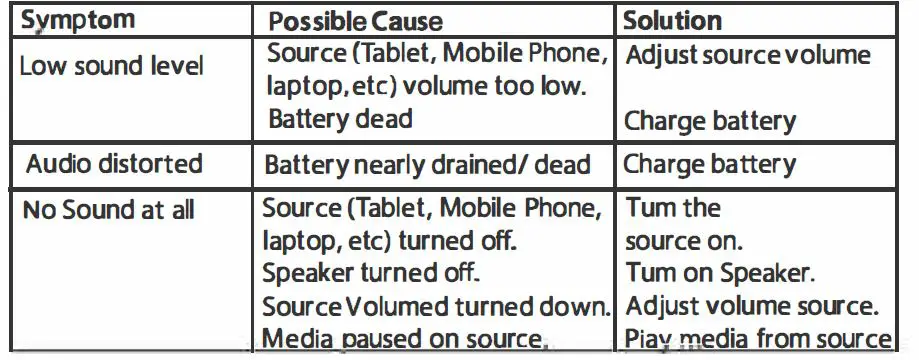
This guide Lists common problems and their solutions. Please refer to this guide before requesting service. If you need further assistance, please contact Naxa Technical Support @ ww.naxa.com/naxa_support
FAQs
A boombox is a device typically capable of receiving radio stations and playing recorded music (usually cassettes or CDs usually at a high volume). Many models are also capable of recording onto cassette tapes from radio and other sources. In the 1990s, some boomboxes were available with minidisc recorders and players.
Original boomboxes aren’t being produced anymore and can be expensive to buy secondhand, but that doesn’t mean you’re out of luck. We’ve found some great boomboxes that can do way more than just play cassettes. You’ll get the retro vibes you crave, and much more, without breaking the bank.
JBL Boombox 2 – Portable Bluetooth Speaker, Powerful Sound, and Monstrous Bass, IPX7 Waterproof, 24 Hours of Playtime, Powerbank, JBL PartyBoost for Speaker Pairing, Speaker for Home and Outdoor(Black)
The modern-day boomboxes, unlike what they used to be in the 1980s, are more like a portable music players, usually with a cassette-tape recorder/player and music as loud as a home audio system. They are called by several aliases such as a jambox, a ghetto blaster or a boom blaster.
Before portable speakers, before the iPod, before the Walkman and MP3 players, there was the boombox. The name of the portable, battery-operated radio/cassette player was partly due to its heavy, box-like aesthetic, and it’s bass enhancing power speakers (boom).
Yes, of course! If your CD player has an auxiliary output, you can connect it to our JBL Boombox using a 3.5mm aux cable
A large, powerful portable radio and tape or CD player. Alternative spelling of boom box
Put down your vinyls records and dust off those long-forgotten plastic binders, because CDs are making a resurgence. CD sales in the US increased in 2021 for the first time in 17 years, according to the annual sales report published by the Recording Industry Association of America.
Boomboxes aren’t necessarily known for their superior sound quality, which is why we’re so impressed with this Sony model. In particular, the “mega bass” stereo sound feature enhances low-frequency bass tones — basically a necessity for full enjoyment of certain musical genres like hip-hop and EDM
Hardly any new cars come with CD players any more, because they’ve been replaced by newer music playing options, such as Apple CarPlay and Android Auto, which let you use many of the apps on your smartphone via the car’s infotainment system, so you can play music that you’ve stored on your phone or connect to a Spotify