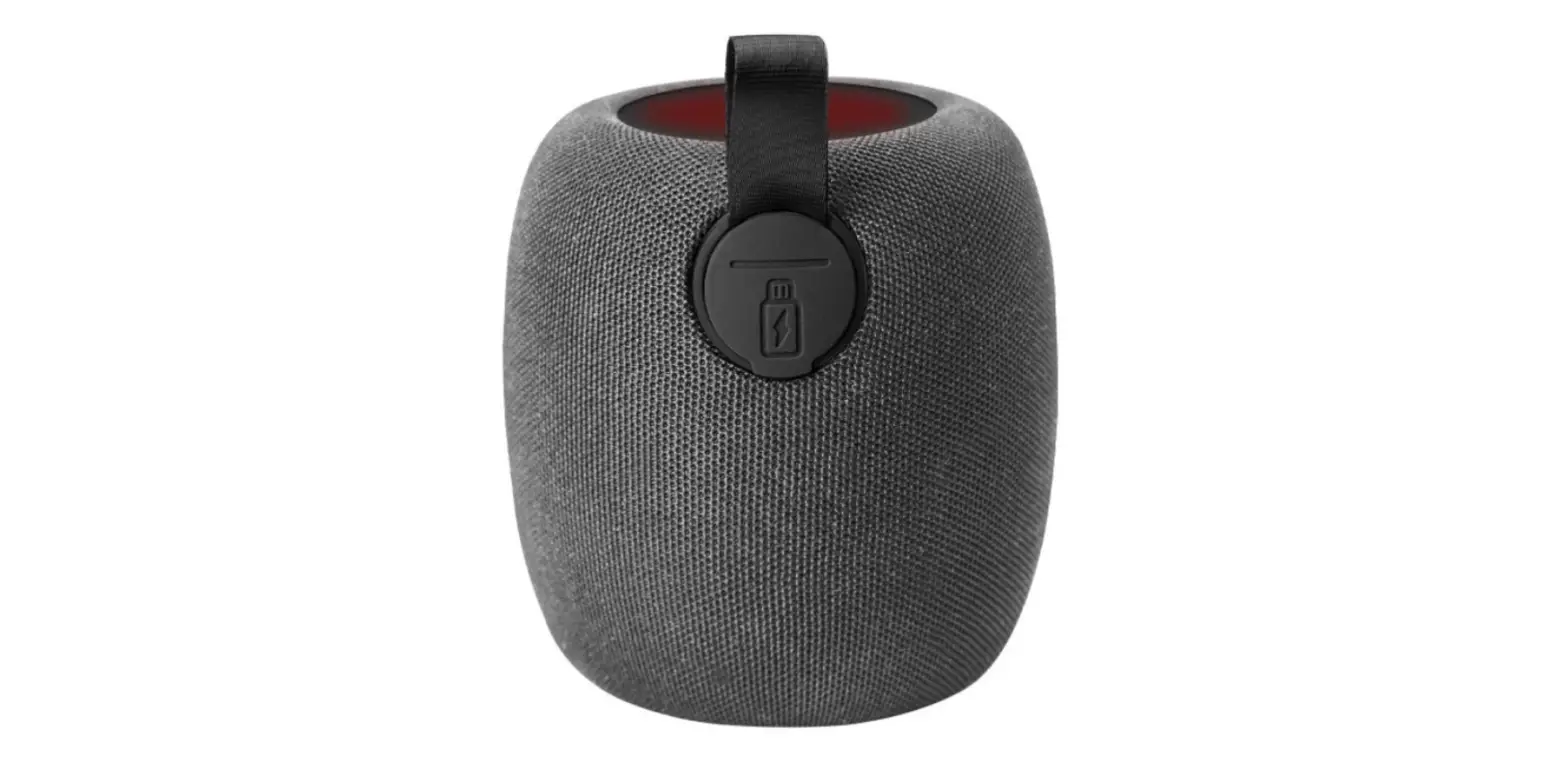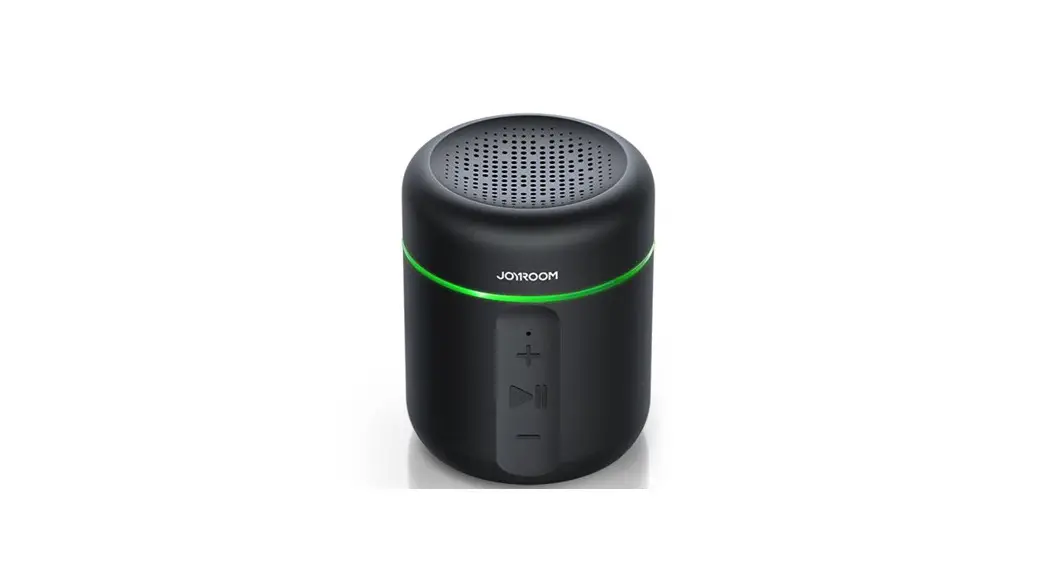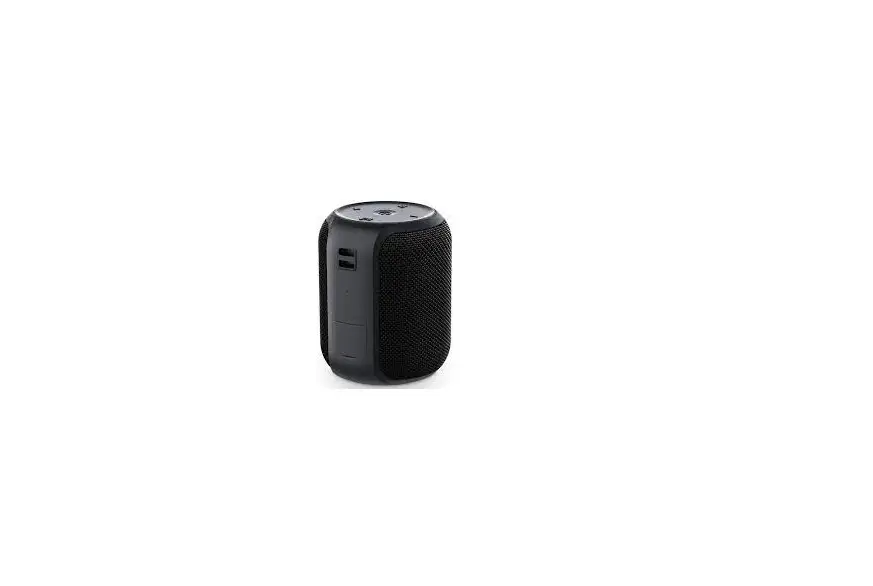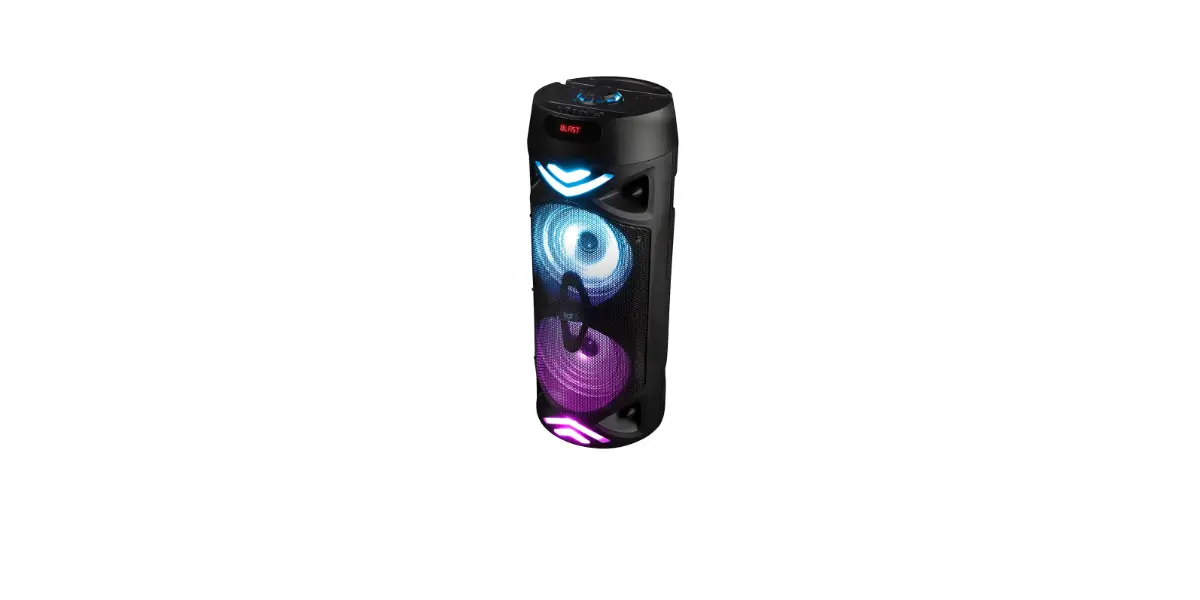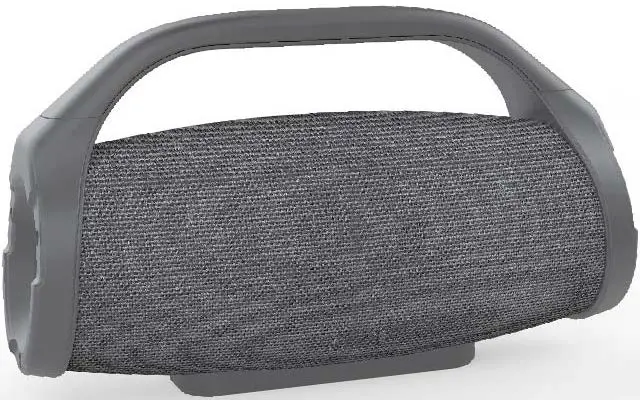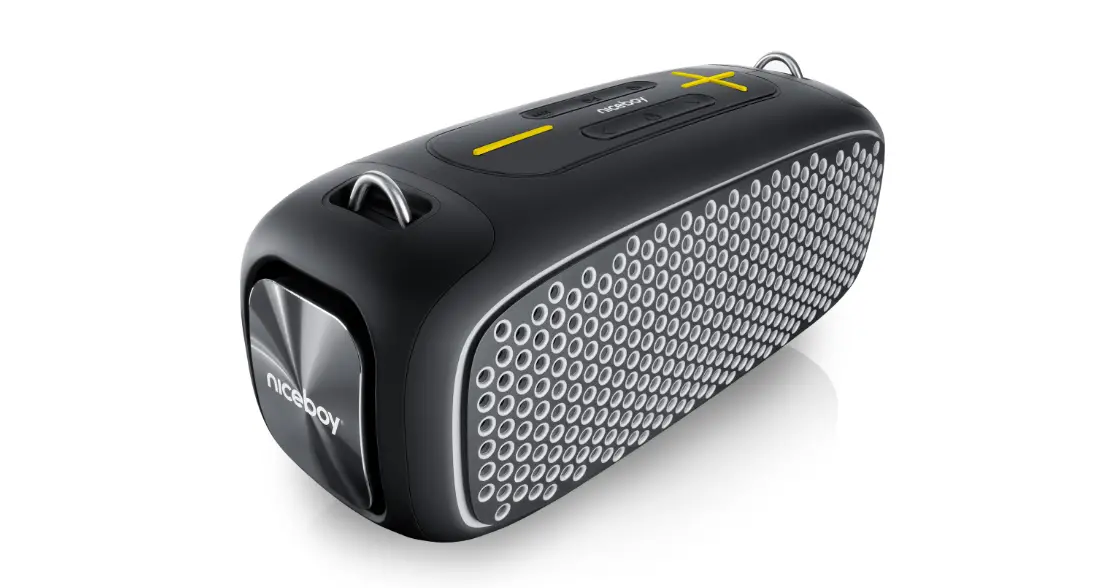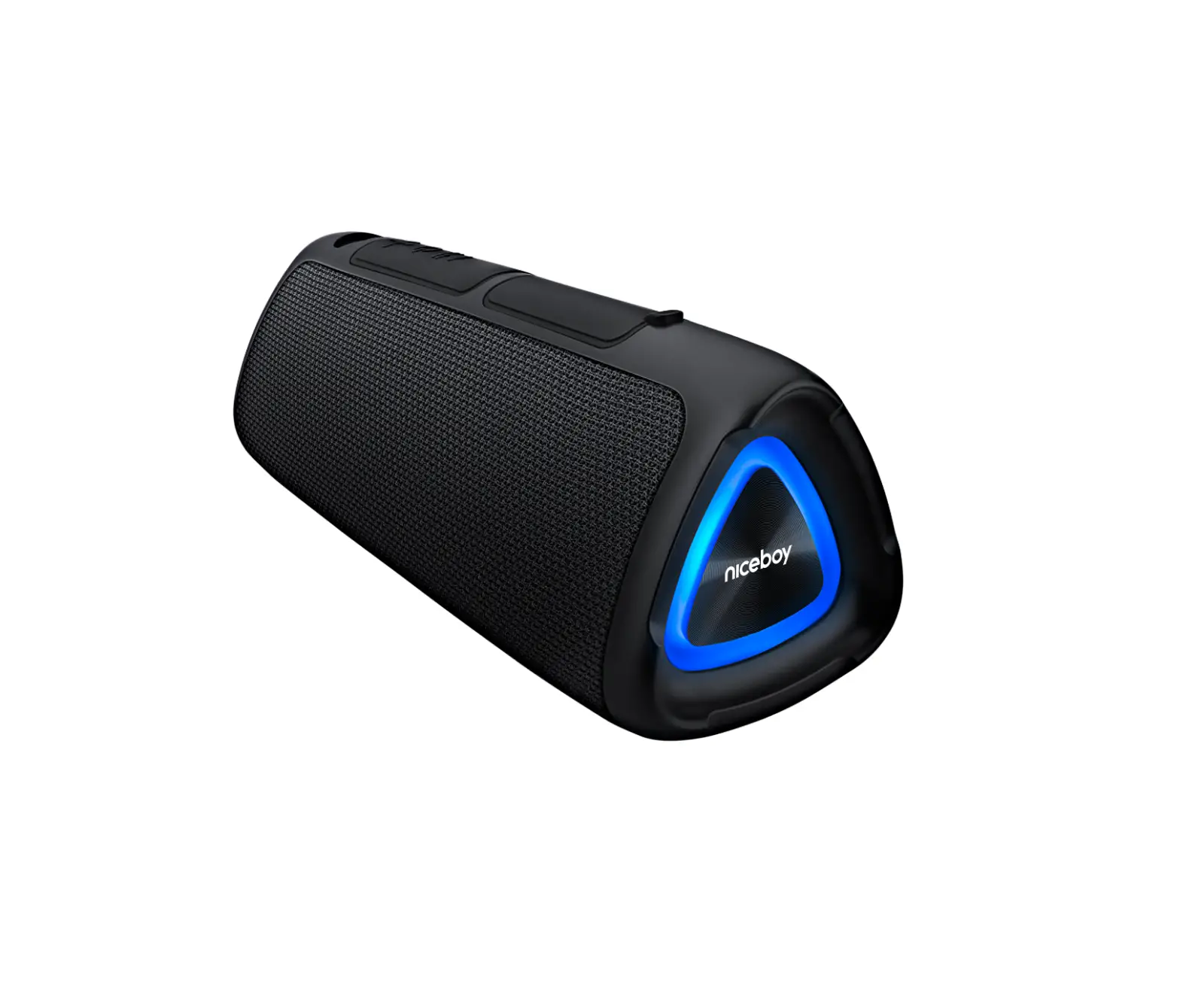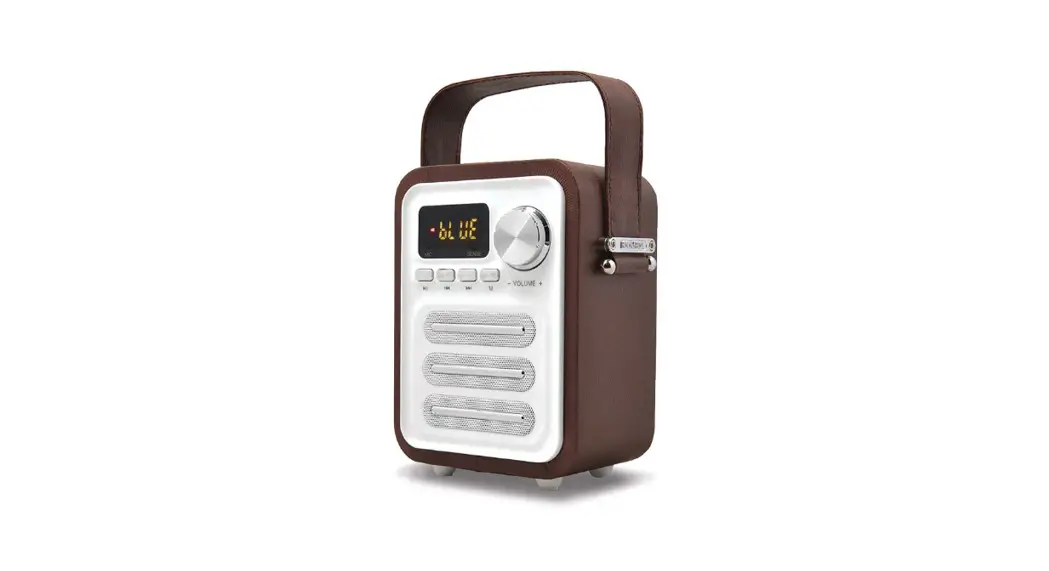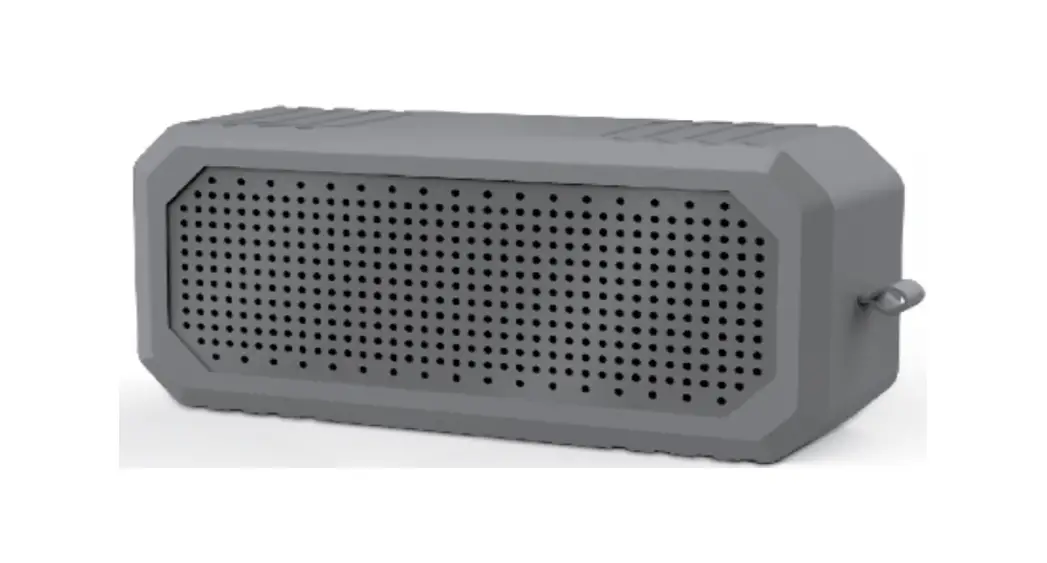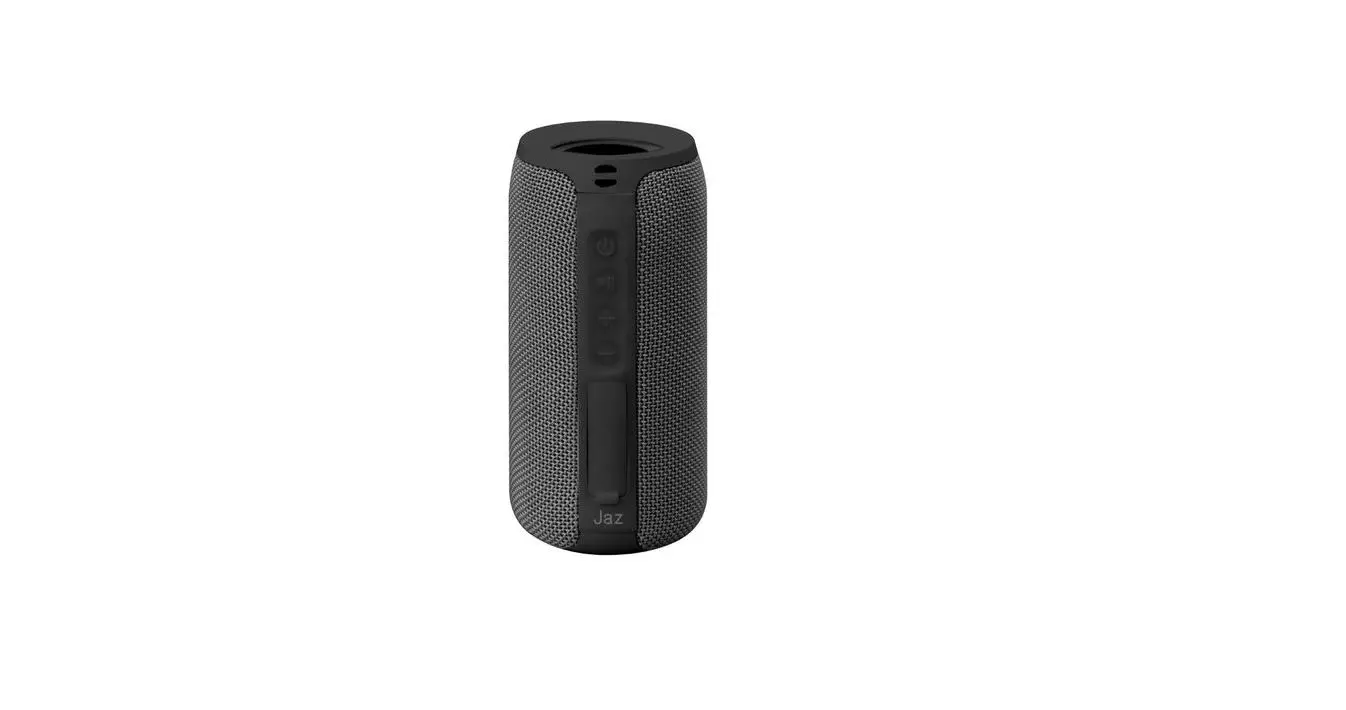

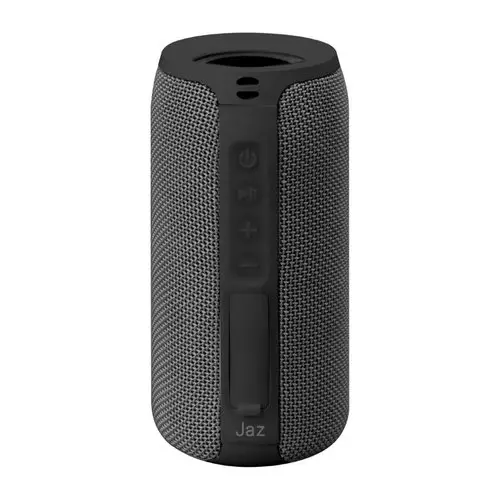
JAZ WIZARD 10 Wireless Speaker
SPECIFICATION
- Wireless: 5.0
- Working range: 10 m
- Power input : 5 V D.C. 1A
- Speaker power: 5W*2
- Radio frequency: 2.4GHz
- Impedence: 4Ω
- Frequency: 100 Hz-15 kHz
- Battery capacity: 1800mAh
- Standby time: 30 days
- Charge time: 2.5 hours
- Working time: 5 hours
INSTRUCTION MANUAL
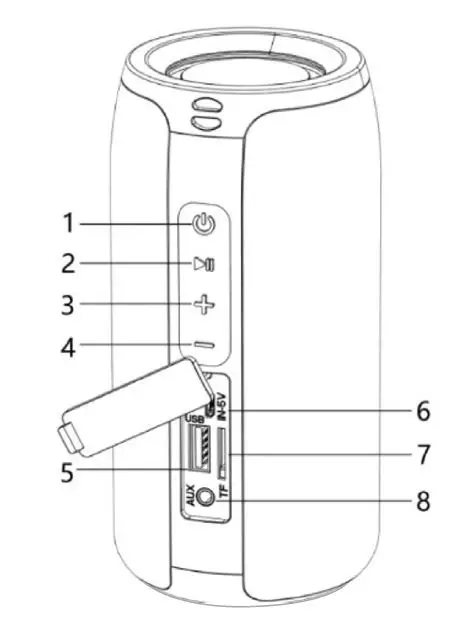
- ON/OFF button
- Play/Pause + Answer/Resume
- Previous track + Volume up
- Next track + Volume down
- USB flash drive socket
- Charging socket
- TF card slot
- AUX connector
Recharge the speaker: insert the cable provided into the socket(6) and the red LED will light up. When fully charged, the LED will turn off. Turning on the speaker: press the button (1) for a few seconds, then hold down for two seconds to select Bluetooth® or AUX mode.
Pairing Bluetooth®: to pair the speaker with a Bluetooth device, hold down the ON/OFF button (1) for about two seconds; a voice message will confirm Bluetooth® activation and the LED will quickly flash blue at the same time. The speaker will now be visible as ‘JAZ WIZARD 10’ on your smartphone: if prompted, enter the password 0000. Once the connection has been made, the blue LED will stay on. The blue LED will flash slowly during playback.