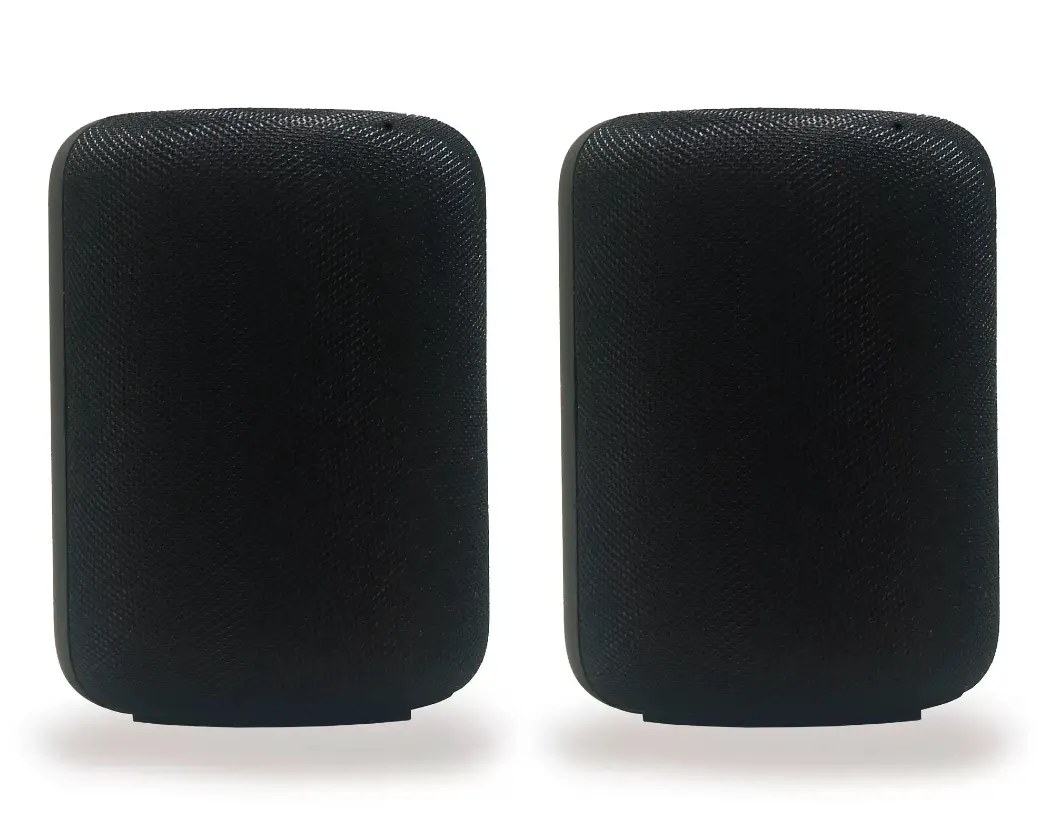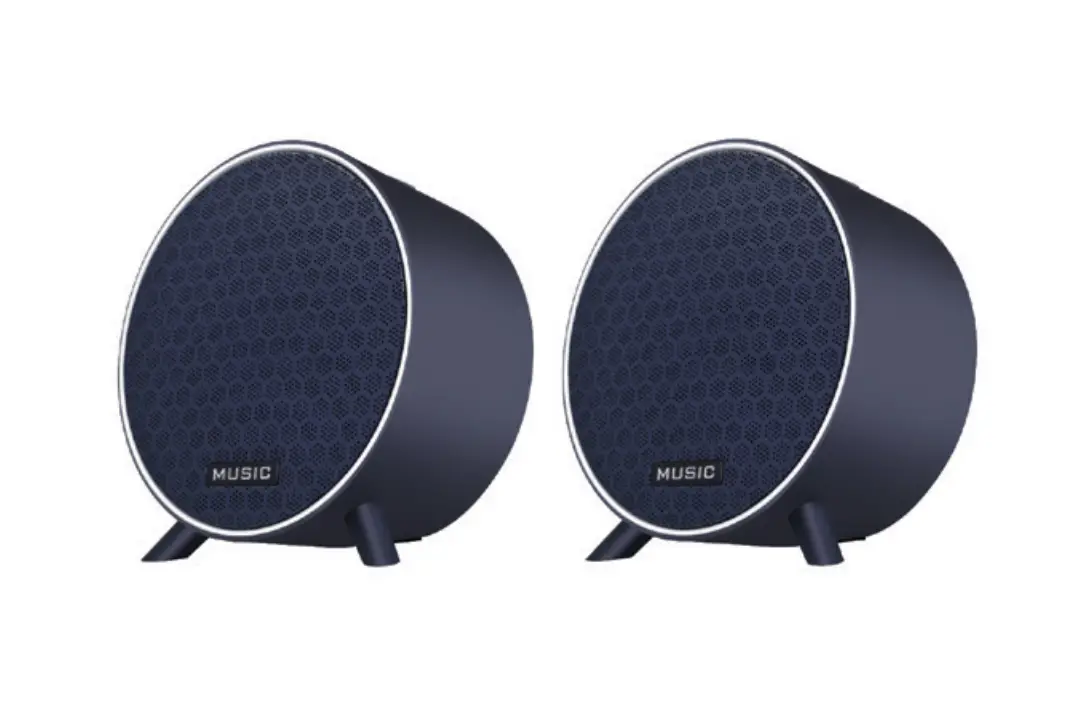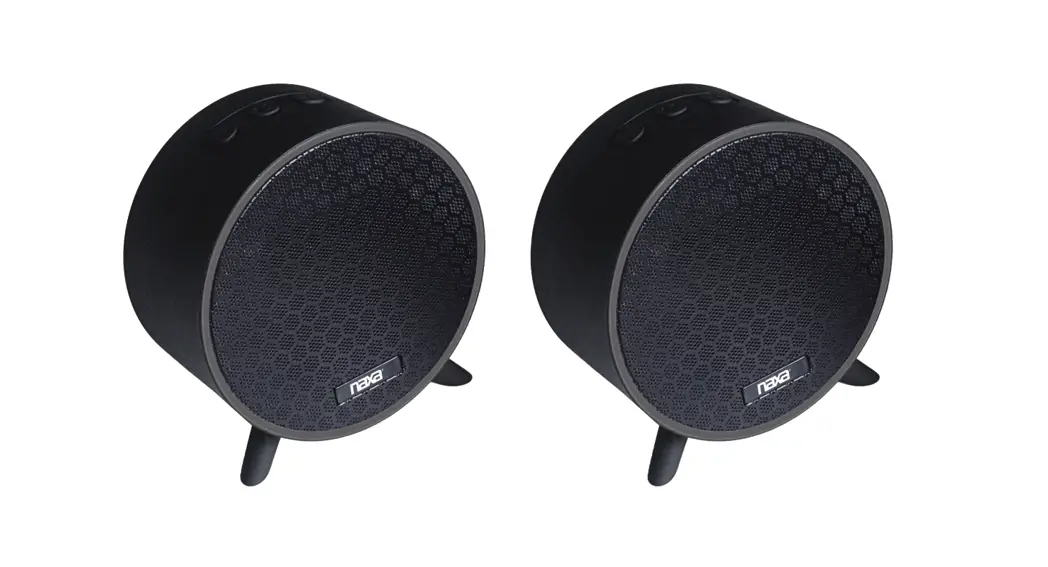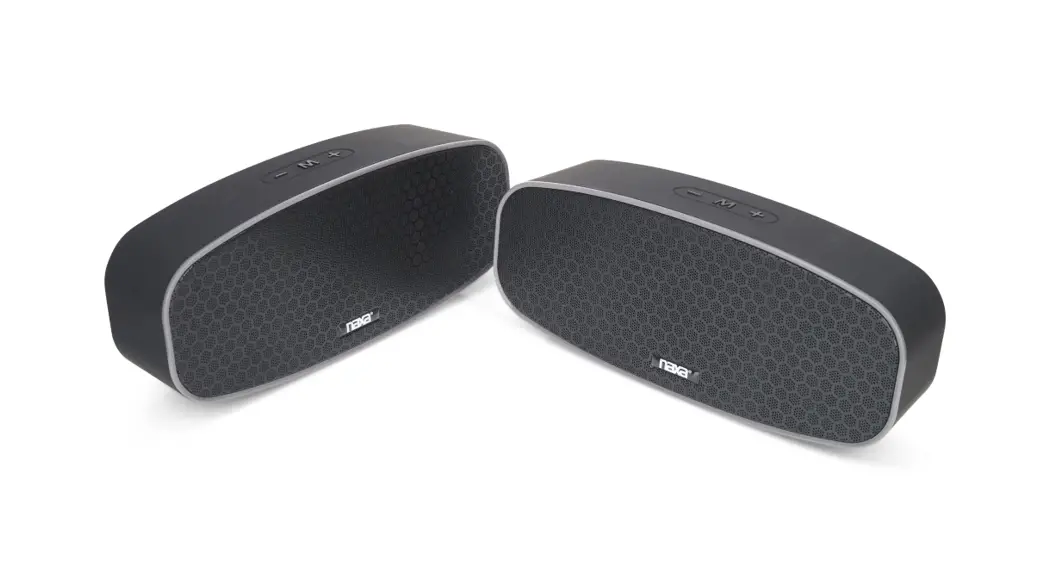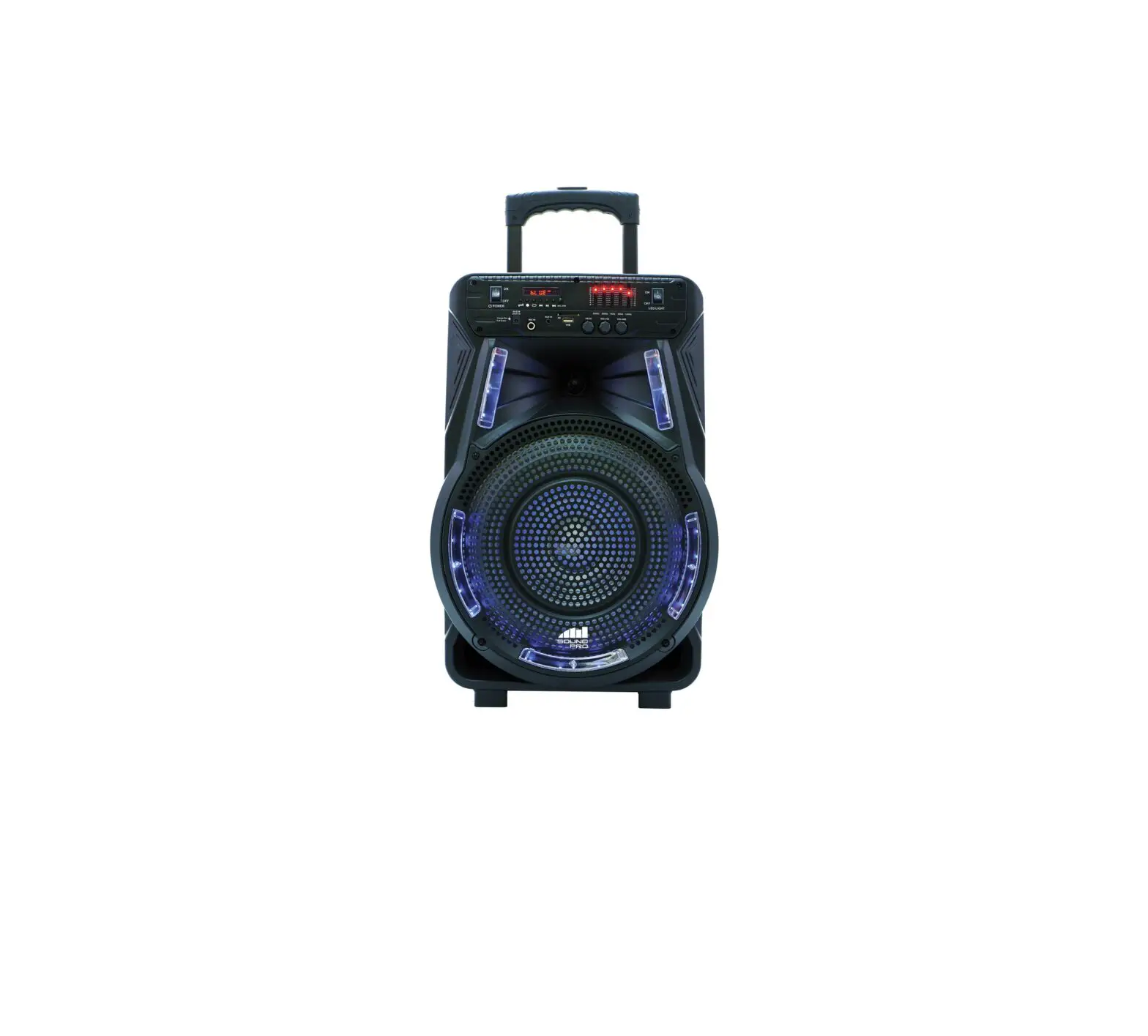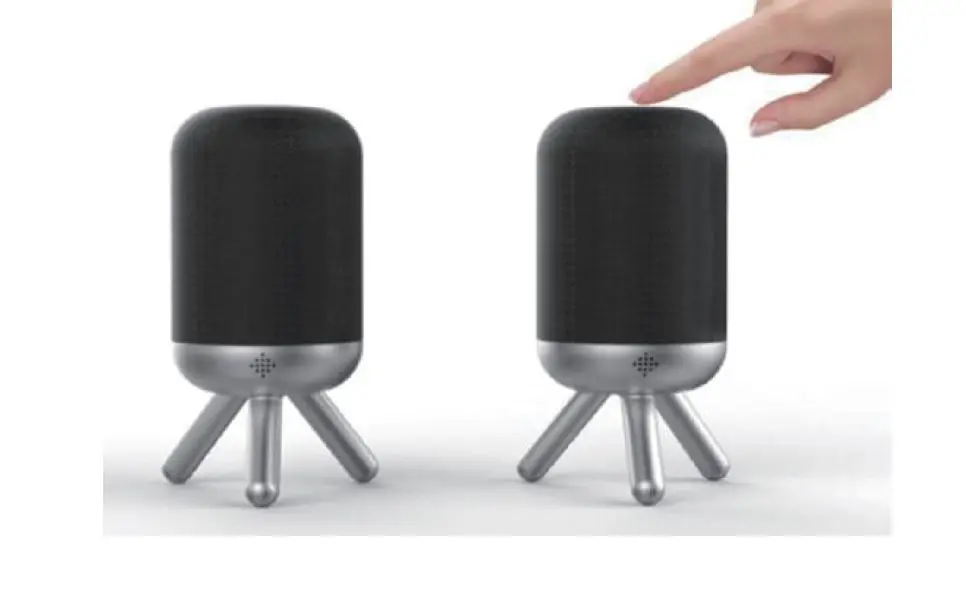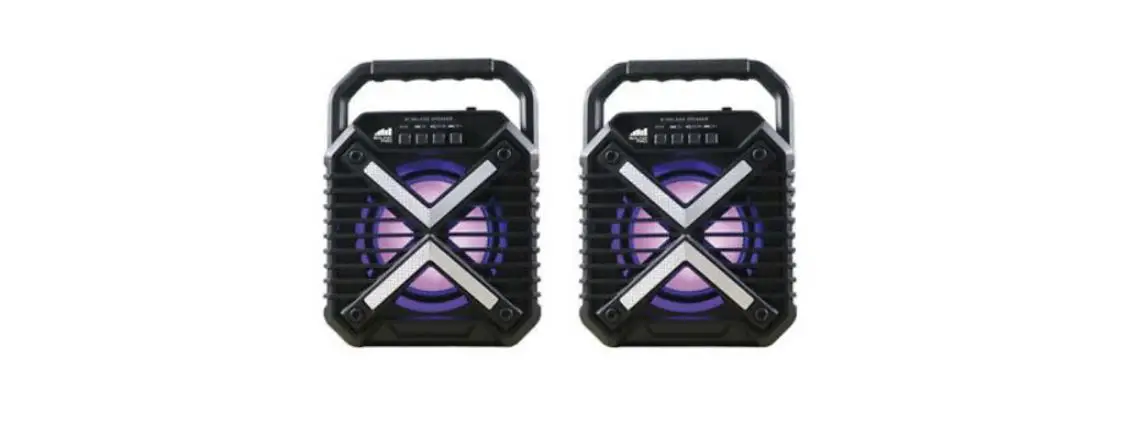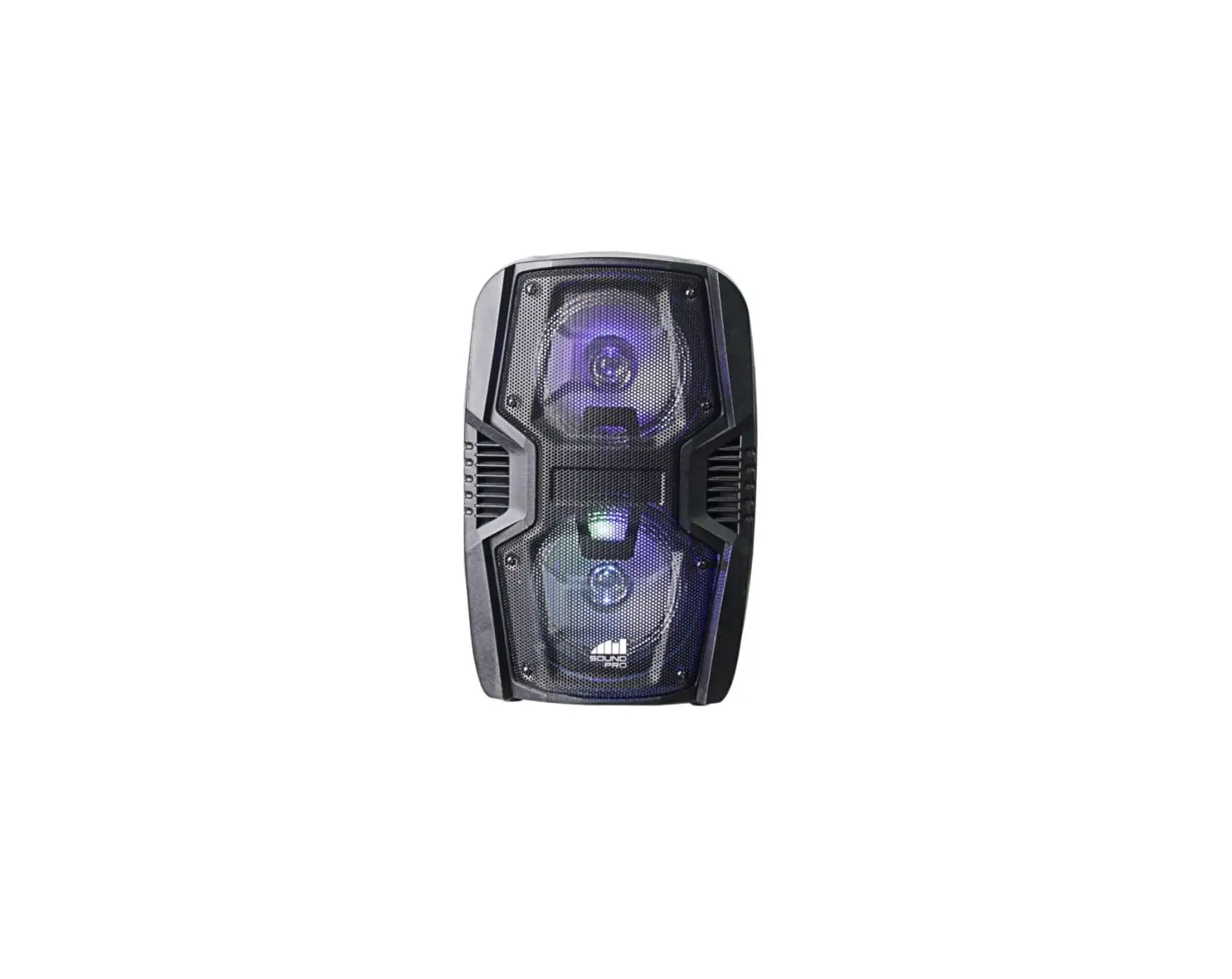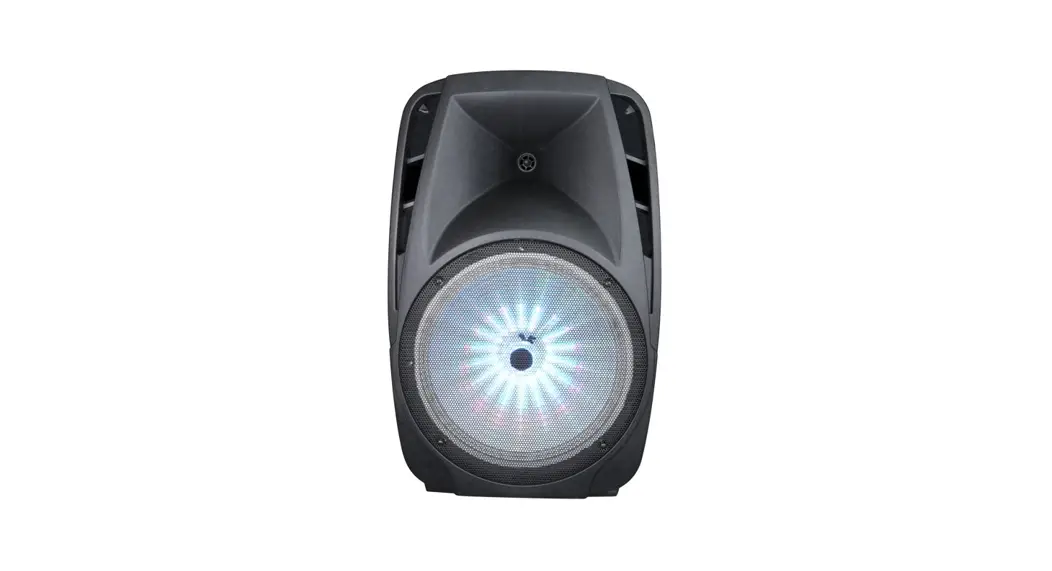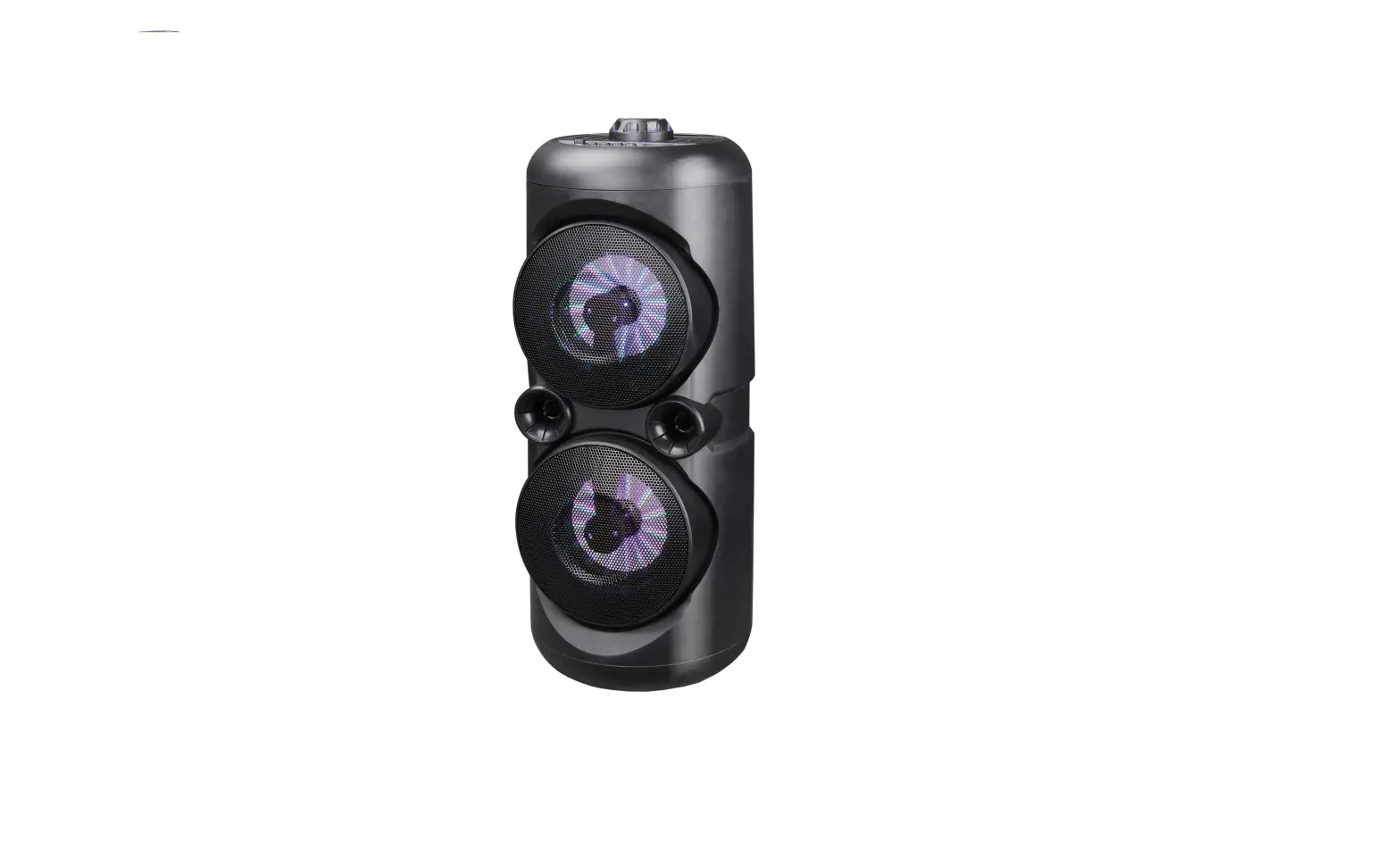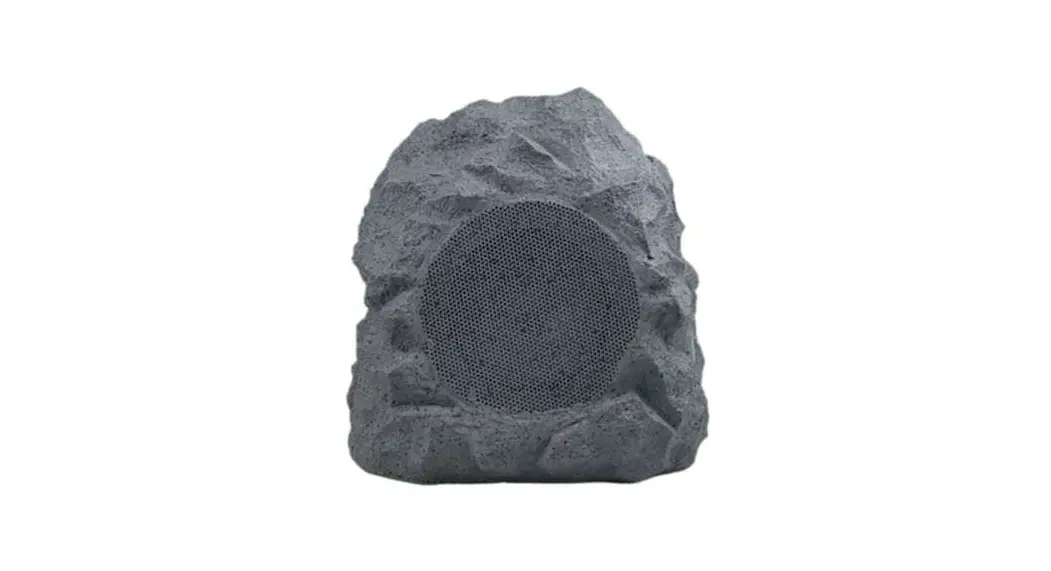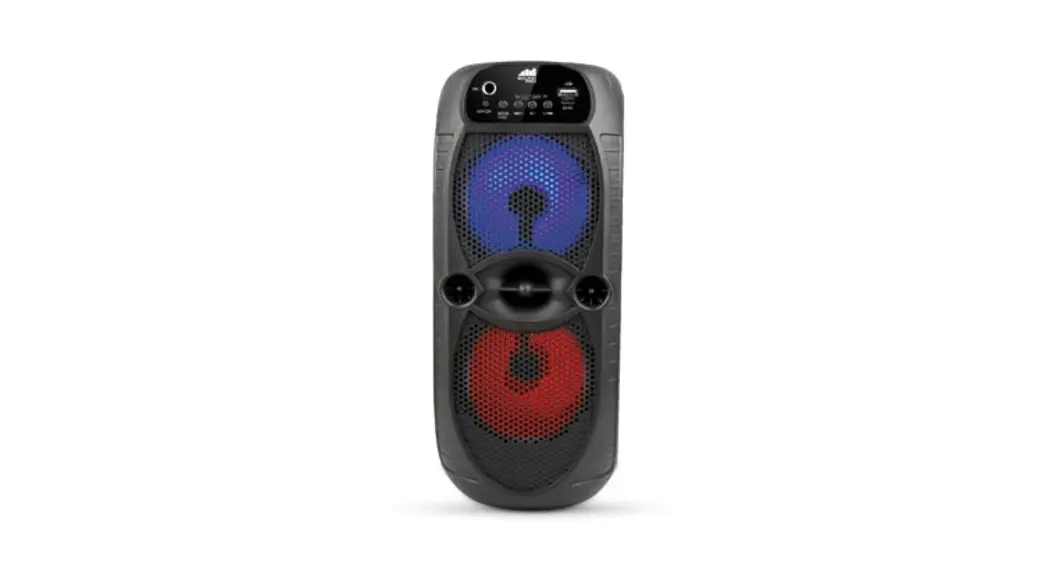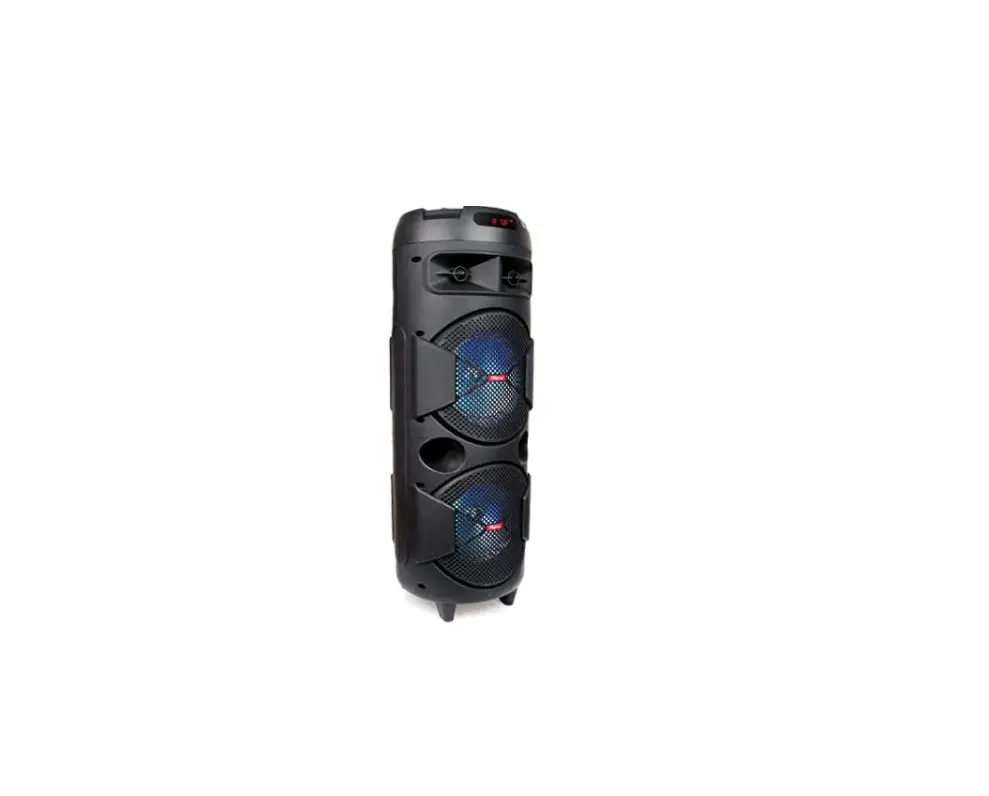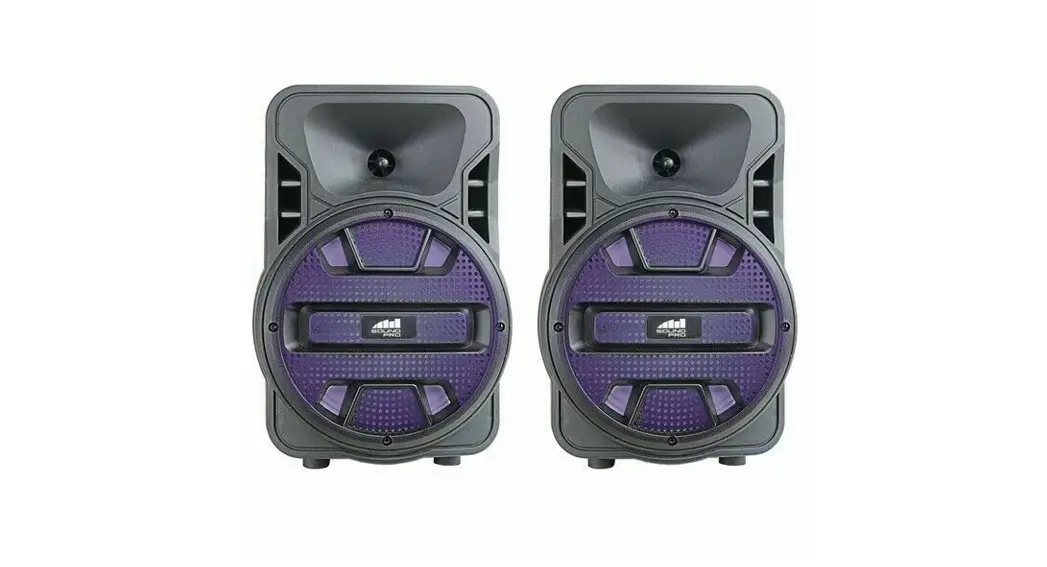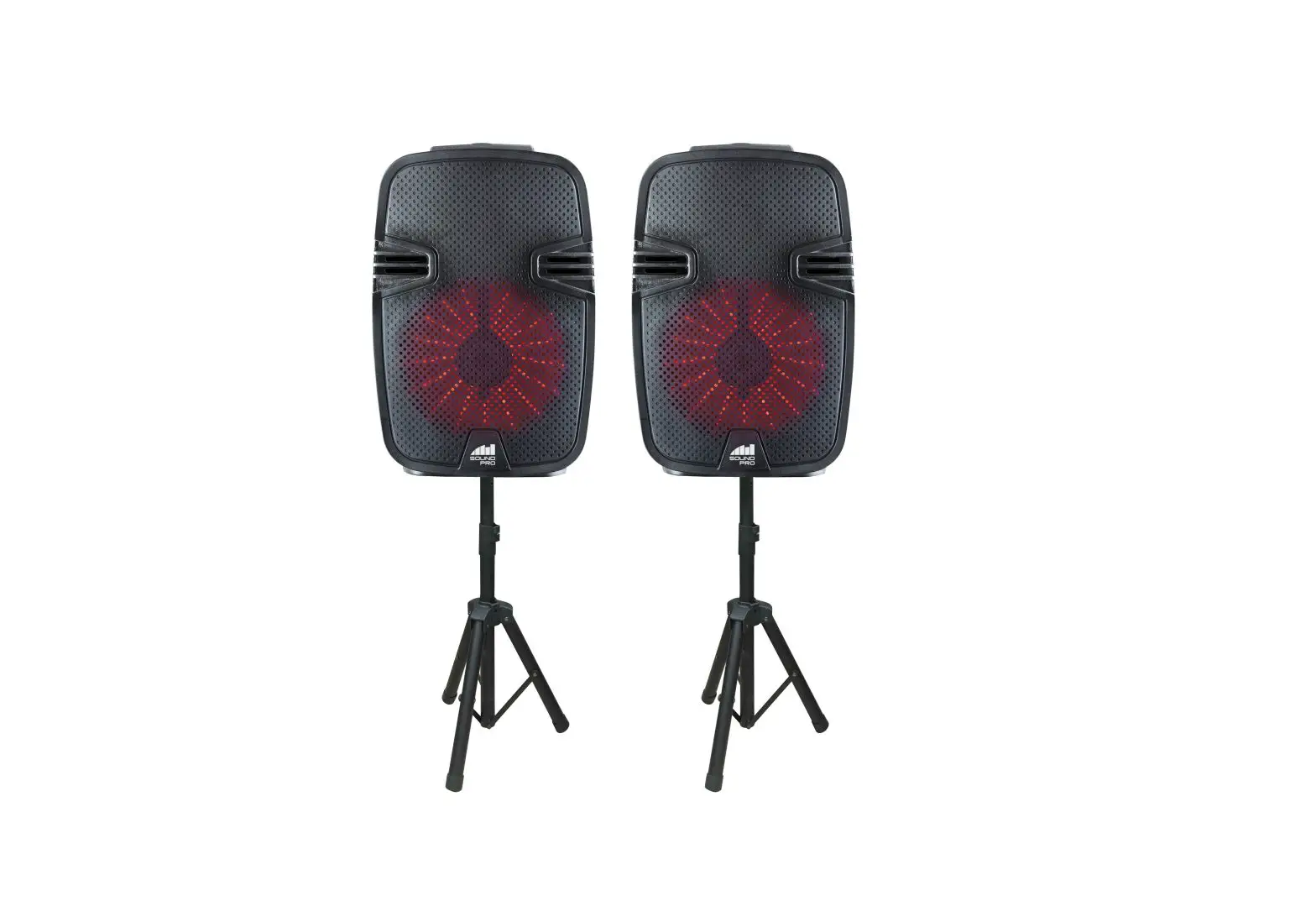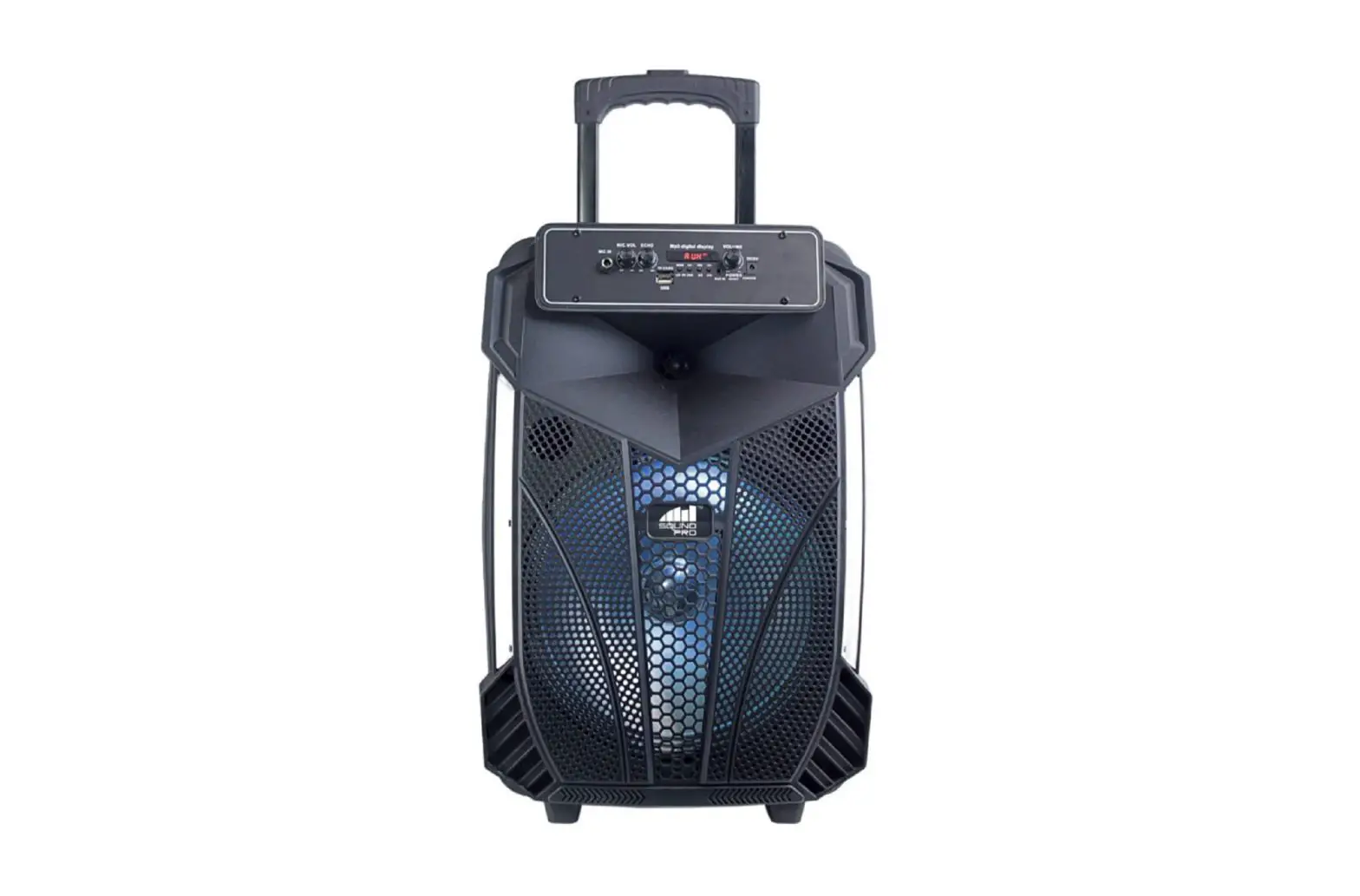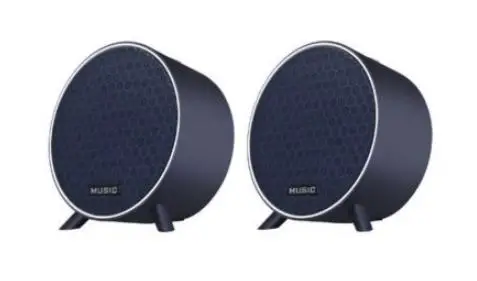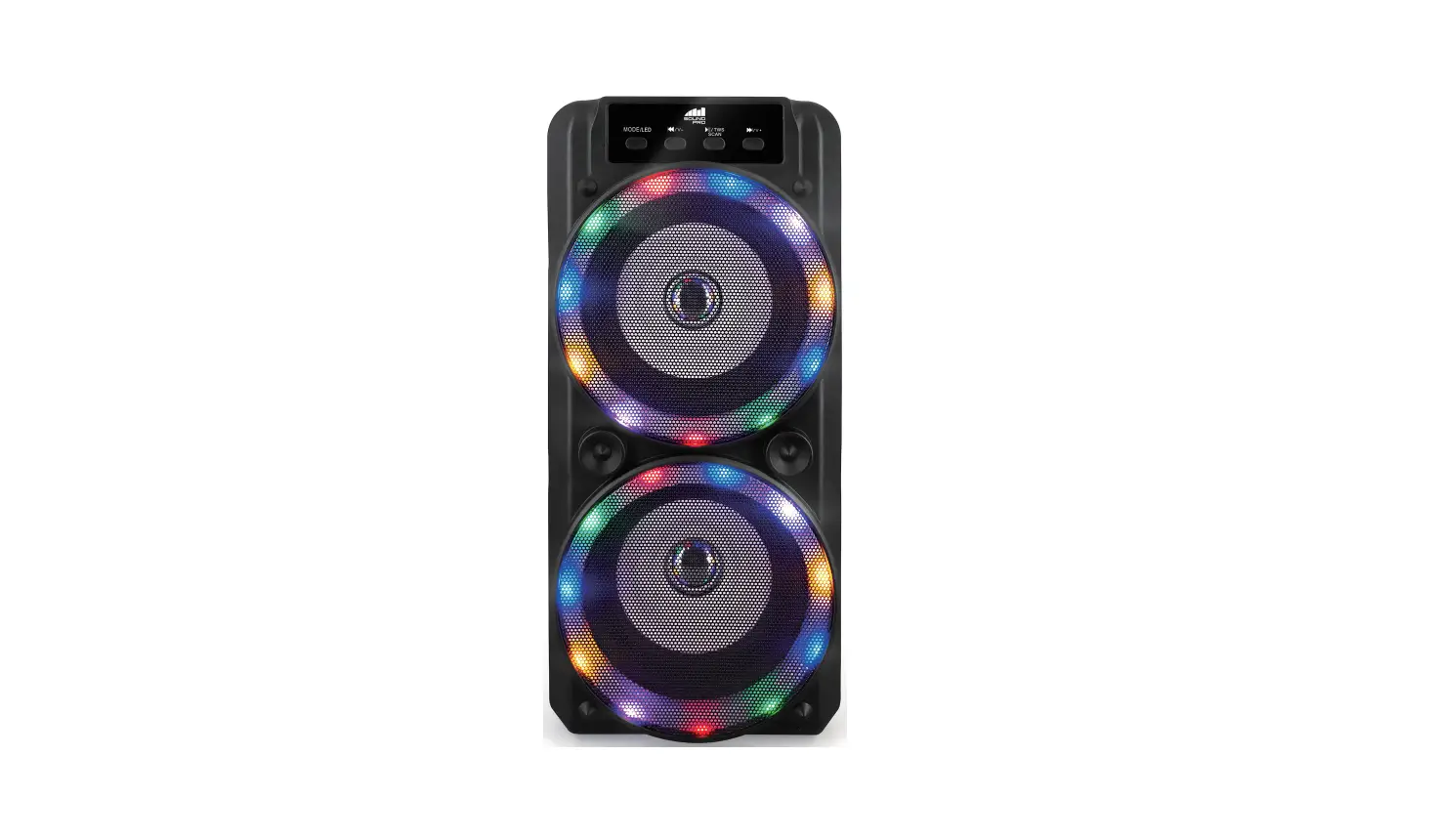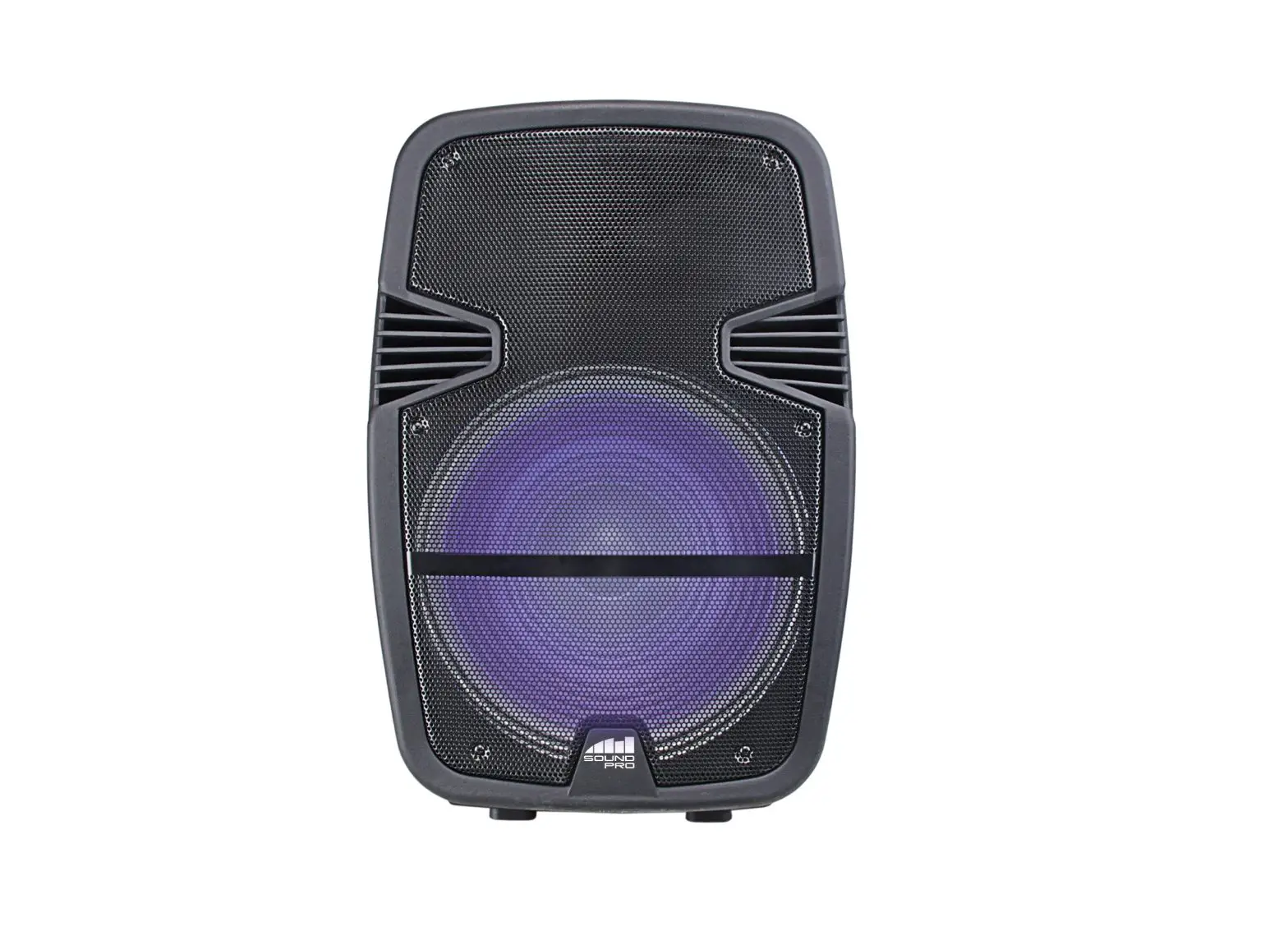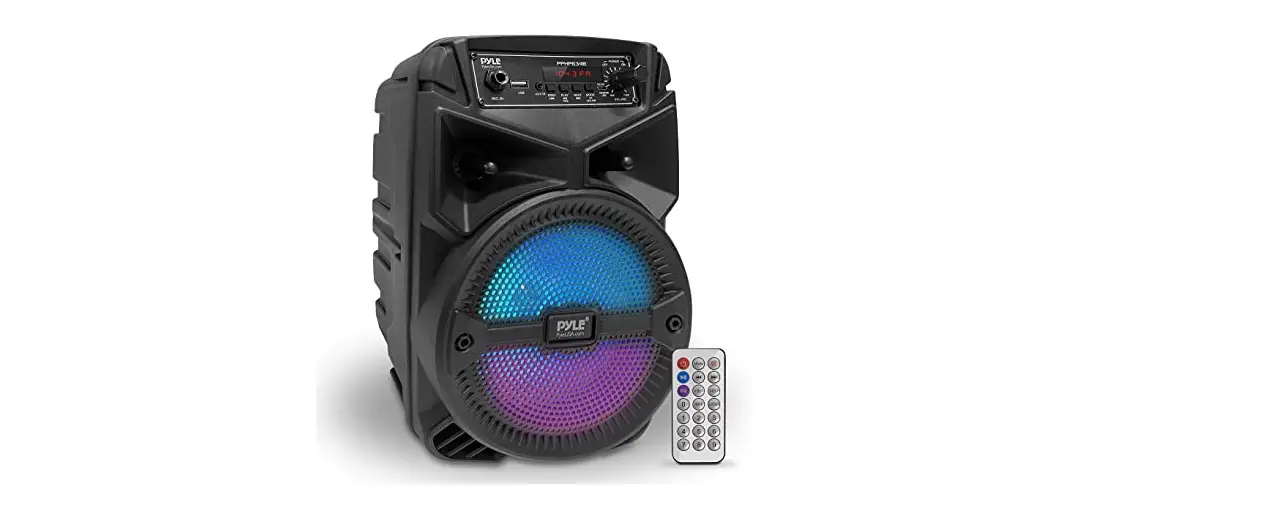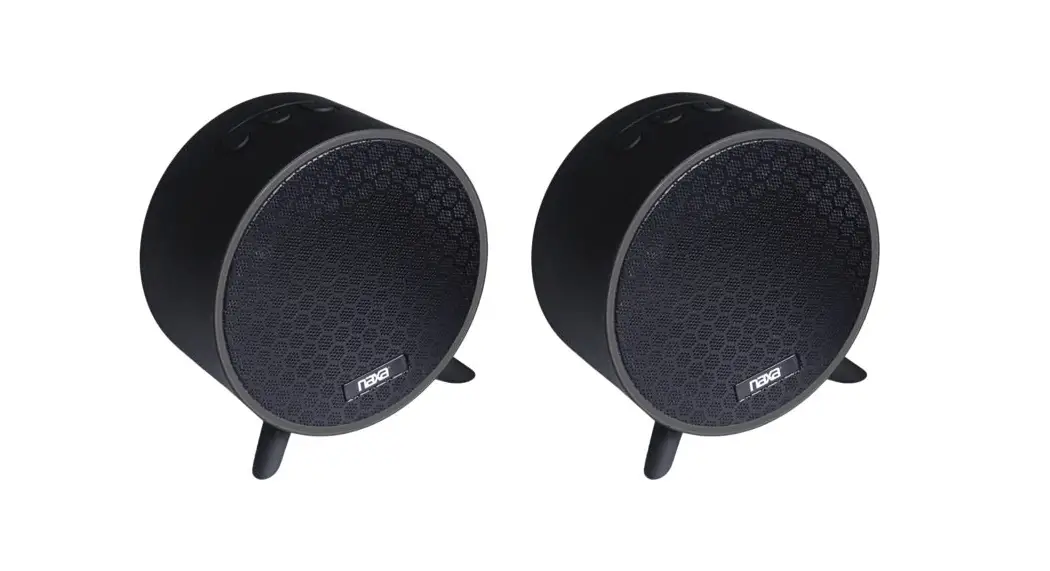

This Quick Set-Up Guide is for Dual Speakers
This puck Set. Up Guide is for the following
models: NAS-31050, NAS-3106D, NIBS-31080,
NDS-4002D, N DS-1218D, NDS-15180. NDS-80060, NDS-80070
TWS Quick Start Guide
NAS and NDS Models
These Bluetooth® speakers support TWS functionality, allowing you to seamlessly play music through both speakers at the same time across rooms. To do so, follow these steps:
- Turn on both speakers you intend to use.
- Press the MODE button on the speakers to switch to Bluetooth® mode. The word ‘BLUE’ will flash on the LED screen.
- Please press the PLAY/PAUSE (TWS) button on one of the speakers and hold it for 3 seconds The two speakers will connect.
- Open the Bluetooth® settings menu on your external device and initiate a search for nearby devices, Select speaker name and connect.
- Begin playback and the audio will play through the two connected speakers.
NOTE: TWS functionality is for two speakers at a time only. It cannot sup more than two speakers at the same time.
NOTE: please keep the distance between the two speakers within 3 to 9 feet after TWS pairing optimal connection.