
MXR M94SE Fat Sugar Drive
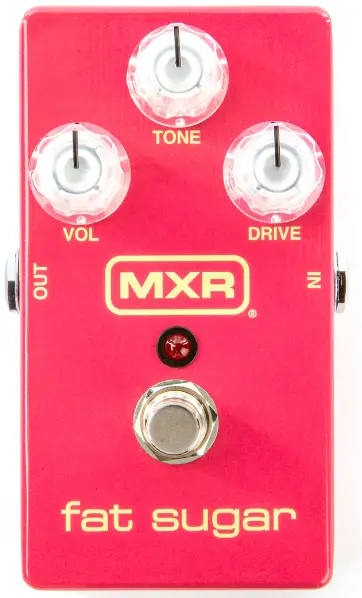
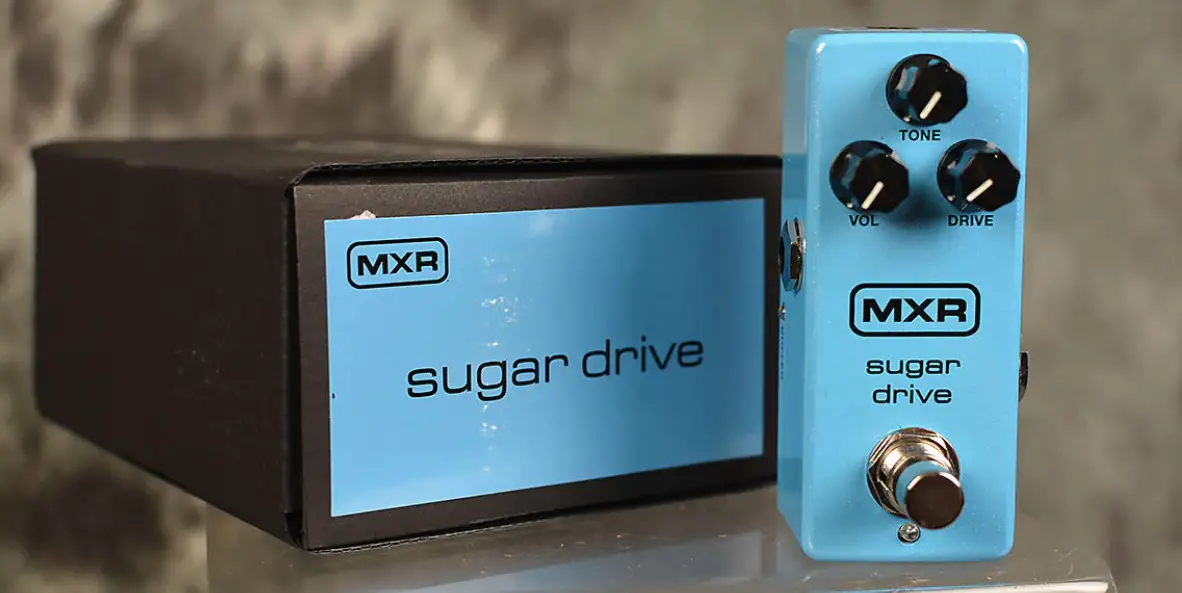
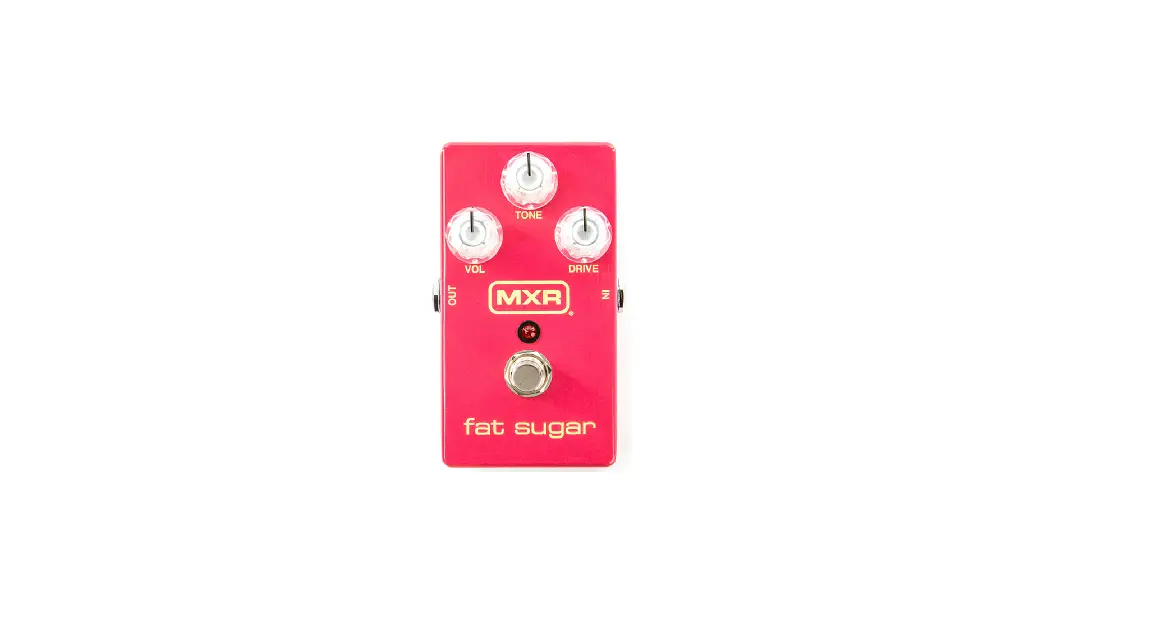
The MXR Fat Sugar Drive brings the Sugar Drive’s diverse range of clear and transparent overdrive tones to MXR’s classic housing for players who prefer its footprint over that of the mini.
External Controls
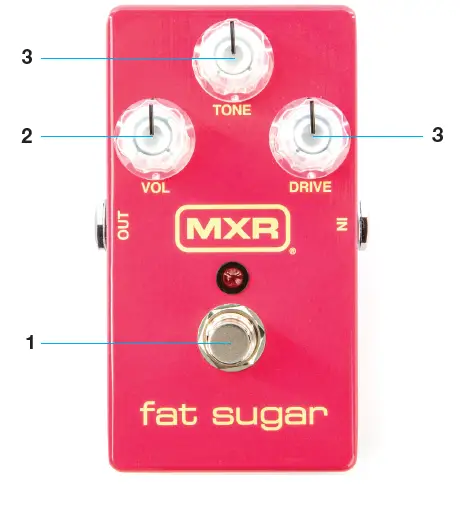
- VOLUME knob sets overall effect volume
- TONE knob rolls off high frequencies
- DRIVE knob sets the amount of overdrive
- FOOTSWITCH toggles effect on/bypass (red LED indicates on)
Internal Controls
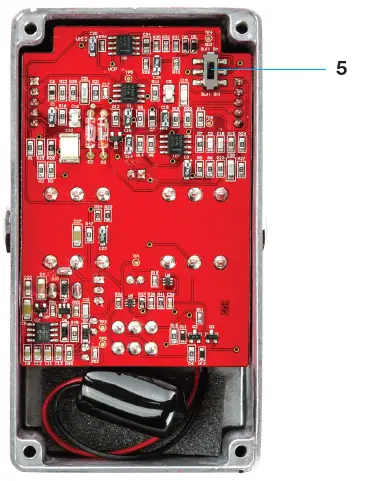
- BUFFER switch engages buffered bypass
Basic Operation
Power
The MXR® Fat Sugar Drive™ Pedal is powered by one 9-volt battery (remove the bottom plate to install), the Dunlop ECB003 9-volt adapter, or an MXR® Brick™ Series power supply.
Directions
- Run a cable from your guitar to the M94SE’s INPUT jack and run another cable from the M94SE’s OUTPUT jack to your amplifier.
- Start with all controls at 12 o’clock.
- Turn the effect on by depressing the FOOTSWITCH.
- Rotate the VOLUME knob clockwise to increase the overall effect volume or counterclockwise to decrease it.
- Rotate the TONE knob clockwise for a brighter sound or counterclockwise for a warmer sound.
- Rotate the DRIVE knob clockwise to increase the amount of overdrive or counterclockwise to decrease it.
- By default, The M94SE is set to true bypass switching. For buffered bypass switching, remove bottom plate and set the BUFFER switch to its UP position.
Specifications
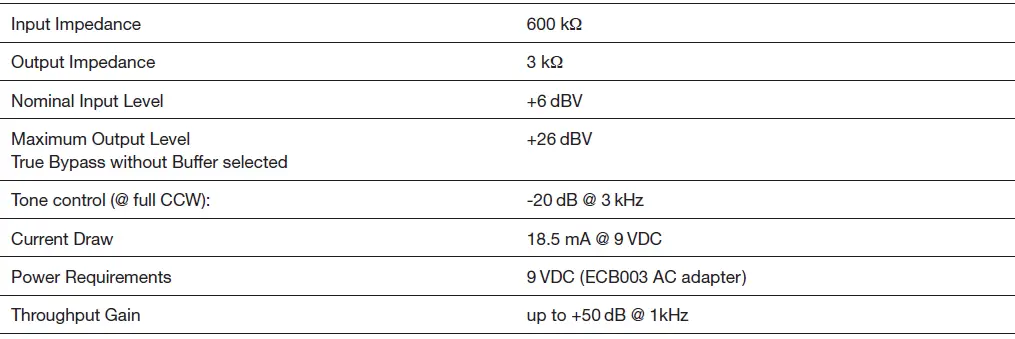
All measurements were made at 1 kHz, the speed at mid position.