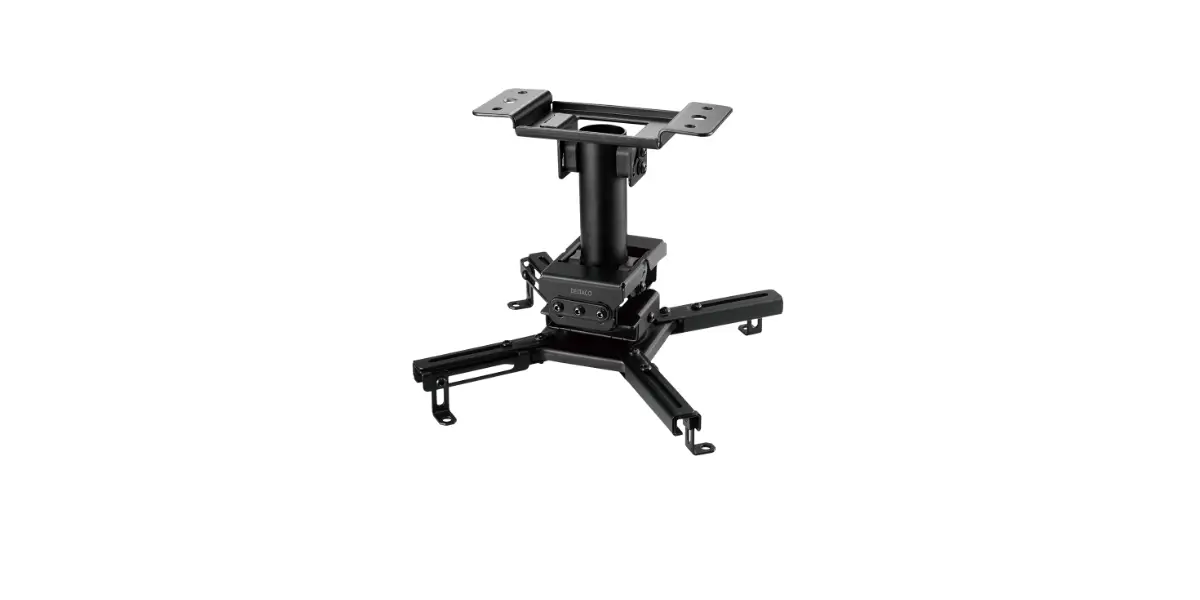
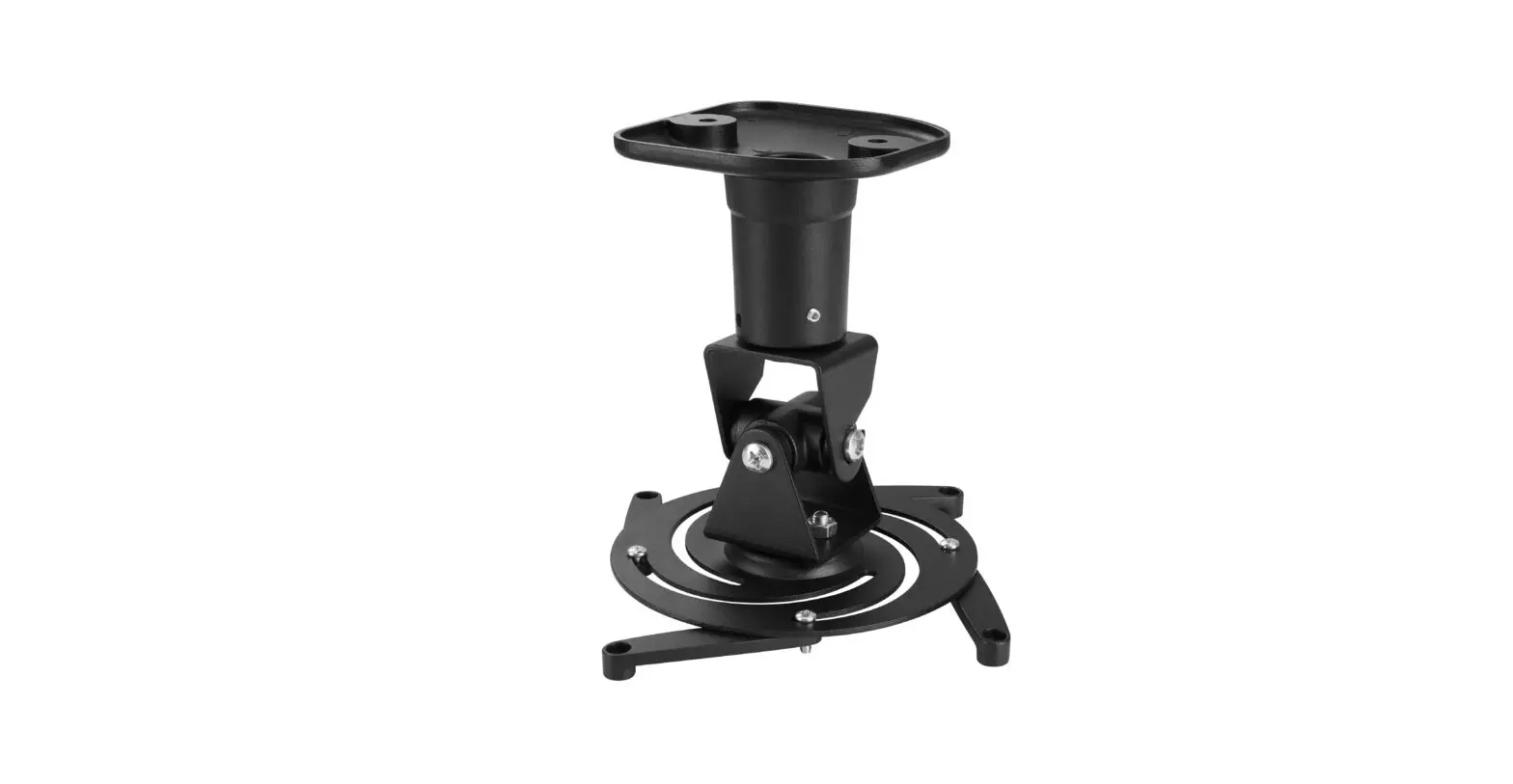
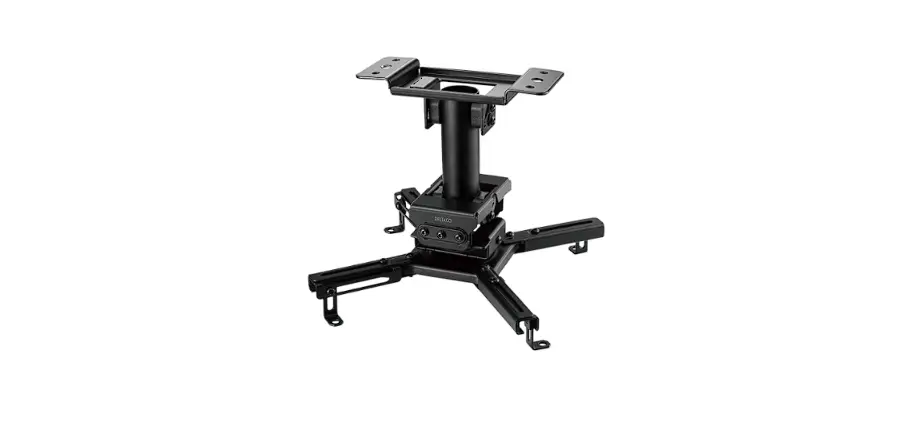
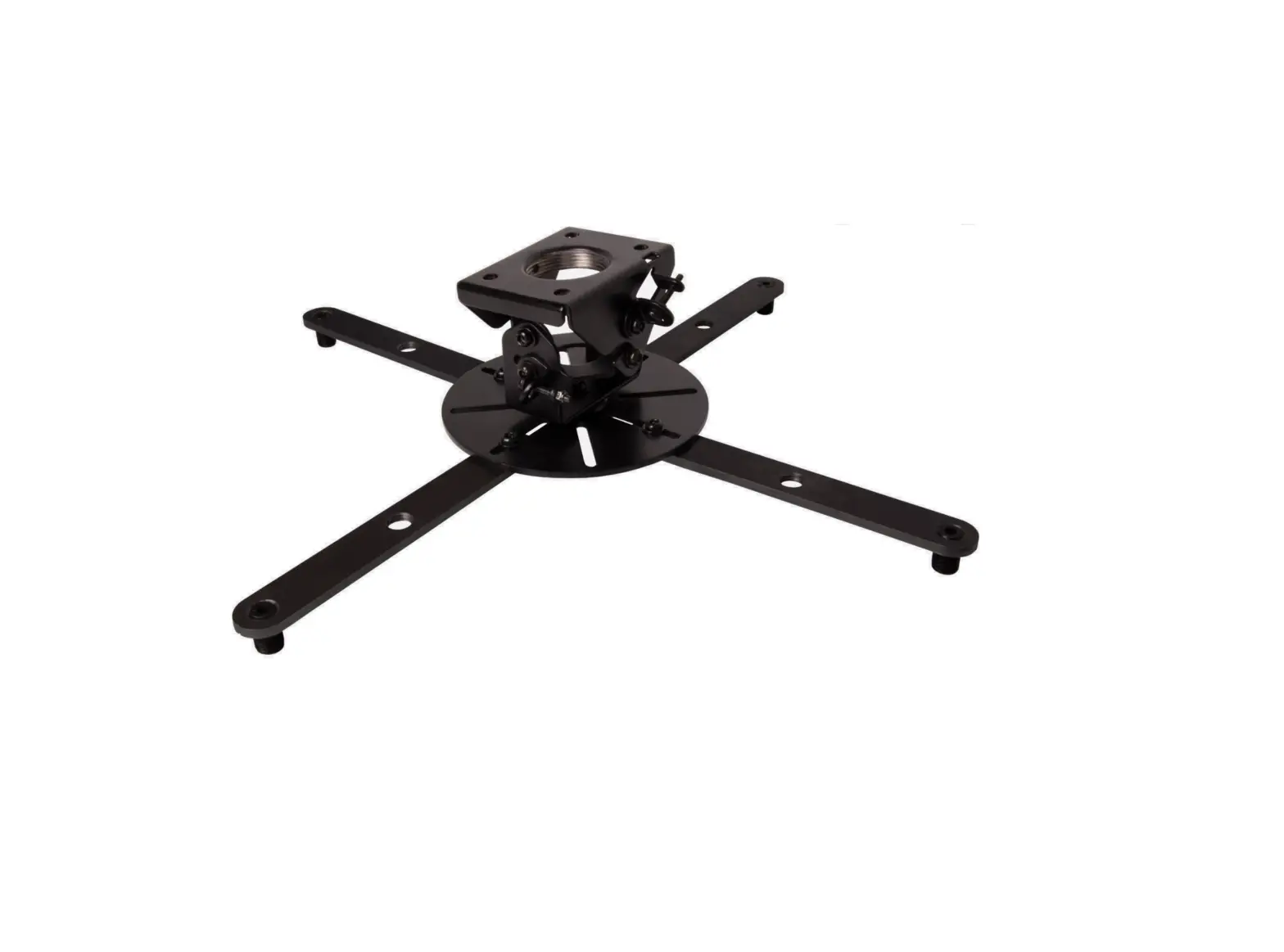
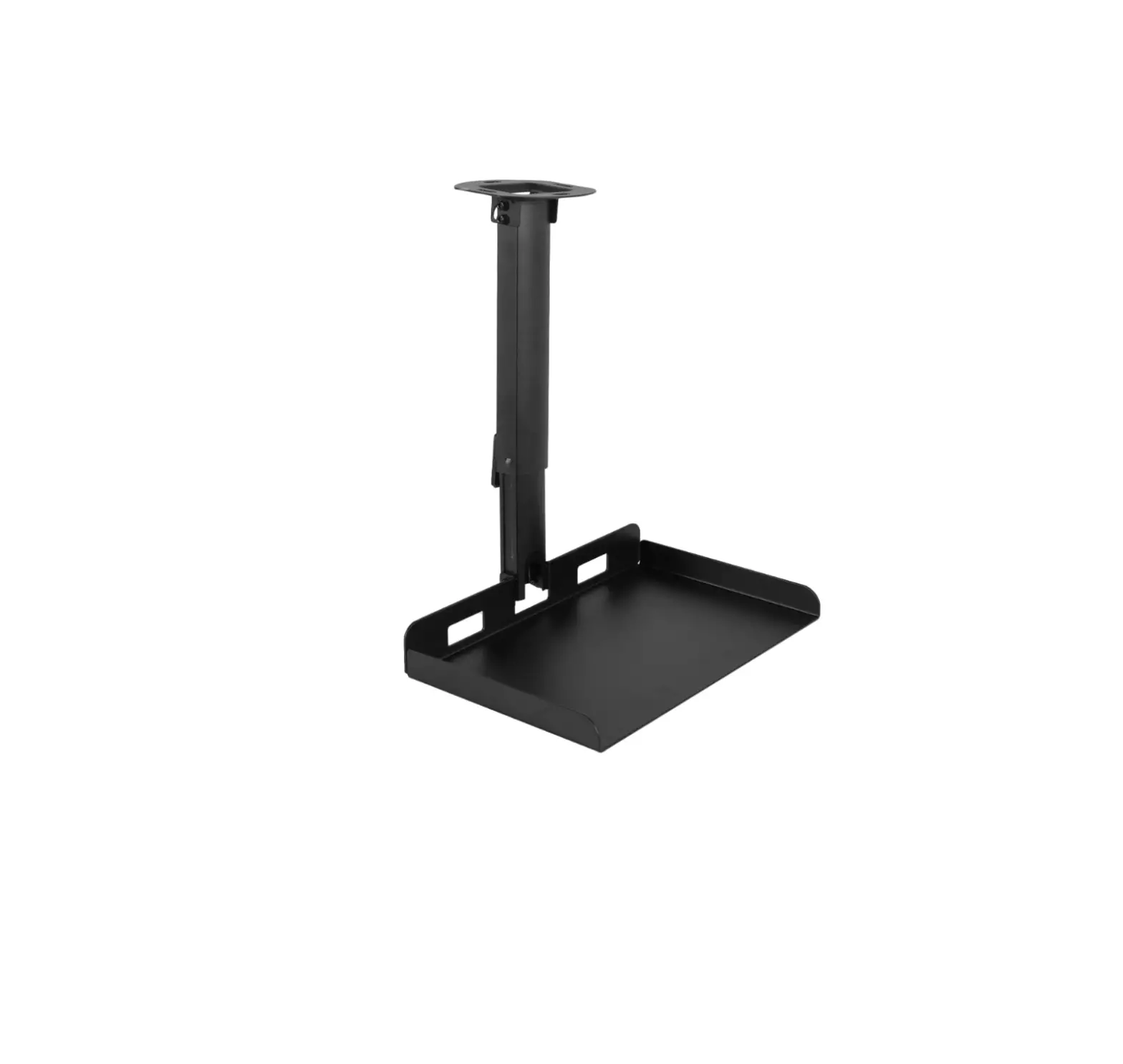
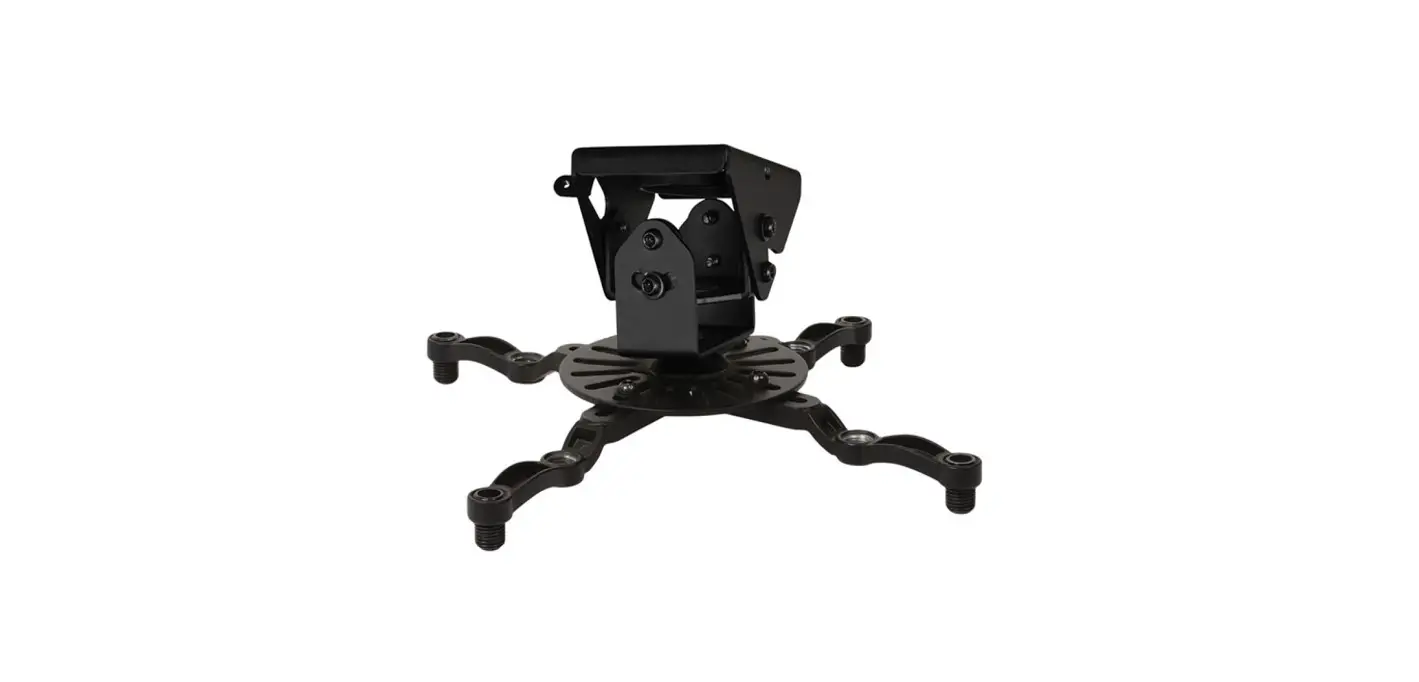
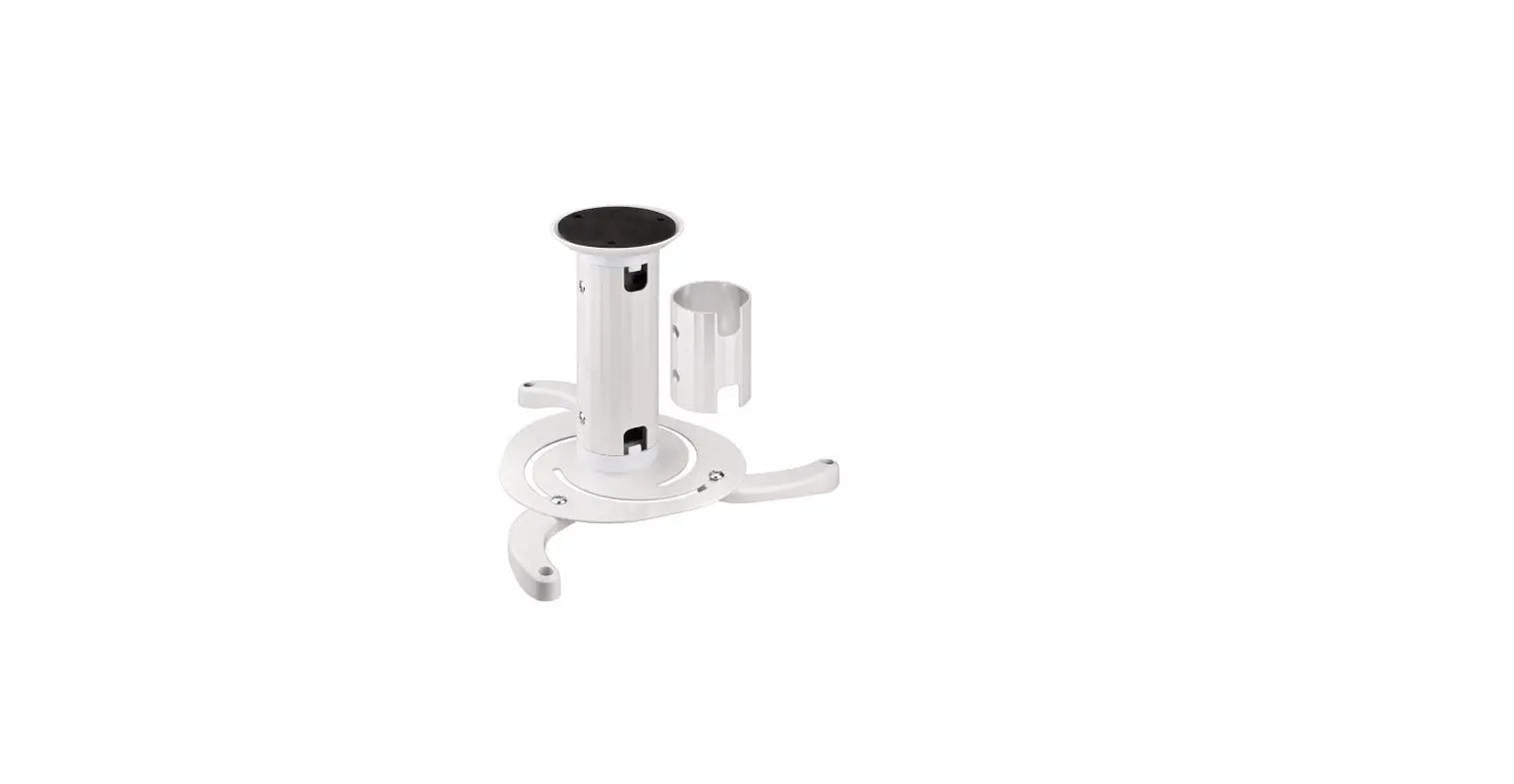
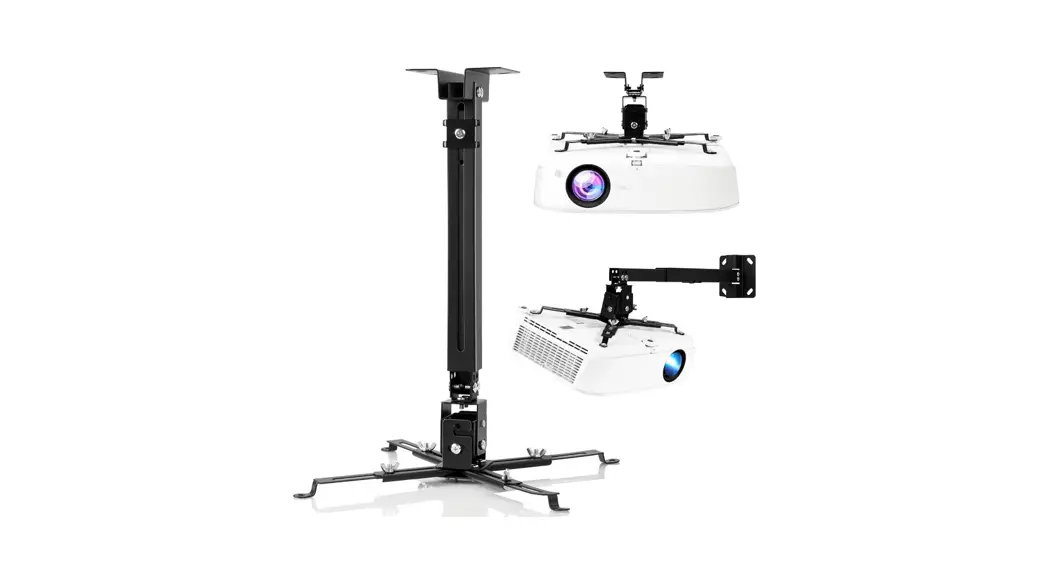
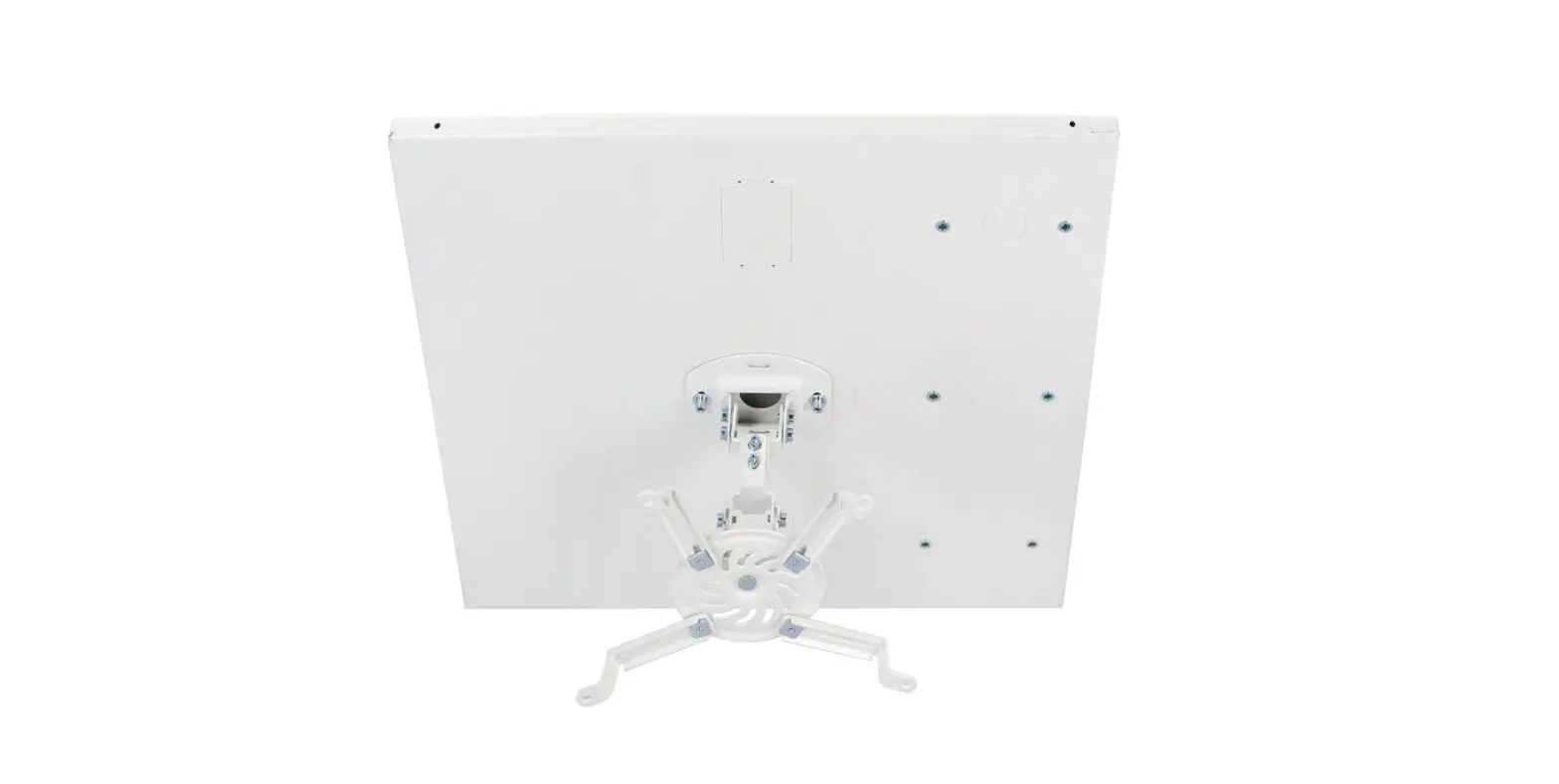
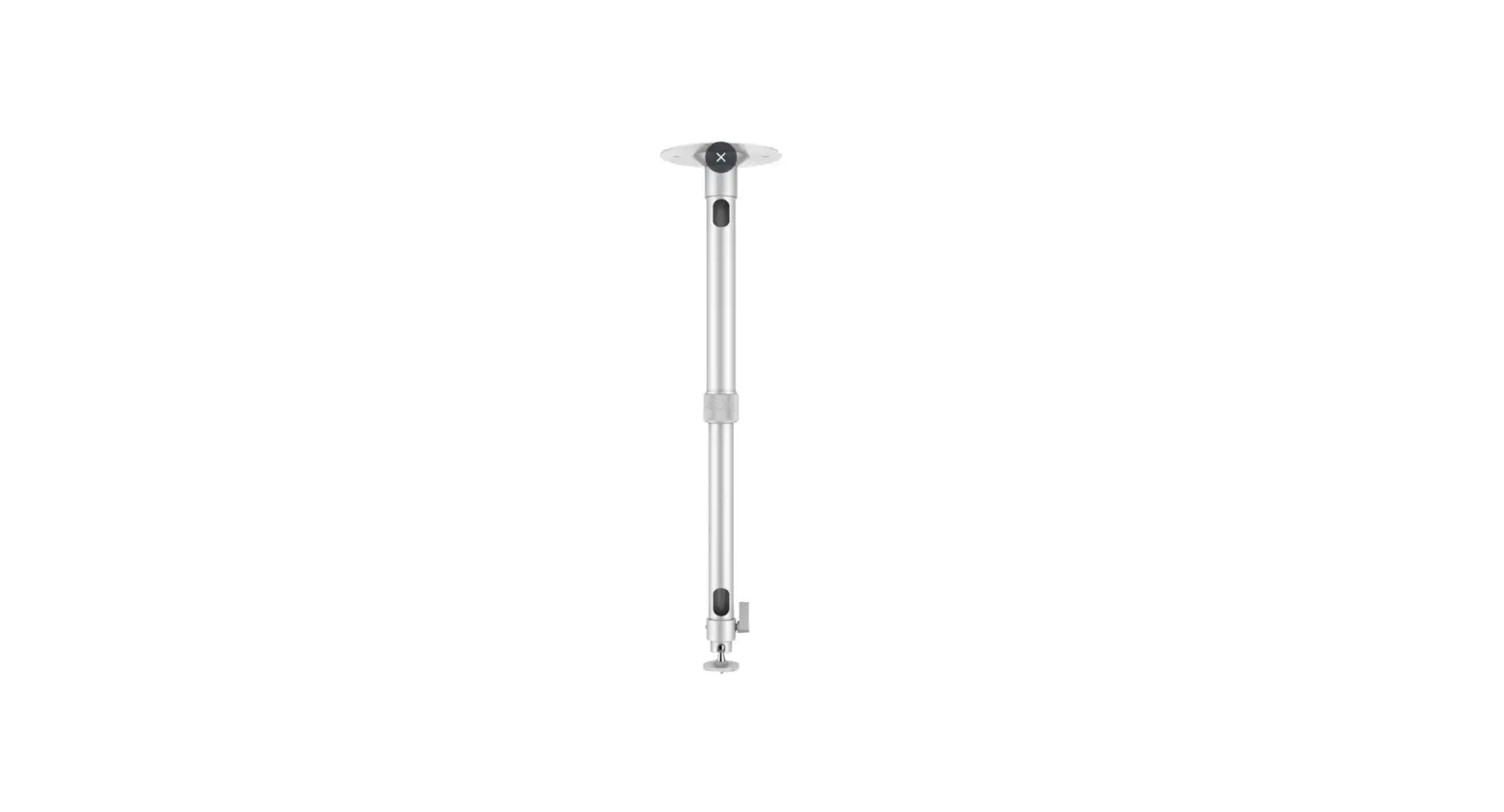
KAWLMFM90MA Universal Extendable Ceiling Projector Mount Bracket
Kogan Universal Extendable Ceiling Projector Mount Bracket
KAWLMFM90MA
Safety & Warnings
Read the entire instruction manual before you start installation
and assembly. If you have any questions regarding any of the
instructions or warnings, contact your local distributor for
assistance.
CAUTION: Use with products heavier than the
rated weights indicated may result in instability causing possible
injury.
IMPORTANT: Ensure that you have received all
parts according to the component checklist prior to installation.
If any parts are missing or faulty, contact your place of purchase
for a replacement.
MAINTENANCE: Check that the product is secure
and safe to use at regular intervals (at least every three
months).
Components
- A (x1)
- D (x1)
- B (x1)
- C (x1)
- E (x1)
- M-A (x6)
- M-B (x4)
- M-C (x4)
- M5 x 10
- M6 x 10
- M5 x 8
- M-D (x4)
- M4 x 8
- M-E (x4)
- M3 x 8
- M-F (x4)
- M-G (x4)
- D3
- D4
- M-H (x10)
- D5
- M-I (x2)
- D5
- M-J (x4)
- D6
- M-K (x1)
- M-L (x1)
- 4mm
- 5mm
- M-M (x4) 94mm
- W-A Screw ST6.3 x 55 (x4)
- W-B Anchor (x4)
Tools required for installation (not supplied)
- Phillips head screwdriver
- Stud finder
- Pencil
- Drill
Preparing the Mount
Step 1: Using the 5mm Allen key (M-L), loosen
the arm (B) screw to separate the upper and lower pieces.
Step 2: Using a Phillips head screwdriver (not
supplied) loosen the three screws on the lower arm and remove the
backing plate. This will allow easier access to thread power and AV
cables.
Step 3: Once all cables are in position,
replace the backing plate and tighten the three screws. Then return
the lower arm back within the upper arm.
Step 4: With the cables in place, attach the
ceiling bracket (A) and projector mount (C) to the arm assembly
with their respective washer and screw pairings (M-B, M-J and M-A,
M-H as shown below).
Installing Mount
Securing Projector to Mount:
- Align the bracket (D) with your projector’s VESA holes and
secure using supplied screws (MC, M-D, or M-E) and washers (M-F,
M-G, or M-H) depending on required length. - Insert M-M extension brackets if required for your
projector. - Use a Phillips head screwdriver (not supplied) to tighten
screws.
Setting up Arm Assembly:
- Using the 5mm Allen key (M-L), set the arm assembly’s
length. - Hook the projector (with bracket installed) onto the mount (C).
Two people should lift the projector to prevent damage. - Once in place, secure the bracket into place using the M-A
screw and washers (MH, M-I). - Tighten the mount at the desired angle using the M-K Allen key
to lock mount into position.
Need more information?
We hope that this user guide has given you the assistance needed
for a simple set-up. For the most up-to-date guide for your
product, as well as any additional assistance you may require, head
online to help.kogan.com
KOGAN UNIVERSAL EXTENDABLE CEILING PROJECTOR MOUNT BRACKET
KAWLMFM90MA
SAFETY & WARNINGS
Read the entire instruction manual before you start installation and assembly. If you have any questions regarding any of the instructions or warnings, contact your local distributor for assistance.
CAUTION: Use with products heavier than the rated weights indicated may result in instability causing possible injury.
· Please closely follow the assembly instructions. Improper installation may result in damage or serious personal injury.
· Safety gear and proper tools must be used. This product should only be installed by professionals.
· This product is designed to be installed on wood joist ceiling or concrete ceiling.
· Make sure that the supporting surface will safely support the combined weight of the equipment and all attached hardware and components.
· Use the mounting screws provided and DO NOT OVER TIGHTEN mounting screws.
· This product contains small items that could be a choking hazard if swallowed. Keep these items away from children.
· This product is intended for indoor use only. Using this product outdoors could lead to product failure and personal injury.
· Never exceed the maximum load capacity of 20kg or it may result in product failure or personal injury.
IMPORTANT: Ensure that you have received all parts according to the component checklist prior to installation. If any parts are missing or faulty, contact your place of purchase for a replacement.
MAINTENANCE: Check that the product is secure and safe to use at regular intervals (at least every three months).
COMPONENTS
A (x1)
D (x1)
B (x1)
C (x1)
E (x1)
M-A (x6) M-B (x4) M-C (x4) M5 x 10 M6 x 10 M5 x 8
M-D (x4) M4 x 8
M-E (x4) M3 x 8
M-F (x4) M-G (x4)
D3
D4
M-H (x10) D5
M-I (x2) D5
M-J (x4) D6
M-K (x1) M-L (x1)
4mm
5mm
M-M (x4) 94mm
W-A Screw ST6.3 x 55 (x4)
W-B Anchor (x4)
Tools required for installation (not supplied)
W-C Washer D8 (x4)
Phillips head screwdriver
Stud finder
Pencil
Drill
PREPARING THE MOUNT
Step 1 Using the 5mm Allen key (M-L), loosen the arm (B) screw to separate the upper and lower pieces.
Step 2 Using a Phillips head screwdriver (not supplied) loosen the three screws on the lower arm and remove the backing plate. This will allow easier access to thread power and AV cables.
Step 3
Once all cables are in position, replace the backing plate and tighten the three screws. Then return the lower arm back within the upper arm.
Step 4
With the cables in place, attach the ceiling bracket (A) and projector mount (C) to the arm assembly with their respective washer and screw pairings (M-B, M-J and M-A, M-H as shown below).
INSTALLING MOUNT
Using a pencil, mark the desired position for the mount on your ceiling, using the mount to serve as a stencil for the hole positions. If mounting on wood joist ceiling, use a stud finder first to check positions of joists and ensure the position is free from electrical wiring. Using a drill, create the pilot holes. Secure with screws and washers (W-A, W-C). Pencil, stud finder and drill not supplied. Wood joist ceiling: Use a ø4.5mm or 3/16″ drill bit, drilling 55mm deep. Do not use anchors. Concrete ceiling: Use a ø10mm or 3/8″ drill bit, drilling 60mm deep. Use anchors (W-B).
SECURING PROJECTOR TO MOUNT
Align the bracket (D) with your projector’s VESA holes and secure using supplied screws (MC, M-D, or M-E) and washers (M-F, M-G, or M-H) depending on required length. Insert M-M extension brackets if required for your projector. Use a Phillips head screwdriver (not supplied) to tighten screws.
Using the 5mm Allen key (M-L), set the arm assembly’s length. Hook the projector (with bracket installed) onto the mount (C). Two people should lift the projector to prevent damage. Once in place, secure the bracket into place using the M-A screw and washers (MH, M-I).
Tighten the mount at the desired angle using the M-K Allen key to lock mount into position.
Need more information?
We hope that this user guide has given you the assistance needed for a simple set-up. For the most up-to-date guide for your product, as well as any additional assistance you may require,
head online to help.kogan.com