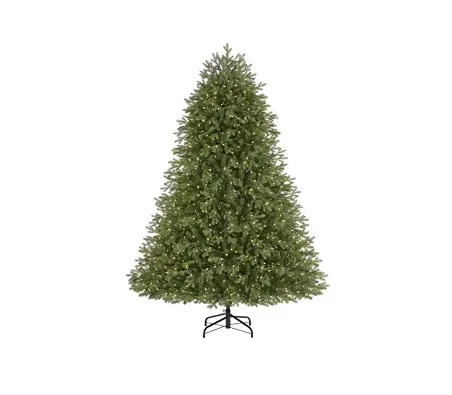
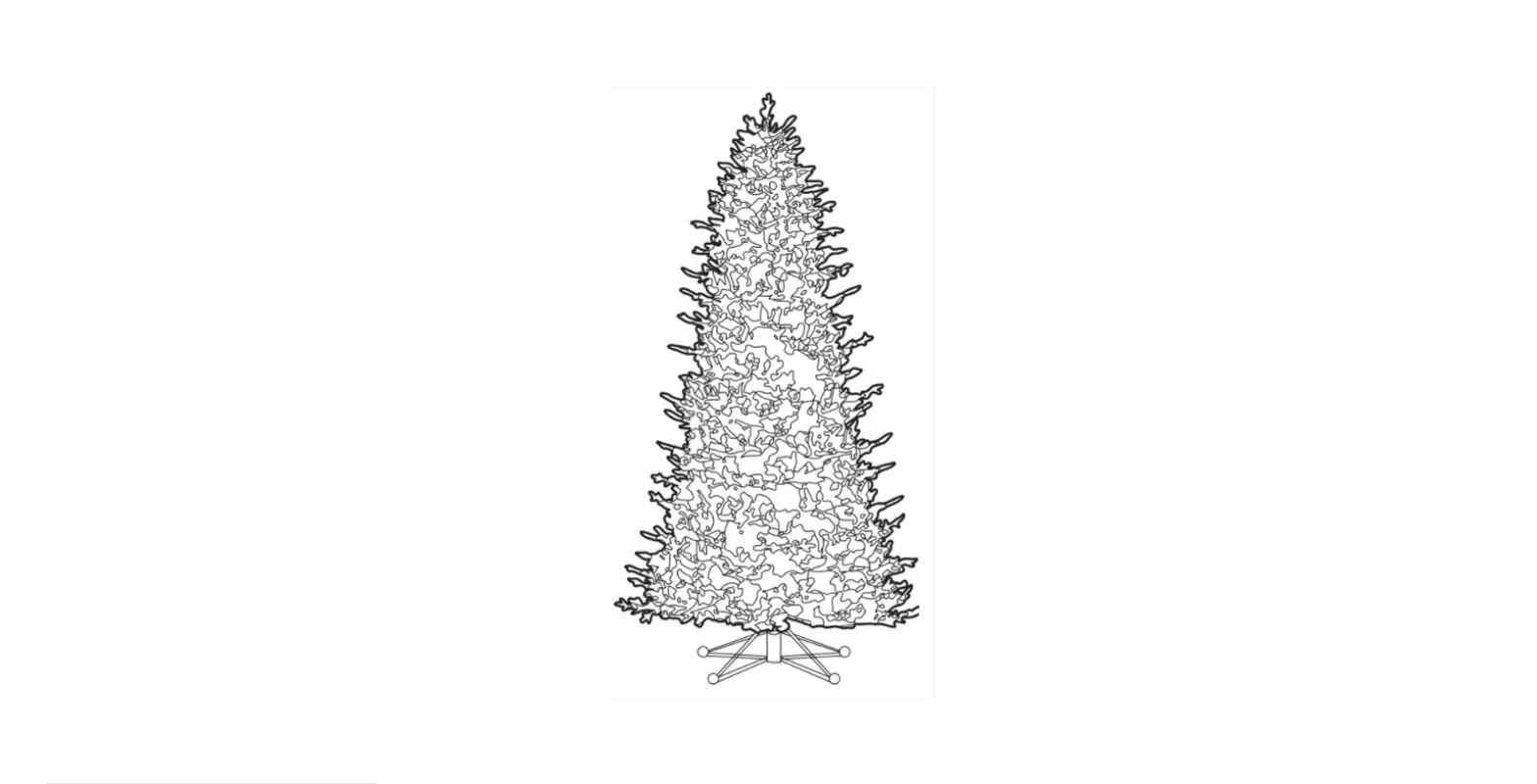
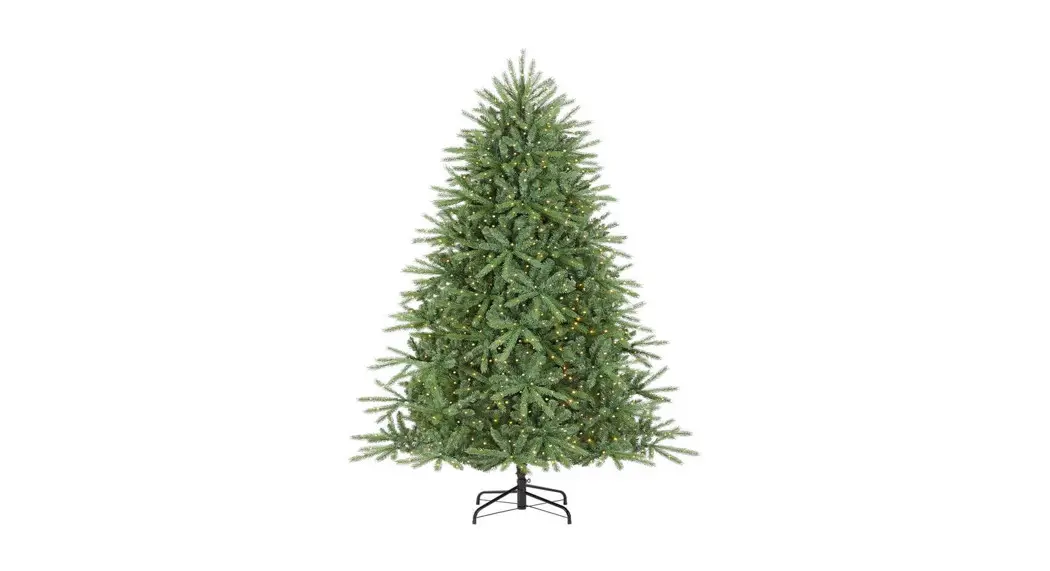
1007581505 3000L Castleford Fraser Fir LED Christmas Tree
Safety Information
When using electrical products, basic precautions should always
be followed including the following:
- READ AND FOLLOW ALL SAFETY INSTRUCTIONS.
- SAVE THESE INSTRUCTIONS.
Pre-Assembly
Package Contents
- Tree top Qty: 1
- Tree center Qty: 1
- Tree bottom Qty: 1
- Stand with an eye bolt Qty: 1
- Power cord Qty: 1
- Remote control Qty: 1
- Rivet Qty: 2
7.5FT 3000L CASTLEFORD FRASER FIR LED MICRO DOT COLOR CHANGING 8
FUNCTION – SKU# 1007581505
Assembly
Assembling the tree stand
- Choose a location near a wall outlet.
- Open the stand to a 90 degree angle until the hole lines up
with the hole on the tube. - Screw an eye bolt into the hole.
WARNING: DISCONNECT FROM ITS POWER SOURCE
BEFORE ASSEMBLING OR DISASSEMBLING.
Assembling the tree
Please remove protective covers from the base of the pole for
each tree section before assembling.
- Insert tree bottom (C) into the tree stand and tighten the
screw. (See Fig. 1) - Insert middle section (B) into the tree bottom (C). (See Fig.
2) - Insert tree top (A) into the middle section (B). (See Fig.
3) - Allow branches to fall into place or gently pull branches up
and out.
Instruction of remote control
Please note this tree has a remote control. Please pull out the
insulation tape from the remote control, before starting to use
it.
Operation
Turning on the tree
- Connect each tree section well and plug the well-connected
power cord into a wall outlet.
Instruction of control box and remote control
Instruction of control box
- Press the ON/OFF button on control box to turn on and off the
tree lights. - Press the MODE button on control box to select below
functions:
- Steady Warm White
- Flashing Warm White
- Fade In and Fade Out Warm White
- Steady Multicolor
- Flashing Multicolor
- Fade In and Fade Out Multicolor
- Sequential Multicolor & Warm White
- Color Changing
button, the speed of the corresponding function is faster. press
the SPEED – button, the speed of the corresponding function is
slower.
re-started. It has Output Short-circuit Protection When the load is
short-circuited, the output can be automatically closed. After
eliminating the short circuit and restarting the power on, it can
return to normal.
Instruction of remote control
- Press Fn button, the function below cycle.
- Press the number key, select from the following corresponding
lighting functions:
- Function 1: Steady Warm White
- Function 2: Flashing Warm White
- Function 3: Fade In and Fade Out Warm White
- Function 4: Steady Multicolor
- Function 5: Flashing Multicolor
- Function 6: Fade In and Fade Out Multicolor
- Function 7: Sequential Multicolor & Warm White
- Function 8: Color Changing
of the remote control is out of power.
- Replace with a new button cell CR2025 (3 volt) into the
compartment.CAUTION: DO NOT DISPOSE OF BATTERIES IN FIRE.
BATTERIES MAY EXPLODE OR LEAK.
CAUTION:
The product consists of non-replaceable LED lamps. To reduce the
risk of fire or electric shock, do not attempt to replace lamps or
modify string.
Safety Information
IMPORTANT SAFETY
INSTRUCTIONS
When using electrical products, basic precautions should always be followed including the following:
a) READ AND FOLLOW ALL SAFETY
INSTRUCTIONS.
b) This product is for indoor use only. The electrical rating 1.5 A 120 V 60 Hz. c) Do not use seasonal products outdoors unless marked suitable for indoor and outdoor use. When products are used in outdoor applications, connect the product to a Ground Fault Circuit Interrupting (GFCI) outlet. If one is not provided, contact a qualified electrician for proper installation. d) This seasonal use product is not intended for permanent installation or use. e) Do not mount or place near gas or electric heaters, fireplace, candles or other similar sources of heat. f) Do not secure the wiring of the product with staples or nails, or place on sharp hooks or nails. g) Do not let lamps rest on the supply cord or on any wire. h) Unplug the product when leaving the house, when retiring for the night, or if left unattended. i) This is an electric product not a toy! To avoid risk of fire, burns personal injury and electric shock it should not be played with or placed where small children can reach it. j) Do not use this product for other than its intended use. k) Do not hang ornaments or other objects from cord, wire, or light string. l) Do not close doors or windows on the product or extension cords as this may damage the wire insulation. m) Do not cover the product with cloth, paper or any material not part of the product when in use. n) Do not move the tree by pulling the tree tips or tree branches. o) Read and follow all instructions that are on the product or provided with the product.
p) SAVE THESE INSTRUCTIONS.
Pre-Assembly
Package Contents
A. Tree top Qty: 1
B. Tree center Qty: 1
C. Tree bottom Qty: 1
D.Stand with an eye E. Power cord
bolt
Qty: 1
Qty: 1
F. Remote control Qty: 1
G. Rivet Qty: 2
7.5FT 3000L CASTLEFORD FRASER FIR LED MICRO DOT COLOR CHANGING 8 FUNCTION
SKU# 1007581505
Assembly Assembling the tree stand
Step 1. Choose a location near a wall outlet. Step 2. Open the stand to a 90 degree angle until the hole lines up with the
hole on the tube. Step 3. Screw an eye bolt into the hole.
CAUTION! ALWAYS UNPLUG YOUR TREE
FROM ITS POWER SOURCE BEFORE ASSEMBLING OR DISASSEMBLING.
Assembling the tree
Please remove protective covers from the base of the pole for each tree section before assembling. Step 1. Insert tree bottom (C) into the tree stand and tighten the screw.
(See Fig. 1) Step 2. Insert middle section (B) into the tree bottom (C). (See Fig. 2) Step 3. Insert tree top (A) into the middle section (B). (See Fig. 3) Step 4. Allow branches to fall into place or gently pull branches up and out.
When adjusting branches be sure that all wires are free of branch hinges. (See Fig. 4) Step 5. Shape the branches. Starting with tips closest to the pole, shape one tip to the right, one to the left and one at the center of the main stem. Repeat pattern for each branch. (See Fig. 5) Step 6. Plug the power cord into a proper outlet. This tree comes with a control box and a remote control for easy illumination and changing functions. This tree is Color Changing, the 8 lighting options available are: 1. Steady Warm White 2. Flashing Warm White 3. Fade In and Fade Out Warm White 4. Steady Multicolor 5. Flashing Multicolor 6. Fade In and Fade Out Multicolor 7. Sequential Multicolor & Warm White 8. Color Changing These functions can be changed by using control box or remote control. Please see Instructions of control box and remote control as below.
Instruction of remote control
Please note this tree has a remote control. Please pull out the insulation tape from the remote control, before starting to use it.
Operation
Turning on the tree
Step 1. Connect each tree section well and plug the well-connected power cord into a wall outlet.
Instruction of control box and remote control
Instruction of control box
1. Press the ON/OFF button on control box to turn on and off the tree lights.
2. Press the MODE button on control box to select below functions: 1.Steady Warm White 2. Flashing Warm White 3. Fade In and Fade Out Warm White 4. Steady Multicolor 5. Flashing Multicolor 6. Fade In and Fade Out Multicolor 7. Sequential Multicolor & Warm White 8. Color Changing
3. In the state of function 2, 3, 5, 6, 7 or 8: press the SPEED + button, the speed of the corresponding function is faster. press the SPEED – button, the speed of the corresponding function is slower.
There is memory mode on functions whether the tree is re-started. It has Output Short-circuit Protection When the load is short-circuited, the output can be automatically closed. After eliminating the short circuit and restarting the power on, it can return to normal.
1. Press Fn button, the function below cycle. Press the number key, select from the following corresponding lighting functions: Function 1: Steady Warm White Function 2: Flashing Warm White Function 3: Fade In and Fade Out Warm White Function 4: Steady Multicolor Function 5: Flashing Multicolor Function 6: Fade In and Fade Out Multicolor Function 7: Sequential Multicolor & Warm White Function 8: Color Changing
If the remote control does not work, check whether the battery of the remote control is out of power.
To replace the remote control battery: 1. Replace with a new button cell “CR2025” (3 volt)
into the compartment.
CAUTION: DO NOT DISPOSE OF
BATTERIES IN FIRE. BATTERIES MAY EXPLODE OR LEAK.
CAUTION:
1. The product consists of non-replaceable LED lamps. To reduce the risk of fire or electric shock, do not attempt to replace lamps or modify string.
2. This product can only be used with the original adapter, not other brands of adapter.
Use and Care Instructions
a) Before using or reusing, inspect product carefully. Discard any products that have cut , damaged, or frayed wire insulation or cords, cracks in the lampholders or enclosures, loose connections, or exposed copper wire.
b) When storing the product, carefully remove the product from wherever it is placed, including tree, branches, or bushes, to avoid any undue strain or stress on the product conductors, connections, and wires.
c) When not in use, store neatly in a cool, dry location protected from sunlight.
Care and Cleaning
Step 1. Remove all ornaments and decorations. Step 2. Unplug the power cord from the wall outlet. Step 3. Gently lift the tree top straight up to remove from the center section
and fold all branches towards the pole. Step 4. Repeat this step for the center and bottom tree sections. Step 5. Carefully place all tree sections into a shipping box and tape it shut. Step 6. Store your tree in a cool, dry place away from sunlight.
Troubleshooting
Problem Solution
The tree does not light
Ensure that all tree sections are connected into each other well by pressing each section down and rotating. Make sure power cord plug is securely inserted into a working electrical outlet.
If you are still experiencing problems with the tree please call 1-800-986-3460 for instructions.
Loose branches
If a branch of the tree falls off, follow the steps below to reinstall it with a spare rivet (G). 1) Place the branch into the slot of the bracket. 2) Insert a spare rivet
through the hole and use diagonal pliers (not included) to crimp the rivet. (See Fig. A)
The device complies with Part 15 of the FCC Rules. Operation is subject to the following two conditions: (1) This device may not cause harmful interference, and (2) this device must accept any interference received, including interference that may cause undesired operation.
Warning: Please note that changes or modifications
not expressly approved by the party responsible for compliance could void the user’s authority to operate the equipment. NOTE: This equipment has been tested and found to comply with the limits for a Class B digital device, pursuant to Part 15 of the FCC Rules. These limits are designed to provide reasonable protection against harmful interference in a residential installation. This equipment generates, uses and can radiate radio frequency energy and, if not installed and used in accordance with the instructions, may cause harmful interference to radio communications. However, there is no guarantee that interference will not occur in a particular installation. If this equipment does cause harmful interference to radio or television reception, which can be determined by turning the equipment off and on, the user is encouraged to try to correct the interference by one or more of the following measures: Reorient or relocate the receiving antenna. Increase the separation between the equipment and receiver. Connect the equipment into an outlet on a circuit different from that to which the receiver is connected. Consult the dealer or an experienced radio/TV technician for help.
WARRANTY
3-year Limited Warranty This product carries a three (3) year warranty against defects in workmanship and materials. This product is not guaranteed against wear or breakage due to misuse and/or abuse.
Date Code: 05012022_2003186
Importer: The Home Depot Address: 2455 PACES FERRY ROAD ATLANTA, GA 30339 Tel: 1-800-986-3460
Adapter Model No. RHD75W240300