
smart
battery charger
Instruction Manual
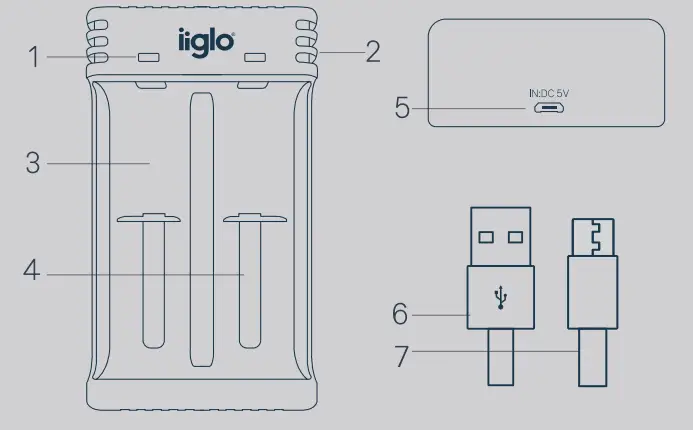
Description of the device
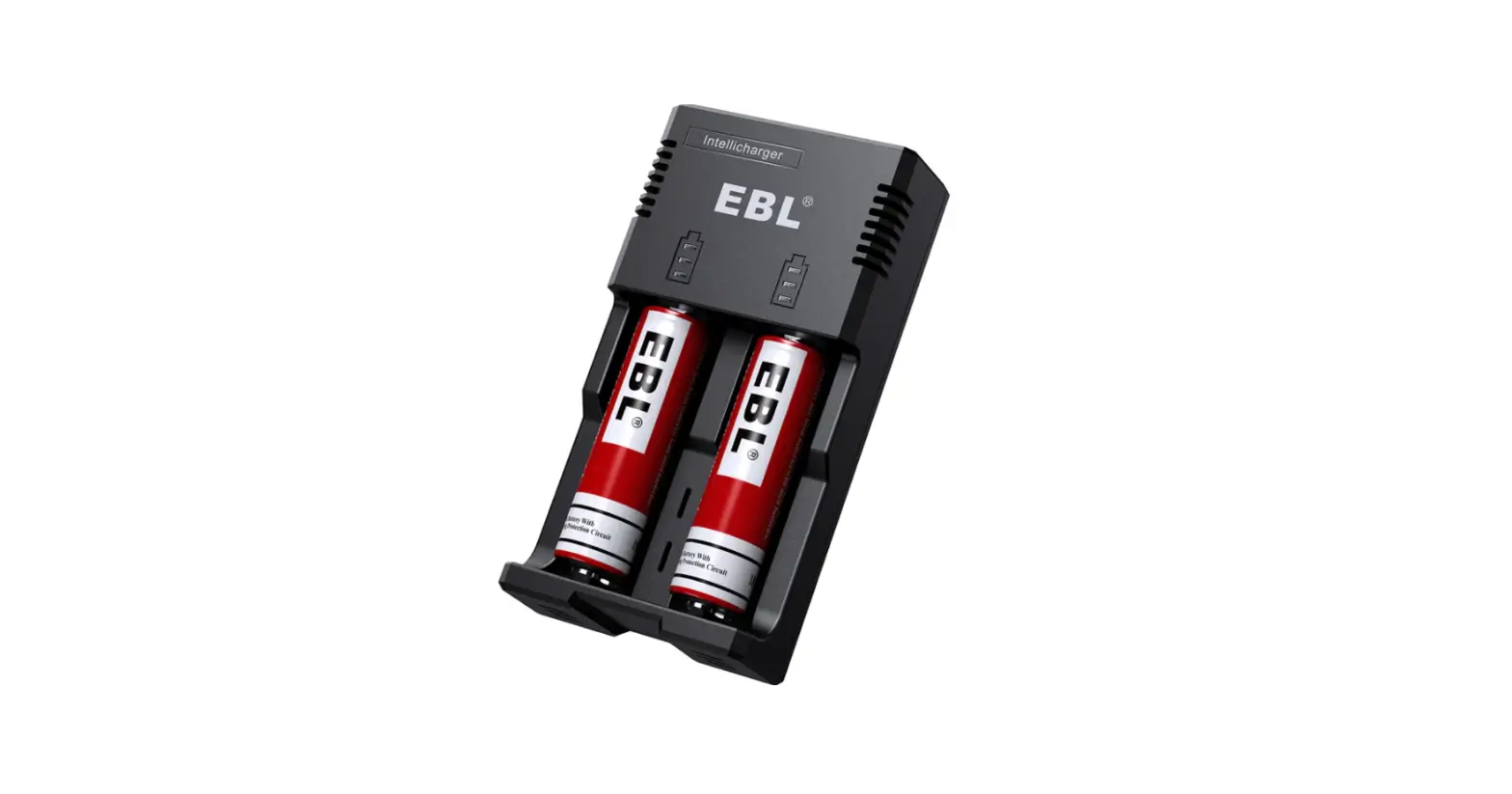
- LED indicator
- Cooling grid
- Battery slot 1
- Battery slot 2
- Micro USB input port
- USB-A connector
- Micro USB connector
Using the device
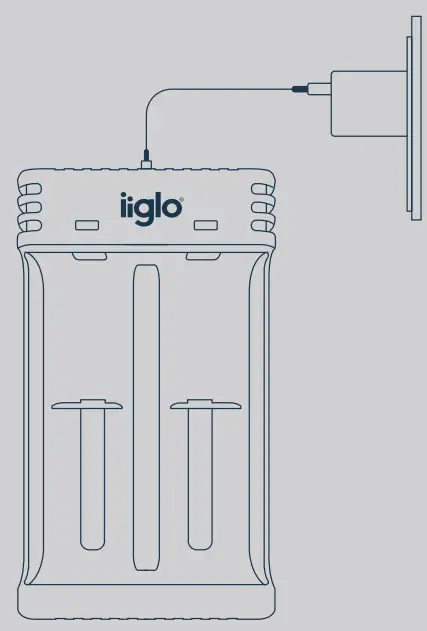
- Connect the Micro USB connector (see Fig.7) of the included cable to the Micro USB socket in the charger (see Fig. 5.)
- Connect the USB-A connector (see Fig.6) of the included cable to the adapter or other device from which you wish to power the charger.
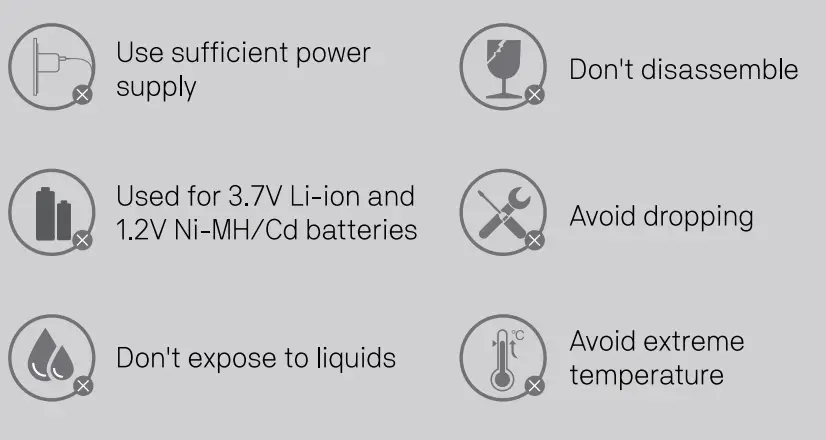
- Ensure that the power adapter is getting sufficient power to the charger.
- The LED indicator (Fig.1) will shine red at first, turn green, and quickly turn off. The device is now ready for charging.
Charging process
- Insert the rechargeable batteries according to the orientation indicated by positive”+” and negative “-” signs.
- The LED indicator will turn red while charging.
- When the batteries are fully charged, the LED indicator turns green.
Note: the LED indicator will quickly flash red if the batteries are bad or incorrectly inserted.
Specification
 | Input | DC 5V/2A |
 | Battery Types | Li-ion, Ni-MH/Cd |
| Max Wattage | 10W |
 | Current | 0.5A/1.0A*2 |
| Size(lLWH) | 100 * 60 * 28.5 MM |
| Weight | 60.2g±5g |
| certificated by | CE, ROHS, FCC |


Attention
Model no: IICHARGEUSBU3PR002

Imported by iiglolØstre KuHerod 4,
N-3241 Sandefjord, Norway
www.iiglo.com
Made in China