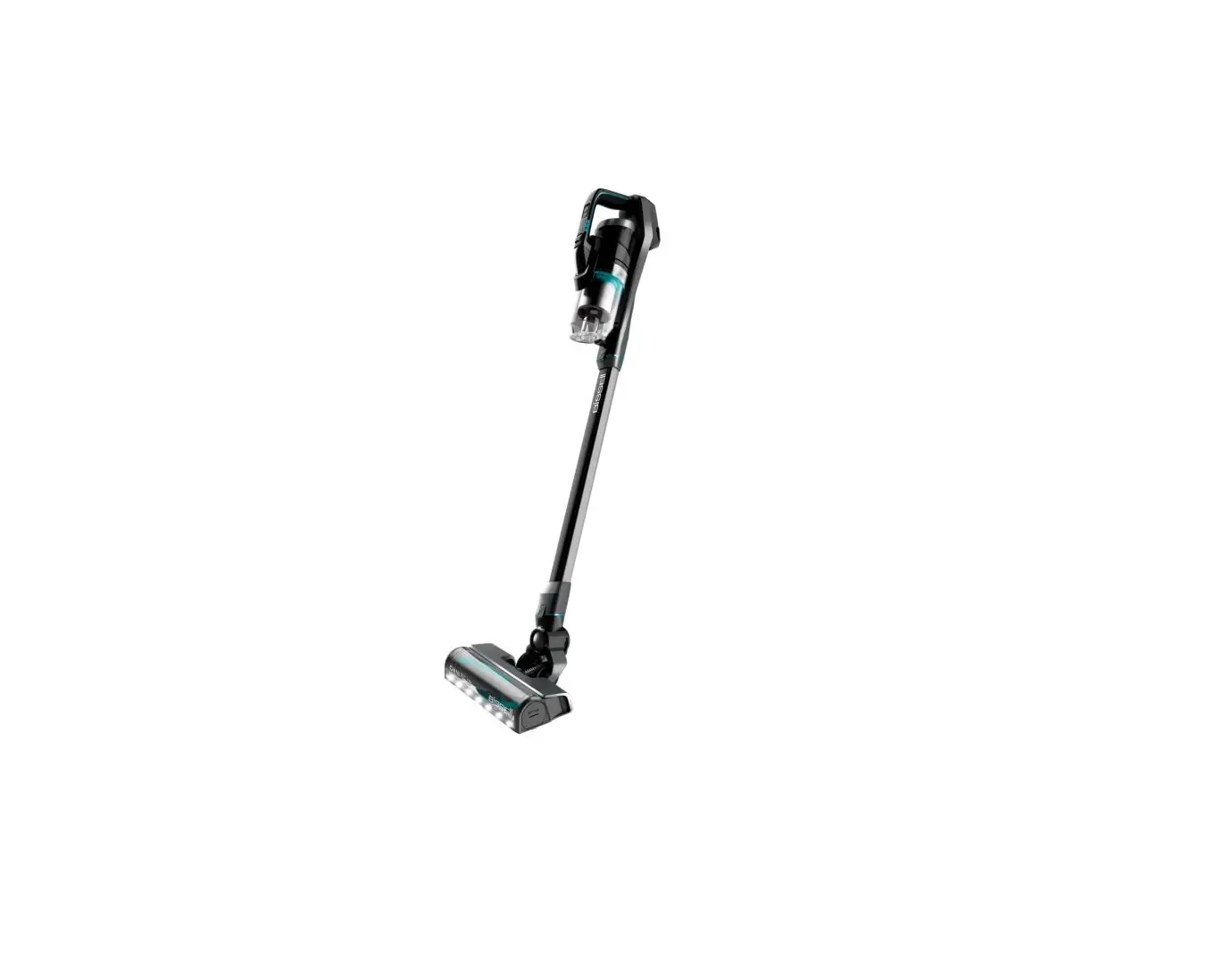
- Check the outlet being used to charge machine
- Test the outlet with a different device like a cell phone charger or small appliance
- Verify correct Charger is being used
- Label on Charger should be Model SSC-180085US
- If Charger is damaged > Replace Charger > Go to Parts & Supplies
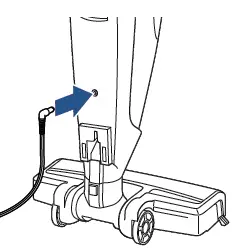
- Test the machine by plugging the Charging Cord directly into the back of the machine (not on Charging Base)
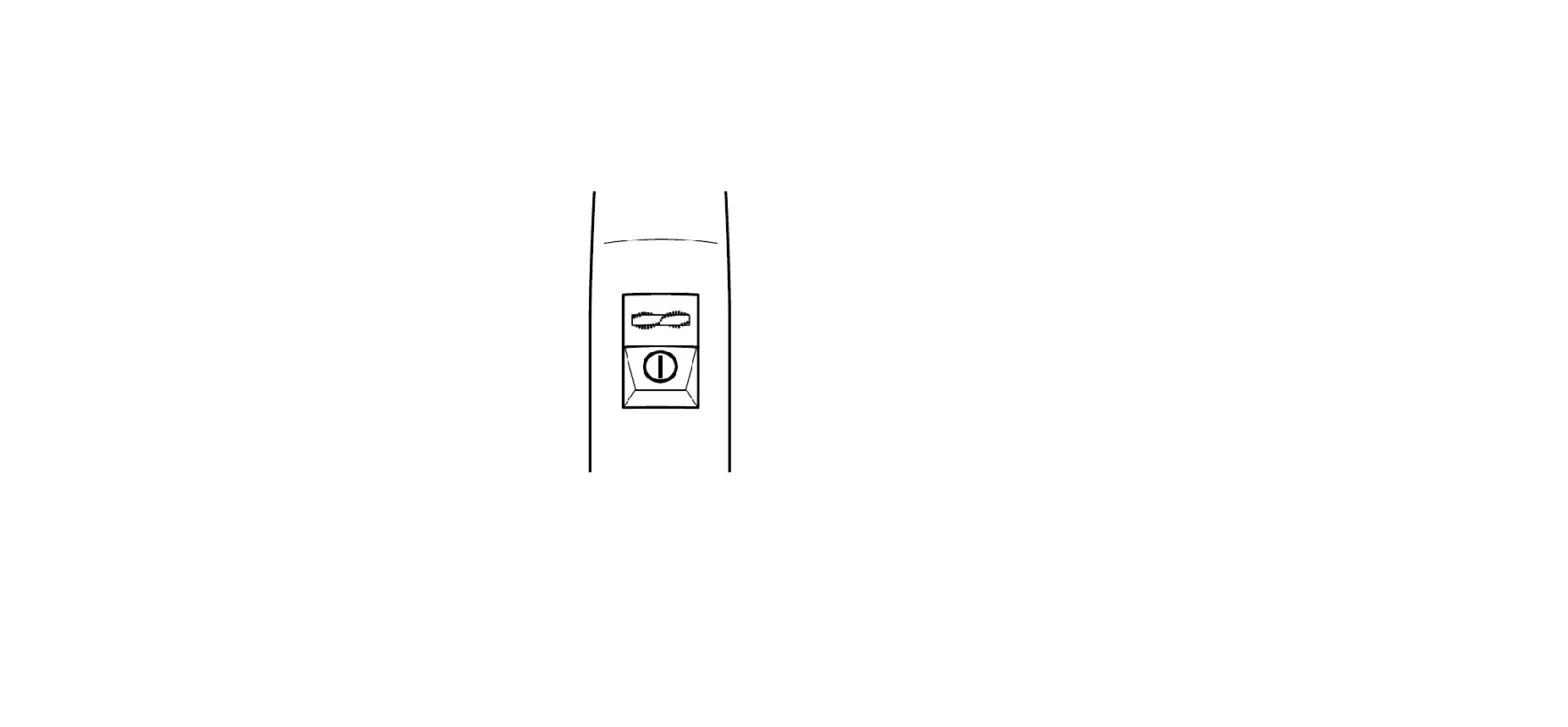
- Look at LED lights on front of hand vac
- If no lights are displayed > Replace Charger > , Go to Parts & Supplies
- Unplug from charger
- With machine sufficiently charged > Does the machine turn ON?
- Yes, > Great! Glad we can get you back to Cleaning
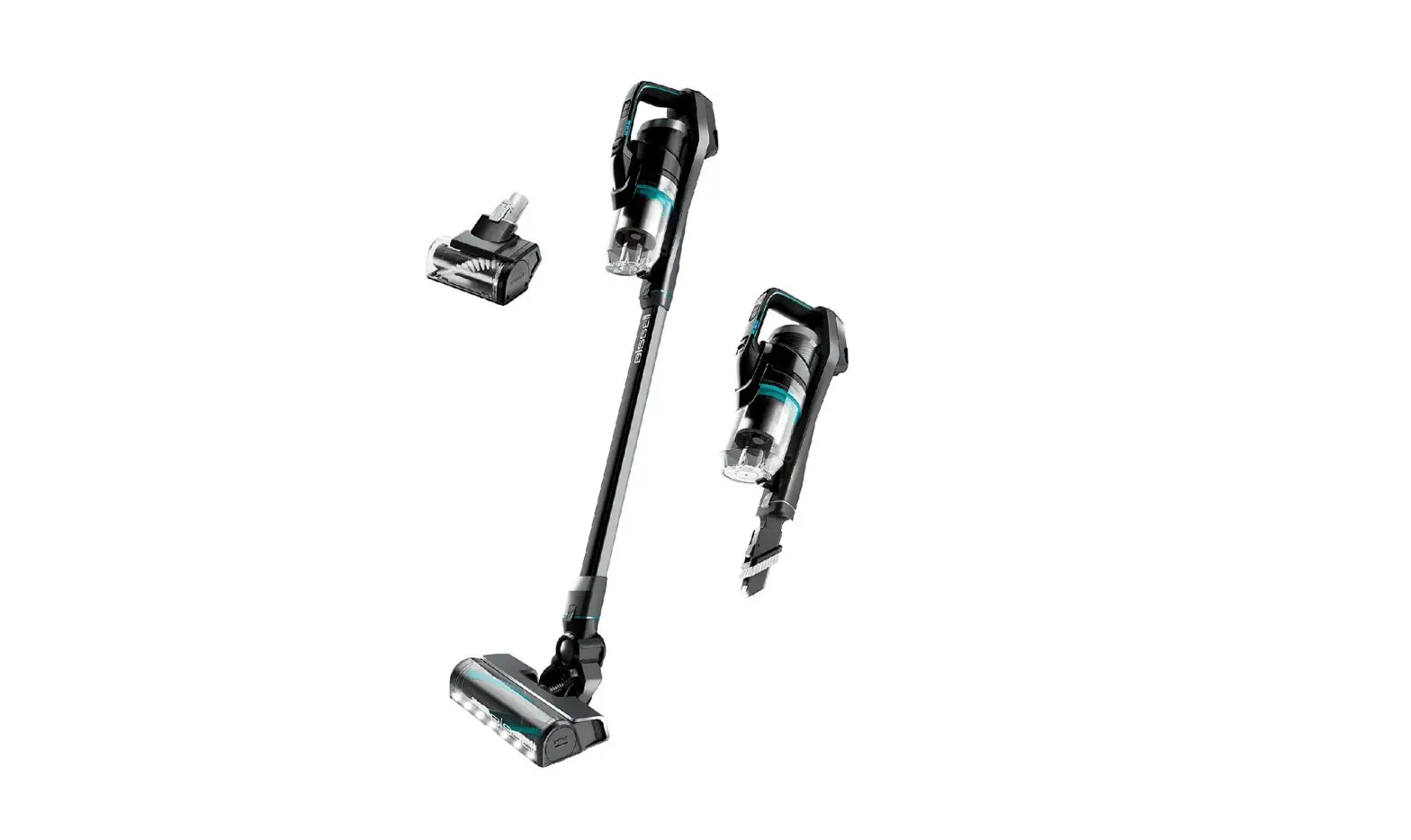
- No > Remove Hand Vac
- Does the Hand Vac turn ON?
- Yes > The Handle needs to be replaced > Go to Parts & Supplies
- No > The Hand Vac should be replaced > Go to Parts & Supplies
- Does the Hand Vac turn ON?
- If the machine turns On then Off after a few seconds it indicates an obstruction in the Brush area > Go to Brush/Foot Area
- To check if Charging Base is working properly
- Connect Charger to bottom of Charging Base
- Plug into wall outlet
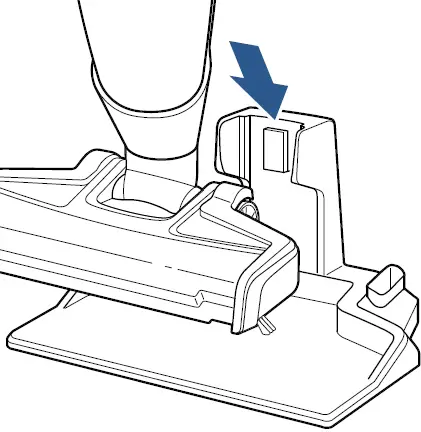
- Place fully assembled machine onto Base
- Making sure it is securely seated (back of machine needs to be attached to connection points on Charging Base)
- If there are no lights on the LED display on Hand Vac > Replace Charging Base > Go to Parts & Supplies