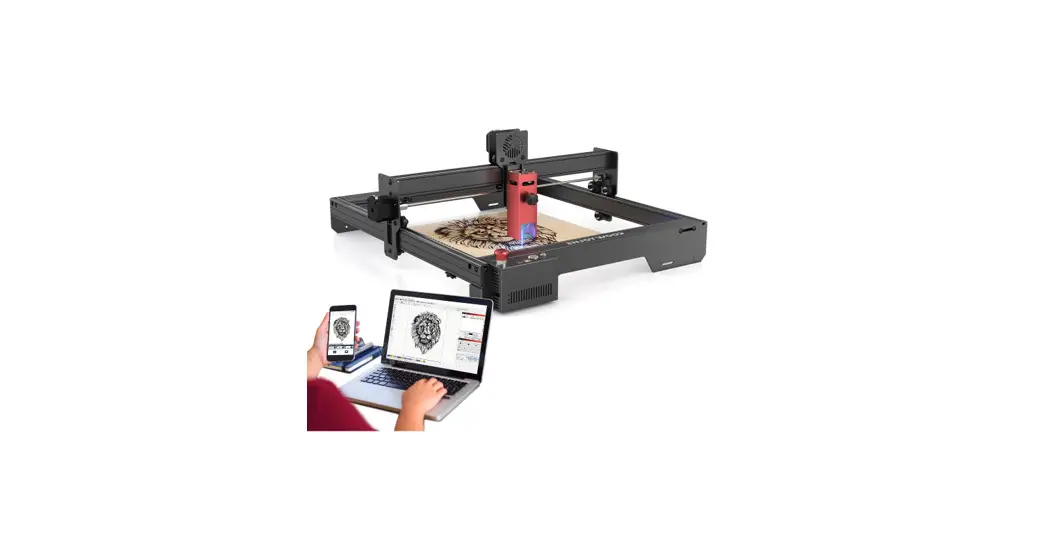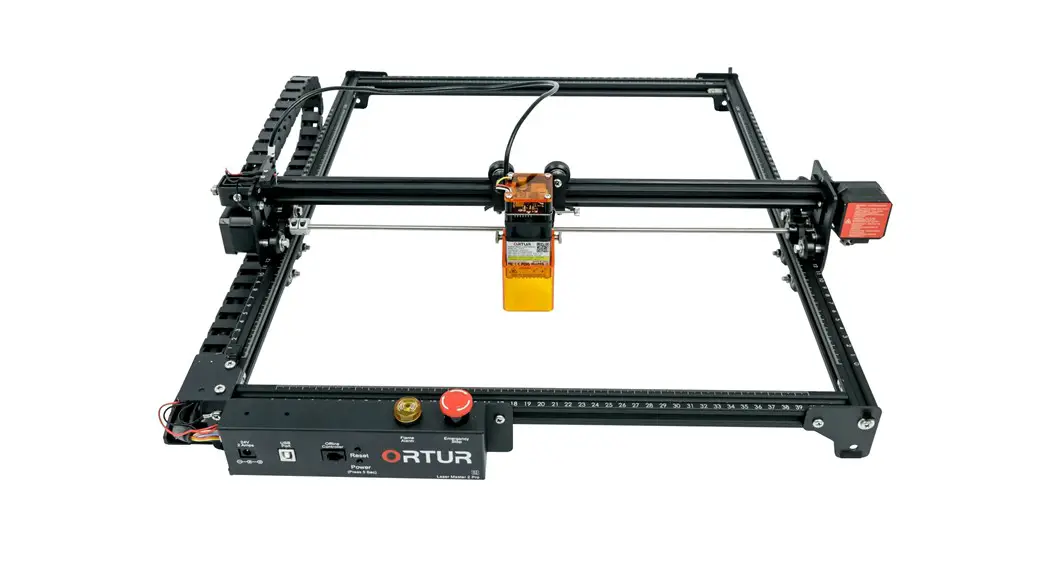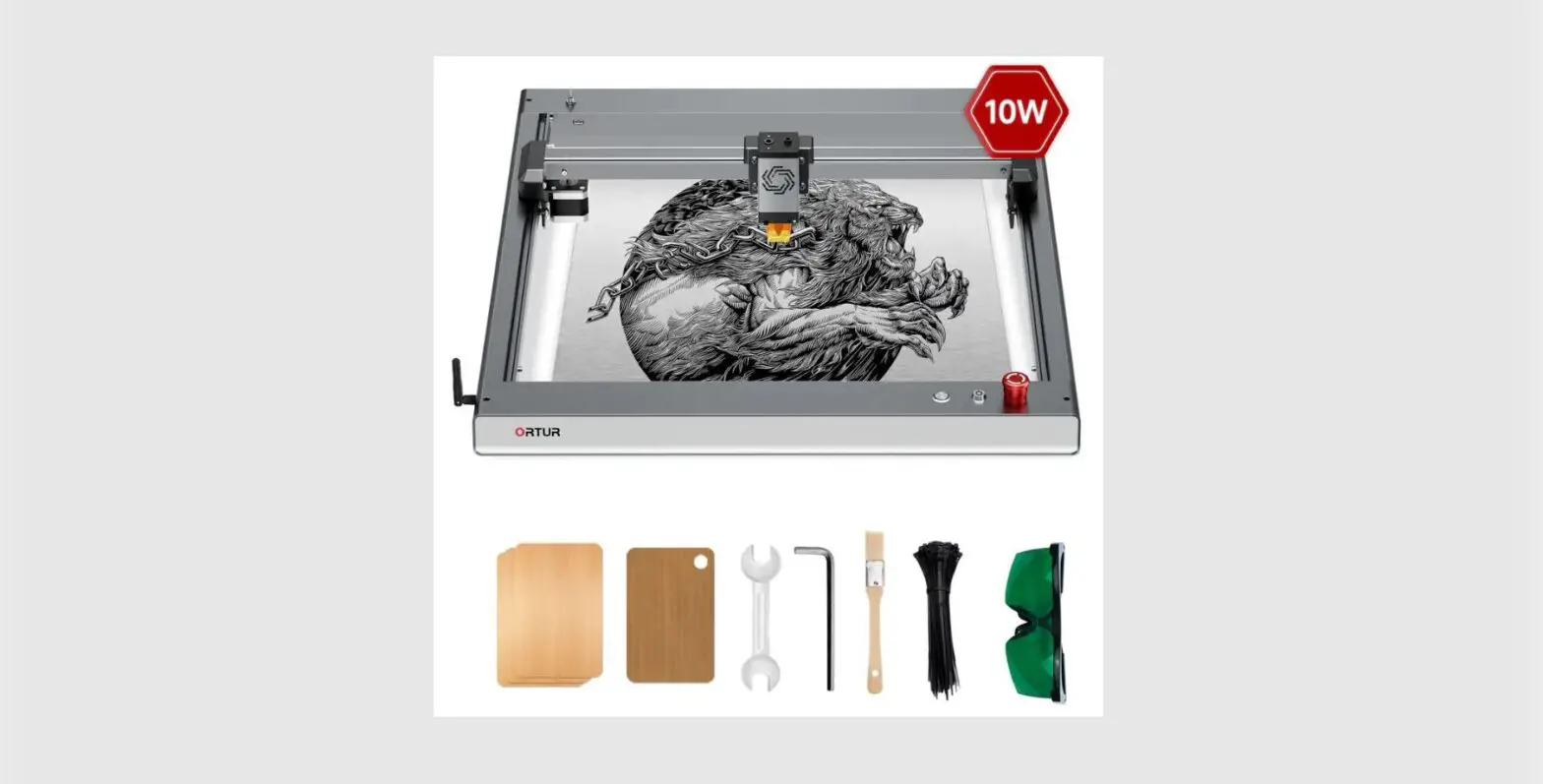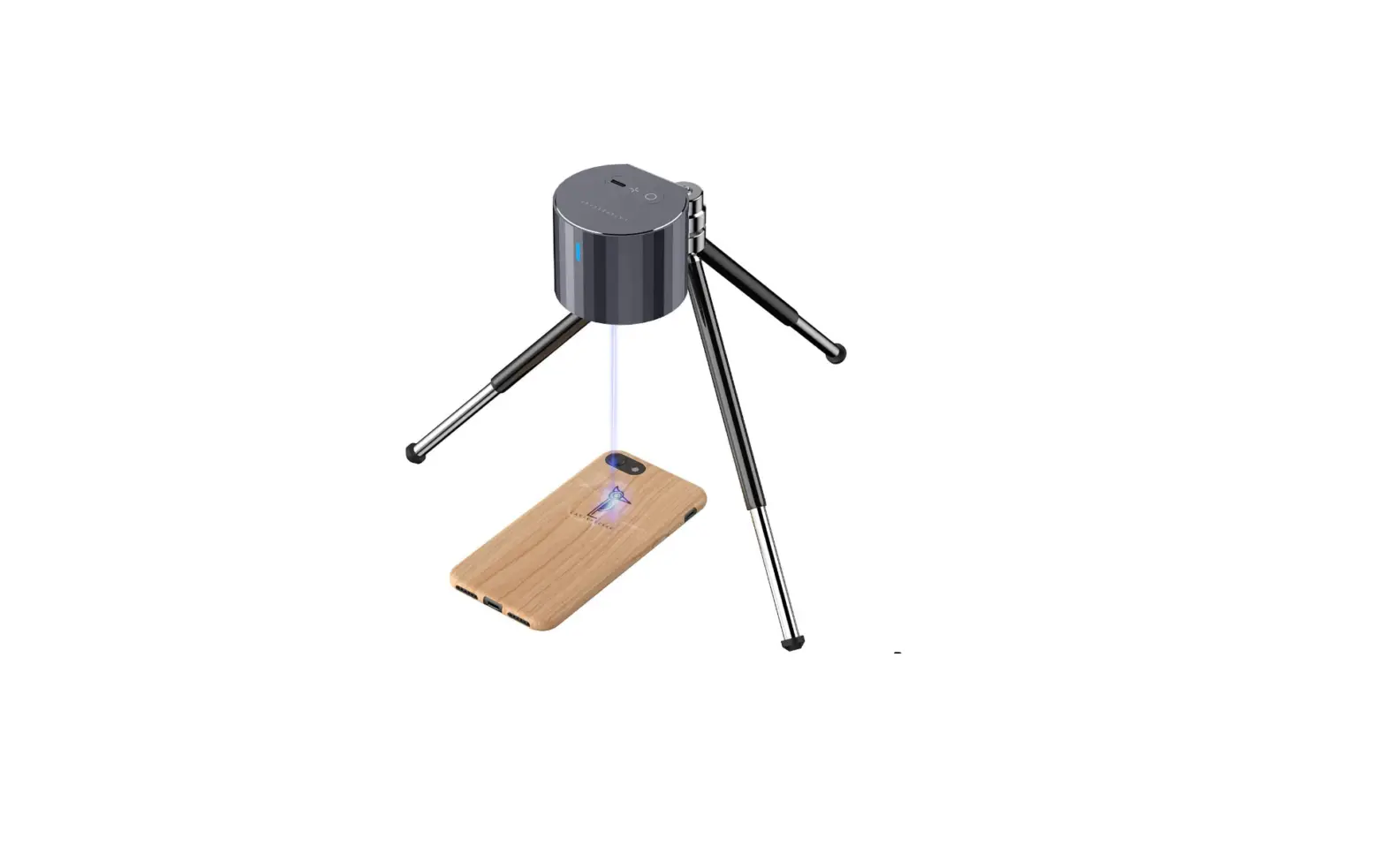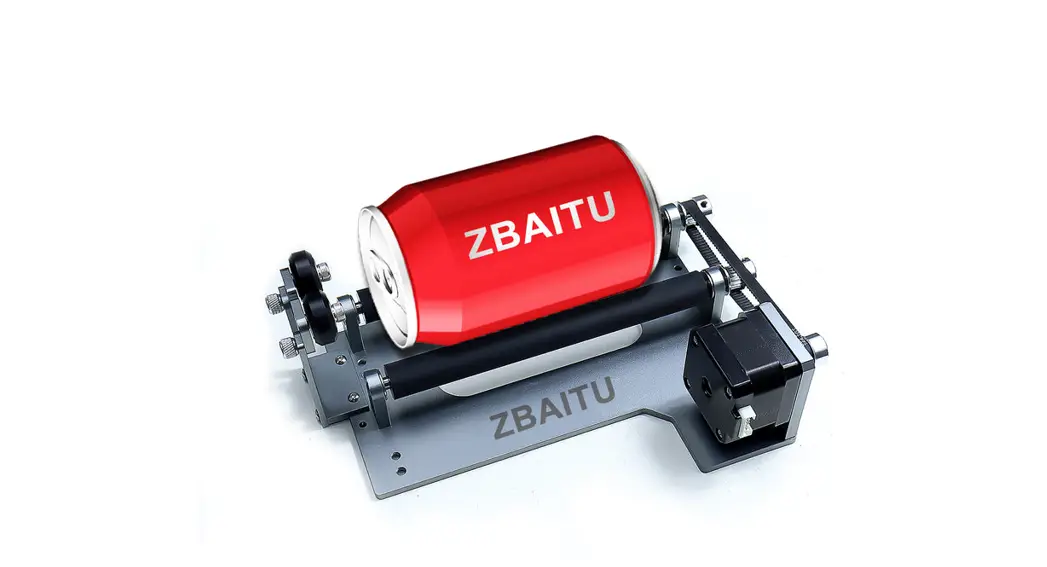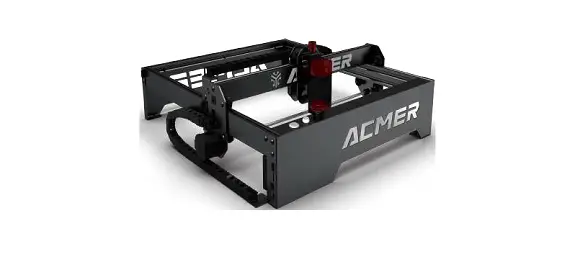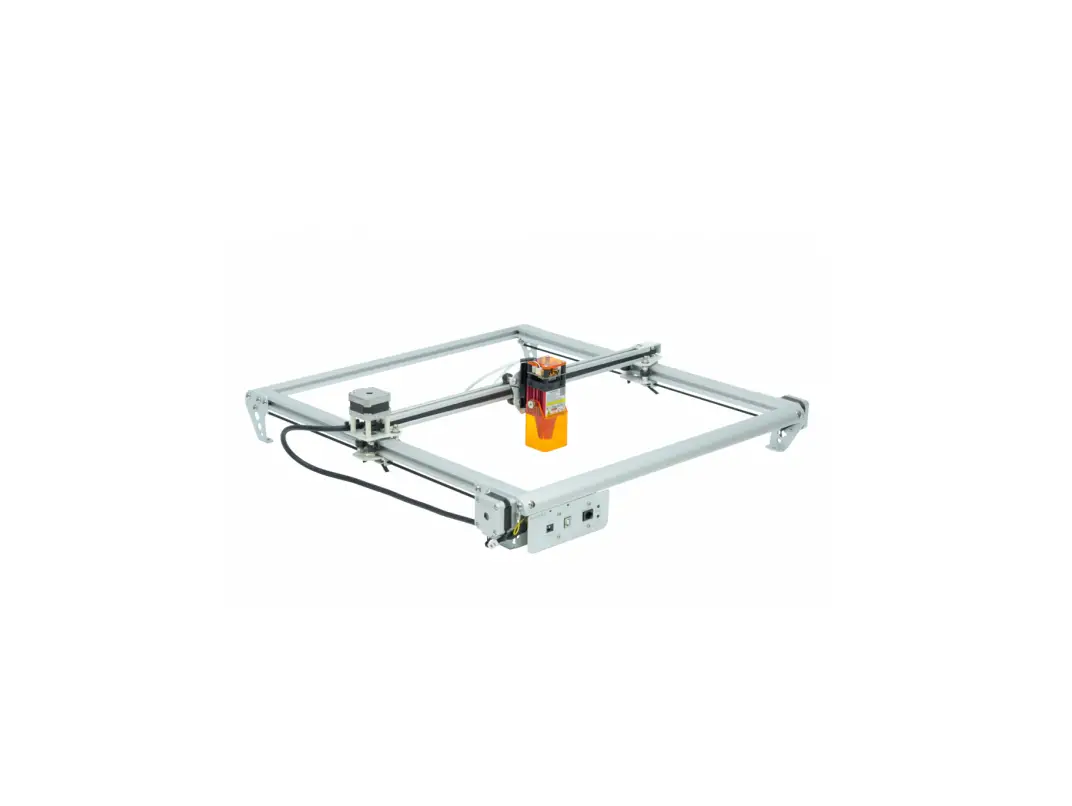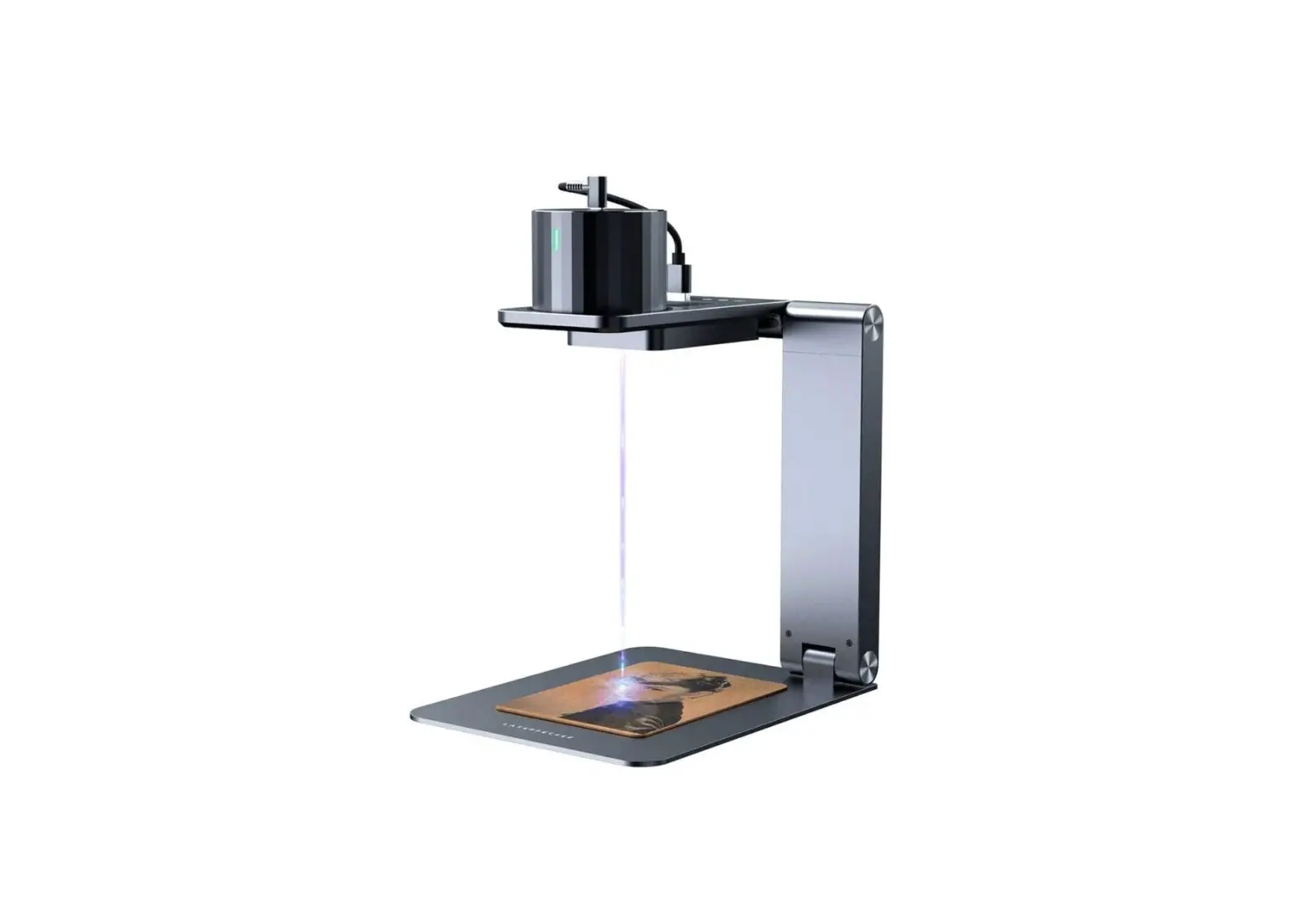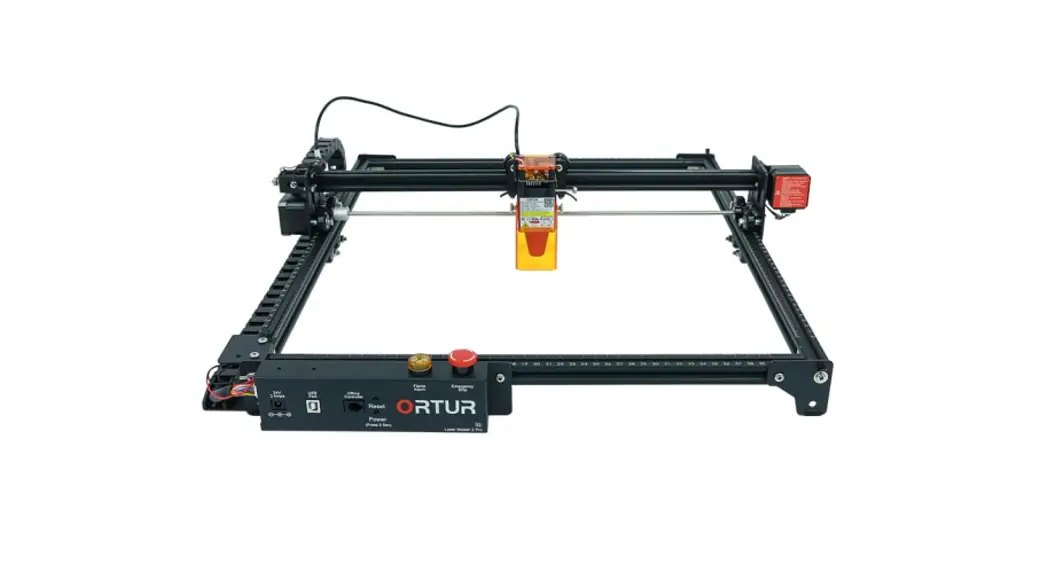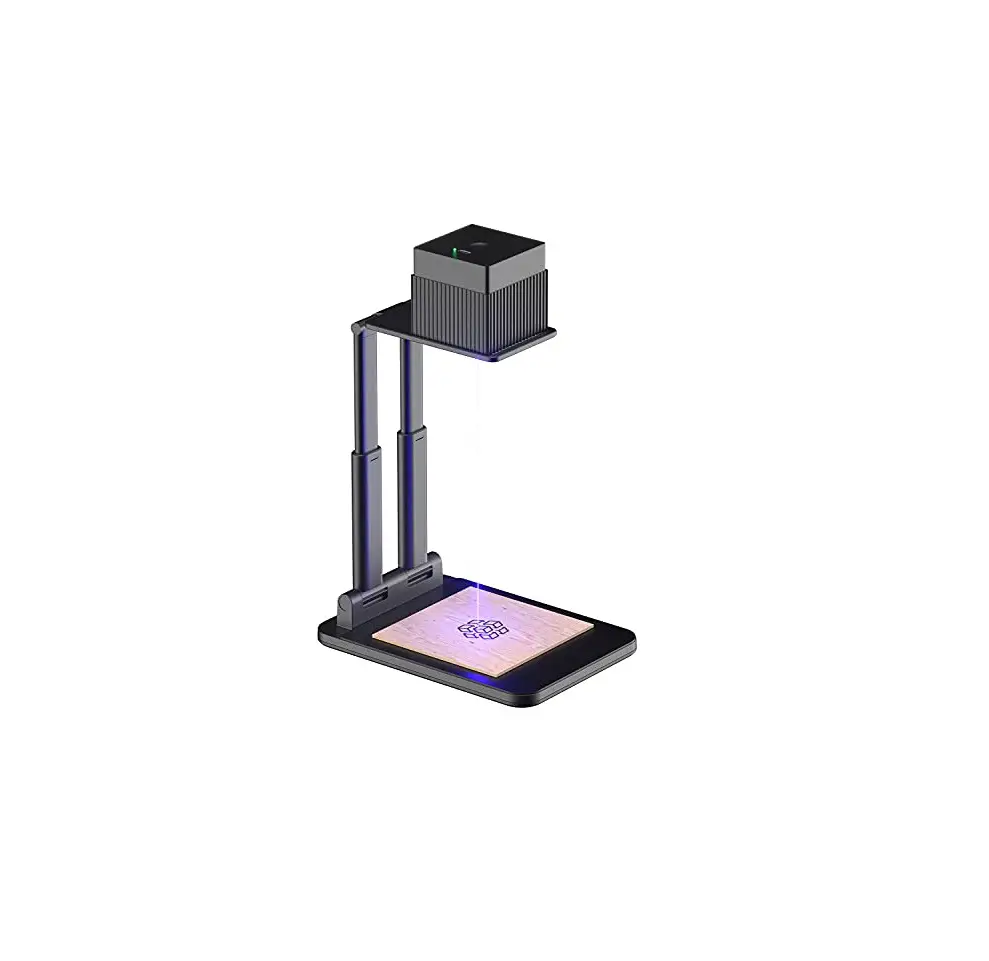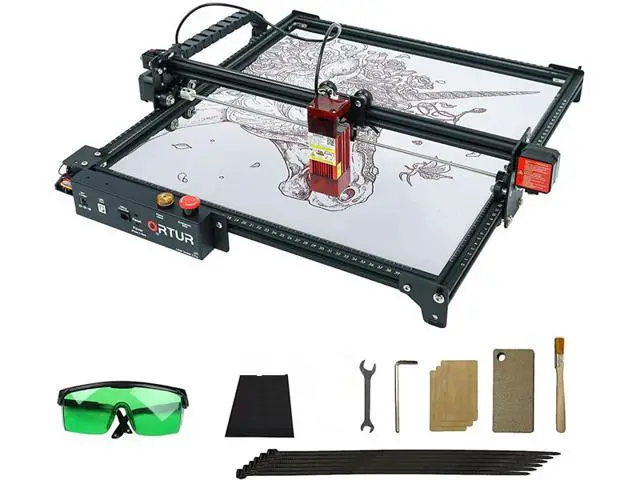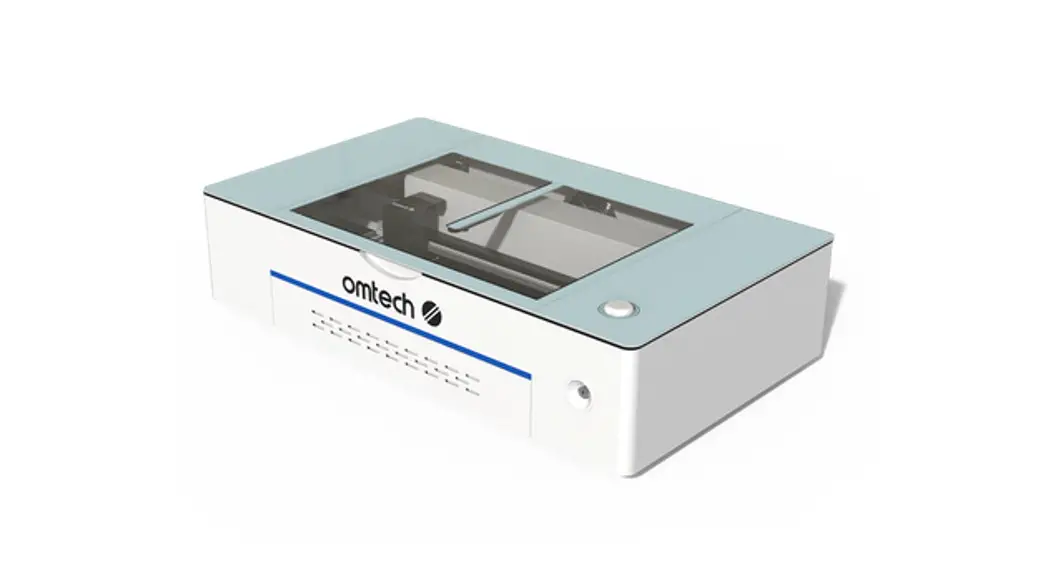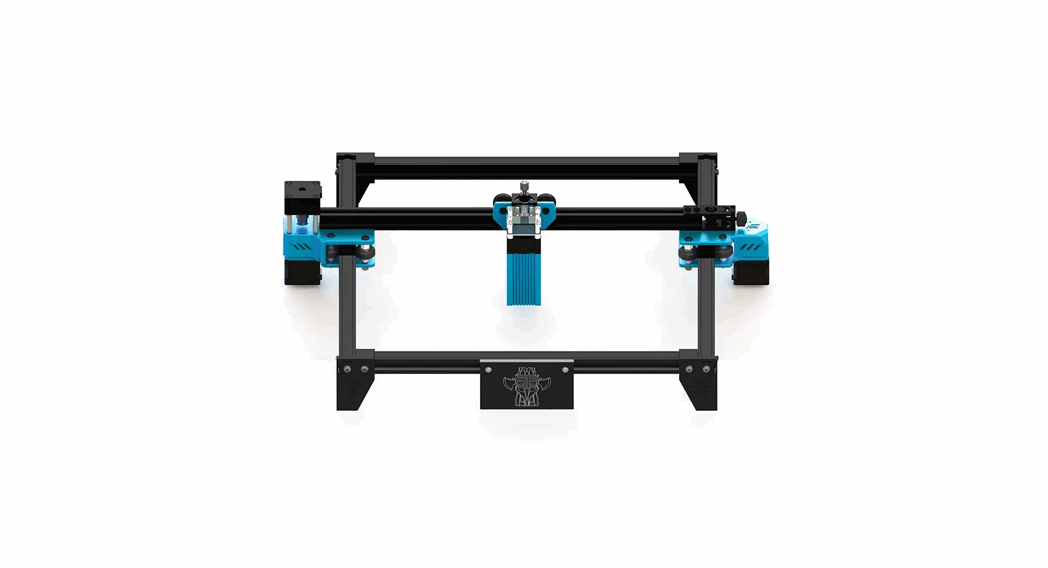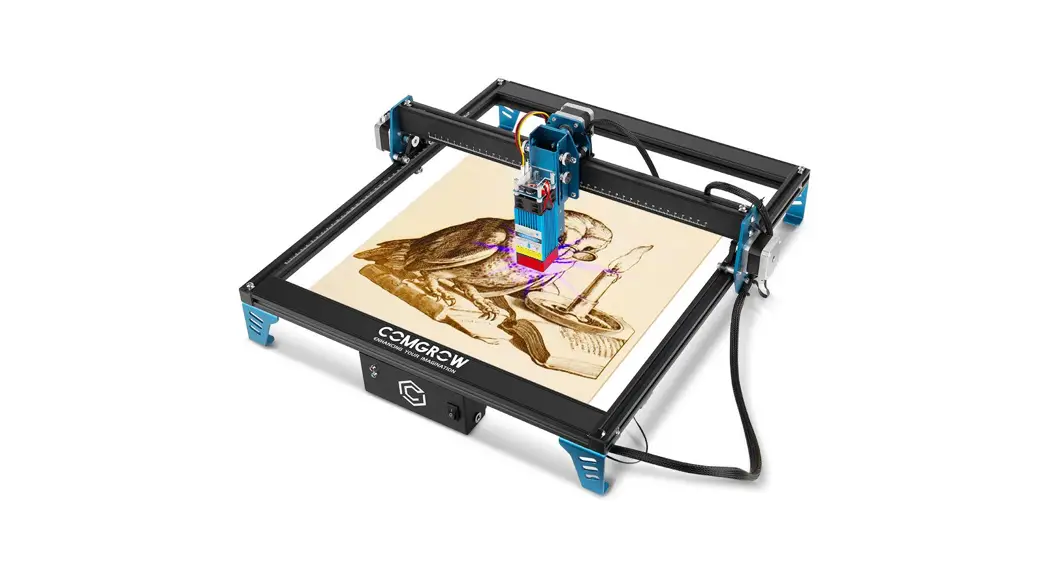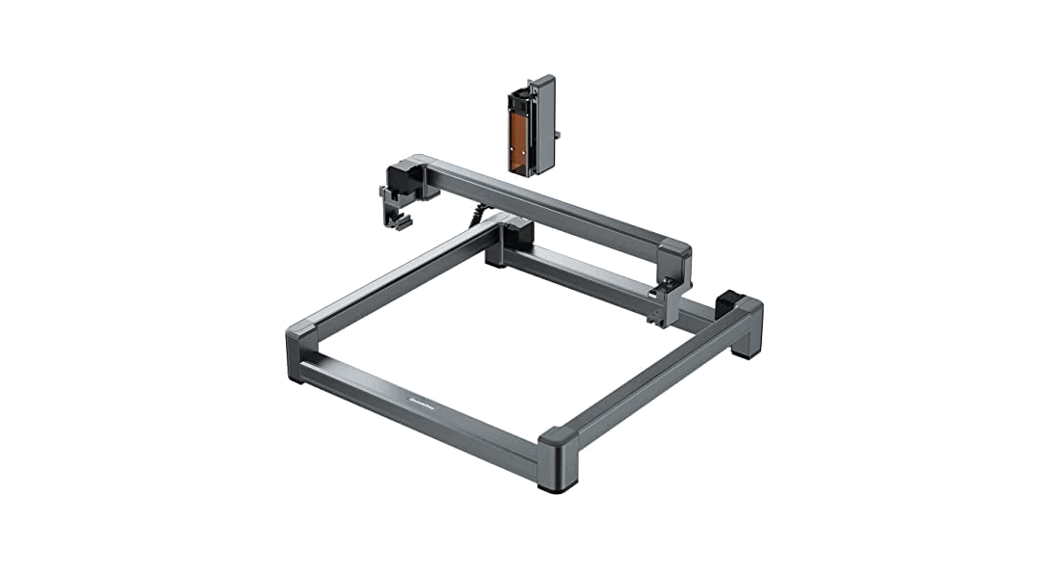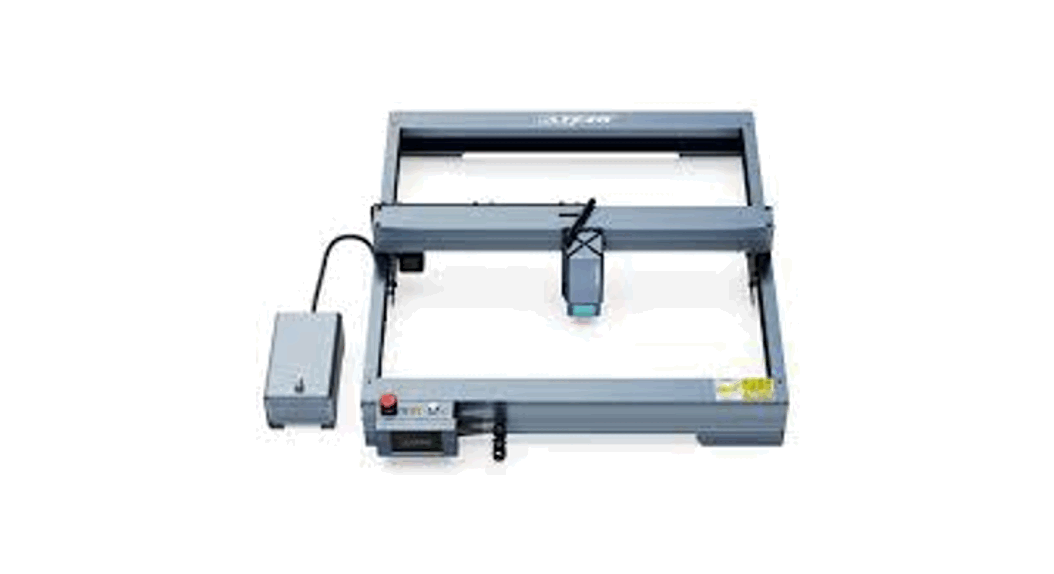
 Laser Engraving Machine
P5/P10/P20 Plus
Instruction Manual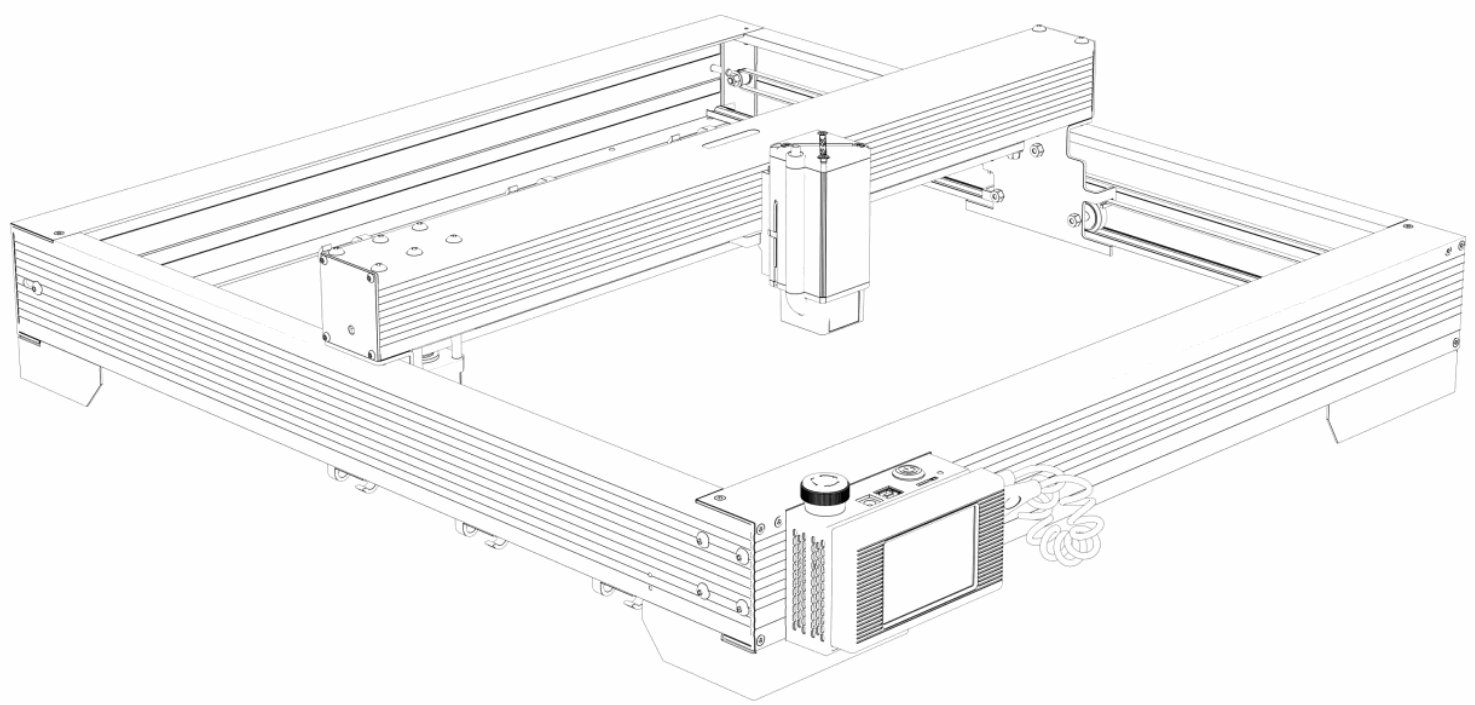
Dear user:
Welcome to join! Thank you for purchasing the P5/P10/P20 Plus with Atezr.Are you ready for the Remember, Atezr is there for you wherever you are!
CONTACTING ATEZR
17440 Railroad ST B, City of Industry, CA, 91748
[email protected]
www.atezr.com  http://atezr.com
Aim for innovation
Retrieve your every thought
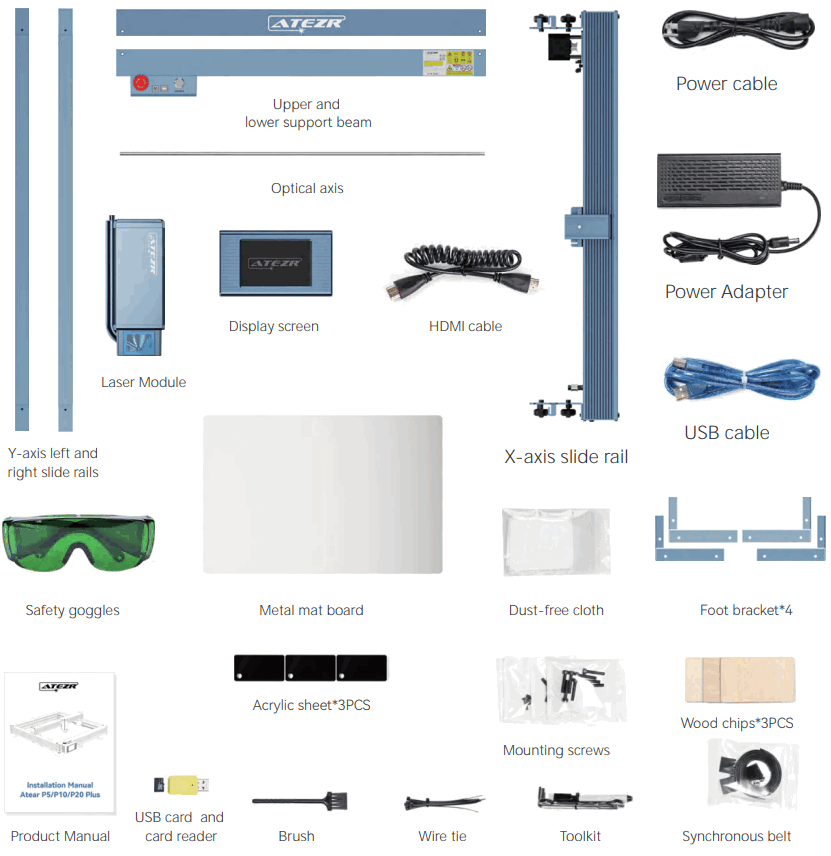
Packaging List
Cautions!!!
- High-intensity laser beams generate extremely high temperatures and a lot of heat as cutting burns the substrate quantity. Certain materials may catch fire during cutting, creating gas and smoke. Do not leave the machine unattended during the engraving process. After use, be sure to clean up the sundries and inflammable in the machine. Always keep an available fire extinguisher nearby to ensure safety. When using a laser engraver, the material generates fumes, vapors, particles, and toxic materials in plastics and other combustible materials. These smog or air pollutants may harmful to health.
- When installing the equipment, make sure that the workplace must be clean and that there are no flammable or explosive items. A sheet of metal must be placed under the bottom when engraving or cutting.
- When using the laser engraving machine, it is recommended to wear laser safety goggles. Avoid skin exposure to type 4 beams, especially at close range. Youth aged between 12-18 must have parental supervision during use. Do not touch the laser engraving module when the machine is on.
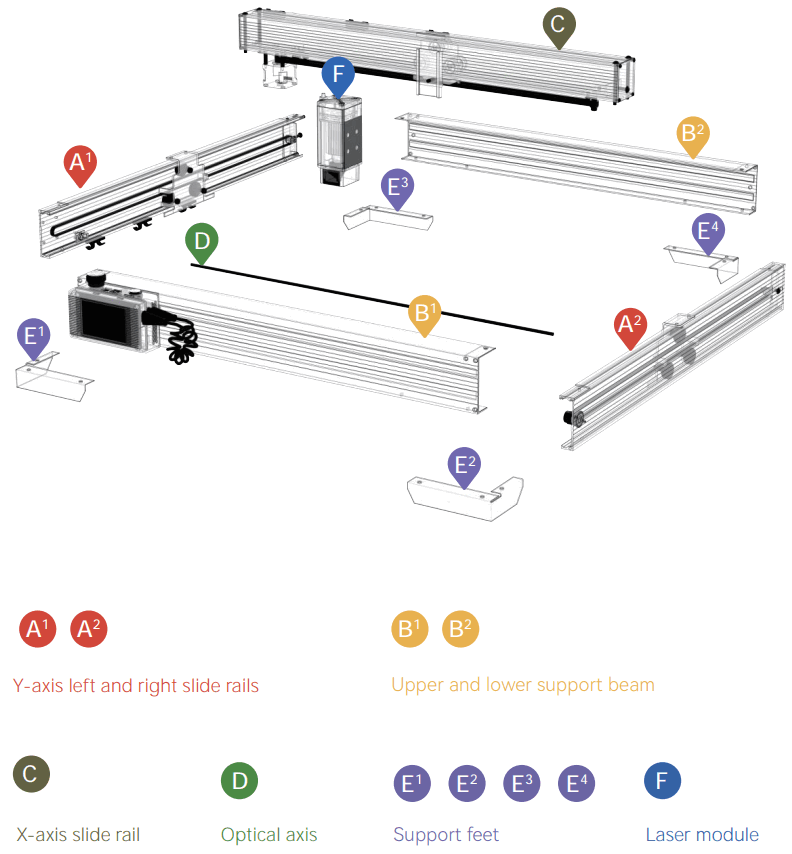
Assembly Guide
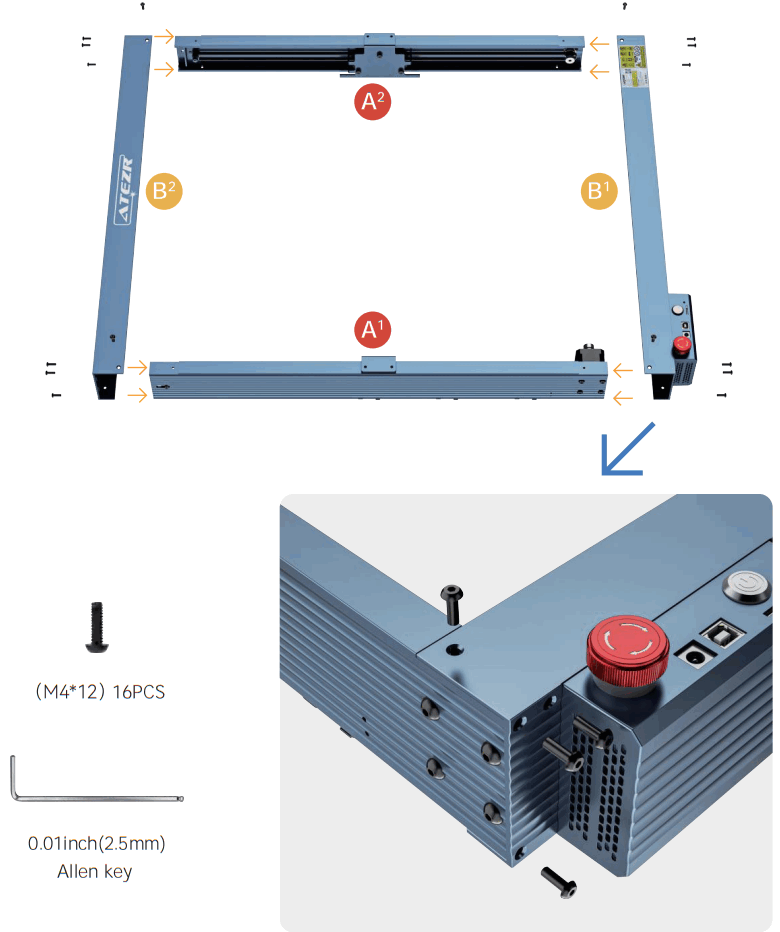
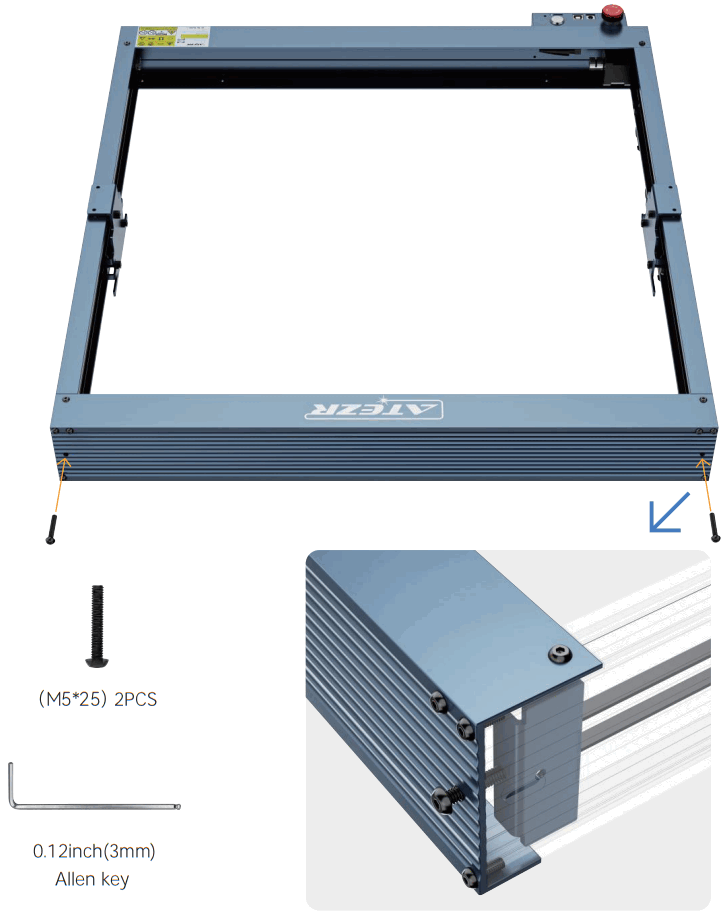
Step 1 Framework assembly
Step 2 Install the belt tension adjustment nut
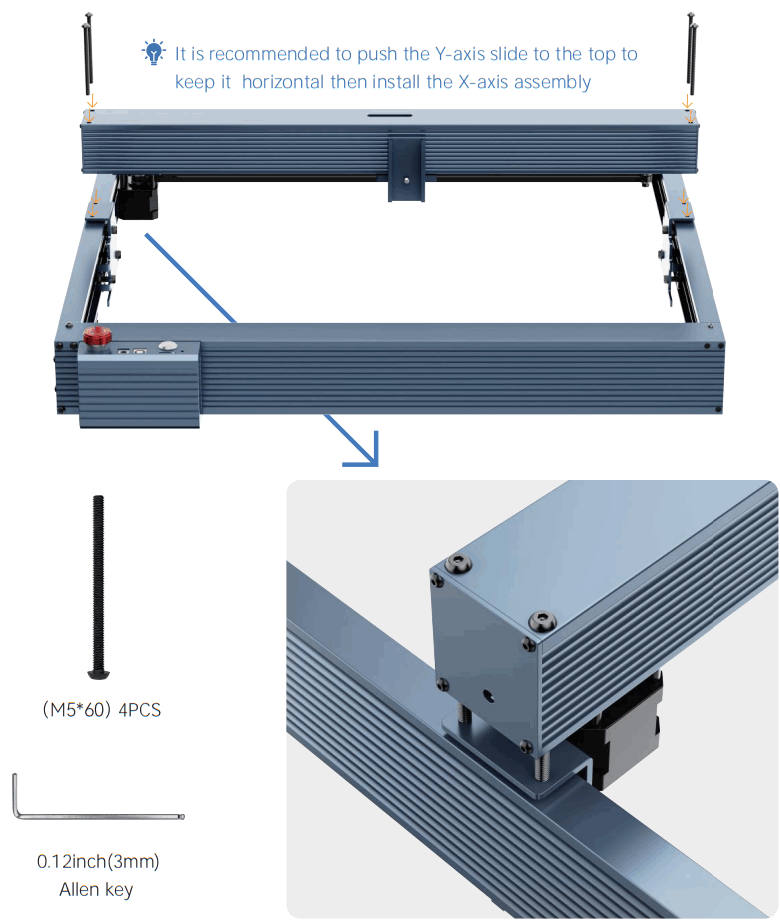
Step 3 Install the X-axis assembly
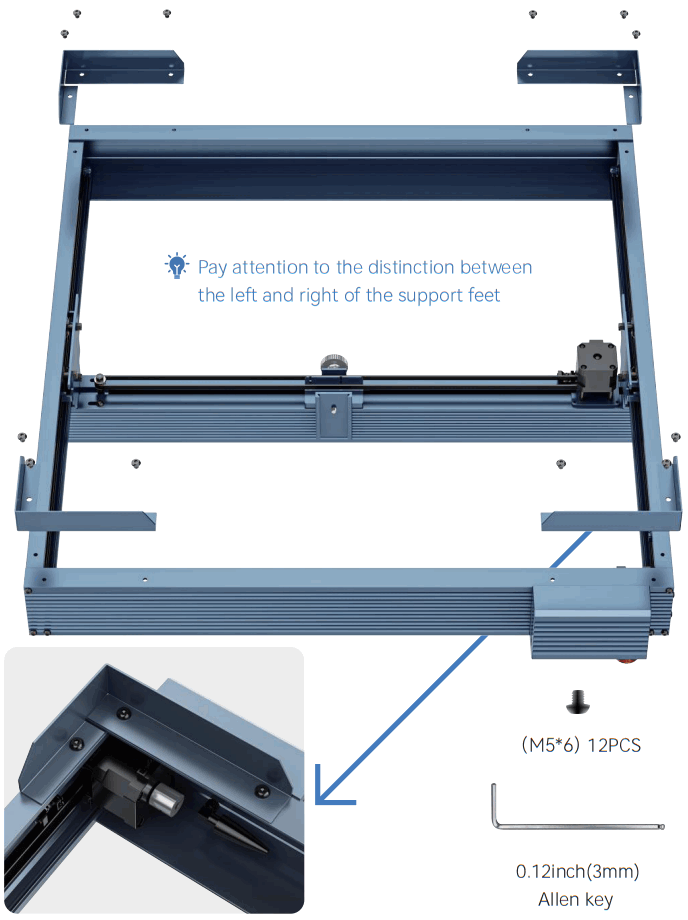
Step 4 Install the bottom support feet
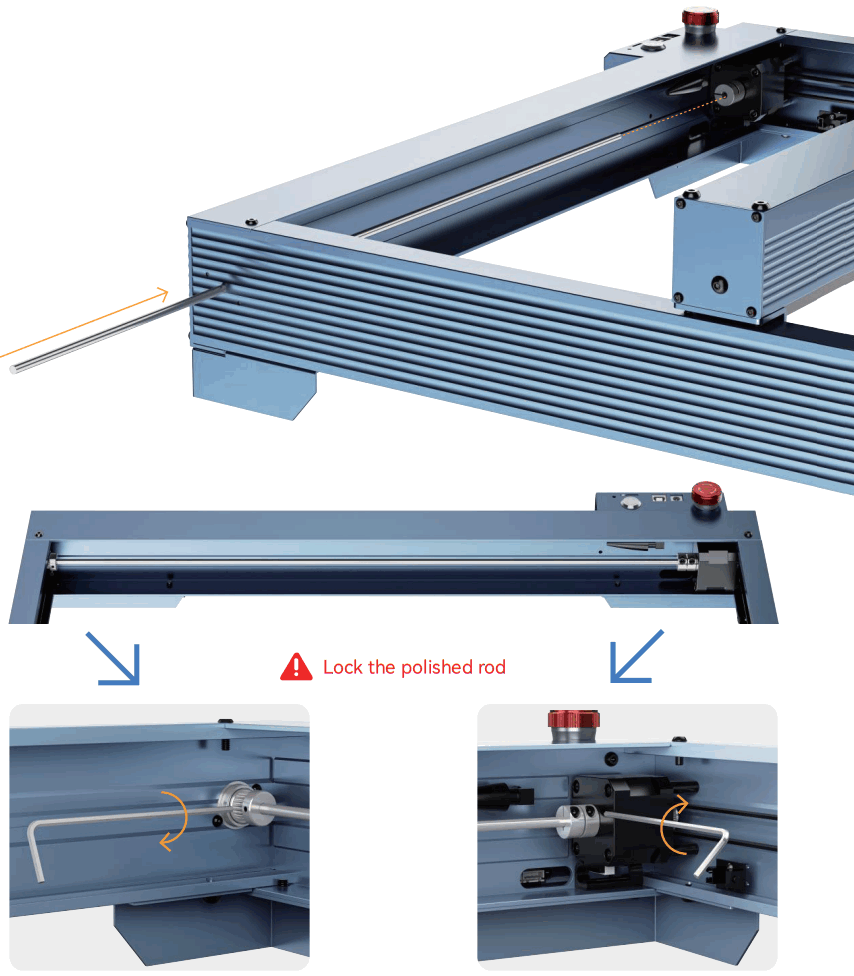
Step 5 Install the polished rod
Step 6 Mounting the Laser
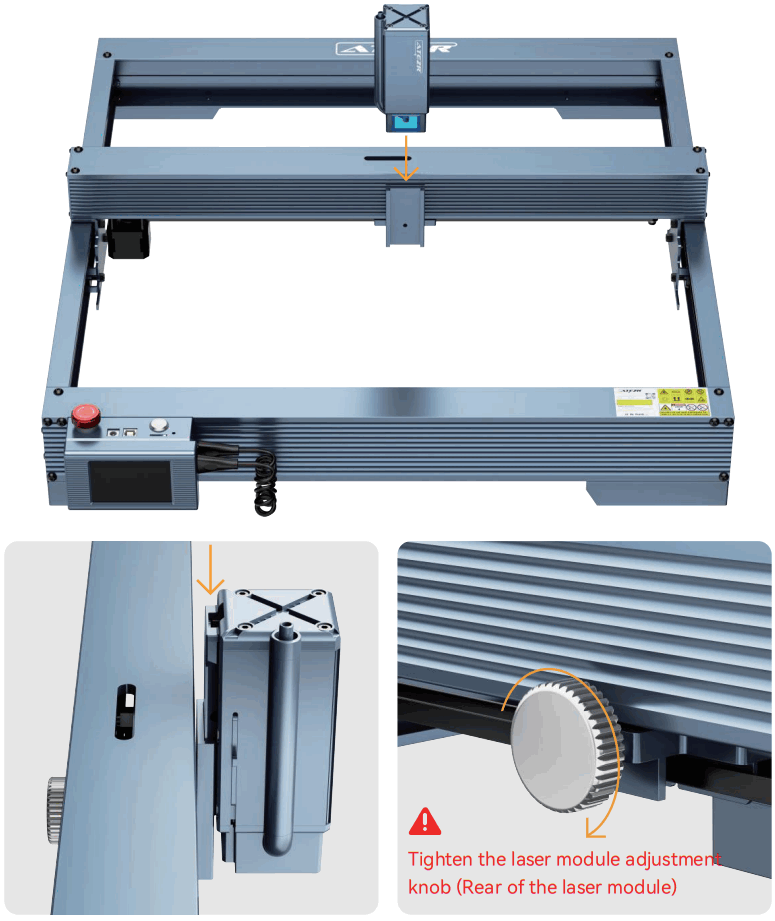
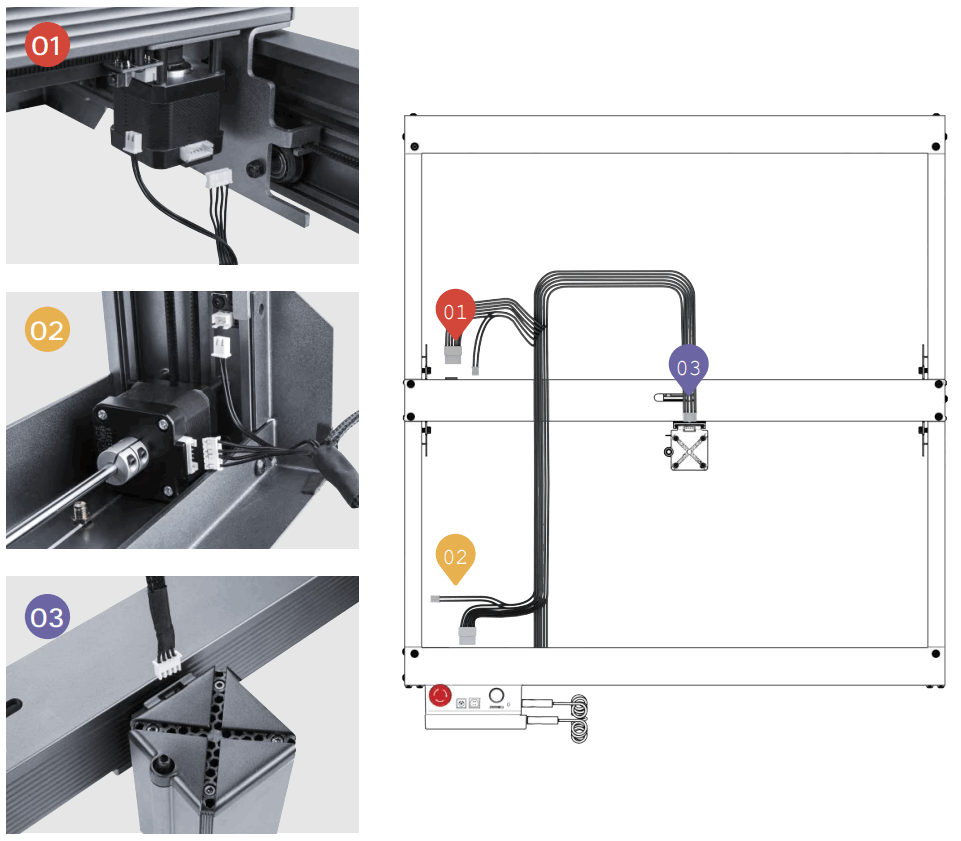
Step 7 Install the cable tie
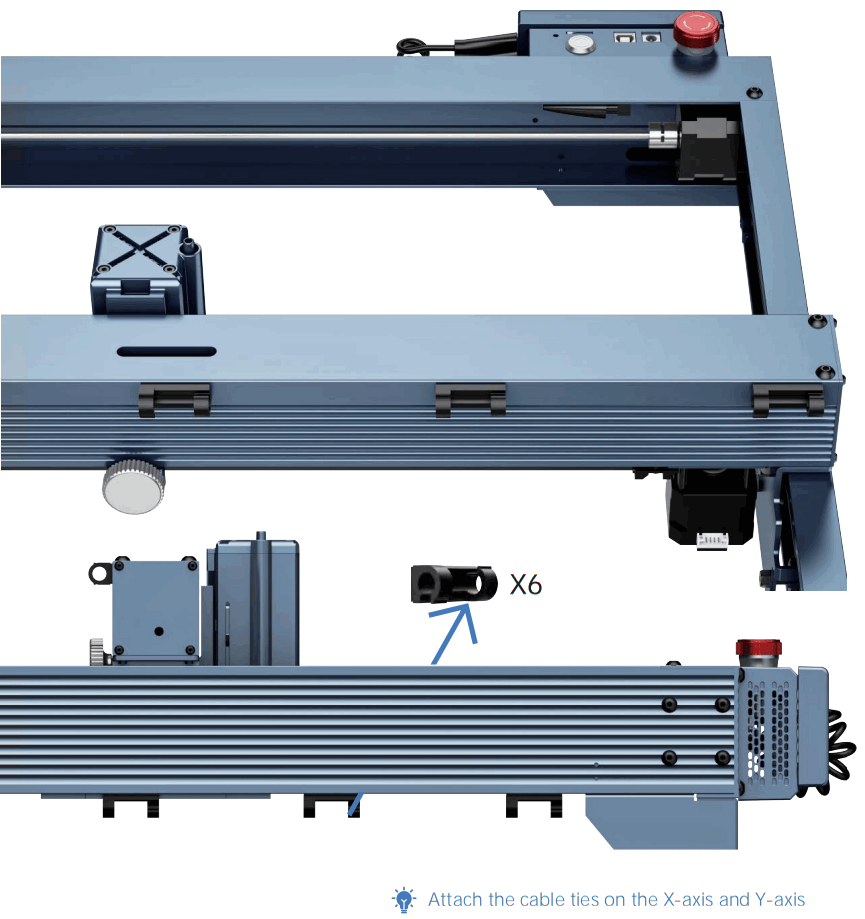
Step 8 Install the cable tie
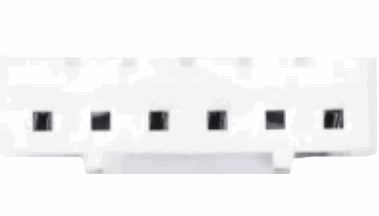 | 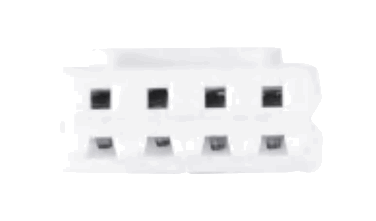 | 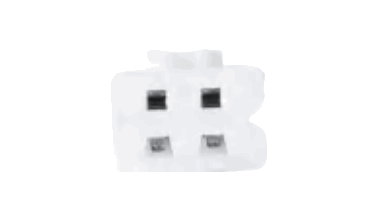 |
| 6 holes are connected to the motor | 4 holes are connected to the laser module | 2 holes are connected to the limit switch |
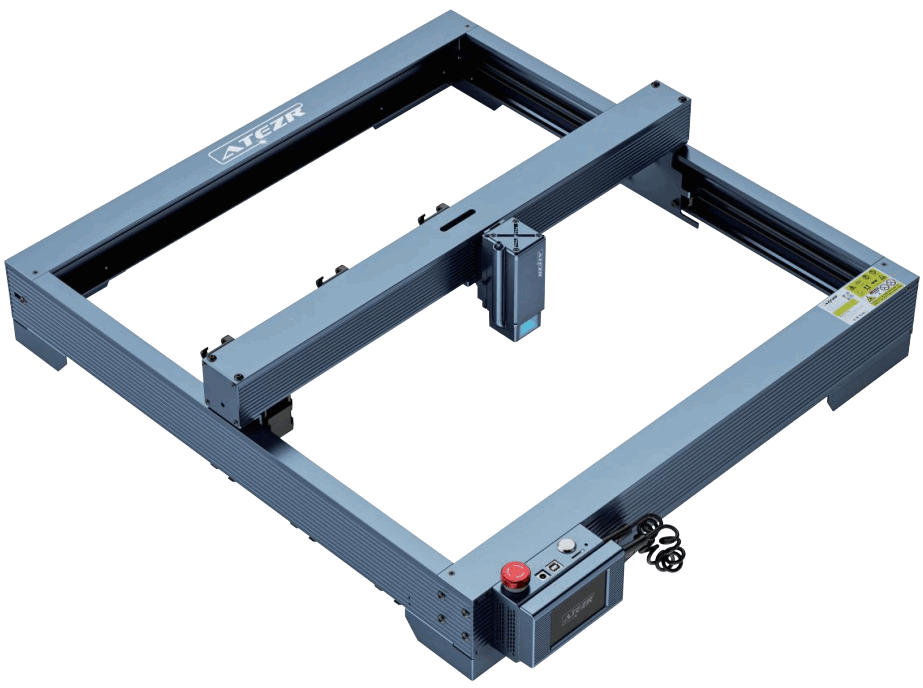 Mission Completed
Congratulations!
Product Regulation
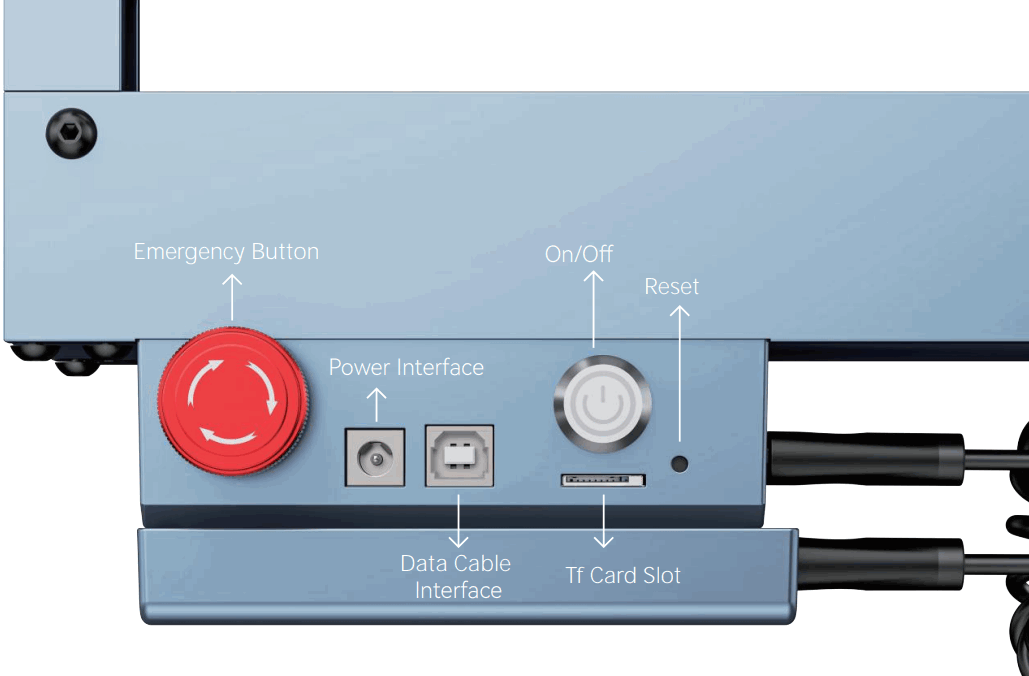
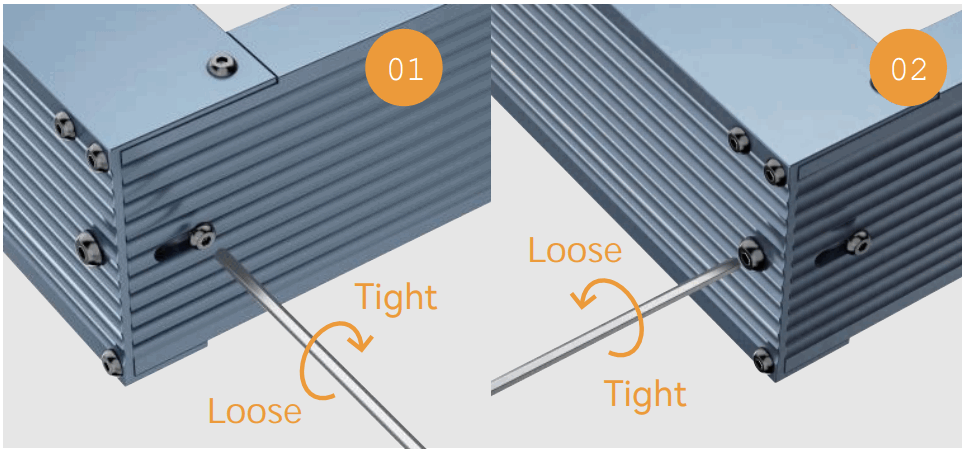
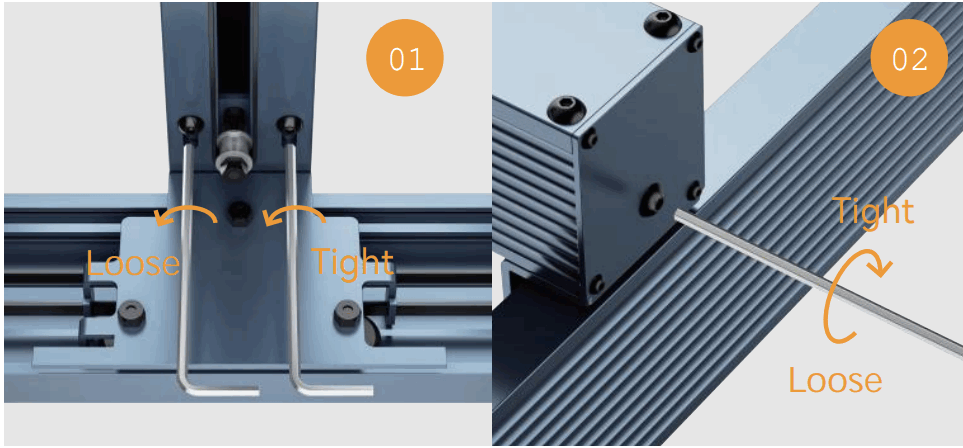
Adjust The Belt Tension
Y axis:
- Loosen the fixing nut on the side
- Adjust the back tightening nut, and adjust the belt to the proper tightness
- Tighten the side-fixing nut
X-axis:
- Loosen the fixing nut on the side
- Adjust the back tightening nut, and adjust the belt to the proper tightness
- Tighten the side-fixing nut
FCC Warning
This device complies with part 15 of the FCC Rules. Operation is subject to the following two conditions:
- This device may not cause harmful interference, and
- this device must accept any interference received, including interference that may cause undesired operation.
Any Changes or modifications not expressly approved by the party responsible for compliance could void the user’s authority to operate the equipment.
Note: This equipment has been tested and found to comply with the limits for a Class B digital device, pursuant to part 15 of the FCC Rules. These limits are designed to provide reasonable protection against harmful interference in a residential installation. This equipment generates uses and can radiate radio frequency energy and, if not installed and used in accordance with the instructions, may cause harmful interference to radio communications. However, there is no guarantee that interference will not occur in a particular installation. If this equipment does cause harmful interference to radio or television reception, which can be determined by turning the equipment off and on, the user is encouraged to try to correct the interference by one or more of the following measures:
- Reorient or relocate the receiving antenna.
- Increase the separation between the equipment and receiver.
- Connect the equipment into an outlet on a circuit different from that to which the receiver is connected.
- Consult the dealer or an experienced radio/TV technician for help.
This equipment complies with FCC radiation exposure limits set forth for an uncontrolled environment. This equipment should be installed and operated with a minimum distance of 20cm between the radiator & your body.
 You can scan the QR code to find the installation tutorial
 Atezr Ι Laser Engraver & Accessories Ι Aesthetics. Powerful. Stable