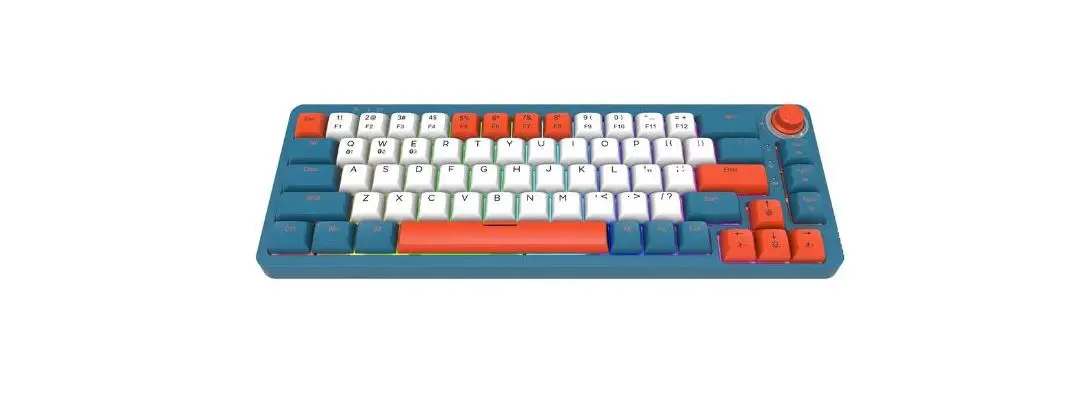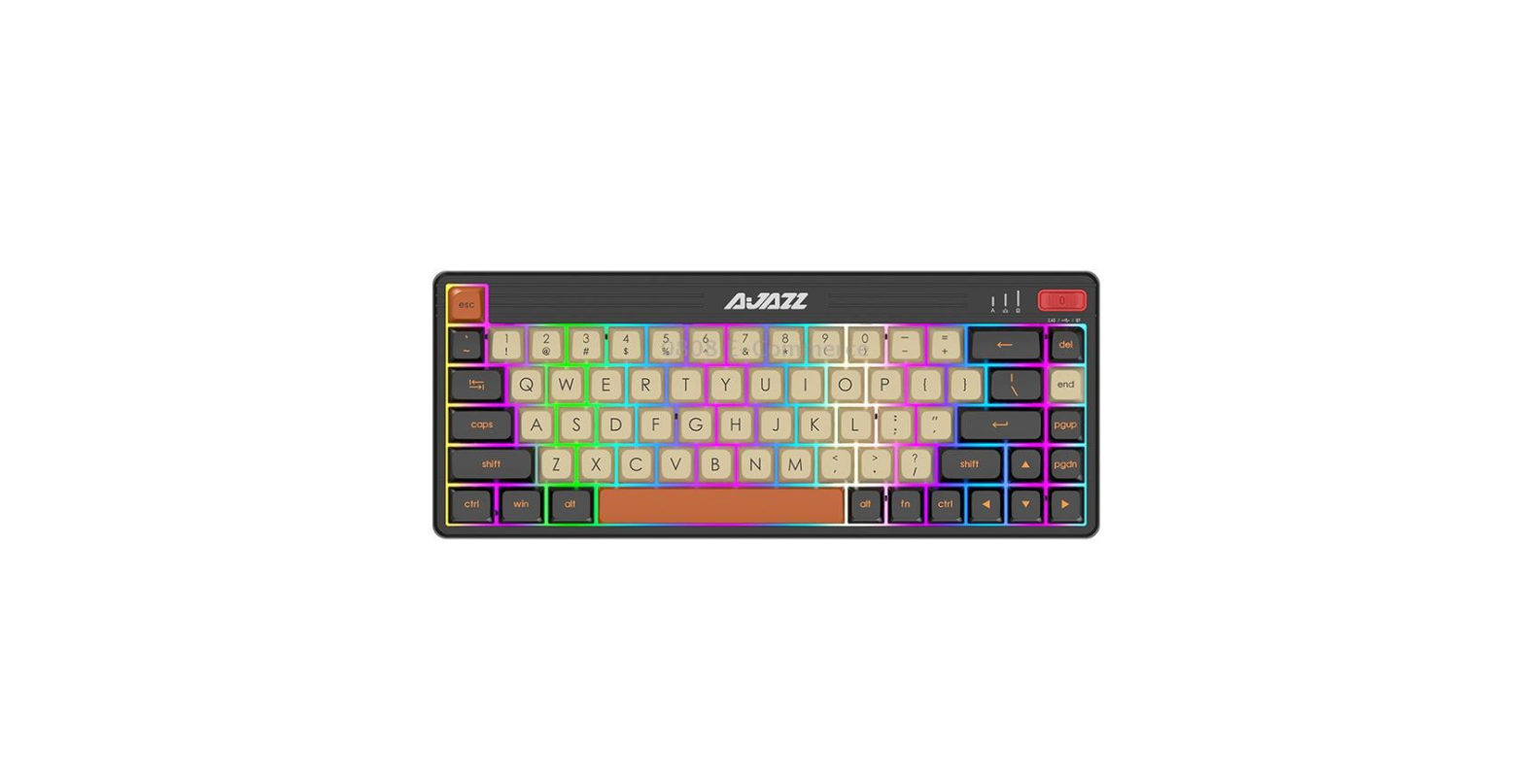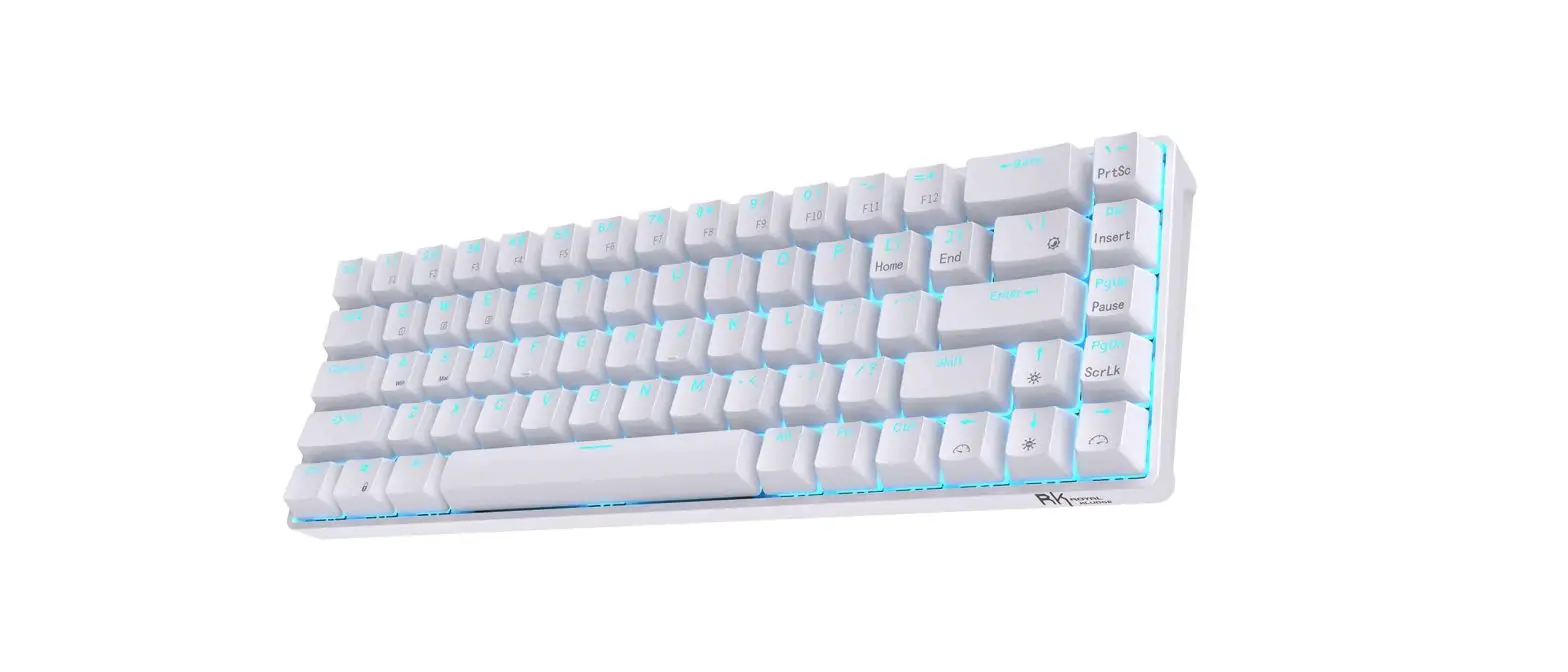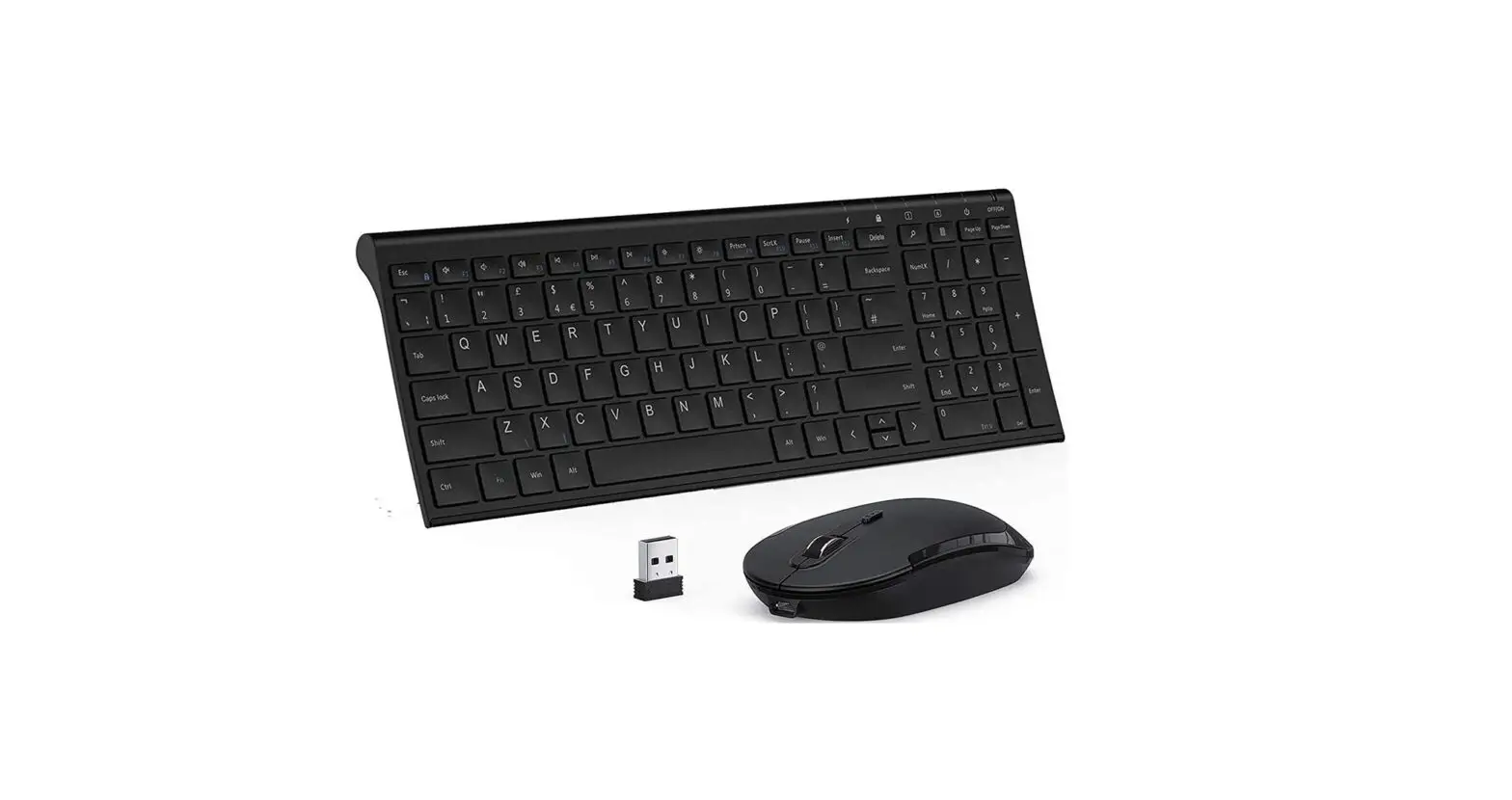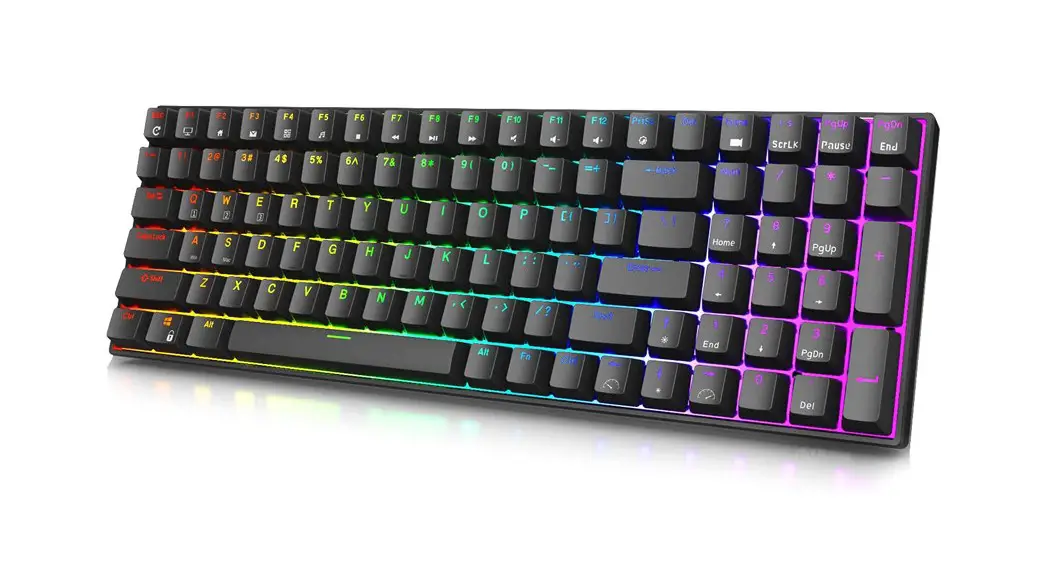


M61 product instruction manual
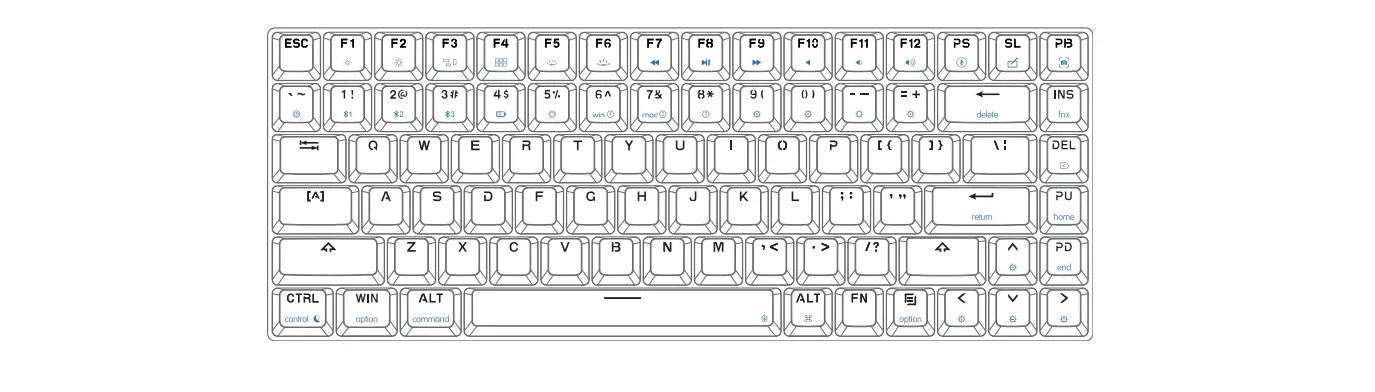
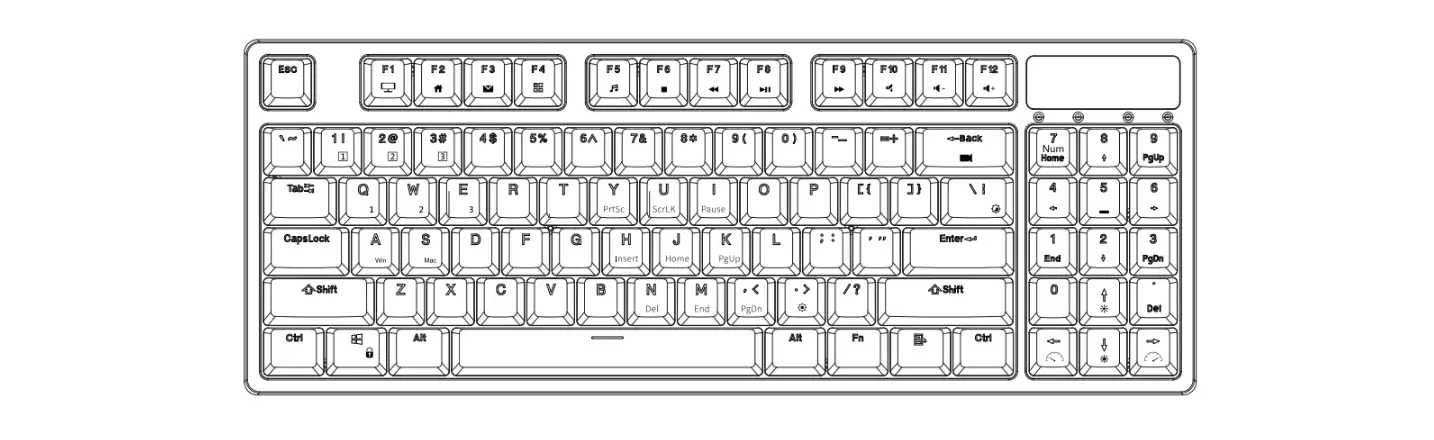
- Win/Mac system FN combination functions:
Win/System Mac/System Win/System Mac/System Fn+1 F1 
Fn+7 F7 
Fn+2 F2 
Fn+8 F8 
Fn+3 F3 
Fn+9 F9 
Fn+4 F4 
Fn+10 F10 
Fn+5 F5 
Fn+11 F11 
Fn+6 F6 
Fn+12 F12 


FN+Left CtrlFCircular switching of area and numeric keys
- There are three keyboard indicator lights, from left to right:
CAPS, WIN, BT indicator (RGB)
| Combination of buttons | Functional specifications | Switching indicator | ||
| + | Caps | = | Caps /Ctrl-L position swap | |
| Esc | ESCr Position swap | |||
| Win _L | WIN-L lock/unlock | |||
| Ctrl L – | F block and number key loop switch (12 sets) | |||
| A | Win system (default system) | Caps flashing | ||
| S | Mac system | Win flashing | ||
| D | 71 key /68 key column toggle (default 71 key) | Caps Win flashing | ||
| The blank space | Long press for 3 seconds to restore factory Settings | CAPS WIN BT FLASHES |
Switch the flashing indicator to: 3Hz flashing 3 times
| Combination of buttons | Functional specifications | BT indicator light feedback | |||
| B | Bluetooth mode | ||||
| Fn | + | Q | _ | Bluetooth Device 1 | |
| W | Bluetooth Device 2 | ||||
| E | Bluetooth Device 3 | ||||
| R | Bluetooth Device 4 | ||||
| T | Bluetooth Device 5 | ||||
| 2.4 G model | |||||
| USB mode | |||||
| Long press for 3 seconds to enter the broadcast | Indicator light flashes at 3Hz |
Description:
- Low power: 2.2V low power alarm (BT red indicator light, flashing indicator once every second)
- If the keyboard is not operated for 10 seconds in 2.4g/Bluetooth mode,the indicator light on will go out;
- the key can not have delay, 30 minutes do not operate the keyboard, 2.4g/bluetooth into hibernation.
- In wired mode, the operation of monochrome light is as follows. The backlight of 2.4g/Bluetooth mode does not need to be on
| Fn | + | K29\ | = | Backlight is always on (default backlight in wired mode), breathing |
| l p | Increase backlight brightness, support five – speed adjustment | |||
| Down | Reduce the backlight brightness, support five – speed adjustment | |||
| Left | Slow down the speed of backlight, support five speed adjustment | |||
| Right | Accelerate backlight speed, support five speed adjustment |
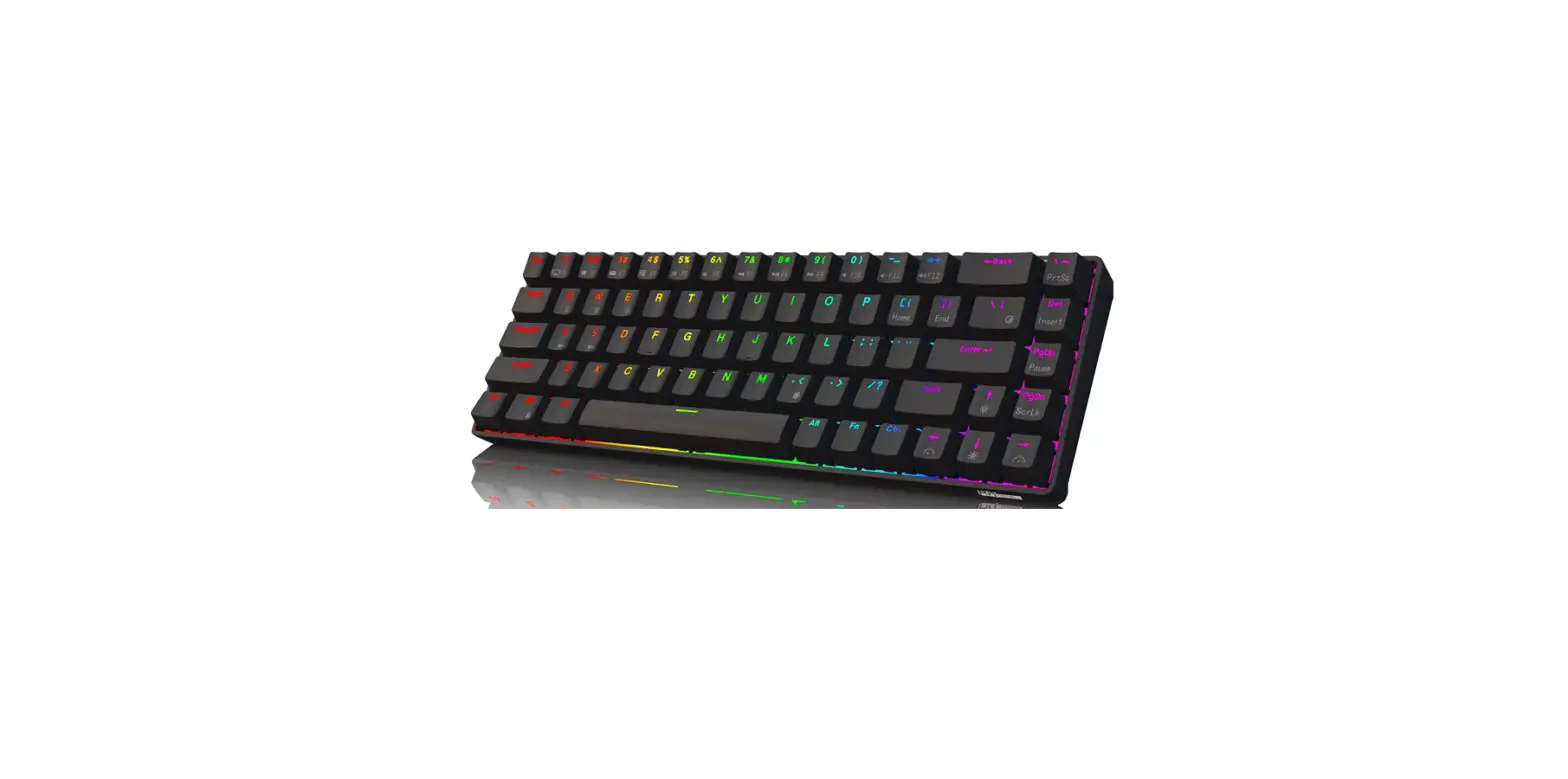
The key distribution is as follows: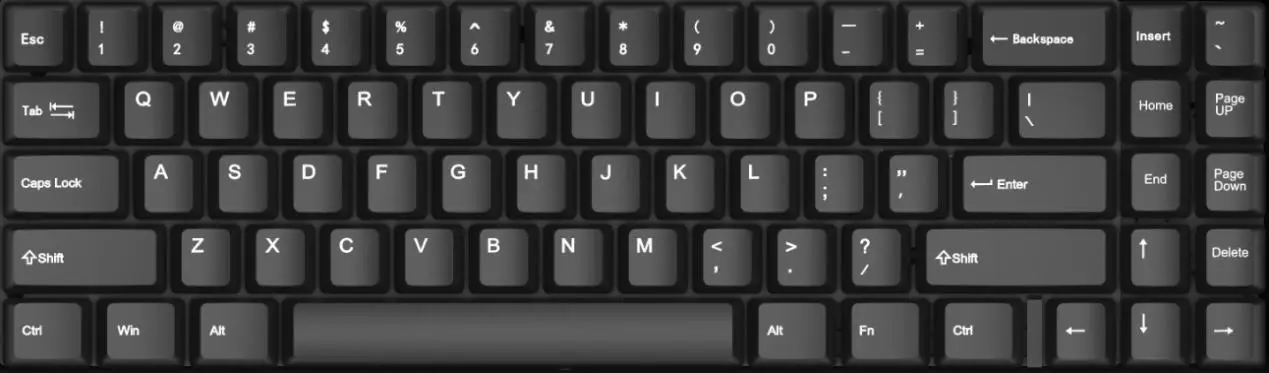 The 68 bonding column is as follows:
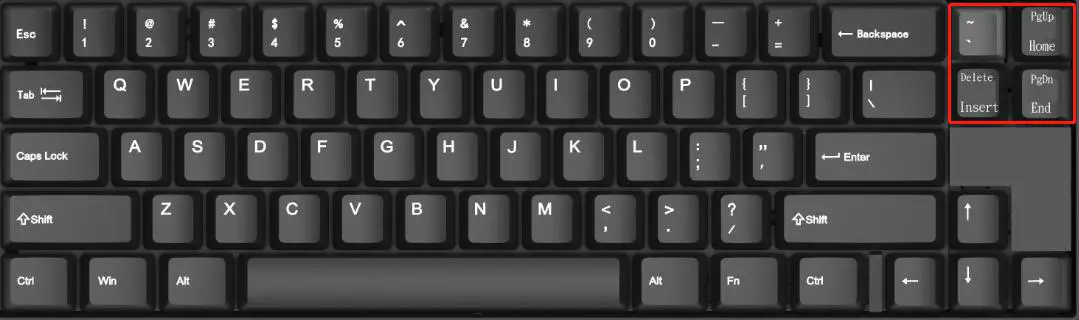 The following key combinations have been added to the 68 key matching column:
| Combination of buttons | Functional specifications | |||
| Fn | + | PgUp | . | Home |
| PgDn | End | |||
| Delete | Insert |
FCC Caution.
This device complies with part 15 of the FCC Rules. Operation is subject to the following two conditions:
- This device may not cause harmful interference, and
- this device must accept any interference received, including interference that may cause undesired operation.
Any changes or modifications not expressly approved by the party responsible for compliance could void the user’s authority to operate the equipment.
Note: This equipment has been tested and found to comply with the limits for a Class B digital device, pursuant to part 15 of the FCC Rules. These limits are designed to provide reasonable protection against harmful interference in a residential installation. This equipment generates uses and can radiate radio frequency energy and, if not installed and used in accordance with the instructions, may cause harmful interference to radio communications. However, there is no guarantee that interference will not occur in a particular installation. If this equipment does cause harmful interference to radio or television reception, which can be determined by turning the equipment off and on, the user is encouraged to try to correct the interference by one or more of the following measures:
- Reorient or relocate the receiving antenna
- Increase the separation between the equipment and receiver.
- Connect the equipment into an outlet on a circuit different from that to which the receiver is connected.
- Consult the dealer or an experienced radio/TV technician for help.
The device has been evaluated to meet general RF exposure requirements. The device can be used in portable exposure condition without restriction.
FCC Caution.
This device complies with part 15 of the FCC Rules. Operation is subject to the following two conditions:
- This device may not cause harmful interference, and
- this device must accept any interference received, including interference that may cause undesired operation.
Any changes or modifications not expressly approved by the party responsible for compliance could void the user’s authority to operate the equipment.
Note: This equipment has been tested and found to comply with the limits for a Class B digital device, pursuant to part 15 of the FCC Rules. These limits are designed to provide reasonable protection against harmful interference in a residential installation. This equipment generates uses and can radiate radio frequency energy and, if not installed and used in accordance with the instructions, may cause harmful interference to radio communications. However, there is no guarantee that interference will not occur in a particular installation. If this equipment does cause harmful interference to radio or television reception, which can be determined by turning the equipment off and on, the user is encouraged to try to correct the interference by one or more of the following measures:
- Reorient or relocate the receiving antenna.
- Increase the separation between the equipment and receiver.
- Connect the equipment into an outlet on a circuit different from that to which the receiver is connected.
- Consult the dealer or an experienced radio/TV technician for help.
The device has been evaluated to meet general RF exposure requirement. The device can be used in portable exposure condition without restriction.