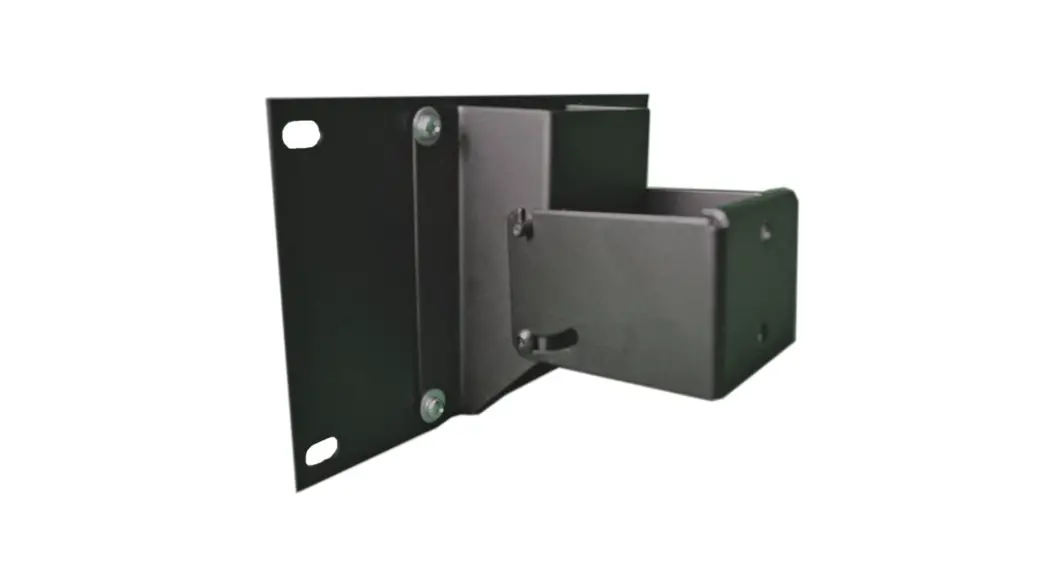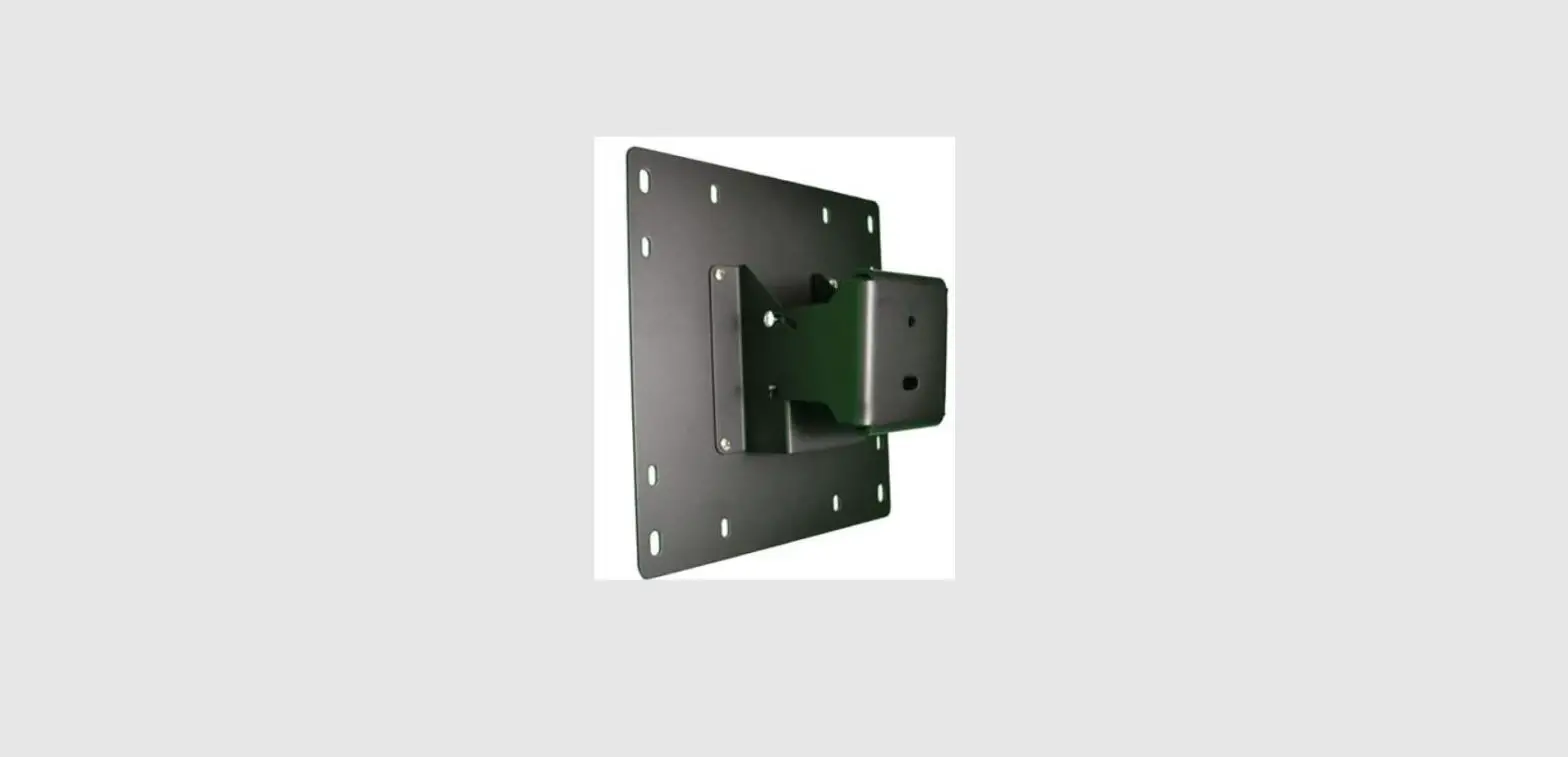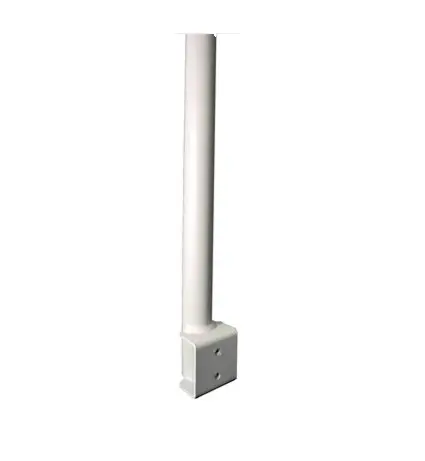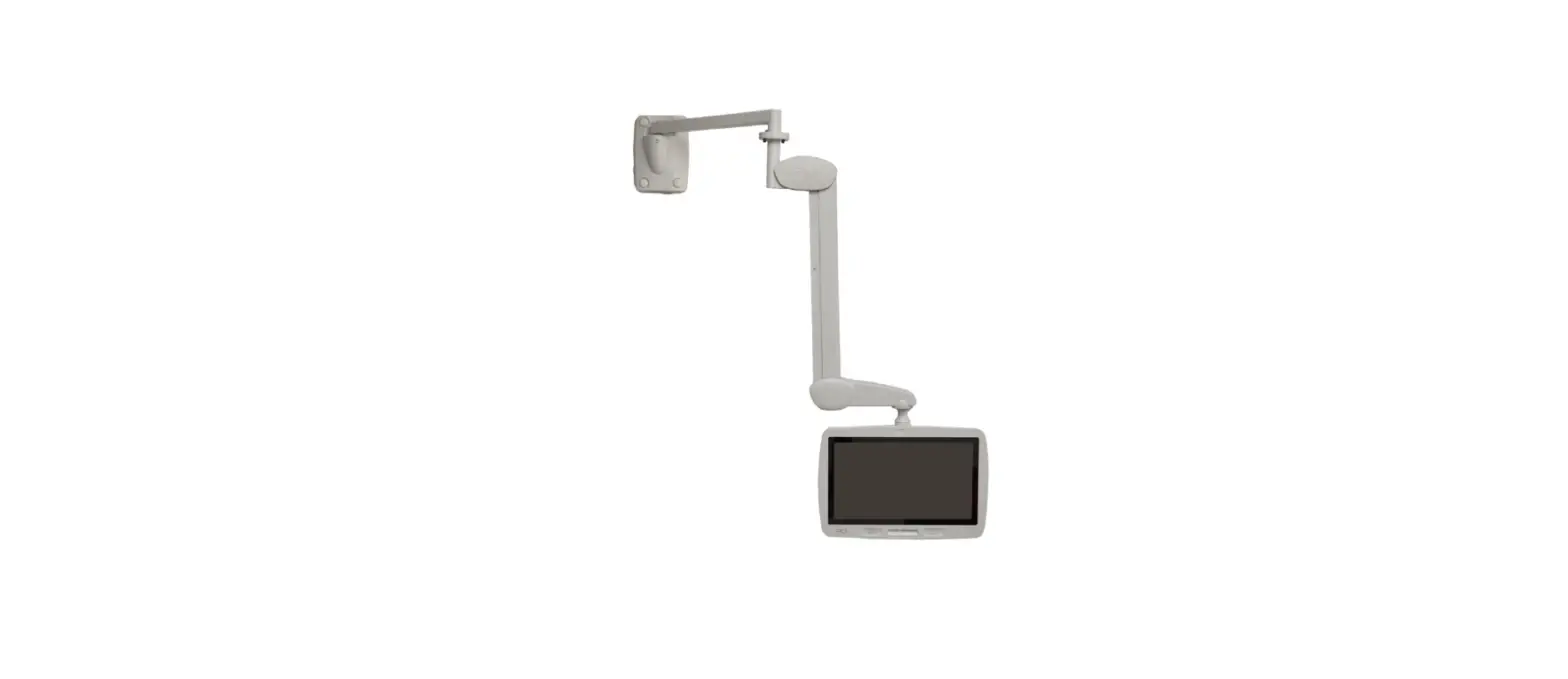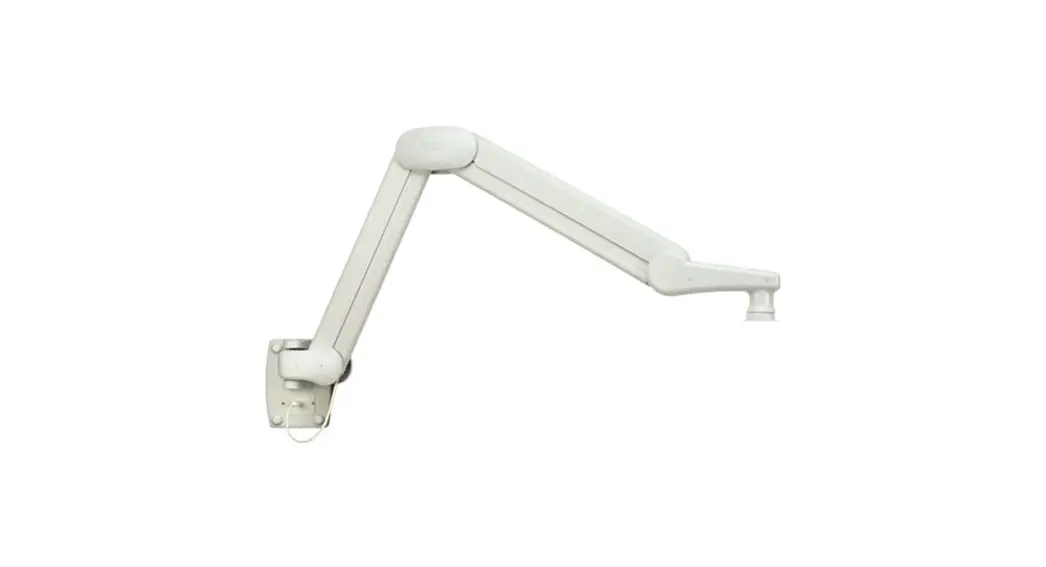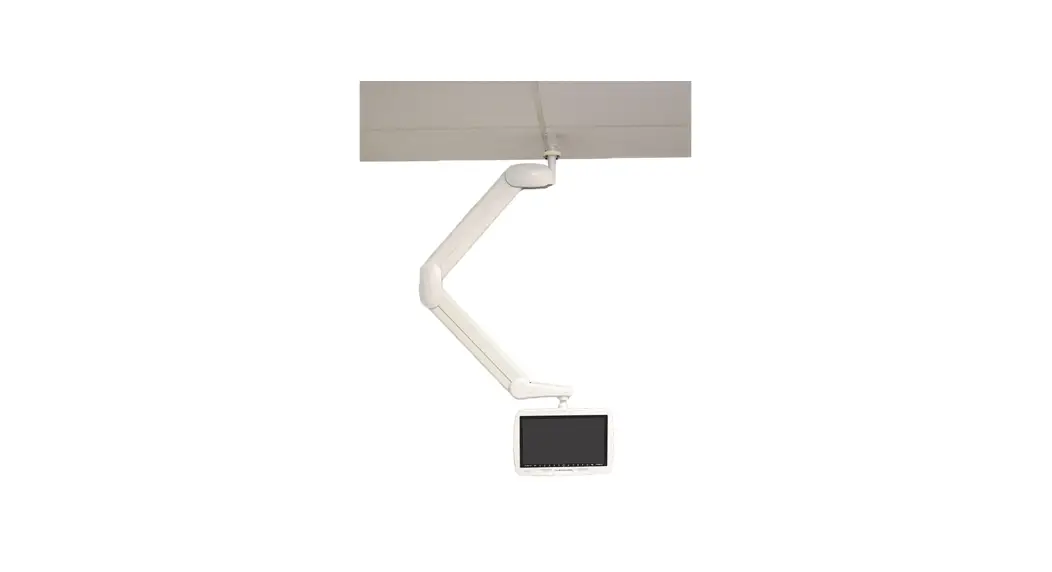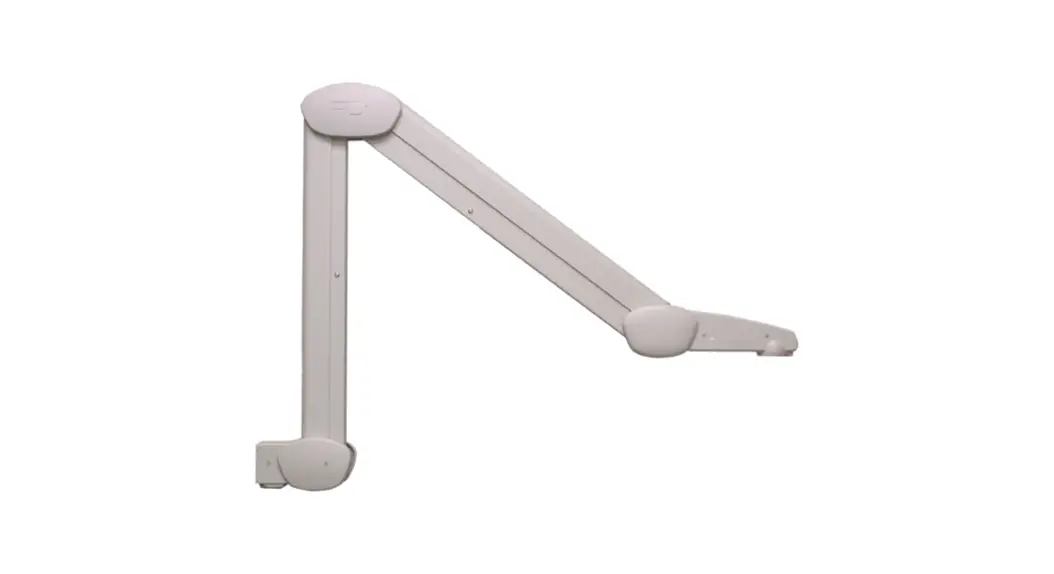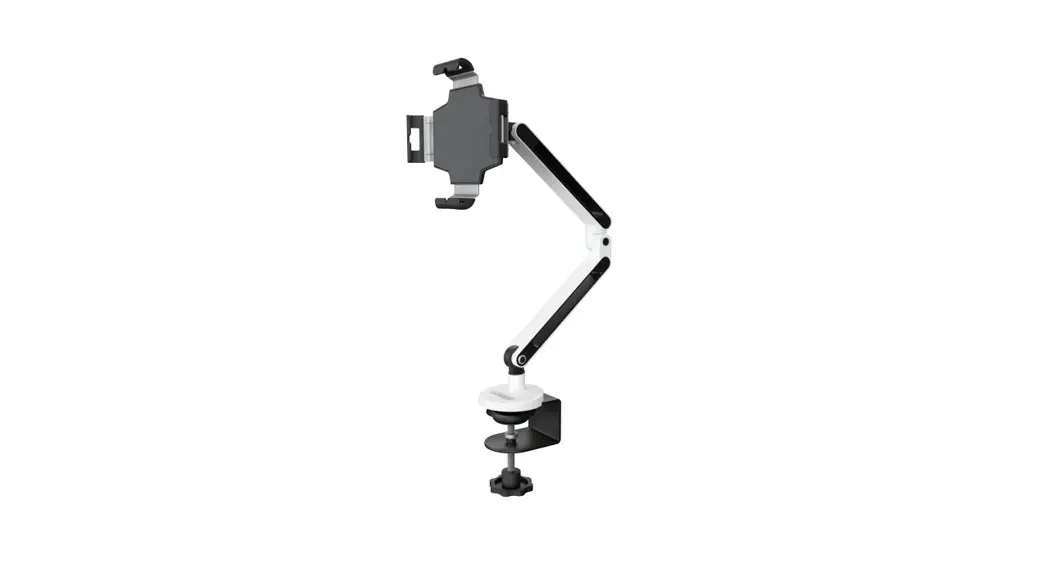

PD168-080 Articulating Arm with Adaptor Plate
Instructions
MODEL NUMBER:
PD168-080
Document Number: PD196-430R1
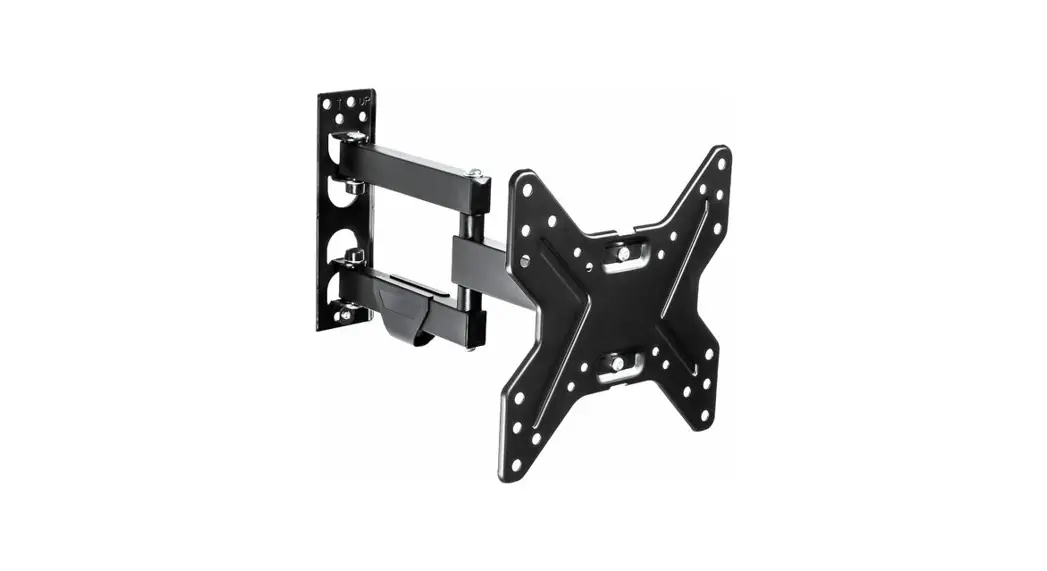
PD181-700 Articulating Arm with Adaptor Plate
SCOPE:
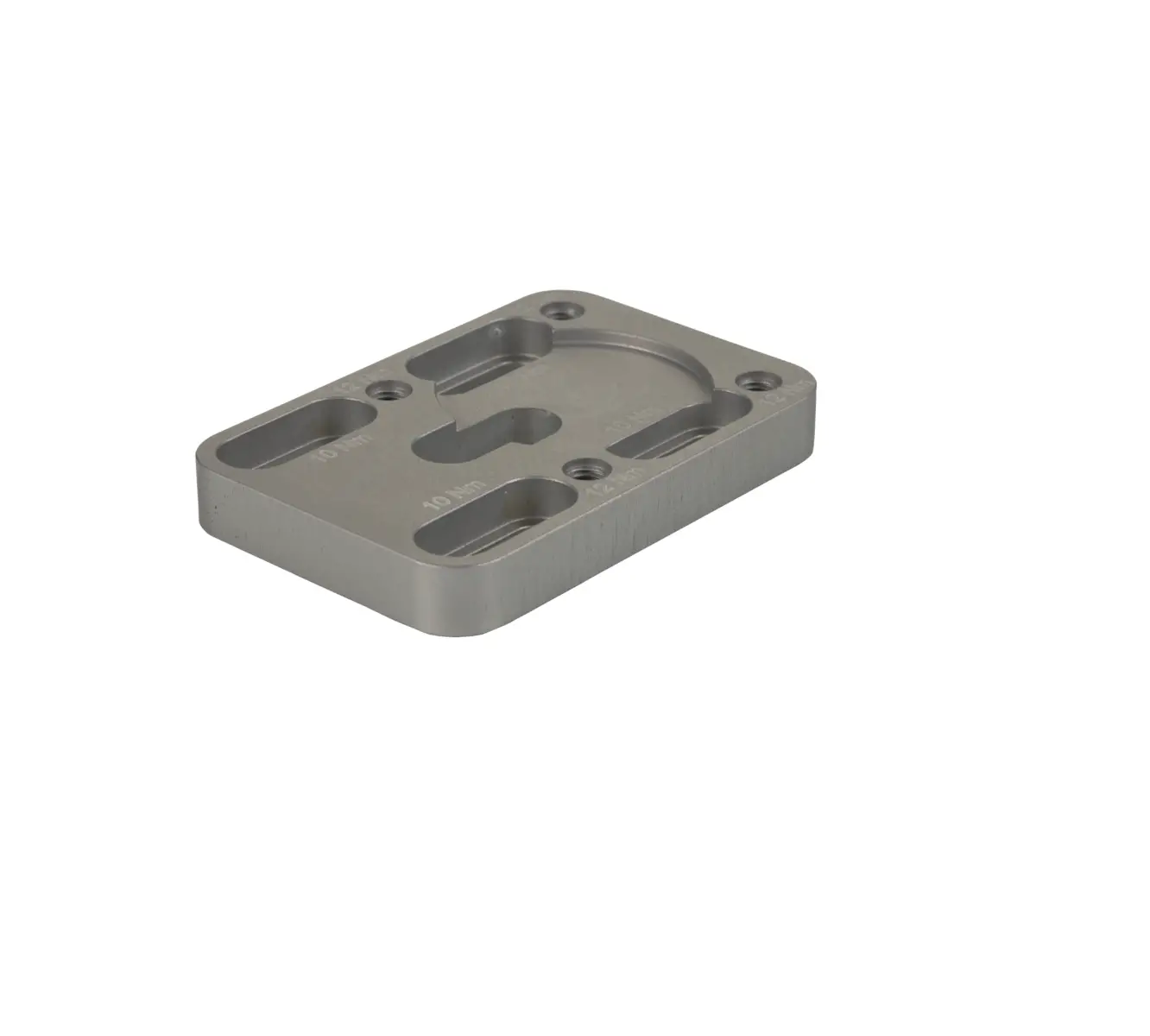
To mount a PD181-700 arm to a PDI-A32A TV using a PD181-677 adapter plate.
Note: The maximum capacity for this mount is 30 pounds.
TOOL LIST:
- P1 or P2 Phillips Screwdriver
- Safety Glasses/Goggles
SAFETY STEPS:

- Always wear safety glasses/goggles to prevent injury from debris.
- Follow the installation/removal instructions for your existing products.
BILL OF MATERIAL:
| Item | Part Number | Description | QTY |
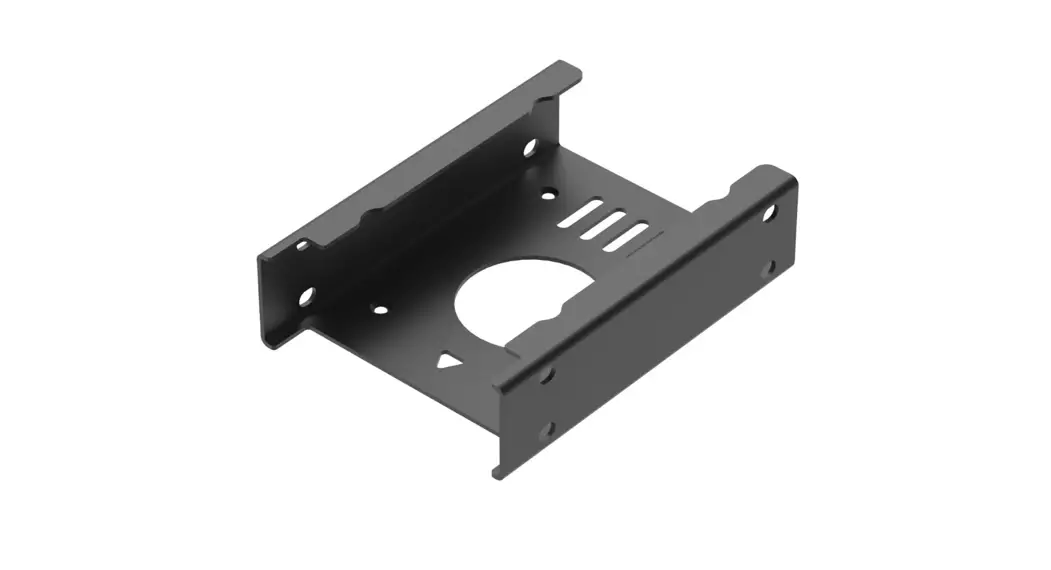
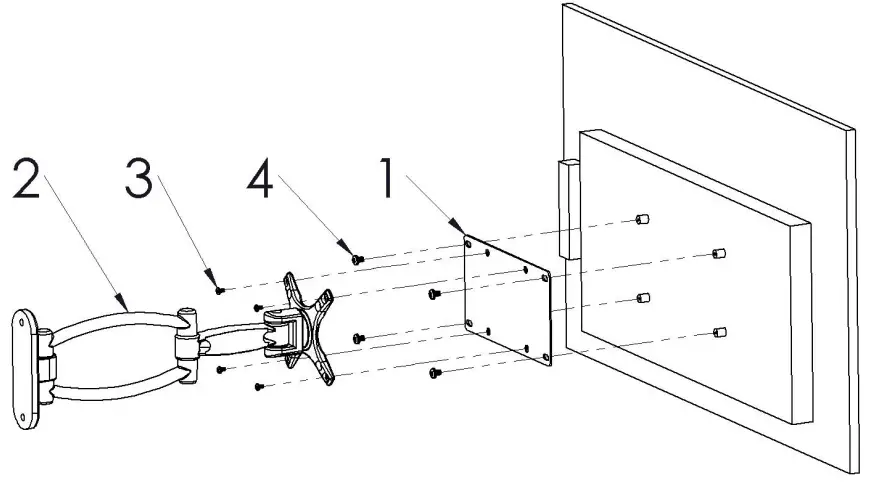
| 1 | PD181-677 | 200mm to 100mm Adapter Plate | 1 |
| 2 | PD181-700 | Wall Mount | 1 |
| 3 | PDIPPHMSM4X/6 | Screw, Phillips Pan Head, M4-0.7 x 6mm | 4 |
| 4 | I PDIPPHMSM6X110 | Screw, Phillips Pan Head, M6-1 x 10mm | 4 |
PROCEDURE:
STEP 1: Attach the adapter plate, PD181-677 (#1) to the TV using four (4) screws, PDIPPHMSM6X110, (#4)
STEP 2: Attach the mount, PD181-700, (#2) to the wall following the included instructions and fasteners.
STEP 3: Attach the plate, PD181-677, (#1) to the mount, PD181-700, (#2) using four (4) screws, PDIPPHMSM4X76, (#3).
 PDi Communication Systems, Inc. 40 Greenwood Lane Springboro
Ohio 45066 USA
PH 1-800-628-9870
FX 937-743-5664