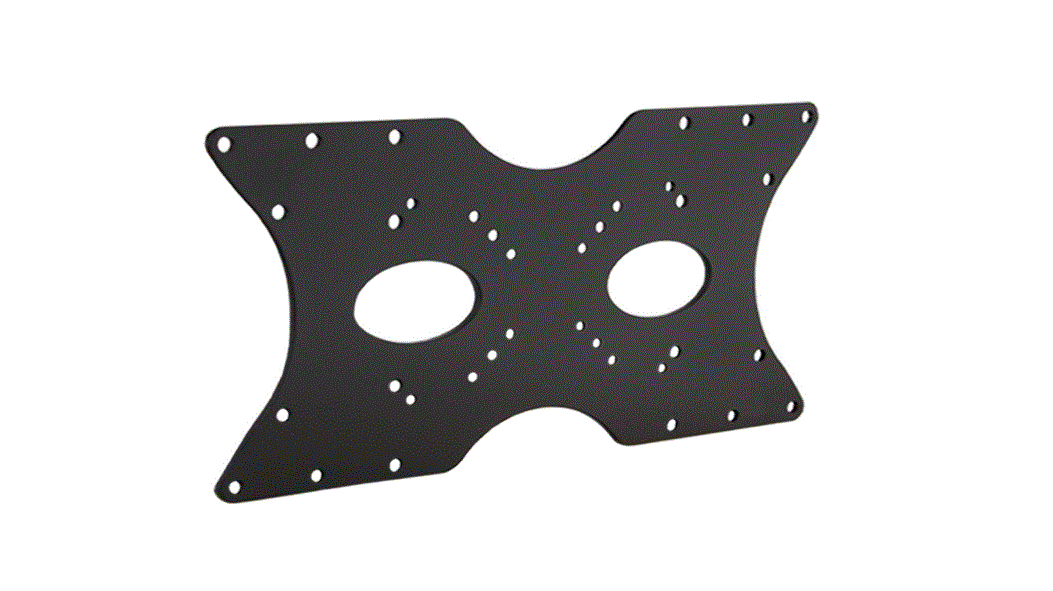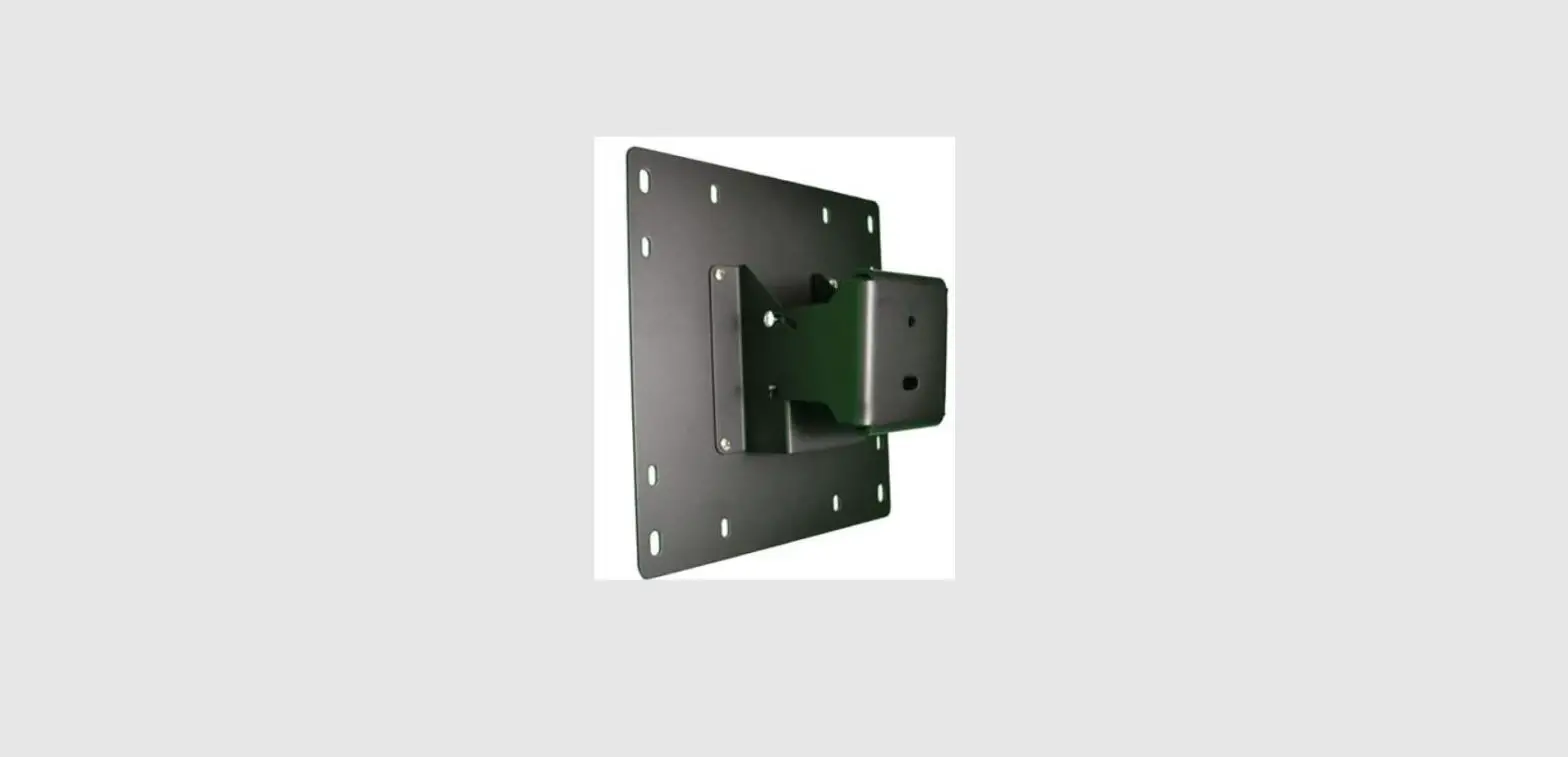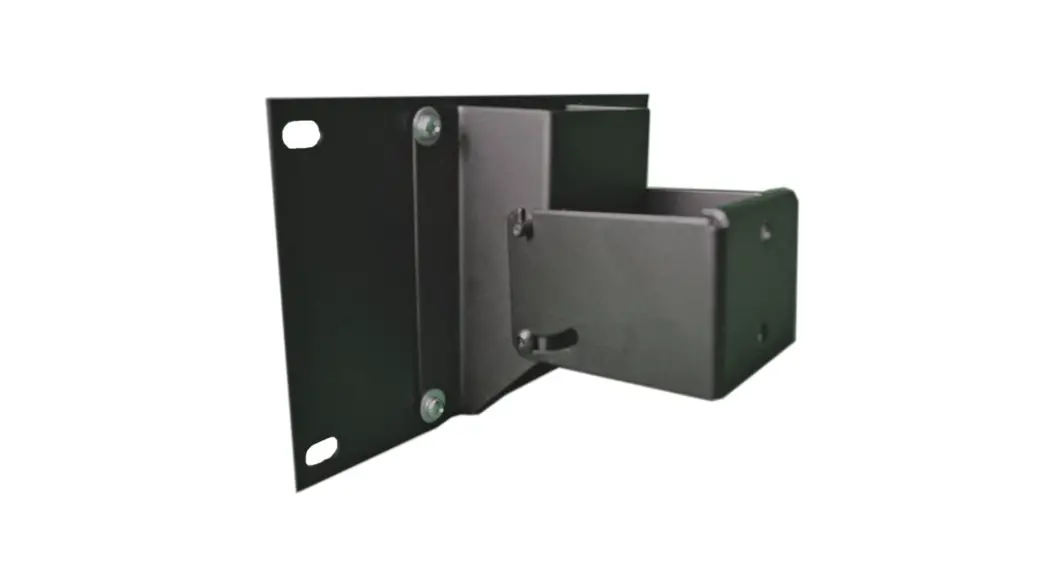

300×400 VESA Adapter Kit
MODEL NUMBER: PD168-242
Document Number: PD196-402R2
Scope:
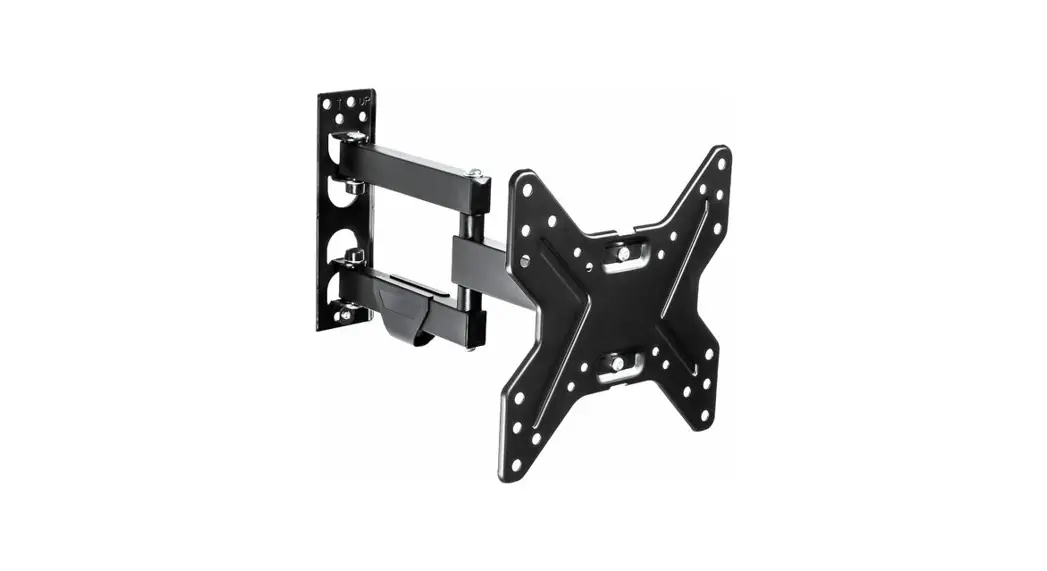
To mount a TV using a PDI PD168-242 Wall Mount Kit, to existing wall mounts.
Note: The maximum capacity is driven by the maximum capacity of the existing 100×100 VESA mount.
Tool List:
- P1 or P2, Phillips Screwdriver
- Safety Glasses/Goggles
- Level
Safety Steps:
- Always wear safety glasses/goggles to prevent injury from debris.
- Follow the installation/removal instructions for your existing products.
Bill of Material:
| ITEM | PART NUMBER | DESCRIPTION | QTY |
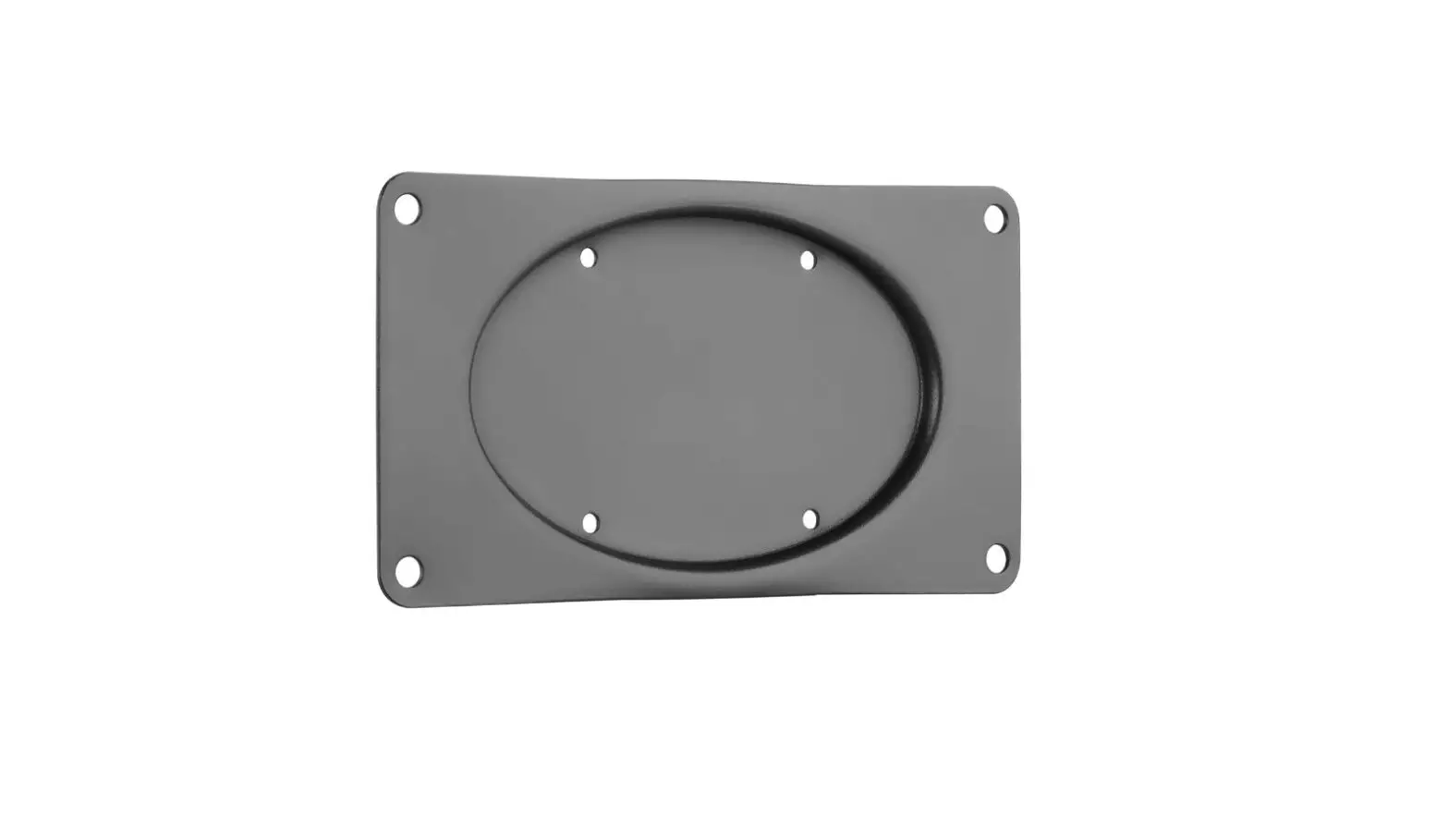
| 1 | PD181-672 | 200mm TO 100mm ADAPTER PLATE | 1 |
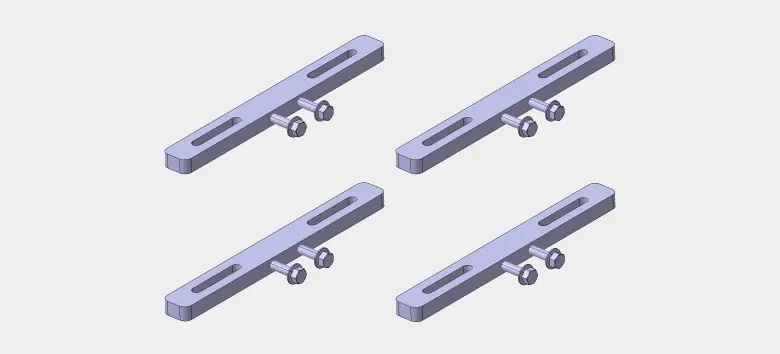
| 2 | PD181-825 | 50” TV MOUNTING BRACKET | 4 |
| 3 | PDIFW10 | #10 FLAT WASHER | 4 |
| 4 | PDIPPHMSM4X76 | M4-.7 X 6mm PPHMS | 4 |
| 5 | PDIPPHMSM6X110 | M6 X 1 10mm PHILLIPS SCREW | 4 |
| 6 | PDIPPHMSM6X18 | M6 x 1 8mm PHILLIPS SCREW | 4 |
Step 1:
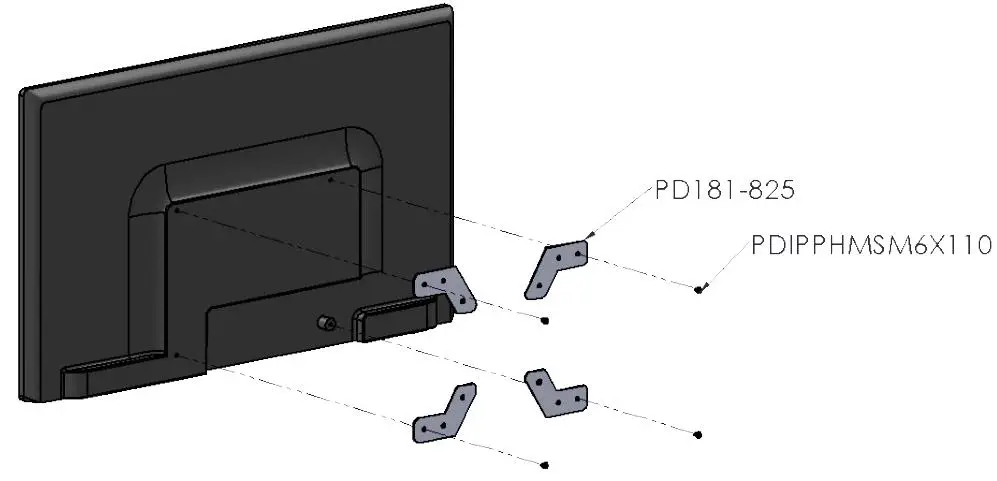
Attach the four (4) PD181-825 Adapter Brackets (#2) to the back of the TV using four (4) M6 screws, PDIPPHMSM6X110, (#5) leave screws finger tight.
Step 2:
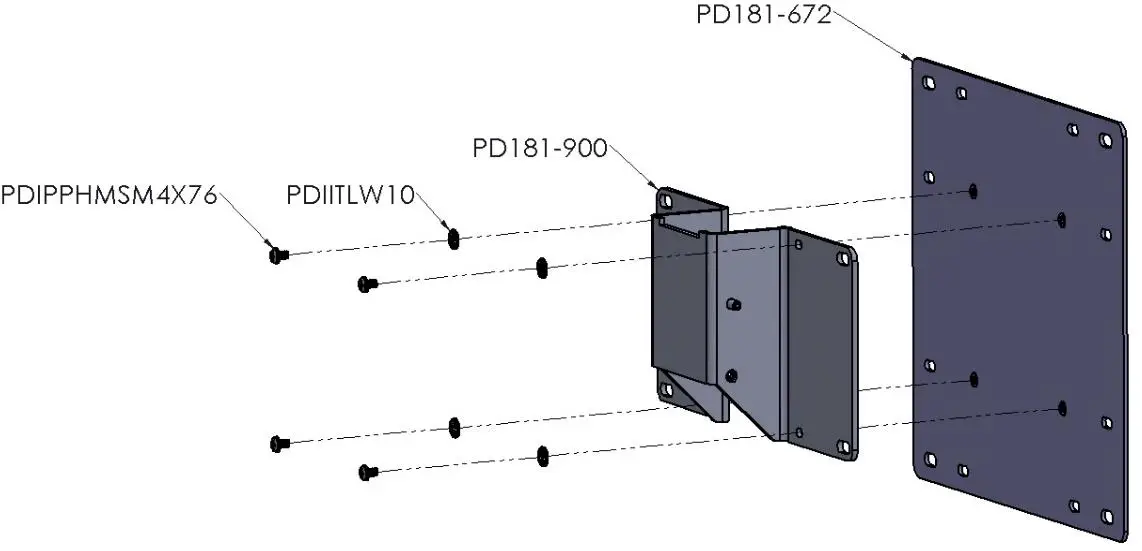
Attach the Adapter Plate, PD181-672, (#1) to the existing 100x100mm VESA mount using four (4) M4 screws, PDIPPHMSM4X76, (#4) and four (4) internal tooth washers, PDIITLW10, (#3). Make sure the existing mounting bracket is attached to the side of the chosen plate with the four round ends of the M4 inserts. The side with the four hex ends will go toward the back of the set.
Step 3:
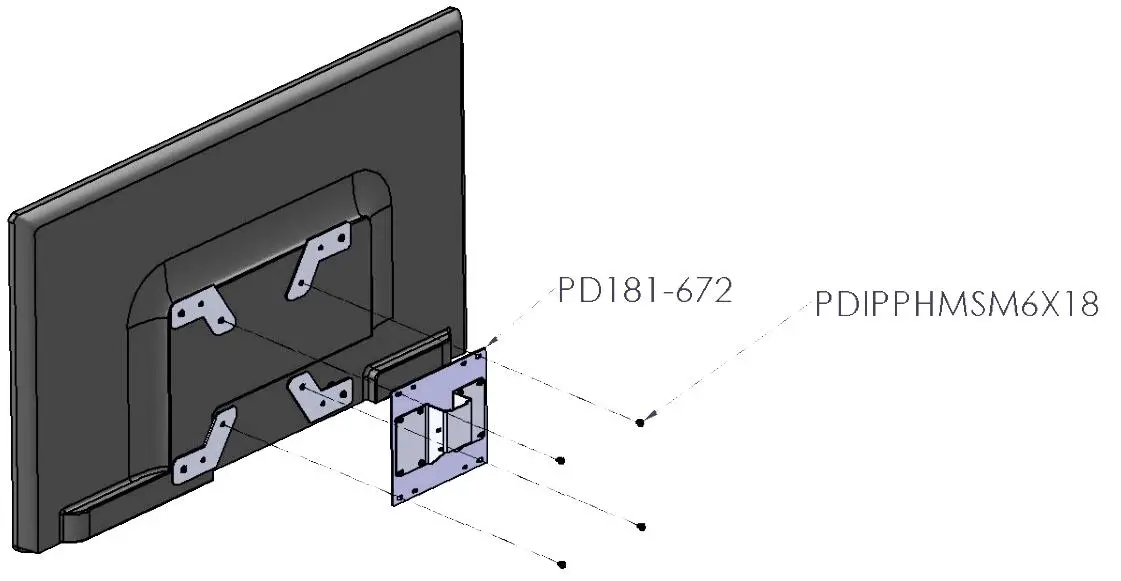
Attach part previously assembled on Step #2 to TV using four (4) M6 screws, PDIPPHMSM6X18, (#6).
VESA PATTERNS:
100MM X 100MM WITH M4 THREADS
100MM X 200MM FOR M5 FASTENERS
200MM X 200MM FOR M6 FASTENERS
PDi Communication Systems, Inc. 40 Greenwood Lane Springboro,
Ohio 45066 USA PH 1-800-628-9870 FX 937-743-5664