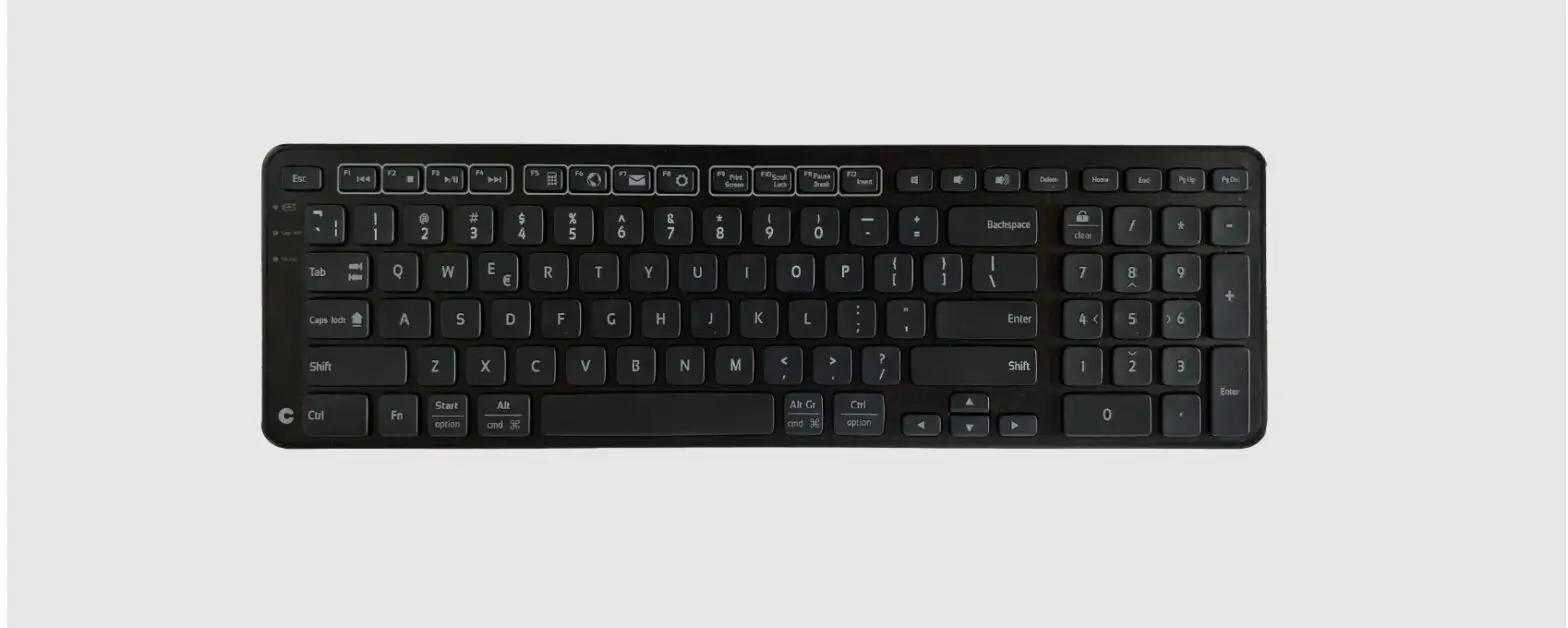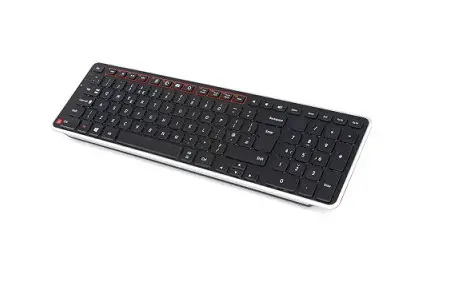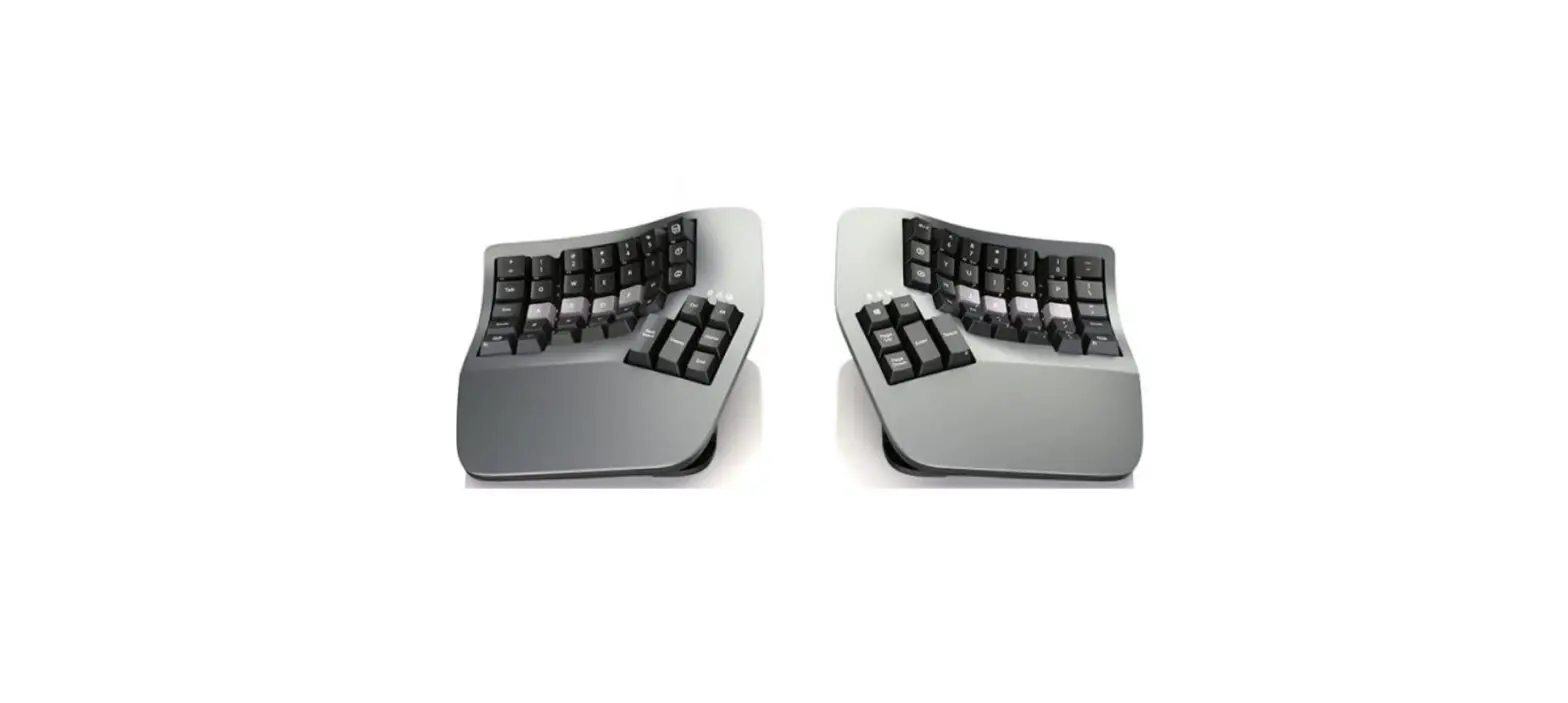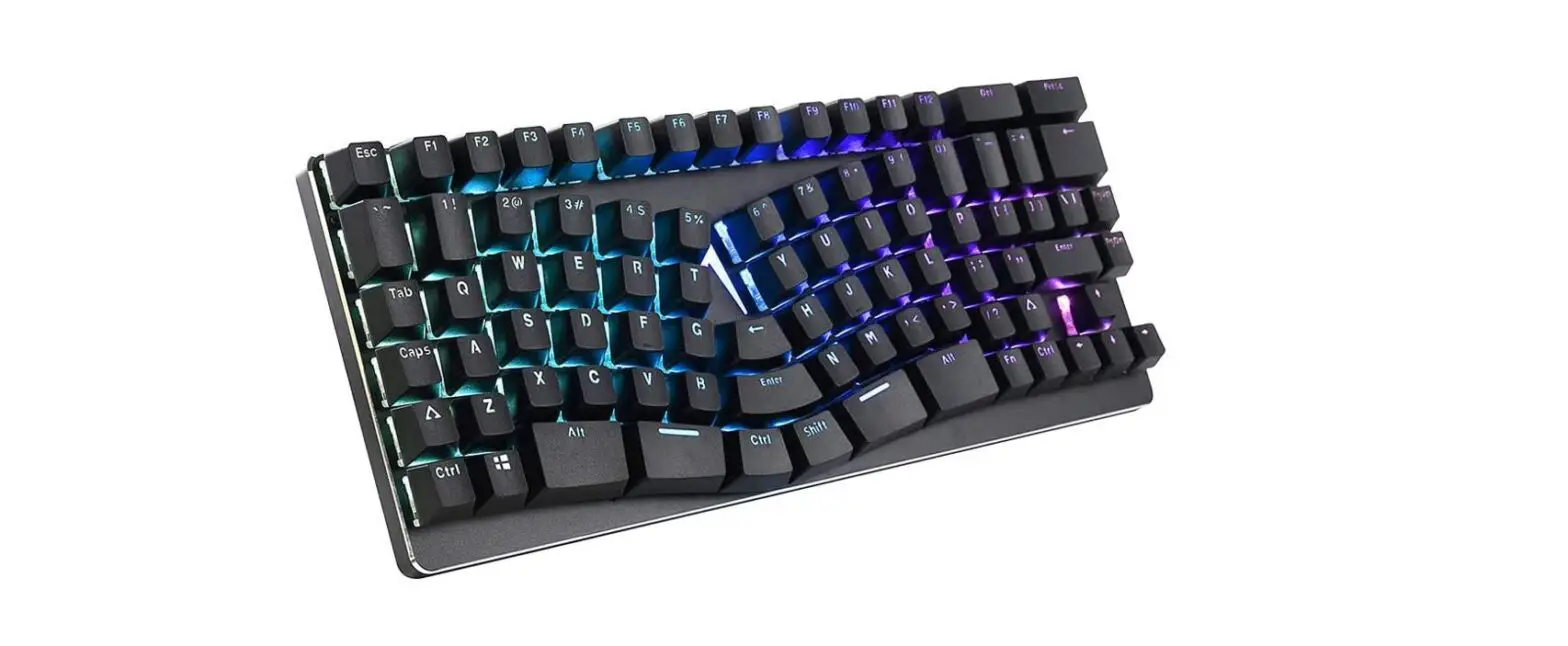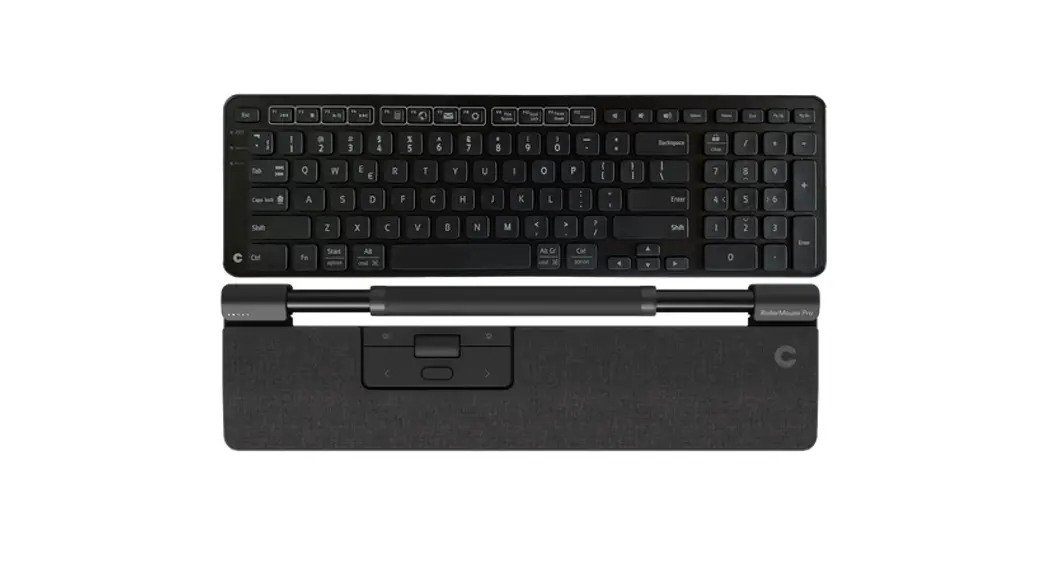
 Balance Keyboard BK Wired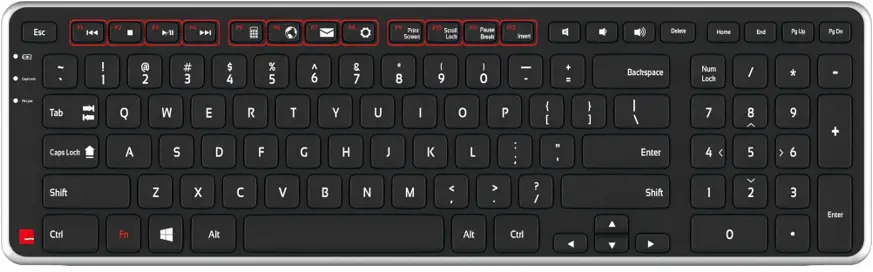
What’s In The Box
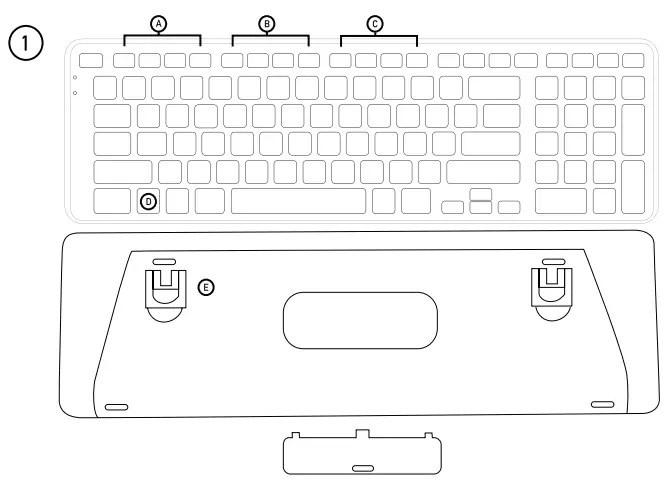
- Balance Keyboard
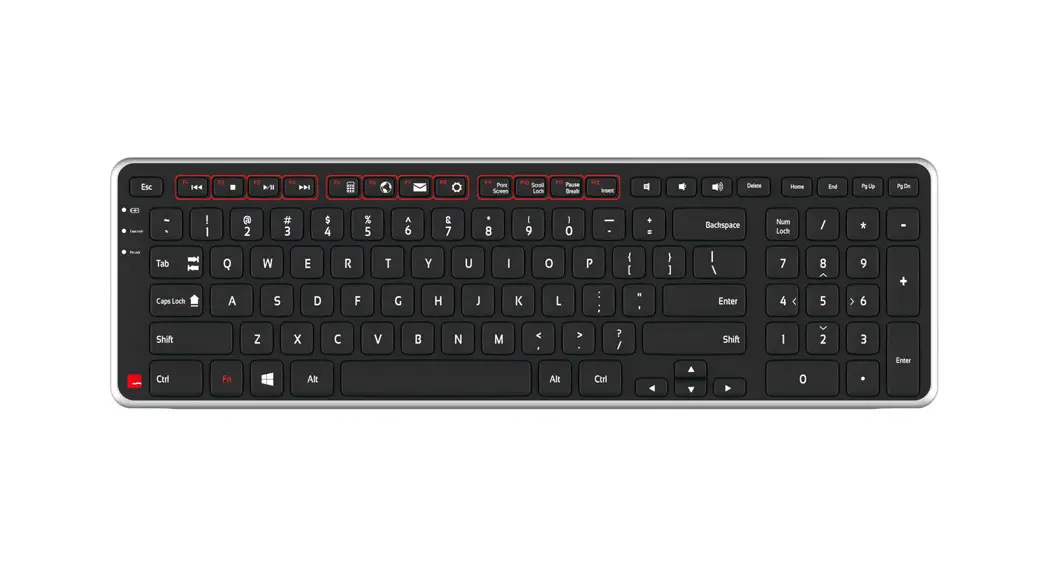
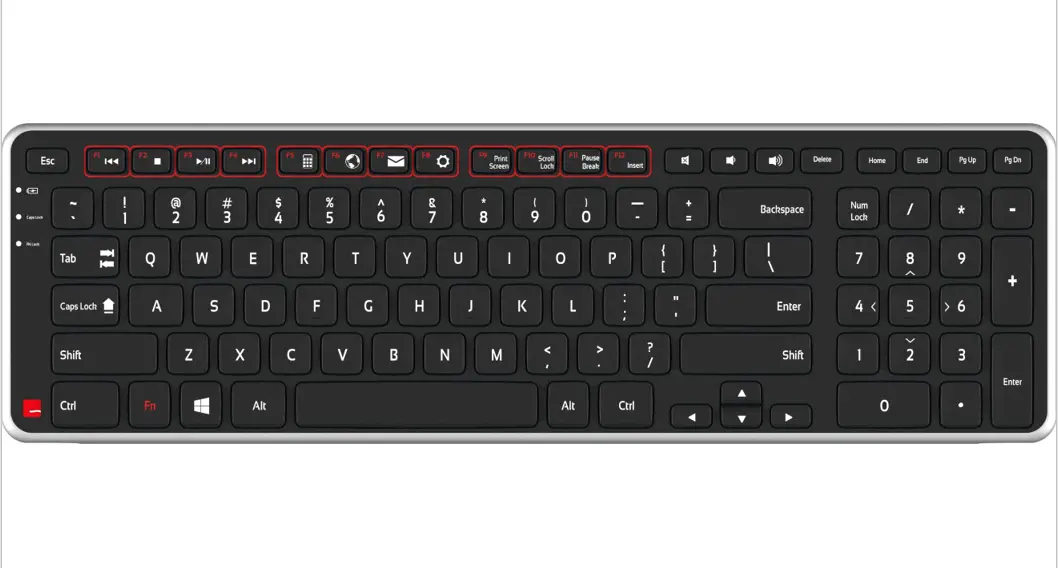
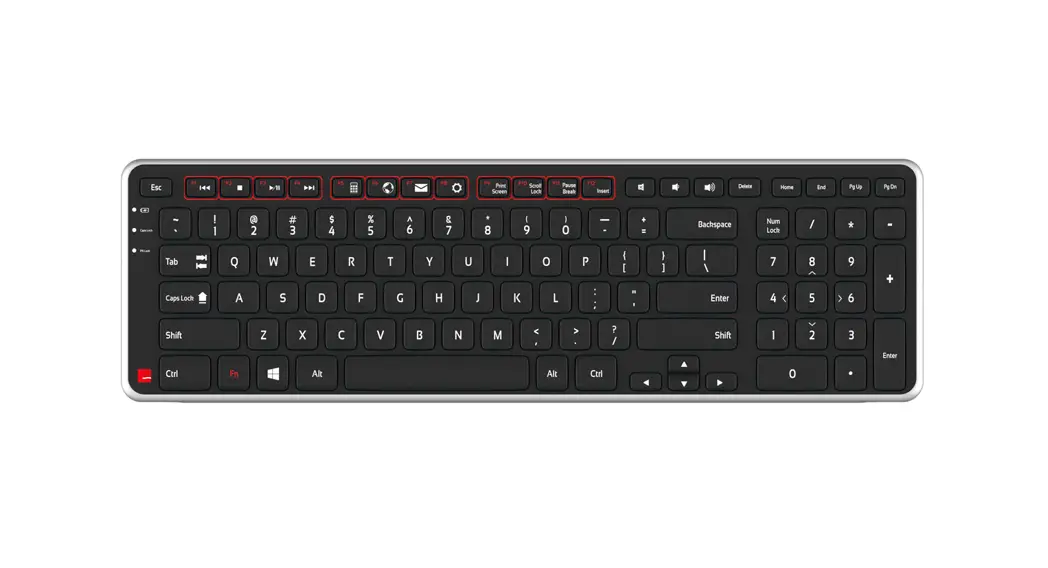
Functions
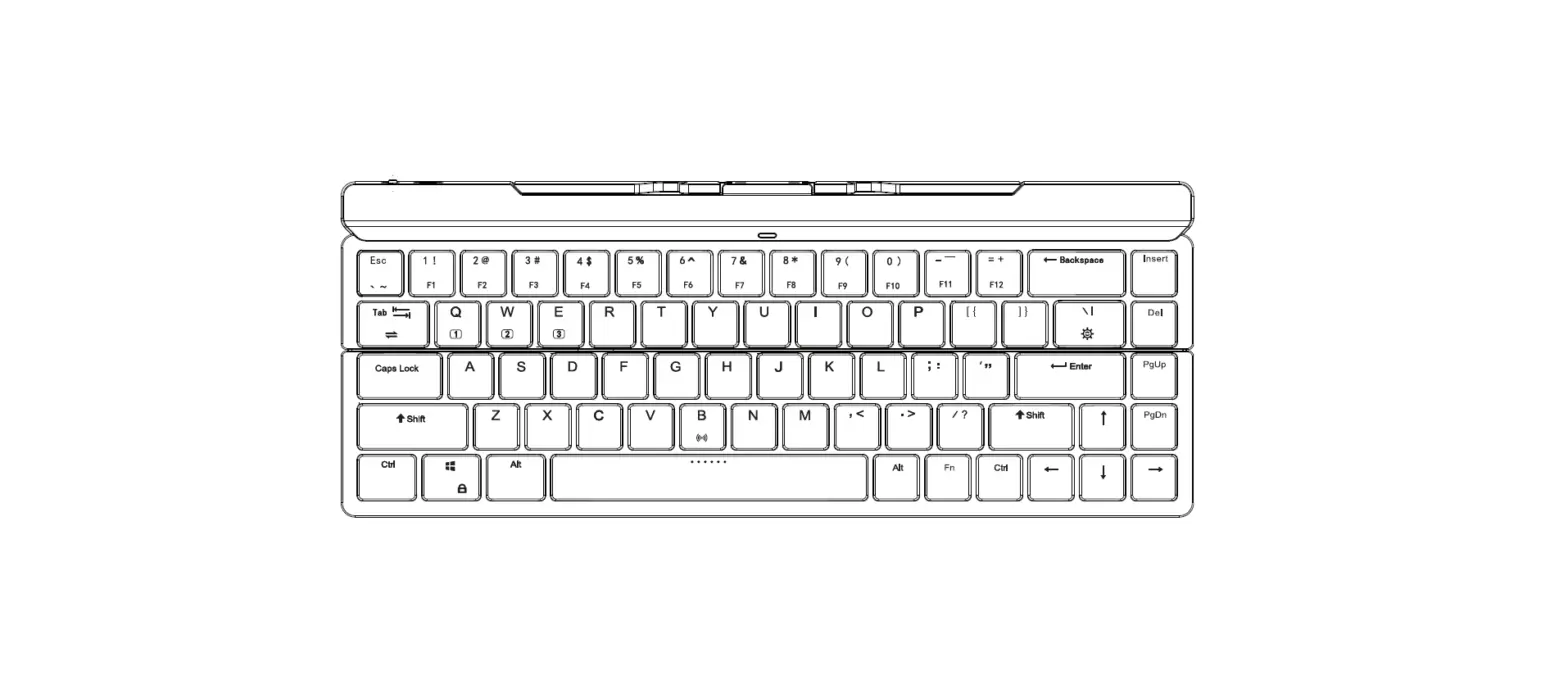
A. Media control
D. Fn key
B. Application functions
E. Risers
c. Interface functions =
The Fn key toggles between function (Fl-F12) and media modes. By default, the media keys are active.
Connecting Device
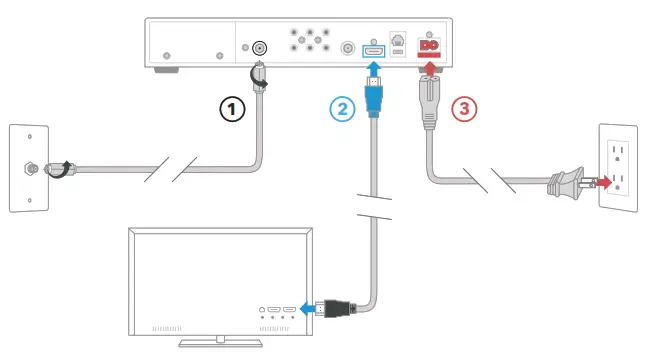
Connect your Balance Keyboard to your computer.
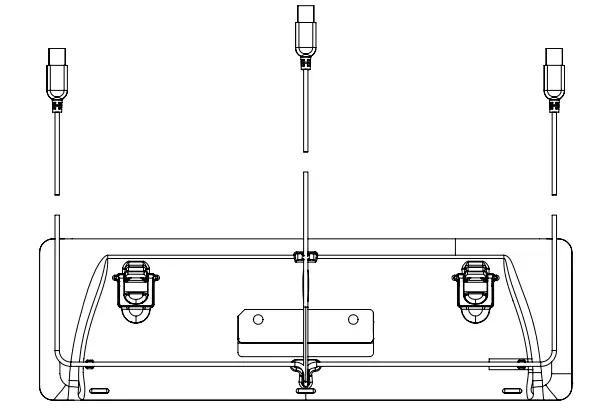
There are three options to route your USB cable so that you can determine the setup that best fits your workspace.
Keyboard Tilt
The adjustable legs on the Balance Keyboard have three tilt options (positive, neutral, and negative).

Mac Mode and PC Mode
By default, the Balance Keyboard is in PC mode.
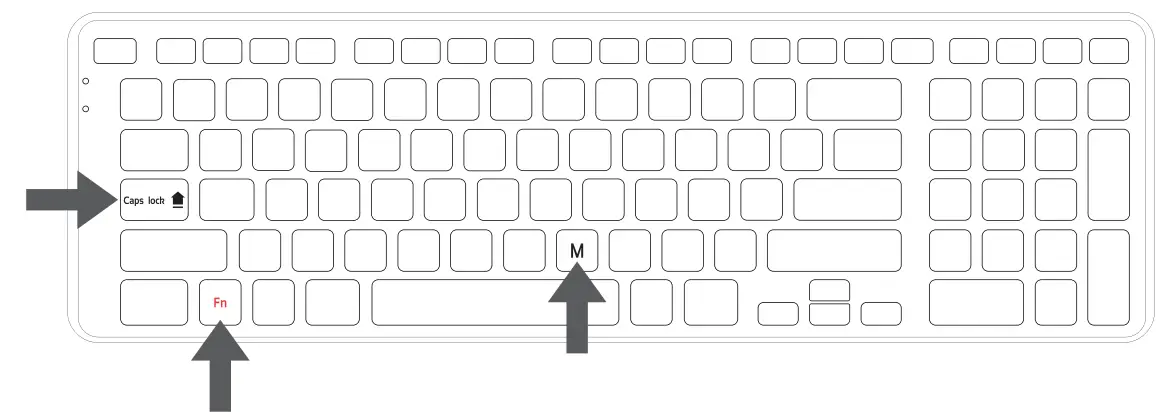
Mac Mode
For Mac mode hold Fn + Caps lock and press and release M key.
 PC Mode
For PC mode hold Fn + Caps lock and press and release W key.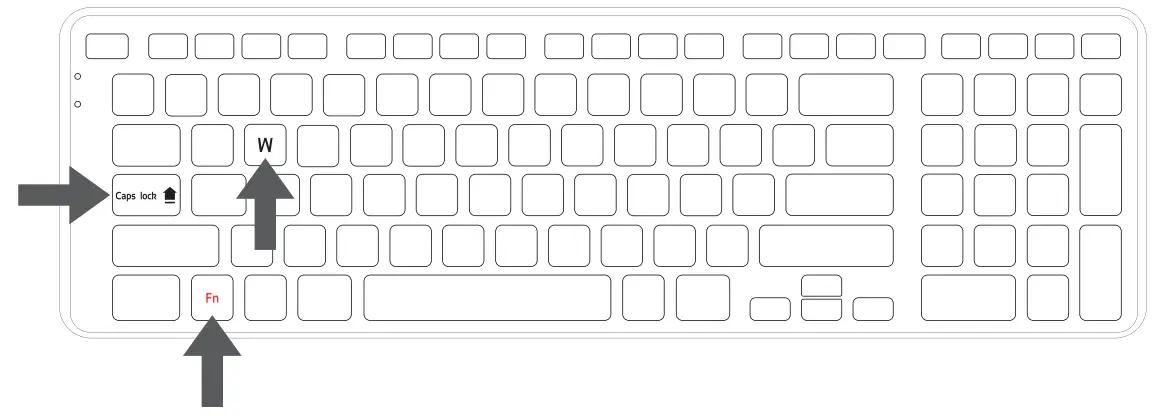
 2-year Warranty
All Contour Design products come with a 2-year Warranty. Product Support
For information on software drivers. product manuals ,and advanced product settings such as thin client mode. please visit contourdesign.com/support
 Sales Support
If you have questions about
your recent purchase ,email us:
United States: [email protected]
All other countries: [email protected]