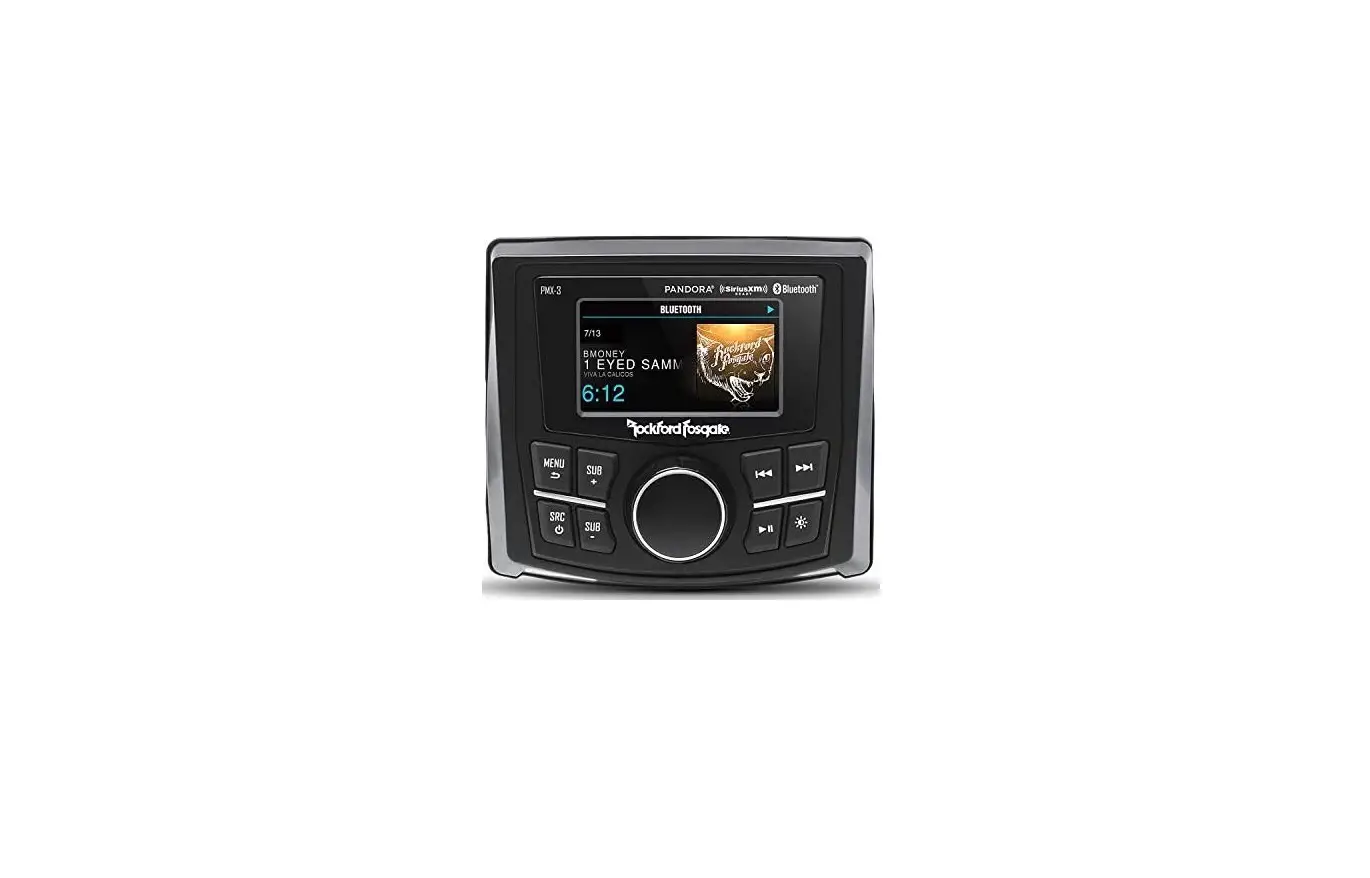
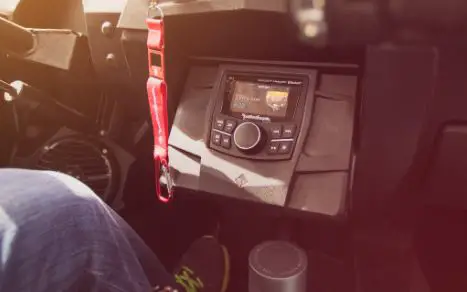
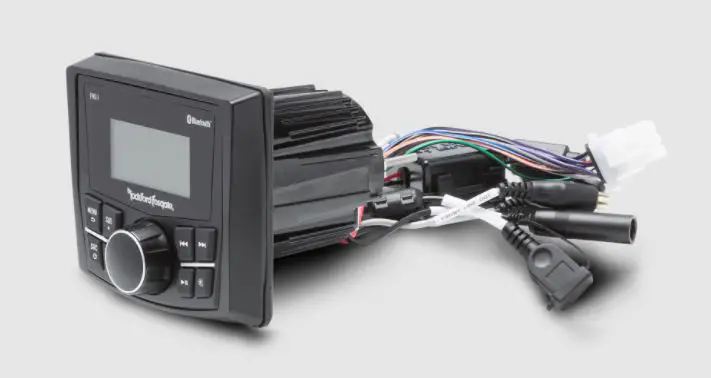
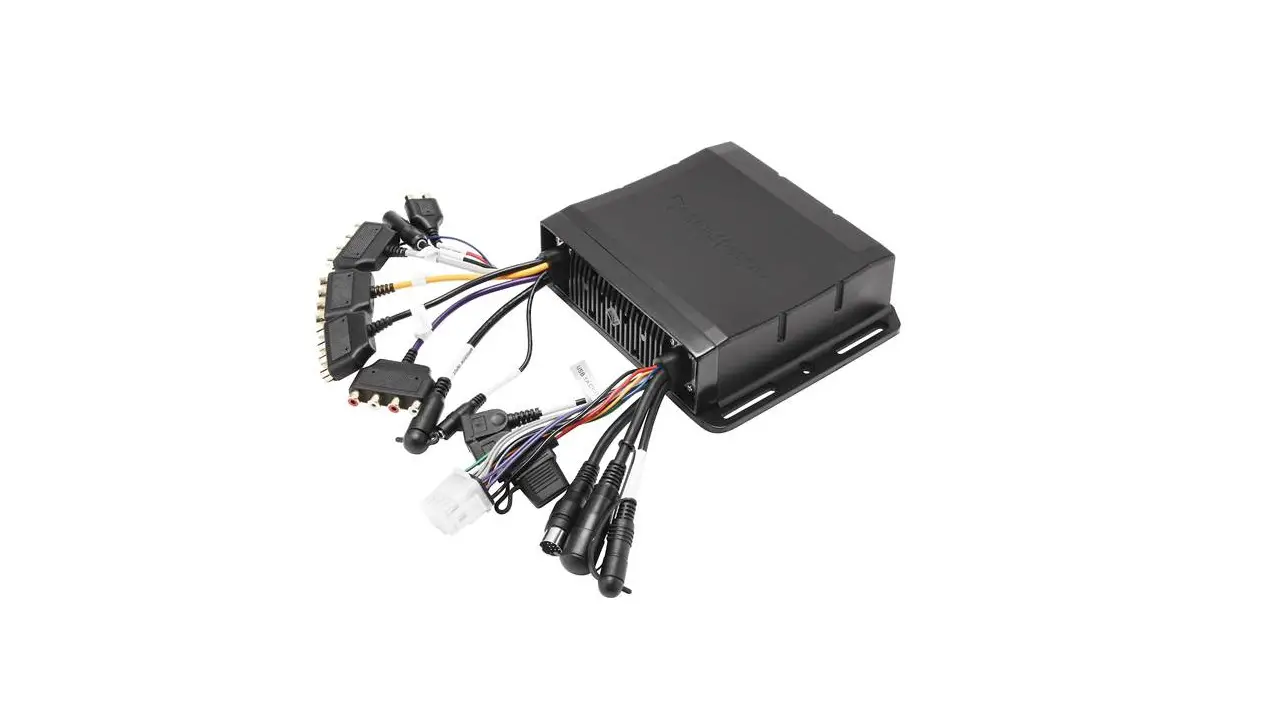
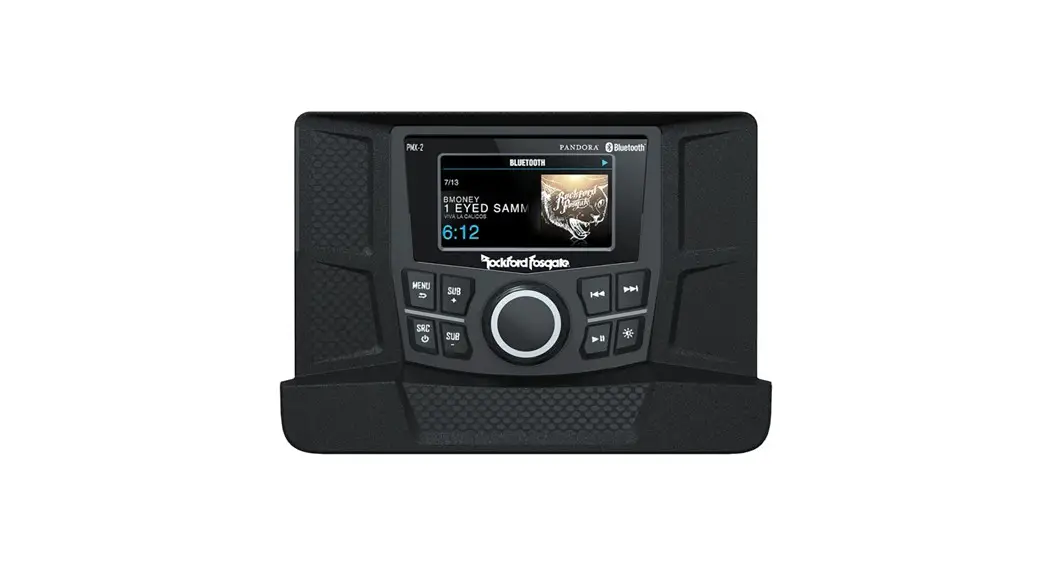
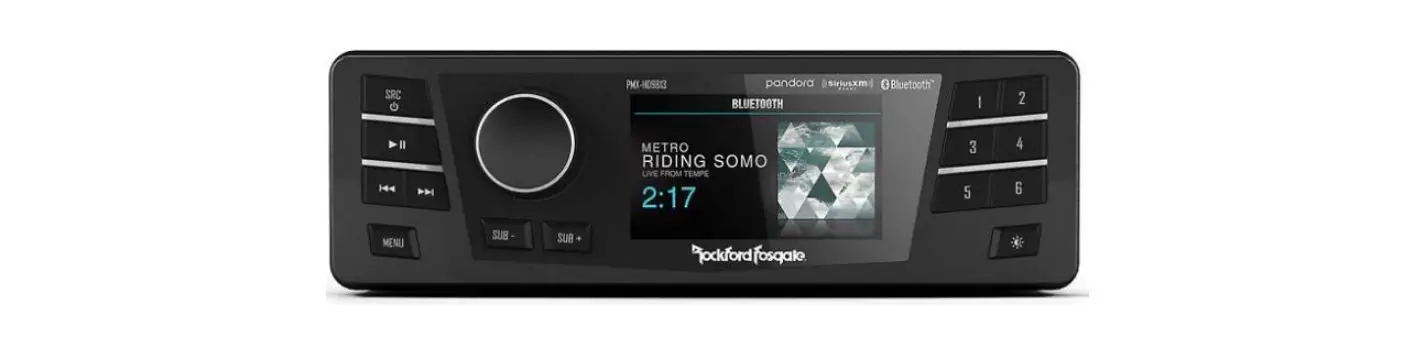
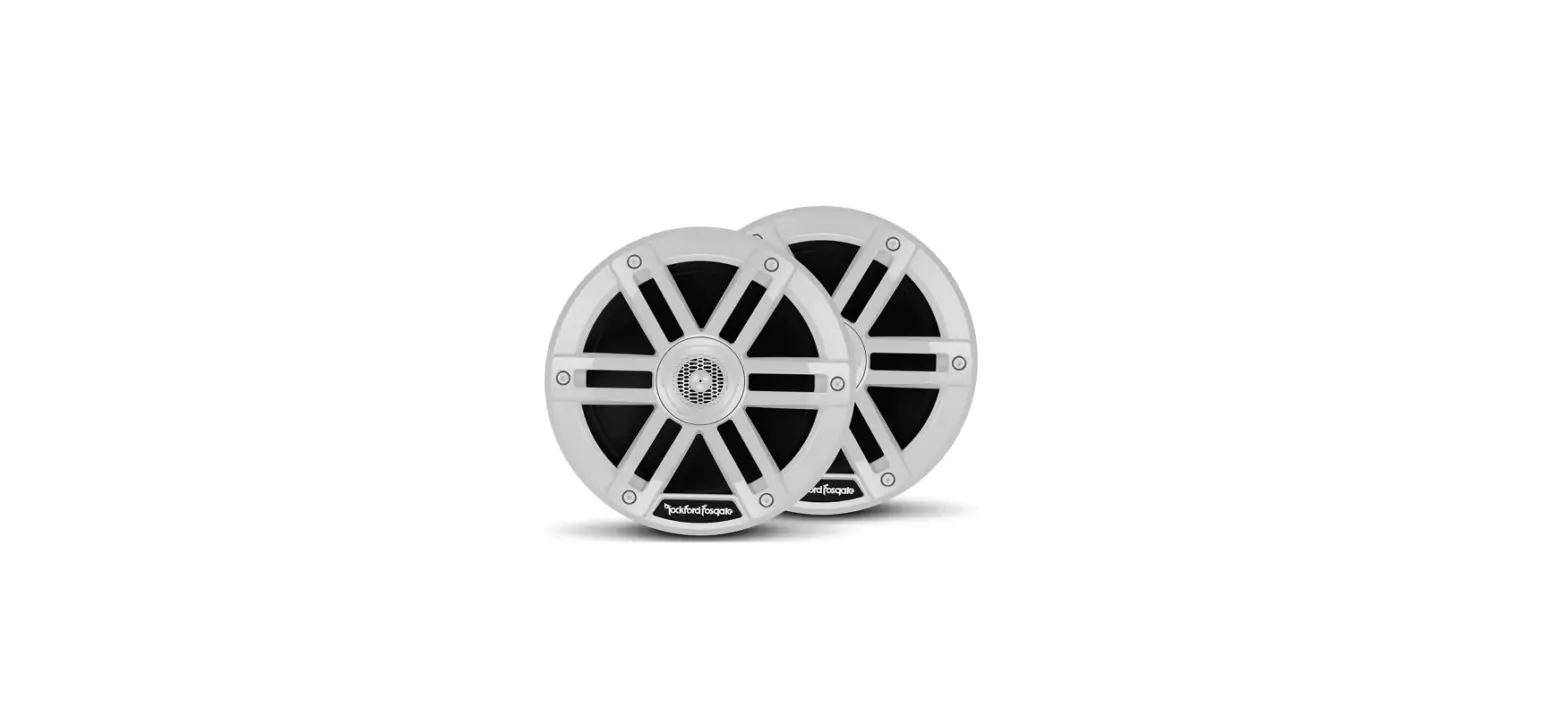
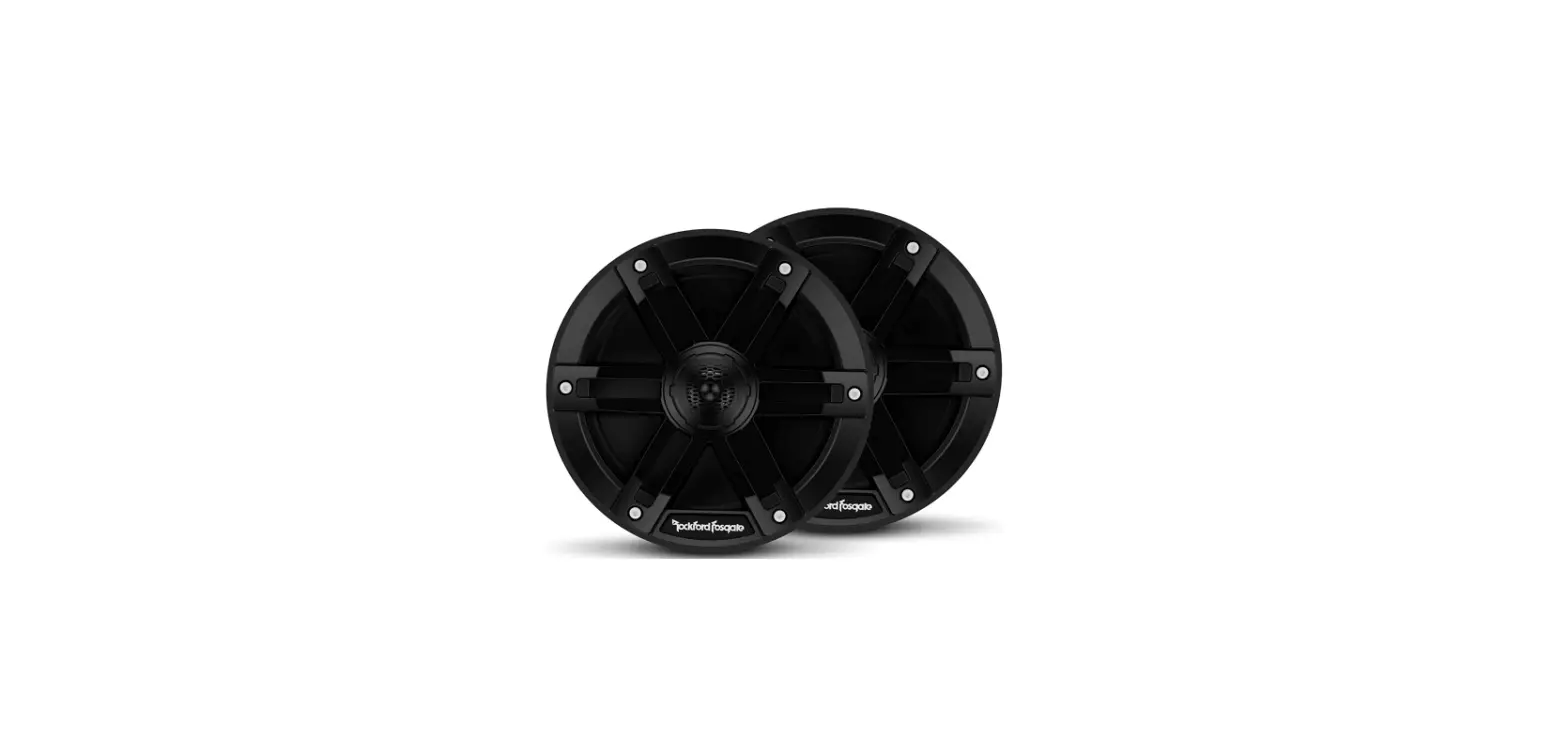
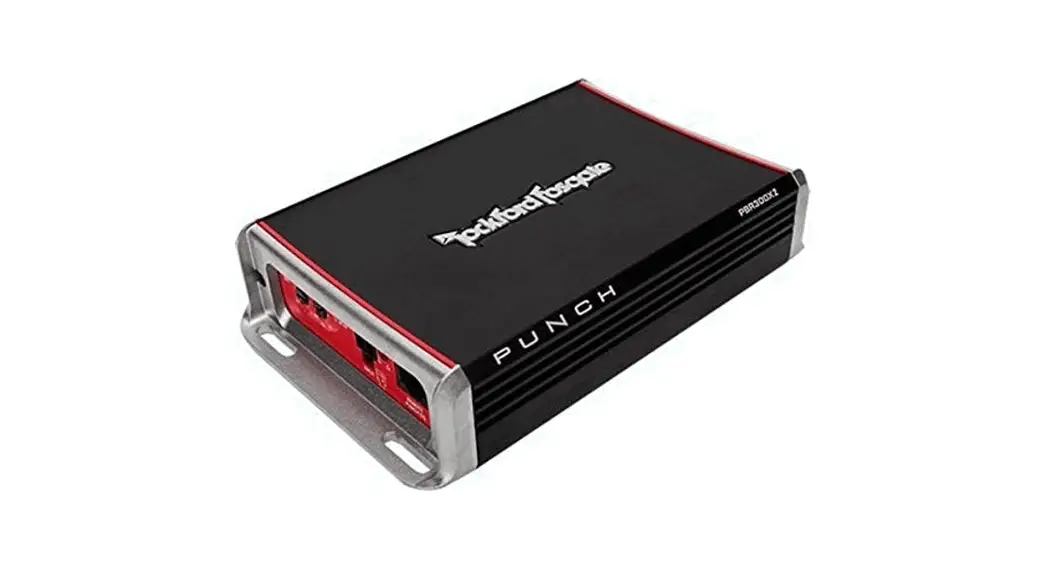
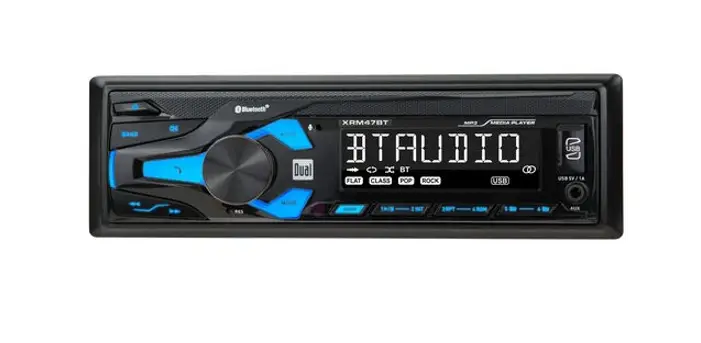
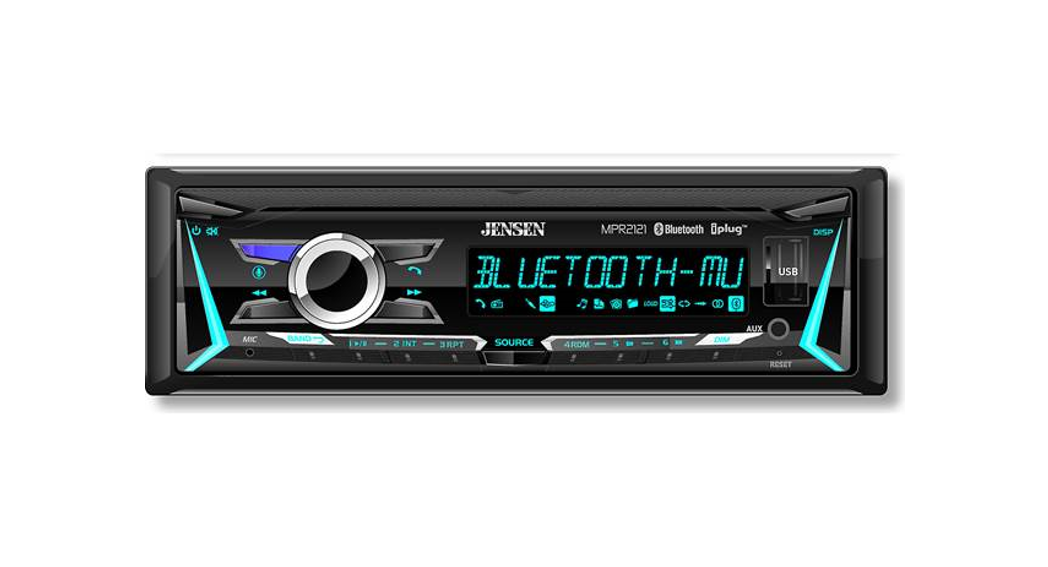
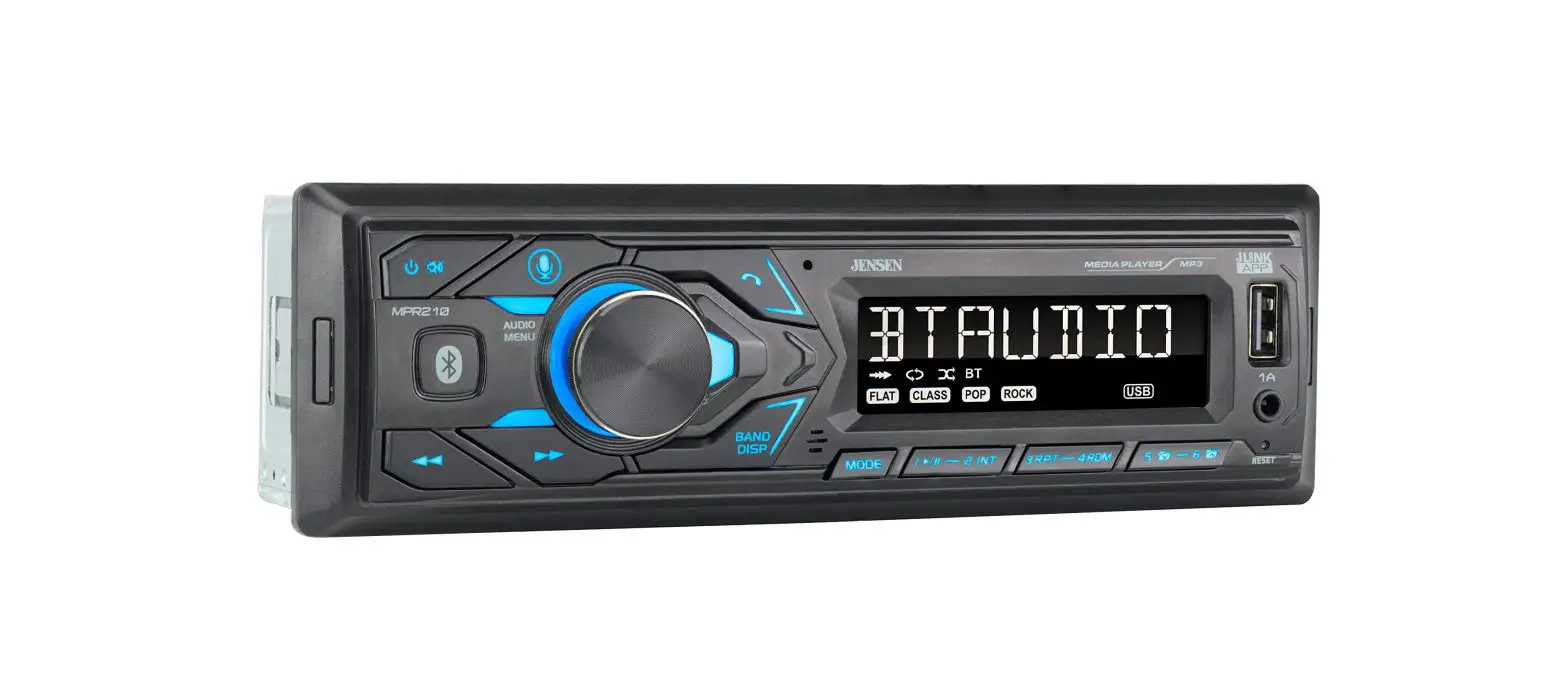
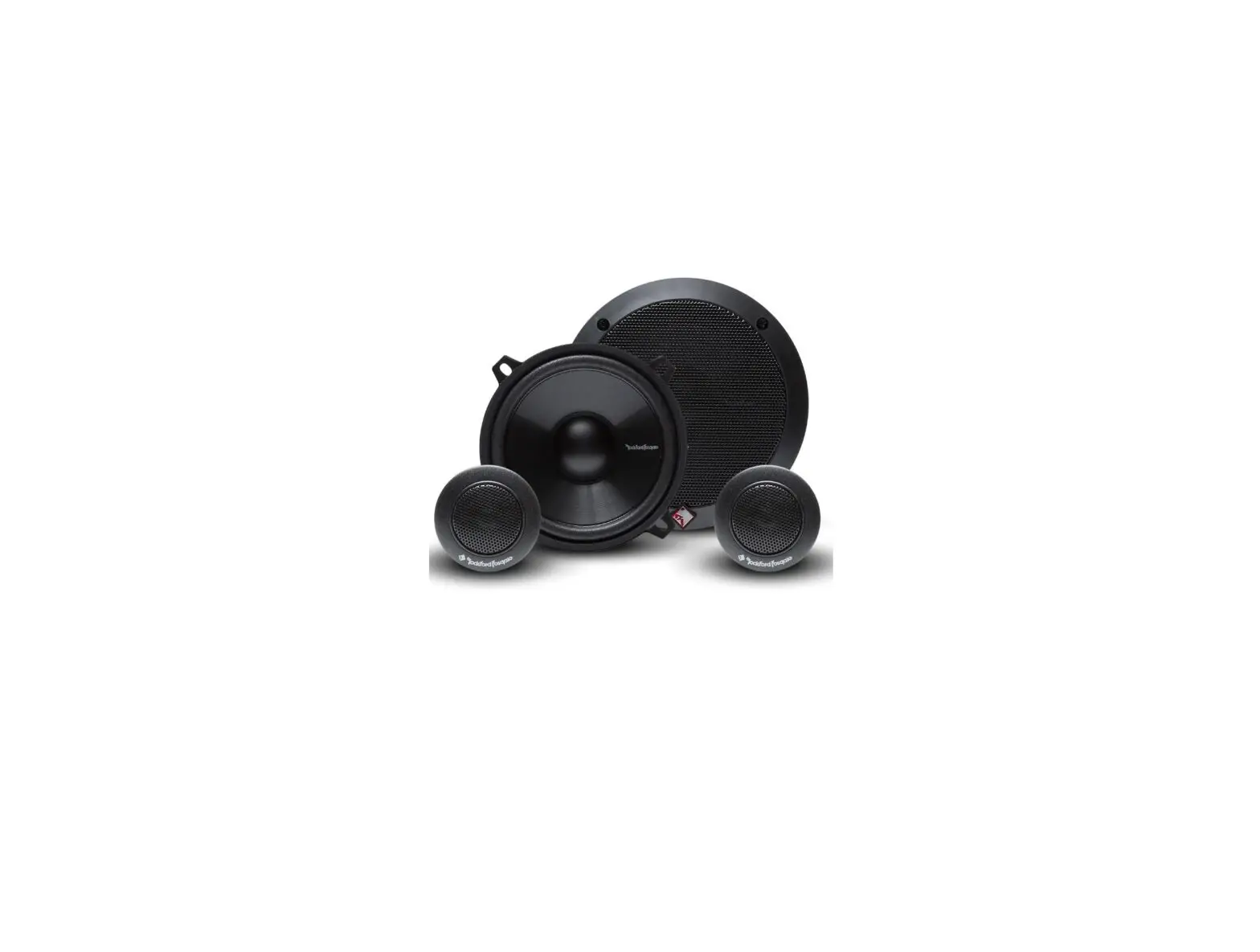
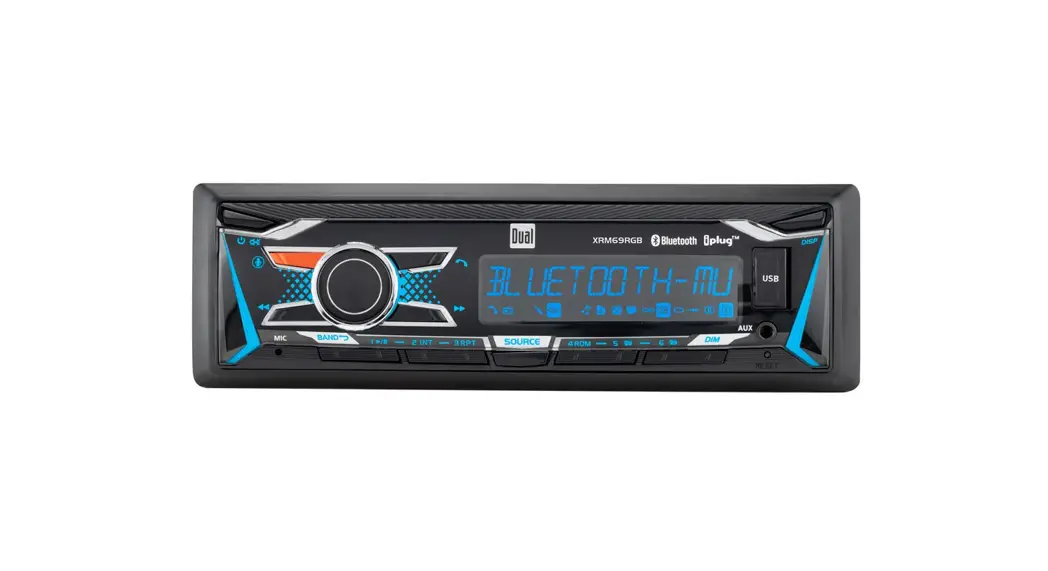
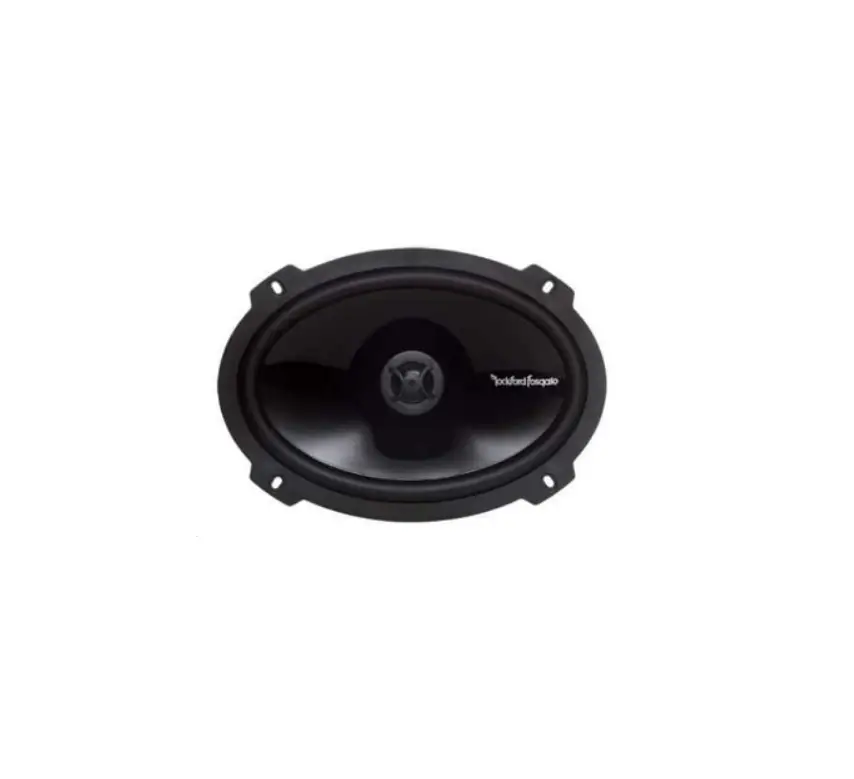
PMX-P2 Digital Media Receiver Kit
Product Information: Product Name: P/N 2883964 Product Type:
Technician Application: Verify accessory fitment at Polaris.com
Required Sold Separately: – P/N 2414719 – P/N 2414727 – P/N 2637397
– P/N 2637662 – P/N 4016696 – P/N 5267727-329 – P/N 7081305 – P/N
7519650 – P/N 7520764 – P/N 7547437 – P/N 7081033 – P/N 4014849 –
P/N 4016695 Kit Contents: – 1x Connector, Amplifier, 4 Channel – 1x
Bullet Connector, Ground, Amplifier – 1x Connector, Front, Tweeter,
Right – 1x Connector, Front, Driver, Right – 1x Connector, Front,
Driver, Left – 1x Connector, Front, Tweeter, Left – 1x Connector,
Audio, Rear – 1x Connector, Subwoofer – 1x Tape (2 Locations) Tools
Required: – Cable Tie – 2 Pin Female Pin – 8 Pin – 4 Pin Male – 4
Pin Female Product Usage Instructions: 1. Vehicle Preparation: –
Shift vehicle transmission into PARK. – Turn key to OFF position
and remove from vehicle. 2. Center Hood Panel Removal: – Turn two
quarter-turn fasteners to loosen center hood panel. – Slide panel
backwards until tabs clear front hood panel. 3. Dashboard Top
Removal: – Carefully pull up to remove and retain left A, center B,
and right C dash trim pieces. – Release steering tilt lock for
better access. 4. Dashboard Storage Removal: – Open center
dashboard storage compartment. – Open glove box lid. – Remove and
retain four screws E around glove box opening and three screws F
from front of dashboard top D. – Make note of different screw
sizes. 5. Tilt steering wheel down. – Remove and retain four screws
E from dashboard top D. 6. Carefully lift edge of right front
fender K to release tab from dashboard top D as shown. 7. On the
front of the vehicle, near the rear edge of the center hood panel
opening, remove and retain two screws G from dashboard top D. –
Remove and retain two pushpin rivets H from front side panels. 8.
Carefully keep panels J and K up and away from tabs. – Remove
dashboard top D by tilting rear section up and pulling out toward
the rear. – Have a second person to hold panels up. 9. Accessory
Installation Right-Hand Hood Disassembly: – Remove and retain one
fastener A to remove hood nose. 10. Antenna Installation: – Hood
Panel Preparation: – Mark two holes on top of the right front
fender for alignment pin and antenna mounting post. – Ensure the
location allows the ground strap to span the distance of the
antenna base to the chassis ground location. Please refer to the
complete user manual for more detailed instructions and
illustrations.
PMX AUDIO KIT BY ROCKFORD FOSGATE®
P/N 2883964
IMPORTANT Due to the technical nature of this kit, Polaris® insists this installation be performed by a certified Polaris®
Technician.
APPLICATION
Verify accessory fitment at Polaris.com.
BEFORE YOU BEGIN
Read these instructions and check to be sure all parts and tools are accounted for. Please retain these installation instructions for future reference and parts ordering information.
REQUIRED SOLD SEPARATELY
Only parts for installation of the PMX Audio Kit By Rockford Fosgate® are included. For complete installation, the following additional kit is required (sold separately): · Base Audio Kit, P/N 2883943
KIT CONTENTS
Instr 9929592 Rev 01 2019-01 Page 1 of 15
REF QTY PART DESCRIPTION
1
1
2
1
3
1
4
1
5
4
6
1
7
1
8
1
9
4
10 4
11 1
12 1
13 2
14 1
15 1
16 1
HarnessAudio, PMX (see Harness Detail section) AssemblyHarness, AM/FM Antenna AssemblyHead Unit, PMX PanelCover, 7 in. Display ScrewHex Button Head, M3.5 x 0.6 mm x 25 mm CoverPMX, Front StrapGround, Antenna, Braided BracketPMX, Dashboard ClipU, Speed Nut ScrewTorx® Truss Head, M6 x 1.0 mm x 25 mm ScrewHex Flange, M8 x 1.25 mm x 20 mm NutHex Flange, M5 x 0.8 mm Cable Tie (not shown) AntennaMast, AM/FM, Short MountAntenna, 90° PlateBack, Dashboard Bracket
P/N AVAILABLE SEPARATELY 2414719 2414727 2637397 2637662 n/a n/a 4016696 5267727-329 7081305 7519650 7520764 7547437 7081033 4014849 4016695 n/a
Instr 9929592 Rev 01 2019-01 Page 2 of 15
HARNESS DETAIL HARNESSAUDIO, PMX P/N 2414719
NOTE Harness Detail graphic is compressed to emphasize detail.
REF 1A 1B
PART DESCRIPTION Fuse Relay Center Connector, Power, Polaris Pulse®
1C Connector, Amplifier, 4 Channel
1D Bullet Connector, Ground, Amplifier
1E Connector, Front, Tweeter, Right
1F Connector, Front, Driver, Right
1G Connector, Front, Driver, Left
1H Connector, Front, Tweeter, Left
1J Connector, Audio, Rear
PIN QTY / GENDER
n/a
3 Pin Female
23 Pin Female
1 Pin Male
2 Pin Female
2 Pin Female
2 Pin Female
2 Pin Female
4 Pin
2 Pin Male
CONNECTS TO Vehicle Structure Pulse® terminal block Amplifier Amplifier SpeakerTweeter, Right SpeakerDriver, Right SpeakerDriver, Left SpeakerTweeter, Left Vehicle Structure / Rear Audio
Instr 9929592 Rev 01 2019-01 Page 3 of 15
REF PART DESCRIPTION
1P Connector, Subwoofer
1R Tape (2 Locations)
TOOLS REQUIRED
· Safety Glasses · Drill · Drill Bit:
3/16 in. (5 mm) 1/2 in. (12 mm)
PIN QTY / GENDER
2 Pin Female
8 Pin
4 Pin Male
4 Pin Female
n/a
CONNECTS TO HarnessAudio, Subwoofer Identifies installation location for
cable tie f
· Pliers, Push Pin Rivet · Screwdriver Set, Torx® · Socket Set, Torx® Bit · Torque Wrench
IMPORTANT
Your PMX Audio Kit By Rockford Fosgate® is exclusively designed for your vehicle. Please read the installation instructions thoroughly before beginning. Installation is easier if the vehicle is clean and free of debris. For your safety, and to ensure a satisfactory installation, perform all installation steps correctly in the sequence shown.
Instr 9929592 Rev 01 2019-01 Page 4 of 15
INSTALLATION INSTRUCTIONS VEHICLE PREPARATION
GENERAL
1. Shift vehicle transmission into PARK. Turn key to OFF position and remove from vehicle.
CENTER HOOD PANEL REMOVAL
1. Turn two quarter-turn fasteners to loosen center hood panel. Slide panel backwards until tabs clear front hood panel.
2. Remove storage compartment from dashboard.
DASHBOARD TOP REMOVAL
1. Carefully pull up to remove and retain left A, center B, and right C dash trim pieces.
TIP Release steering tilt lock for better access.
DASHBOARD STORAGE REMOVAL 1. Open center dashboard storage compartment.
2. Open glove box lid. Remove and retain four
screws E around glove box opening and three screws F from front of dashboard top D. Make
note of different screw sizes.
Instr 9929592 Rev 01 2019-01 Page 5 of 15
3. Tilt steering wheel down. Remove and retain four
screws E from dashboard top D.
6. Carefully lift edge of right front fender K to release tab from dashboard top D as shown.
4. On front of vehicle, near rear edge of center hood
panel opening, remove and retain two screws G from dashboard top D. Remove and retain two pushpin rivets H from front side panels.
7. Carefully keep panels J and K up and away from tabs and remove dashboard top D by tilting rear
section up and pulling out toward rear.
TIP Have a second person to hold panels up.
5. Carefully lift edge of left front fender J to release tab from dashboard top D as shown.
Instr 9929592 Rev 01 2019-01 Page 6 of 15
ACCESSORY INSTALLATION RIGHT-HAND HOOD DISASSEMBLY
TIP Hood can be disassembled for improved access
during installation procedures.
1. Remove and retain one fastener A to remove
hood nose.
ANTENNA INSTALLATION
HOOD PANEL PREPARATION
1. Mark two holes on top of right front fender for alignment pin and antenna mounting post.
NOTE Exact location is not critical, however, ensure location allows ground strap to span distance of antenna base to chassis ground location (see step 4 of Antenna Installation section for ground strap location). If mast tilt functionality is desired, ensure
location allows for tilt.
MEASUREMENT
Antenna Mounting Post hole: 1/2 in. (12 mm) Alignment Pin hole: 3/16 in. (5 mm)
Ensure distance between center of each hole is 9/16 in. (15 mm), as shown in diagram below.
2. Remove and retain three front fender fasteners A.
3. Remove and retain one hood fastener A and one push-pin rivet B.
2. Drill at each marked location. CAUTION
Control drill depth to prevent damage to underlying structure or components.
MEASUREMENT Antenna Mounting Post hole: 1/2 in. (12 mm)
Alignment Pin hole: 3/16 in. (5 mm) Ensure distance between center of each hole is
9/16 in. (15 mm), as shown in diagram below.
Instr 9929592 Rev 01 2019-01 Page 7 of 15
ANTENNA INSTALLATION
1. Install antenna mast g onto antenna mount h.
3. Pass antenna mount post h through ground strap u, antenna harness w, and secure with one nut d. Place harness boot over nut after torquing.
TORQUE
Antenna Post Nut d:
89 in-lbs (10 N·m)
NOTE Vehicle body hidden for clarity.
2. Seat antenna mount h in hood. Antenna mount
will snap into place when fully seated.
4. Replace hood to installed position (if disassembled) with harness sitting in front-right
wheel well. Secure ground strap u to vehicle frame with one fastener s.
TORQUE
Ground Strap Fastener s:
89 in-lbs (10 N·m)
Instr 9929592 Rev 01 2019-01 Page 8 of 15
ANTENNA HARNESS ROUTING
1. Begin routing harness w towards firewall. Secure
harness to electrical chassis harness with one
cable tie f at taped location.
RIGHT-HAND HOOD REASSEMBLY 1. Reinstall right-hand hood panel with one hood
fastener A and one push-pin rivet B.
Do not torque hood fastener A at this time.
2. Pass harness w through grommet in firewall.
2. Reinstall right-hand hood panel with three hood
fasteners A.
TORQUE
Hood Fasteners A:
89 in-lbs (10 N·m)
3. Route antenna harness w along accessory
mounting panel. Secure in tabs along edge of panel.
Instr 9929592 Rev 01 2019-01 Page 9 of 15
3. Reinstall hood nose panel with one fastener A.
TORQUE
Hood Fasteners A:
89 in-lbs (10 N·m)
2. Install fuse relay 1A onto accessory mounting panel. Join power connector 1B to Polaris Pulse® bar. Secure harness to accessory mounting panel with one routing edge clip 1Q.
AUDIO HARNESS ROUTING NOTE
See Harness Detail section, page 3, for connector identification.
1. Place audio harness q in accessory mounting
panel.
3. Route amplifier connector 1C and 1D through bottom opening of accessory mounting panel. Secure harness to accessory mounting panel with one routing edge clip 1Q. Join audio harness connectors 1C and 1D to amplifier.
4. Route audio harness to driver side. Secure to front cab panel with four routing clips 1Q.
5. Join audio harness connector 1H to tweeter and connector 1G to driver.
Instr 9929592 Rev 01 2019-01 Page 10 of 15
6. Route audio harness to head unit. Secure rear audio connector 1J to accessory mounting panel with attached push-pin. Secure audio harness to accessory mounting panel with routing clip 1Q. Secure audio harness to chassis electrical
harness with two cable ties f at taped locations
1R.
2. Note orientation of back plate j.
3. Pass four fasteners t through display cover r, PMX head unit e, dashboard bracket i, and hand-tighten to back plate j.
7. Route audio harness to passenger side. Secure to front cab panel with four routing clips 1Q.
4. Remove and discard cover panel.
8. Join audio harness connector 1E to tweeter and connector 1F to driver.
HEAD UNIT INSTALLATION
1. Install U-clip nuts o onto dashboard bracket i.
Instr 9929592 Rev 01 2019-01 Page 11 of 15
5. Join PMX head unit to audio harness.
REF
CONNECTS TO
1K
PMX Head Unit Power
1N
Subwoofer
1M
White, Left Audio
1L
Red. Right Audio
2
Bullet Connector
7. Secure PMX head unit to dashboard with four
fasteners a.
TORQUE
Head Unit Fasteners a (assembly to vehicle):
89 in-lbs (10 N·m)
6. Maneuver head unit assembly so that dashboard bracket is positioned inside of dashboard and cover panel is flush against dashboard front.
8. Push carefully on front cover y until it snaps in
place.
VEHICLE REASSEMBLY GENERAL
1. Verify audio connection is operating properly before proceeding with vehicle reassembly.
Instr 9929592 Rev 01 2019-01 Page 12 of 15
DASHBOARD TOP INSTALLATION
1. Carefully lift panels J and K up and away from tabs and install dashboard top D into place by
tilting rear section up and installing front section first, then lower rear section into place.
TIP Have a second person to hold panels up.
3. Ensure that both right M and left N rubber boots
are properly installed. Only upper lip should be visible, as shown with inset.
2. Ensure that tabs on panels J and K are aligned in slots on dashboard top D. (Only panel K shown. Panel J is similar.
4. Reinstall two retained screws G into front edge of dashboard top D and two retained pushpin rivets H. Torque screws to specification.
TORQUE
Screw G:
88 in-lbs (10 N·m)
Instr 9929592 Rev 01 2019-01 Page 13 of 15
5. Tilt steering wheel down. Install four retained
screws E through dashboard top and torque to
specification.
TORQUE
Screw E:
88 in-lbs (10 N·m)
7. Install retained left A, center B, and right C dash
trim pieces.
TIP Release steering tilt lock for better access.
6. Open glove box lid. Install four retained screws E
around glove box opening and three retained
screws F in front of dashboard top D. Torque
screws to specification.
TORQUE
Screw E and F:
88 in-lbs (10 N·m)
DASHBOARD STORAGE INSTALLATION 1. Slide storage compartment into dashboard cavity.
CENTER HOOD PANEL INSTALLATION
1. Slide panel forward until tabs slide into front hood panel. Turn two quarter-turn fasteners to secure center hood panel.
Instr 9929592 Rev 01 2019-01 Page 14 of 15
FEEDBACK FORM
A feedback form has been created for the installer to provide any comments, questions or concerns about the installation instructions. The form is viewable on mobile devices by scanning the QR code or by clicking HERE if viewing on a PC.
Instr 9929592 Rev 01 2019-01 Page 15 of 15
(Europe) ( U.S.A )
FM: 87.5 MHz – 108 MHz AM: 526.5 kHz – 1606.5 kHz
FM: 87.5 MHz – 107.9 MHz AM: 530 kHz – 1710 kHz
 POLARIS® - THINK OUTSIDE
 POLARIS® - THINK OUTSIDE
 Accessory Instruction Feedback Form