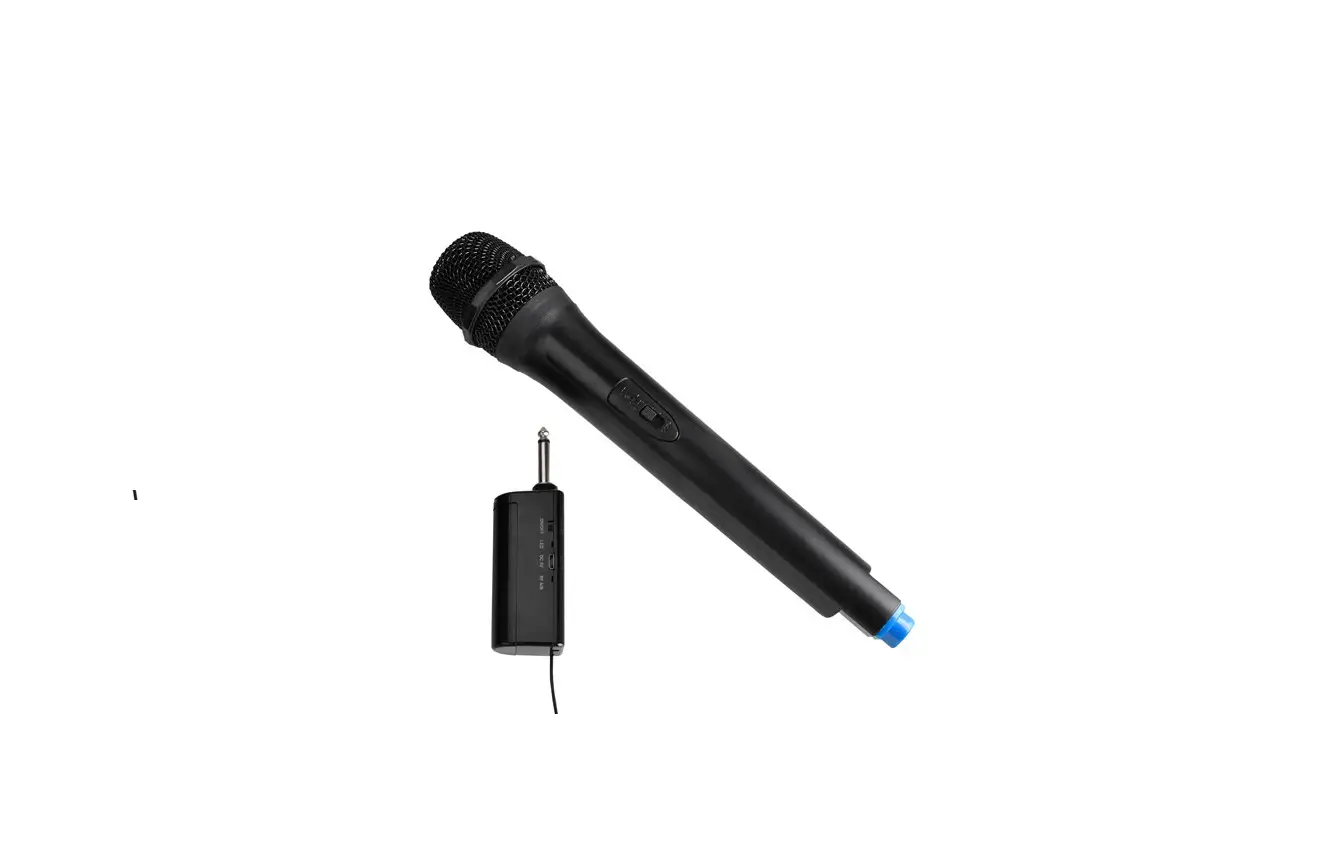
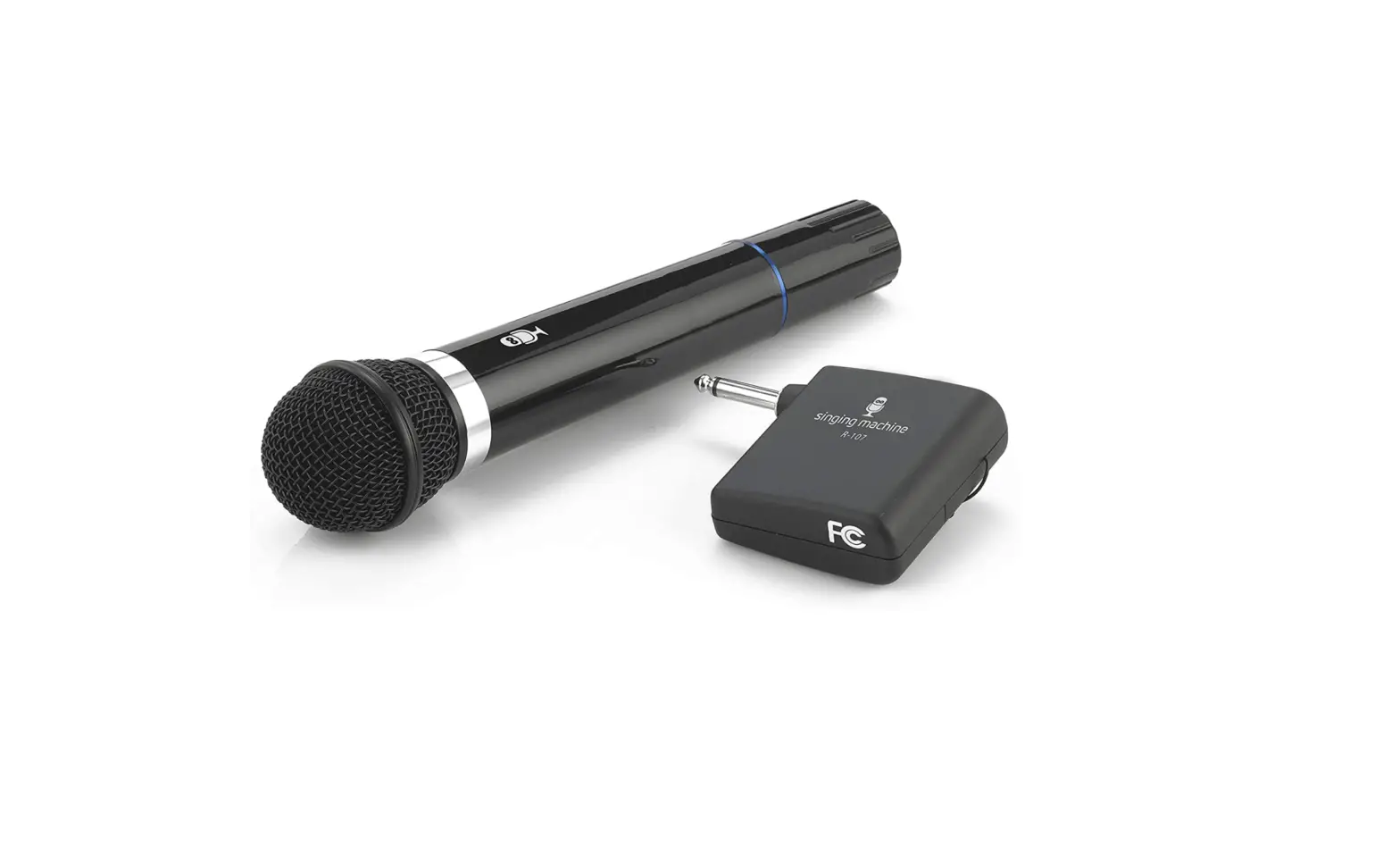
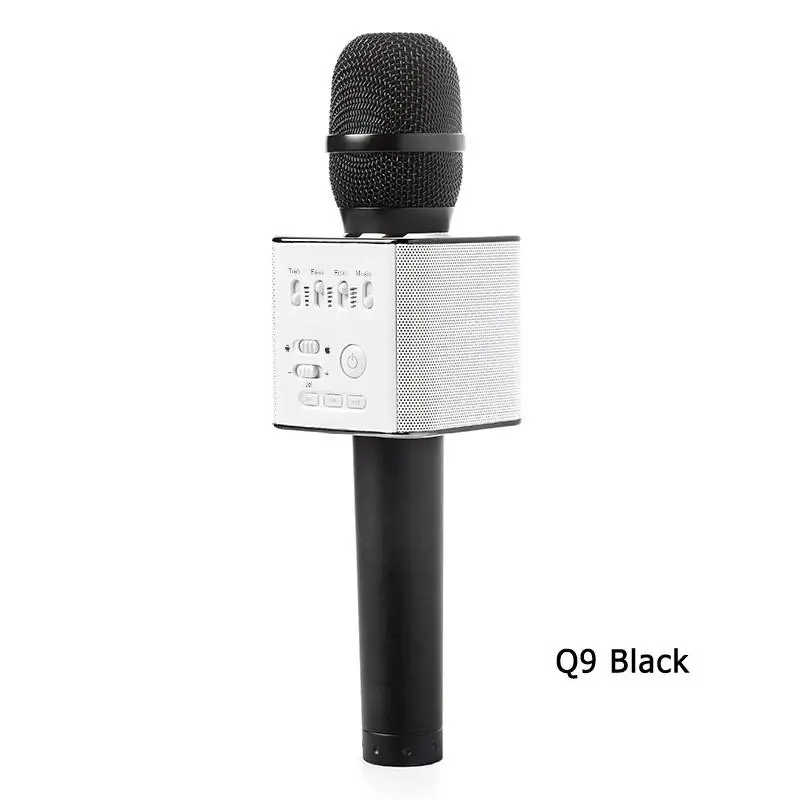
MIC200 Wireless Mic
Product Information: Wireless Mic
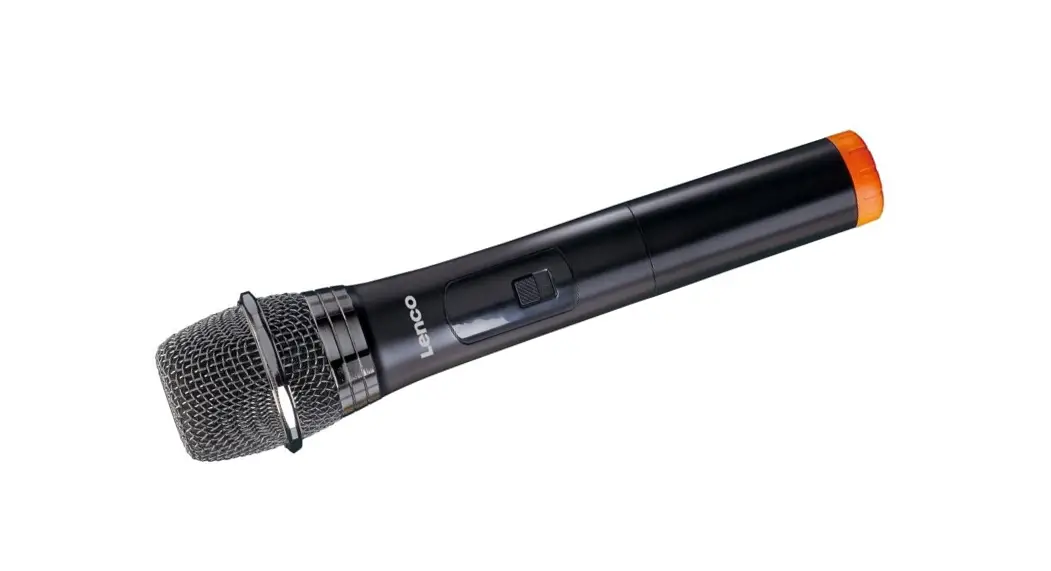
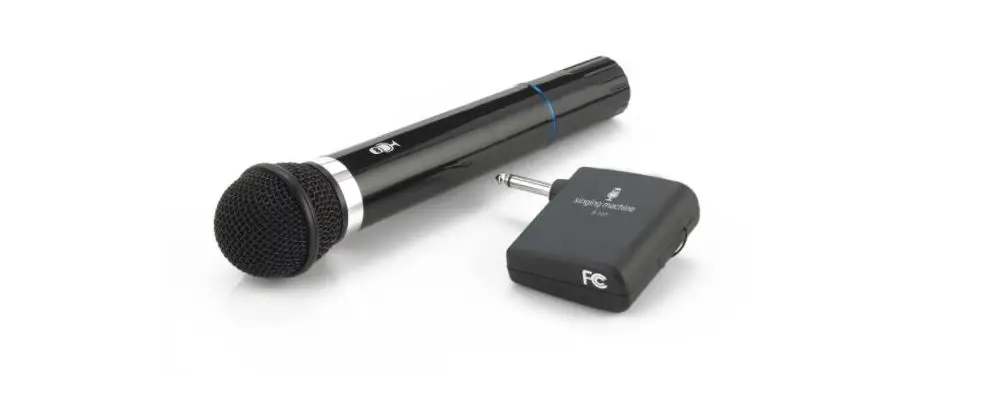
The Wireless Mic is a portable microphone system that allows you
to sing or speak wirelessly without the need for a physical
connection to your speaker. It includes a receiver and a
microphone, both powered by batteries. The receiver is rechargeable
via a micro-USB charging cable.
Package Contents:
- Wireless Microphone
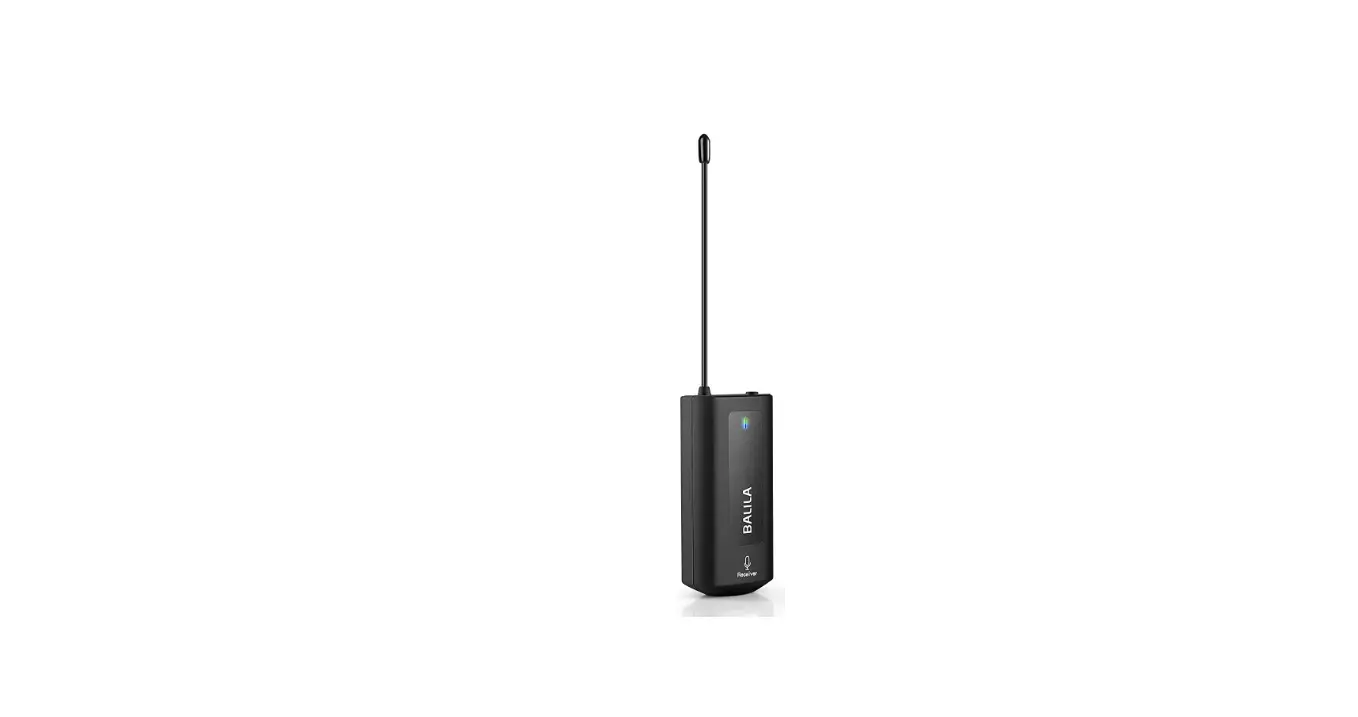
- Receiver
- Rechargeable battery
- Micro-USB charging cable
Receiver Features:
- ON/OFF switch with LED indicator
- DC 5V charging port
- RF indicator to show wireless connection status
Mic Features:
- ON/OFF switch with power indicator
- Battery compartment for 2 AA batteries (not included)
- MUTE switch for muting the microphone
Product Usage Instructions:
Step 1: Unpack
Make sure the following items came in this package:
- Wireless Microphone
- Receiver
- Rechargeable battery
- Micro-USB charging cable
Step 2: Install the receiver’s rechargeable battery
Remove the battery door from the bottom of the receiver. Slide
the battery door back in place.
Step 3: Charge the receiver
To charge the receiver:
- Plug the included micro-USB charging cable into the DC 5V
charging port on the receiver. - Plug the other end of the USB charging cable into a power
source, like a computer or a USB charging adapter. - The LED indicator on the front of the receiver is red while the
receiver is charging. It turns off when the receiver is fully
charged.
Step 4: Power the mic
Remove the battery cover from the back of the microphone. Insert
2 new AA batteries (not included). Then put the battery cover back
in its place.
Step 5: Plug in the receiver
Plug the receiver into the microphone jack on your speaker. Move
its switch to the ON position to turn it on. The LED indicator next
to the switch turns green.
Note: If the receiver is turned on but the LED light has turned
off, that means it’s time to recharge the receiver. Follow the
instructions in step 3 to recharge.
Step 6: Turn on the mic
Move the mic’s switch to the ON position (the top position of
the 3-position switch) to turn it on. The power indicator above the
switch illuminates. The RF indicator on the receiver turns green
when the mic and receiver are wirelessly linked and ready for
use.
Note: If the mic is turned on but the indicator light has turned
off, that means it’s time to change the mic’s batteries. Follow the
instructions in step 4 to change them.
Step 7: Sing along!
Make sure the wireless mic and receiver are turned on. Start
playing music on the device connected to your speaker and sing
along!
To adjust the volume of your voice:
- Adjust the microphone volume on your speaker.
To adjust the volume of the music:
- Use the volume controls on your audio device.
To mute the mic:
- Move the ON/OFF switch on the mic to the middle position
(MUTE).
Wireless Mic
QUICK START GUIDE
Step 1: Unpack
Make sure the following items came in this package. Wireless Microphone
BATT ON
MUTE OFF
ON/OFF LED DC 5V RF
Receiver
Rechargable battery
Micro-USB charging cable
Step 2: Install the receiver’s rechargeable battery
Remove the battery door from the bottom of the receiver.
Place the rechargeable battery in the battery compartment, matching the + and indications.
Slide the battery door back in place.
Step 3: Charge the receiver
Before you start using the Wireless Mic for the first time, it’s a good idea to charge the receiver completely. To charge the receiver: Plug the included micro-USB charging cable into the DC 5V charging port on the receiver. Plug the other end of the USB charging cable into a power source, like a computer or a USB charging adapter. The LED indicator on the front of the receiver is red while the receiver is charging. It turns off when the receiver is fully charged.
Step 4: Power the mic
Remove the battery cover from the back of the microphone. Insert 2 new AA batteries (not included). Then put the battery cover back in its place.
Step 5: Plug in the receiver
Plug the receiver into the microphone jack on your speaker. Move its switch to the ON position to turn it on. The LED indicator next to the switch turns green.
2
ON/OFF LED DC 5V RF
ON/OFF LED
Note: If the receiver is turned on but the LED light has turned off, that means it’s time to recharge the receiver. Follow the instructions in step 2 to recharge.
Step 6: Turn on the mic
Move the mic’s switch to the ON position (the
top position of the 3-position switch) to turn
BATT
ON
it on. The power indicator above the switch
MUTE
illuminates.
OFF
The RF indicator on the receiver turns green
when the mic and receiver are wirelessly linked and ready
for use.
Note: If the mic is turned on but the indicator light has turned off, that means it’s time to change the mic’s batteries. Follow the instructions in step 3 to change them.
3
Step 7: Sing along!
Make sure the wireless mic and receiver are turned on. Start playing music on the device connected to your speaker and sing along! To adjust the volume of your voice: Adjust the microphone volume on your speaker. To adjust the volume of the music: Use the volume controls on your audio device. To mute the mic: Move the ON/OFF switch on the mic to the middle position (MUTE).
4
Micro sans fil
GUIDE DE DÉMARRAGE RAPIDE
Étape 1 : Déballage
Vérifier que les articles suivants sont inclus dans l’emballage. Microphone sans fil
BATT ON
MUTE OFF
ON/OFF LED DC 5V RF
Récepteur
Pile rechargeable
Câble de recharge micro-USB
Étape 2 : Installer la pile rechargeable du récepteur
Enlever le couvercle du compartiment de la pile, situé au bas du récepteur.
Placer la pile rechargeable dans le compartiment de la pile, en respectant le marquage de polarité + et à l’intérieur du compartiment.
Remettre le couvercle du compartiment
de la pile en place.
5
Étape 3 : Chargement du récepteur
Avant de commencer à utiliser le micro sans fil pour la première fois, il est conseillé de charger complètement le récepteur.
Pour charger le récepteur : Brancher le câble de chargement micro-USB inclus dans le port de charge DC 5V du récepteur. Brancher l’autre extrémité du câble de chargement USB sur une source d’alimentation, comme un ordinateur ou un adaptateur chargeur USB.
Le voyant LED à l’avant du récepteur est rouge pendant la charge. Il s’éteint lorsque le récepteur est complètement chargé.
Étape 4 : Alimentation du microphone
Retirer le couvercle du compartiment à piles du microphone. Insérer 2 piles AA neuves (non fournies). Puis remettre le couvercle du compartiment à piles en place.
Étape 5 : Branchement du récepteur
Brancher le récepteur dans la prise microphone du hautparleur. Mettre l’interrupteur sur la position ON (Marche) pour l’activer. Le voyant LED en regard de l’interrupteur devient vert.
6
ON/OFF LED DC 5V RF
ON/OFF LED
Remarque : Si le récepteur est activé mais que le voyant LED s’est éteint, cela signifie qu’il est temps de recharger le récepteur. Suivre les instructions de l’étape 2 pour le recharger.
Étape 6 : Activation du microphone
Mettre l’interrupteur du microphone sur la
position ON (Marche) (la position la plus haute BATT
ON
de l’interrupteur à trois positions) pour le
MUTE
mettre en marche. Le voyant d’alimentation
situé au-dessus de l’interrupteur s’illumine.
OFF
Le voyant RF situé sur le récepteur devient vert lorsque le microphone et le récepteur sont reliés sans fil et prêts à être utilisés.
Remarque : Si le microphone est activé mais que le voyant DEL s’est éteint, cela signifie qu’il est temps de changer les piles du microphone. Suivre les instructions de l’étape 3 pour les changer.
7
Étape 7 : Chanter en même temps!
S’assurer que le micro sans fil et le récepteur sont activés. Démarrer la lecture de musique sur l’appareil connecté à votre haut-parleur et chanter en même temps! Réglage du volume de la voix : Régler le volume du microphone sur le haut-parleur. Réglage du volume de la musique : Utiliser les commandes du volume de l’appareil audio. Pour couper le micro : Placer l’interrupteur ON/OFF (Marche/Arrêt) sur la position du milieu MUTE (Sourdine).
8
Micrófono inalámbrico
GUÍA DE INICIO RÁPIDO
Paso 1: Desembalaje
Asegúrese de que se incluyan los siguientes elementos en el embalaje.
Micrófono inalámbrico
BATT ON
MUTE OFF
ON/OFF LED DC 5V RF
Receptor
Batería recargable
Cable de carga micro USB
Paso 2: Instale la batería recargable del receptor
Extraiga la tapa del compartimiento de la batería del receptor.
Coloque la batería recargable en el compartimiento de la batería haciendo coincidir las polaridades “+” y “”.
Deslice el compartimiento de la batería para colocarlo en su lugar
9
Paso 3: Carga del receptor
Antes de comenzar a utilizar el micrófono inalámbrico por primera vez, se recomienda cargar el receptor por completo. Carga del receptor: conecte el cable de carga micro USB incluido al puerto de carga de DC 5V del receptor. Conecte el otro extremo del cable de carga USB a una fuente de alimentación USB, como una computadora o adaptador de carga USB. El indicador LED ubicado en la parte frontal del receptor se encenderá de color rojo mientras se esté cargando el receptor. Este indicador se apagará cuando el receptor esté totalmente cargado.
Paso 4: Alimentación del micrófono
Extraiga la tapa de las baterías de la parte posterior del micrófono. Inserte 2 baterías “AAA” nuevas (no incluidas). A continuación, vuelva a colocar la tapa de las baterías.
Paso 5: Conecte el receptor
Conecte el receptor al conector para micrófono del altavoz. Coloque el interruptor en la posición ON para encenderlo. El indicador LED ubicado junto al interruptor se encenderá de color verde.
10
ON/OFF LED DC 5V RF
ON/OFF LED
Nota: Si el receptor está encendido, pero el indicador LED se apagó, esto significa que debe recargar el receptor. Siga las instrucciones detalladas en el paso 2 para realizar la recarga.
Paso 6: Encienda el micrófono
Coloque el interruptor del micrófono en
la posición ON (la posición superior del
BATT
ON
interruptor de 3 posiciones) para encenderlo.
MUTE
Se encenderá el indicador de encendido/
apagado ubicado por encima del interruptor.
OFF
El indicador RF del receptor se enciende de color verde cuando el micrófono y el receptor están conectados de forma inalámbrica y listos para el uso.
Nota: Si el micrófono está encendido, pero la luz del indicador se apagó, esto significa que debe reemplazar las
baterías del micrófono. Siga las instrucciones detalladas en
el paso 3 para reemplazarlas.
11
Paso 7: ¡Empiece a cantar!
Asegúrese de que el micrófono inalámbrico y el receptor estén encendidos. Comience a reproducir música en el dispositivo conectado al altavoz y ¡empiece a cantar! Para ajustar el volumen de su voz: ajuste el volumen del micrófono en el altavoz. Para ajustar el volumen de la música: utilice los controles de volumen del dispositivo de audio. Para silenciar el micrófono: coloque el interruptor ON/OFF del micrófono en la posición central (MUTE).
© 2022 Voxx Accessories Corp. 3502 Woodview Trace, Suite 220 Indianapolis, IN 46268 www.SingsationKaraoke.com
MIC200 NA QSG 02
 SingsationKaraoke.com