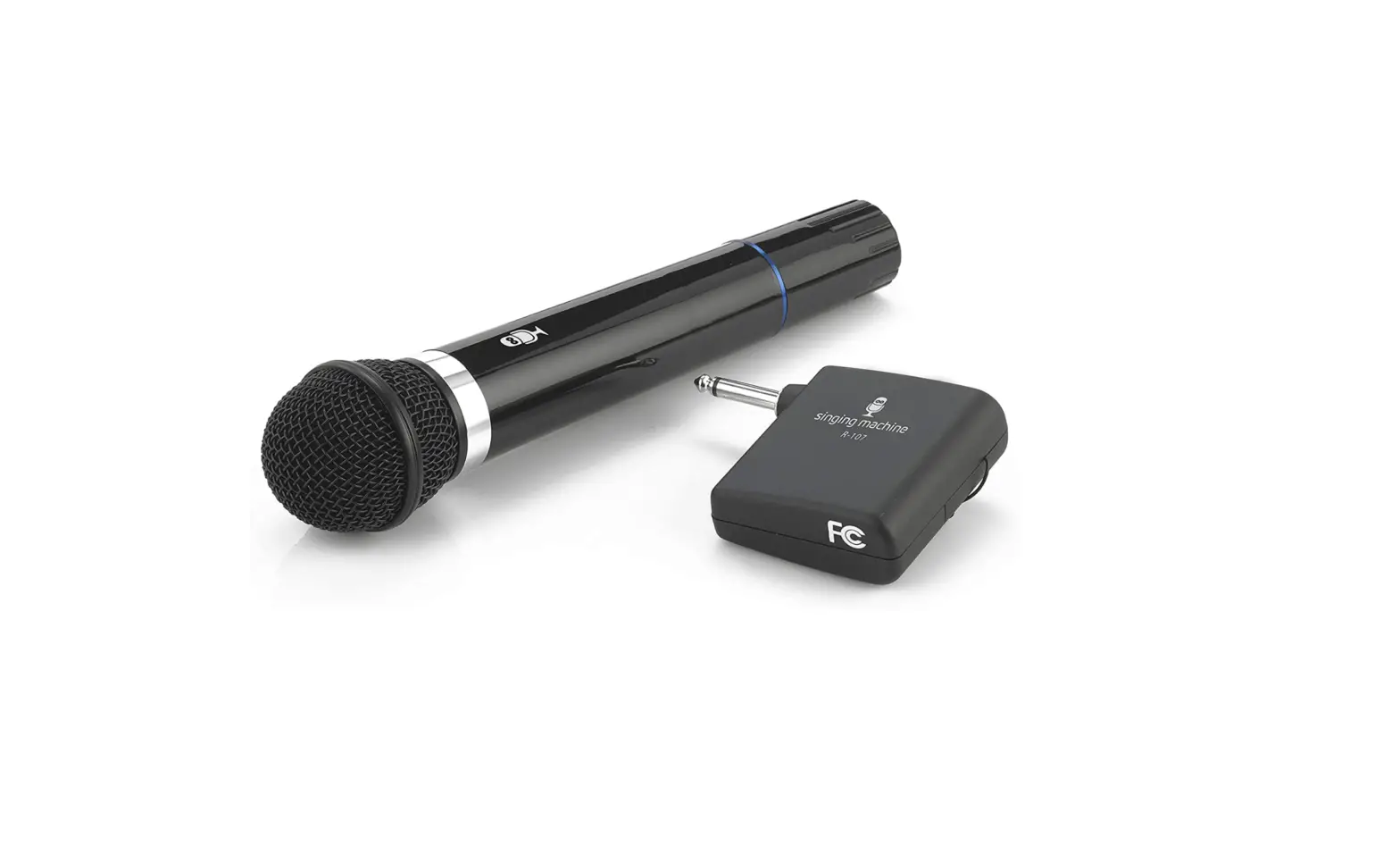

Singing Machine SMM107 Wireless Microphone
Introduction
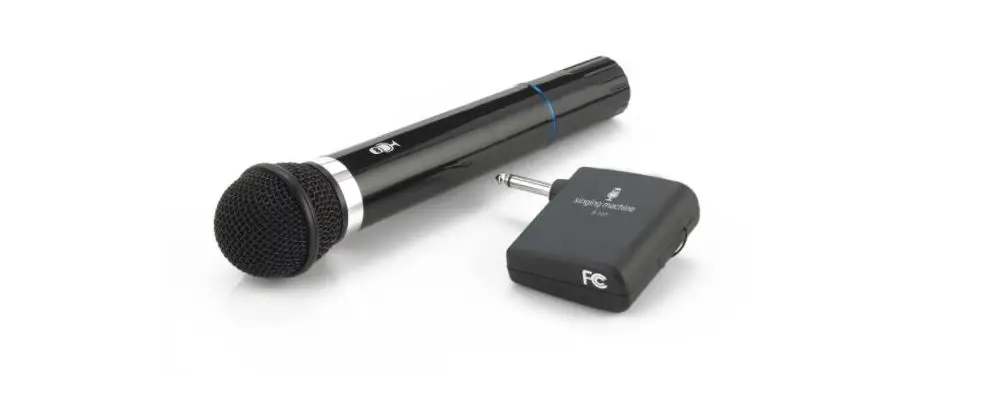
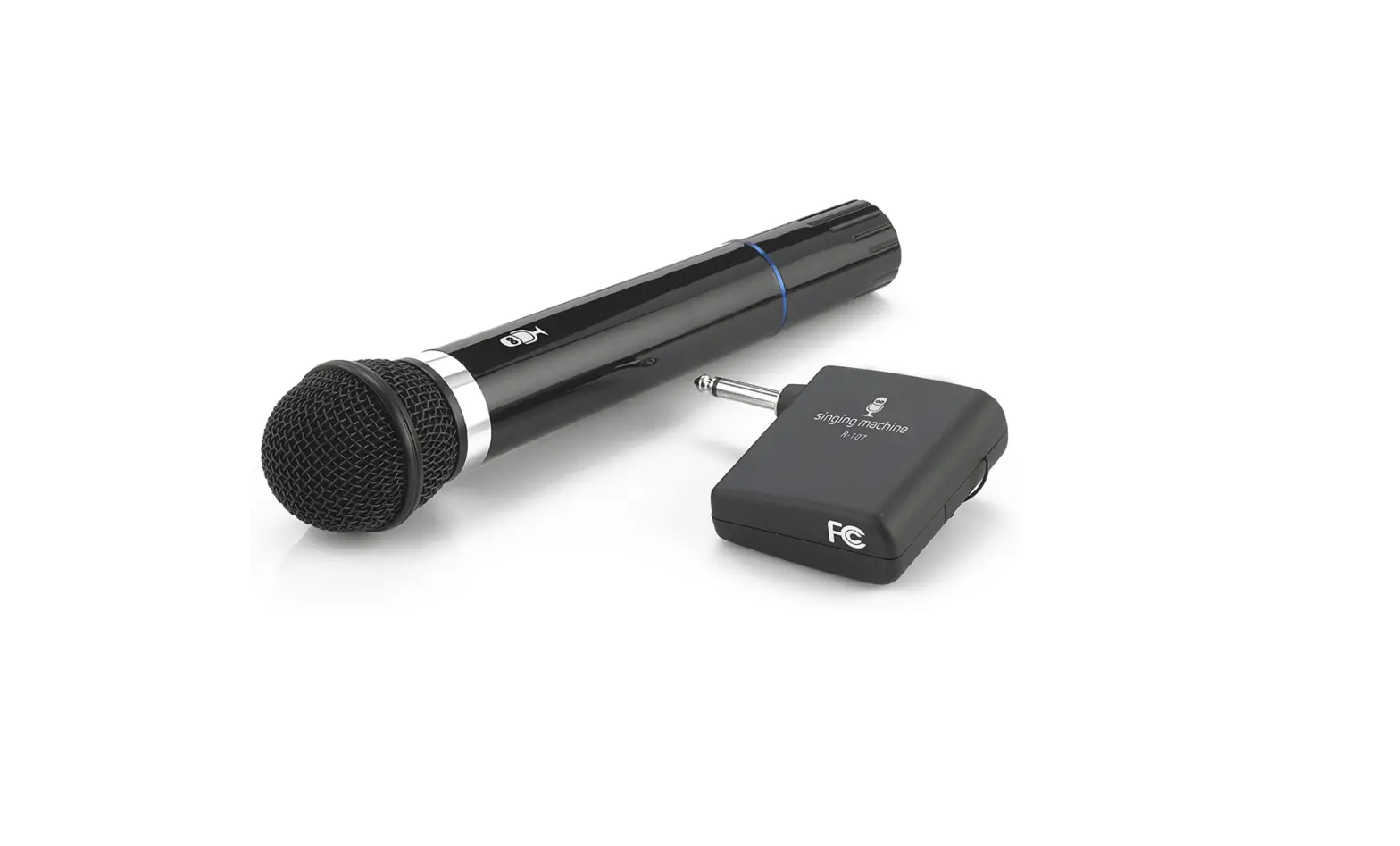
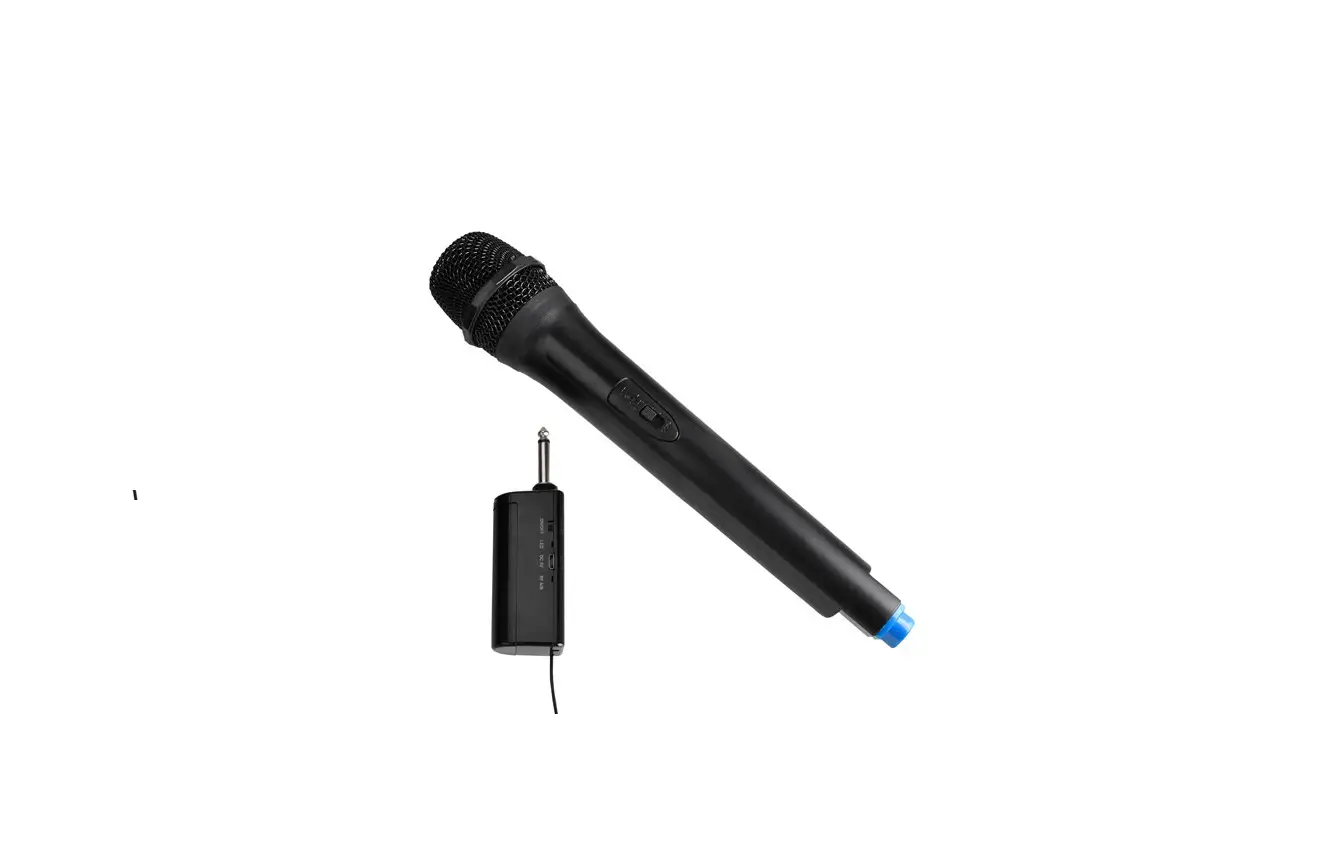
Utilize This Wireless Microphone To Sing Karaoke in Freedom. No longer necessary to cling to a wired microphone. Release Your Performance To Fully Utilize Your Stage Without Being Chained. Connects to Any Regular Microphone Jack.
Contents
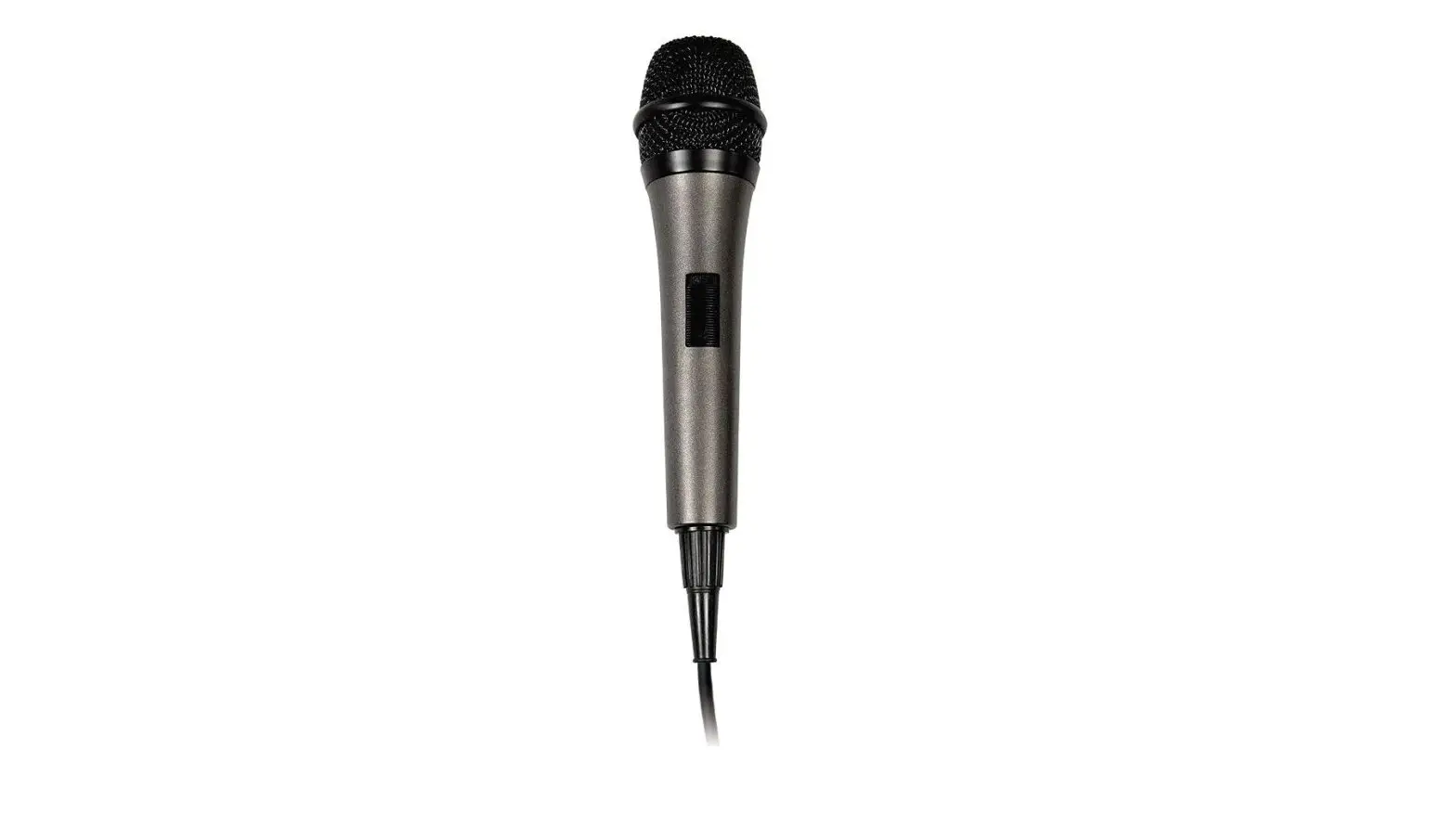
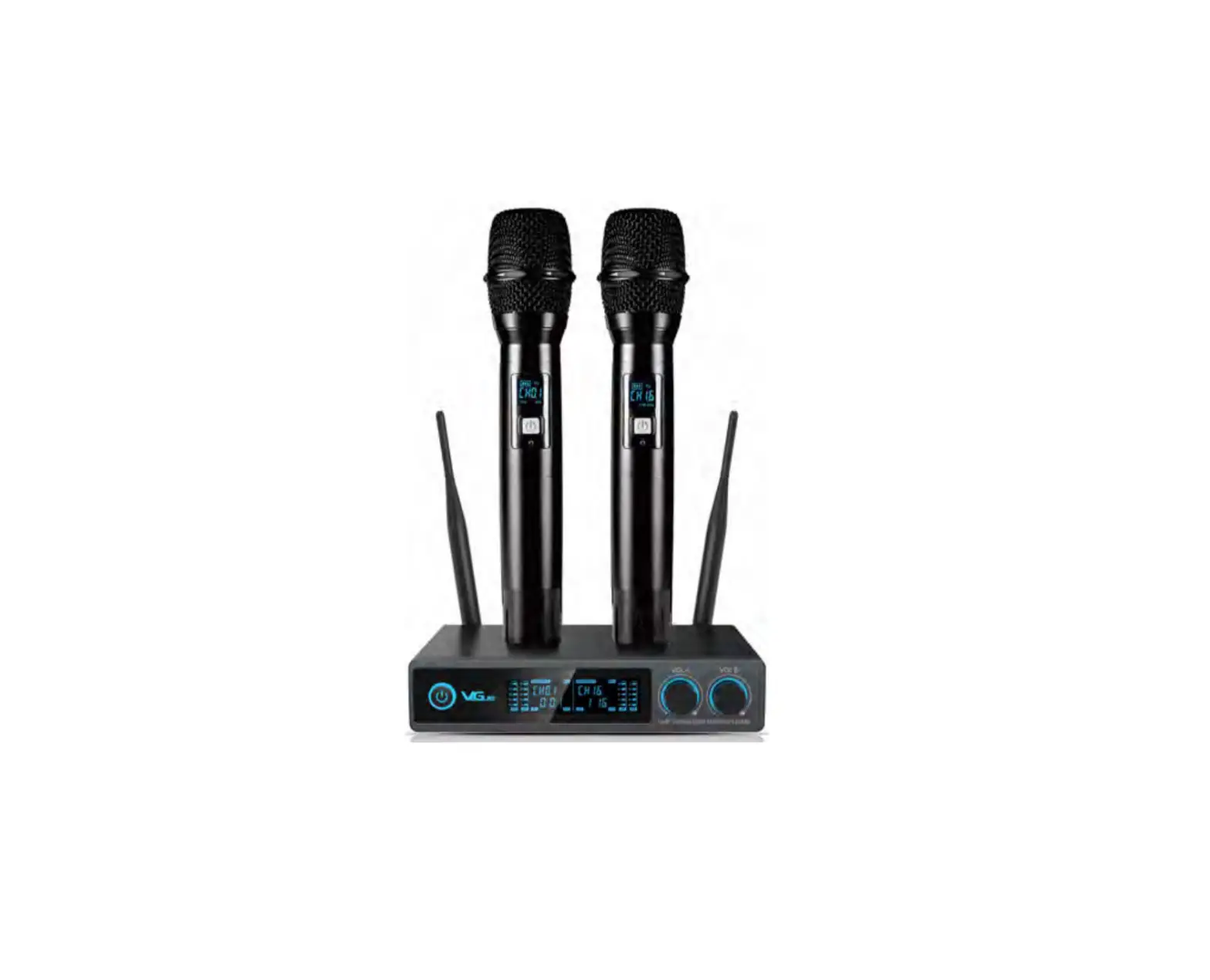
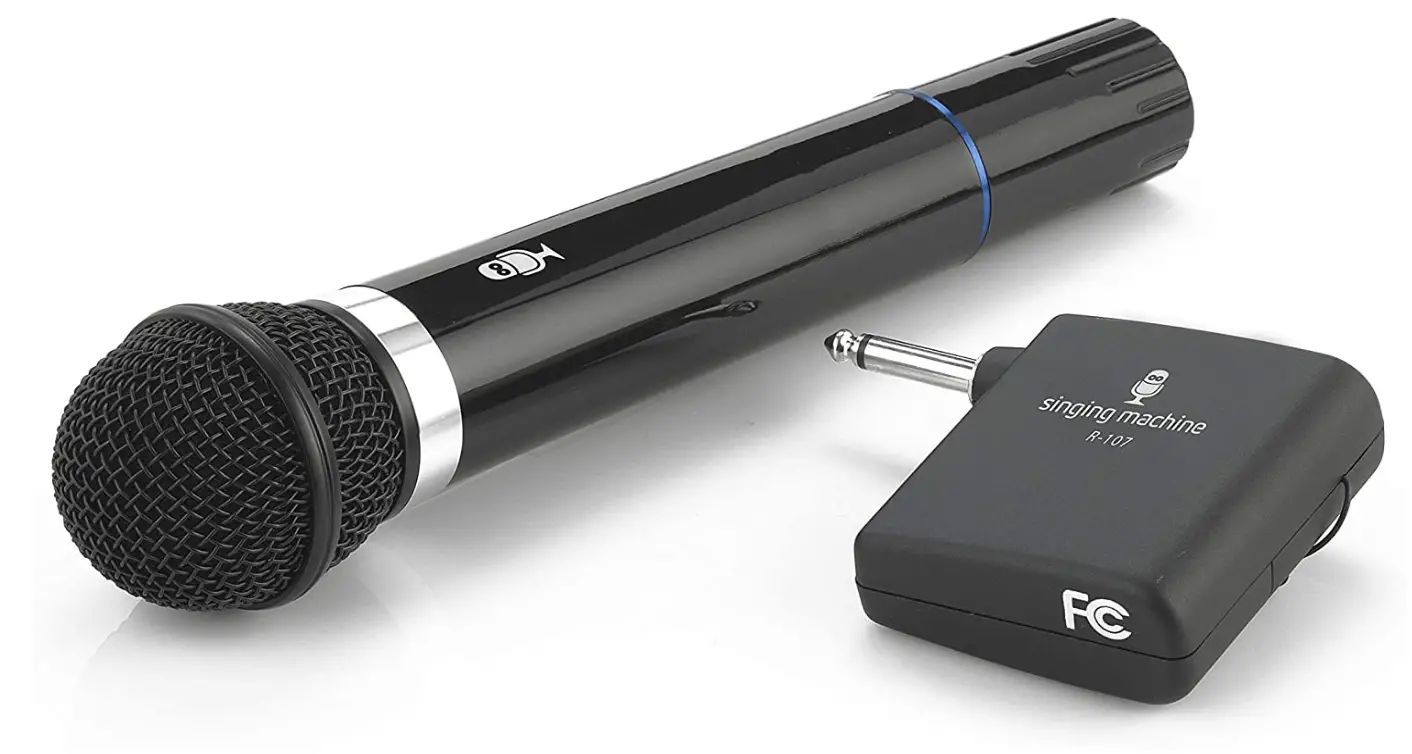
- Wireless Microphone x 1
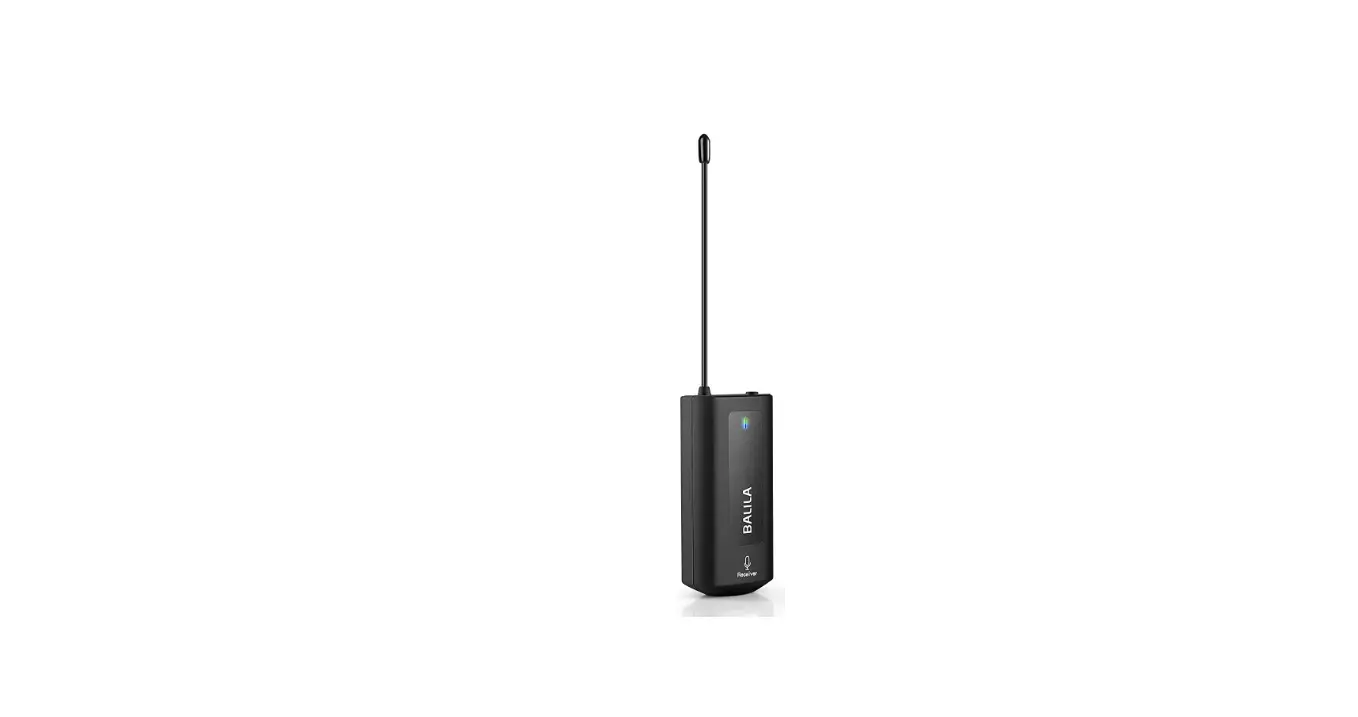
- Microphone Receiver x 1
MICROPHONE DETAILS
SETTINGS
The switch on the microphone in your Singing Machine Wireless Microphone has three settings:
- ON – The switch is in the top position. The microphone will function. The red indicator light is on. The microphone will use battery power.
- STANDBY – The switch is in the middle position. The microphone will not function. The red indicator light is on. The microphone will use battery power.
NOTE: The purpose of this setting is to maintain a connection between the microphone and the receiver when moving around the area in which it is being used.
- OFF – The switch is in the bottom position. The microphone will not function. The red indicator light is off. The microphone will not use battery power.
IMPORTANT NOTE: When the microphone switch is set to OFF, noise may be generated from the karaoke machine. Please make sure to reduce both the MASTER VOLUME and MIC VOLUME to the low level OR switch off the receiver before turning off your microphone.
INSTRUCTIONS FOR USE
- Insert one (1) active DC 9-Volt battery into microphone by unscrewing the bottom.
- Set the switch on the microphone to the STANDBY position.
- Insert one (1) active DC 9- Volt battery into the slot located in the back of the receiver.
- Plug the receiver into the Microphone Input Jack of your Singing Machine karaoke machine.
- Set the switch on your Singing Machine karaoke machine to the ON position.
- Adjust the Master Volume and Mic Volume Controls of your Singing Machine to a comfortable level.
- Set the switch on the receiver to the ON position.
- Set the switch on the microphones to the top ON position.
Your Singing Machine Wireless Microphone set is now ready for use!
NOTE: The receiver is provided with flexible wire antenna. If reception is weak, extend the antenna to improve reception.
MAINTENANCE
- To ensure long battery life, please make sure that both the Receiver and the Microphone are set to the OFF position when not in use. To be absolutely certain, we advise you to remove the 9-Volt batteries from both the Receiver and the Microphone when they are not in use.
- Please remove the Receiver from the Microphone Input Jack of your Singing Machine karaoke machine when not in use. This will reduce the possibility of damage to the Receiver.
TROUBLESHOOTING
- PROBLEM: The Microphone indicator light is on, but there is no sound when I sing.
- Is the Microphone switch set to ON?
- Is the Singing Machine karaoke machine correctly plugged in and switched on?
- Are the Microphone Volume and Master Volume controls of your Singing Machine set to a high enough level?
- Does the Receiver contain one (1) 9-volt battery, is it properly connected to your Singing Machine, and is it turned on?
- PROBLEM: The Receiver indicator light is on, but there is no sound when I sing.
- Is the Receiver properly connected to the Singing Machine?
- Is the Microphone switch set to ON?
- Does the Microphone contain one (1) 9-volt battery?
- Is the Singing Machine karaoke machine correctly plugged in and switched on?
- Are the Microphone Volume and Master Volume controls of the Singing Machine karaoke machine set to a high enough level?
- PROBLEM: The Singing Machine karaoke machine I am using is switched on, but there is no sound when I sing.
- Is the Microphone switch set to ON?
- Does the Microphone contain one (1) 9-volt battery?
- Are the Microphone Volume and Master Volume controls of your Singing Machine set to a high enough level?
- Does the Receiver contain one (1) 9-volt battery, is it properly connected to your Singing Machine, and is it turned on?
SPECIFICATIONS
|
TYPE | -74 dB 600 OHMS IMPENDANCE UNI-DIRECTIONAL DYNAMIC MICROPHONE |
| POWER SOURCE | 9V Batteries x 2 (Not included) |
|
MICROPHONE DIMENSION |
24.0 x 5.0 x 5.0 cm 9.4 x 2.0 x 2.0 Inches |
|
RECEIVER DIMENSION |
7.2 x 9.9 x 2.6 cm 2.8 x 3.9 x 1.0 Inches |
Frequently Asked Questions
Not likely — completely disappointed in the product — Purpose of purchase was to have it work on my Tailgate sound box — No work!
Batteries are not included. 2 9-volt batteries are required. One in the transmitter (microphone), and one in the receiver (the square box).
Probably. It doesn’t work well with professional high tech equipment.
It is not bluetooth compatible.
At the top of my head I cannot think of something that could transmitting 199.49mhz.
no. they use the same signal. they will interfere with each other.
In your receiver or karaoke machine is usually in the front.
Yes, only one at the time.
As long as it has the aux port for the wireless box. The mic is wireless itself then, you put the receiver into your aux port.
No, you will not get any interference.
Yes, it will work with a samson expedition escape amp/speaker.
The device is used through audio input jack so your speaker or stereo would need two input jacks and I’ve never seen this option of a stereo or speaker. There could be some kind of dual jack or splitter go input. But if Mocks are too close to each other when being used you will probably get bad feedback.
Well, both the mic and the plug in needs a 9volt battery. It must be plugged into a mare old machine or some sort of amplifier for the mic to work. Will not work on its own.
This is low end, for someone who is just starting a YouTube channel and needs a mic for their also cheap video camera and don’t want the wires. Once you get the batteries in, it works great and has decent distance if you are interviewing or just want to talk to the camera. Get a flag with your logo on it and you look like the real “news” people on tv!
If it’s got a mono connector slot ( guitar or mic slot ) on the back of the wireless speaker YES you can.