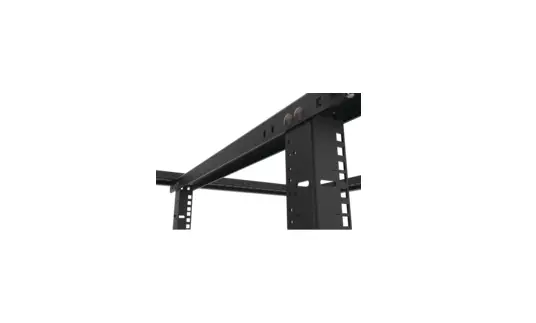
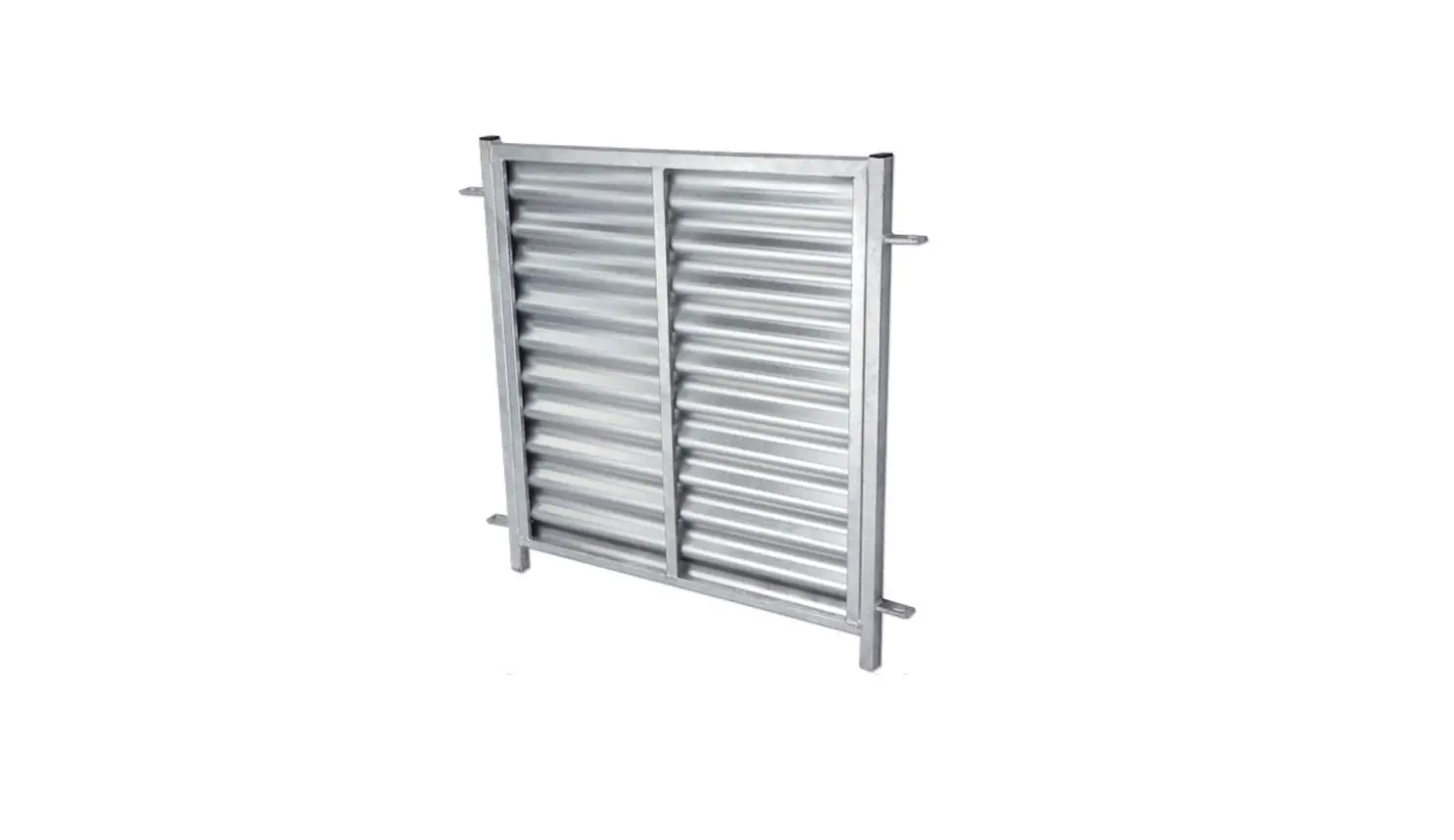
FHU-BPS-1U-10 Angled Filler Panel 1U Black
Product Information
The product models are FHU-BPS-1U-10 and ABPS-1U-10. The product
is designed as a 1U rack-mounted device.
Product Usage Instructions
- Ensure that the product is placed in a suitable rack or cabinet
that can accommodate a 1U device. - Connect the power supply to the product using the provided
power cable. - If using FHU-BPS-1U-10, connect any necessary external devices
or cables to the available ports. - Power on the product by pressing the power button located on
the front panel. - Wait for the product to boot up and initialize.
- Once the product is ready, it can be used according to its
intended purpose. - Refer to the user manual for specific instructions on
configuring and operating the product. - To turn off the product, press and hold the power button until
it shuts down completely. - Disconnect the power supply from the product when not in use or
during maintenance.
Please note that these instructions are generic and may vary
depending on the specific features and functionalities of your
product model. Always consult the user manual for accurate and
detailed usage instructions.
FHU-BPS-1U-10
ABPS-1U-10
FHU-BPS-1U-10 ABPS-1U-10
3
NOTE: Fix the panel to the rack with screws and cage nuts. Hinweis: Befestigen Sie die Platte mit Schrauben und Käfigmuttern am Rack. NOTE : Fixez le panneau au rack avec des vis et des écrous cage.
Q.C. PASSED Copyright © 2022 FS.COM All Rights Reserved.
 FS.com - Data Center, Enterprise, Telecom