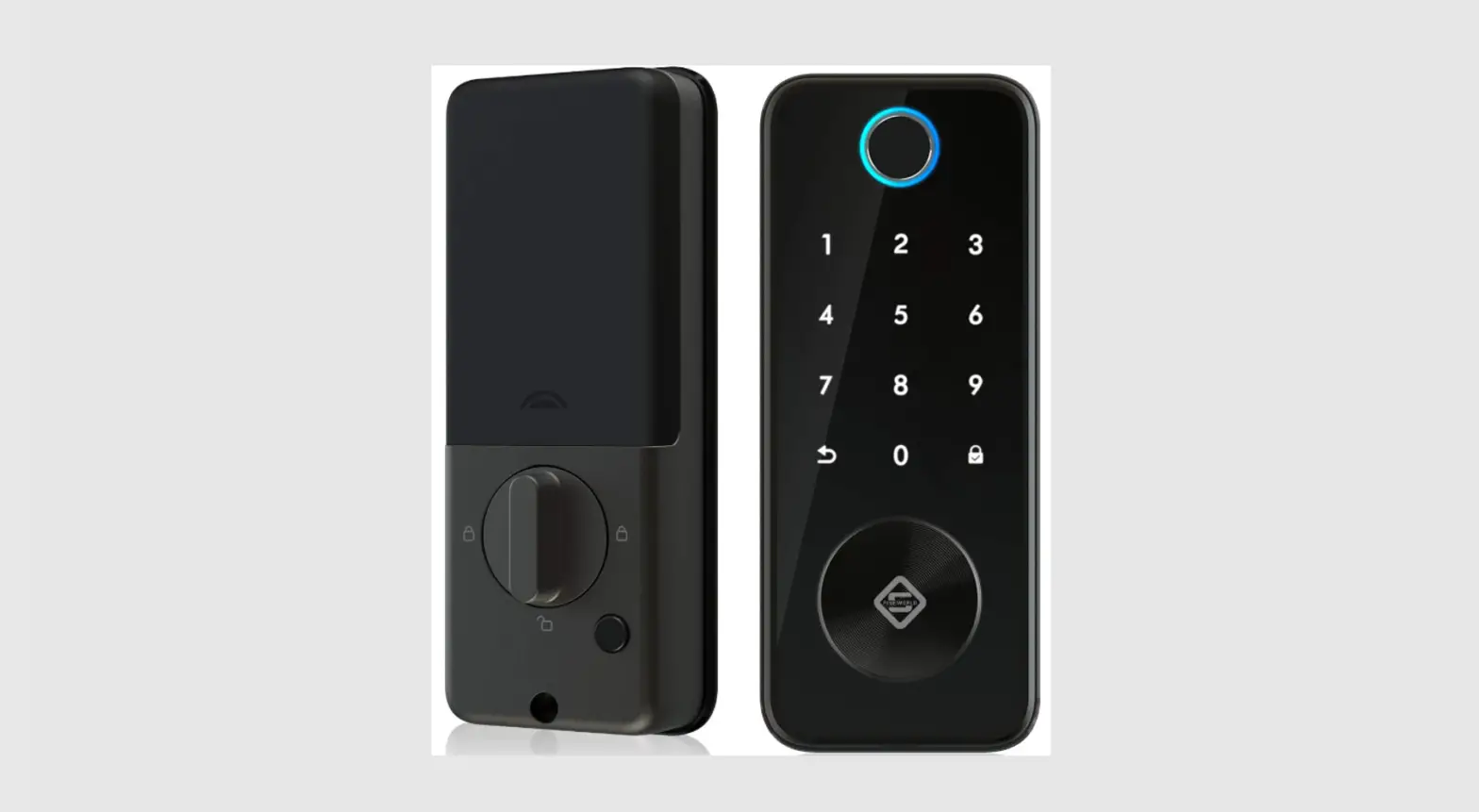
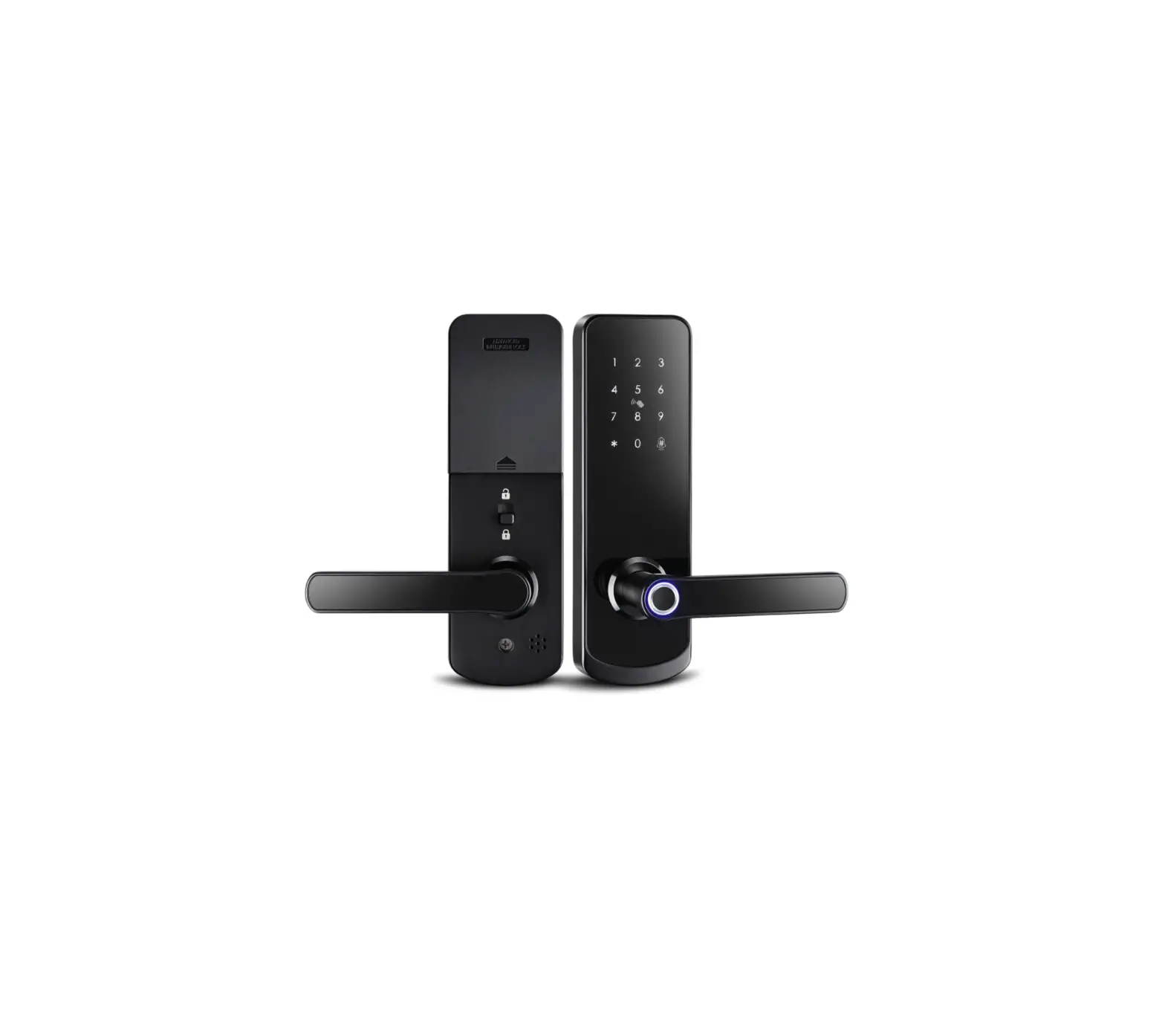
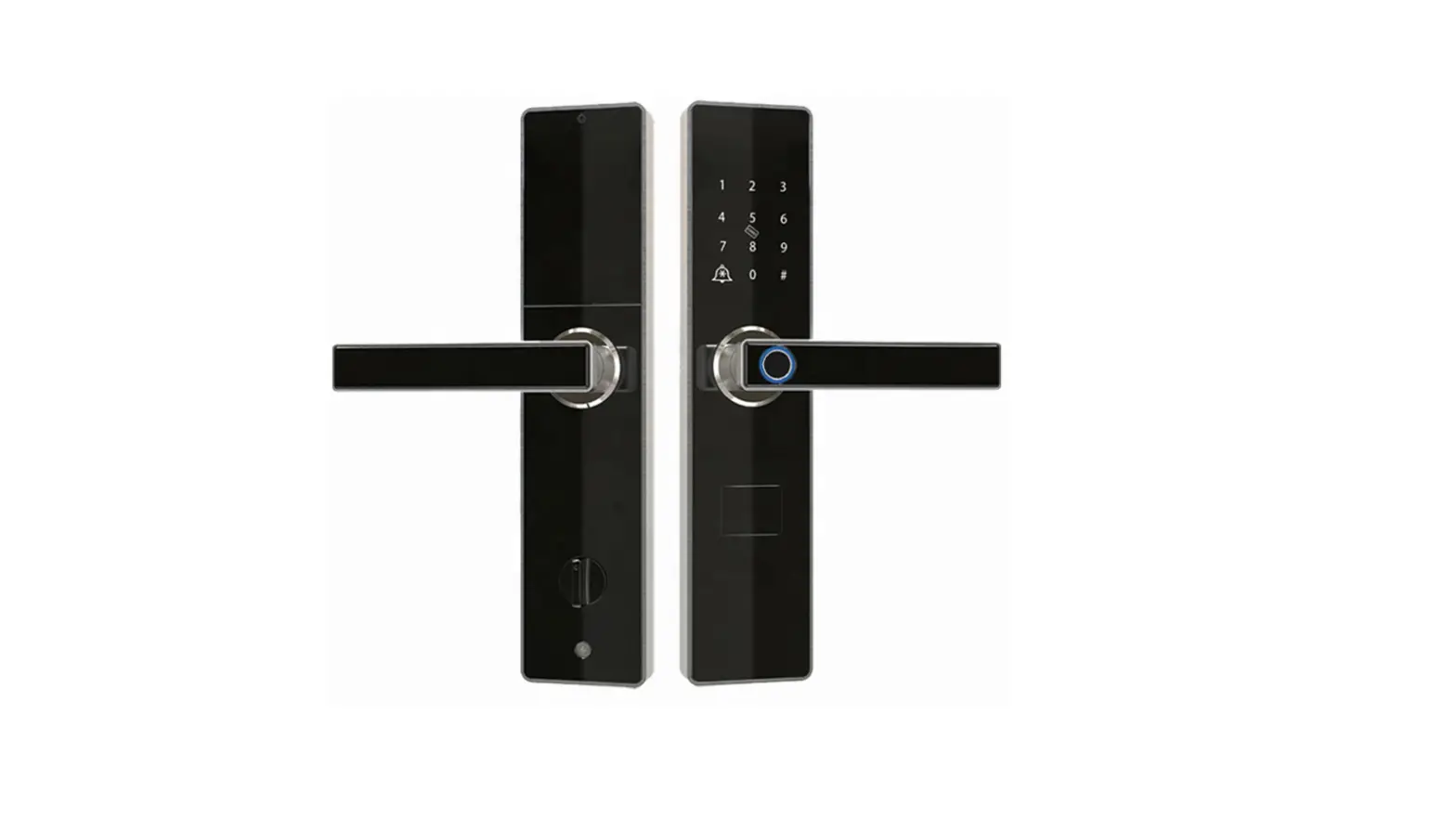
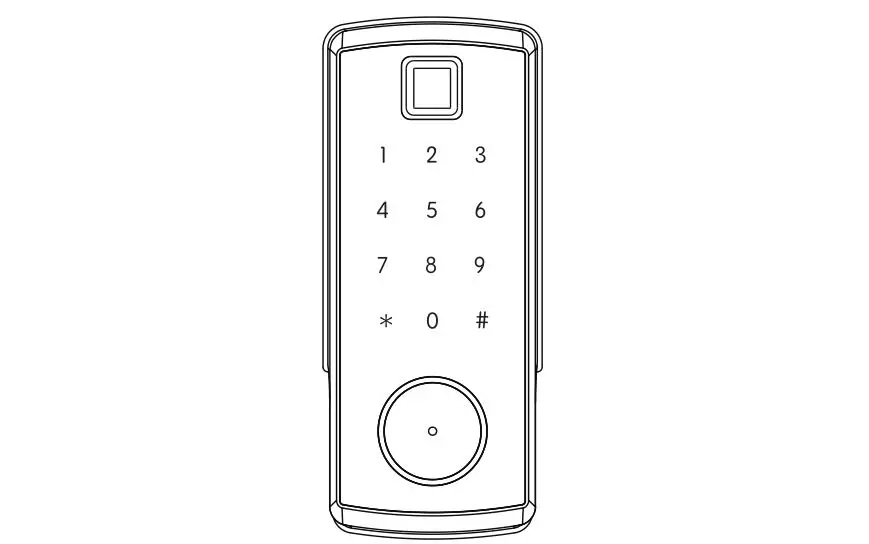
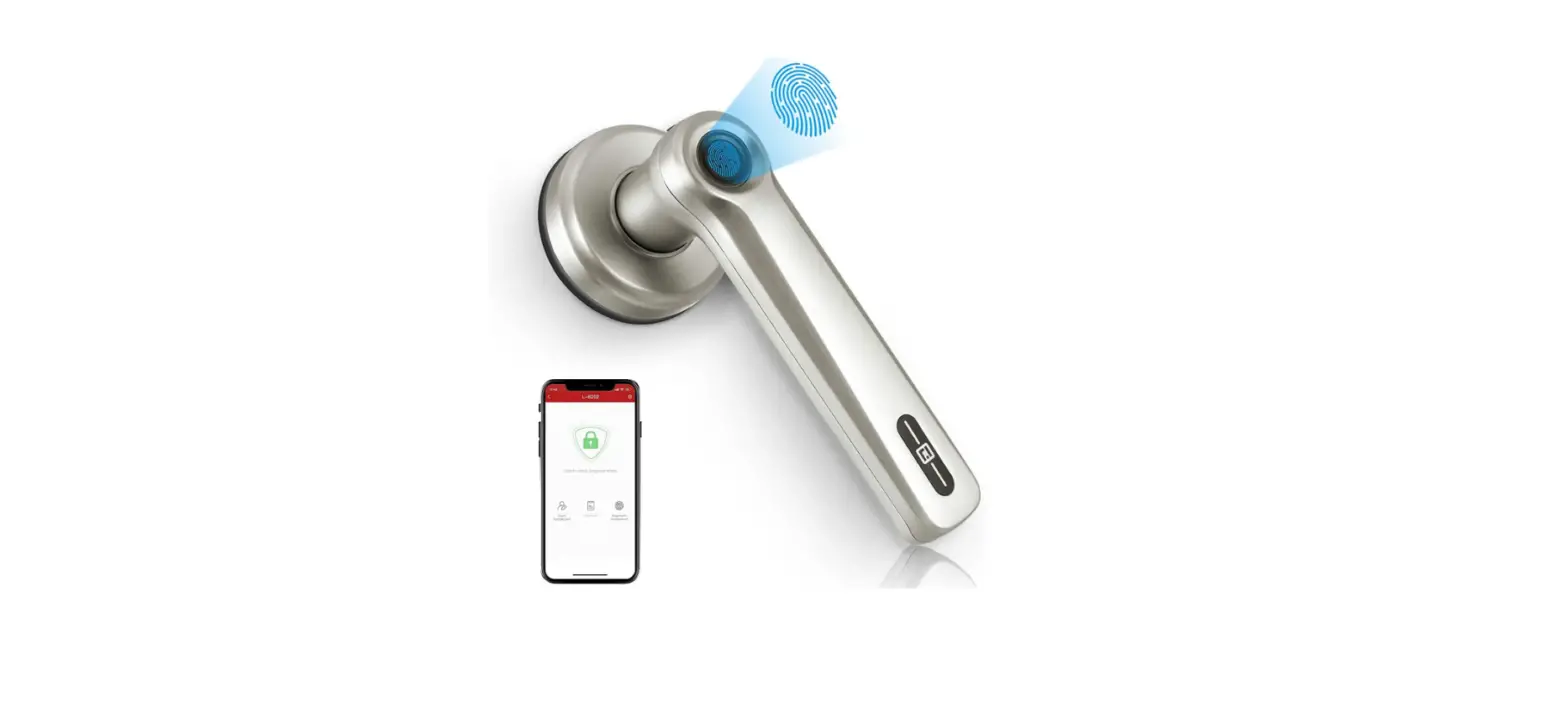
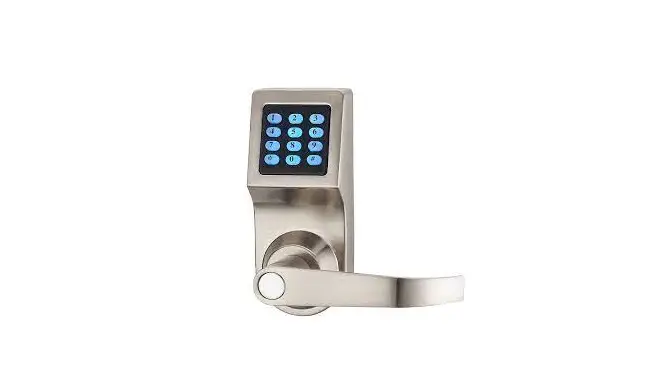
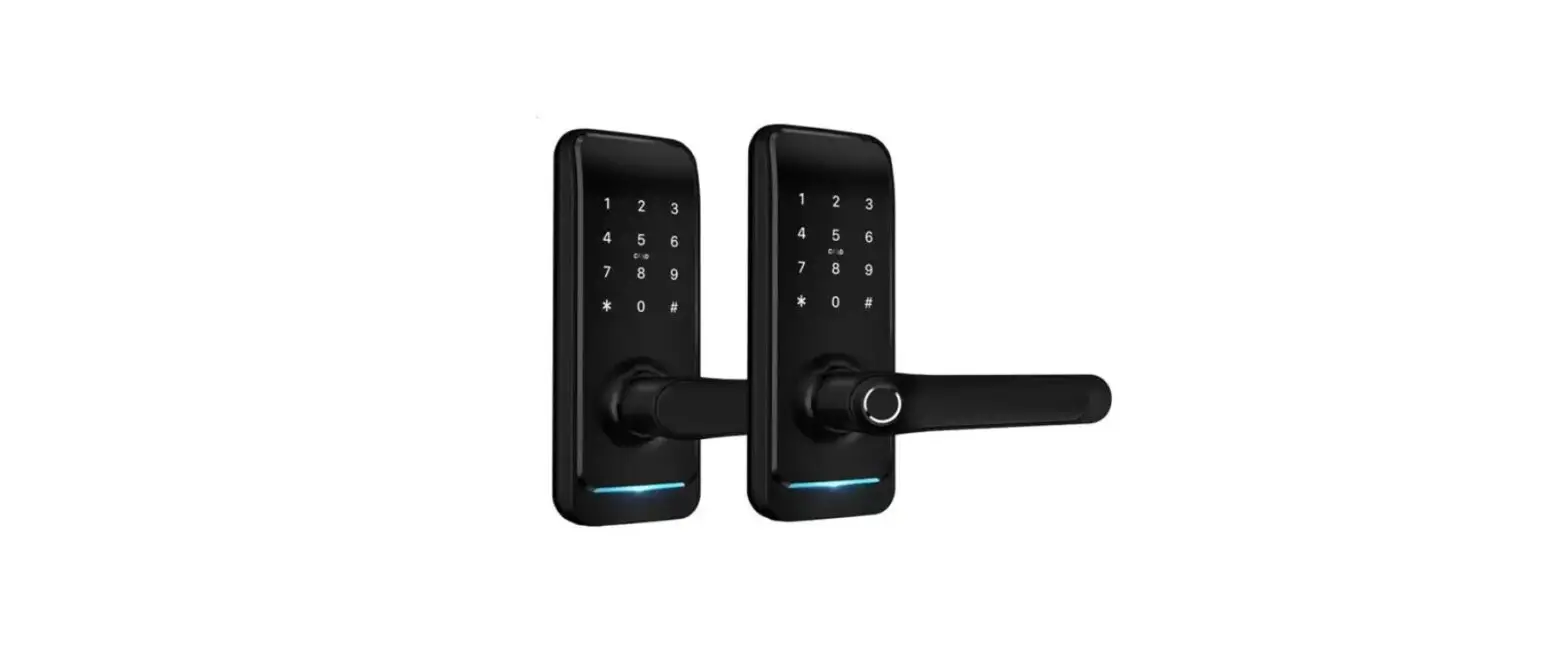
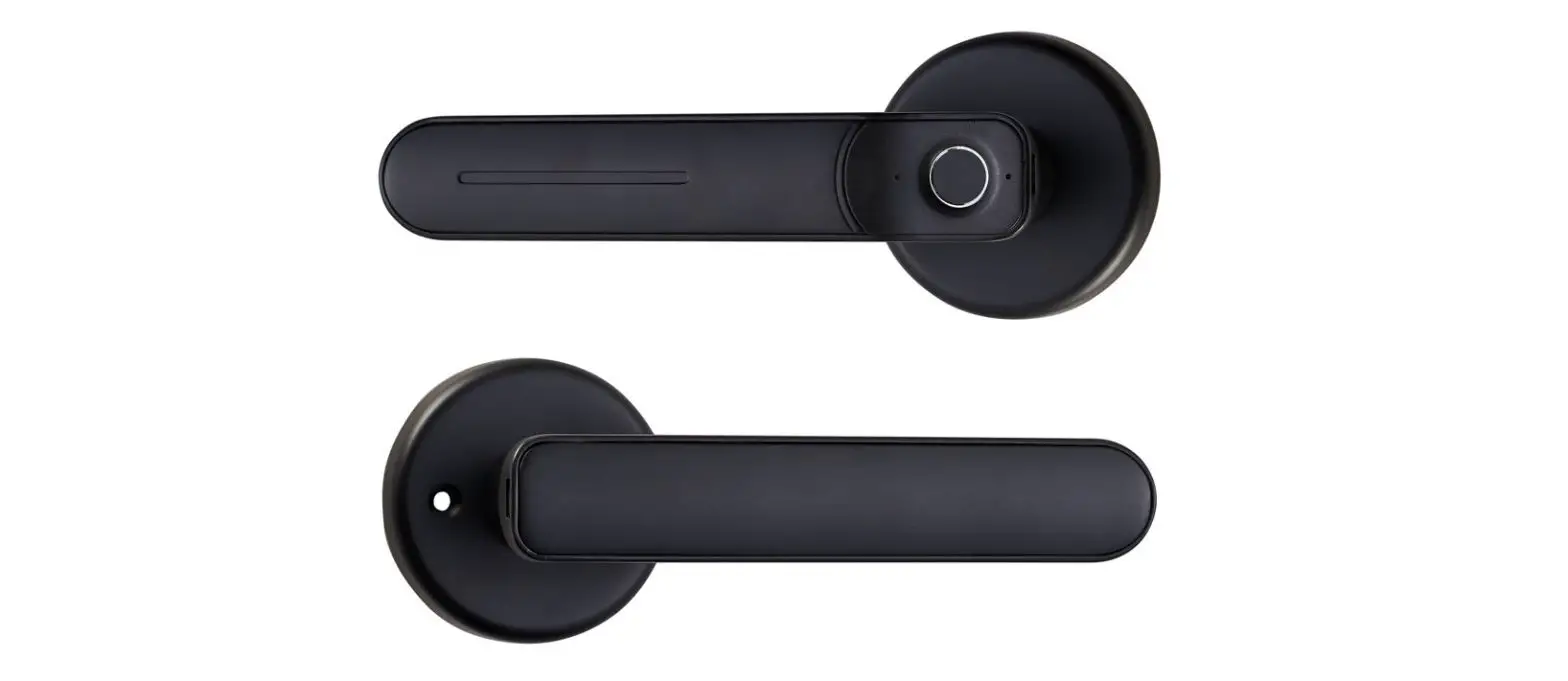
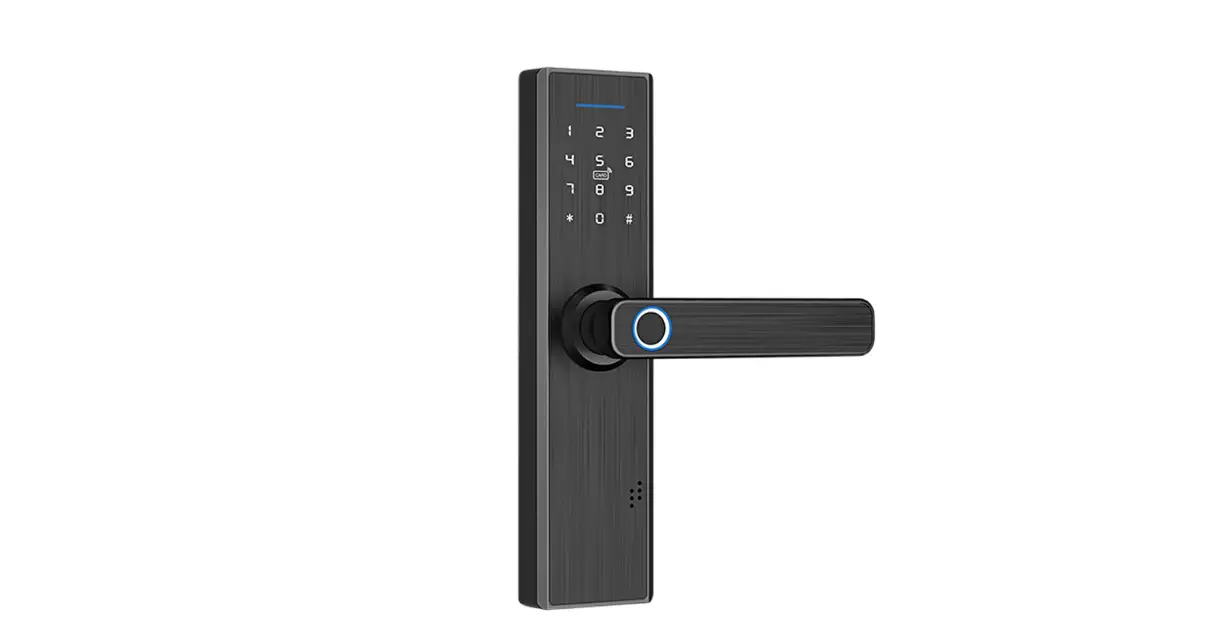
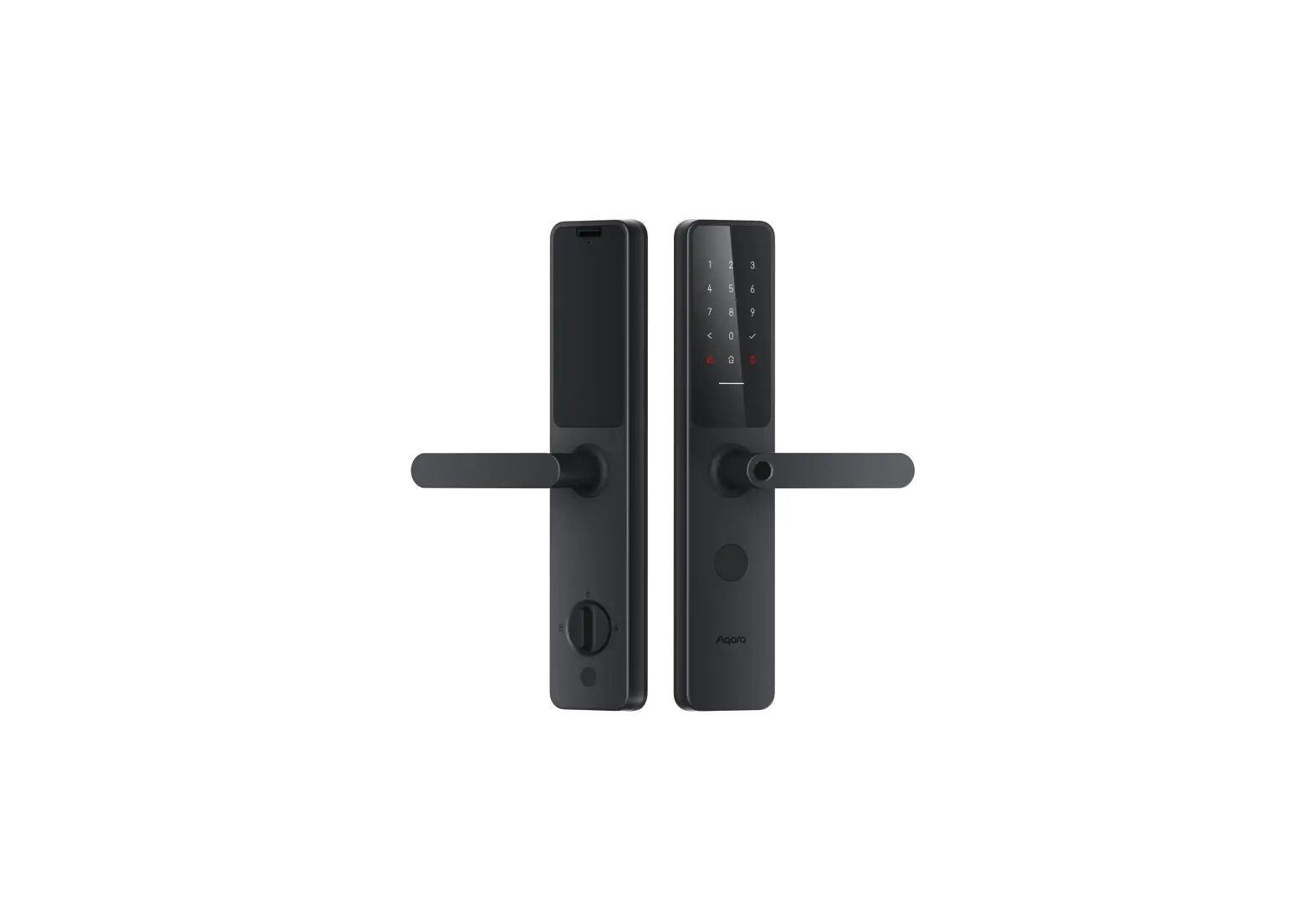
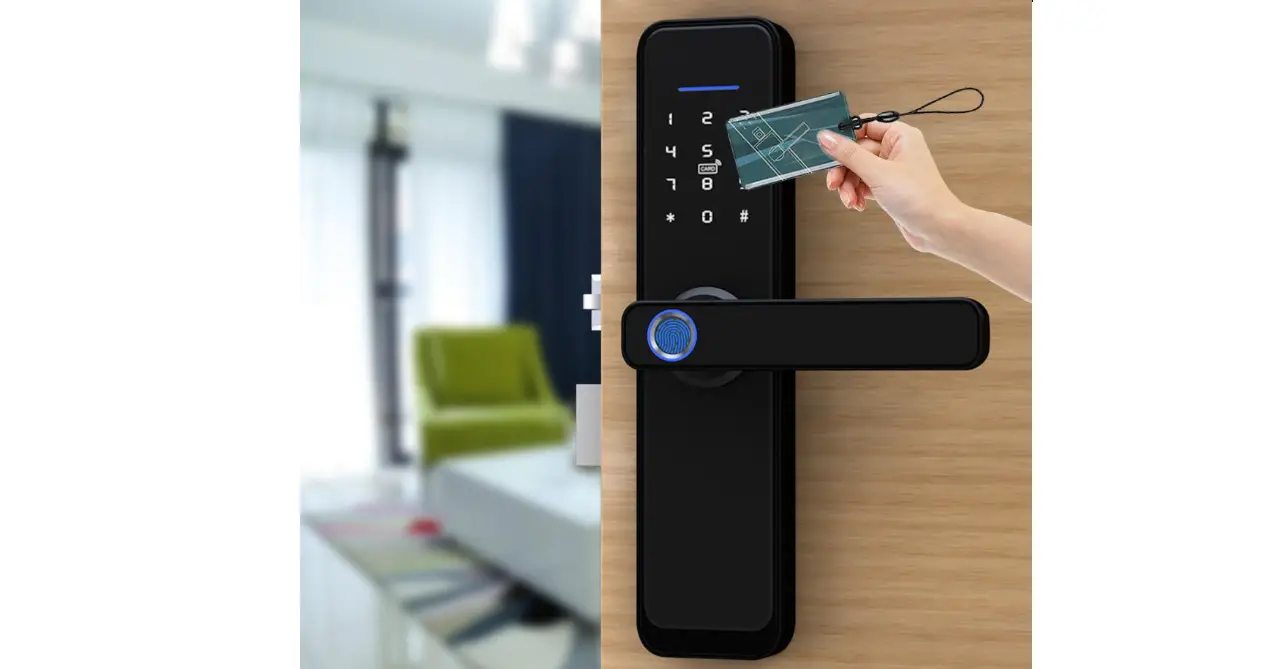
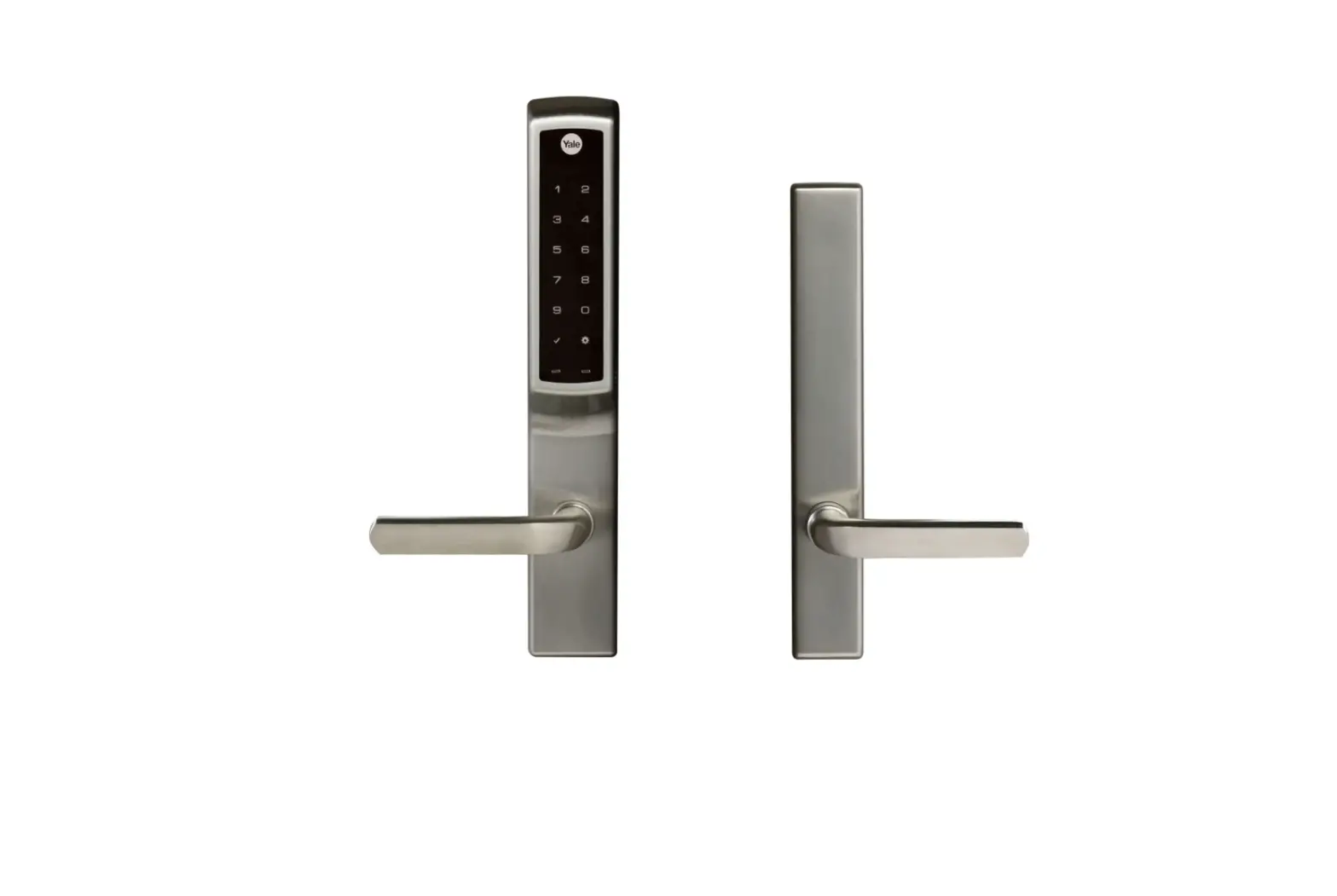
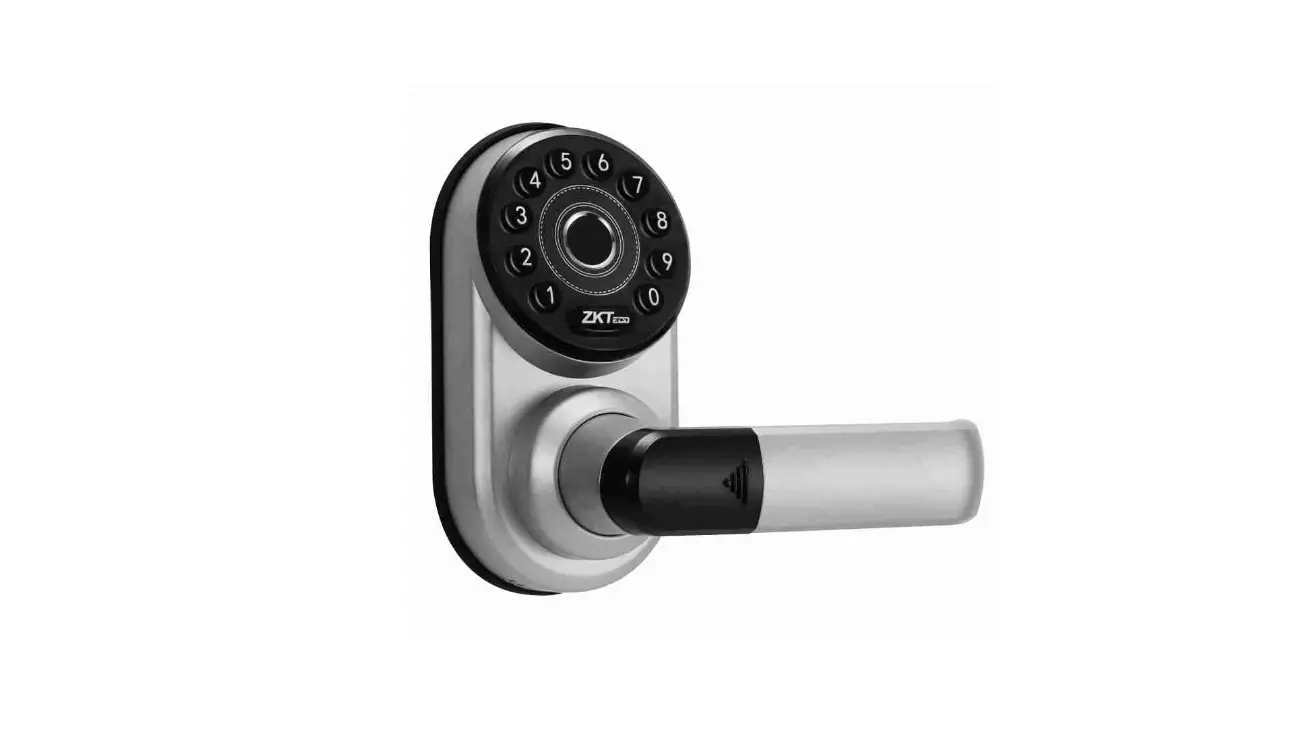
A3 Smart Door Lock with Bluetooth
Product Information:
- Power Supply: 4.5V-6.5V
- Typical Quiescent Current: 55A
- Operating Current: 250mA
- Number of Fingerprints: 300
- Number of Cards: 300
- Number of Passwords: 300
- Number of Remote Door Open Authorization: 120
- Resolution: 500DPI
- False Rejection Rate: 0.15%
- False Accept Rate: 0.00004%
- Working Temperature: -10°C to 60°C
- Relative Humidity: 20% to 93%
Product Usage Instructions:
- Ensure the power supply voltage is within the range of
4.5V-6.5V. - Connect the product to the power supply.
- To enroll fingerprints, follow steps 3, 4, and 5:
- Place your finger on the sensor when prompted.
- Repeat the process for all desired fingerprints (up to
300). - Press the appropriate button to save the fingerprints.
- Follow the provided instructions to add cards or
passwords. - Repeat the process for all desired cards (up to 300) or
passwords (up to 300). - Press the appropriate button to save the cards or
passwords.
- Use the provided authorization method to set up remote door
open functionality.
performance.
satisfactory, adjust the settings accordingly.
60°C.
functioning.
1
2
3&4&5
3
4
3&4&5
5
6
3&4&5
7
8
3&4&5
9
10
*$
11
12
4.5V-6.5V 55A 250mA 300 300 300 120 500DPI 0.15% 0.00004% -10 60 20% 93%
13
14
3&4&5
15
16
3&4&5
17
18
19
20
3&4&5
21
22
3&4&5
23
24
*$$”3%
25
26
Item Power Supply Typical Quiescent Current Operating Current Number of Fingerprints Number of Cards Number of Password Number of Remote Door Open Authorization Resolution False Rejection Rate False Accept Rate Working Temperature Relative Humidity
Parameter 4.5V-6.5V <55uA <250mA 300 300 300
120
50ODPI 0.15% 0.00004% -10 60 20% 93%
FCC Warnning: This equipment has been tested and found to comply with the limits for a Class B digital device, pursuant to part 15 of the FCC Rules. These limits are designed to provide reasonable protection againstharmful interference in a residential installation. This equipment generates, uses and can radiateradio frequency energy and, if not installed and used in accordance with the instructions, maycause harmful interference to radio communications. However, there is no guarantee thatinterference will not occur in a particular installation. If this equipment does cause harmfulinterference to radio or television reception, which can be determined by turning the equipmentoff and on, the user is encouraged to try to correct the interference by one or more of thefollowing measures: · Reorient or relocate the receiving antenna. · Increase the separation between the equipment and receiver. · Connect the equipment into an outlet on a circuit different from that to which the receiver is connected. · Consult the dealer or an experienced radio/TV technician for help.
Caution: Any changes or modifications to this device not explicitly approved by manufacturer could void your authority to operate this equipment.
This device complies with part 15 of the FCC Rules. Operation is subject to the following two conditions: (1)This device may not cause harmful interference, and (2) this device must accept any interference received, including interference that may cause undesired operation.
This equipment complies with FCC radiation exposure limits set forth for an uncontrolled environment. This equipment should be installed and operated with minimum distance 20cm between the radiator and your body.