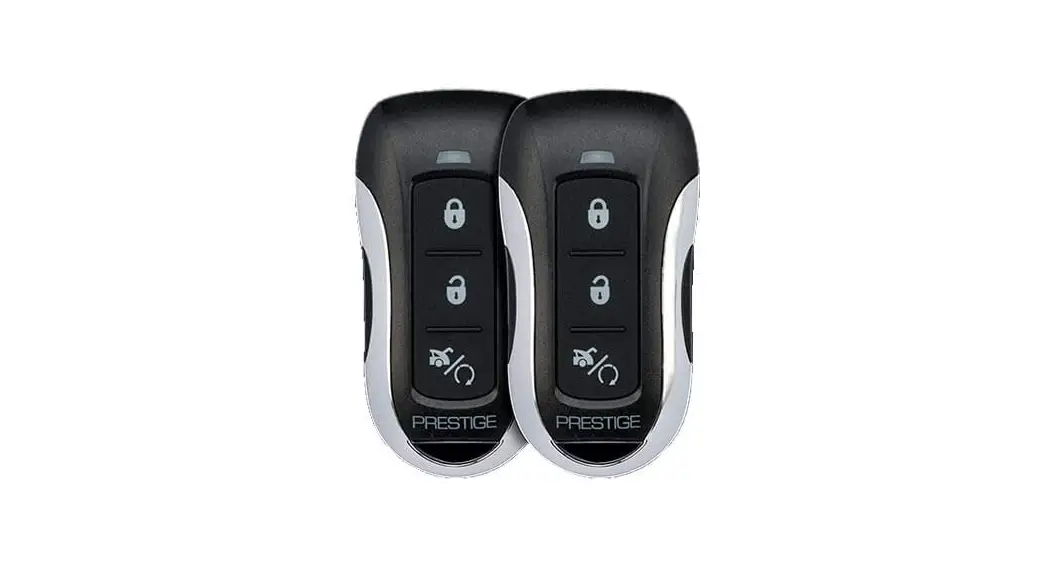
 APS57TM
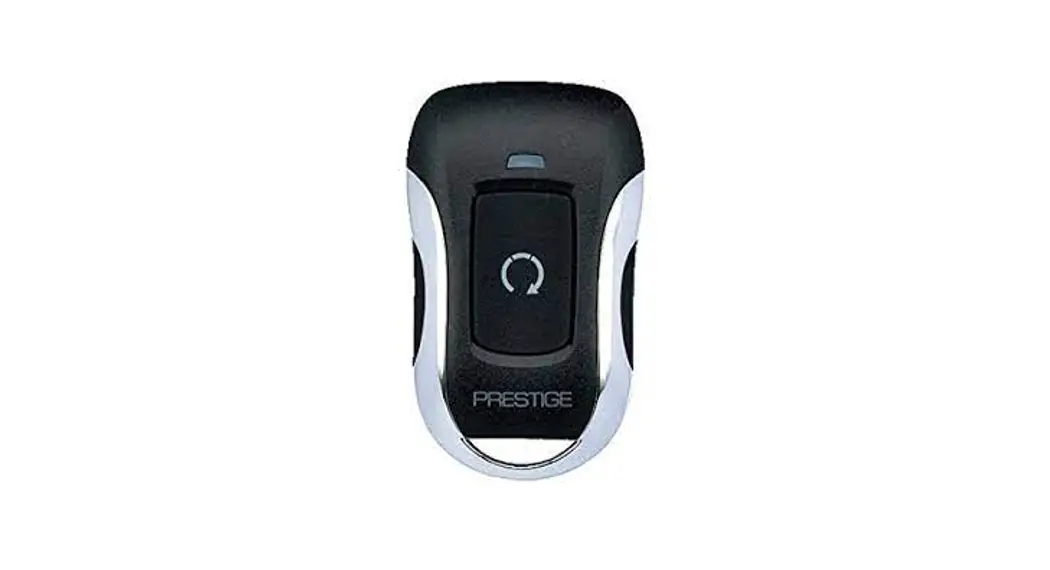
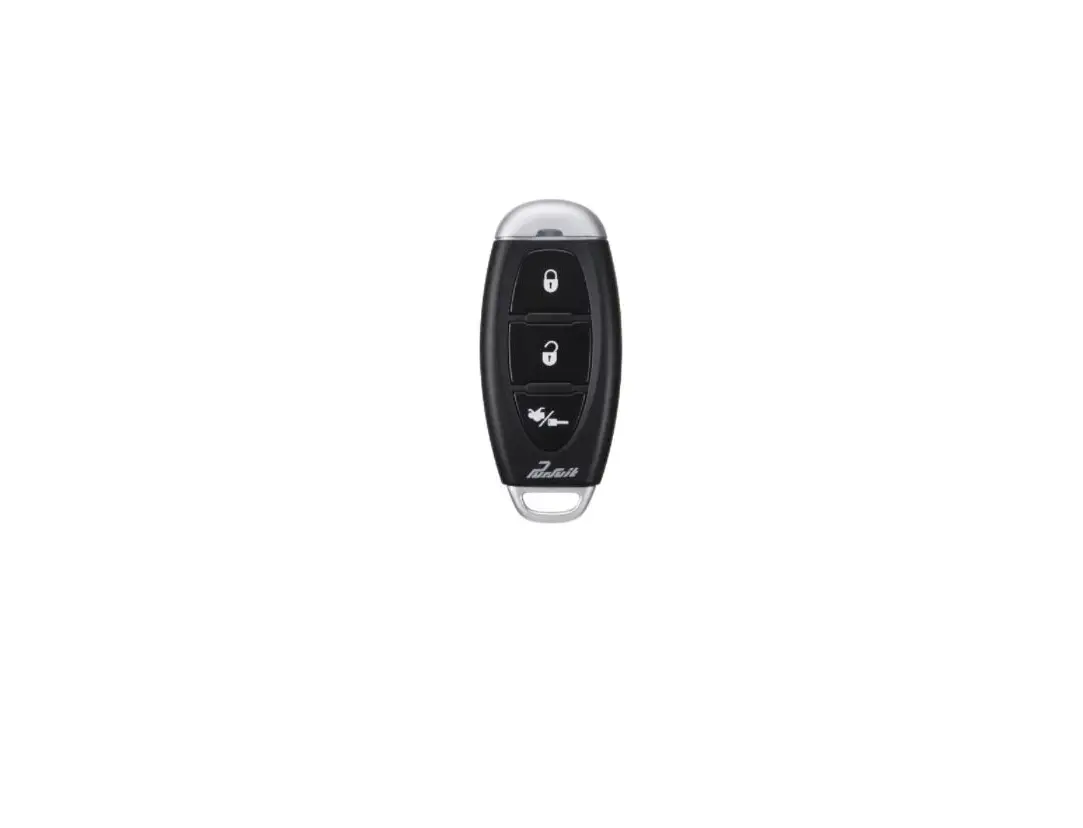
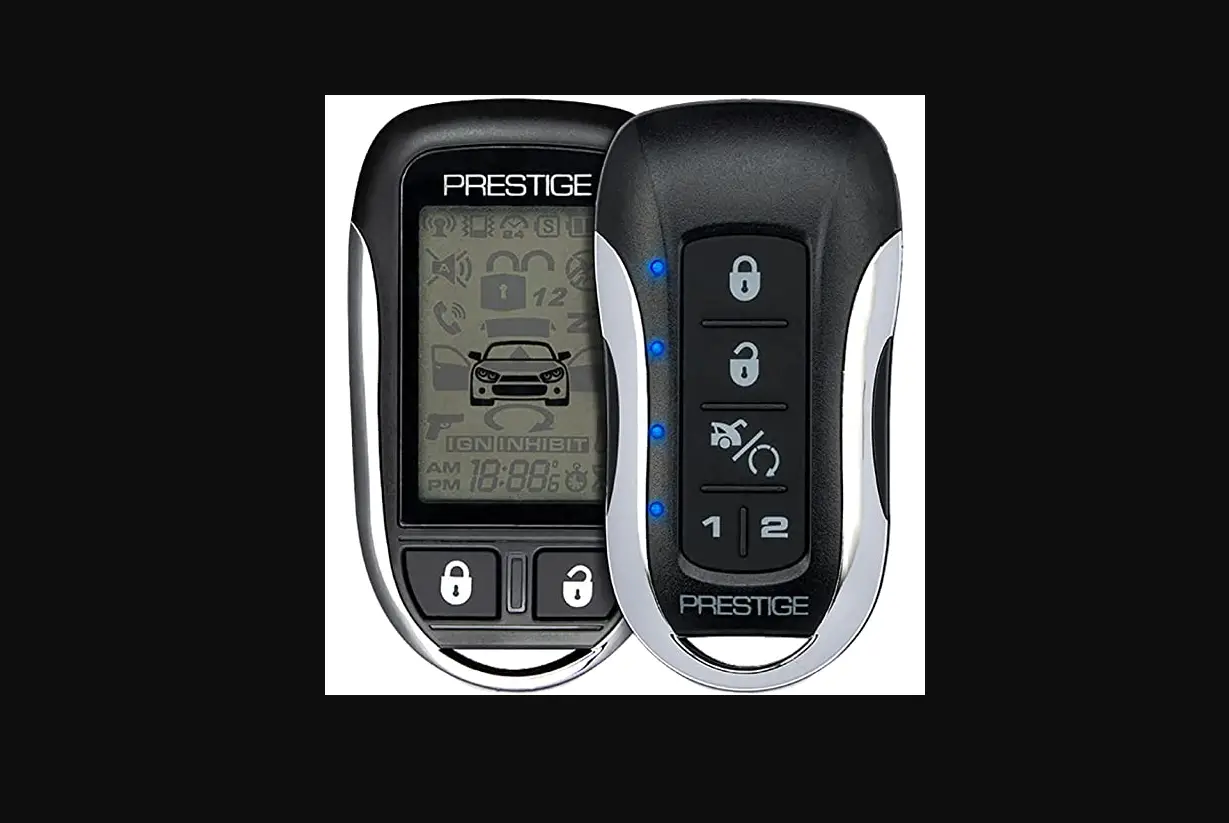
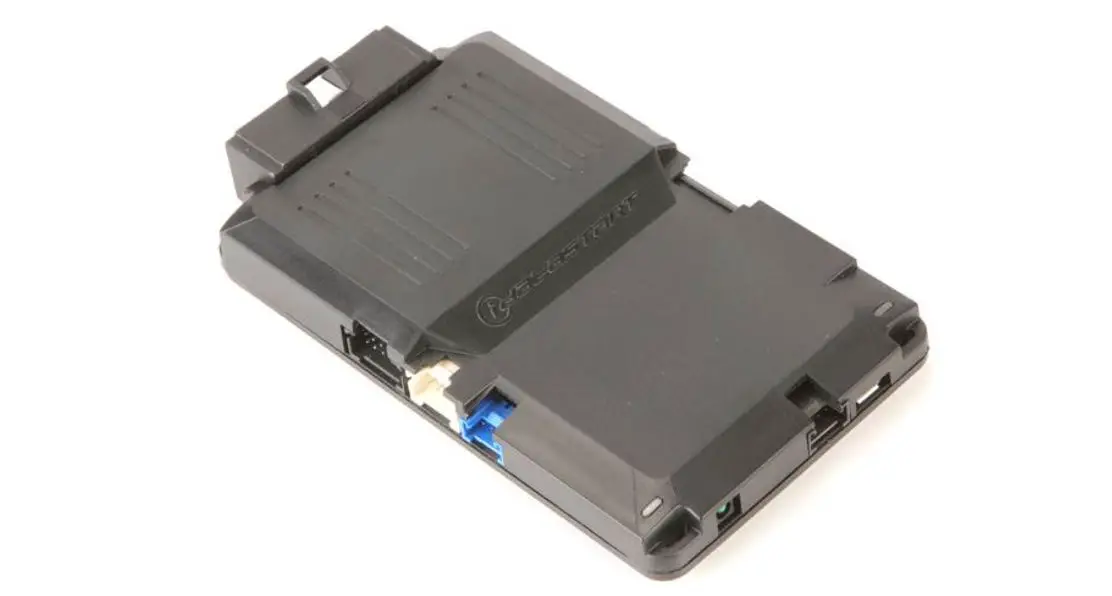
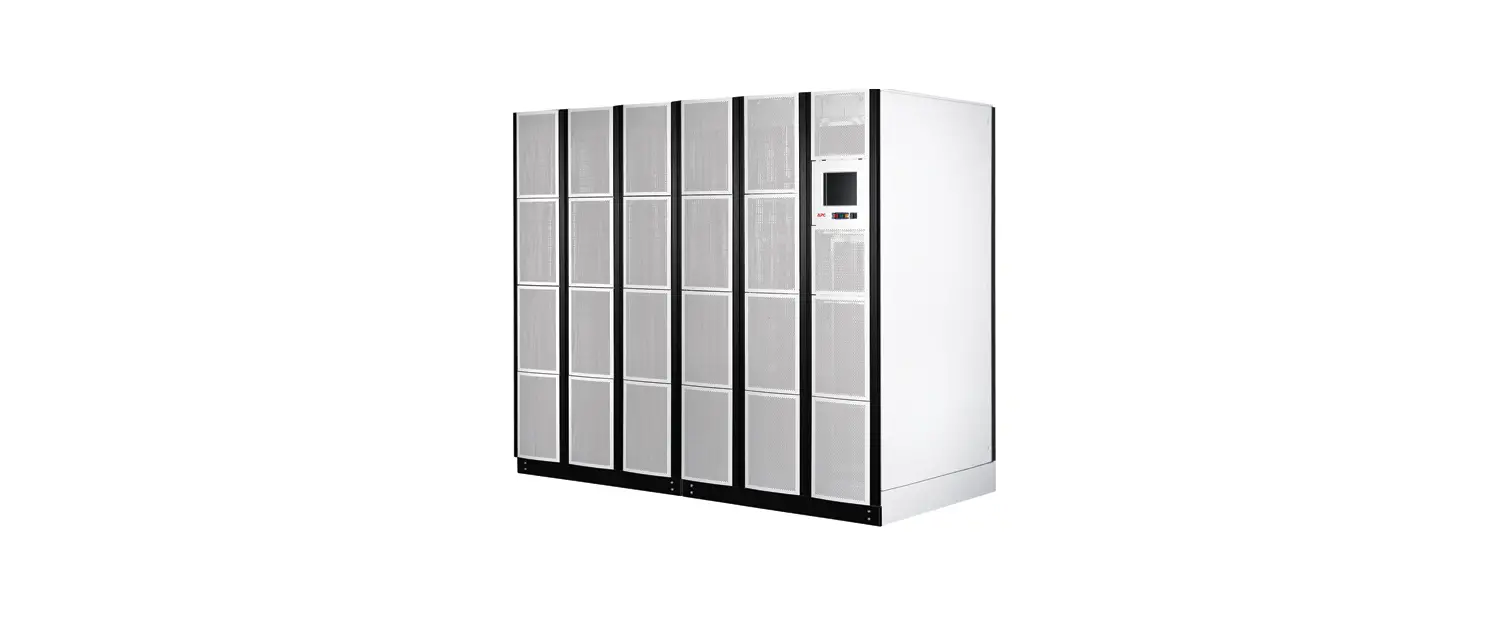
Remote Start System Layout
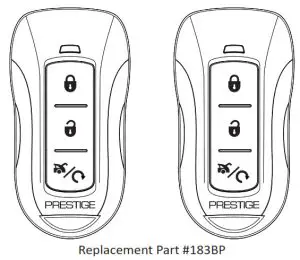 | 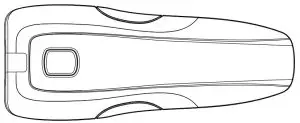 Replacement Part #4120465 |
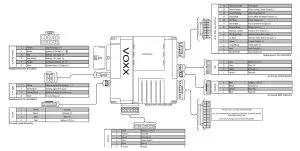 For Complete Installation Guide and Technical Support Visit www.voxxuniversity.com. Or Call 1-800-225-6074
APS57TM
Remote Start w/Keyless
Quick Installation Guide
For Complete Installation Guide and Technical Support Visit
www.voxxuniversity.com
Or Call
1-800-225-6074REV. B
2020 Voxx Electronics. All Rights Reserved.
Notifications
Remote Start
If the remote start fails to start the vehicle, the system will flash the vehicle parking
lights to indicate the cause.
| 1 | Runtime Expired |
| 2 | Remote Shutdown |
| 3 | Brake On |
| 4 | Manual Mode |
| 5 | Hood Open |
| 6 | Low / No Tach |
| 7 | Tach Programming |
| 8 | High Tach |
Chirp Delete
System ARM/DISARM chirps can be toggled ON or OFF without entering the Feature Bank programming.
1. Turn the ignition key ON/OFF.
2. Press and release the valet button three (3) times.
The system will respond with one (1) chirp for ON and two (2) Chirps for OFF. This feature will not affect alarm triggers or programming.
User Programmable LED
System LED notifications can be turned ON or OFF without entering Feature Bank programming.
1. Turn the ignition key ON/OFF, ON/OFF.
2. Press and hold the valet button for five (5) seconds.
The LED will flash one (1) time for ON, two (2) times for OFF. This feature will not affect LED flash during programming.
Tach Programming
The installer must manually configure the Engine Confirmation method in Feature Bank 3, Feature 5. The default method is “Tach”. When using the default “Tach” method, the vehicle tach rate must be programmed. To enter tach rate programming:
1. Turn the ignition key to the ON position.
2. Press and release the valet button three (3) times.
3. Turn the ignition key to OFF.
4. Press and hold the valet button.
5. While holding the valet button, start the engine using the key.
6. Hold the valet button for approximately ten (10) seconds. If connected to the vehicle Tach source, the system will flash the parking lights one (1) time every second.
7. Release the valet button. The system will turn on the parking lights for two (2) seconds to indicate the tach rate is programmed.
The tach rate can also be programmed without the use of a valet button. This is helpful when using the OEM remote of the CarLink system to control this module. To program the tach rate without a valet button:
1. Turn the ignition key to the ON position and start the engine.
2. Wait for Engine RPM to lower to a normal idle.
3. Press and hold the vehicle’s brake pedal.
4. Press the LOCK button on the OEM remote or the Carlin App.
Note: Programming tach signal via OEM or Telematics control is only available on Firmware v1.47 or Higher.
Remote Programming
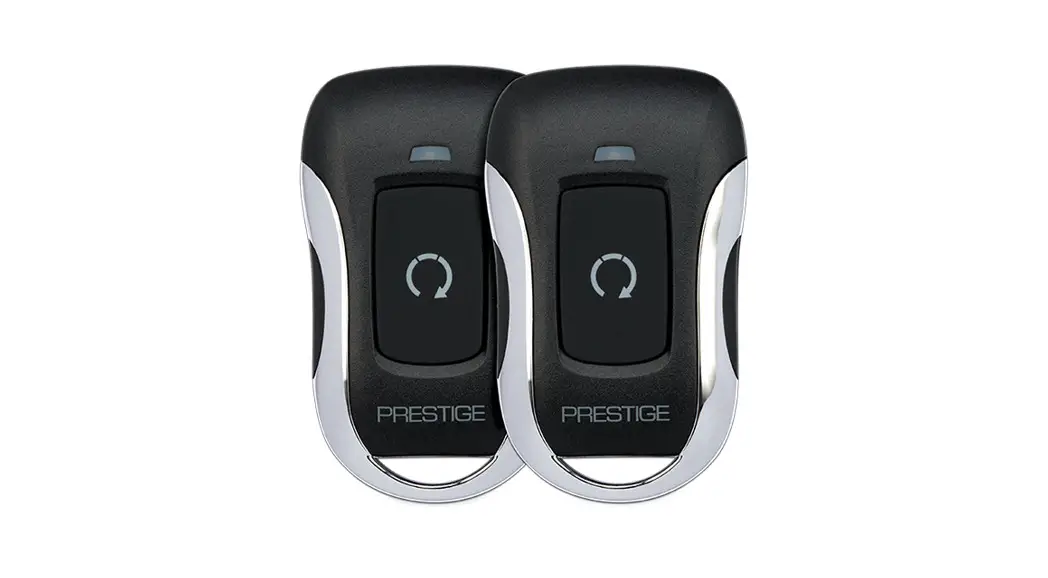
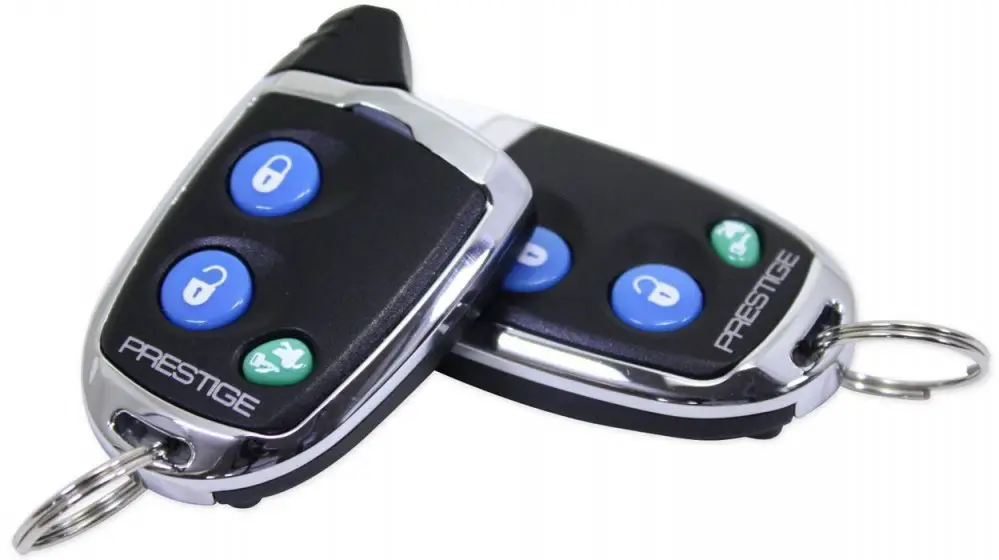
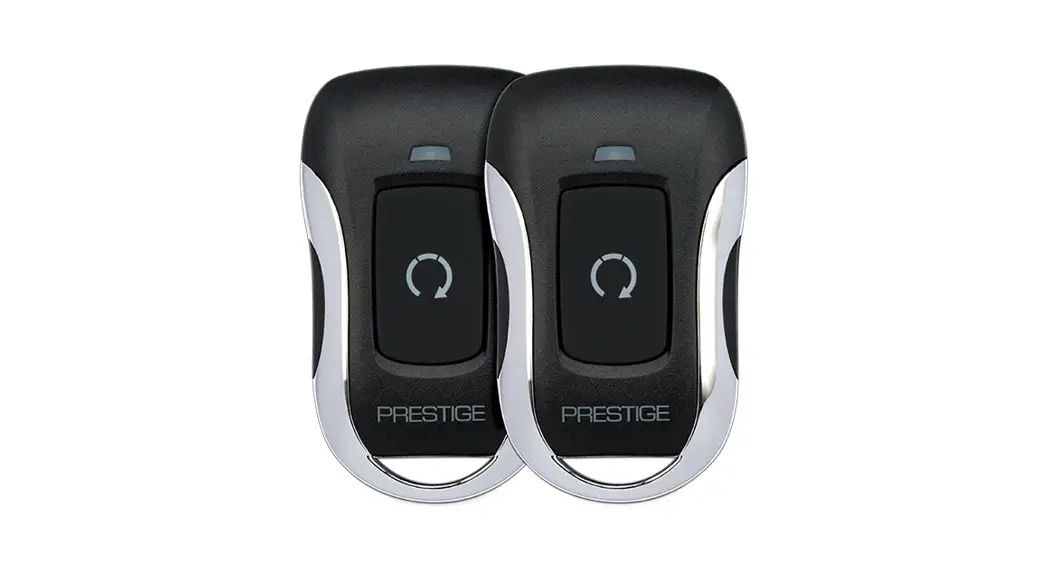
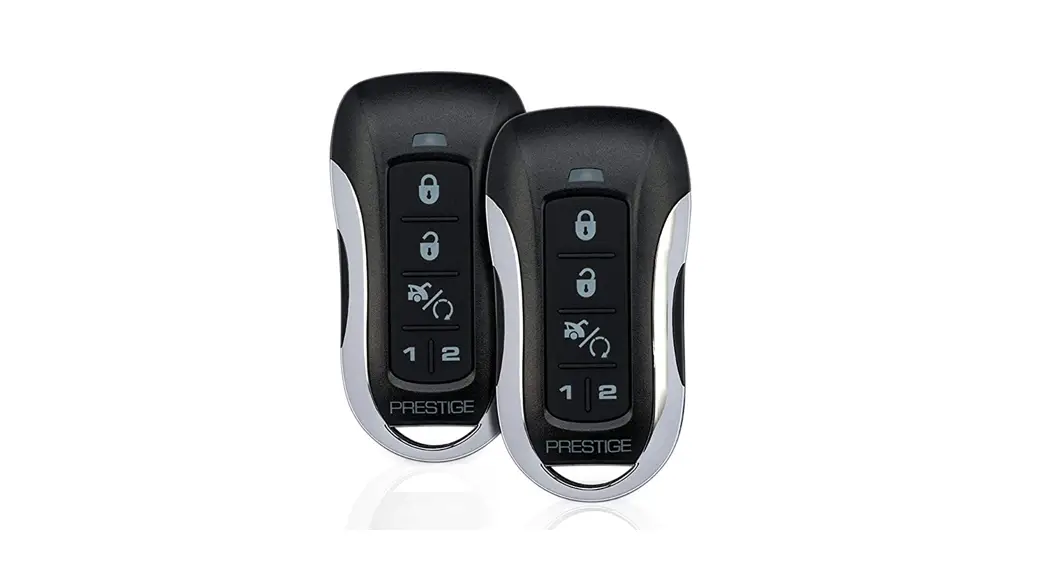
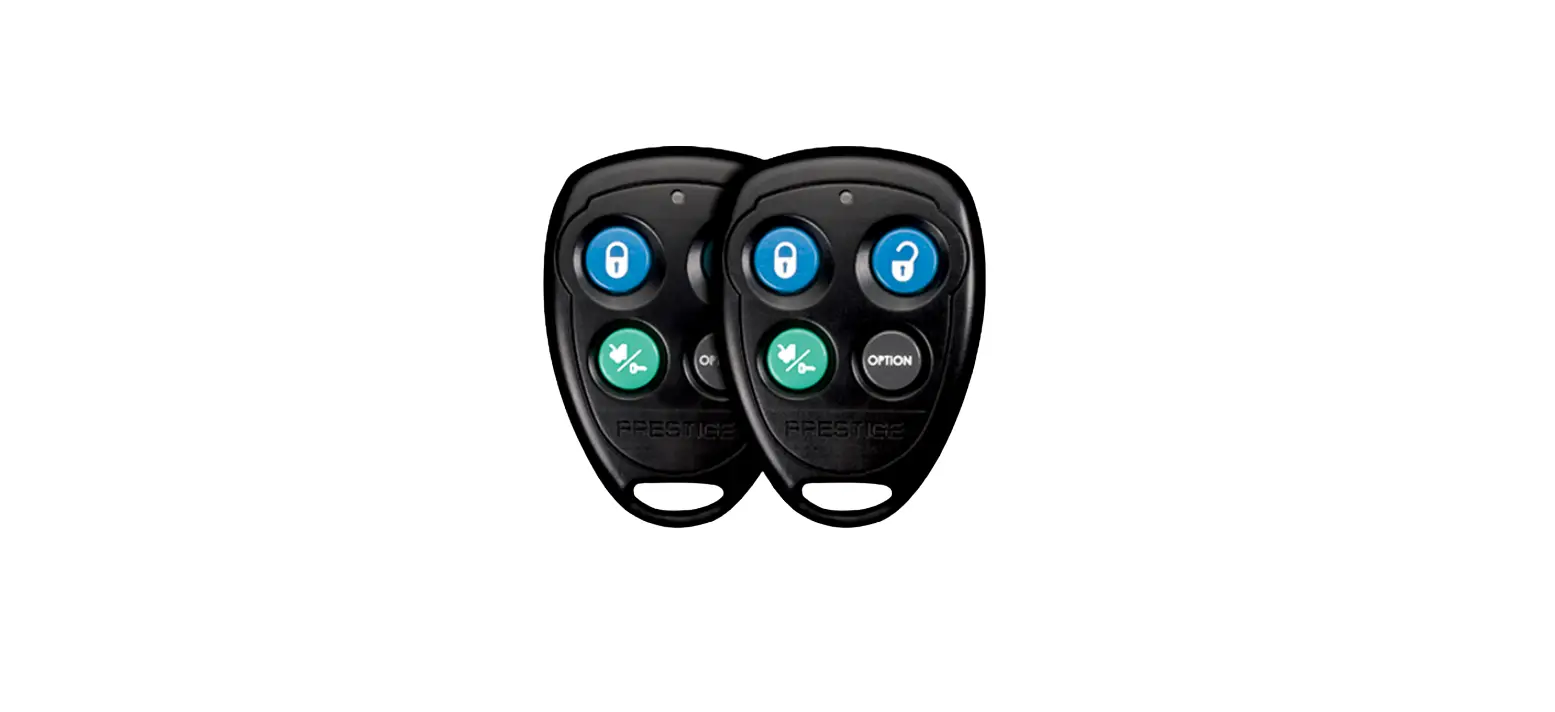
The APS57TM includes two (2) programmed remotes. If required, additional remotes can be programmed into the system. Remote programming is located in Feature Bank 1. To enter Remote Auto Programming:
1. Turn the ignition key to the ON position.
2. Press and release the valet button three (3) times. The system will beep and flash the parking lights one (1) time.
Press the lock button on each remote. The system will beep one (1) times to indicate the remote has been programmed.
Feature Programming
The APS57TM Feature Banks can be programmed by using the valet button and remote.
To enter Feature Bank programming:
1. Turn the ignition to the ON position.
2. Press and release the valet button three (3) times. The system will beep and flash the parking lights one (1) time for Feature Bank 1, Remote Programming.
3. Cycle the ignition key OFF/ON. The system will beep and flash parking lights two (2) times for Feature Bank 2.
4. Press the valet button to cycle features. The LED will flash to display feature number
5. Press the lock button to cycle options. The system will beep to indicate the option number.
6. Cycle THE ignition key OFF/ON. The system will beep and flash parking lights three
(3) times for Feature Bank 3.
7. Press the valet button to cycle features. The LED will flash to display the feature number8. Press the lock button to cycle options. The system will beep to indicate the option number.
Data Protocol Selection
The default data port protocol of this model is ADS (iDatalink 2-Way). This model is capable of detecting the correct data port protocol (ADS or DBI) and automatically configuring Feature Bank 2; Feature 18. To initialize the detection procedure:
1. Press and hold the valet button.
2. Cycle the vehicle’s Ignition ON/OFF two (2) times.
3. Release the valet button.
The system will automatically detect and set the correct data port protocol, ADS, or DBI.
Note: This feature is only available on module firmware v2.0 or higher.
The Feature Banks below can also be programmed using the FlashLogic Weblink.
Please visit www.FlashLogic.com for more detail.
| Feature Bank 2 | Options | |||||||
| 1 Chirp | 2 Chirp | 3 Chirp | 4 Chirp | 5 Chirp | 6 Chirp | |||
| Features | 1 | Lock / Unlock Function | 500ms | 3.5sec | 500ms L, DBL UL | DBL L, 500ms UL | DBL L, DBL UL | 500ms L, 350ms UL |
| 2 | Accessory Lock | NA | ||||||
| 3 | Accessory Unlock | NA | ||||||
| 4 | Exterior Illumination | NA | ||||||
| 5 | Auto Relock | NA | ||||||
| 6 | Auto Arming | NA | ||||||
| 7 | Notification Sound | NA | ||||||
| 8 | Horn Timing | 16ms | 30ms | 40ms | 50ms | 10ms | ||
| 9 | Valet Override Method | NA | ||||||
| 10 | Driver Priority Unlock | NA | ||||||
| 11 | Silent Choice | OFF | From Transmitter | OEM Style | ||||
| 12 | Park Light / Trunk Swap | NA | ||||||
| 13 | AUX Ch. 4 | NA | ||||||
| 14 | AUX Ch. 5 | NA | ||||||
| 15 | AUX Ch. 6 | NA | ||||||
| 16 | AUX Ch. 7 | NA | ||||||
| 17 | Security Profile | OFF | OEM Security | W/ OEM Remote Start | ||||
| 18 | Data Port Protocol | ADS | DBI | |||||
| Feature Bank 3 | Options | |||||||
| 1 Chirp | 2 Chirp | 3 Chirp | 4 chirp | 5 Chirp | 6 Chirp | |||
| Features | 1 | Defrost Output | NA | |||||
| 2 | RS Start Notification | ON | OFF | |||||
| 3 | RS Runtime | 15min | 20min | 45min | 60min | 5min | 10min | |
| 4 | RS Parking Lights | Steady | Flashing | |||||
| 5 | Engine Confirmation | Tach | Voltage | Data | Hybrid | |||
| 6 | Voltage Level | >0.5v B4 Start | <0.5v B4 Start | |||||
| 7 | Ignition 2 Output | Ignition | Accessory | Start | ||||
| 8 | Ignition 3 Output | N/A | ||||||
| 9 | Accessory Output | Accessory | Ignition | Start | ||||
| 10 | Transmission | NA | ||||||
| 11 | Max Crank Time | 0.8sec | 1.0sec | 1.5sec | 2.0sec | 3.0sec | 4.0sec | |
| 12 | Diesel Delay | OFF | Diesel 5 | Diesel 10 | Diesel 15 | Diesel 20 | Diesel 30 | |
| 13 | Temperature Start | NA | ||||||
| 14 | Crank Duration | Averaging | Preset | |||||
| 15 | RS Shock Override | NA | ||||||
| 16 | Turbo Timer | NA | ||||||
| 17 | Start Activation | Two Press | One-Press | Three Press | ||||
| 18 | RS Lock Function | No Change | UL Before L After | UL Before Start | Lock After Start | |||
| 19 | Factory Disarm Output | Single Pulse | 350ms | 500ms | 800ms | Same As Bank 2, F1 | ||
| 20 | Pulse During Crank | During Crank | GWR | Ignition | Accessory | |||
| 21 | Factory Arm Output | After Start | GWR | Ignition | Accessory | Start | ||
| 22 | Pulse After Shutdown | After Shutdown | GWR | Ignition | Accessory | Start | ||
| 23 | Additional Unlock Pulse | No Pulse | IGN, ACC, GWR | IGN,ACC,GWR,PASD | ||||
OEM Security
This system can provide OEM-level security. The system will monitor and trigger by the analog hood input and all entry zone inputs from the FLCAN or other integration modules. When an entry zone is detected the system will beep the vehicle horn and flash the parking lights. This feature must be activated in Feature Bank 2, Feature 17.
Operation
To arm, the system, press the lock button.
To disarm the system, press unlocks button.
Valet Override Procedure
To disarm the system without the use of a remote, turn the ignition key to ON and press the valet button one (1) time.
Important Update
The default Data Port Protocol of this system is ADS. If using a FLCAN or other external integration modules be sure to choose iDatalink 2-Way when flashing.
This system will also support DBI. This will require programming Feature Bank 2, Feature 18 to DBI.