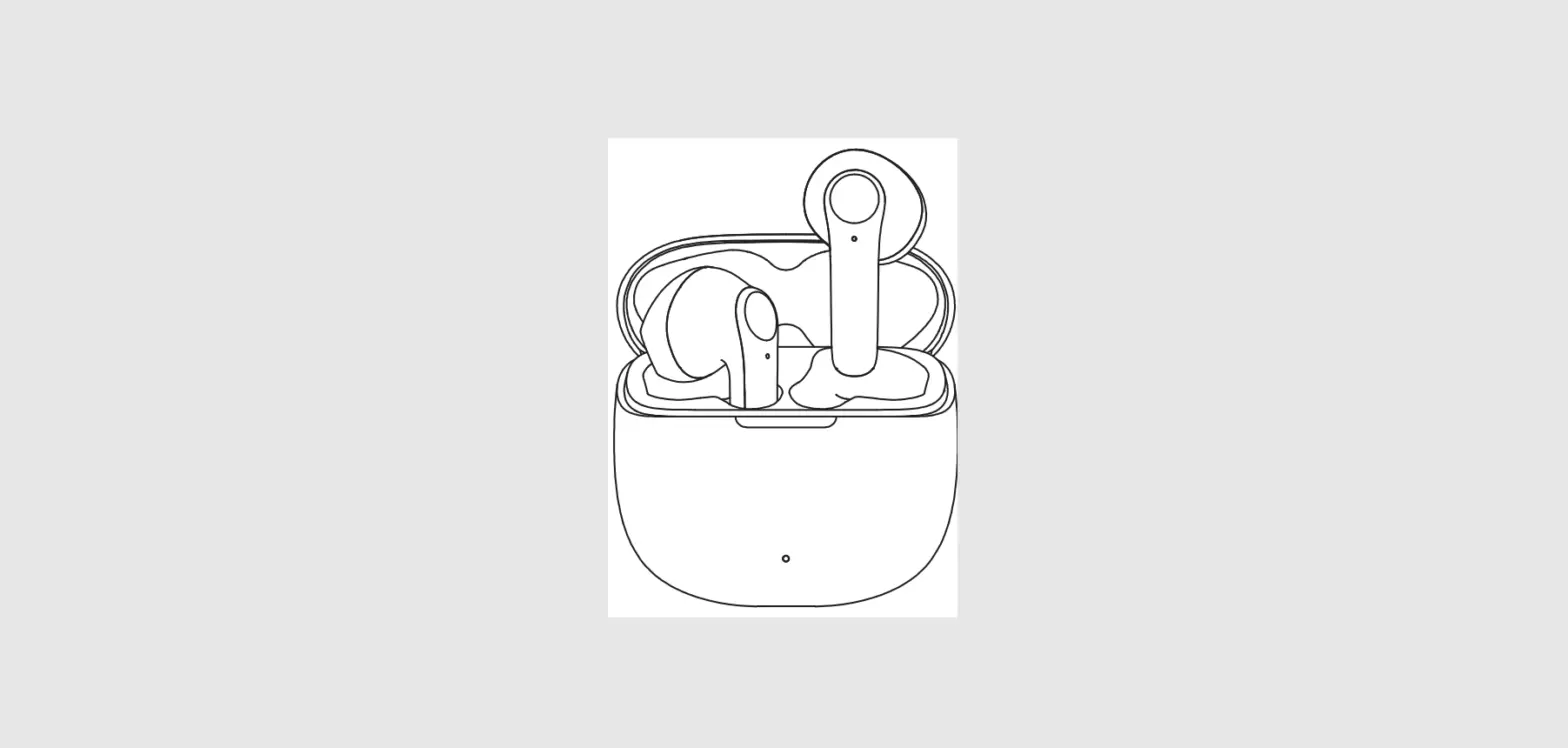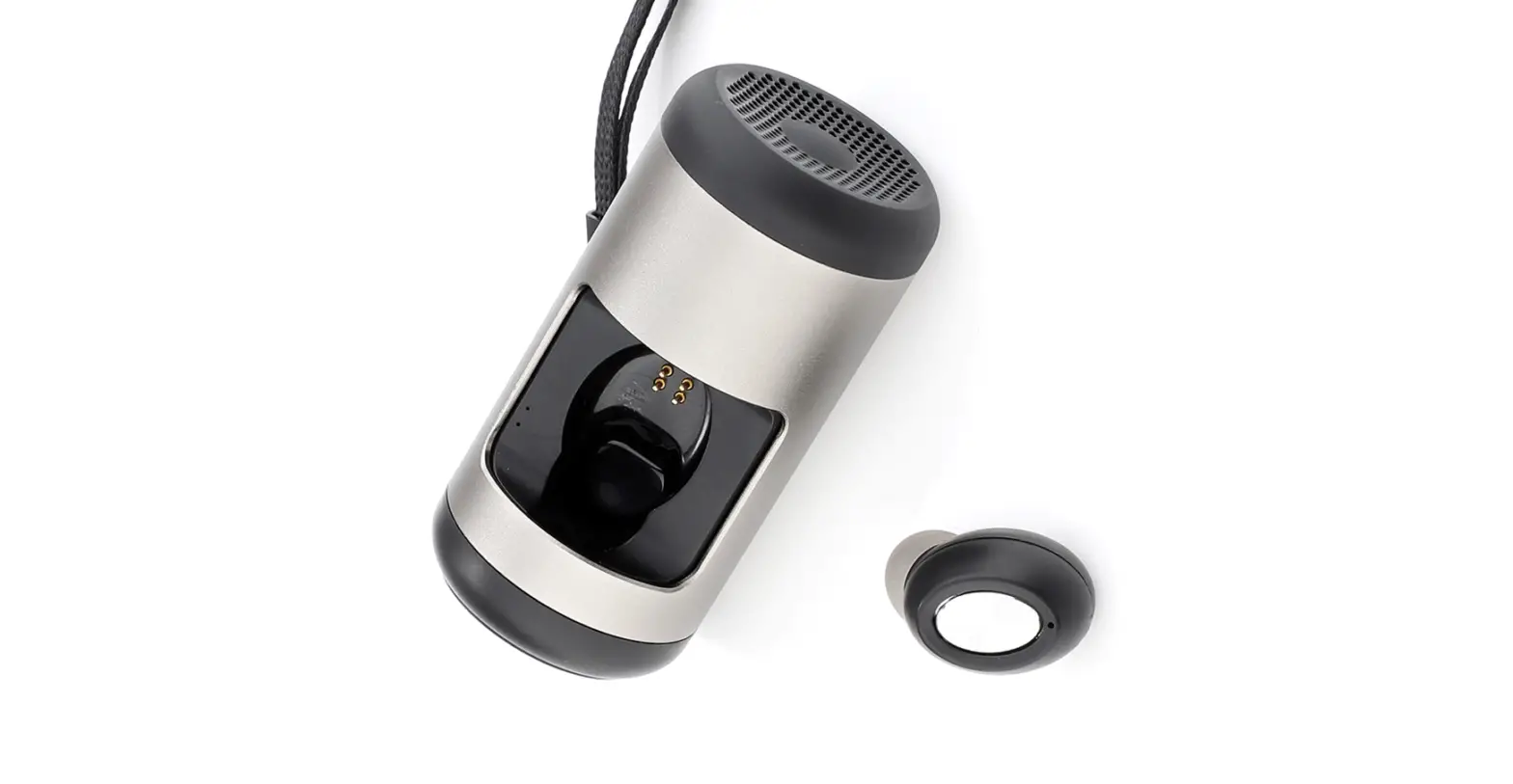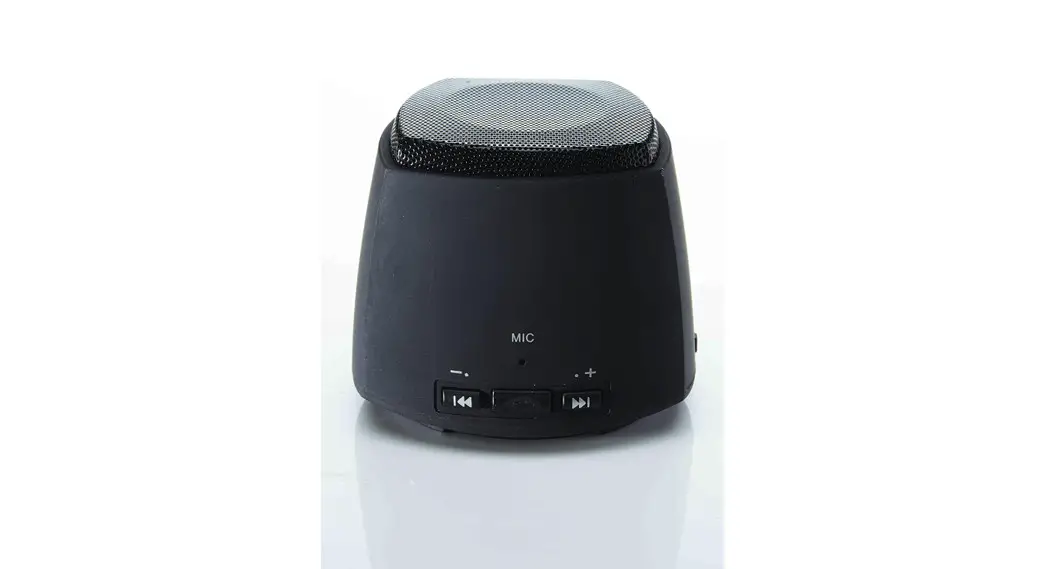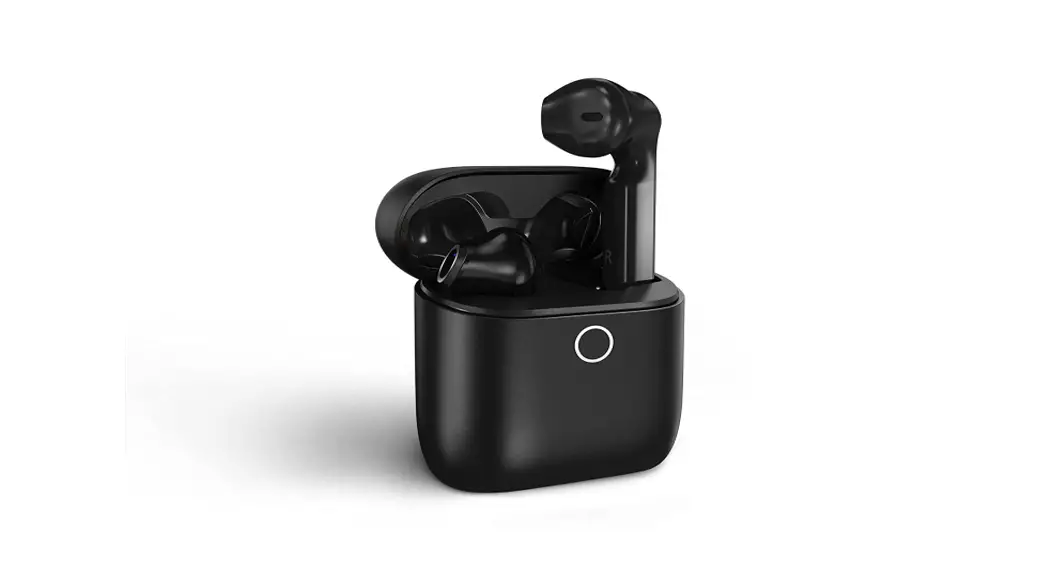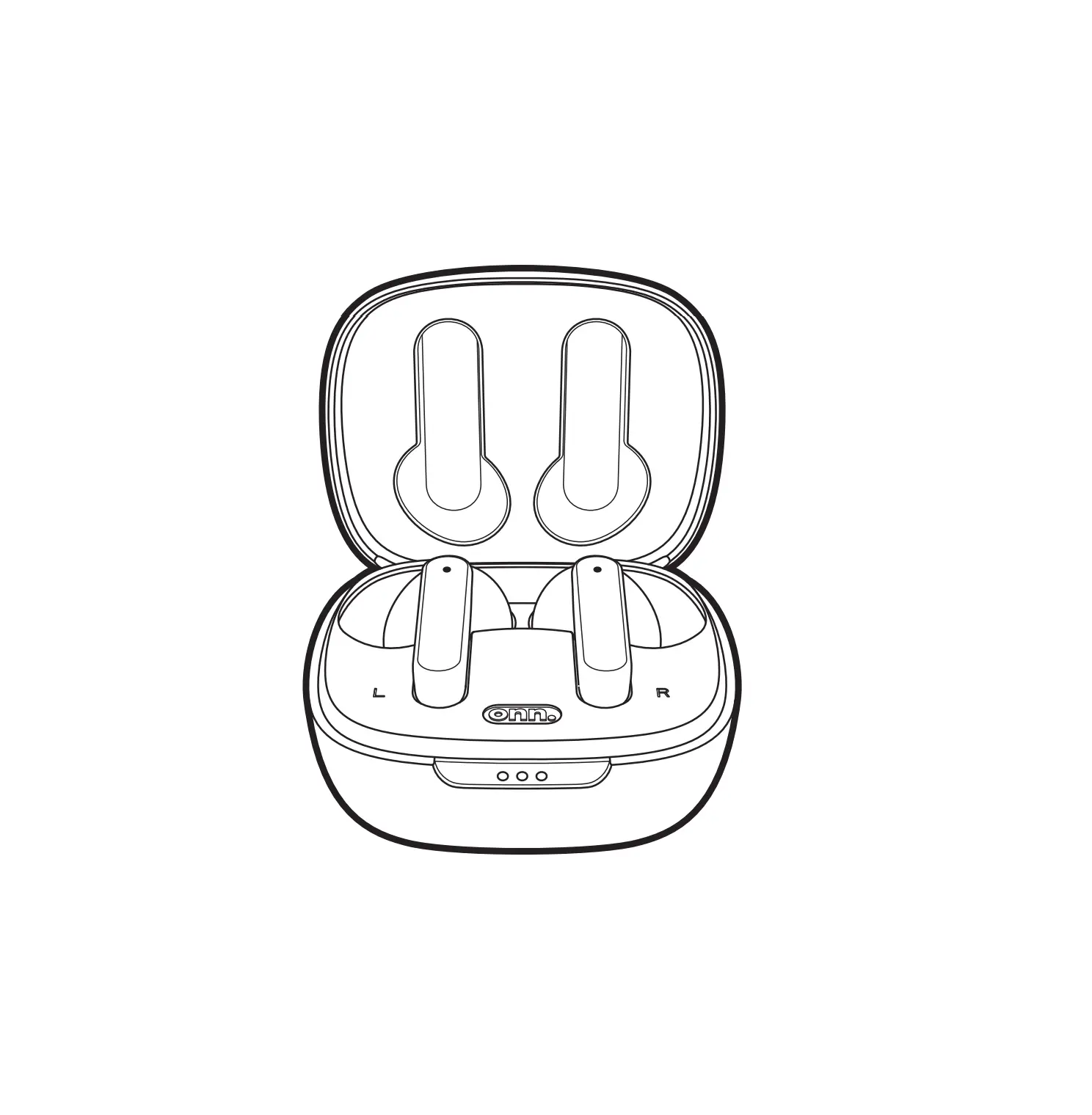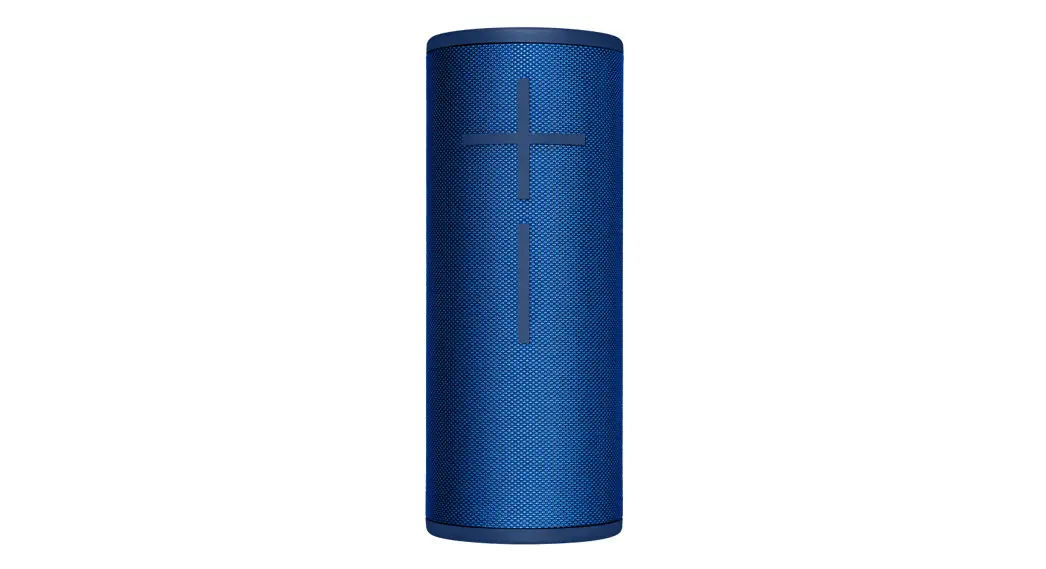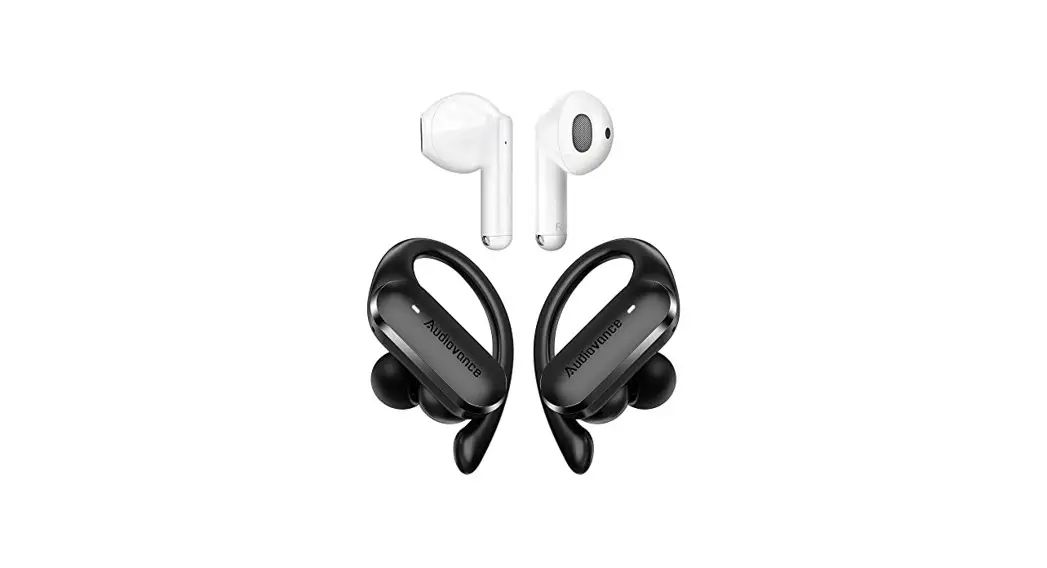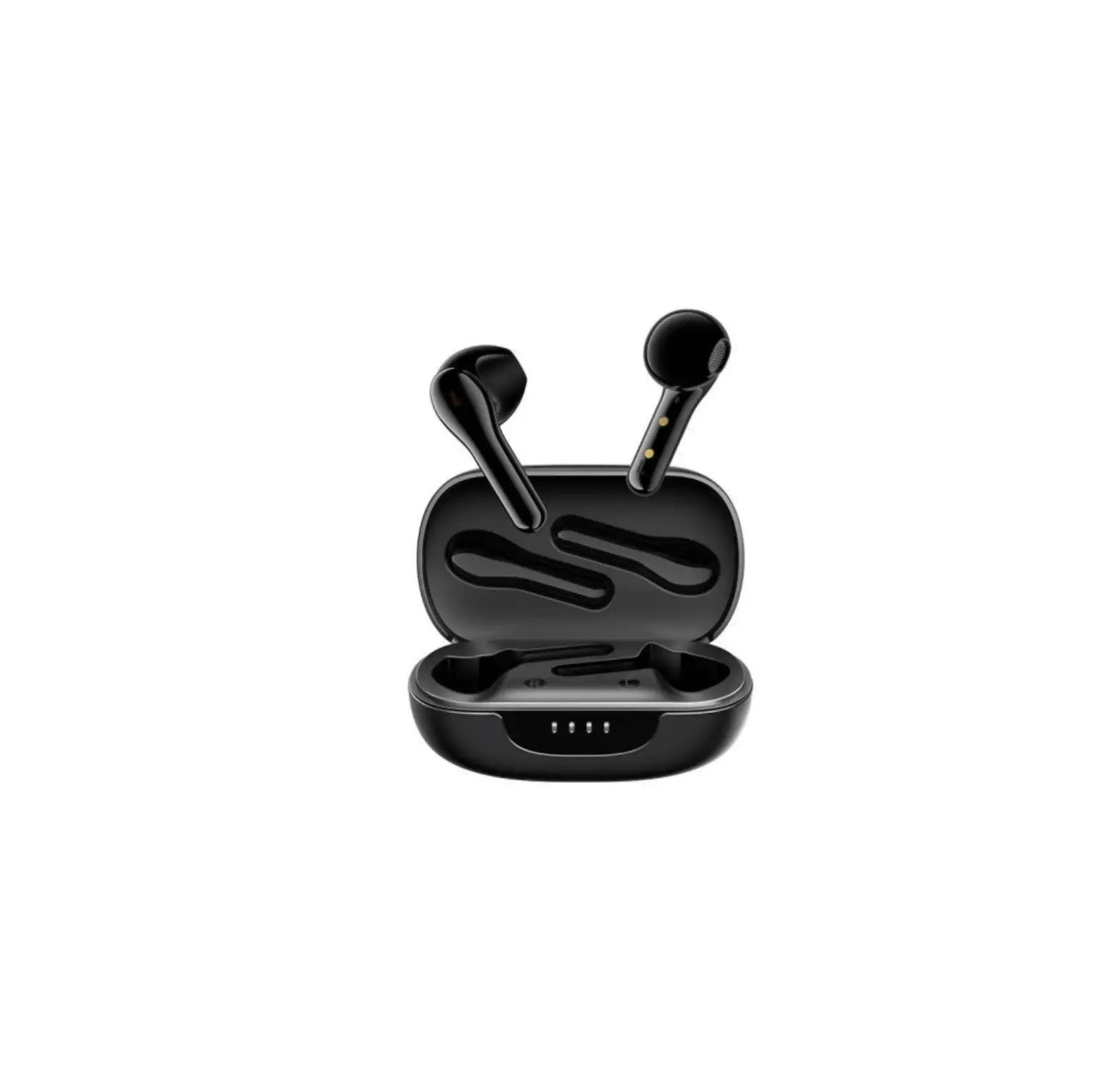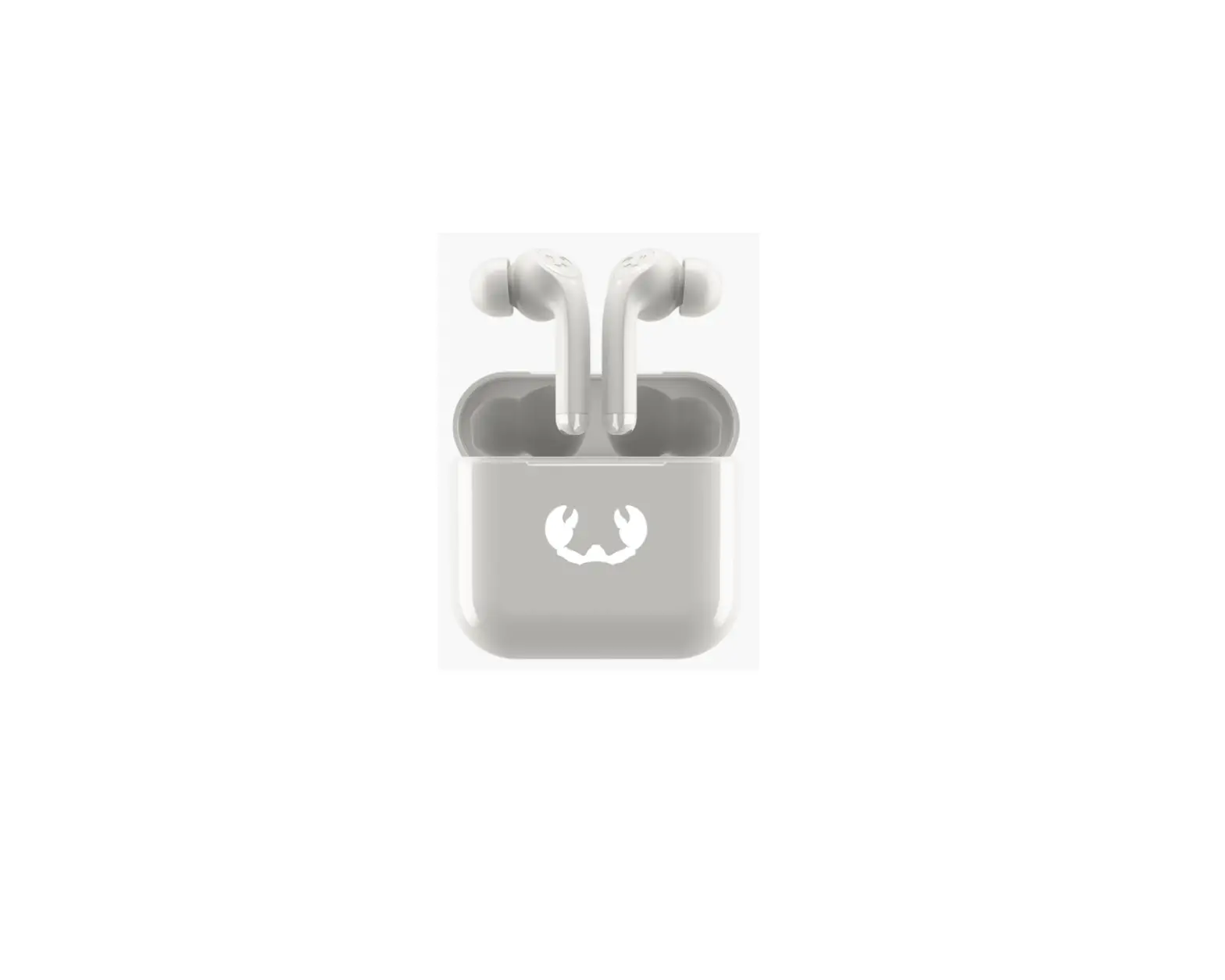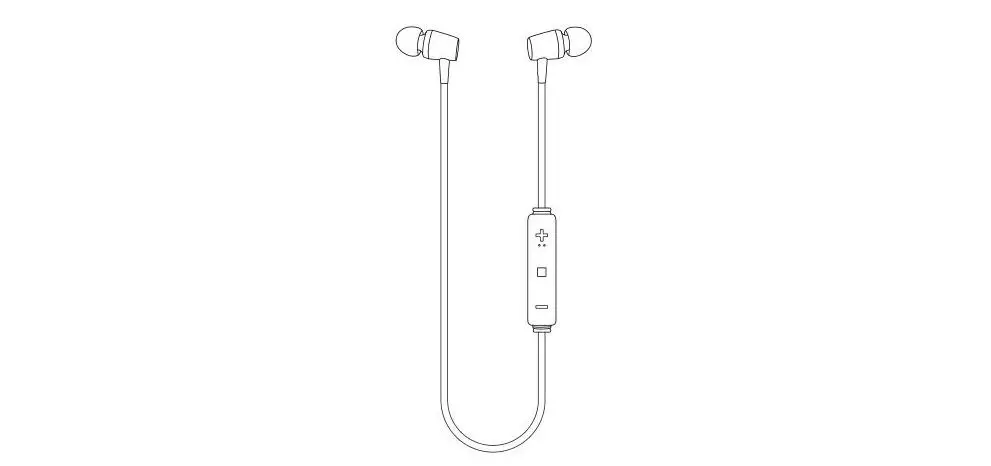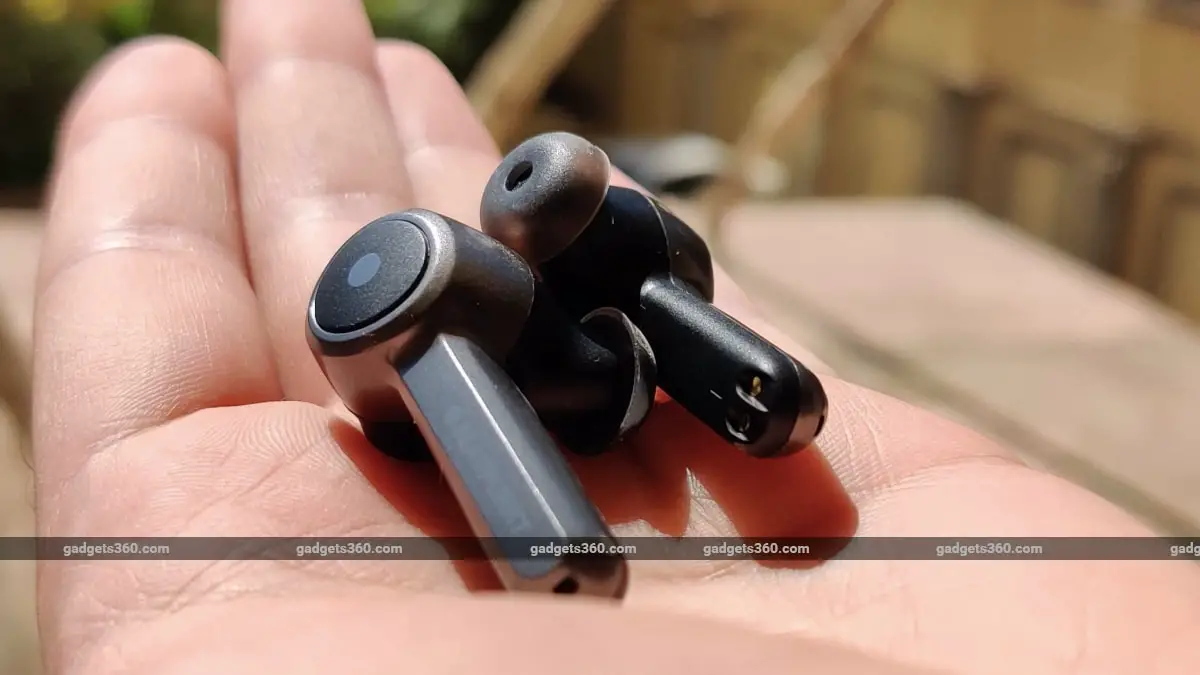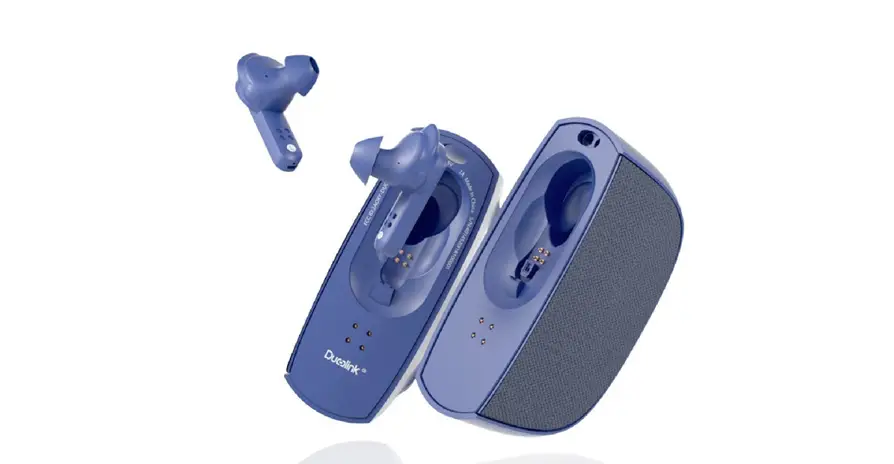

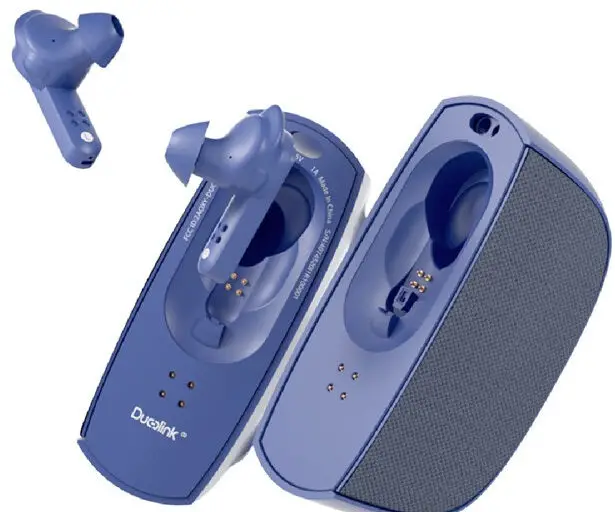
Duolink DUOA01 Wireless Earphones and Speakers
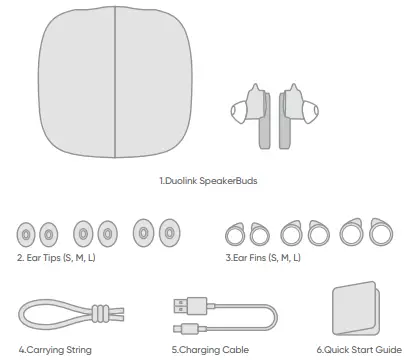
Packing List
Turn on/off Duolink
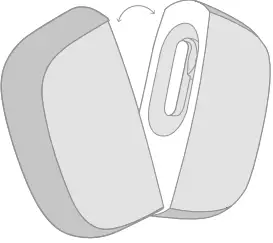
- Split speaker in halves to power on.
- Long press on either side button on speaker for 2 seconds to turn on/off when speakers are combined.
Connect to Duolink
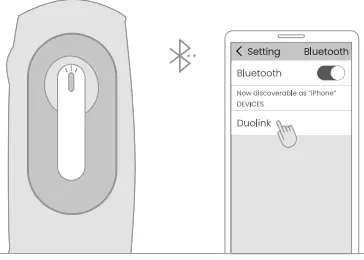
Turn on the Bluetooth on your mobile device. Split the Duolink and it will start pairing.
Start Listening
Choose a song on your mobile device, press play and you are ready to go.
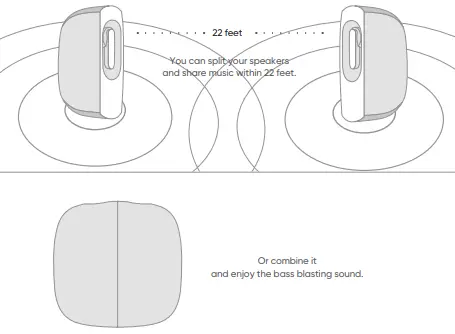
Switch to Earbuds
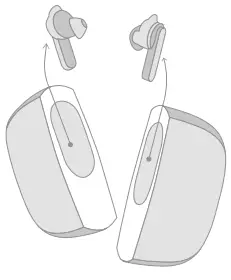
Simply take out the earbuds and securely place in ears, your earbuds have ear detection to play your music. Your music will continue playing with the Auto Switch function.
Control Earbuds
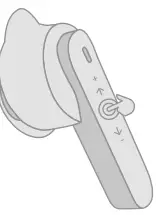
| Play/Pause | Tap once |
| Adjust volume | Slide up or down on the right earbud |
| Skip forward/backward | Slide up or down on the left earbud |
| Pick up/hang up calls | Tap once |
| Activate voice assistant | Long tap |
Switch to Speakers
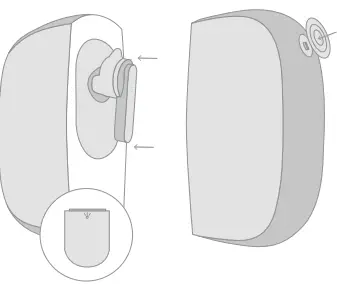
Insert earbuds into the speaker, you will see a flashing LED light on the speaker to indicate your earbuds have switched to speakers.
Tap the button on the speaker to play or pause your music.
Connect to Other Devices
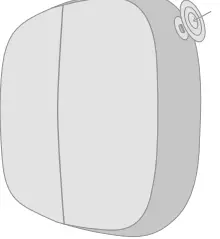
Insert earbuds into speakers and combine two speakers. Tap three times on either side button.
Charge
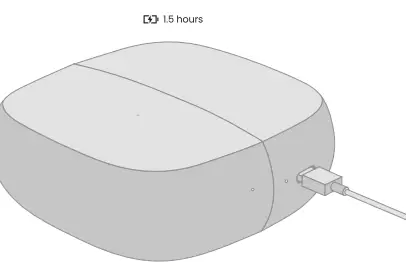
Earbuds charge while in the speaker. Earbuds will charge even when speaker is off.
Check Charge Status
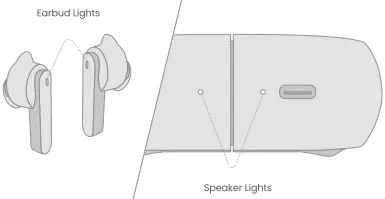 Lights indicate charging status of earbuds and speaker. Flashing lights on speaker indicate that speaker is charging. Stable lights on speaker indicate that speaker is fully charged. Stable lights on earbuds indicate that earbuds are charging.
Specifications
| Pairing Name: | Duolink |
| Signal Range: | 32 ft |
| Water Resistance: | IP54 |
| Frequency Response: | 20-20,000Hz |
| Compatible Audio: | A2DP/HFP/AVRCP |
| Input: | 5V 1A |
| Earbuds Battery Capacity: | 55mAh |
| Speaker Battery Capacity: | 500mAh |
| Colors: | Navy Blue/Red/White |
Important Safety Instructions
Please read and keep all safety and use instructions.
Important Safety Instructions
- Read these instructions.
- Keep these instructions.
- Heed all warnings.
- Follow all instructions.
- Only use attachments/accessories specified by the manufacturer.
- Unplug this apparatus during lightning storms or when unused for long periods of time.
- Refer all servicing to qualified personnel. Servicing is required when the apparatus has been damaged in any way, such as power-supply cord or plug is damaged, does not operate normally, or has been dropped.
WARNINGS/CAUTIONS
This product contains magnetic material. Consult your physician on whether this might affect your implantable medical device.
- Do NOT place directly on flame sources, such as lighted candles, on or near the product.
- Do NOT make unauthorized alterations to this product.
- Use this product only with an agency approved power supply which meets local regulatory requirements (e.g., UL, CSA, VDE, CCC).
- Do not expose products containing batteries to excessive heat (e.g. from storage in direct sunlight, fire or the like).
CORRECT DISPOSAL OF THIS PRODUCT
(Waste Electrical & Electronic Equipment)
This Marking shown on the product or its literature indicate that it should not be disposed with other household wastes at the end of its working life.
- To prevent possible harm to the environment or human health from uncontrolled waste disposal, please separate this from other types of wastes and recycle it responsibly to promote the sustainable reuse of material resources.
- Household user should contact either the retailer where they purchased this product, or their local government office, for details of where and how they can take this item for environmentally safe recycling.
- Business users should contact their supplier and check the terms and conditions of the purchase contact. This product should not be mixed with other commercial wastes for disposal
FCC STATEMENT
Any Changes or modifications not expressly approved by the party responsible for compliance could void the user’s authority to operate the equipment. This device complies with part 15 of the FCC Rules. Operation is subject to the following two conditions:
- This device may not cause harmful interference.
- This device must accept any interference received, including interference that may cause undesired operation
FCC Radiation Exposure Statement
This equipment complies with FCC radiation exposure limits set forth for an uncontrolled environment.