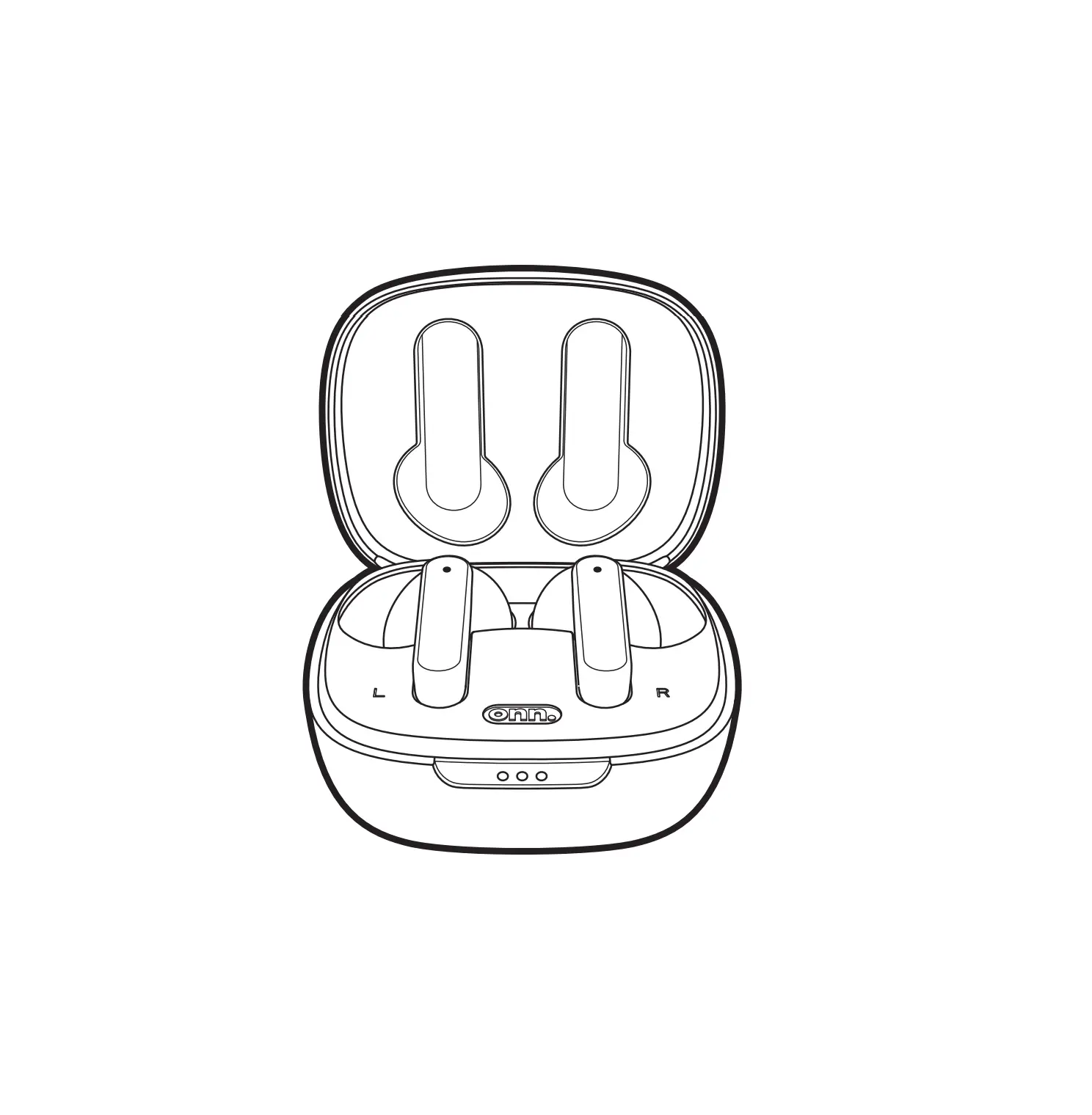
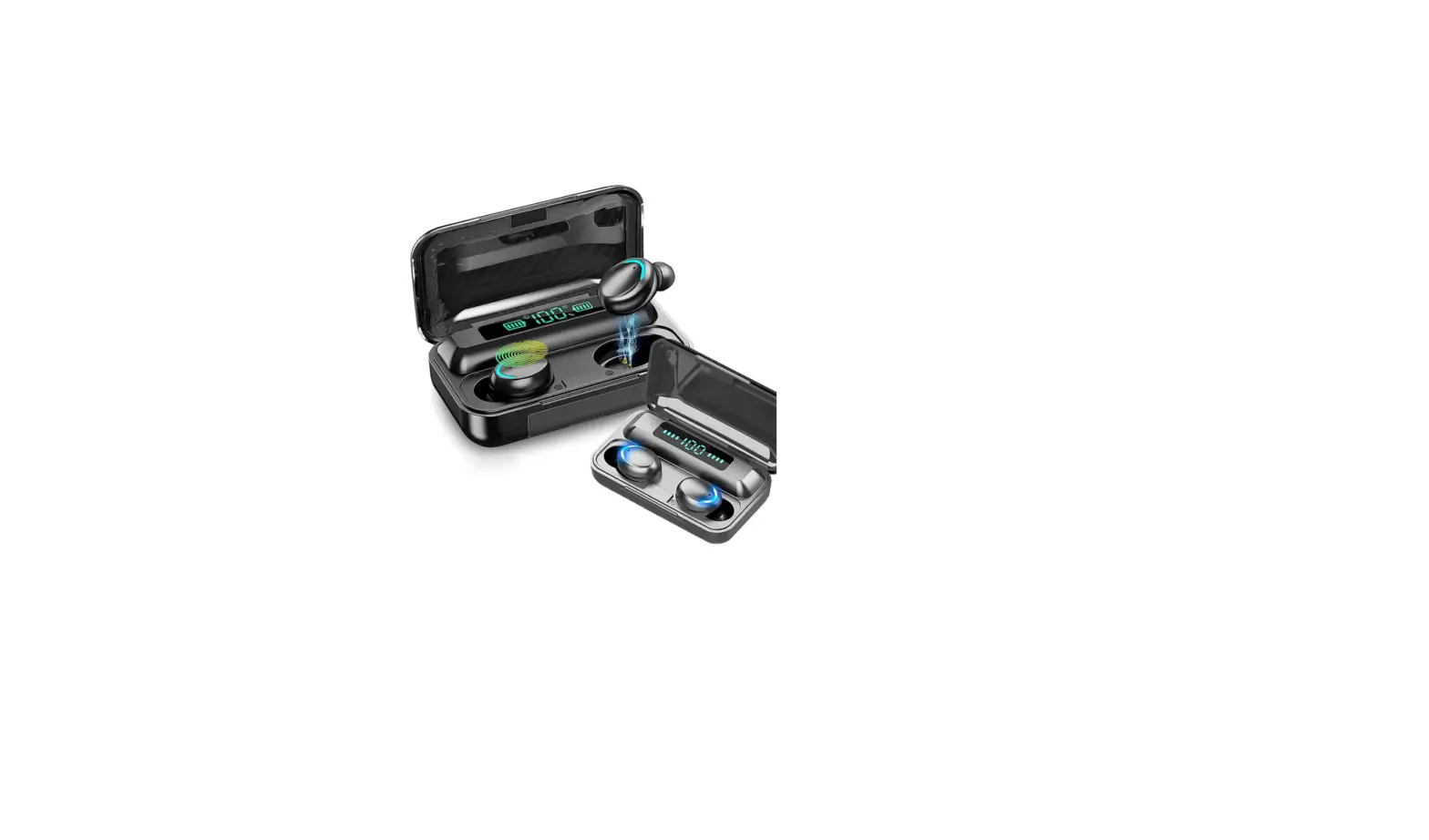
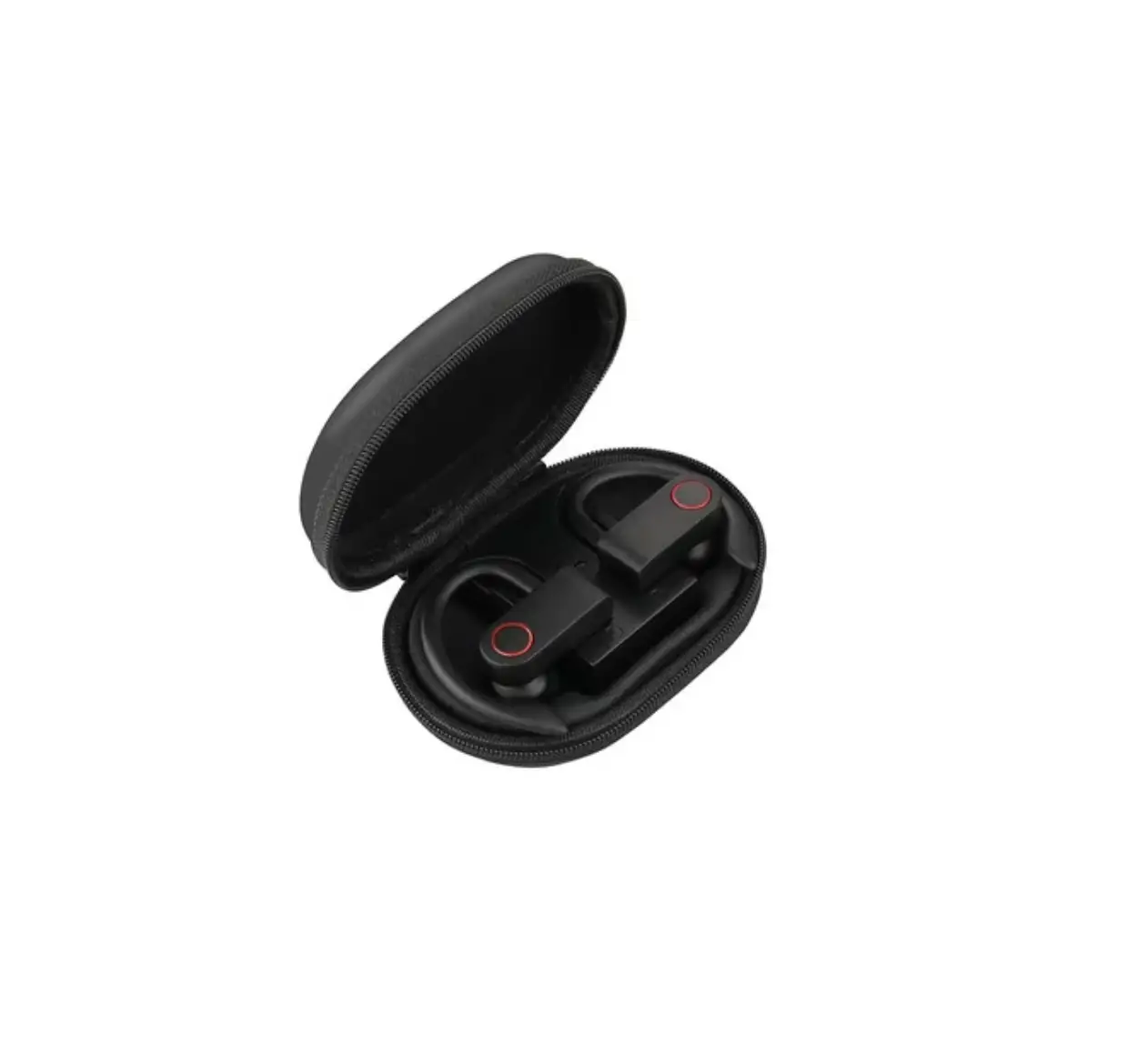
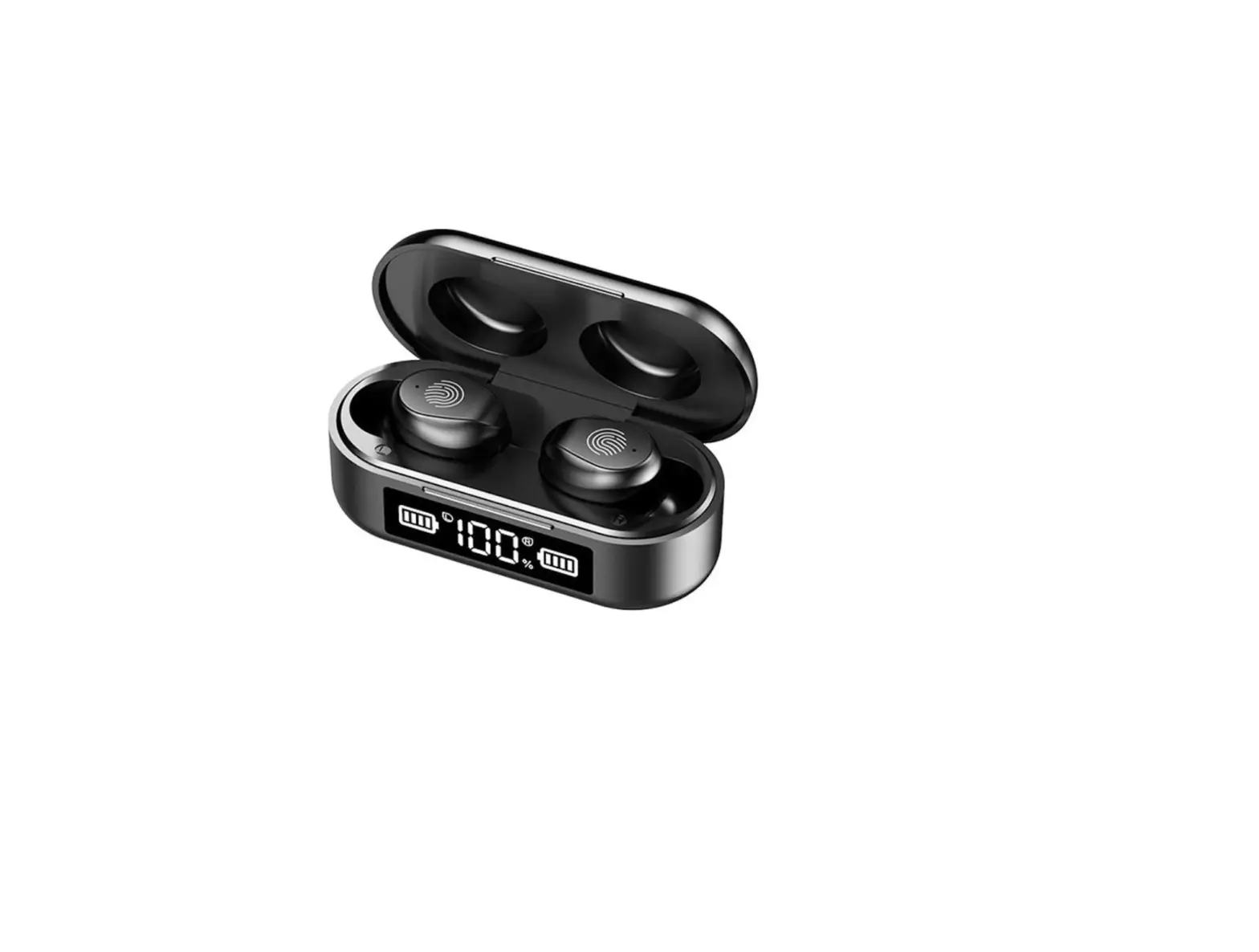
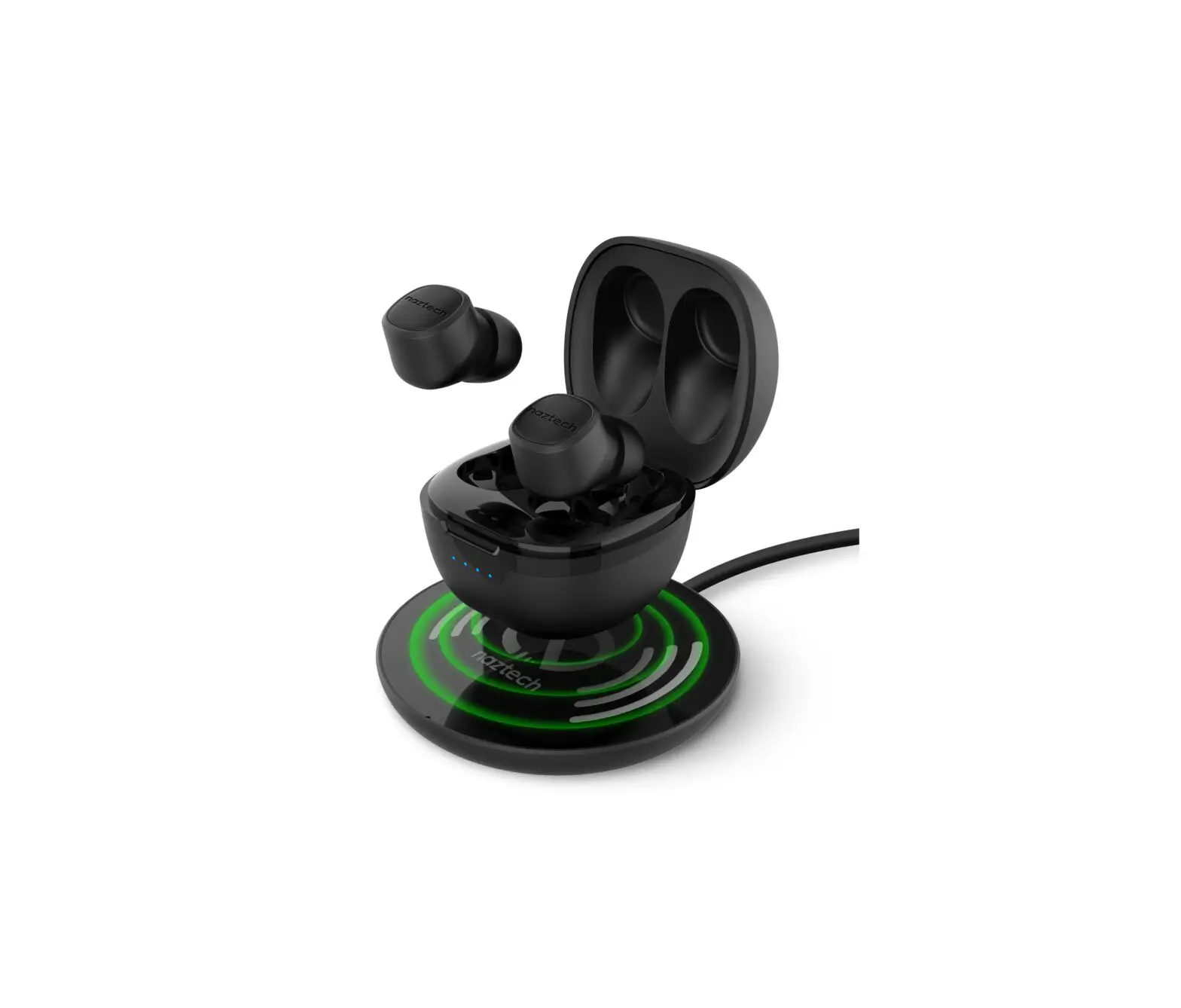
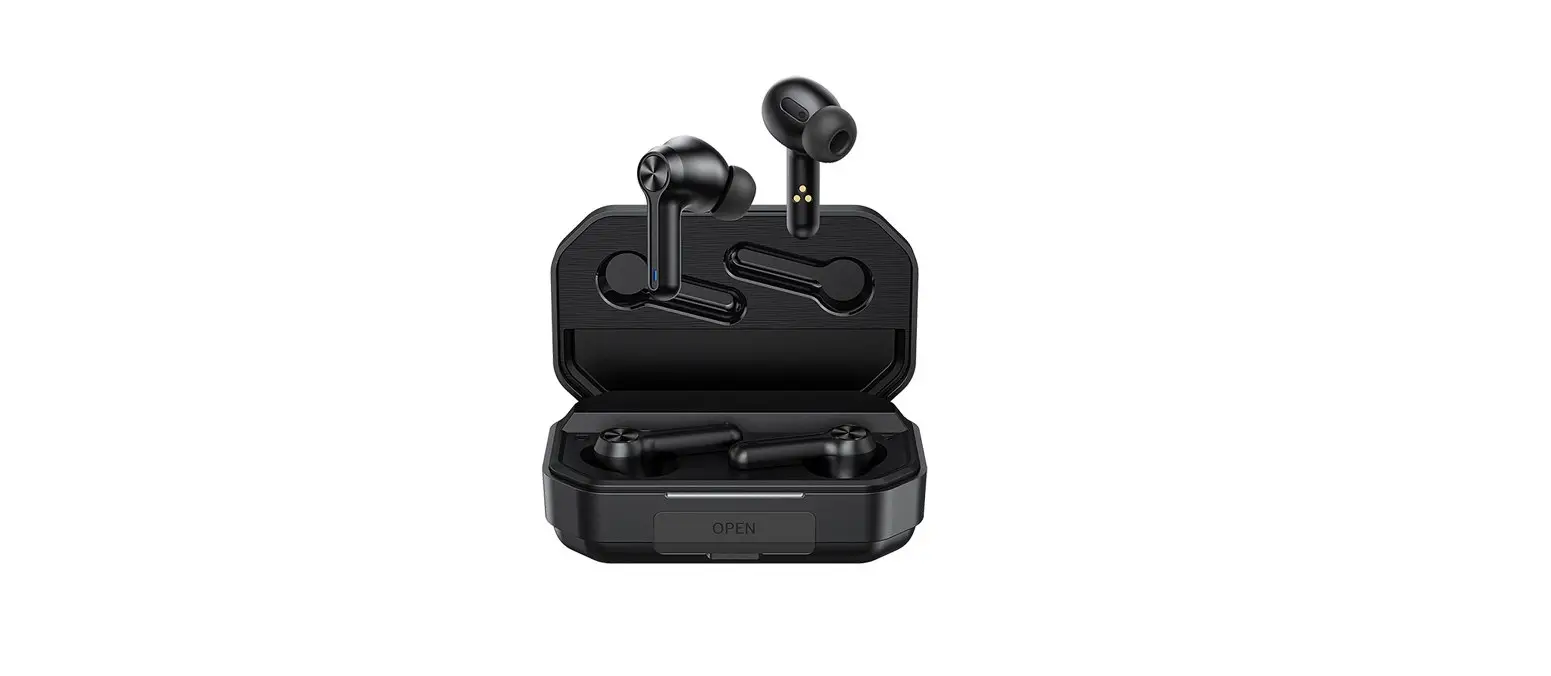
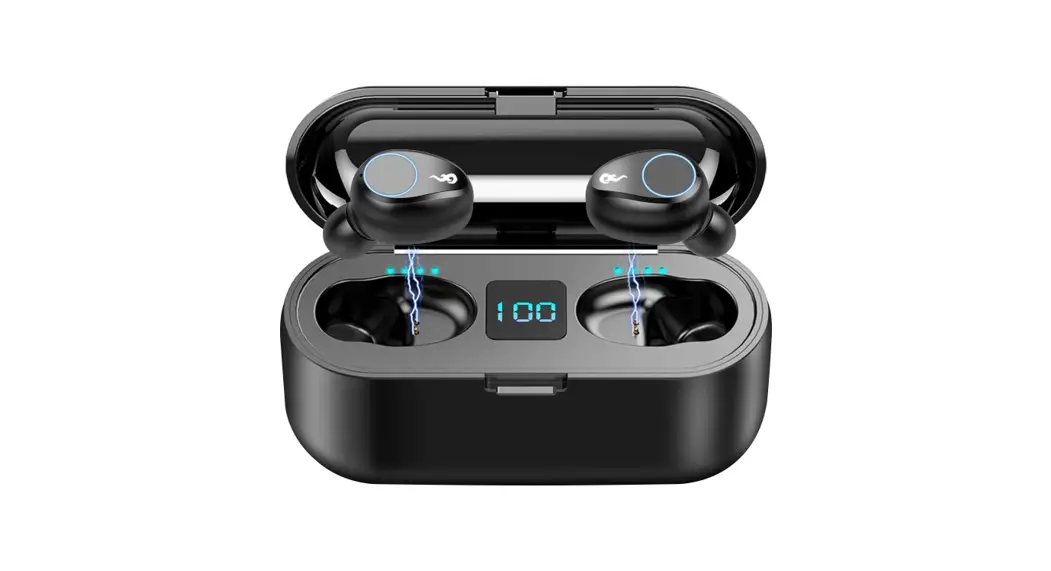
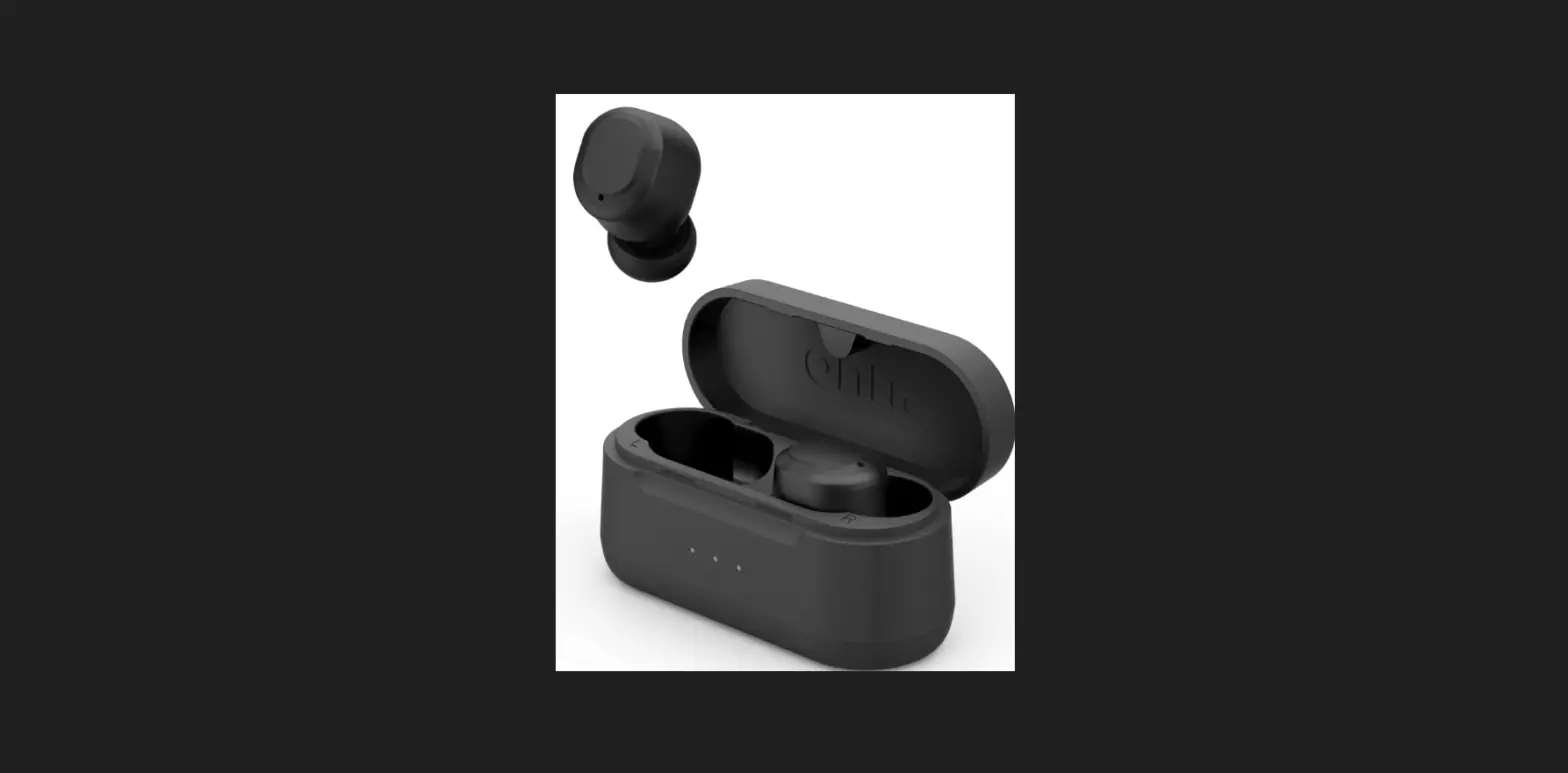
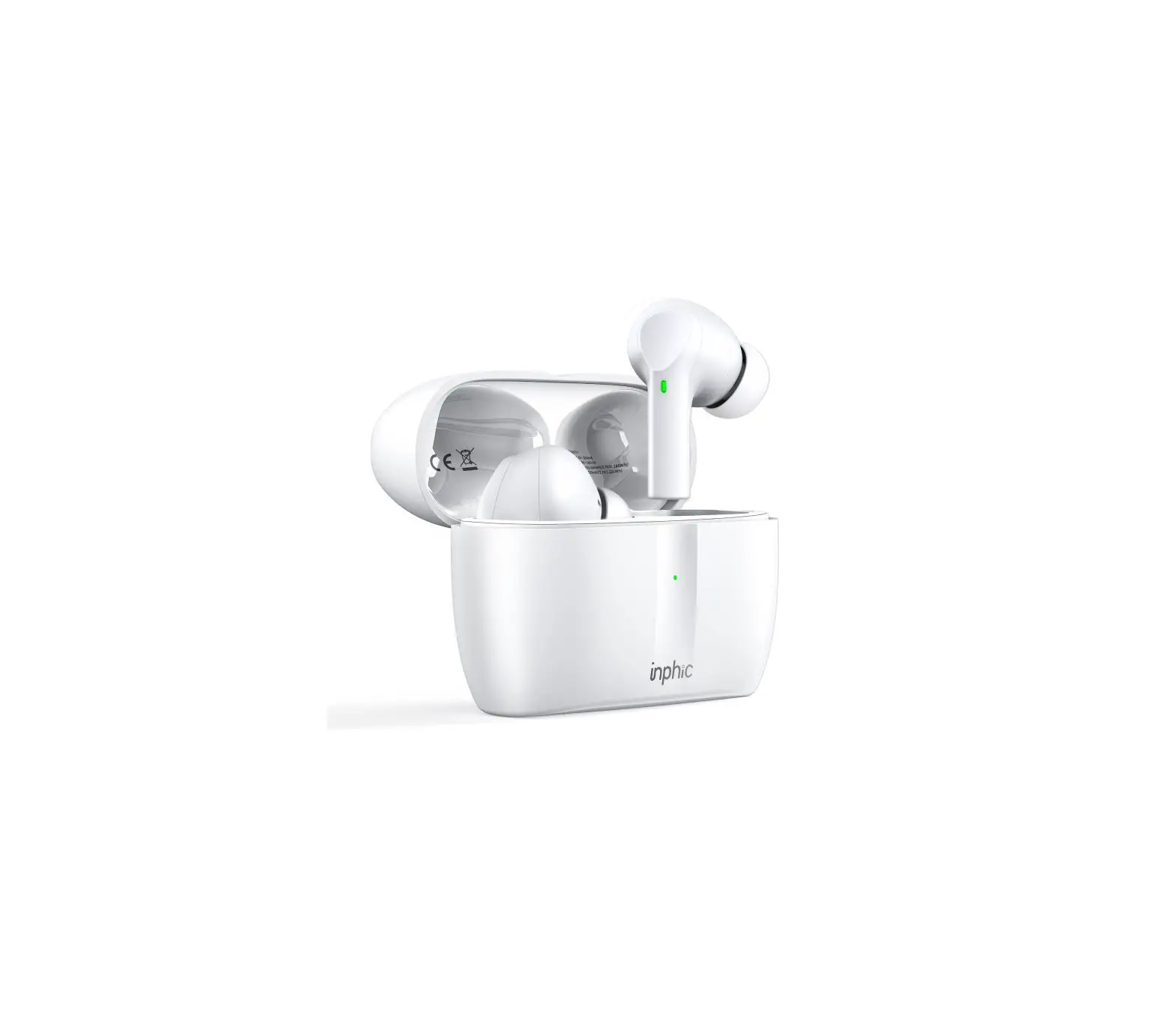
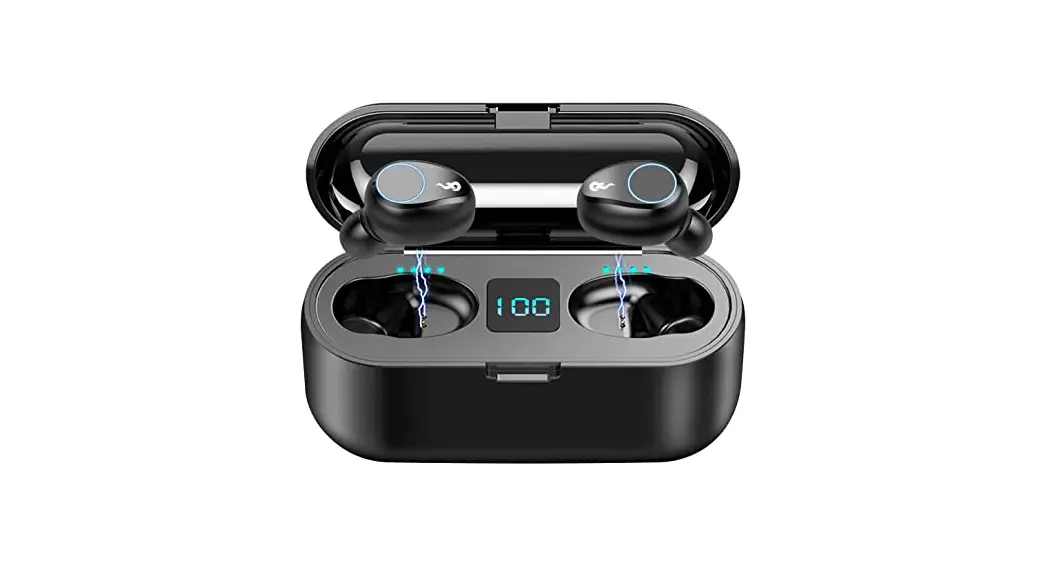
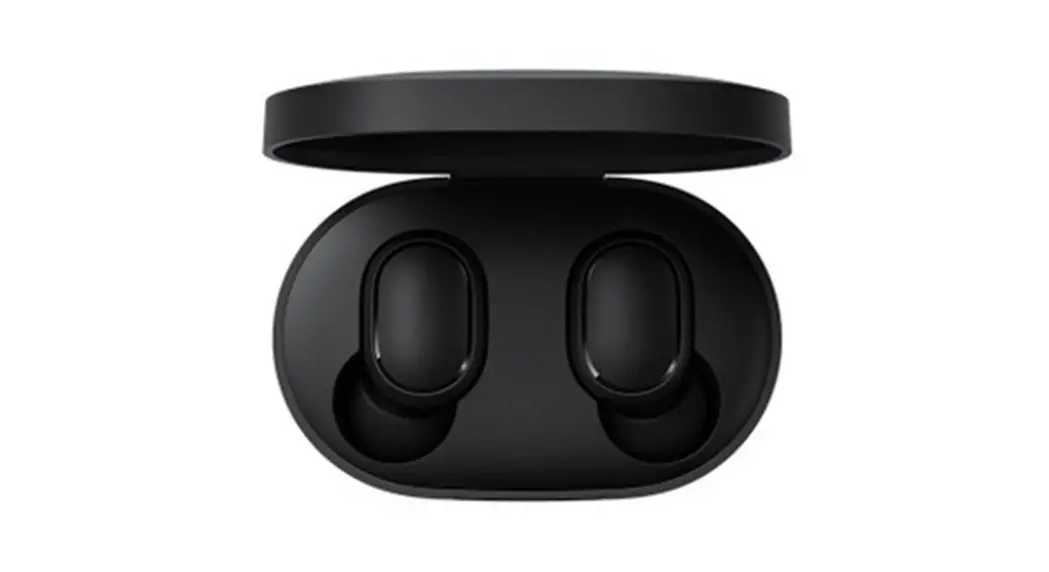
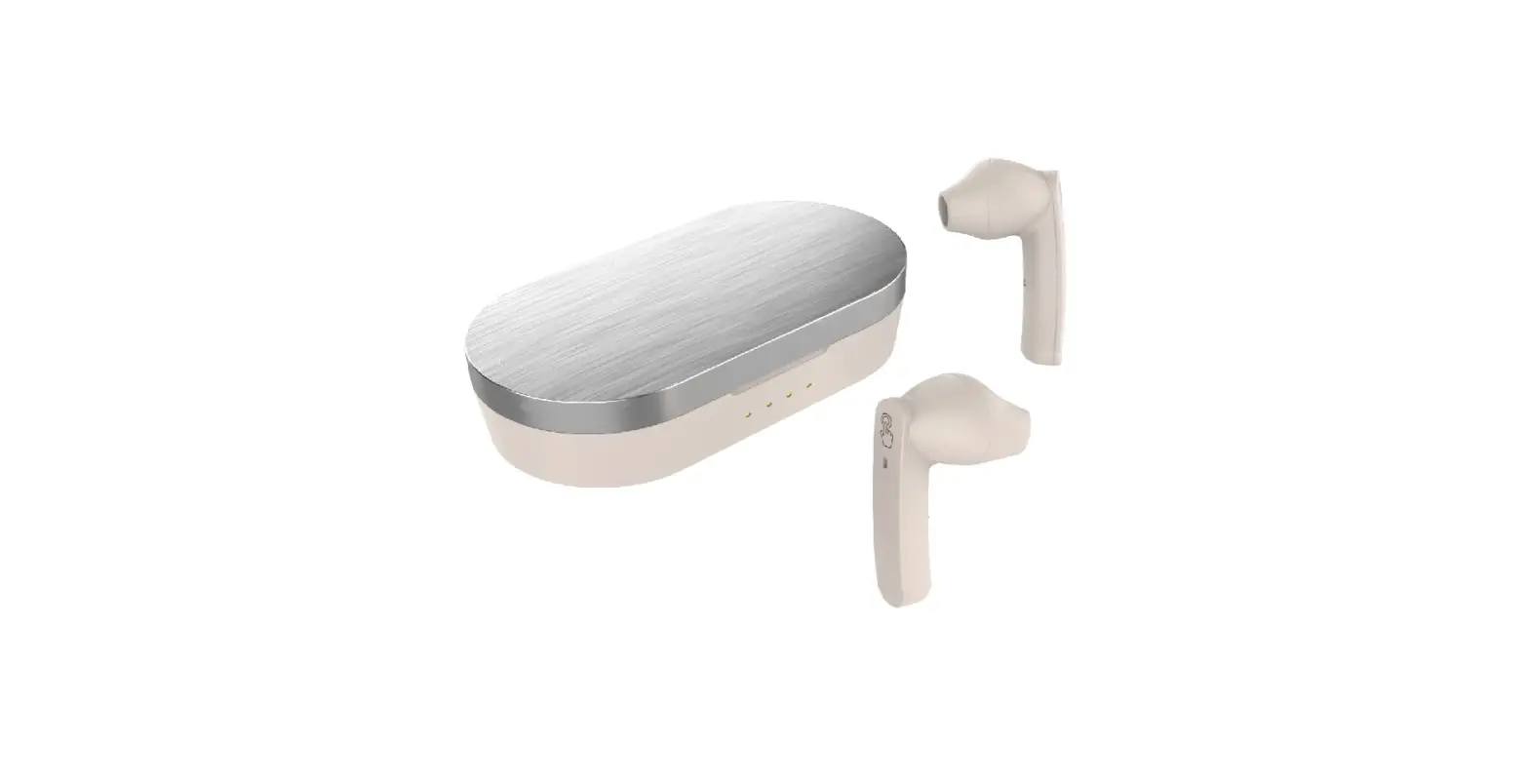
AM-F9 Wireless Earphones
Product Information:
The AM-F9 Bluetooth Earphone is a wireless earphone with LED
indicator and a multi-function touch button. It features automatic
turn on/off, TWS pairing, Bluetooth device pairing, and various
button functions for playing music and answering calls. The
earphone also has voice assistant capabilities and comes with
charging instructions.
Product Usage Instructions:
- Turn On/Turn Off the Bluetooth Earphone:
- Method 1 (Turn On): Take out the earbuds from
the charging case. The earbuds will turn on automatically, and the
LED indicator will flash red and blue. - Method 2 (Turn On): Touch and hold the MF
button on the earphone for 2-3 seconds. - Method 1 (Turn Off): Touch and hold the MF
button on the earphone for 2-3 seconds. The LED indicator will
flash red rapidly and then turn off. - Method 2 (Turn Off): Put back the earbuds into
the charging case. The earbuds will turn off automatically and
start charging. - Tips: If the earphone is not paired with any
mobile device, both units will turn off after 5 minutes. If the
Bluetooth distance exceeds 10-12m without any pairing, both units
will also turn off after 5 minutes.
- Take out both earbuds from the charging case. They will
automatically turn on and pair with each other. Once paired, the
LED indicator will flash red and blue quickly. - Tips: If pairing is unsuccessful, touch and
hold the MF button on both earphones simultaneously for around 5
seconds until the LED indicator flashes blue once. Then turn on
both units again, and they will auto-pair.
devices:
- Activate the Bluetooth function on your mobile device and
select “TWS” from the list of available Bluetooth devices. Click it
to start pairing. - Once the earphone is paired with the mobile device, you will
hear a beep tone, and the LED indicator will turn off.
- Playing Music:
- Previous track: Short press (touch) the MF button of the left
earphone twice. - Next track: Short press (touch) the MF button of the right
earphone twice. - Increase volume: Short press (touch) the MF button of the right
earphone three times. - Decrease volume: Short press (touch) the MF button of the left
earphone three times. - Pause/Play music: Short touch the MF button of either earphone
to pause/resume the music.
- Previous track: Short press (touch) the MF button of the left
- Answer/End/Reject a Call:
- Answer incoming call: Short press (touch) the MF button of
either earphone. - Reject incoming call: Press (touch) the MF button of either
earphone for 2 seconds and release. - End a call: Short press (touch) the MF button of either
earphone after the phone conversation.
- Answer incoming call: Short press (touch) the MF button of
- Voice Assistant:
- Activate the voice assistant (SIRI): Short press (touch) around
1.5 seconds of either earphone. Only supported on iOS systems. - Close the voice assistant (SIRI): After activated, short press
(touch) around 1.5 seconds of either earphone. Only supported on
iOS systems.
- Activate the voice assistant (SIRI): Short press (touch) around
- Put the Bluetooth Earphone back into the charging slots
correctly and securely for charging.
- Attention:
- Please read this user manual carefully before using the product
and keep it for future reference. - Please fully charge the product battery when first using
it. - If the product is not used for more than 2 weeks, please charge
it. - Only use the supplied cable and certified adaptor to charge the
product. - If the earphone cannot pair with a mobile phone, check if the
earphone is in Bluetooth mode and if it is unable to pair with any
device.
- Please read this user manual carefully before using the product
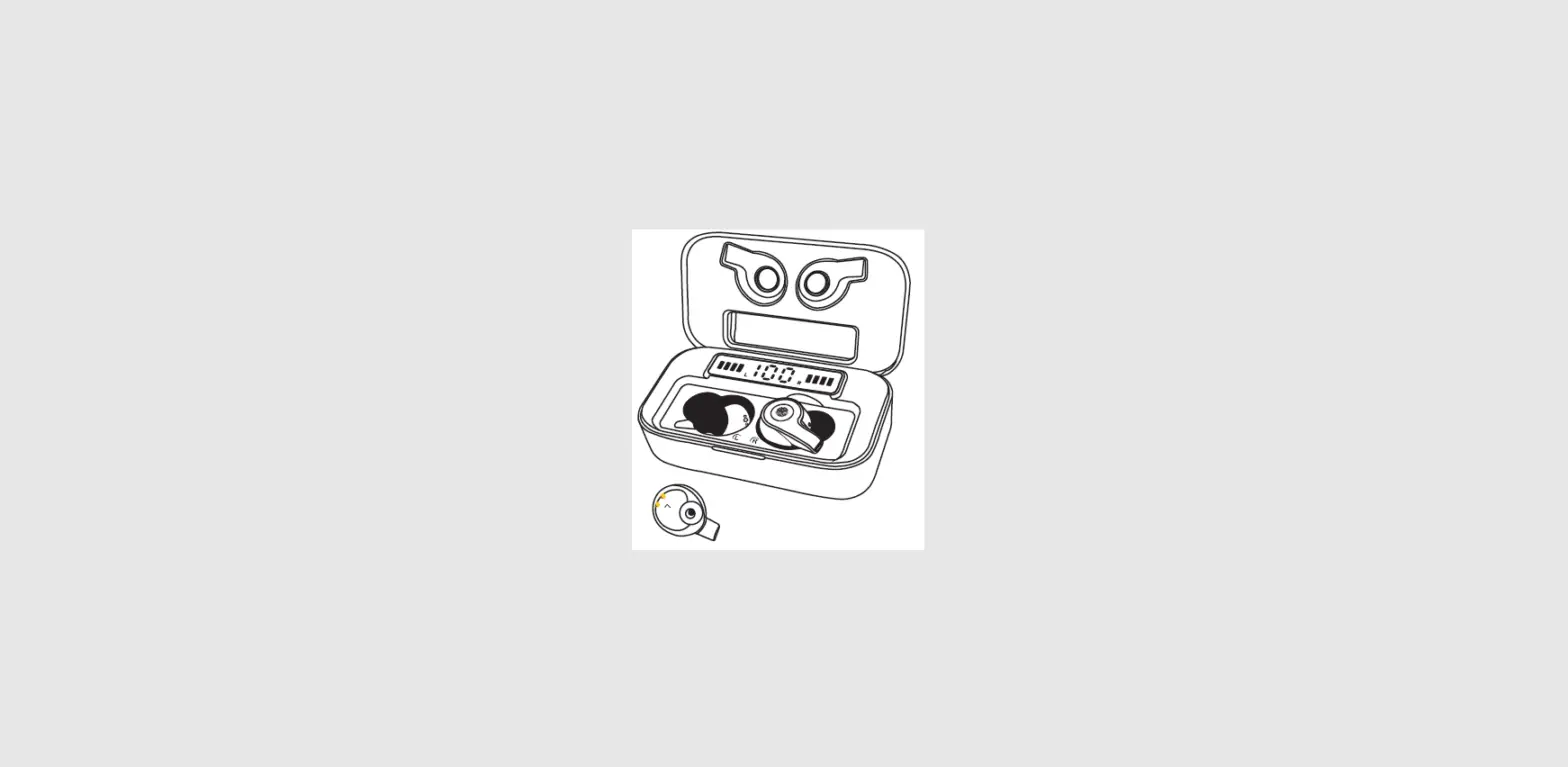
AM-F9
Earphone LED indicator
Earphone multi-functiontouchbutton
PRODUCT USER MANUAL
1.Turnon/turn off the bluetooth earphone TURN ON
Method 1: Take out the earbuds from charging case ,the earbuds will turm on automatically. The led indicator will flash red and blue. Method 2: Touch and hold the MF button for 2-3 seconds .
TURN OFF
Method 1: Touch and hold the MF button for 2-3 seconds to turmOFF the
Earphone, the led indicator will flash red rapidly then lights off.
Method 2: Put back the earbuds into charging case ,the earbuds will turn
off automatically and starr being charging. Tips: if the earphone without palred any moblle devlce. the both units will be turnoff after 5 munltes:or if the bluetooth distance ls beyond 10-12m and withoutpaired any device, the both units will be turn off after 5 munites
2.Earphones TWS pairing(L&R)
Take out the both earbuds from charging case ,it will auto turn on and auto paired with each other. Once paired, the led indicator will flash red & blue quickly. Tlps: If palring is unsuccessful, Touch and hold the MF button on both Earphone around 5 seconds simultaneously till the led indicator flash blue ONE time: Then turn on both unit again, they will auto pairing.
3.pairing TWS Earphone with Bluetooth devices (smart phone,etc)
Activate the Bluetooth function on your mobile device, select the”TWS”from the list of available Bluetooth devices, Click it to pairing. Once earphone paired with mobile device, you will hear a beep tone and the led indicator will off.
4.Button function PLAYING MUSIC Previous track : Short Press(Touch) the MF button of Left Earphone twice. Next track : Short Press(Touch) the MF button of Right Earphone twice. Increase Volume : Short Press(Touch) the MF button of Right Earphone 3
times.
Decrease Volume : Short Press(Touch) the MF button of Left Earphone 3
times.
Pause/Play Music : Short Touch the MF button of either Earphone will
Pause/Resume the music.
ANSWER/ END/ REJECT A CALL Answer incoming call : Short Press(Touch) the MF button of either
earphone.
Reject Incoming Call : Press(Touch) the MF button of either earphone
for 2 seconds and release.
End a call : Short Press(Touch) the MF button of either earphone after
phone conversation.
VOICE ASSISTANT : Activated the voice assistant : Short Press(Touch) around 1.5 seconds
of either earphone to activate the SIRI voice assistant function, only IOS system supported.
Close the voice assistant : After activated, short Press(Touch) around
1.5seconds of either earphone to close the SIRI voice assistant function, only IOS system supported.
5.charging Instructions Put the Bluetooth Earphone back into the charging slots correctly and
securely to charging.
6.Care and Maintenance
ATTENION
1.piease kindly read this user manual before using the product carefully,
and keep it for future reference.
2.
please charging the produet battery fully when first use.
3.If do not use the product exceed 2 weeks, please charging it.
4.Please only use the supplied cable to charging the product and certified
adaptor.
5.If the earphone can not be paird with mobile phone, please check first if
the earphone was in bluetooth mode; if the earponse unable paired with
mobile phone device. please turn off the earphone first then turn on and
make sure it is in bluetooth pairing mode; If the mobile phone didn’t
reponse, please reboot the mobile phone; If the earphone didn’t reponse
please reboot the earphone or recovery default setting.
CAUTION
1.Do not use the product at excessive volume levels or long time, as damage to hearing may occur. 2.Do not charging the earphone with current exceed 2A, the battery might get damaged.
FCC Warnning: This equipment has been tested and found to comply with the limits for a Class B digital device, pursuant to part 15 of the FCC Rules. These limits are designed to provide reasonable protection againstharmful interference in a residential installation. This equipment generates, uses and can radiateradio frequency energy and, if not installed and used in accordance with the instructions, maycause harmful interference to radio communications. However, there is no guarantee thatinterference will not occur in a particular installation. If this equipment does cause harmfulinterference to radio or television reception, which can be determined by turning the equipmentoff and on, the user is encouraged to try to correct the interference by one or more of thefollowing measures: · Reorient or relocate the receiving antenna. · Increase the separation between the equipment and receiver. · Connect the equipment into an outlet on a circuit different from that to which the receiver is connected. · Consult the dealer or an experienced radio/TV technician for help.
Caution: Any changes or modifications to this device not explicitly approved by manufacturer could void your authority to operate this equipment.
This device complies with part 15 of the FCC Rules. Operation is subject to the following two conditions: (1)This device may not cause harmful interference, and (2) this device must accept any interference received, including interference that may cause undesired operation.
This equipment complies with FCC radiation exposure limits set forth for an uncontrolled environment. This equipment should be installed and operated with minimum distance 0cm between the radiator and your body.