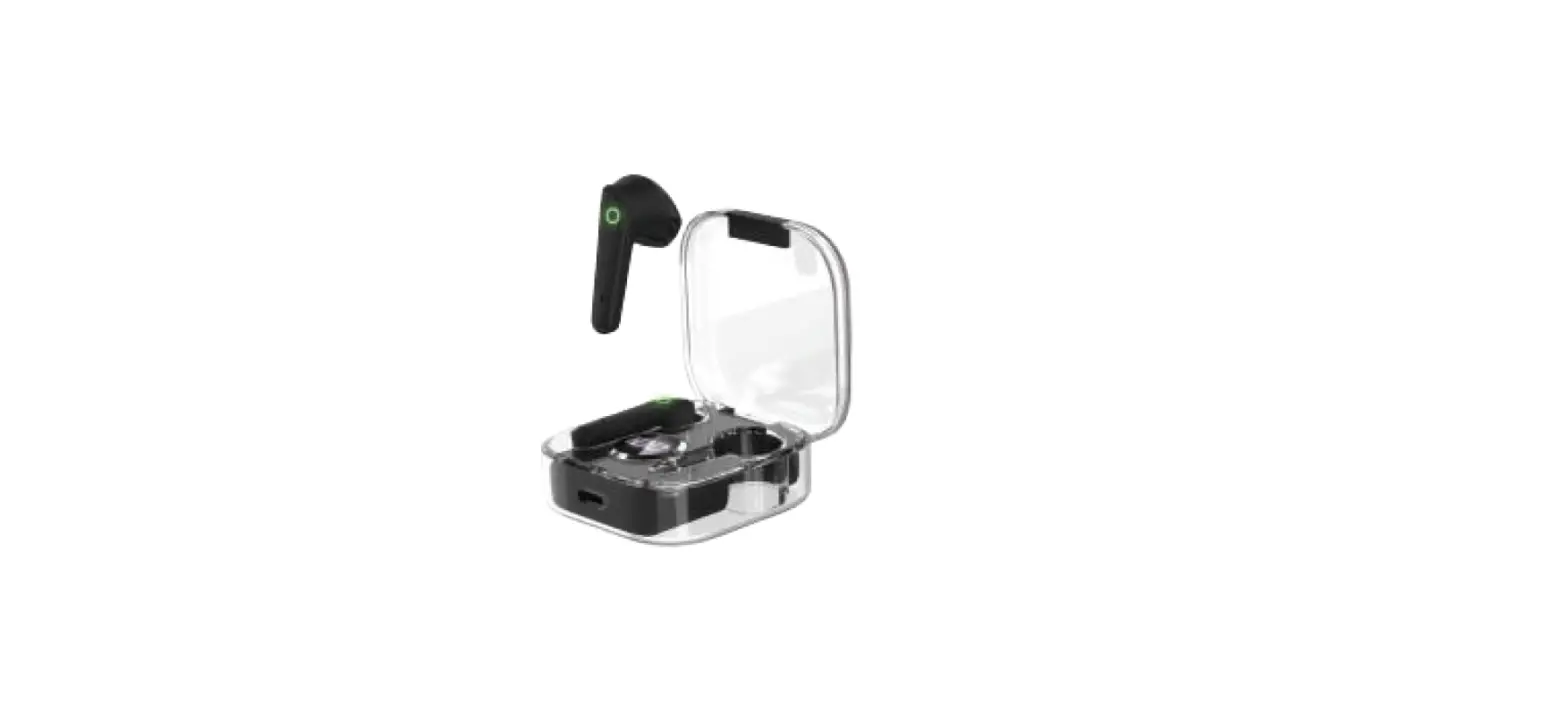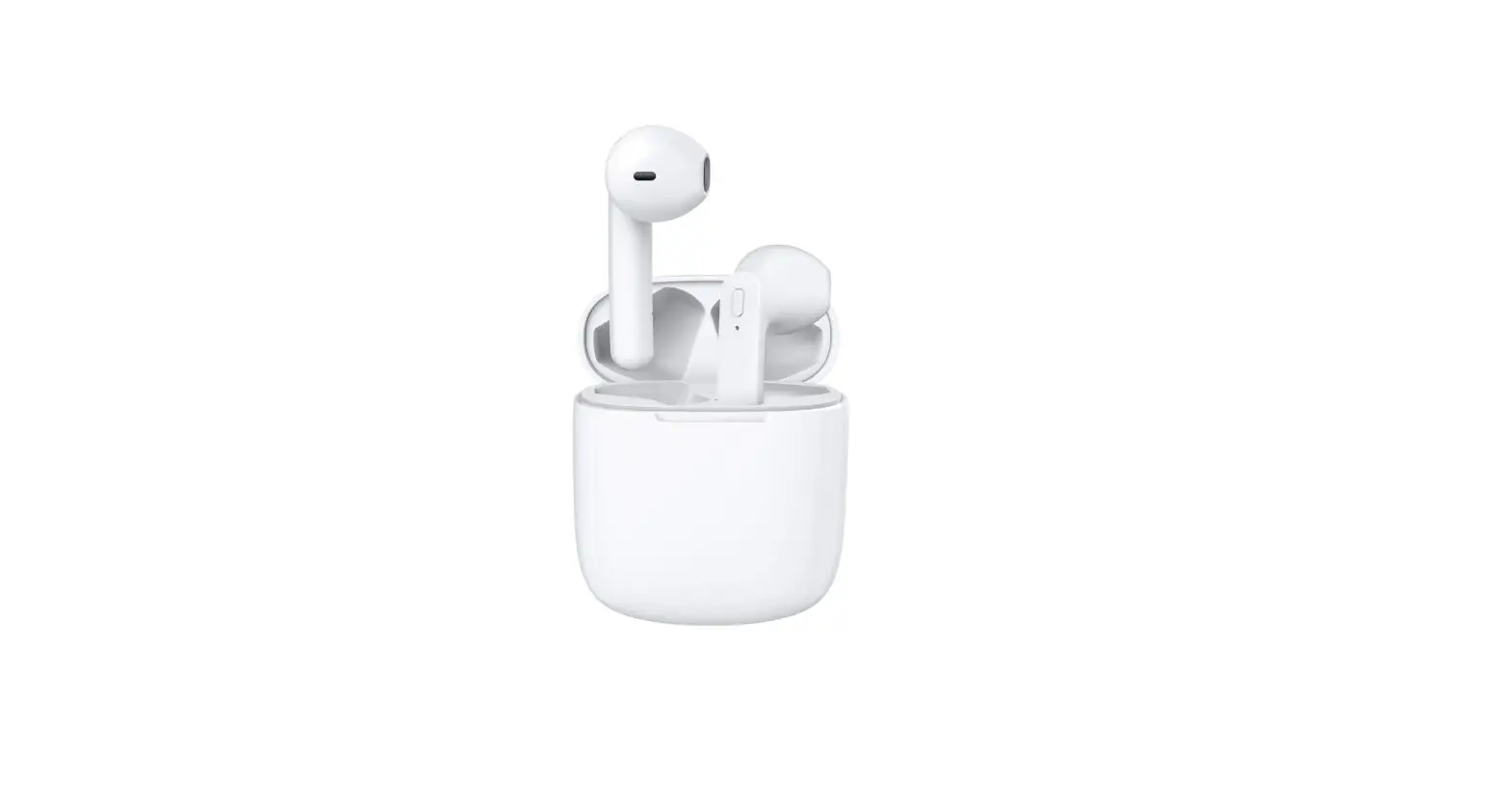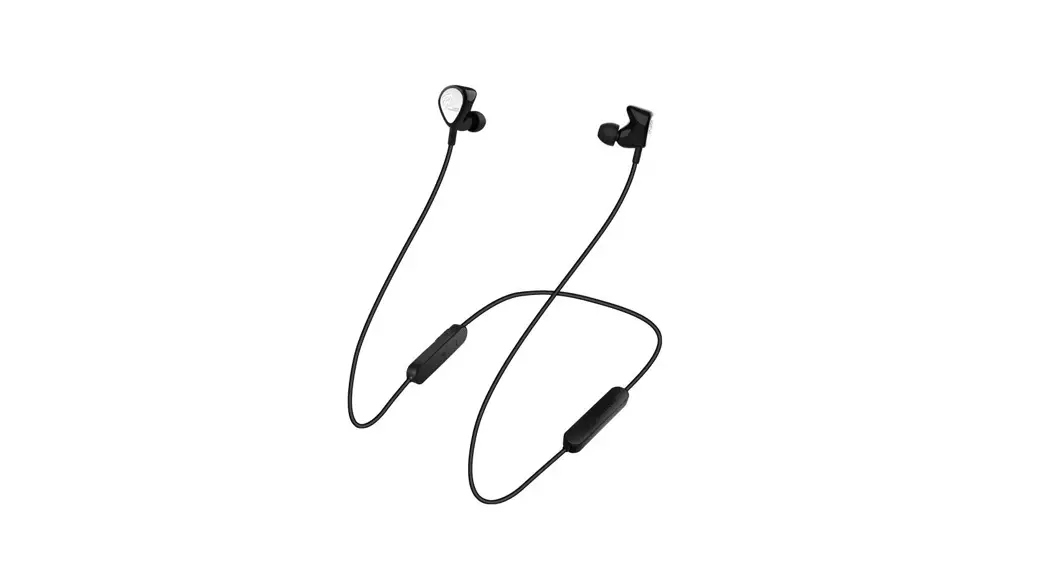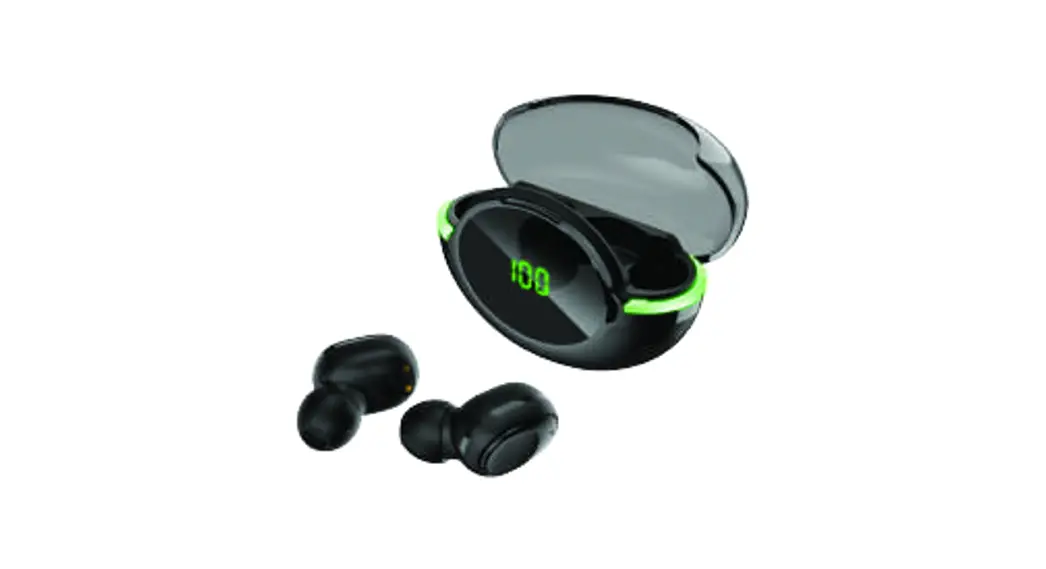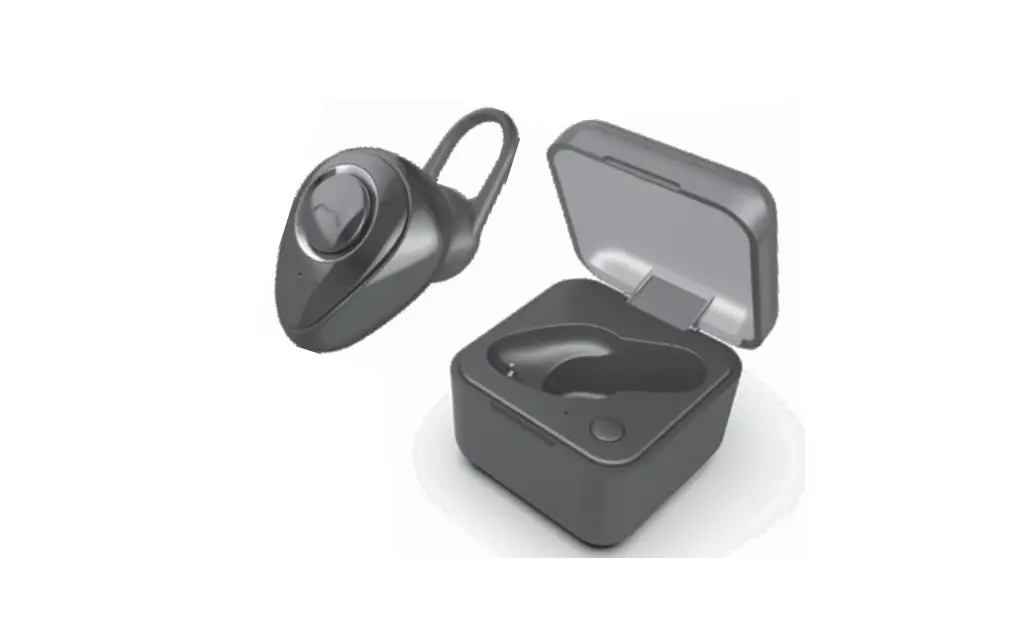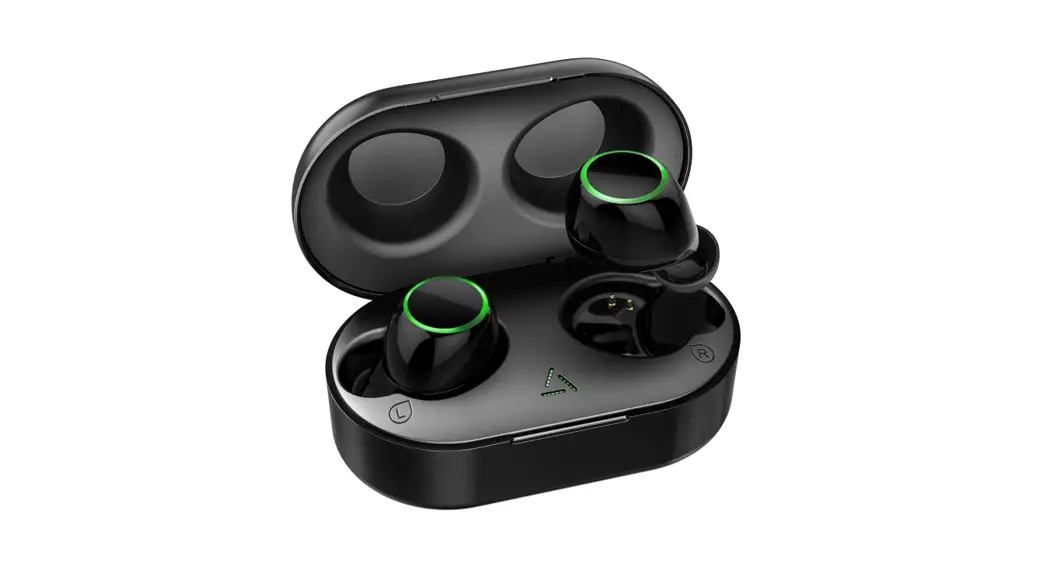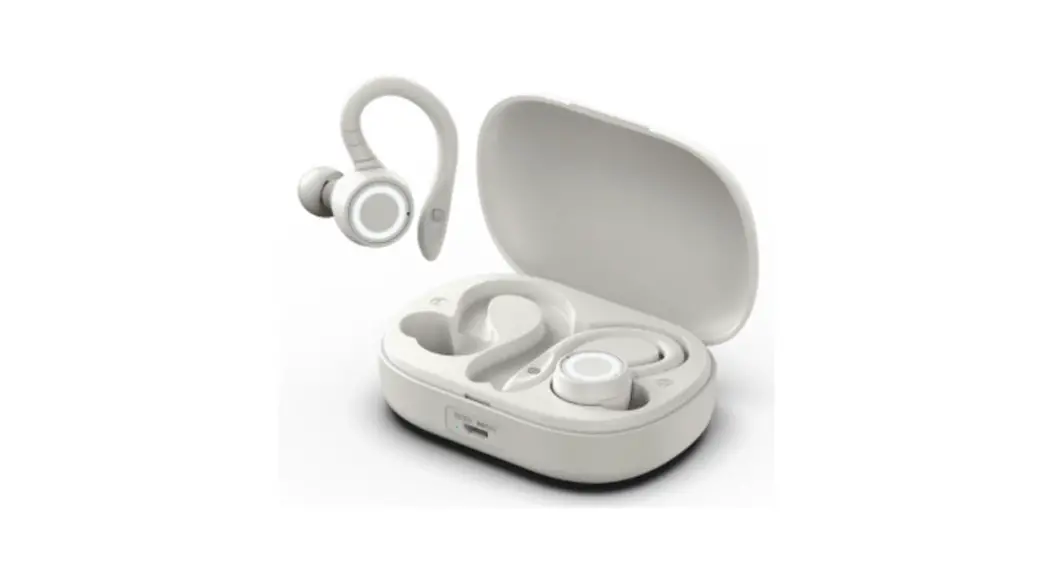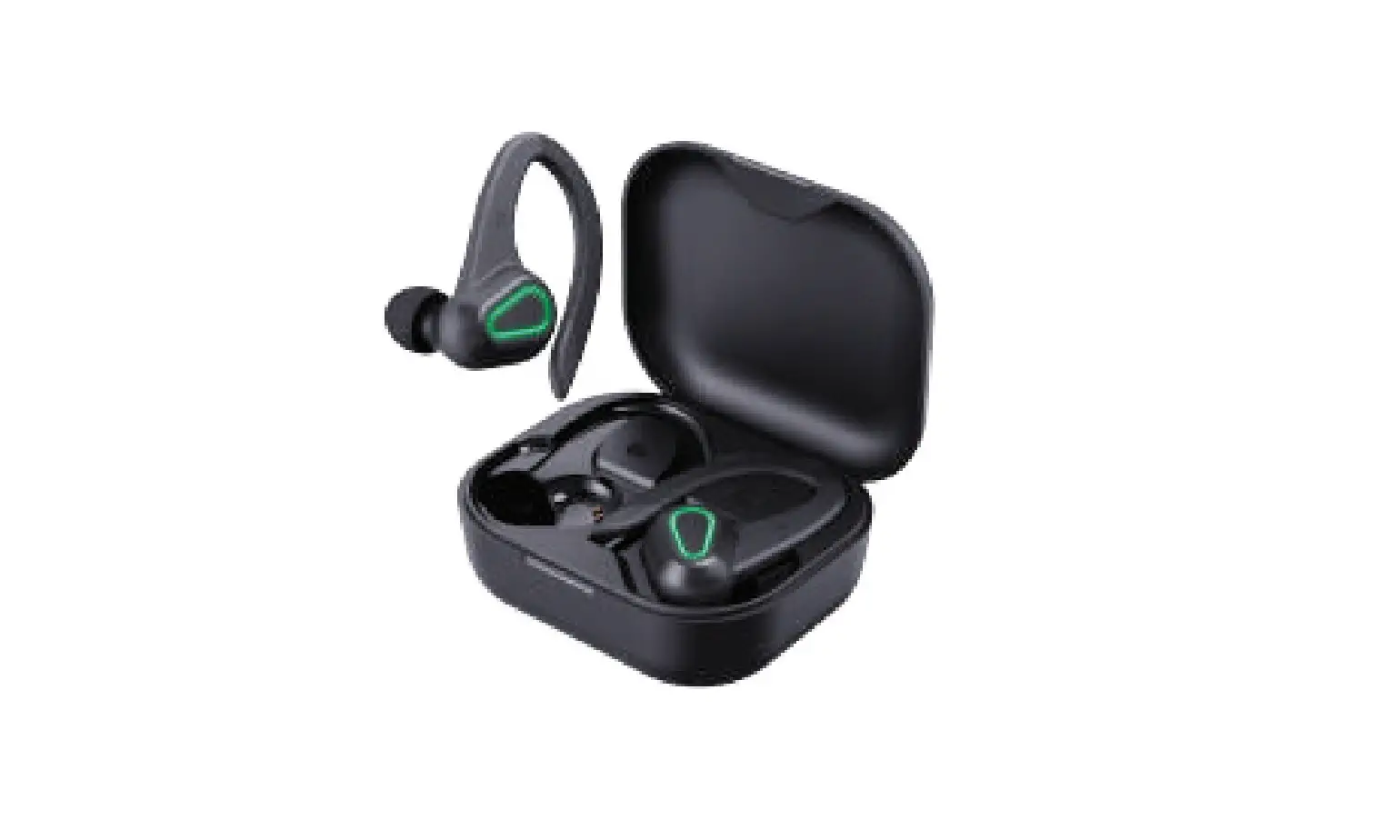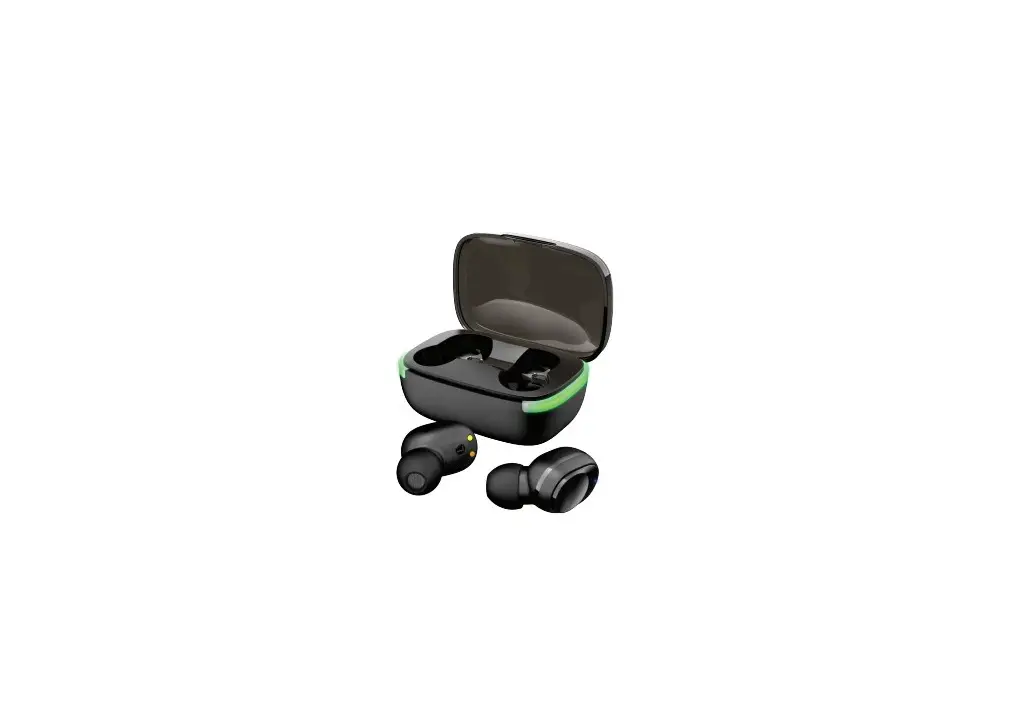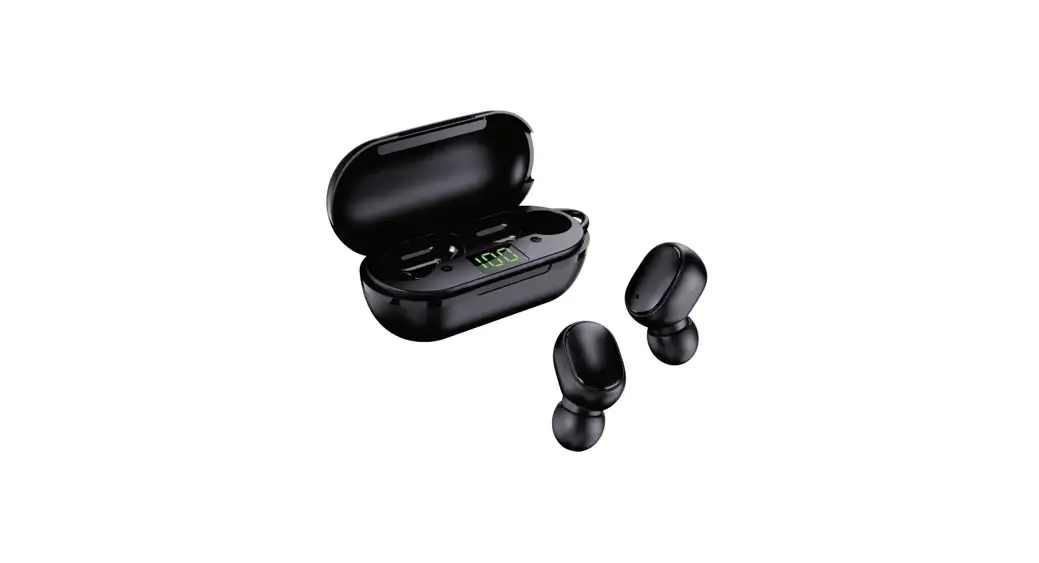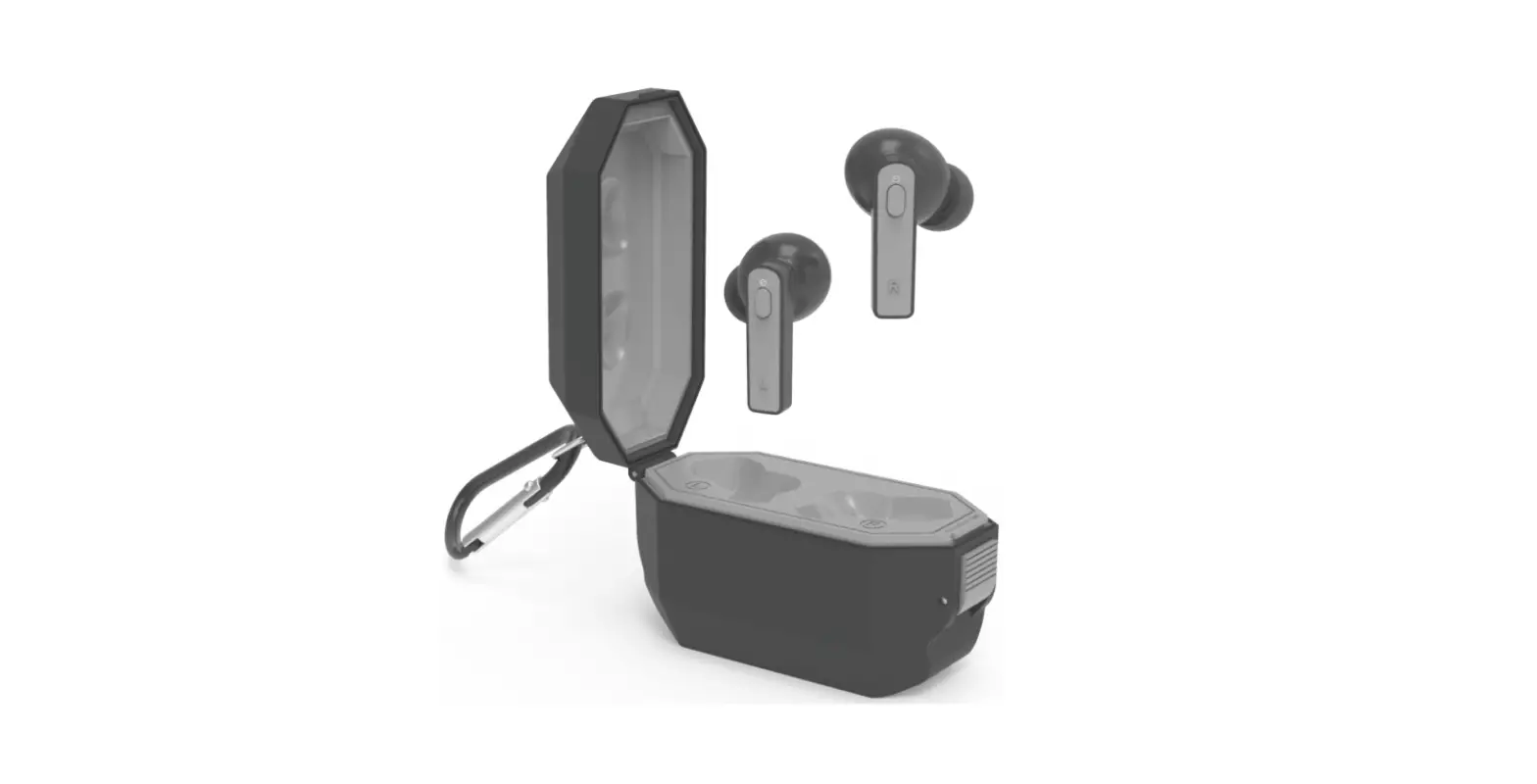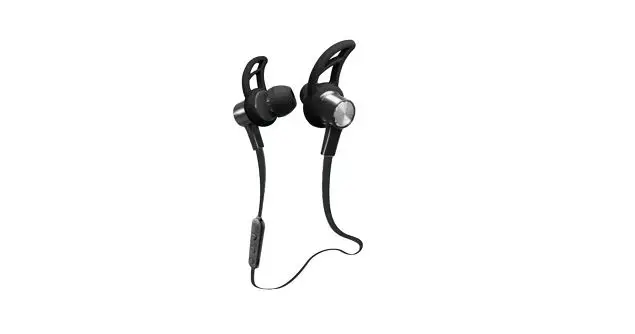

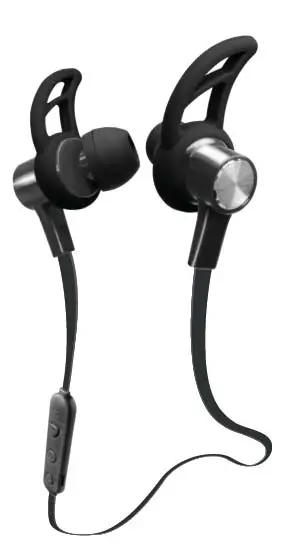
2Boom EPBT645 Wireless Earphones
Getting started
- Remove any packaging from the product.
- Please retain all packaging after you have checked and counted all the parts and the contents against the list.
Package contains
- Bluetooth Earphone
- User manual
- Warranty card
Safety Instructions
- Keep the unit away from heat sources, direct sunlight, humidity, water and any other liquids.
- Do not operate the unit if it has been exposed to water, moisture or any other liquids to prevent electric shock, explosion and/or injury to yourself and damage to the unit.
- Do not use the unit if it has been dropped or damaged in any way.
- Repairs to electrical equipment should only be performed by a qualified electrician. Improper repairs may place the user at serious risk.
- Do not use the unit with wet hands.
- Do not put objects into any of the openings.
- Keep the unit free from dust, lint etc.
- Do not use this unit for anything other than its intended use.
- Keep the unit out of reach of children.
- This product is not a toy.
- Do not use the handset at excessive volume levels, as damage to hearing may occur.
Description of Parts
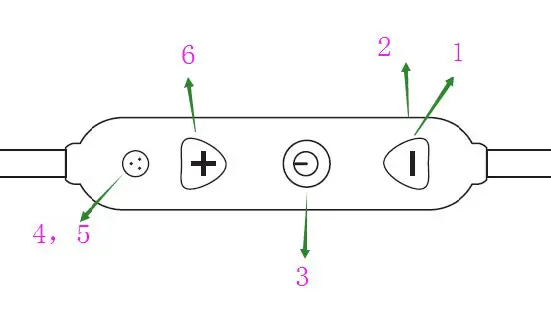
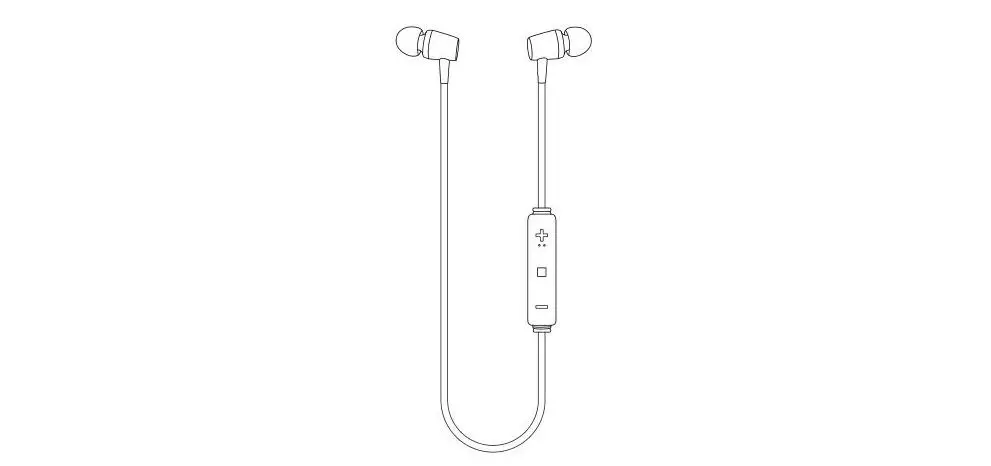
| 1 | Volume Down (-) / Previous Track |
| 2 | Charging port |
| 3 | MF / Phone button |
| 4 | LED Light Indicator |
| 5 | Built-In Microphone |
| 6 | Volume Up (+) / Next Track |
INSTRUCTIONS FOR USE
Charging Instructions
The Bluetooth Earbuds come with a built-in rechargeable battery. Before using it for the first time we recommend you charge the battery fully. Only use the supplied USB Cord to charge the Bluetooth Earbuds. Please charge for about 2 hours.
Connect the USB charging cable to a computer USB port and the Micro USB plug to the charging port of the device. The Red LED light turns on while the device is charging. It takes around 2 hours to fully charge. When the battery is fully charged, the red LED light will turn off.
Pairing the device with Bluetooth devices (phone or music device)
- Press and hold the MF button for 4-6 seconds to turn on the earphone, and the blue and red LED light flashes alternately. Place the Bluetooth earphone and Bluetooth device (phone or music device) in 1 meter;
- Activate the Bluetooth function on your Bluetooth device (phone or music device). Please refer to the manufacturer’s instructions for instructions on enabling Bluetooth on your device.
Once you have activated Bluetooth on your device, select the “2BOOM-EPBT645” from the list of available Bluetooth devices.
If required, enter the password ‘0000’ to confirm & finalize the pairing.
Once paired successfully, the blue LED light flashes slowly. You can start to use the device.
Please note pairing mode on the device will last for around 30 minutes. If no devices are paired within around 30 minutes the device will power off automatically.
Control Function
| Function | Button |
| Volume up | long press on the “+” button to increase the volume |
| Volume down | long press on the “–” button to decrease the volume |
| Play/Pause | A short press on the MF/phone button to Play /pause |
| Previous track | short press on the “–” button to return the previous track |
| Next track | short press on the “+” button to the next track |
Making a call with the Bluetooth Earphone in Bluetooth mode Basic operation
| Function | Operation | Button |
| Answer a call | Incoming Call | Press the MF/phone button once to answer incoming call |
| Reject a call | Incoming Call | Long Press the MF button for 2 seconds |
| End a call | Incoming Call | After your phone conversation, short press the MF button. |
| Redial last number | Standby mode and connected to a device | Short press the MF button twice |
Please Note
- Not all mobile phones support all the functions listed above. Please refer to your cell phone’s user’s manual for further information.
- Certain functions and indication tone may be vary depending on your mobile phone.
Specification
| Operating distance | 32.8ft |
| Frequency range | 2402-2480MHz |
| Working time | 2.5-3.5 hours |
| Charging input voltage | DC 5V |
| Charging time | 1-2 hours |
| Built-In Battery | 3.7V/55mAh |
FCC ID: 2AIDL-EPBT645
FCC STATEMENT
- This device complies with Part 15 of the FCC Rules. Operation is subject to the following two conditions: (1) This device may not cause harmful interference, and (2) This device must accept any interference received, including interference that may cause undesired operation.
- Changes or modifications not expressly approved by the party responsible for compliance could void the user’s authority to operate the equipment.
This equipment has been tested and found to comply with the limits for a Class B digital device, pursuant to part 15 of the FCC Rules. These limits are designed to provide reasonable protection against harmful interference in a residential installation. This equipment generates, uses and can radiate radio frequency energy and, if not installed and used in accordance with the instructions, may cause harmful interference to radio communications. However, there is no guarantee that interference will not occur in a particular installation. If this equipment does cause harmful interference to radio or television reception, which can be determined by turning the equipment off and on, the user is encouraged to try to correct the interference by one or more of the following measures:
- Reorient or relocate the receiving antenna.
- Increase the separation between the equipment and receiver.
- Connect the equipment into an outlet on a circuit different from that to which the receiver is connected.
- Consult the dealer or an experienced radio/ TV technician for help.
FCC Radiation Exposure Statement:
This equipment complies with FCC radiation exposure requirements. The device can be used in portable exposure conditions without RF striction.
Migear International Group LLC,
34 West 33rd Street, Suite 1007, New York, NY 10001,
TEL: 646-680-6786