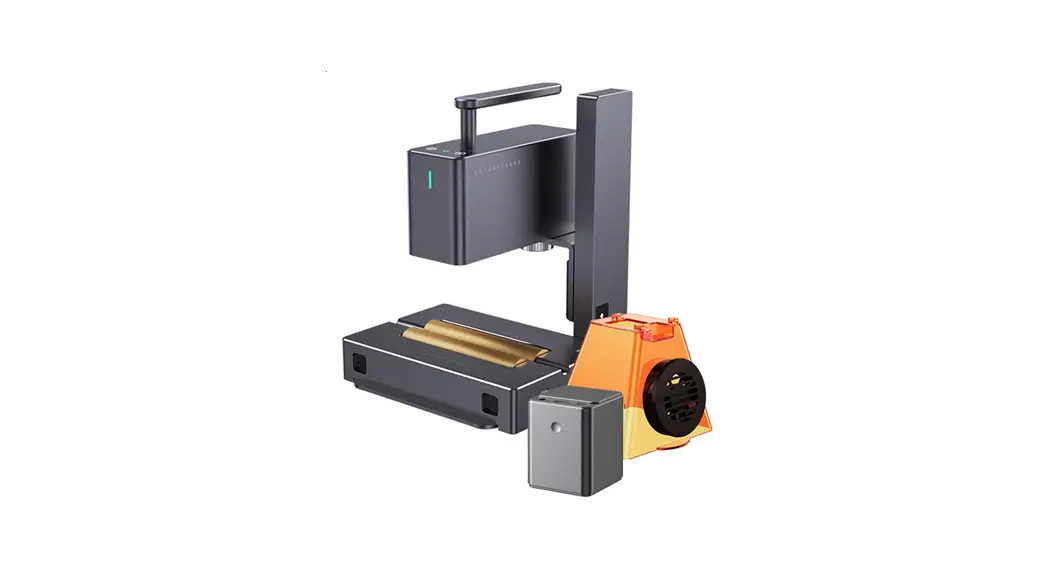
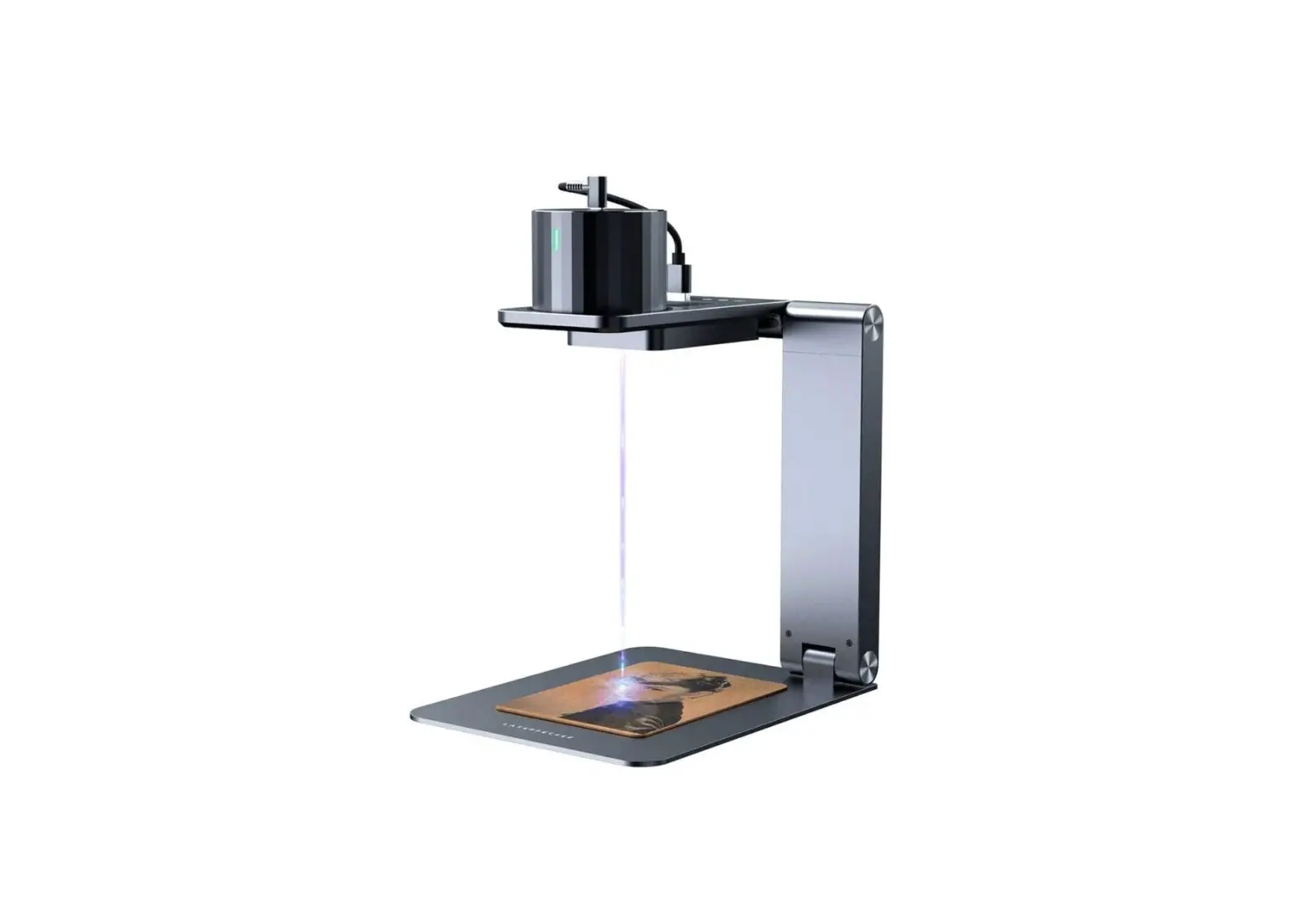
LCW-5201-US 6L Water Chiller Laser Engraver Accessories
Product Information:
- Product Name: CW-5200 Industrial Chiller
- Model Number: V20230421
- Input Voltage: N/A (not mentioned in the manual)
- Dimensions: N/A (not mentioned in the manual)
- Compressor Power: N/A (not mentioned in the manual)
- Fan Power: N/A (not mentioned in the manual)
- Water Pump Power: N/A (not mentioned in the manual)
- Refrigeration Capacity: N/A (not mentioned in the manual)
- Refrigerant: N/A (not mentioned in the manual)
- Refrigerant Charge: N/A (not mentioned in the manual)
- Max. Working Temperature: N/A (not mentioned in the
manual) - Tank Capacity: N/A (not mentioned in the manual)
- Inlet / Outlet Fitting: N/A (not mentioned in the manual)
- Max. Lift: N/A (not mentioned in the manual)
- Max. Flow: N/A (not mentioned in the manual)
- Net Weight: N/A (not mentioned in the manual)
Product Usage Instructions:
- Fill the water tank with distilled or deionized water. If
cooling carbon steel equipment, add the appropriate amount of
anticorrosive additive. Do not fill the tank completely. Pay
attention to the water gauge and ensure that the water level is at
the appropriate level, between the middle and top of the green
area. Pour slowly to avoid overflowing. - Connect the chiller’s water outlet port to the water inlet of
the product to be cooled, and connect the chiller’s water inlet
port to the water outlet of the product to be cooled. - Plug in the power cable and turn on the water chiller. The pump
will start working, and any initial bubbles should disappear after
a minute or two. Note that the fans and other components of the
chiller may not activate immediately as they are automatically
controlled and will only start working when needed by the
machine. - Adjust the water chiller’s parameters using the control panel
as needed.
Temperature Adjustment:
To adjust the water temperature:
- Press the SET button to enter settings mode.
- Use the and buttons to modify the desired water
temperature. - Press the RST button to save and exit.
- Press the SET button to exit without saving. If there is no
activity for 20 seconds, settings mode will also exit without
saving. The set temperature will be displayed on the lower readout,
and the chiller will gradually bring the actual water temperature
to that level over time.
Password Protection:
To set a password for advanced settings:
- Press and hold the SET button until “00” is displayed in the
Actual Temp display and “PAS” is displayed in the Set Temp
display. - Use the and buttons to select your desired password.
- Press the SET button to save and exit.
Parameter Adjustment:
To adjust parameters in advanced settings:
- Enter your password again.
- The device will enter the advanced settings mode.
- Use the and buttons to cycle through the parameters.
- Use the and buttons to modify the current parameter.
- Press the RST button to save and exit.
- Press the SET button or wait to exit without saving any
changes.
V20230421
CW-5200 Industrial Chiller
User Manual
Read Carefully Before Use Keep for Future Reference
Safety Information
Warning!
· DO NOT use this product with an incompatible, unstable, or ungrounded power supply. Only use with well-grounded 3-prong 110V/60Hz outlets. Do not use a 3 to 2-prong adapter to allow it to run from an ungrounded outlet.
· DO NOT run this chiller without first filling it with an adequate amount of distilled water or specially formulated laser-safe antifreeze. If neither is available, deionized water is preferable to tap water, which can cause faster scaling and microbial growth that will shorten the life expectancy of your chiller and attached devices.
· Place this chiller in a dry well-ventilated environment away from heat sources but warm enough to avoid freezing temperatures.
· Ensure at least 1 ft. (30 cm) of open space next to its side air inlets. · Ensure at least 18 (50 cm) of open space above its top air outlet. · When cooling a laser engraver, take care that this device does not cause the room’s humidity
to exceed safe levels. Some smaller rooms may require additional ventilation to ensure safe engraving.
Caution!
· Remember that the OUTLET of the water chiller should connect to the INLET of the product to be cooled. Similarly, the water chiller’s inlet should be connected to the other machine’s water outlet.
Specifications
Input Voltage Dimensions Compressor Power Fan Power Water Pump Power Refrigeration Capacity Refrigerant Refrigerant Charge Max. Working Temperature Tank Capacity Inlet / Outlet Fitting Max. Lift Max. Flow Net Weight
110120 V~ 60 Hz 22.8×11.3×18.1 in. 0.67 hp 0.03 hp 0.04 hp 0.39 ton R410A 10.6 oz. 113°F 1.6 gal 0.4 in. 42.7 ft. 3.17 gal/min 57.3 lb.
1
58×28.8×46 cm 0.5 kW 0.02 kW 0.03 kW 1.39 kW
300 g 45°C 6 L 10 mm 13 m 12 L/min 26 kg
Package List
1 × Industrial Chiller 1 × Power Cord
Parts Diagram
Front
Air Inlet & Filter
1 × Alarm Signal Output Plug 1 × Spare Fuse
Control Panel
Back
Filling Port
Cooling Water Outlet
Alarm Output Terminal
Cooling Water Inlet
Power Switch
Water Level Gauge Water Drain
Spare Fuse Power Socket
2
Installation
1. Fill the water tank with distilled or deionized water. For cooling carbon steel equipment, include the appropriate amount of anticorrosive additive. DO NOT fill completely. Pay attention to the water gauge and ensure that the water level at the appropriate level. Use the water level gauge and ensure the level is between the middle and top of the green area. “FULL” is actually overfull. Pour slowly and do not allow the water to overflow.
2. Connect the chiller’s water outlet port to the water inlet of the product to be cooled and connect the chiller’s water inlet port to the water outlet of the product to be cooled.
3. Plug in the power cable and turn on the water chiller. The pump will begin working. There may be some bubbles at first. These should disappear after a minute or two. Don’t worry if the fans and other components of the chiller do not activate. They are usually automatically controlled and will not begin working until they are needed by the machine.
4. Check the water level of the tank again using the water level gauge. The water level of the chiller may be lowered as it fills the cooling path in your device. If necessary, carefully add more water to the chiller to maintain appropriate levels of water. Keep the level between the middle and top of the green area. If the water level drops sharply or continues to go down during normal use, turn off your device and examine the water pipes and cooling path for leakage. Repair any such leaks before restarting the devices and continuing work.
5. Adjust the water chiller’s parameters with the control panel as needed.
3
Operation
Control Panel
Comp SV Heating INT Ctrl
CT Ctrl PARAM Set ALM OUT Room Temp ST DLA RST SET
Compressor indicator light
Solenoid valve indicator light
Heating rod indicator light
Intelligent control mode indicator light The temperature will be kept 3°F (2°C) cooler than the room Users can adjust this value as needed Constant temperature mode indicator light A constant 77°F (25°C) temperature will be maintained Users can adjust this value as needed
Parameter setting mode indicator light
Alarm status indicator light This light comes on when an alarm is sounding Room temperature indicator light Hold to display the current ambient room temperature Startup delay indicator light This light comes on during startup as the device checks its power supply
Enter button
Settings button
4
Temperature Adjustment
Press SET to enter settings mode. Use and to modify the desired water temperature. Press RST to save and exit. Press SET to exit without saving. If no activity is detected for 20 seconds, settings mode will also exit without saving. The set temperature will be displayed on the lower readout, and the chiller will bring the actual water temperature to that level over time.
Password Protection
Press and then hold SET until “00” is displayed in the Actual Temp display and “PAS” is displayed in the Set Temp display. Use and to select your password and press SET to save and exit.
Parameter Adjustment
Enter your password again and the device will enter the advanced settings mode. Use and to cycle through the parameters. Use and to modify the current parameter. Press RST to save and exit. Press SET or wait to exit without saving any changes.
Order Code
Item
Range Defaults
Note(s)
1
F0
Water Temperature
F9F8
25
Celsius value of constant temperature mode
2
F1
Temperature Difference
-15 to +5
-2
Celsius value of the difference between water and air temperatures in intelligent
control modeCelsius
3
F2
4
F3
5
F4
6
F5
7
F6
Cooling Hysteresis Control Mode
Overheated Water Alarm Overchilled Water Alarm Overheated Room Alarm
0.13.0 01 120 120
4050
0.8
Celsius value of the acceptable deviation from F0 and F1 values
1
1 is intelligent control mode 0 is constant temperature mode
10
Celsius value above the F0 and F1 values causing an alarm
15
Celsius value below the F0 and F1 values causing an alarm
45
Celsius value of the ambient room temperature causing an alarm
8
F7
Password
0099
8
9
F8
Highest Allowed Water Temperature
F040
30
Celsius value of the highest acceptable temp. in intelligent mode
10 F9
Lowest Allowed Water Temperature
1F0
20
Celsius value of the lowest acceptable temp. in intelligent mode
5
For example:
Code
F0 F1 F2 F3 F4 F5 F6 F7 F8 F9
Item
Water Temperature Temperature Difference
Cooling Hysteresis Control Mode
Overheated Water Alarm Overchilled Water Alarm Overheated Room Alarm
Password Highest Allowed Water Temperature Lowest Allowed Water Temperature
Defaults
Value in Case 1
Value in Case 2
Value in Case 3
25
28
25
-2
-3
0.8
0.5
2.0
1.0
1
1
0
0
10
10
5
4
15
10
10
14
45
45
45
45
8
8
8
8
30
31
30
30
20
25
5
5
Case 1: The chiller is in intelligent control mode and requires the water to be between 7788°F (2531°C). With the ambient room temperature kept constant, the water temperature will remain 5°F (3°C) lower with a deviation of ±0.9°F (±0.5°C). An alarm will sound if the water temperature is 18°F (10°C) higher or lower than this target.
Case 2: The chiller is in constant temperature mode and requires the water to be at 82°F (28°C) with a deviation of ±3.6°F (±2°C). An alarm will sound if the water temperature is 9.6°F (5°C) higher than this target or if the water is 18°F (10°C) lower than this target.
Case 3: The chiller is in constant temperature mode and requires the water to be at 77°F (25°C) with a deviation of ±1.8°F (±1°C). An alarm will sound if the water temperature goes above 86°F (30°C) or below 50°F (10°C).
Restore Factory Settings
While the chiller is in standby mode, press and hold and until “rE” is displayed. All settings have now been returned to factory defaults.
Maintenance
· Regularly clean the air filter of dust and debris with a soft cloth or vacuum. · Periodically clean the inside of the inlet and outlet hoses to ensure no clogs form. To do this,
soak the hoses in a mild detergent solution with a low concentration of biocide (e.g. bleach) for 824 hours. Rinse the hoses with tap water before reinstalling them. · Periodically clean the water tank with a mild detergent solution with a low concentration of biocide (e.g. bleach) to prevent and remove scaling. · Disconnect the chiller from its power supply and drain all water before transporting it or placing it in storage.
6
Troubleshooting
Potential Problems The chiller does not turn on. Condensation forms on the chiller. Water drainage is slow. Scaling builds up in the water tank.
Usual Solution(s)
Check your electrical connections, fuse box, and circuit breaker.
Increase chilling temperature or decrease the ambient room temperature.
Open the water tank inlet to allow air to flow more freely.
Clean with a mixture of water, mild detergent, and bleach.
Error Messages
When alarms occur, an error code will be displayed as above. The alarm noise can be muted by pressing any button on the control panel.
Error Message
Meaning
E1
The ambient room temperature is too high. Reduce it or cease work.
The water temperature is too high. Cease work and replace or cool it.
More refrigerant may be needed. Other problems which might exist include
E2
obstructed air flow from a clogged filter or inadequate space around the
chiller’s vents, an unstable power supply, an excessive heat load from the
machine being cooled, or a poor parameter configuration.
E3
The water temperature is too low. Cease work and replace or heat it.
E4
The room temperature sensor has malfunctioned. Cease work and repair or replace it.
E5
The water temperature sensor has malfunctioned. Cease work and repair or replace it.
E6
The water flow has a problem. Cease work and check for low water, obstructions, or a pump malfunction.
7
Contact Us
Thank you for choosing our products! If you have any questions or comments, contact us at [email protected] and we’ll resolve your issue ASAP!
For a .pdf copy of the latest version of these instructions, use the appropriate app on your smartphone to scan the QR code to the right.
8
LCW-5201-US Rev. 21 Apr. 2023
 Transparent outsourced web hosting tech support |SupportPRO