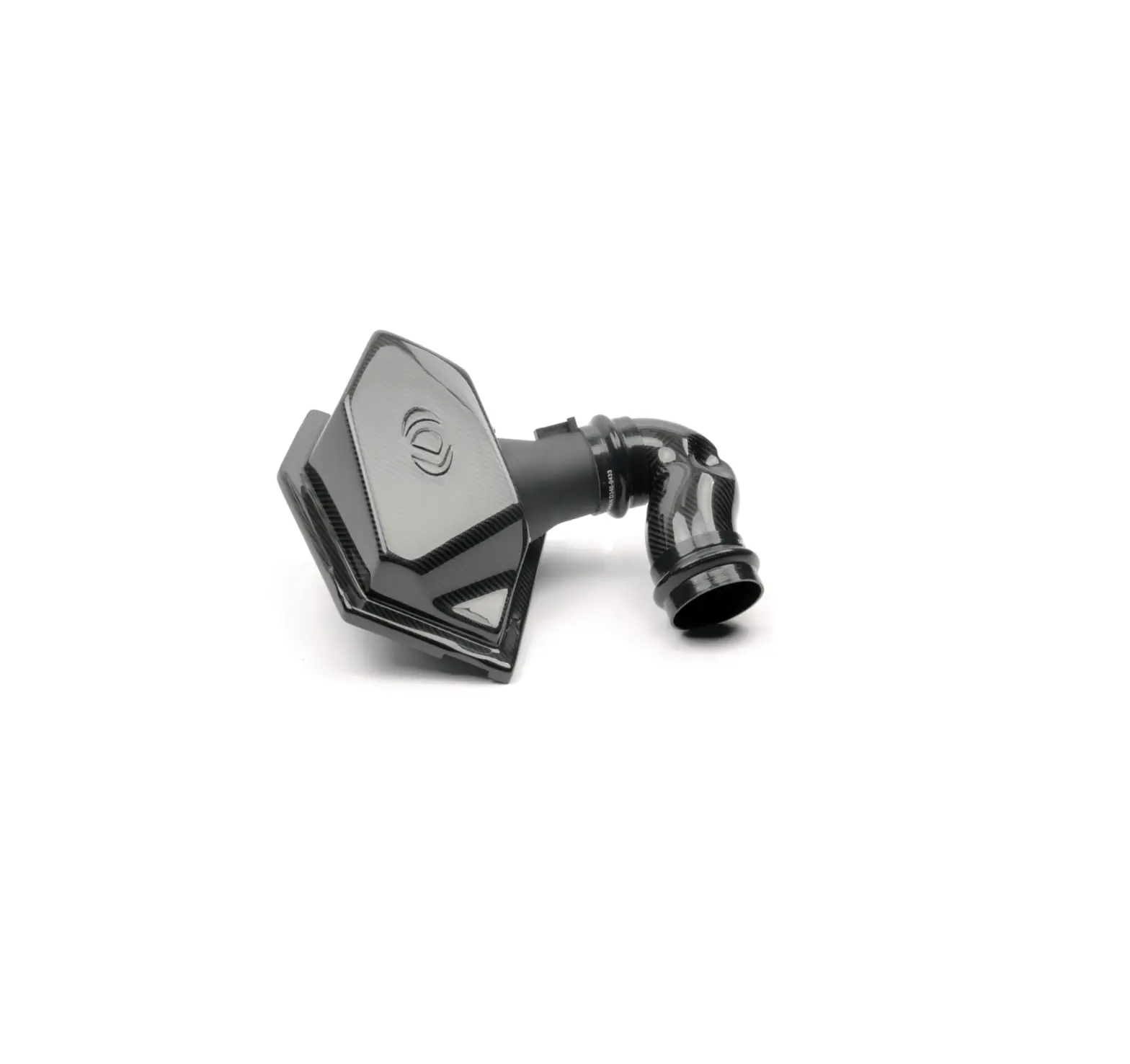
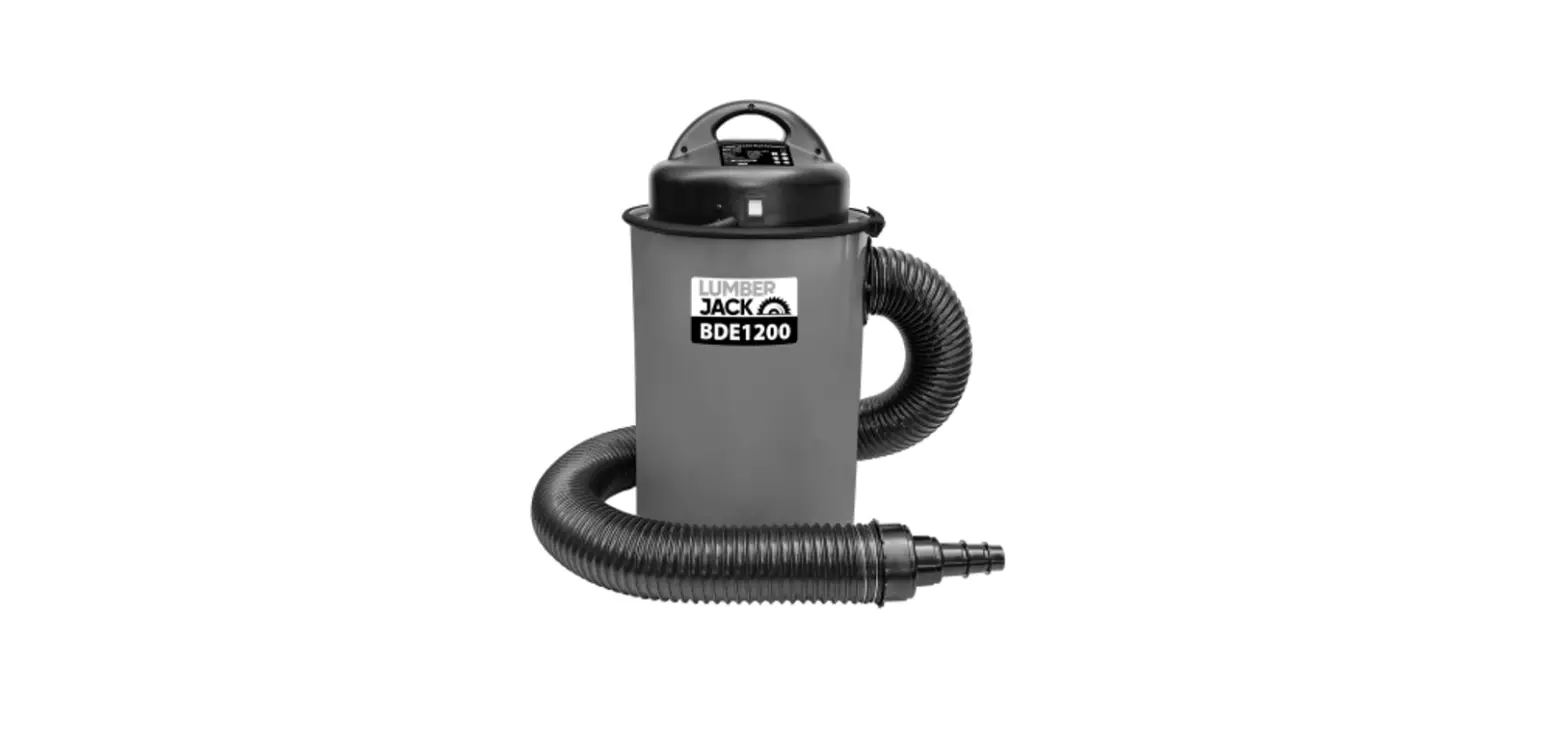
05151 Duel Intake Dust Box
Product Information
This product is a Duel Intake Dust Box designed for use with
JessEm Router Table applications only. It is manufactured by JessEm
Tool Company, located at 324 Desbrisay Avenue, Moncton, New
Brunswick, E1E 0G8, Canada. The product model number is #05151.
JessEm Tool Company offers a limited warranty on this product,
covering defects in material and workmanship for a period of one
year from the date of receipt and proof of purchase. Warranty
claims should be made directly to JessEm Tool Company, and the
consumer is responsible for shipping costs for returning the
product. JessEm Tool Company will repair or replace the defective
product at their discretion and return it to the customer at no
charge.
Product Usage Instructions
Assembly
Tools Required:
- T-25 Lobe Head Screw Driver
- 1/8 hex key
- 3/8 Wrench
Follow the assembly instructions below:
- Refer to the images shown in the manual for each step.
- If using the R-Tek Router, select the plates with a hose
adapter. Otherwise, use the solid plates with no opening. - Select the Excel handle cover (Part #12) that suits your
preference.
Note: It is assumed that users of this product are experienced
woodworkers with basic skills and knowledge necessary for safe
usage. If unsure or uncomfortable about using the product safely,
seek additional information through woodworking books or
classes.
If you have any questions or need technical support, you can
contact JessEm Tool Company at 1-800-436-6799 or via email at
[email protected]. You can also find JessEm Tool Company
on social media platforms such as YouTube, Facebook, and
Instagram.
Duel Intake Dust Box
FOR USE with JESSEM ROUTER TABLE APPLICATIONS ONLY
Model #05151 x
TO REDUCE THE RISK OF INJURY, USER MUST READ OPERATORS MANUAL
THANK YOU FOR CHOOSING
Thank you for choosing this product from JessEm Tool Company. We appreciate your support and hope that our product serves you well. This product is designed to provide many years of reliable service provided it is used as intended and taken
care of.
X
This user manual will assist you in assembly and general operation of this product. It is not our intent to teach you about woodworking. It is assumed that you are an experienced woodworker with the basic skills and experience necessary to use this
product safely. If after reading the following instructions you are unsure or uncomfortable about safely using this product, we urge you to seek additional
information through widely available woodworking books or classes.
X
As part of our Continuous Product Improvement Policy, JessEm products are always advancing in design and function. Therefore, there may be differences between what is shown in our catalogs, website or at retail display and what is sold at time
of purchase. We reserve the right to make positive changes to our products at our discretion.
If you have any questions about our products or service, please call us at 1-800-436-6799 or email us at [email protected]
Find us on social media youtube.com/JessEmToolCompany
facebook.com/JessEmTools instagram.com/jessemtoolcompany
324 Desbrisay Avenue Moncton, New Brunswick,
E1E 0G8, Canada
Toll Free: 800-436-6799 Local Phone: 705-726-8233
Fax: 705-327-0295 Website: www. JessEm.com
WHATS IN THE BOX
Item # 1 2 3 4 5 6 7 8 9 10 11 12 13 14 15 16 17 18 19
Part # F0553 S0091 S0091 S0091 S0091 S0091 S0091 F0511 M0292 M0291 S0091 S0091 S0091 S0091 S0091 F0558 S0065 S0091 F0330
Description 10 32 x ¼” Button head Screws Side cover Left Side Panel Back Panel Mounting Bracket Hose ports (2 versions) Wire Plate 10-24 x ½” lobed plastic screw Upper dust collection port Lower dust collection port Right Side Panel Excel Cover (2 versions) Bottom panel Front Panel Door 10-32 Lock Nut Door Pivot Bolt Door Hinge 10-24 x ½” pan head screws
QTY. 52 1 1 1 2 4 (2 ea.) 1 6 1 1 1 2 (1 ea.) 1 1 1 2 2 2 6
JessEm.com
FOR TECHNICAL SUPPORT CALL 1-800-436-6799
Page 1
WARRANTY
JESSEM TOOL LIMITED WARRANTY All JessEm products are warranted to be free from defects in material and workmanship. JessEm will repair or replace any product which upon inspection proves to be defective for a period of (1) year from dated receipt and proof of purchase. All warranty claims should be made direct to JessEm Tool Company.
Contact JessEm for a warranty claim return authorization and instructions to proceed. The consumer is responsible for shipping costs to return product to JessEm Tool Company. We will repair or replace the product at our discretion and JessEm Tool will return shipment to you at no charge.
WARRANTY LIMITATIONS This warranty does not cover: · Repairs or alterations made or attempted by anyone other than JessEm Tool Company or an authorized JessEm service professional.
– Normal wear and tear – Abuse, misuse or neglect. – Improper care or maintenance. – Continued use after partial failure. – Products that have been modified in any
way. – Products used with improper accessories
Page 2
JessEm.com
FOR TECHNICAL SUPPORT CALL 1-800-436-6799
ASSEMBLY
TOOLS REQUIRED – T-25 Lobe Head Screw Driver
– 1/8″ hex key
x
Select which hose plates (Part # 6) you will use and connect them to the dust box using six 10-32 x ¼” Screws. If using a JessEm Pow-
– 3/8″ Wrench
Assembly Instructions
(Steps below correlate to images shown later in manual)
R-Tek Router, use the plates with a hose adapter. Otherwise, use the solid plates with no opening.
x
Select which Excel handle cover (Part #12)
1. Attach the two side panels (Parts #3 and #11) to the front panel (Part #14) using six 10-32 x ¼” Button head Screws (Part #1). All flanges should be faced up and inward (assembling the dust box upside down)
.x
2. Attach the bottom panel (part #13) to the assembly created in step 1 using eight 10-32 x ¼” button head screws. Make sure the threaded inserts attached to the base are pointed downward, away from the flanges on the front
you plan to use and attach it to the side of the dust box using two 10 – 32 x ¼” Screws. Use the solid plate unless you plan to use a Mast-R-Lift Excel.
x
8. Attach the mounting brackets (Part #5) to your table top. Six 10-24 x ½” Screws are used with JessEm predrilled phenolic tops, or you may wish to use your own button head screws for attaching the dust box to a custom
and side panels.
x
3. Attach the back panel (part #4) to the rest of the dust box assembly using eight 10-32 x ¼” button head screws. Once again, the flange should be facing up and inward.
x
4. Slide the round end of the hinge brackets (part #18) through the slots on the front panel, with the oblong side of the protruding part facing towards the door opening. Use two 10-32 x ¼” Screws per hinge to attach them to the front panel. leave the screws slightly loose until the door is mounted.
x
5. Use the two door pivot bolts (Part # 17) and two 10-32 lock nuts (Part #16) to attach the dust box door. Tighten the hinge screws once the door is
top. Leave these screws loose until the dust box is attached to the brackets.
x
Older JessEm table tops will not have predrilled holes for the dust box. If this is the case and you plan to use the screws provided, predrill holes approximately 5/8″ deep using a #19 drill bit (0.166″). Be careful not to drill completely through the table top.
x
9. Attach the dust box to the brackets using four 10 32 x ¼” Screws. Tighten the screws from step 8. If using a Mast-R-Lift Excel, the lift will be connected to the top. Disconnect the handle shaft at the connector near the gear box and slide it out to get clearance for
attached. Adjust the lock nuts until the door
instillation. Once the dust box is installed
swings freely with minimal play.
x
6. Use six 10-24 x ½” screws (Part # 8) to attach the
loosely, the remaining shaft from the gearbox should be protruding from the Excel cover
two halves of the dust collection port together
(part 12). reattach the connector to the gear
(Parts #9 and #10).
x
7. Attach the dust port to the dust box using
four 10-32 x 1/4″ Screws, ensuring the larger
box. Align the dust box so that the shaft does not touch the excel plate and tighten the dust box mounting screws.
round opening is facing the bottom of the
dust box (up).
x
Use four 10-32 x ¼” Screws to attach the wire
plate (part # 7) to the back of the dust box.
x
JessEm.com
FOR TECHNICAL SUPPORT CALL 1-800-436-6799
Page 3
10. Install the dust box/table top assembly on a stand following the directions provided with the stand, and connect your dust collector to the larger dust collection port. If you wish to connect your fence to the dust collection system, run a hose from the smaller upper opening to the fence. Otherwise, plug this port to maximize dust collector effectiveness.
x
11. Install a router lift in the table (if you are not using a Mast-R-Lift Excel). Insert a router into your lift and, if using a JessEm Pow-R-Tek SR Router, attach hoses between the router and the dust box hose ports.
x
12. Use four 10-32 x ¼” screws to attach the side cover (Part #2). This panel gives better access to put in and remove a router from your lift in the future.
Note: Last two steps do not have pictures below
Page 4
JessEm.com
FOR TECHNICAL SUPPORT CALL 1-800-436-6799
JessEm.com
FOR TECHNICAL SUPPORT CALL 1-800-436-6799
Page 5
MAINTENANCE
WARNING: To reduce the risk of injury, always unplug your tool before performing any maintenance. Never disassemble the tool or try to do any rewiring on the tool’s electrical system.
WARNING: Saw dust buildup within this product may create a potential fire hazard. Always ensure there is no saw dust buildup before using and never use without turning on dust collection system.
MAINTAINING TOOL Keep your tools in good repair by adopting a regular maintenance program. Before use, examine the general condition of your tool. Inspect guards, switches, tool cord set and extension cord for damage. Check for loose screws, misalignment, binding of moving parts, improper mounting, broken parts and any other condition that may affect its safe operation. If abnormal noise or vibration occurs, turn the tool off immediately and have the problem corrected before further use. Do not use a damaged tool. Tag damaged tools “DO NOT USE” until repaired (see “Repairs”).
CLEANING Clean dust and debris regularly. Keep the tool clean, dry and free of oil or grease. Use only mild soap and a damp cloth to clean your tool since certain cleaning agents and solvents are harmful to plastics and other insulated parts that may be used around the dust box. Some of these include: gasoline, turpentine, lacquer thinner, paint thinner, chlorinated cleaning solvents, ammonia and household detergents containing ammonia. Never use flammable or combustible solvents around tools.
ACCESSORIES
WARNING: To reduce the risk of injury, always unplug the tool before attaching or removing accessories. Use only specifically recommended accessories. Others may be hazardous
WARNING: Drilling, sawing, sanding or machining wood products can expose you to wood dust, a substance known to the state of California to cause cancer. Avoid inhaling wood dust or use a dust mask or other safeguards for personal protection.
For a complete listing of accessories, including JessEm router tables and lifts, visit JessEm at www.jessem.com or contact a distributor near you
WARNING: This product can expose you to chemicals including lead and/or chromium, known to the State of California to cause cancer and birth defects or other reproductive harm.
WARNING: Read and understand all instructions before using. Failure to follow all instructions listed below or to us the router in a safe manor may result in electrical shock, fire and/or serious personal injury.
Page 6
JessEm.com
FOR TECHNICAL SUPPORT CALL 1-800-436-6799
 JessEm Tool Company (@jessemtoolcompany) • Instagram photos and videos
 Wood Working Tools - Routers, Lifts and More - Jessem Tool Company – JessEm Tool Company
 Wood Working Tools - Routers, Lifts and More - Jessem Tool Company – JessEm Tool Company