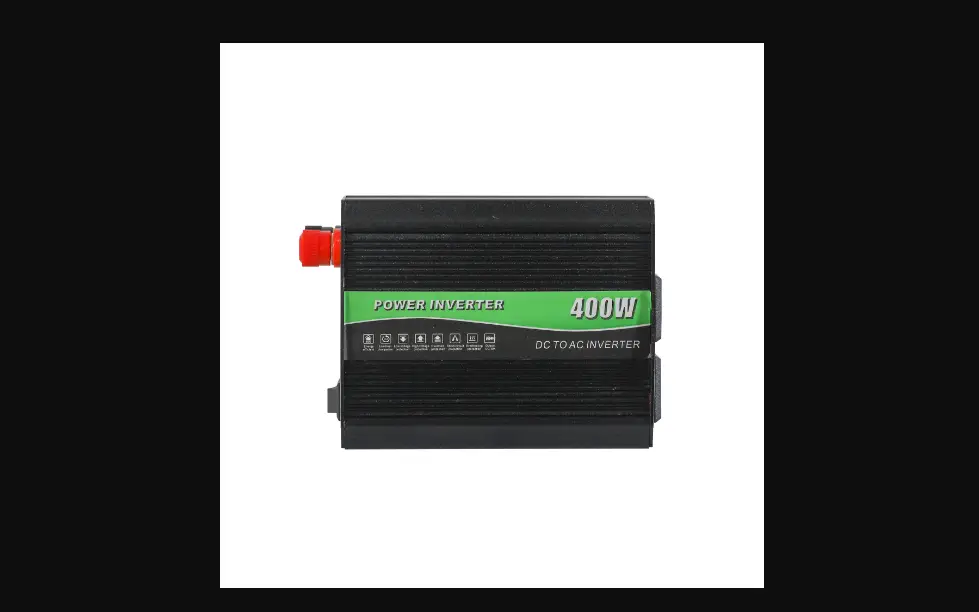
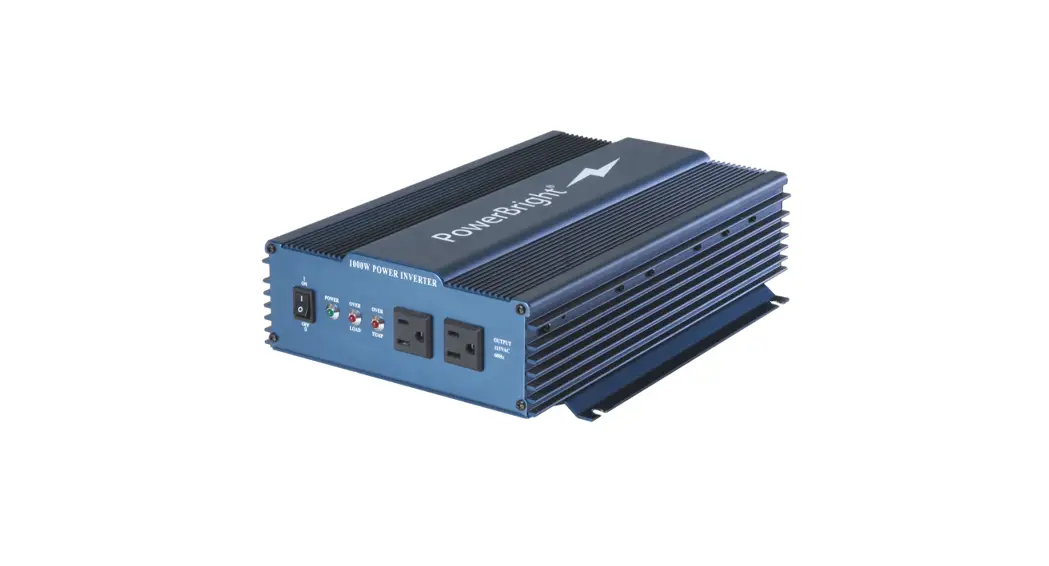
1000W 48V Lithium Battery 1000w Inverter Power Supply
Product Information:
Product Name:
Inverter Power Supply
Manufacturer:
Aniioki
Website:
Specifications:
– Input: Solar, Type-c1 QC3.0 5V/2.4A, Type-c2 USB,
AC110V/60Hz
– Output: PD, QC3.0, USB 5V/2.4A, AC-OUTPUT
– Battery: 48V Lithium Battery 1000W
Product Usage Instructions:
Charging:
- Connect the output plug of the Solar Panel (to be ordered and
also can be used for 4 electronic devices separately) to the
charging port. - The display screen will light up automatically during charging
and the battery indicator will flicker to indicate that it is
charging.
Discharging:
- Press and hold the POWER key for 3 seconds to turn on the
device. - The display screen will show the battery level after
startup. - The discharge time depends on the battery voltage (for
reference only, the specific time depends on the actual
usage).
AC Output:
- Press and hold the AC key for 3 seconds to activate the AC
output. - The display screen will show the output voltage and
frequency. - Connect the electric appliance to the AC output port (port
&).
DC Output:
- Press and hold the DC key for 3 seconds to activate the DC
output. - The display screen will show the DC output port and output 12V
voltage.
PD and USB Output:
- Press and hold the USB key for 3 seconds to activate the PD and
USB output. - The display screen will show USB QC3.0 TYPE C.
- The port outputs PD, QC3.0, and USB 5V/2.4A.
Reading Light:
- Press and hold the LED-M key for 3 seconds to turn on the
reading light. - The reading light will turn on at the first level
brightness. - Short press the key again to increase the brightness
level. - Short press the key again to further increase the brightness
level. - Press and hold the key for 3 seconds to turn off the reading
light.
Flashlight:
- Press and hold the key for 3 seconds to turn on the
flashlight. - The flashlight will turn on at the first level brightness.
- Short press the key again to increase the brightness
level. - Short press the key again to further increase the brightness
level. - Press and hold the key for 3 seconds to turn off the
flashlight.
Display Screen Function Description:
- The charging and discharging time is indicated.
- The AC inverter temperature is indicated. When the temperature
exceeds 45 degrees, the fan will start to work and the indicator
will light up. - When the DC discharge power exceeds 60W, the fan will start to
work and the indicator will light up.
Precautions:
- AC Malfunction Indication And Solution: Refer to the user
manual for information on AC malfunction indication and
troubleshooting.
INPUT
1
Solar
2
3
4
5
6
Type-c1 QC3.0 5V/2.4A Type-c2 USB
7
8
AC110V/60Hz
9
AC
22 19
48V Lithium Battery 1000W
20
AC-OUTPUT
Inverter Power Supply Instruction
www.aniioki.com
I. Function Description:
10
11
1. Insert the DC adapter cable into the port of the
5. PD and USB Output:
12
8. Reading Light :
lithium baery, and connect the XT90 plug to the DC
Press and hold the USB key for 3 seconds, aer the
Press and hold the LED-M key for 3 seconds, the
13
INPUT port of the inverter.
display screen shows “USB QC3.0 TYEP. C”, the port reading light will turn on as the first level brightness; short
14
15
2. Charging:
outputs PD, QC3.0, USB 5V/2.4A. The 4 output ports support the fast charging separately
press the key again, the reading light will turn to the second level brightness; short press the key again, the
Connect the output plug of the Solar Panel (to be ordered and also can be uesd for 4 electronic devices
reading light will turn to the third level brightness.
separately) to the charging port , the display screen will simultaneously.
lights up automacally during charging and the baery
The seng of the three modes cycle in sequence, press
indicator flickers, that indicate now is charging.
6. AC Output:
and hold the key for 3 seconds to turn off.
3. Discharge:
Press and hold the POWER key for 3 seconds, the display screen will show the baery level aer startup. The discharge me depends on the baery voltage ( for reference only, the specific me depends on the actual
Press and hold the AC key for 3 seconds, the display screen shows “AC”, indicates the output voltage and frequency, the AC output port (port & ) output the voltage, now plug in the electric appliance and turn it on.
AC port x3 (port & ) connected in parallel, and the
II. Display Screen Function Description:
usage me). Press and hold the POWER key for 3 seconds to turn off the device. Other output funcons can only be used when turned on the device.
4. DC Output:
Press and hold the DC key for 3 seconds, aer the
total output power of the AC port x3 (port & ) cannot exceed 1000W.
7. The Flashlight :
Press and hold the key for 3 seconds, the flashlight will turn on as the first level brightness; short press the key again, the flashlight will turn to the second level brightness; short press the key again, the flashlight will
1. indicates the charging and discharging me;
indicates the AC inverter temperature, when the temperature exceeds 45 degrees, the fan 21 22 start to work and the symbol will light up.
2. When the DC discharge power exceeds 60W, the fan
21 22 start to work and the symbol will light up.
display screen shows “DC”, the DC output port output 12V voltage.
enter to the SOS flashing mode.
The seng of the three modes cycle in sequence, press and hold the key for 3 seconds to turn off.
3. The esmaon of charging and discharging me is
calculated based on the default baery capacity of 30AH, and the baery % rao is the baery voltage measure.
www.aniioki.com
III. Precautions:
. AC Malfunction Indication And Solution: . Specifications:
1. Solar charging:
A. The device can match the foldable solar panel and the
open single solar panel (the maximum power of the solar panel cannot exceed 300W, and the output voltage of the solar is 18V~36V).
When charging, the maximum voltage of the baery is 54.6V, to avoid the danger, please do not connect with the lithium baery with voltages other than 48V or any lead-acid baery.
B.The MTTP system tracks the maximum charging power
automacally, please make sure the solar panel is placed in the sunny area (solar panels work best in direct sunlight).
2. Please check first when use, make sure the baery is
firmly connected to this device, and then turn on the device.
3. Aer turning on the AC output, connect the device first,
and then turn on/off the power switch of the device.
4. Keep in a dry place when using and storing, avoid to be
exposed to the rain and water.
Beep Sound: Twice – The lithium baery is under voltage, please stop using and then charge the device.
Beep Sound: Three mes -The lithium baery over voltage, please stop using and check if the baery matches.
Beep Sound: Four mes – The device temperature is too high, please stop using and then cool down before using.
Beep Sound: Five mes – Overload and short circuit, please replace the electric appliance and then start to use.
Beep Sound: Six mes – Overload, please replace a low-power electric appliance and then start to use.
1. DC Input:
Only applicable to 13 series of 48V ternary lithium baeries, requiring a connuous discharge current of 30A (same as the inside BMS).
2. Solar Charging:
18-36V/ 5-8A (the maximum power of the soloar panel
cannot exceed 300W)
3. DC Output:
DC: 12V/8A x 2 (Plug #5.5 x 2.0mm)
Type-C1: PD100W
Type-C2: PD20W
USB 1: QC3.0 20W USB 2: 5.0V 2.4A
4. AC Output:
AC110V 60Hz (pure sine wave)
AC Output Power(AC x 3-port&): 1000W (Max)
5. Flashlight: Two brightness levels + SOS flashing
6. Reading Light: Three brightness levels
7. Working Temperature: -10 ~ 40
8. Product Size: 274 x 270 x 170mm
9. Product Net Weight: 2.5KG
. Contact Information:
Website: www.aniioki.com E-mail: [email protected] Phone: (909)296-9922
 Aniioki Ebike: Best Online E-Bike Shop | High-quality and Affordable