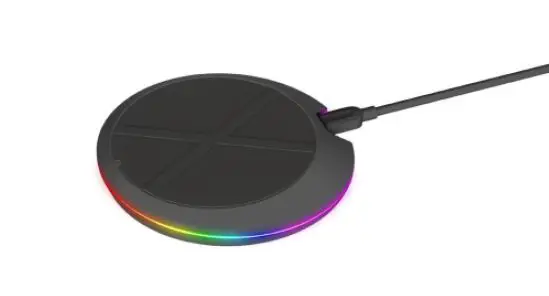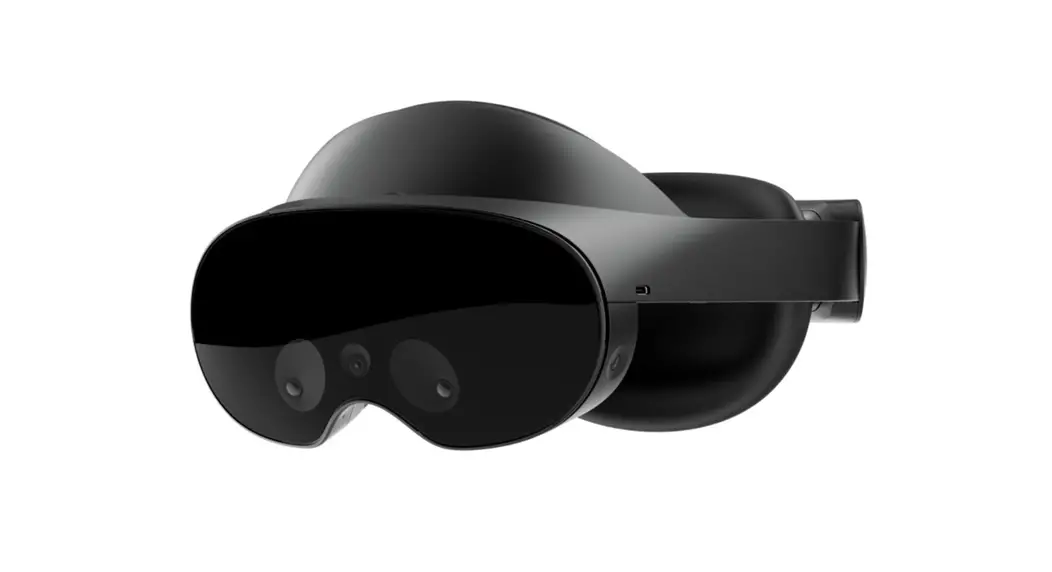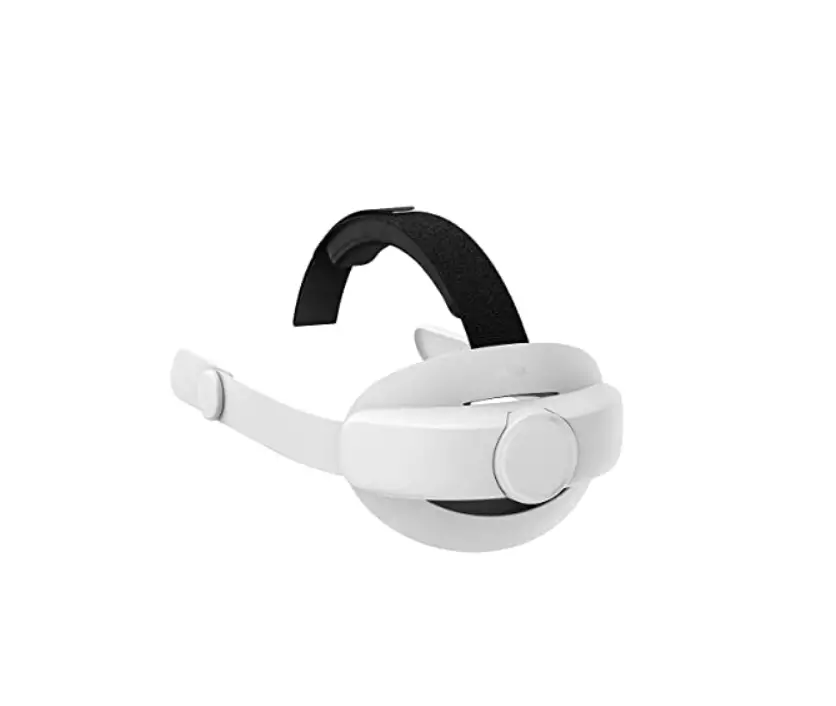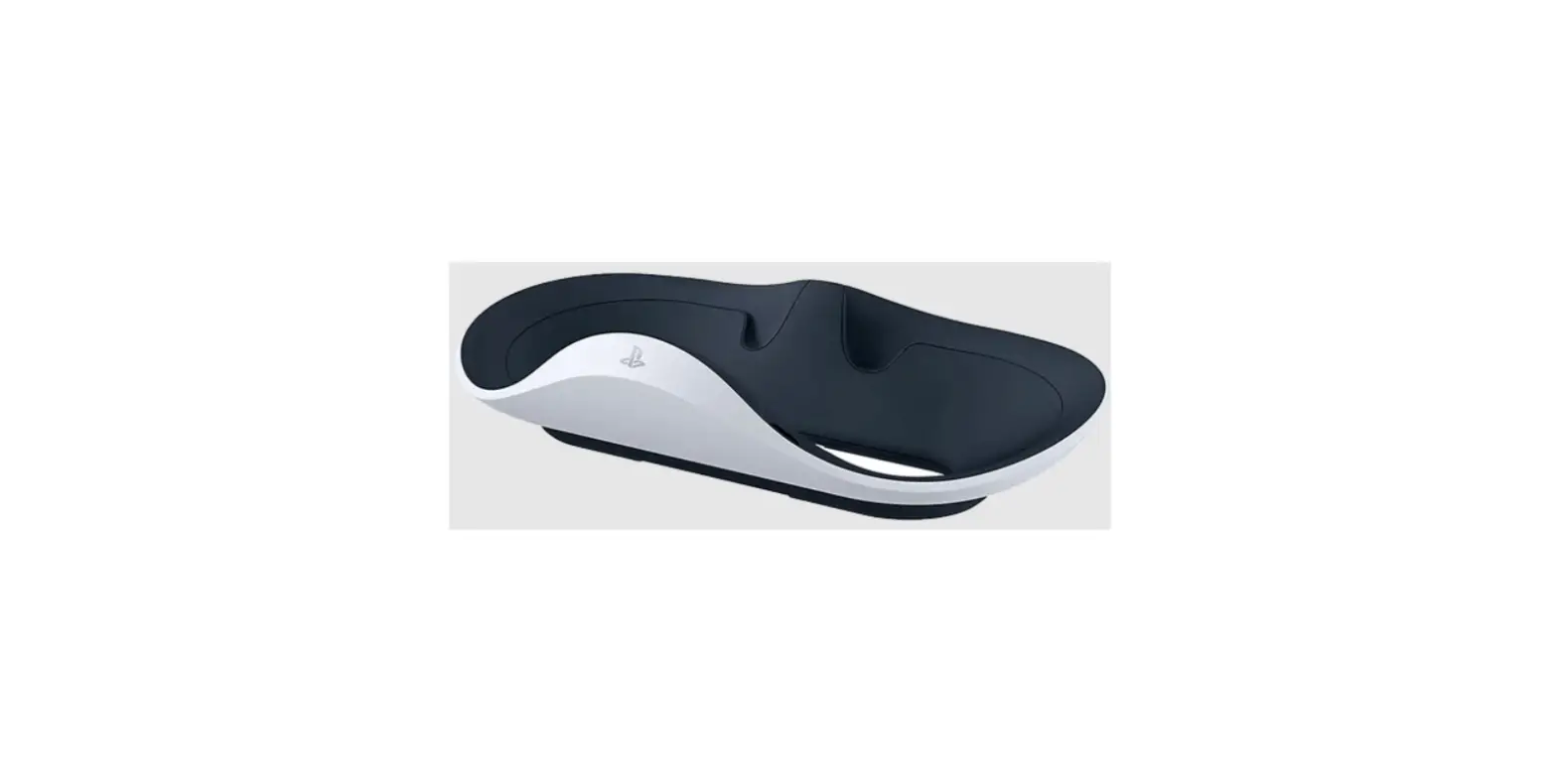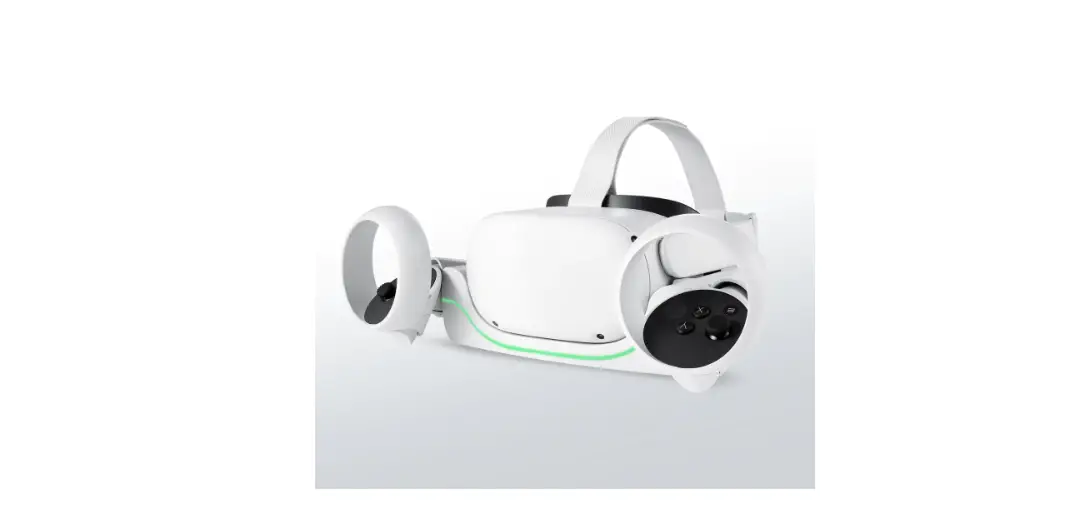

WASSERSTEIN Headset Charging Station Compatible with Oculus Quest 2
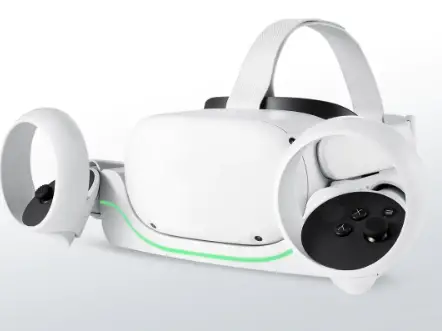
In the Box
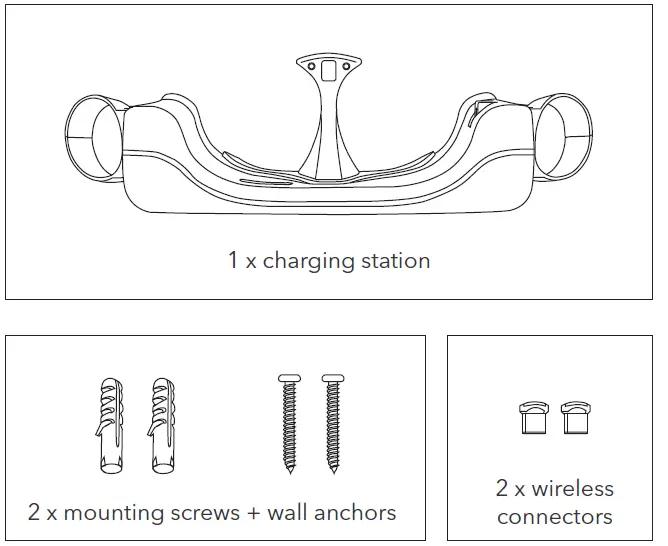
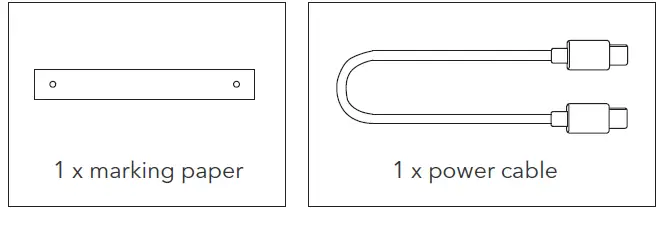
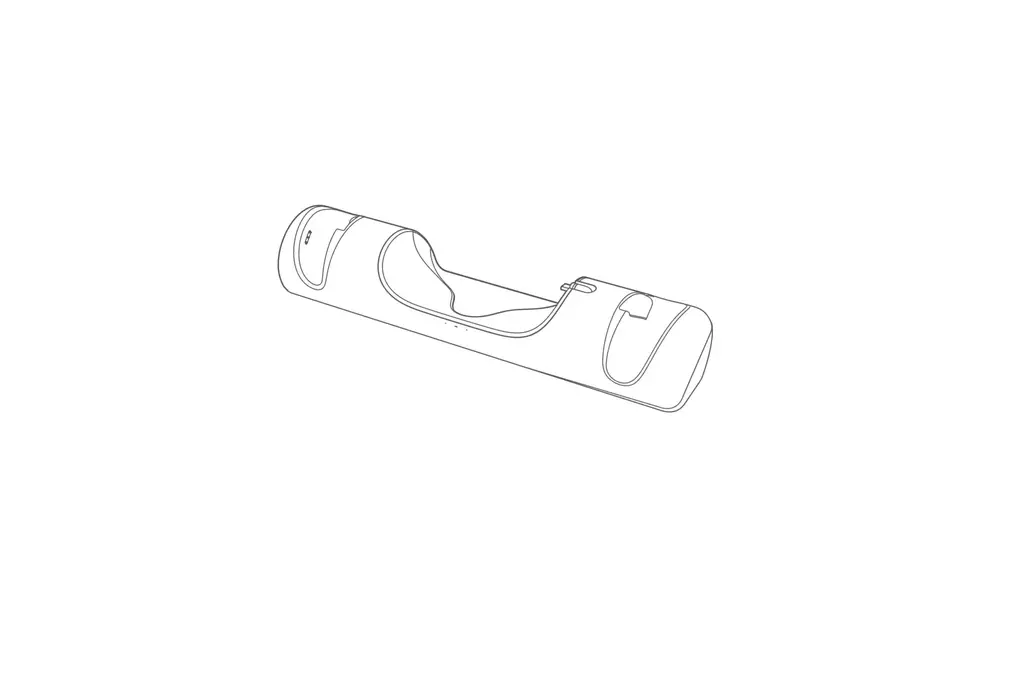
Introduction to Parts

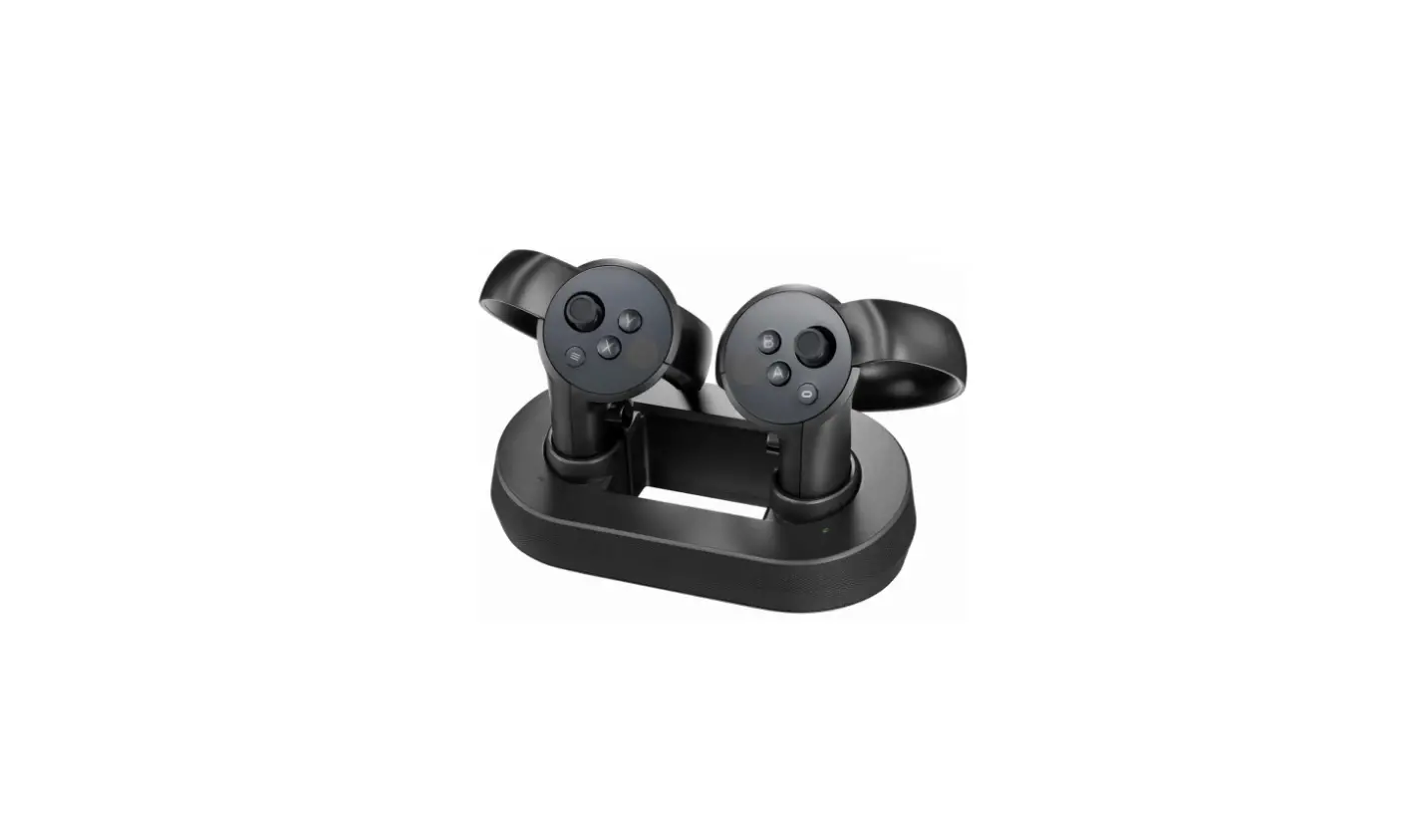
- Charging dock
- Controller slot
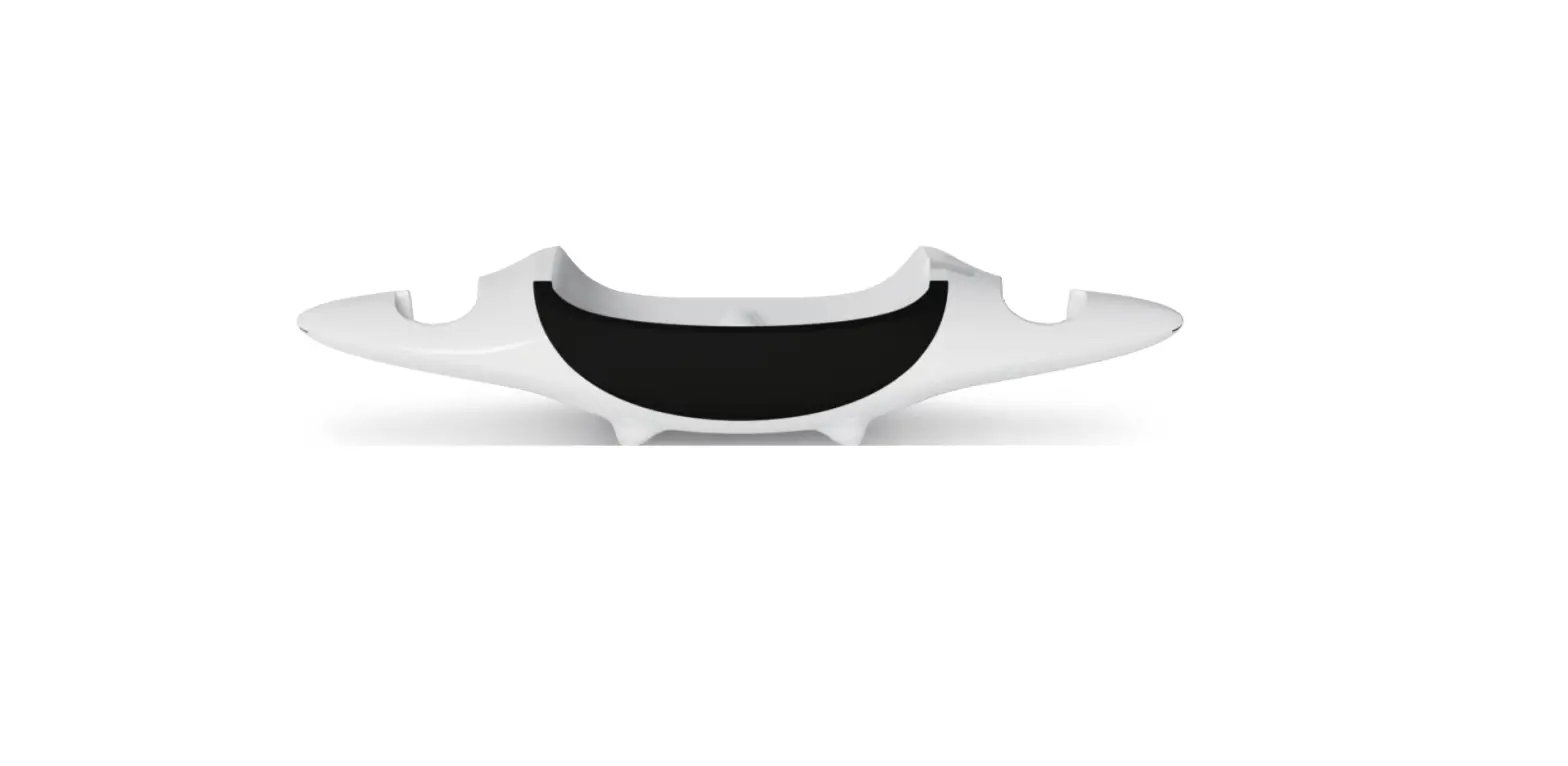
- Nose stand
- Ambient light
- Magnetic cable
- USB-C port
- Power switch
- Power cable
How to Setup
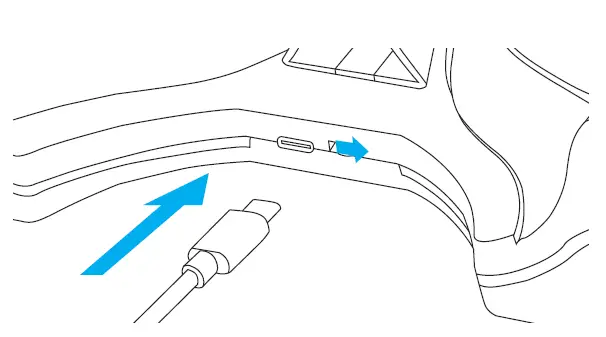
- Plug one end of the charging cable provided into the USB-C port at the back of the charging dock. Plug the other end into the original adapter that came with your Oculus Quest 2 headset.
- Turn on the device by flipping the power switch. The ambient light will turn on, indicating that it is ready to use.
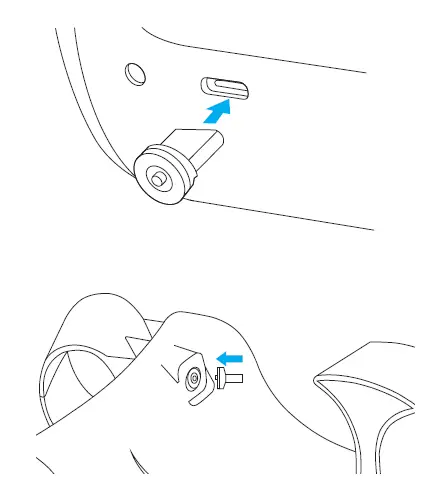
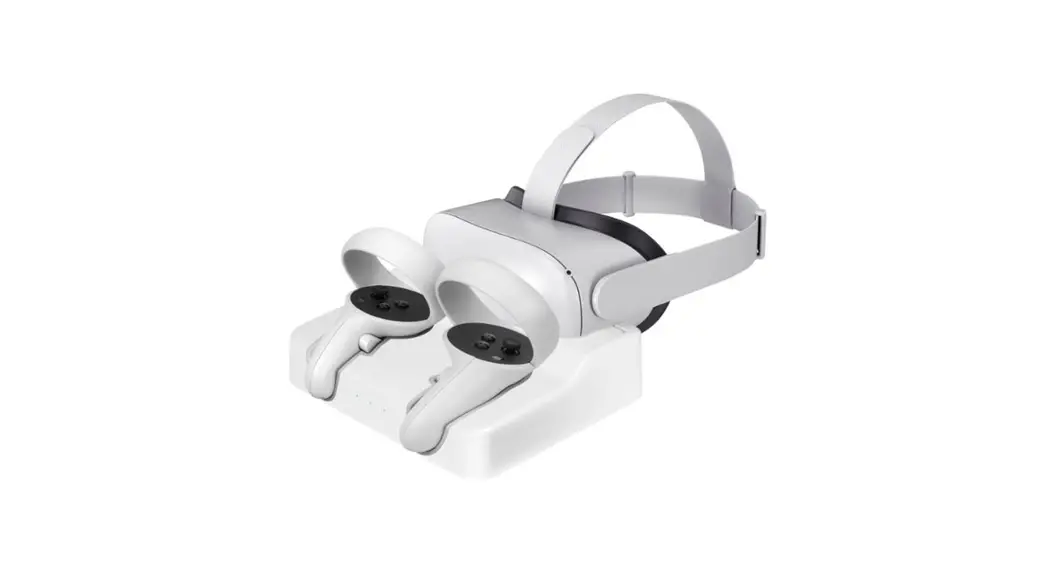
- Plug the wireless connector into the charging port of your Oculus Quest 2 headset. Then place it onto the charging dock. Make sure the magnetic cable is firmly set in the connector.
How to Charge
- The Power light on the Oculus Quest 2 will turn solid orange when charging, and solid green when fully charged.
- Store the controllers by holding the grip button and and placing them in the slots.
- Once fully charged, turn off the charging dock
How to Mount on a Wall
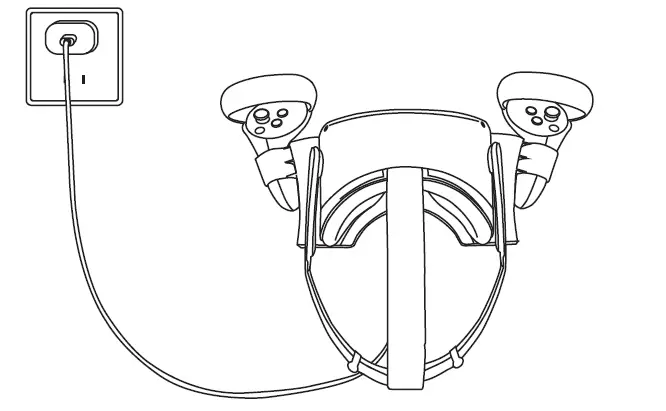 Note: Mounting the charging dock onto the wall may require professional skills and experience.
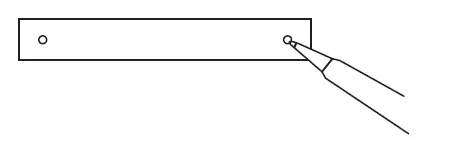
- Plan the best route for your cable. Use the marking paper to mark the holes at your preferred location. Make sure the holes are level.

- Drill the holes and insert the wall anchors and screws provided.
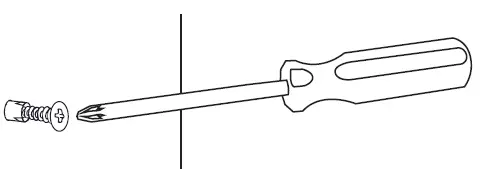
- Mount the charging dock by hanging it on screws.

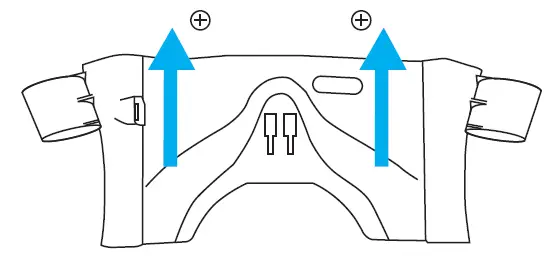
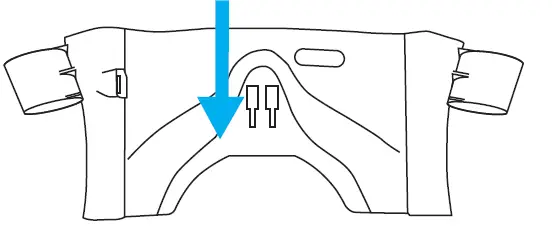
- Attach the nose stand by clicking it into place.

- Place your headset and controllers securely onto the dock.
Make sure the magnetic cable is firmly connected when charging.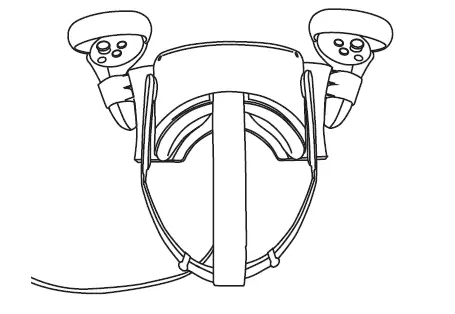
Specifications
- Input: DC 5V / 9V
- Output: 5V 3A/ 9V 2A
- Product size: 11.8 x 4.7 x 3.5 in
- Weight: 0.52 lb
Get More Support
Scan the QR code below or email us at [email protected]
Oculus Quest 2 is not included. Oculus is a trademark of Facebook Technologies, LLC. Wasserstein is not affiliated with Facebook Technologies, LLC. Wasserstein is a trademark of Dropcases Ltd.
Made in China
 Fairway Independent Mortgage Corporation
 Thoughtful Smart Home Products — Wasserstein Home

![Logitech Oculus Quest 2 Gaming Earbuds [g333 Vr] User Manual](https://static-data1.manualsee.com/1/img/167/17299/2020/12/Logitech-Oculus-Quest-2-Gaming-Earbuds-G333-VR-featured-1568x764.png "Logitech Oculus Quest 2 Gaming Earbuds [g333 Vr] User Manual")