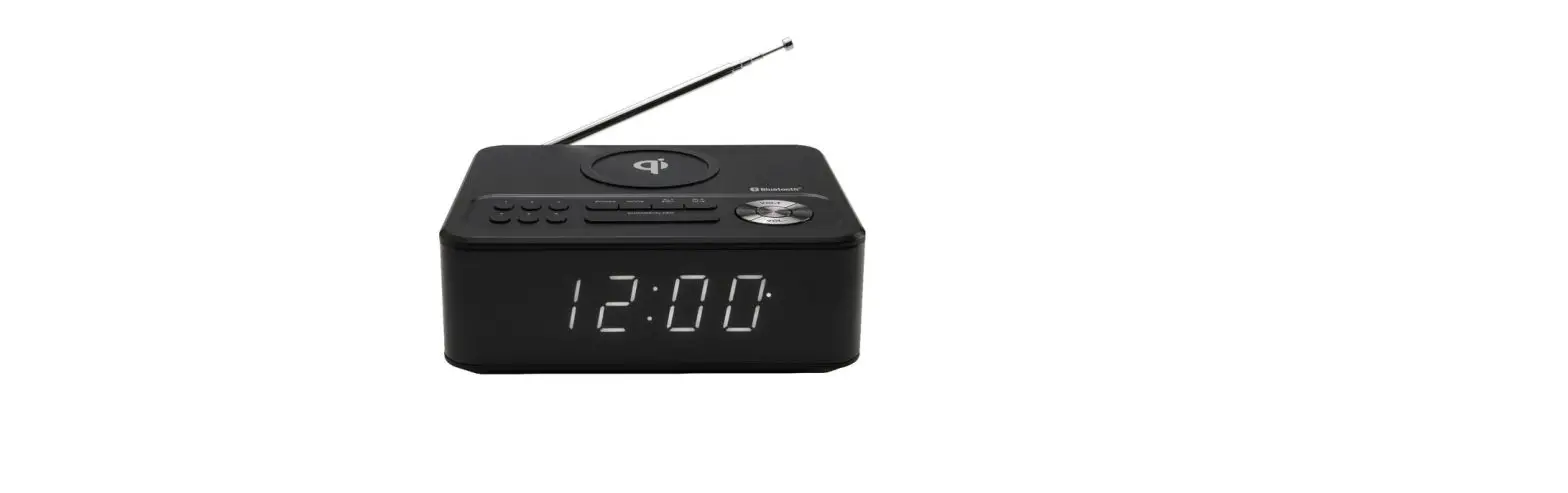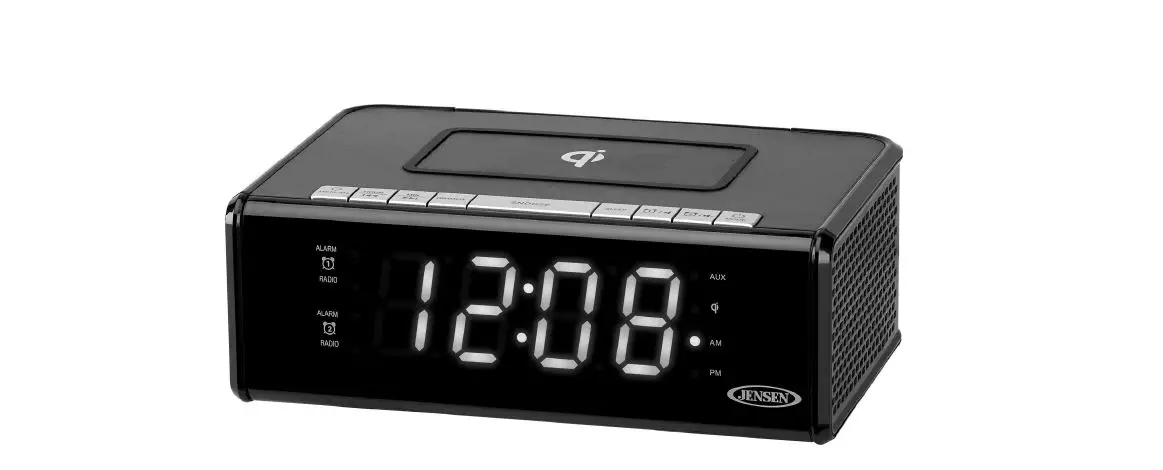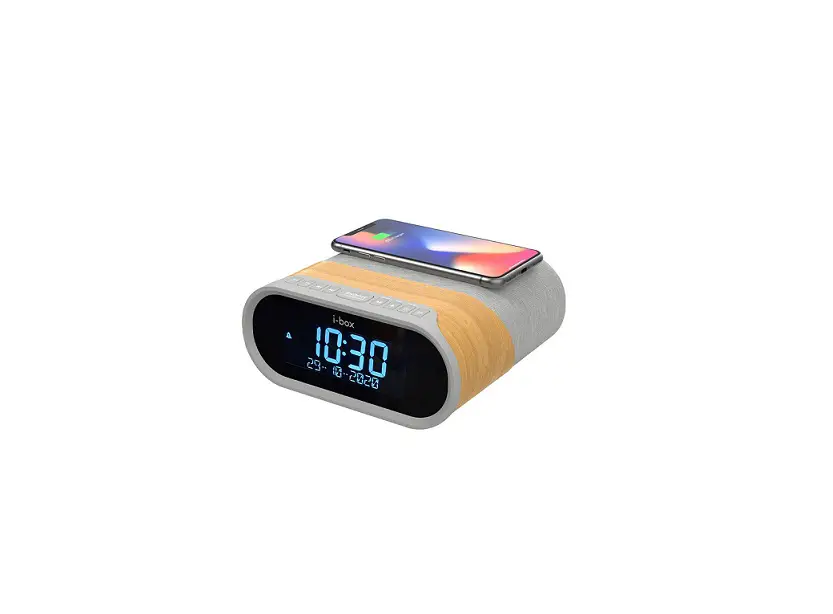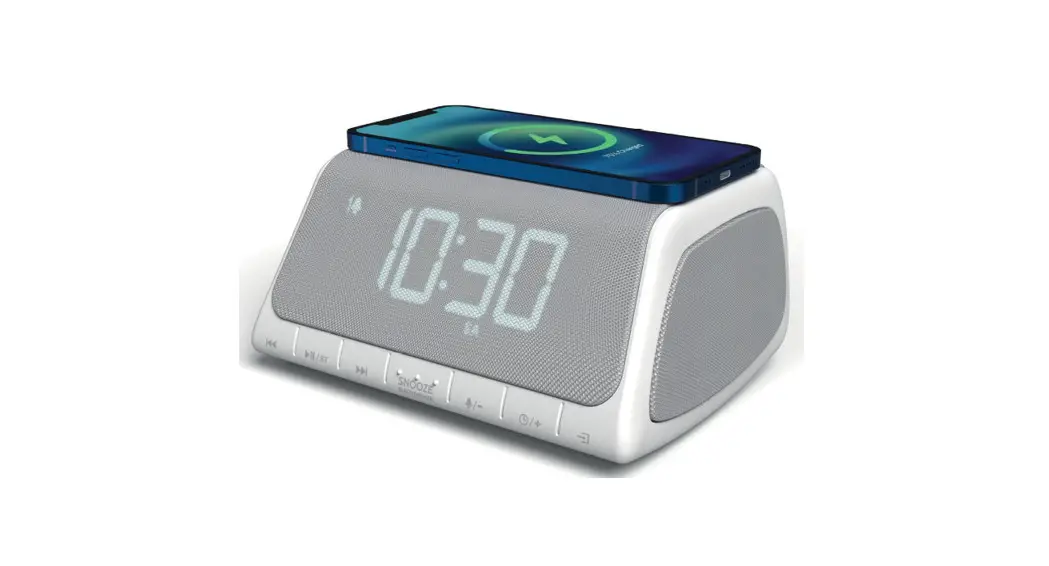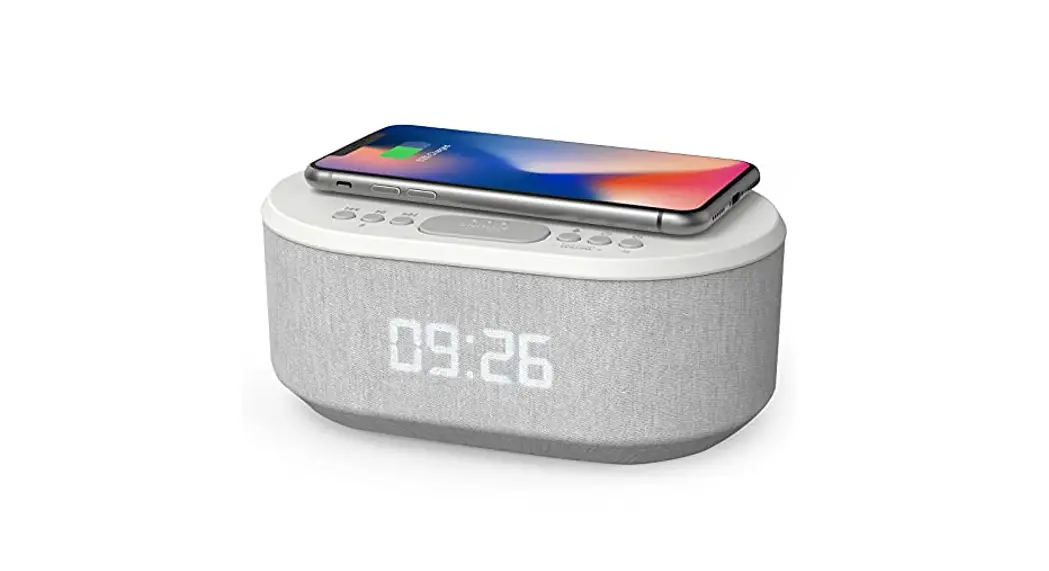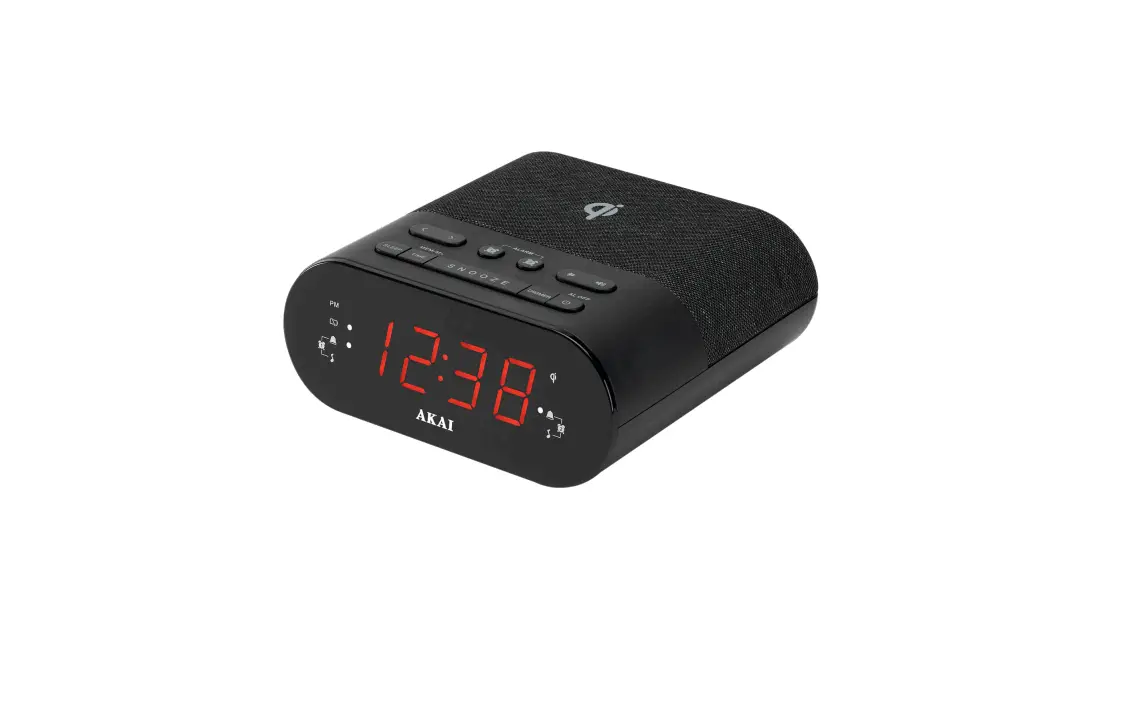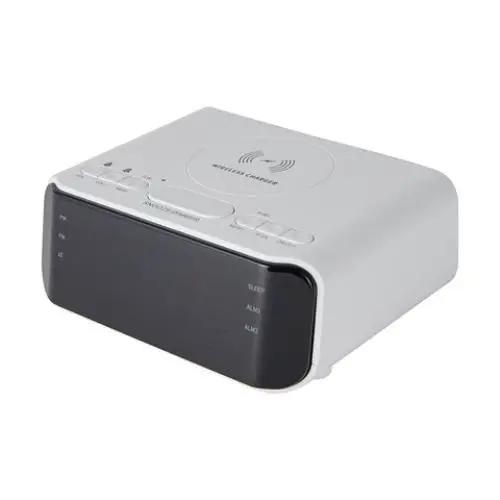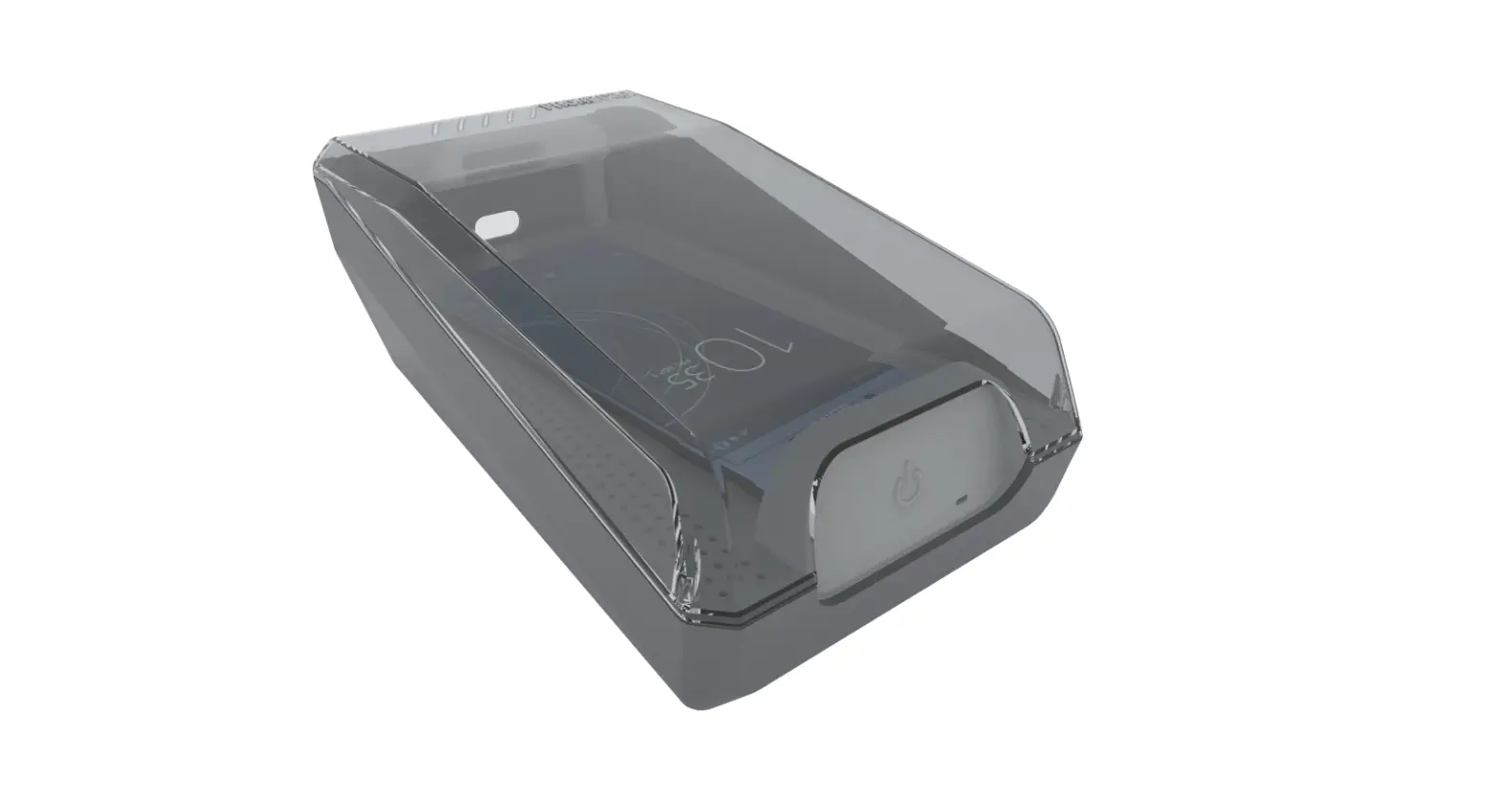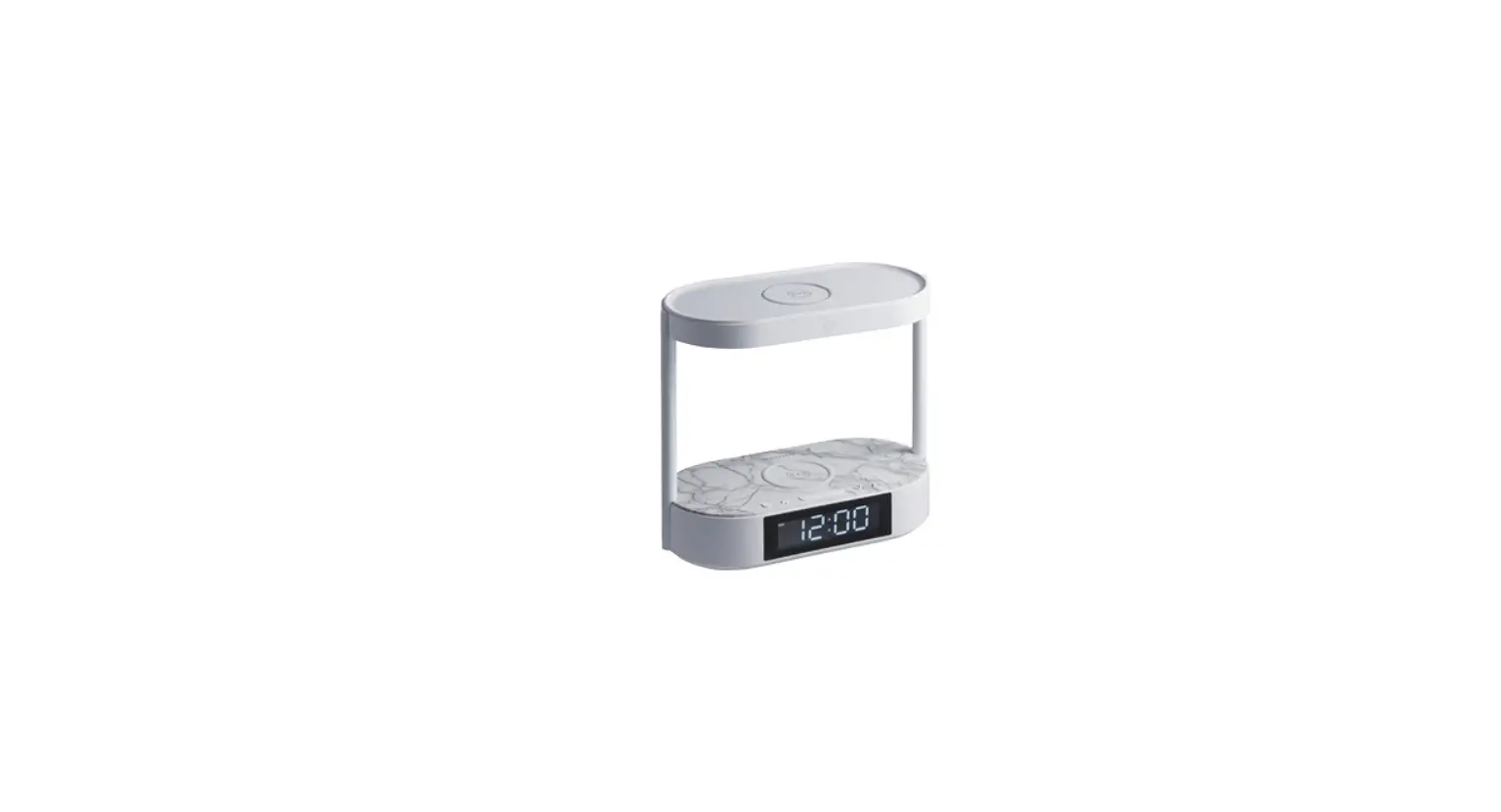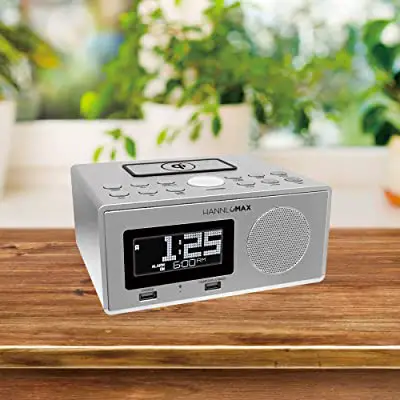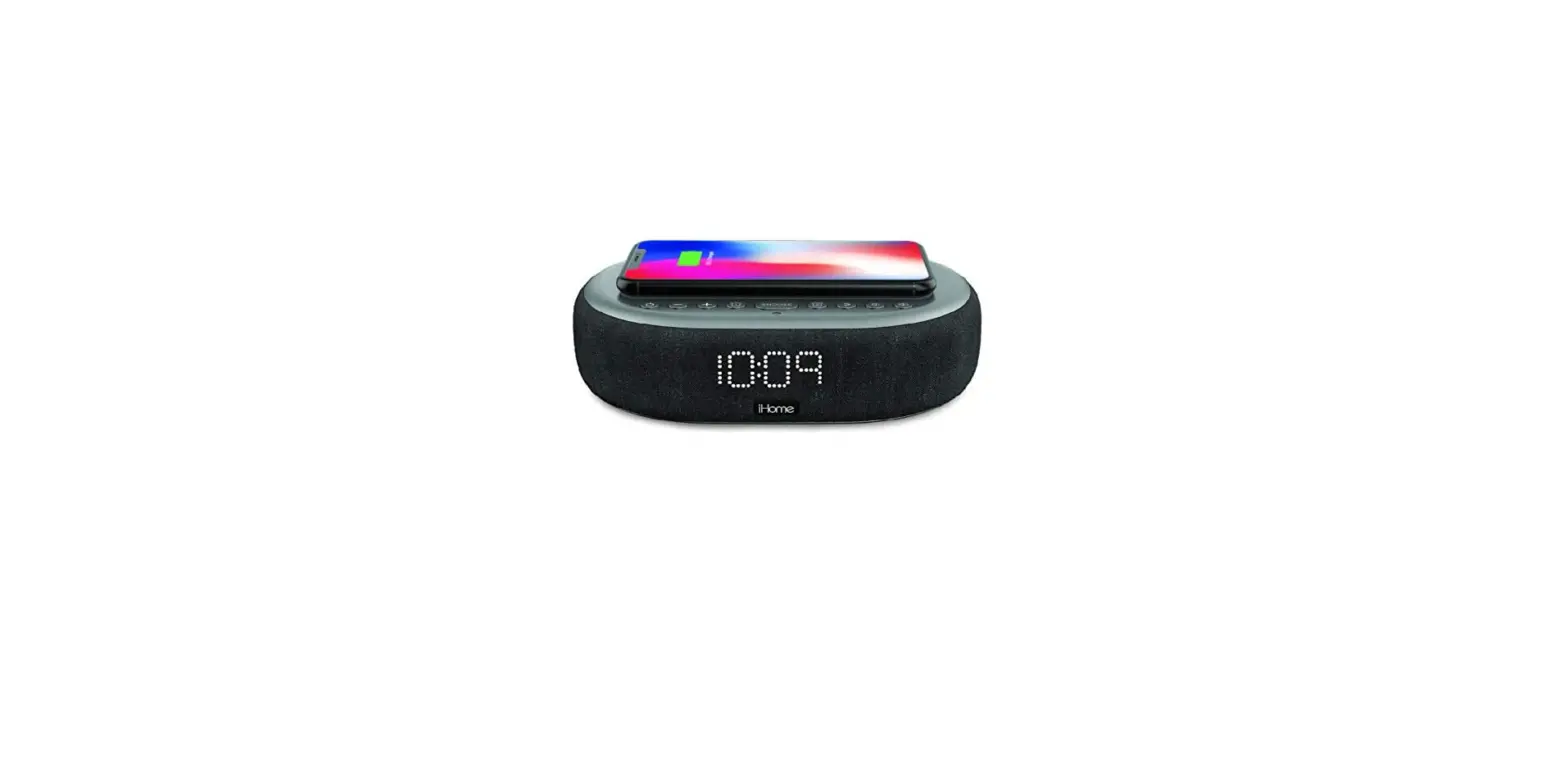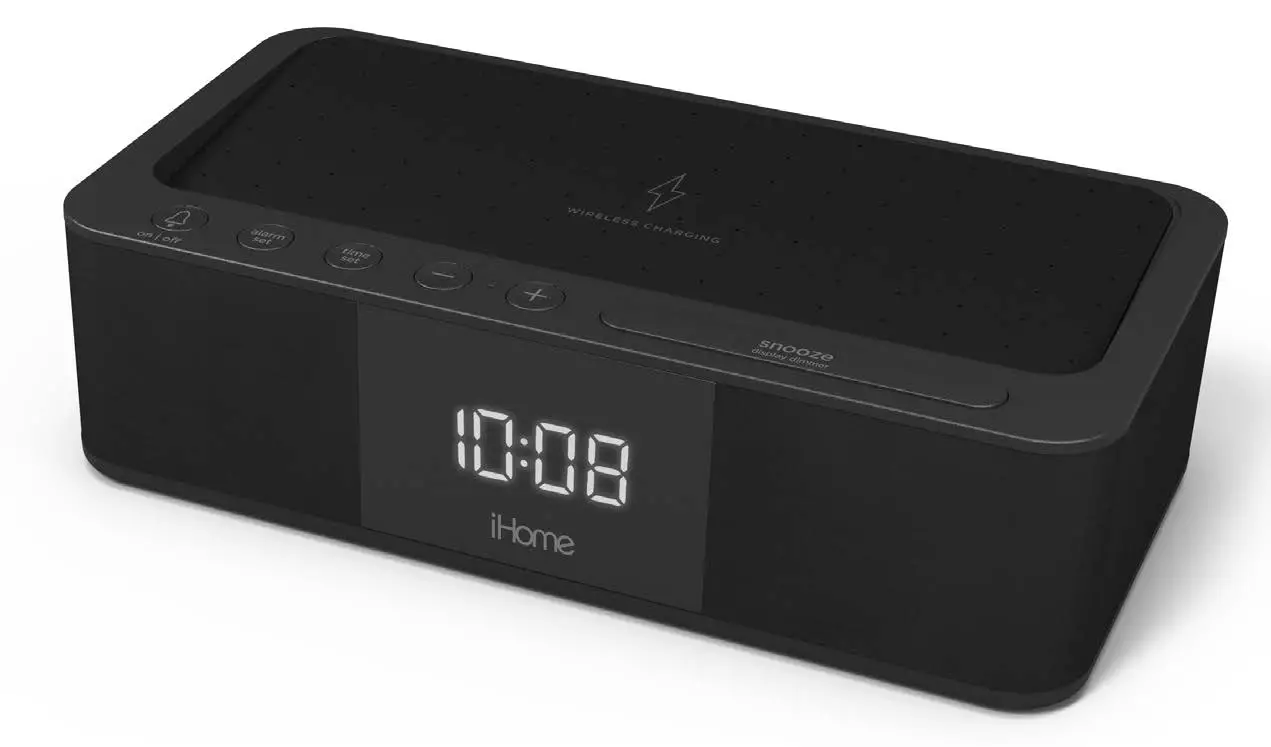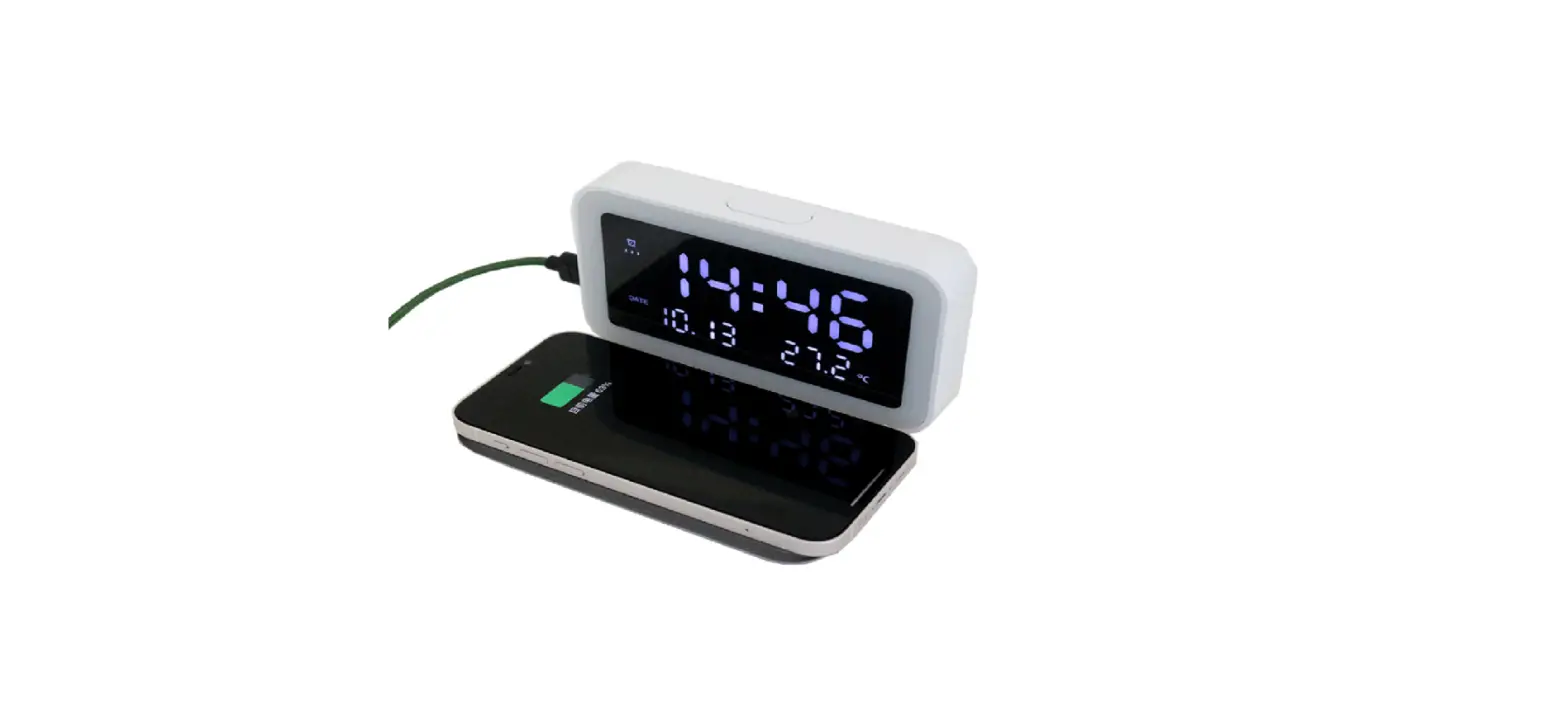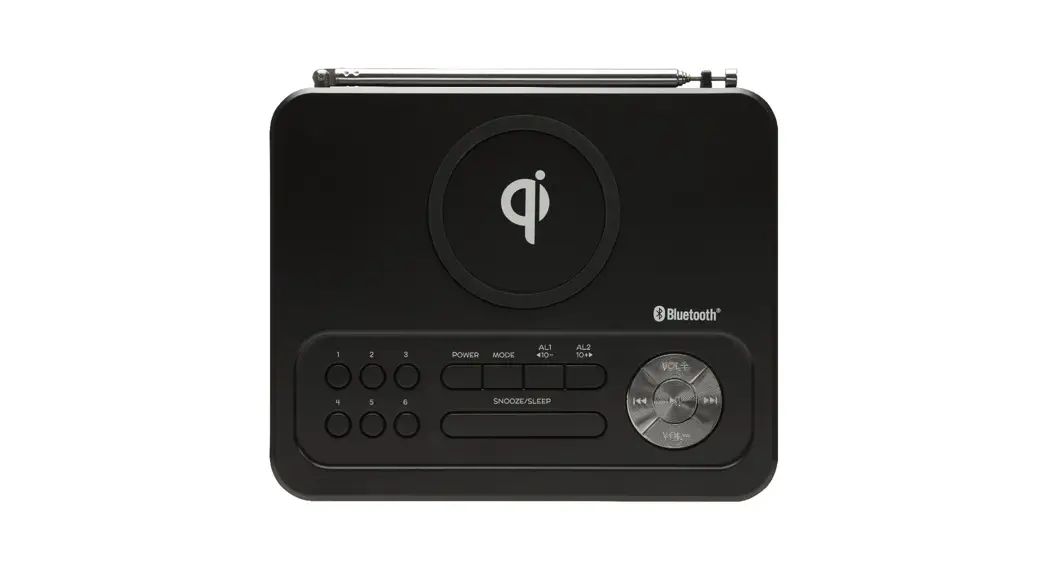

CLOCK RADIO WITH WIRELESS CHARGING MODEL: QDCLRD
QUICK-START GUIDE
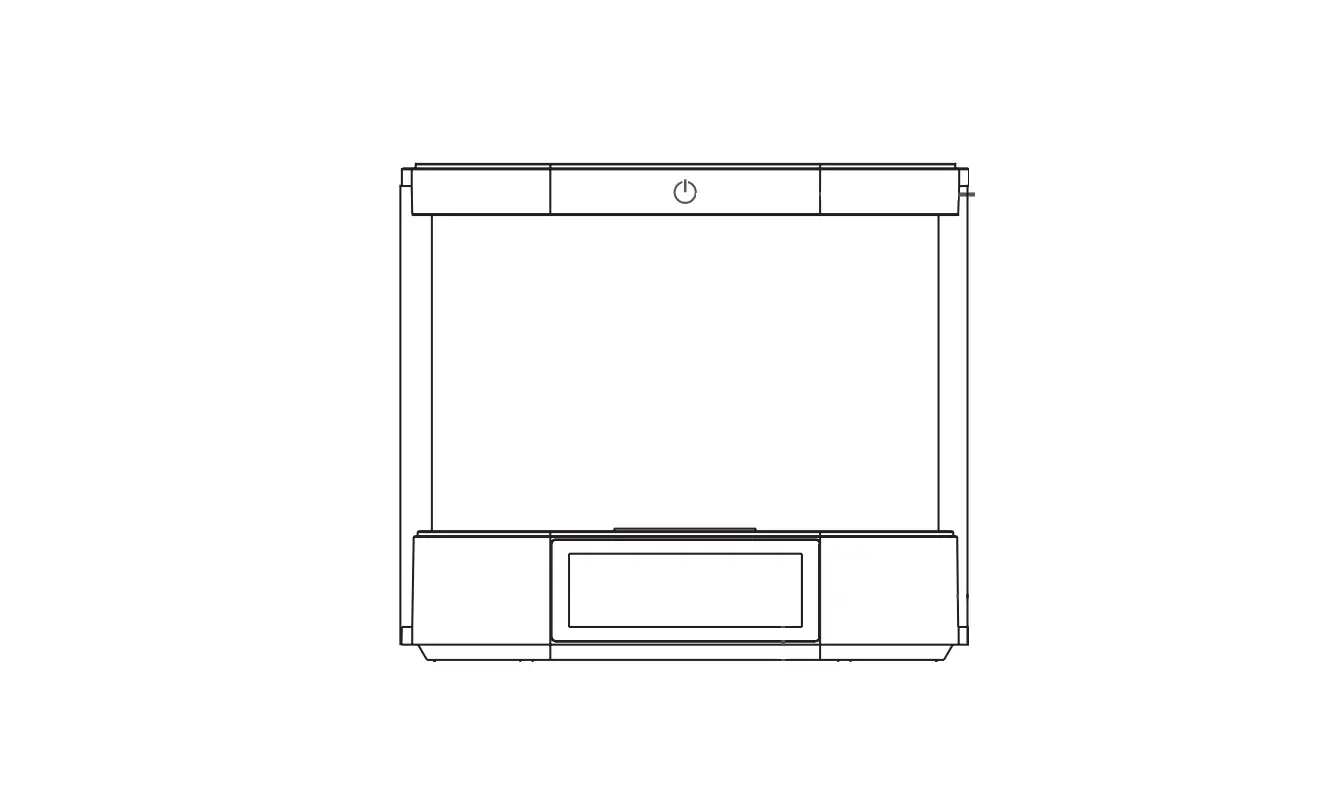
Control Location
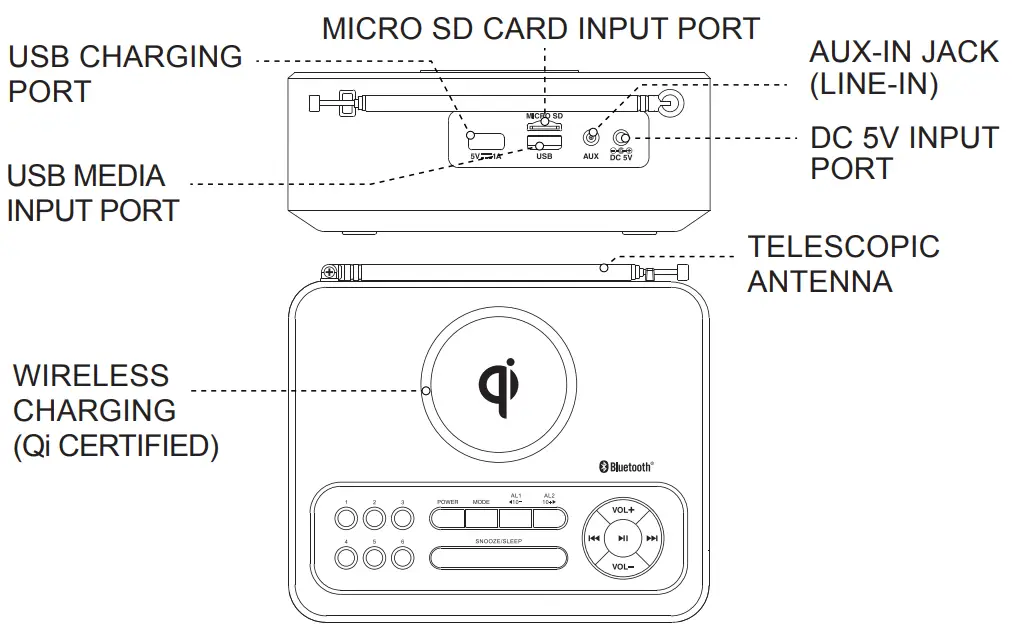 | 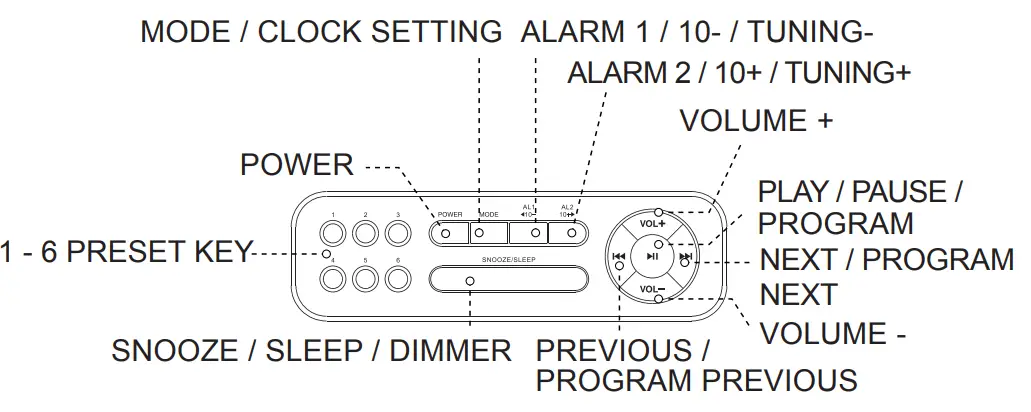 |
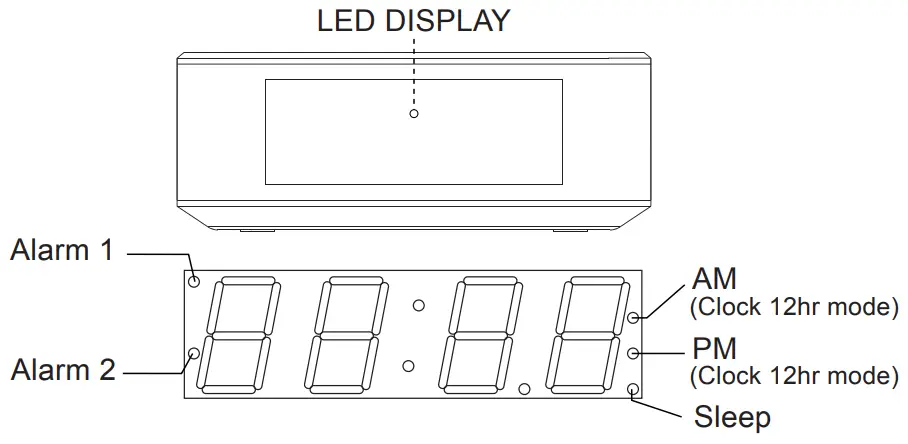
Operating Instruction
AC/DC Adaptor Operation
Insert one end of the AC/DC 5V adaptor to the DC 5V Port on the back of the unit, and the other end to the power outlet. The unit will be automatically in standby mode when connecting the power adaptor.
SWITCH ON THE RADIO
- Press POWER to switch on the radio.
- Press MODE to select a different play mode (FM / Bluetooth / USB /Micro SD Card / Aux).
- To switch to standby mode, press POWER once.
Pairing
BLUETOOTH FUNCTION
- Press POWER to turn on the unit.
- Press MODE to select the Bluetooth function.
- Activate the Bluetooth function in your Bluetooth device.
- Select “QDCLRD” on your Bluetooth device for pairing. The speaker will beep twice the sound to confirm if successfully connected with your Bluetooth device.