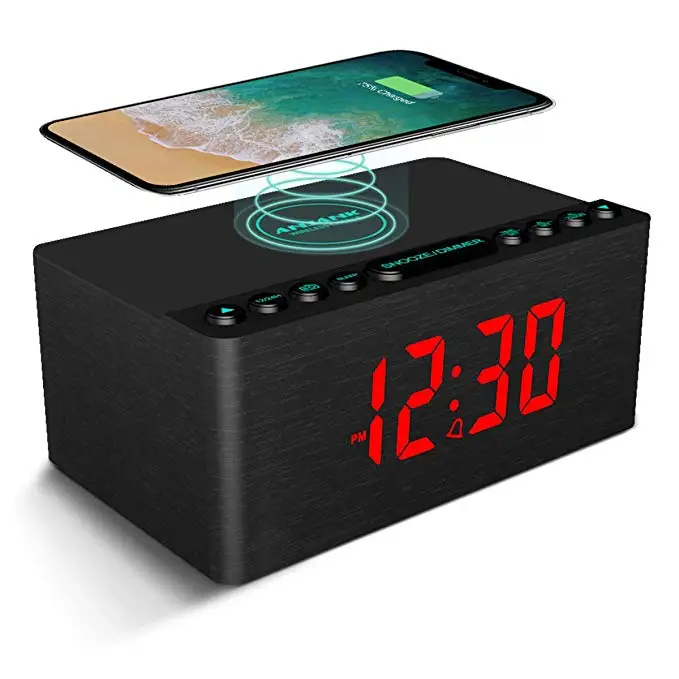
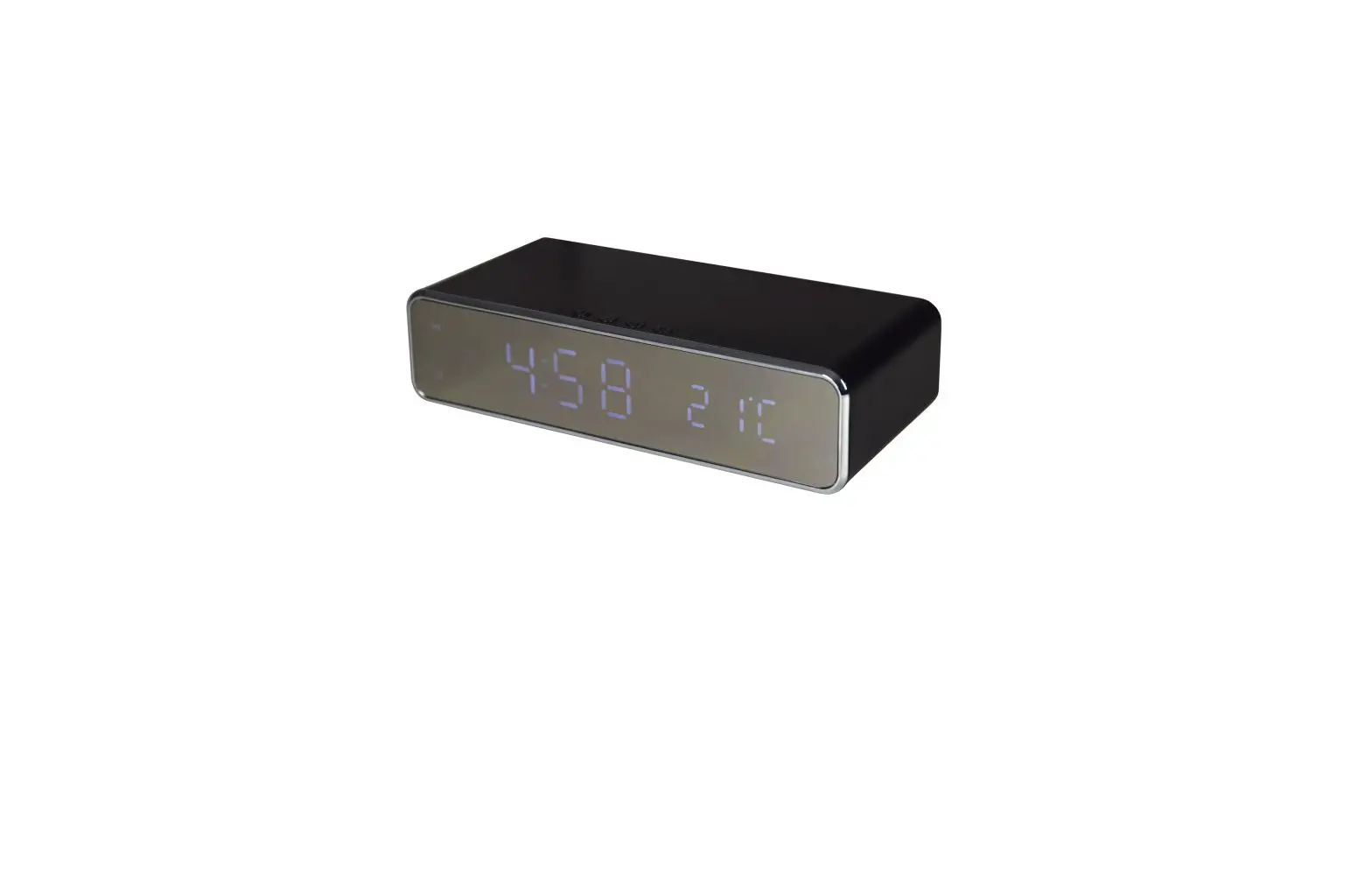
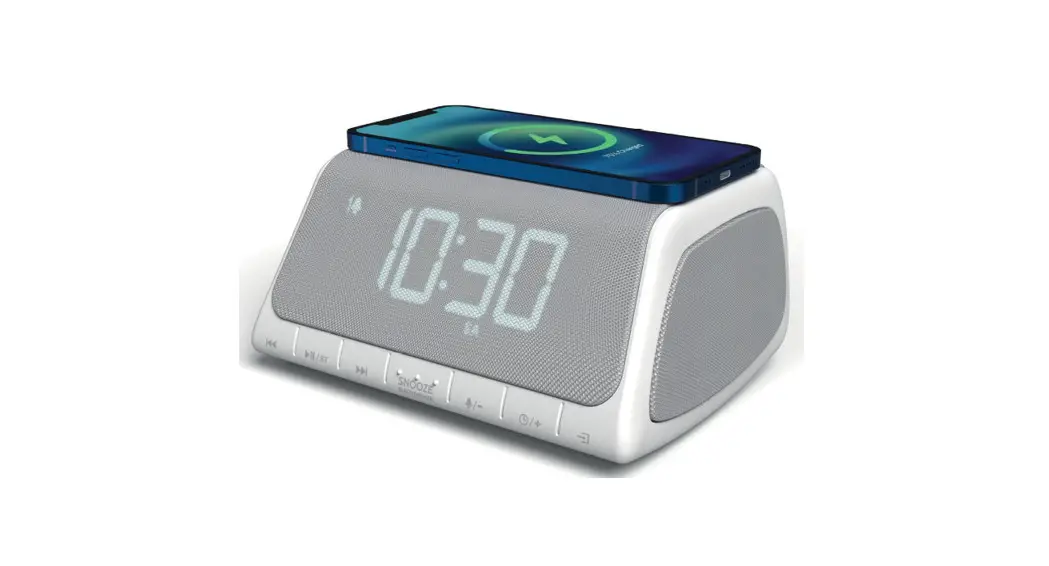
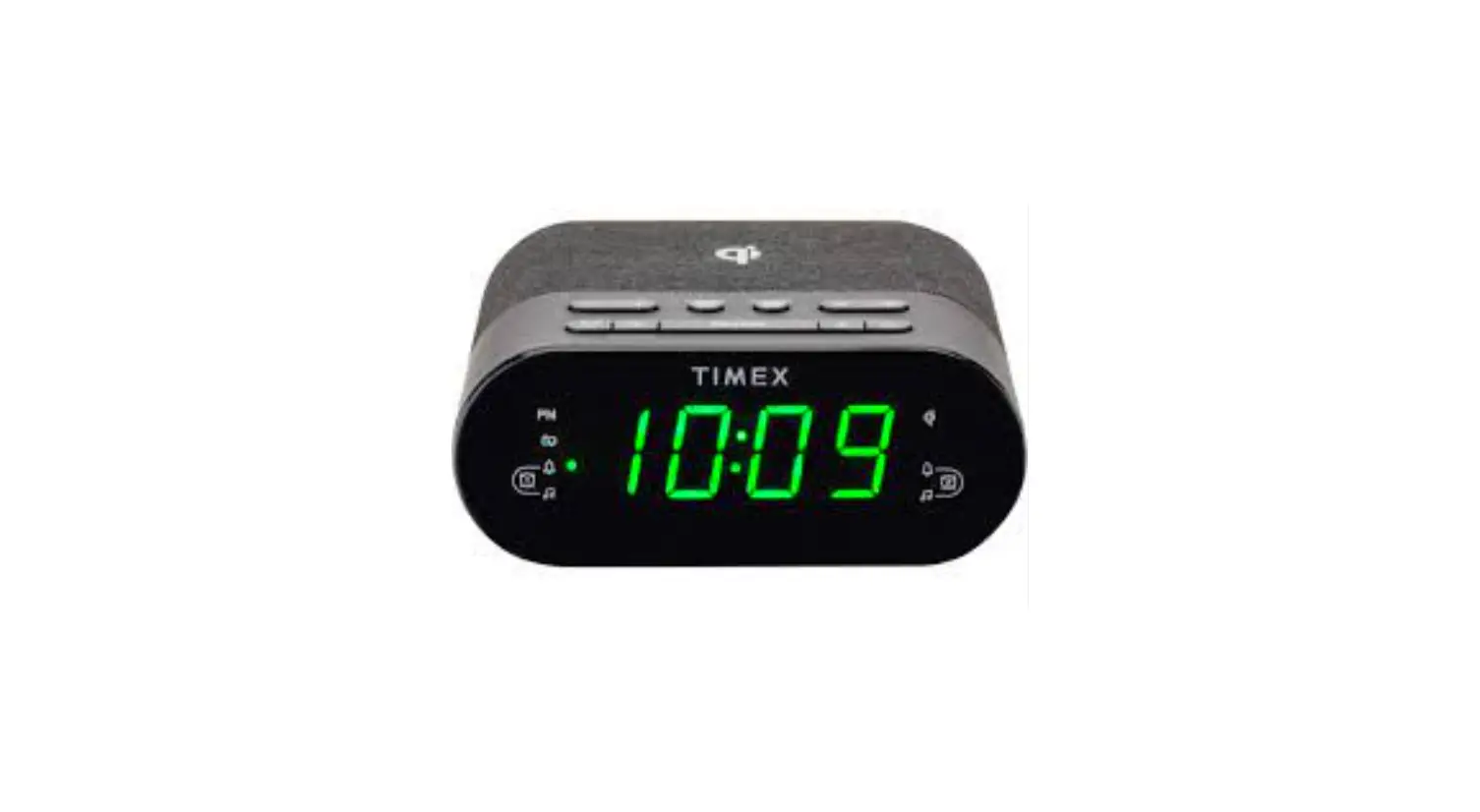
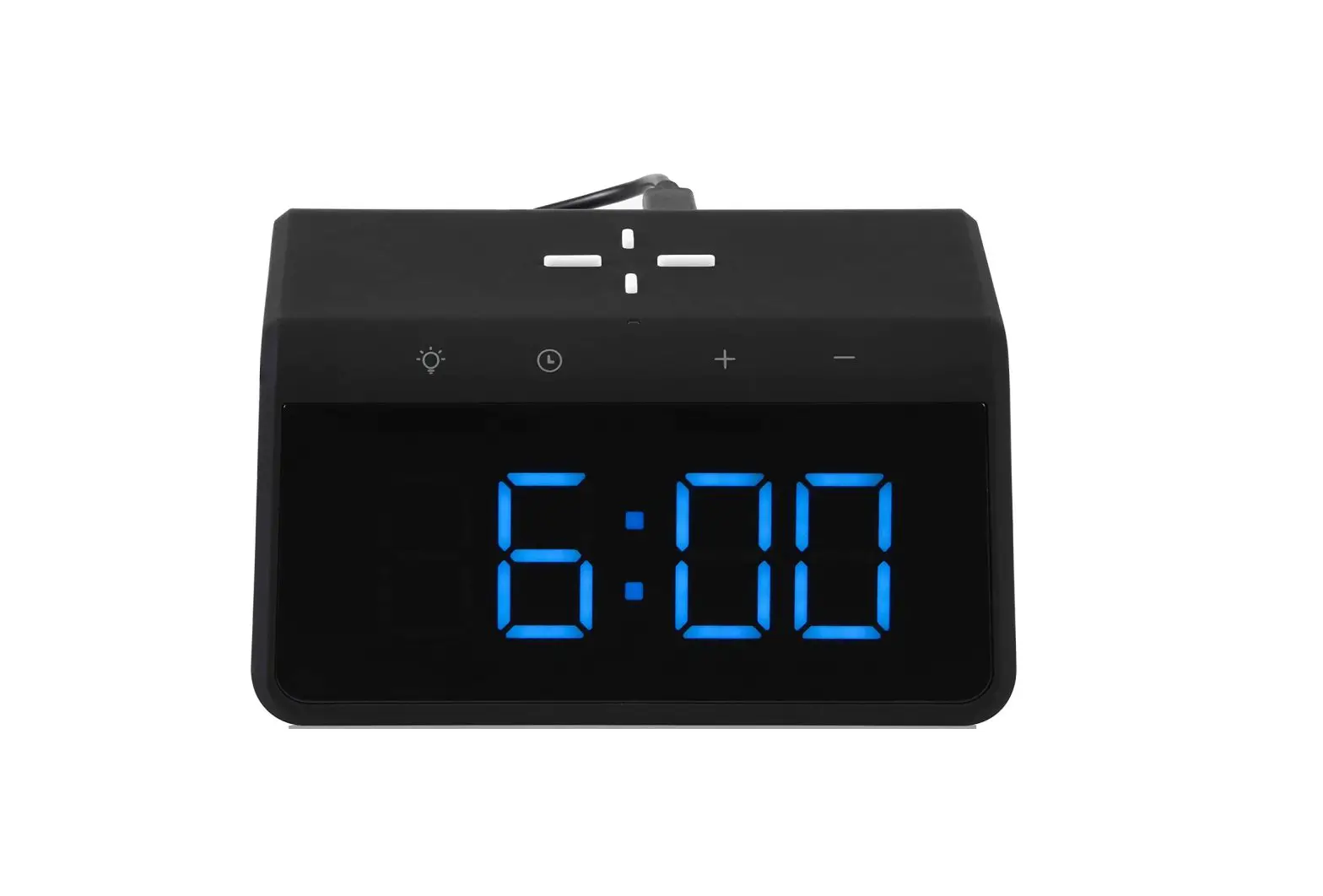
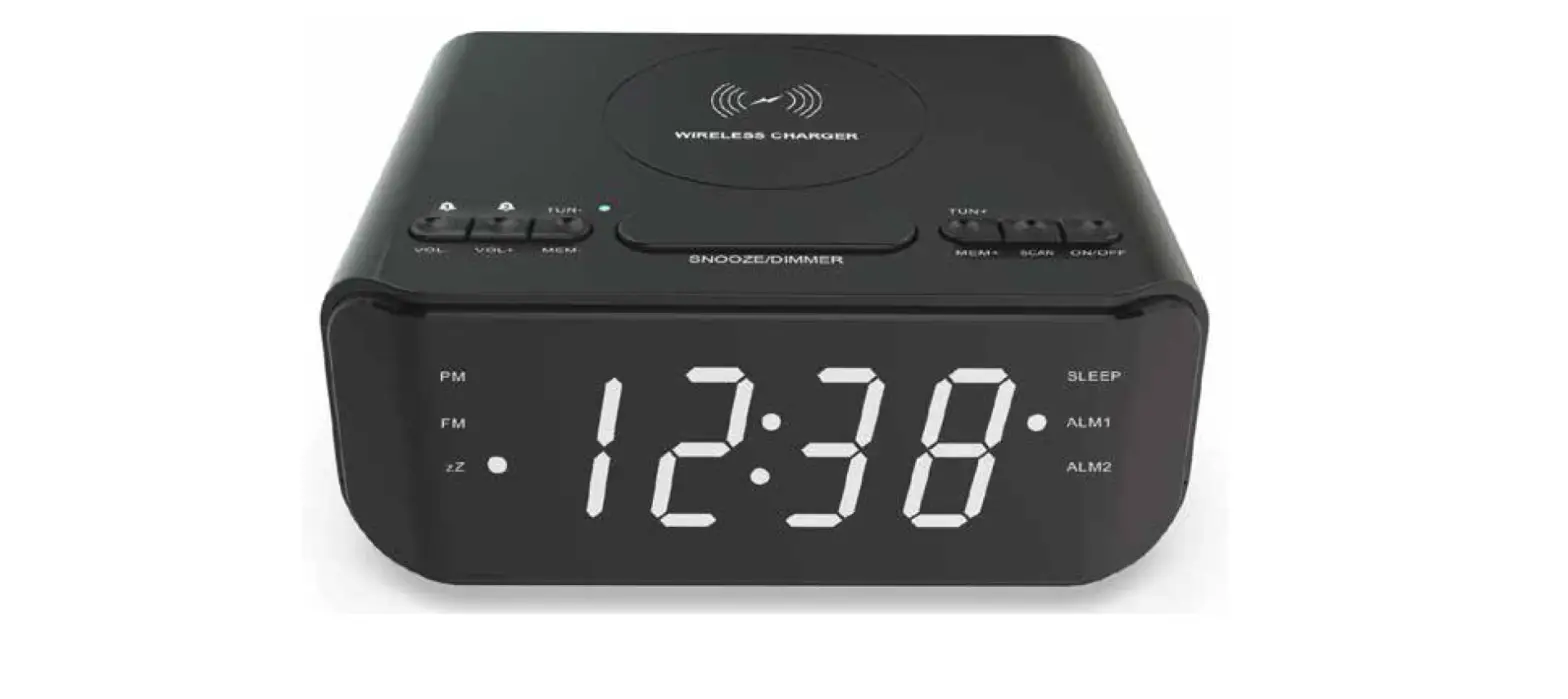
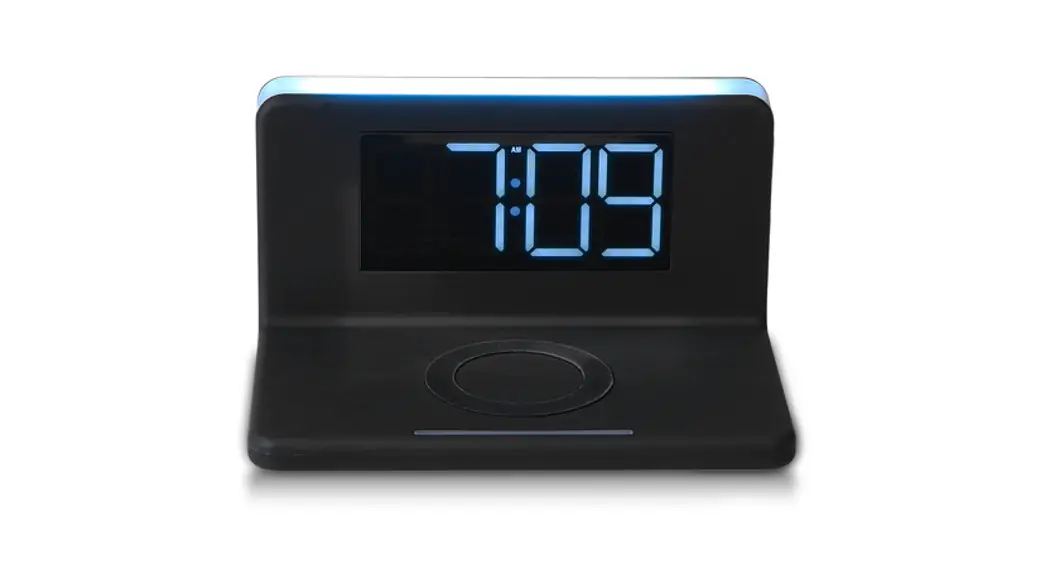
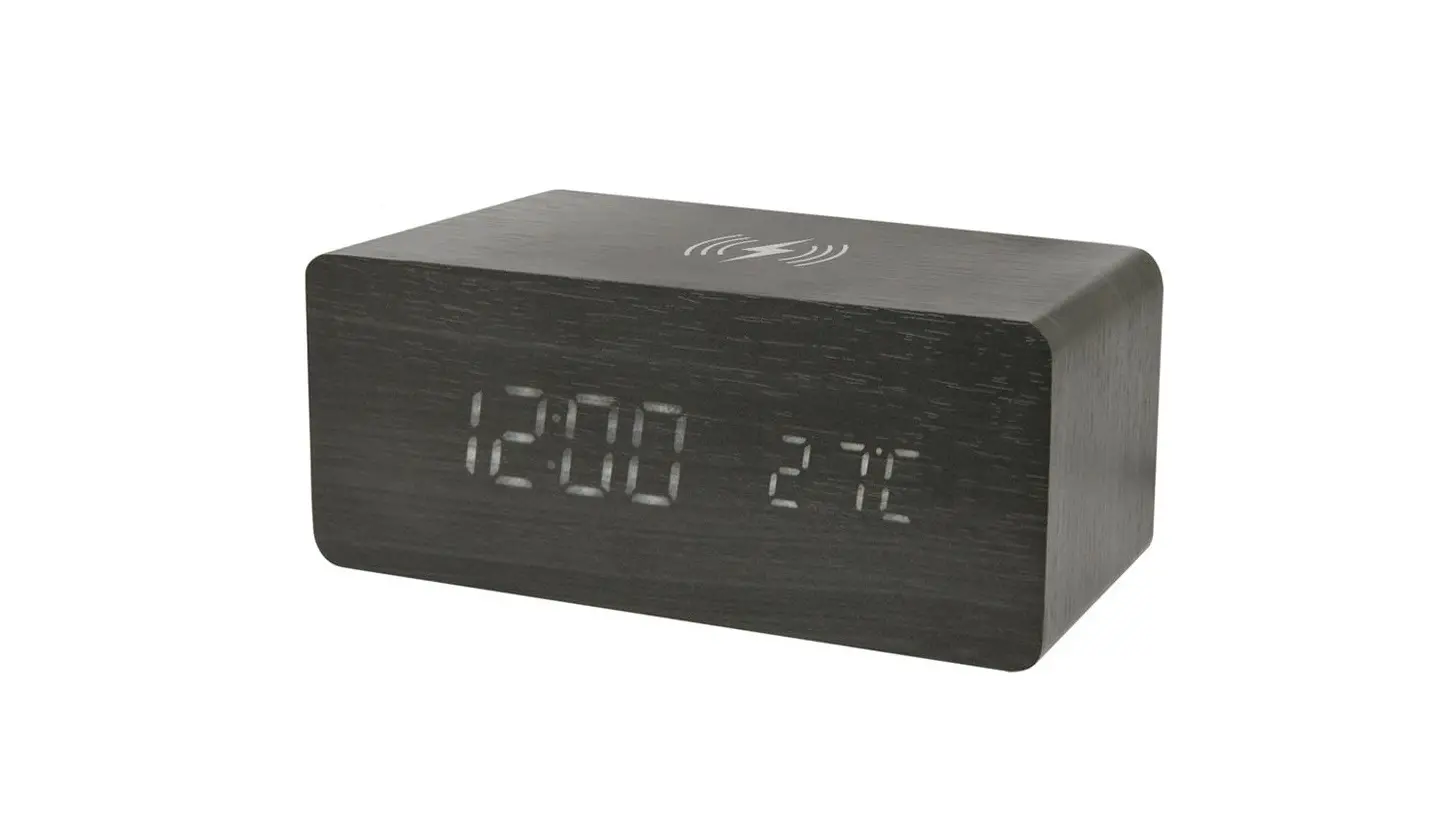
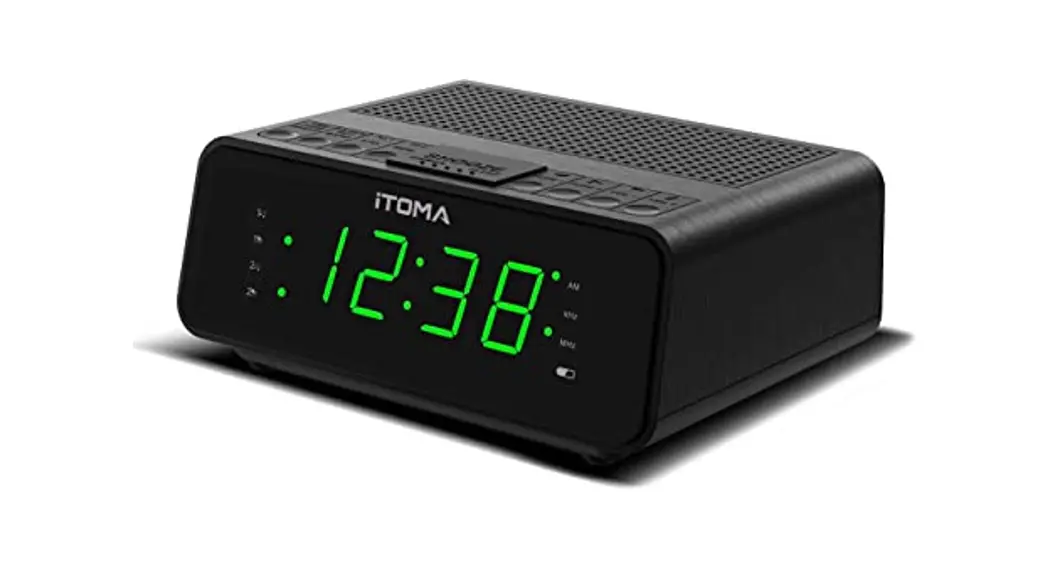
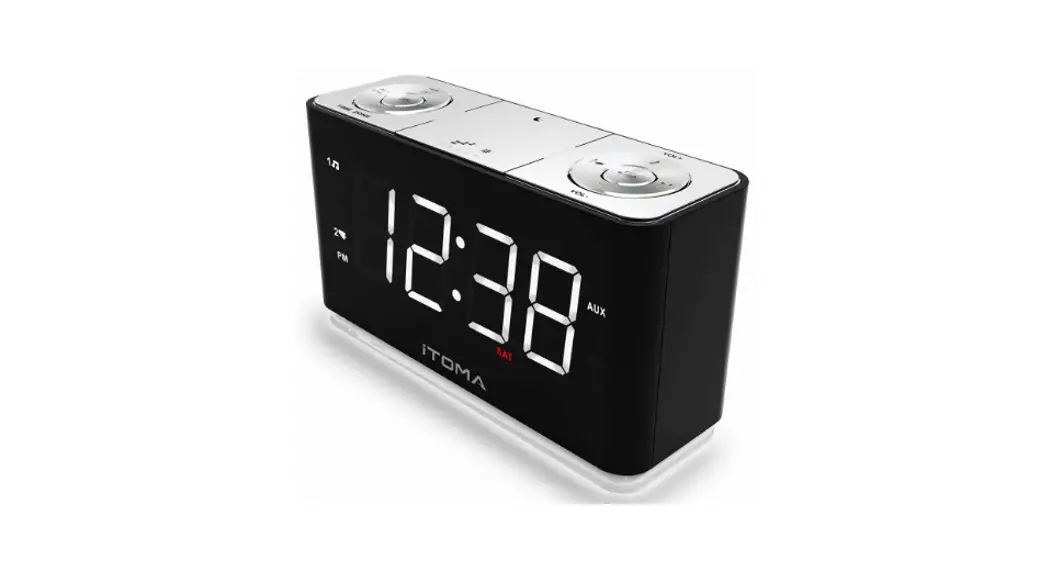
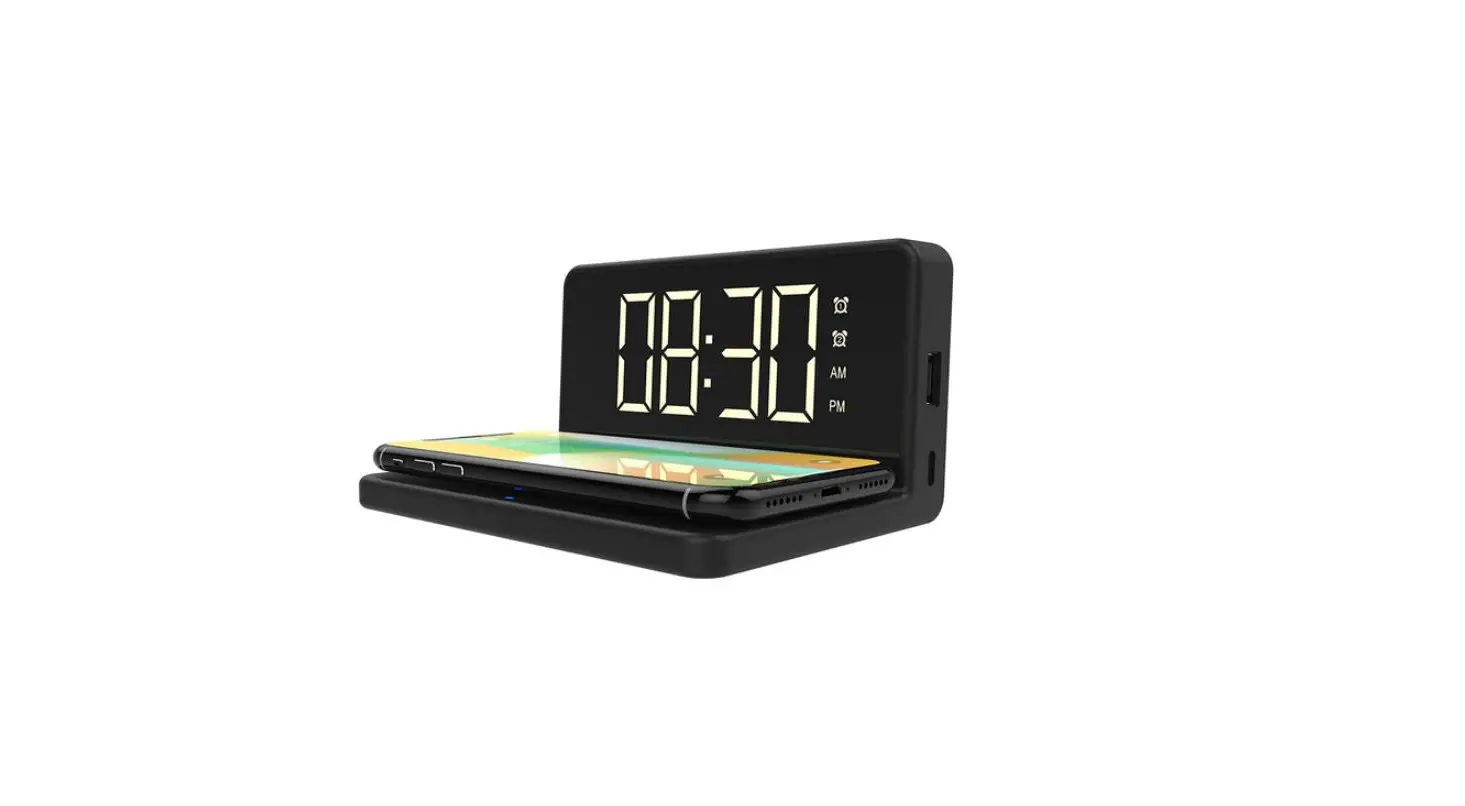
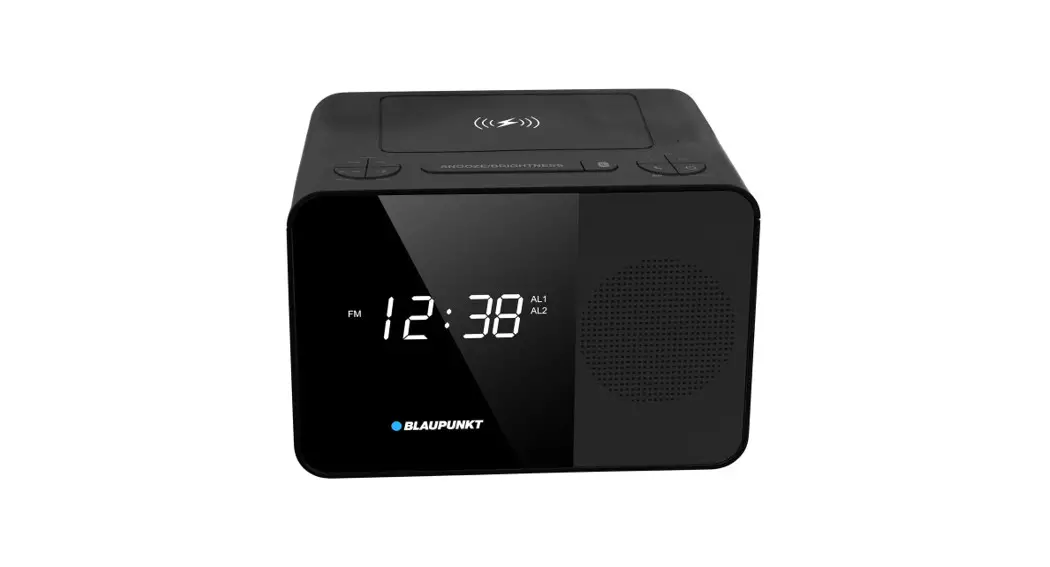
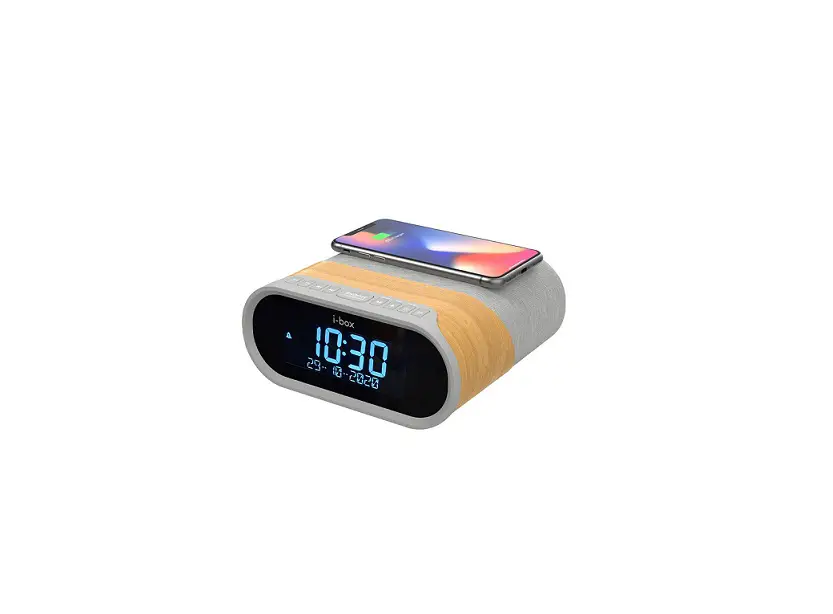
CKS207 Alarm Clock Radio Wireless Charging Digital Clock
Product Information: CKS207 Quick Guide
The CKS207 is a digital clock with alarm and volume control
features. It has a 12/24-hour time format and allows you to set
alarms for specific days of the week. The clock also has a snooze
function that can be used up to 6 times, with each snooze lasting 9
minutes.
Product Usage Instructions:
Time Setting
- Press the “CLOCK SET” button for 2 seconds to enter time
setting mode. - Use the “+” or “-” buttons to adjust the Year.
- Press “CLOCK SET” to move to the Month/Date segment, and use
the “+” or “-” buttons to adjust the Date and Month. - Press “CLOCK SET” to move to the 12H/24H segment, and use the
“+” or “-” buttons to select the desired time format. - Press “CLOCK SET” to move to the Hour and Minute segment, and
use the “+” or “-” buttons to adjust the Minute and Hour. - Press “CLOCK SET” again to store the setting, or wait for 40
seconds for the setting to be stored automatically.
Alarm Setting
- Press the “AL1/AL2” button for 2 seconds to enter alarm setting
mode. The current wake-up time will blink. - Use the “+” or “-” buttons to adjust the Hour and Minute for
the alarm. - Press “AL1/AL2” to move to the volume level and day mode, and
use the “+” or “-” buttons to adjust the Volume level. - Press the “WEEK/MODE” button to choose alarm working days. You
can select from Single day, Work day, Weekend, or Week. - Press “AL1/AL2” again to store the alarm setting, or wait for
40 seconds for the setting to be stored automatically.
Snooze/Stop/Turn off the alarm
There are three options for snoozing, stopping, or turning off
the alarm:
- To snooze the alarm, press any button. The alarm will pause for
9 minutes for each press, and you can snooze up to 6 times. - To stop the alarm, press the “AL1/AL2” button when the alarm is
ringing. - To turn off the alarm completely, press the “AL1/AL2” button
repeatedly until all the alarm indicators are off from the
display.
You can refer to the CKS207 User Manual at www.itoma.com for
more detailed instructions on operating the product.
CKS207 Quick Guide
TIME SETTING
Year Day 12/24H Time
STEP 1
Press CLOCK SET for 2 secondto entry time setting.
Press or to adjust the Year.
STEP 2
Press CLCOK SET to next, Month/ Date segment will blink.
STEP 3
Press or to adjust the Date. Press or to adjust the Month.
Press CLOCK SET to next, 12H / 24H segment will blink.
STEP 4
Press or to adjust the time format.
Press CLOCK SET to next, Hour and Minute segment will blink.
Press or to adjust the Minute. Press or to adjust the Hour.
STEP 5 Press CLCOK SET again to store the setting, or wait for 40 seconds.
ALARM SETTING
Time Volume Alarm working days
STEP 1
1/2 Wake to Buzzer 1/2 Wake to Radio
Press AL1 / AL2 for 2 seconds Press or to adjust the Minute.
to entry alarm setting. The
Press or to adjust the Hour.
current wake-up time will blink.
STEP 2
Press AL1/AL2 to next,the
Press or to adjust
current volume level and
the Volume.
the current day mode will blink.
Press WEEK/MODE to choose alarm working days.
Single day
Work day
Weekend
Week
STEP 3
Press AL1/AL2 again to store the alarm setting, or wait for 40 seconds.
SNOOZE/ STOP/ TURN OFF THE ALARM
1. SNOOZE : Alarm will pause 9 minutes for each press, 6 times at most.
2. Stop the alarm : Press AL1 / AL2 when the alarm is ringing.
3. Turn off the alarm completely : Press AL1 / AL2 repeatedly until all the alarm indicator OFF from the display.
You can read CKS207 User Manual for moredetails about operating. www.itoma.com
 Alarm Clock with Wireless Charging,Alarm Clocks for Bedrooms – iTOMA