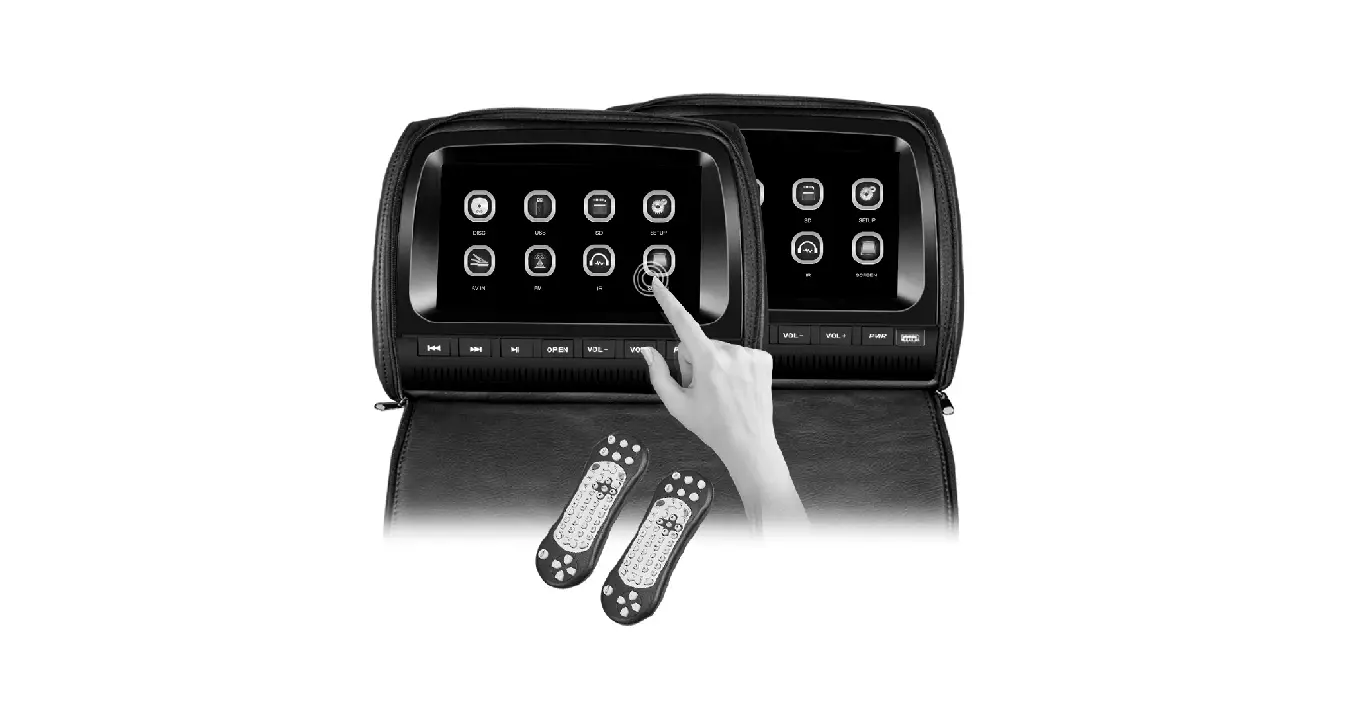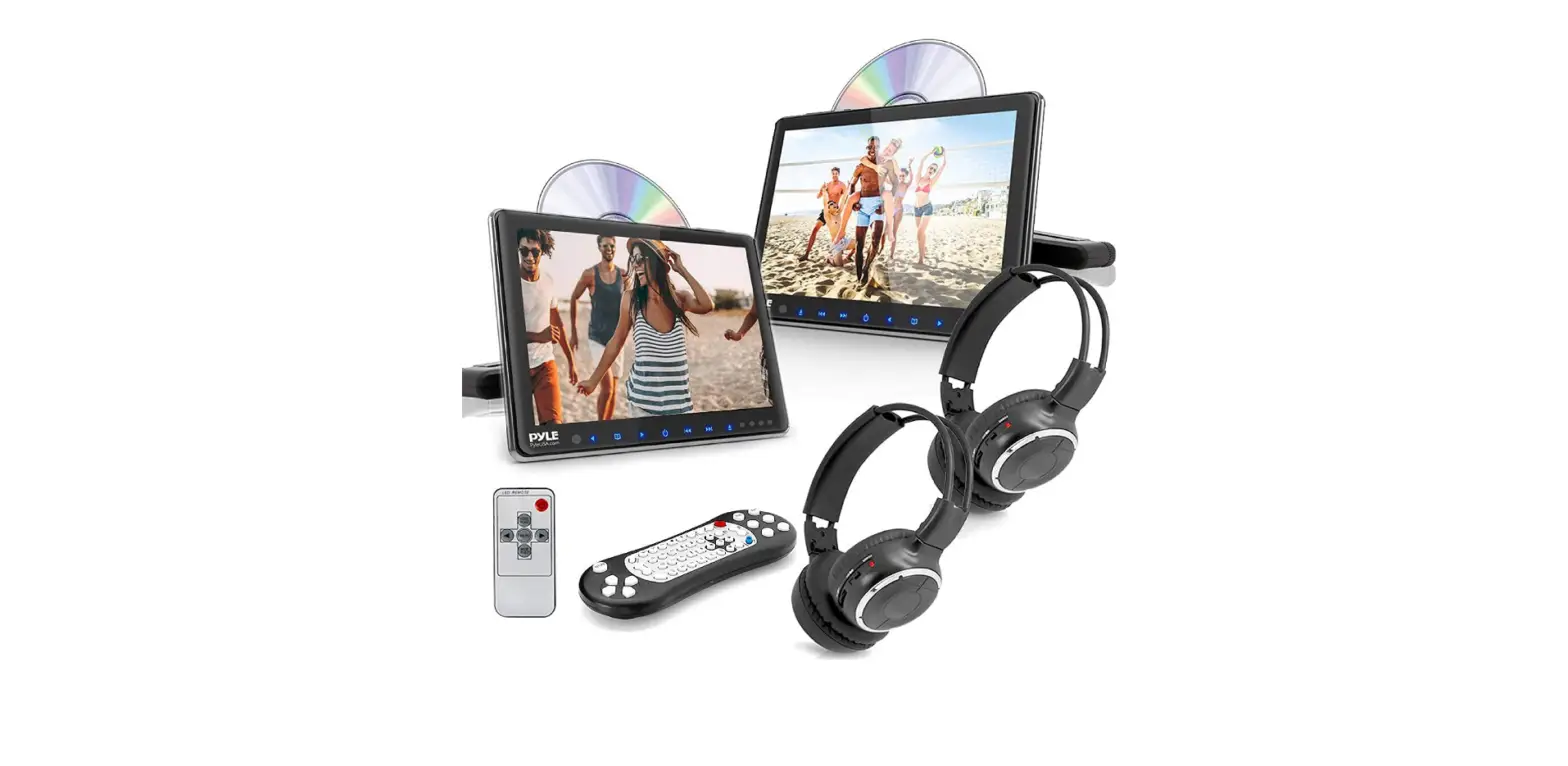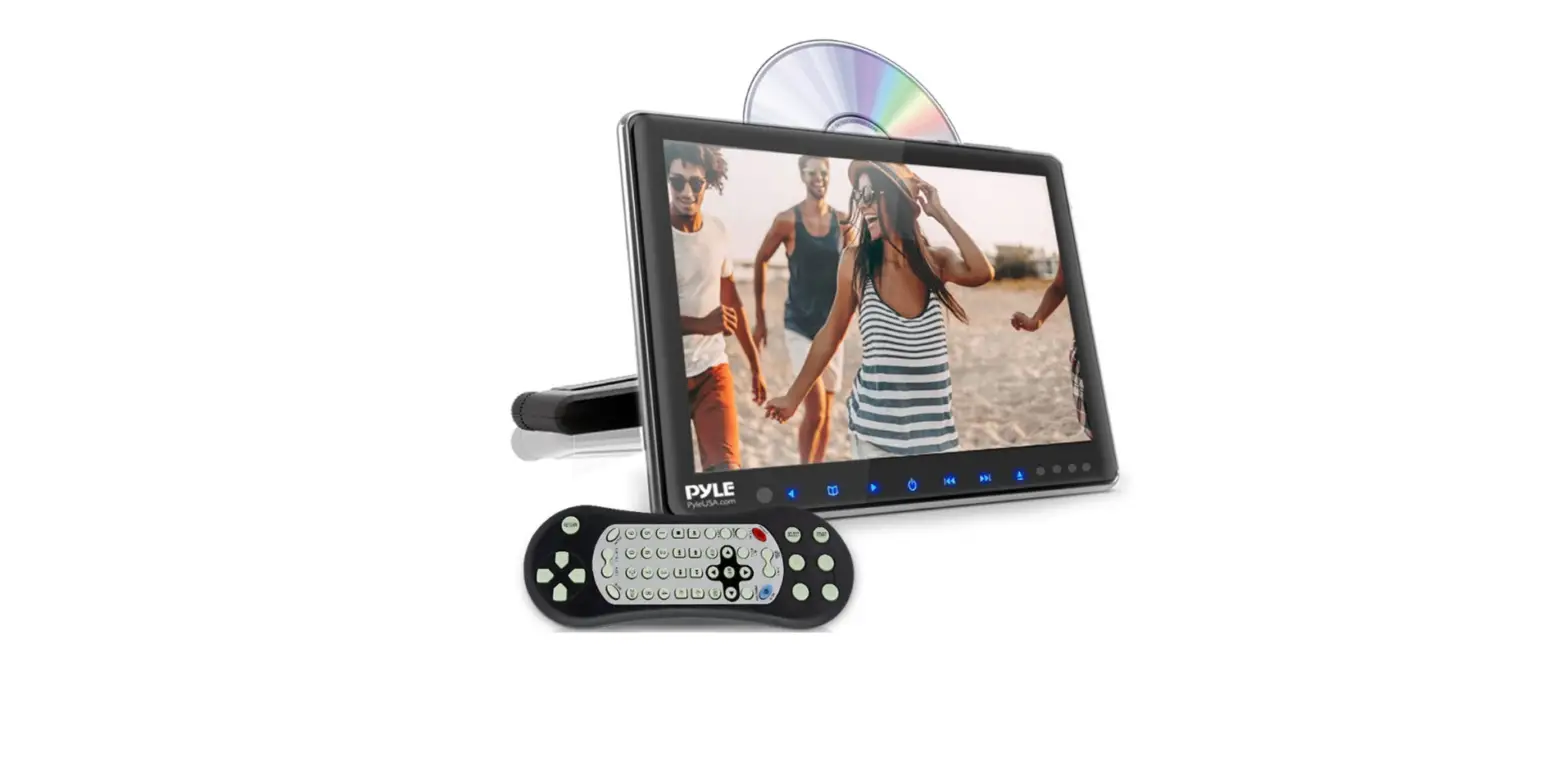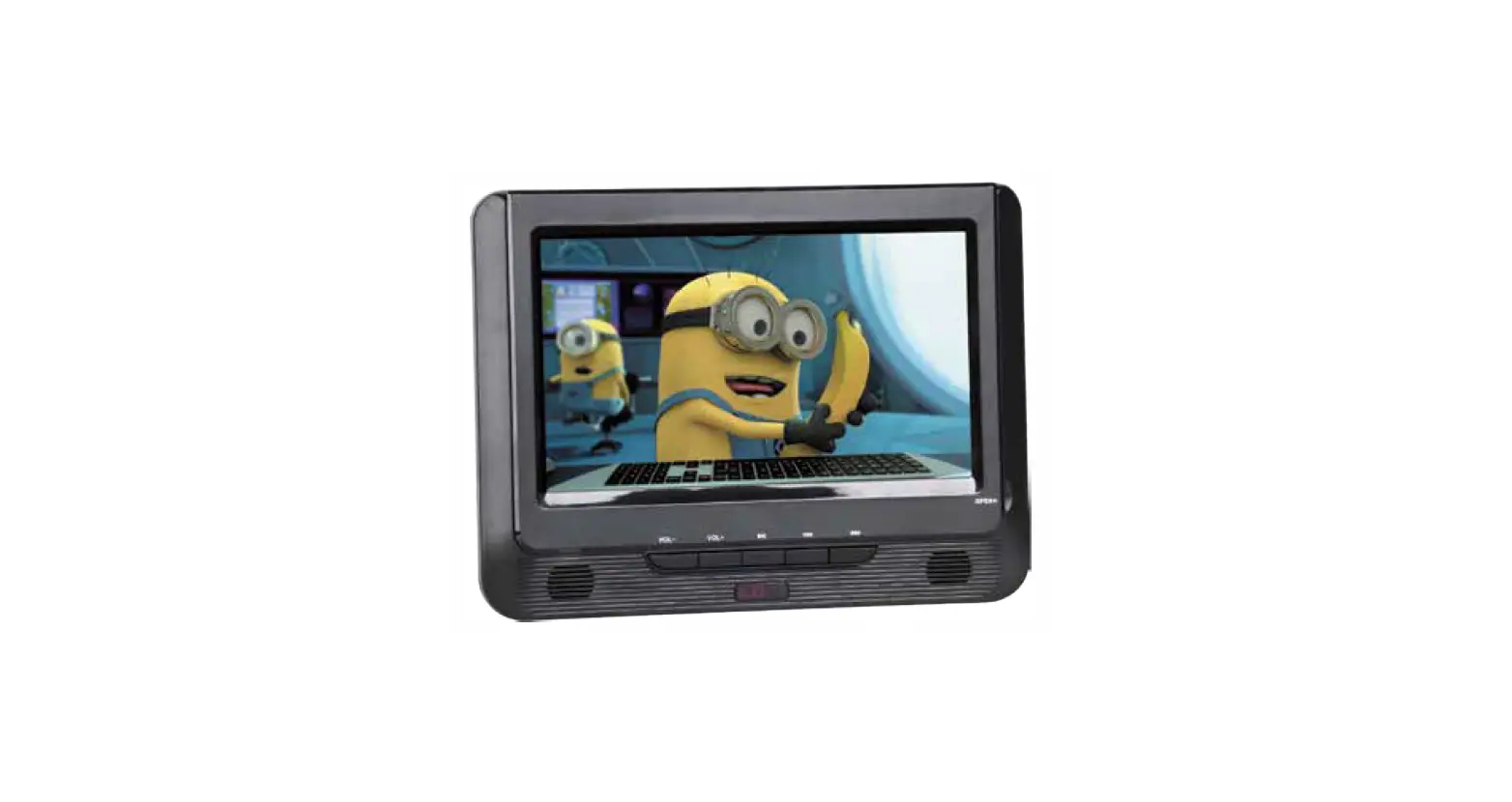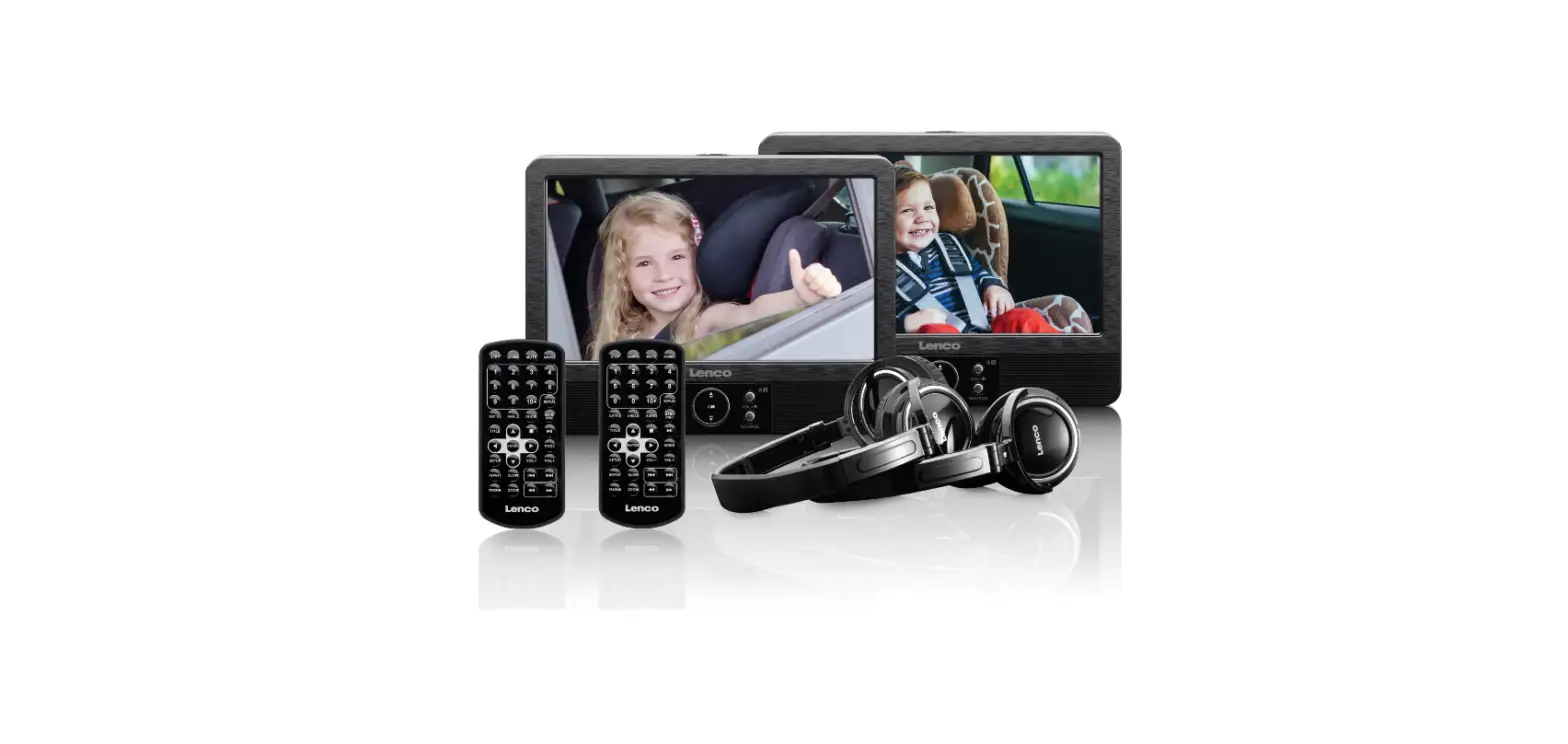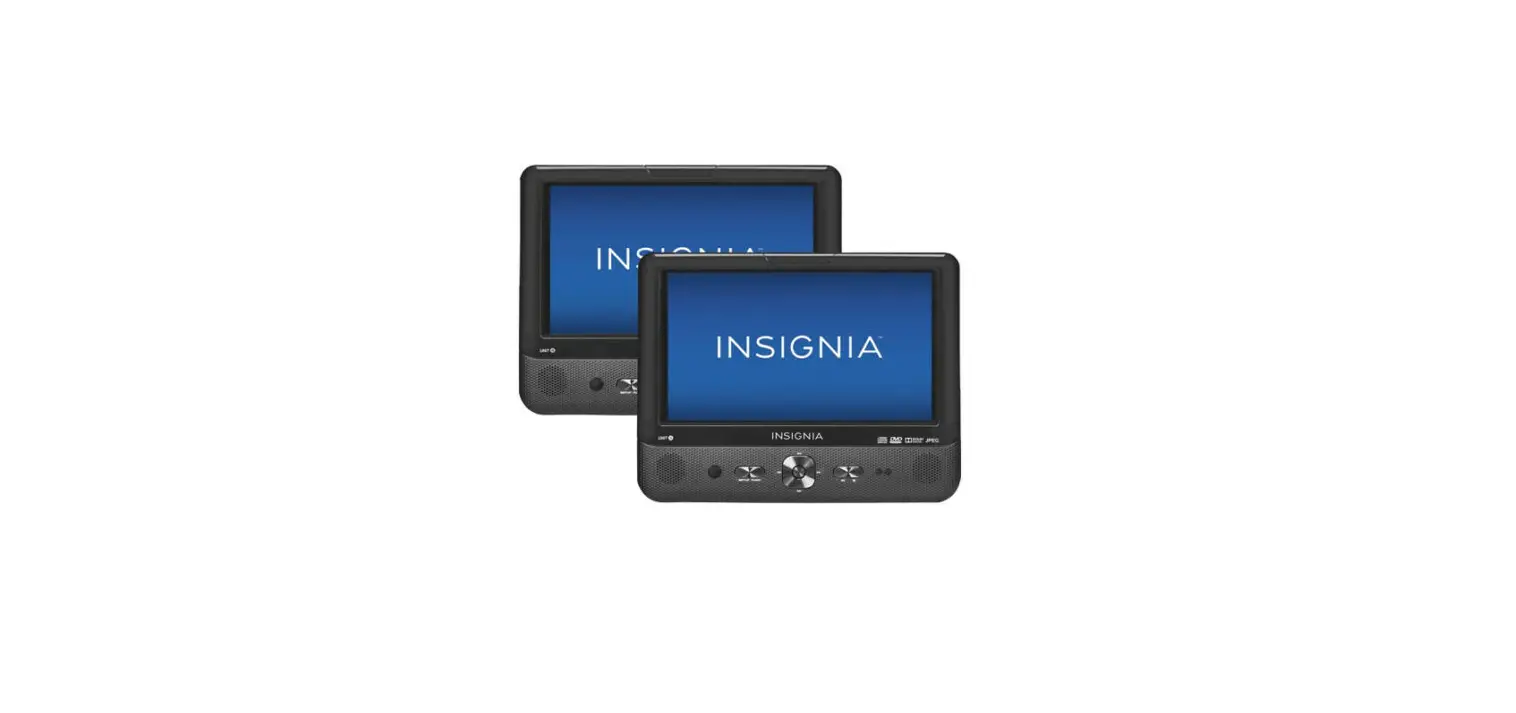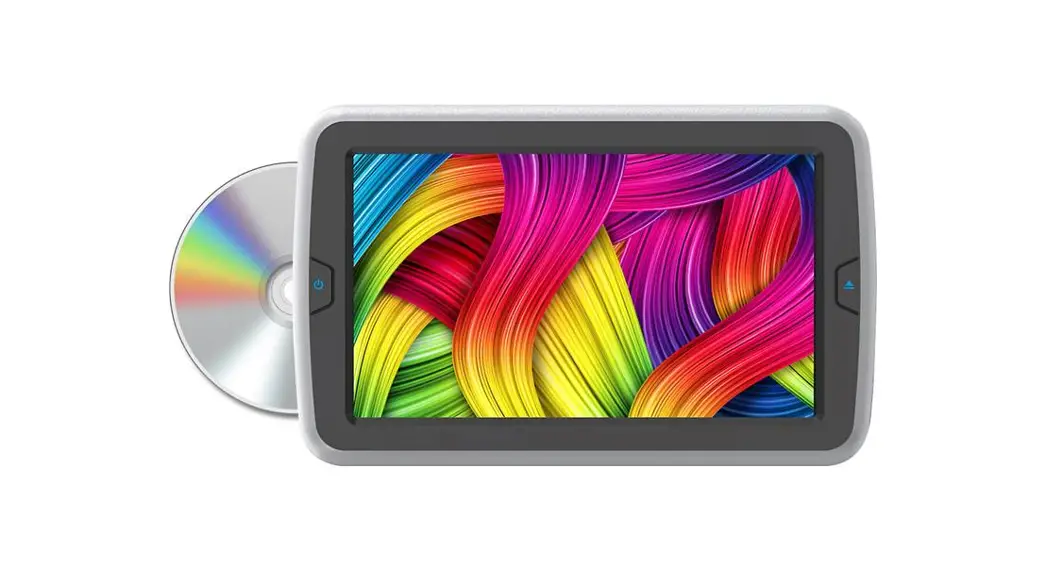
 PREMIER ULTRA-THIN
REAR-SEAT Entertainment System 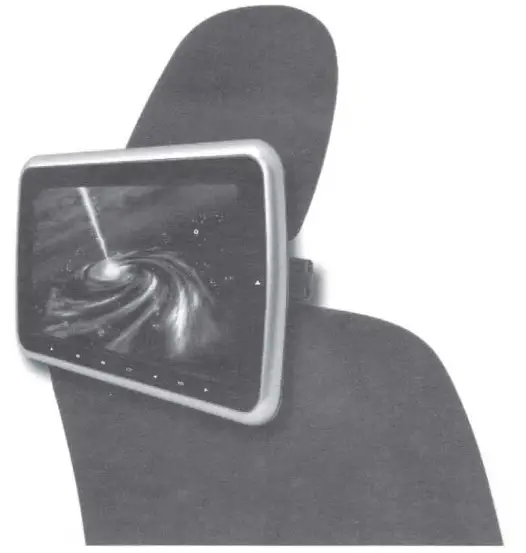 Operating instructions
Please read the instruction well before you operate the device.
INSTRUCTION MANUAL
Disclaimer
- Unauthorized reprint of partial or full content is prohibited.
- We reserve the right to change the specification of the hardware and software mentioned in the instruction without a statement in advance.
- There will be some disparity between the pictures and the sample.
- Please note we will never be responsible for any consequences due to use of this device.
Operating Menu
Features and functions
DVD
- Unique appearance design .
- Convenient installation way.
- Digital technique.
- Sharp image and no interference
- FM Frequency scale:
- FM87.7 MHZ/ FM88.1 MHz/FM88.5MHz/ FM88.9MHz/106. ?MHz/
- 107.1MHz/107.5MHz/107.9MHz
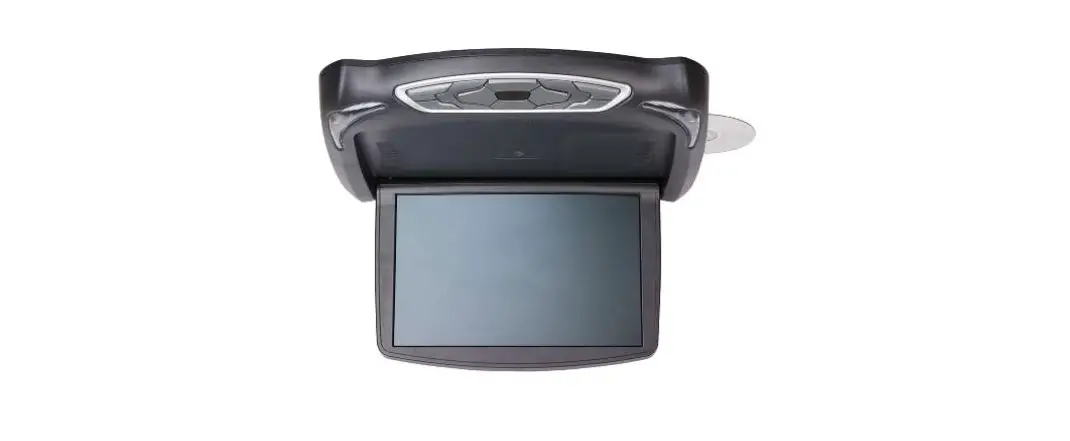
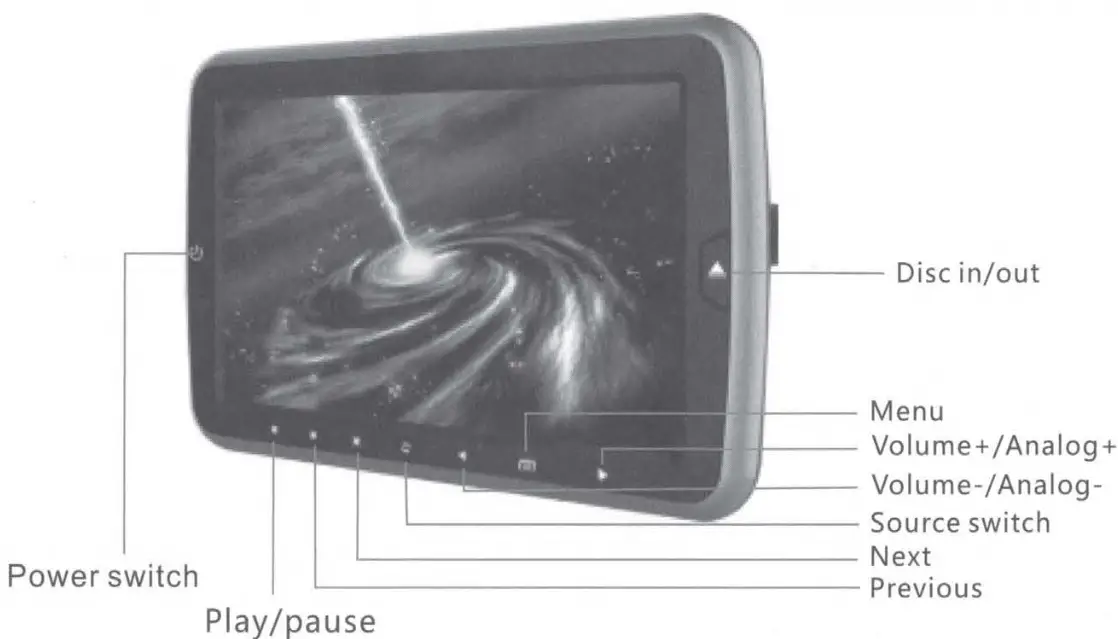
Appearance and function 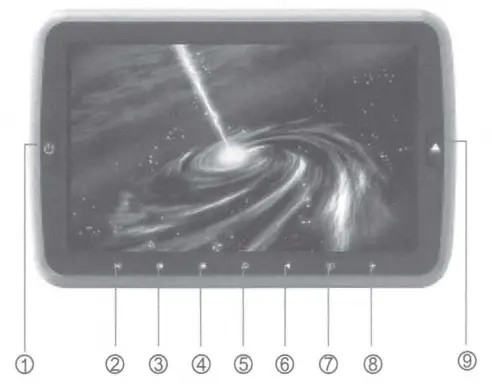
| 1 Power switch 2 Play/pause 3 Previous 4 Next | 5 Source switch 6 Volume-/Analog7 Menu 8 Volume+/Analog+ 9 Disc in/out |
Specification
- Screen size: 9 inch
Resolution: 800 X 3(RGB) X 480
Rated voltage: DC12V (voltage range:10V-14V)
Power: about 12W
Joystick 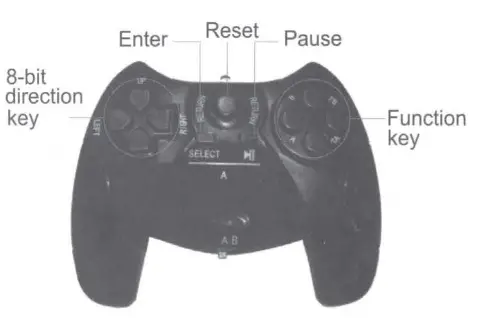
REMOTE CONTROL
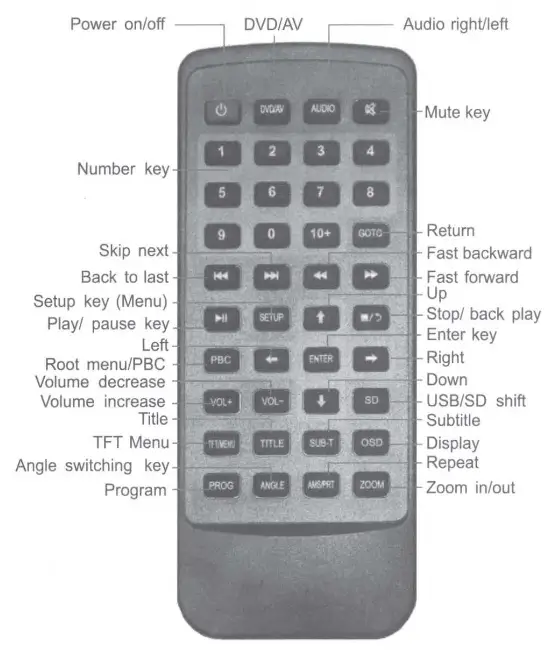
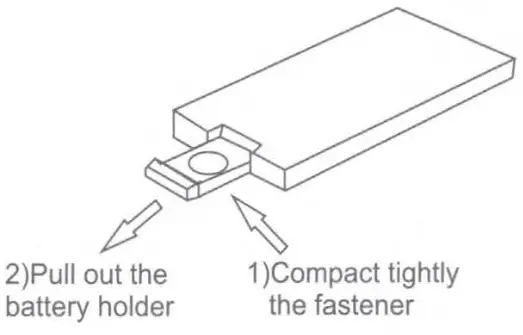
Battery installation
Attention:
- Do not touch the infrared light directly.
- Do not press the remote control when disassembling the battery cover of the remote control.
- Please take out the battery when rarely use.
- Normally, battery life is about one year. Please replace the battery when the remote is not sensitive.
INSTALLATION
Step 1 : There are three switches on the bracket marked with(l) .(2) .~. Pull the switch (2) to the right side and open the arm ® on the left side of the bracket.
Pull the switch ~ to the left side and open the arm ® on the right side of the bracket. After you open both arms of the bracket. You can choose the size of the plastic teeth according to the pole size of the pillow. Close the Both A, B arms of the bracket by pressing the arm.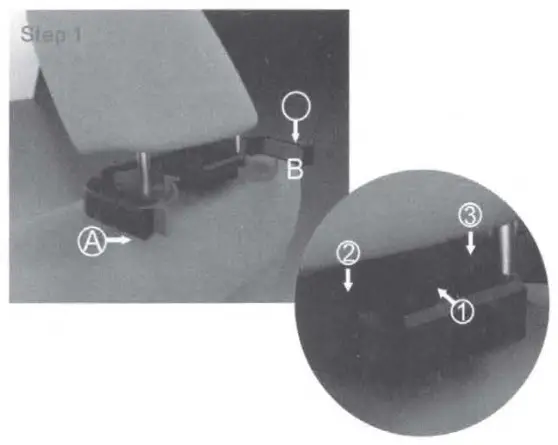
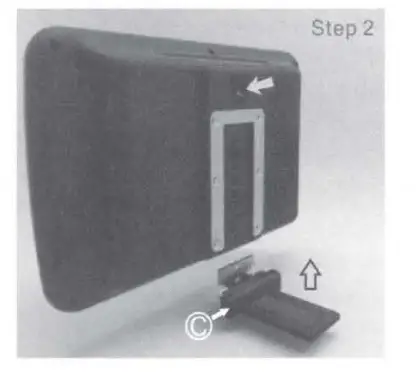 Step 2: Pull the button on the top of the device down, at the same time insert the (C) part on the proper position of the device which you choose then release the button.The C will fixed on the position you have chosen.
Step 3: Open the switch <D then insert the device attached with C part to the bracket on the pillow, after that close the lock 1.lock.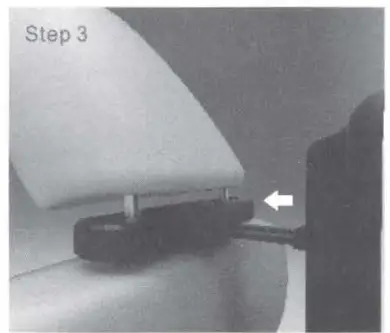
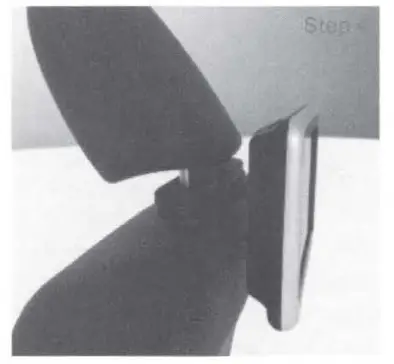
Step 4: Installation finished!
OPERATION OF DVD SYSTEM
Play format DVD/DCD/CD
The design of the out disc mouth and out disc button is faint. Before putting the disc in the device please press the right button so that the disc mouth can show obviously. Put the disc into the DVD with the direction of the disc label towards the screen for automatically play
Press the remote control for stopping
Press the remote control  for pause
Play MP3
the device will automatically play when inserting the storage medium.
Press on the remote control to stop
Press  on a panel or on the remote control to pause.
Presso panel or on a remote control when pausing to replay.
- press
AMS RPTto repeat one or more songs - press the numeric key to directly play the specified song.
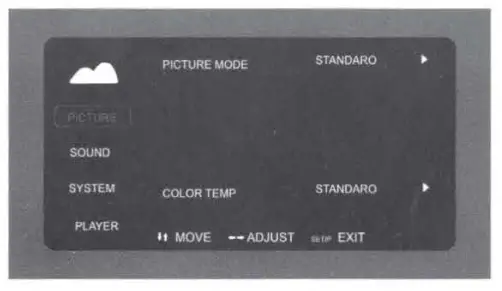
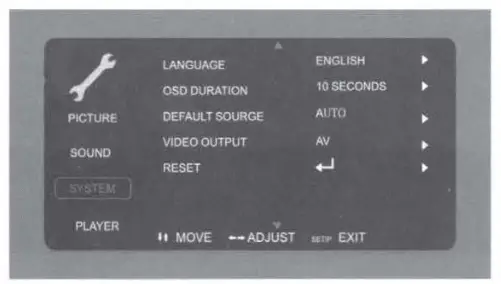
Press the setup or TFT/MENU key on the remote control or on the panel access to the Menu desk. Use the key for choosing and revising then press the ENTER key for confirmation. Also you can use the universal panel key
 for adjustment. Below the picture for your reference:
 Picture setup
You can adjust the display ratio, brightness, contrast, saturation, sharpness, HUE etc according to your preference.- Sound setup
You can make adjustments for sound mode, Mixed mode, output mode, dynamic range, IR transmitter and FM transmitter.
- System setup
Including sound mode, fixed mode, output mode, dynamic range, IR transmitter, FM transmitter.
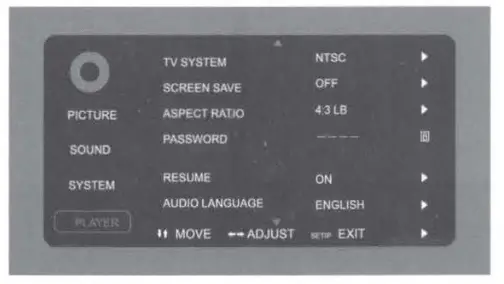
- Player settings
Such as TV mode, screen saver, display ratio, password, memory play, audio language, subtitle language, OSD language.
1. TV mode:set disc output image format and three formats of NTSC/PAL/AUTO can Be chosen.
2) Screen saver: a switch of screen protection
3) Screen picture ratio: choose image output ratio as per request
4) Password: set new password and the initial password of system is(0000)
5) Level set: set parents lock as per different levels
6) Memory play: power off memory plays optional
7) Audio language: setup the output language
8) Subtitle language: setup disc subtitle display language
9) Menu language: setup disc menu language
 Picture setup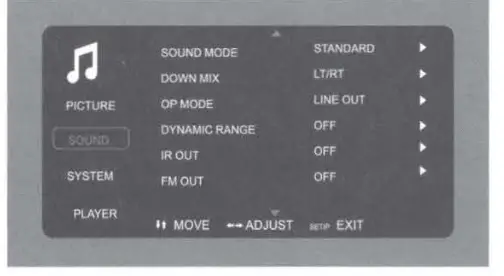
INTRODUCTION OF USB/SD
- Enter: press uss under DVD mode and switch to the mode you need in DVD, USB or SD mode. Also, you can choose a different mode by pressing the power button shortly or
 switch buttons.
- The basic operation way for USB is same With the DVD.
 switch buttons.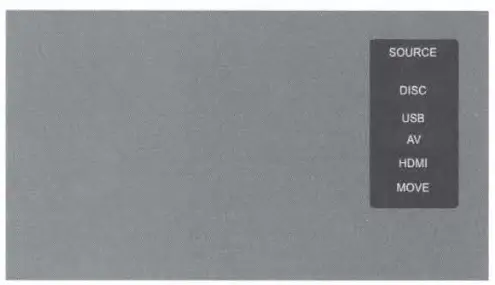
 AV function description
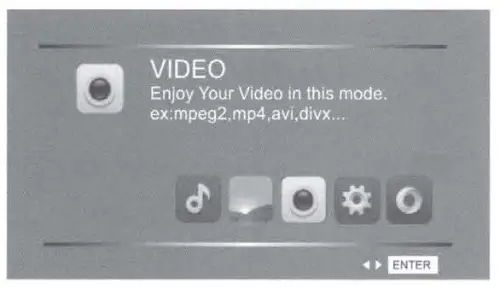
One way Audio/video input, support format Switch automatically. 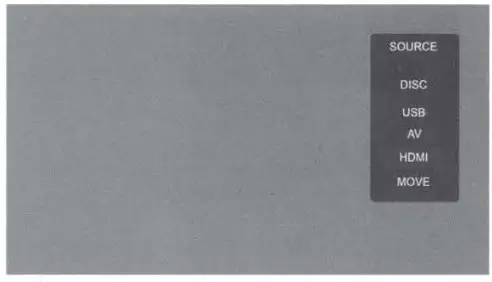 HDMI function description
With HDMI input, maximum support 1080P resolution signal input.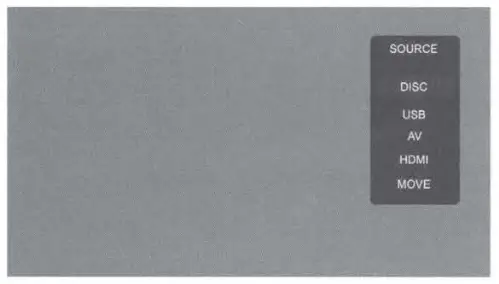
DVD PLAYER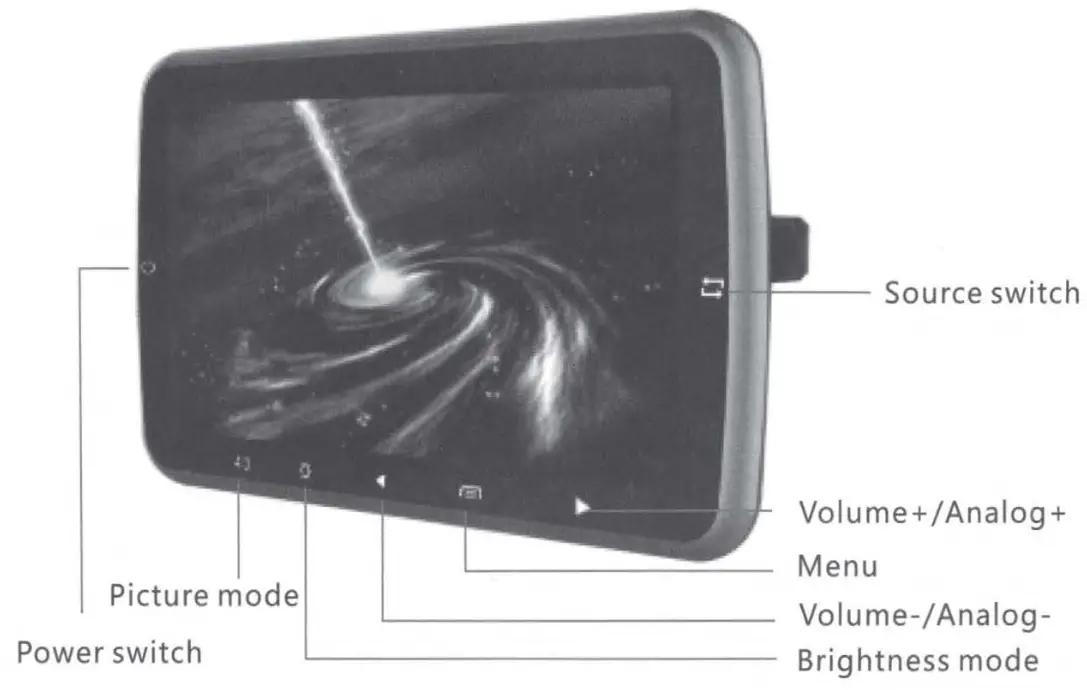
AV DISPLAY
TROUBLESHOOTING
| Troubles | Solutions |
| No sound and image | Power is disconnected or have not turn on the device |
| No image | Disc is scratched; Signal wire is disconnected |
| No sound | Volume too low or the volume setup is not workable |
| Black screen | Incorrect setup of Image luminance and contrast; Voltage is too low |
| Blurring and unstable image | Disc is scratched |
| Color cast | Function menu setup is incorrect, weak signal |
| No power | Voltage is not accurate; Check interconnect circuit; Fuse is disconnected: change fuse box |
| No image after loading the disc | Only audio frequency for the disc; Disc is scratched Disc format is not supported |
| Unstable sound caused by vibration | Disc is dirty or seriously damaged |
| Unstable sound even without vibration | Disc is dirty or scratched; clean or replace the disc |
ATTENTION
- Do not put the device in a rain or damp environment lest outbreak of fire or any damage to the device.
- Do not repair the device by yourself. Please turn off the device and inform us if any problem is found, the factory or the agent will arrange specialized personnel to disassemble and repair the device for you.
- Please keep the device away from dampness, dust, oil and straight sunlight.
- Do not use diluents or another chemical cleaner when cleaning the device. Please clean the device by soft cloth with a special cleaner.
- Please keep the device in the proper environment. The storage temperature for the device is from -20C to 70C and the operating temperature is form -10C to 60C.
- Do not play the disc with the form it is not supported, this device only supports DIVX/MPEG4/ DVD/ DVD+R / SVCD/ VDC/ DVCD/ CD/ MP3/ WMA/ CD-R/ RW/ HDCD+-R/ JPEG or CD-ROM ?.
- Please prevent the device from the influenced of other equipment.
- For your safety, please do not turn on or operate this device when driving as it may be illegal in some countries and regions.
- Safe power supply: DC12V(voltage range:10V-14V)
ATTENTION:
There maybe some small and bright spots on the screen. This is a common technical matter . And do not indicate any quality problem of this device.