
VT80 | VT90
USB 3.0 4K Display Adapter
Quick Start Guide
Safety Instructions
Always read the safety instructions carefully. Keep this Quick Start Guide for future reference. If any of the following situations arise, please contact VisionTek Support.
- The adapter has been exposed to moisture.
- The adapter has been dropped and damaged.
- The adapter has obvious signs of breakage.
- The adapter has not been working well or you cannot get it to work according to the User Manual.
Copyright Statement
No part of this publication may be reproduced in any form by any means without prior written permission.
Other trademarks or brand names mentioned herein are trademarks or registered trademarks of their respective companies.
Disclaimer
Information in this document is subject to change without notice.
The manufacturer does not make any representations or warranties (implied or otherwise) regarding the accuracy and completeness of this document and shall in no event be liable for any loss of profit or any commercial damage, including but not limited to special, incidental, consequential, or other damage.
WEEE Directive & Product Disposal At the end of its serviceable life, this product should not be treated as household or general waste. It should be handed over to the applicable collection point for the recycling of electrical and electronic equipment or returned to the supplier for disposal.
Introduction
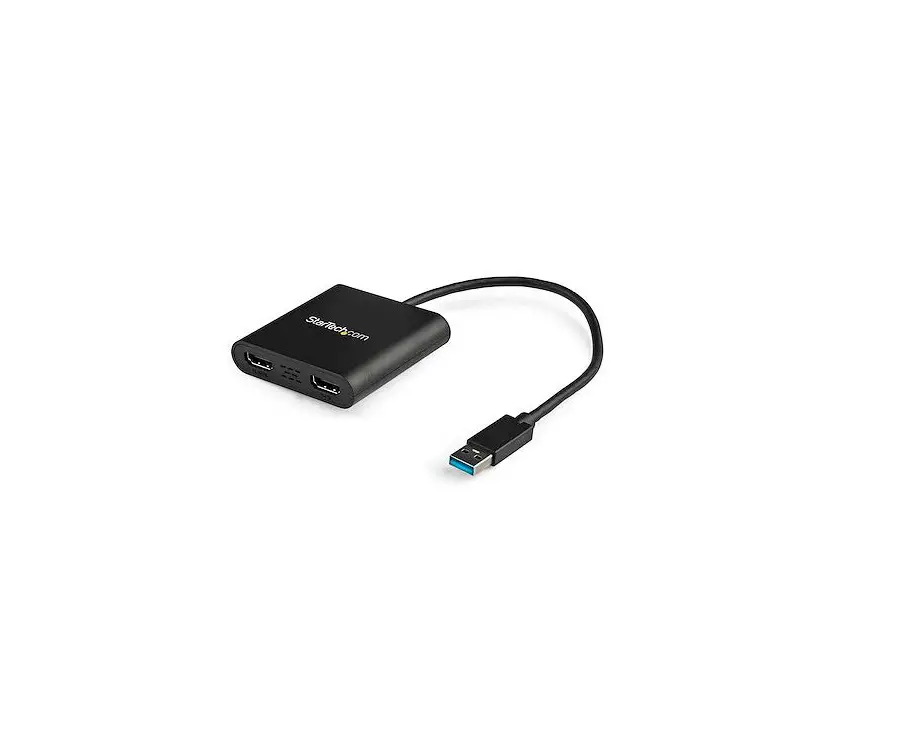
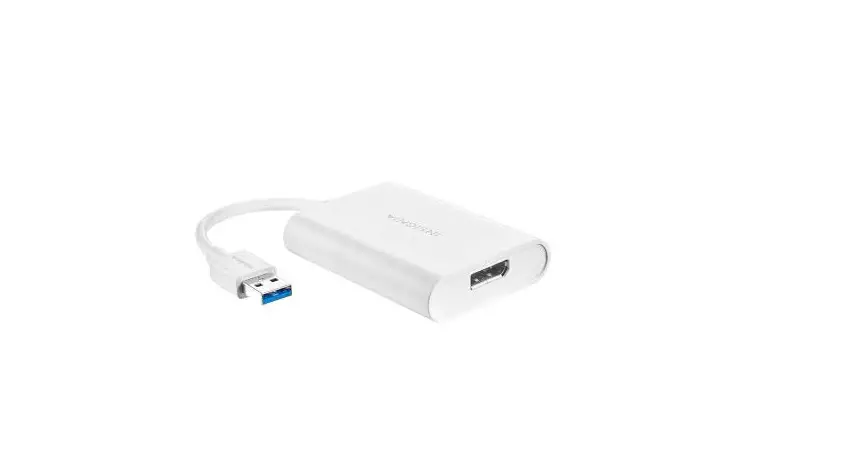
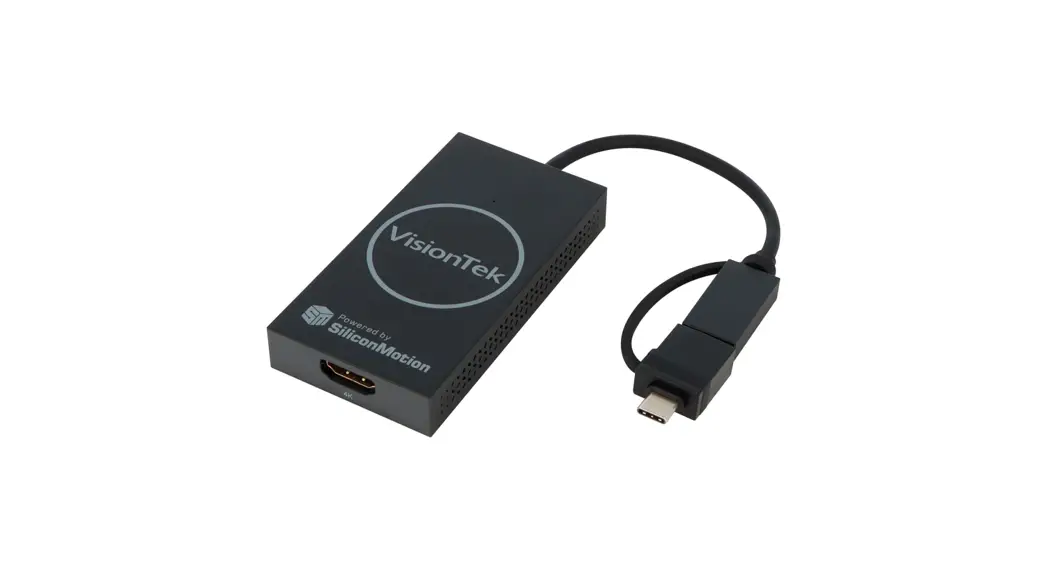
The USB 3.0 Display Adapter is a multi-mode adapter that supports a maximum of 3840 x 2160 (4K) resolution: it can extend your image/video to an external display such as a projector, HDTV, or monitor. Whether you need to extend a monitor for work, stock market, gaming, or conference, this adapter is here to assist you with your task.
Features
- Compatible with USB-C or USB 3.0 Systems
- Compact design for easy portability
- Powerful USB 3.0 GPU
- Supports 1 Display via Silicon Motion USB Graphics
- Supports extended and mirrored modes
- Maximum Resolution Supported 3840 x 2160 / 30Hz (4K)
System Requirements
- Microsoft Windows 7/8/8.1/10/11
- macOS 10.10.x or higher
- CPU: Processor: Core i5 or higher
- RAM: 4GB
- Monitor (Support for up to 4K UHD)
In The Box
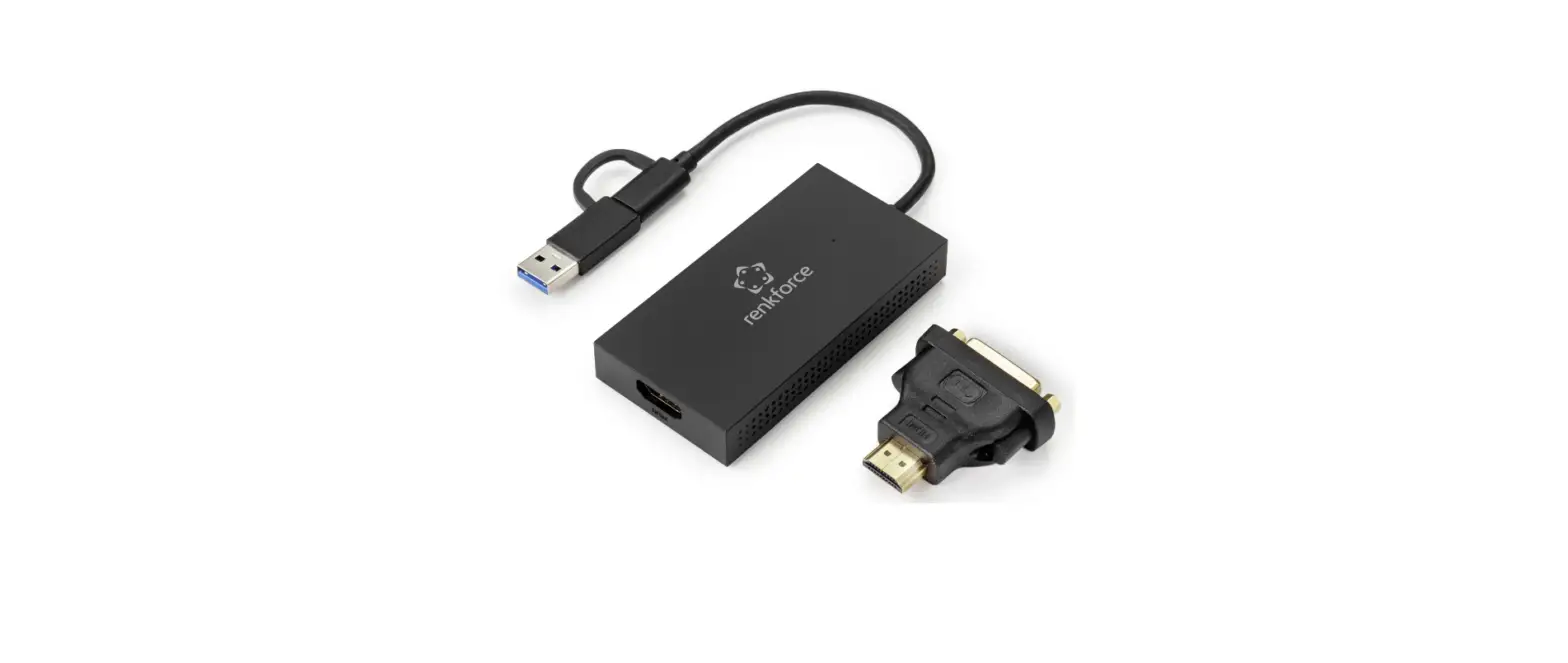
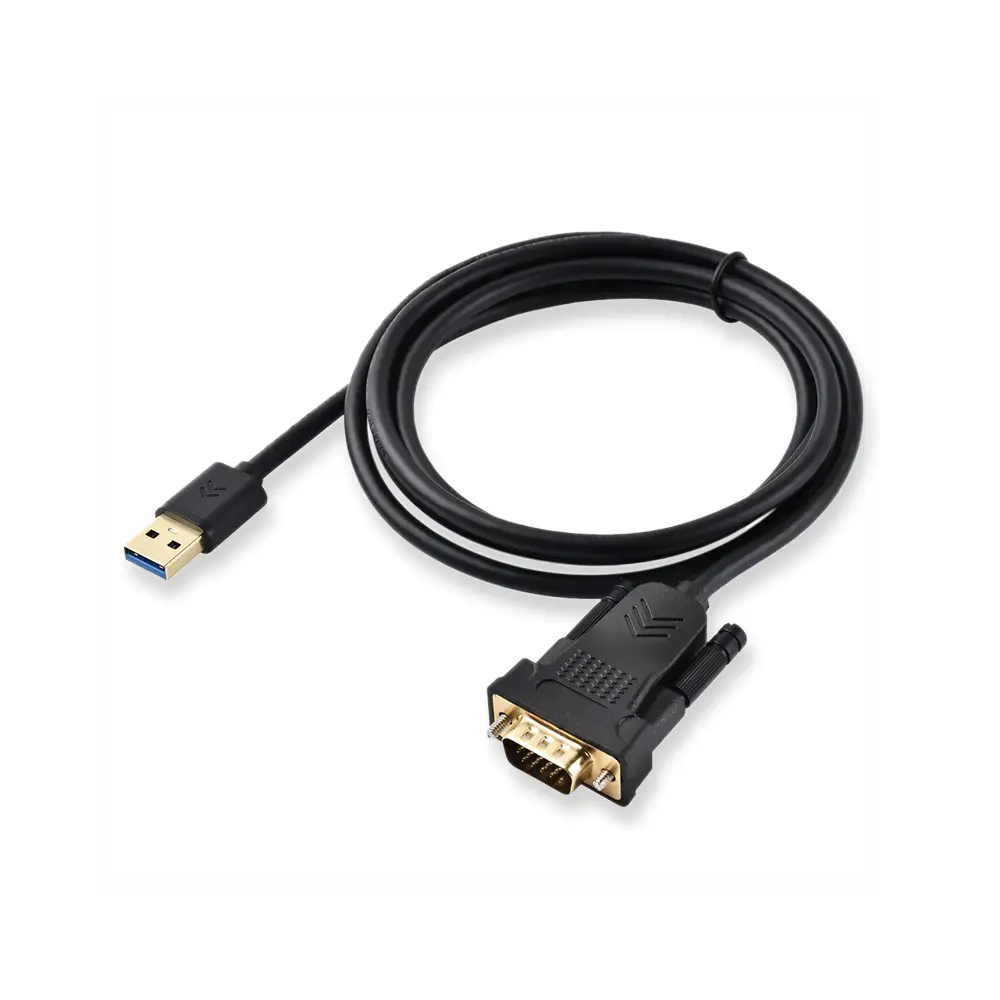
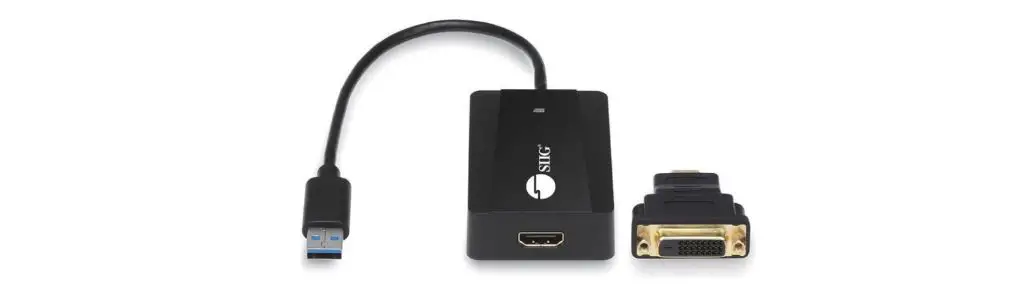
1 x USB 3.0 Display Adapter
1 x HDMI to DVI Converter (VT90 Only)
1 x Quick Start Guide
Driver Installation
- To download the latest drivers, Please visit https://www.visiontek.com/pages/download-drivers

- Click on the “exe” file to start the installing process.


- Click the “REBOOT” button to reboot the computer and finish the installation.


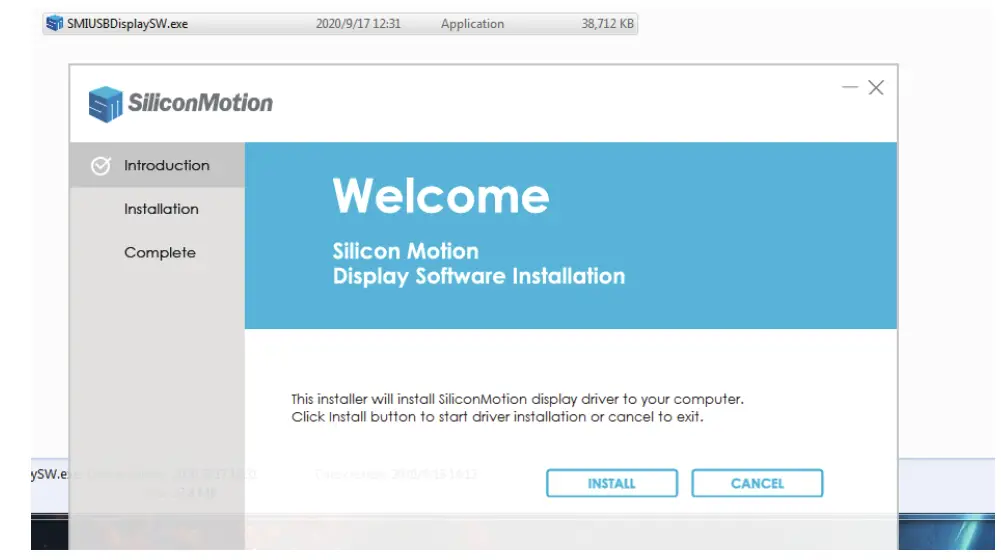
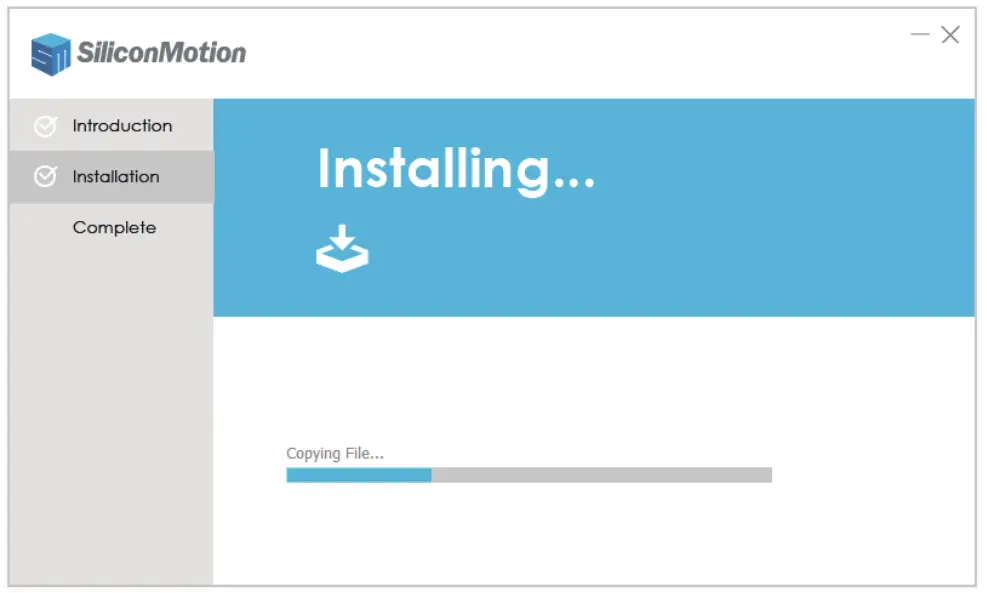
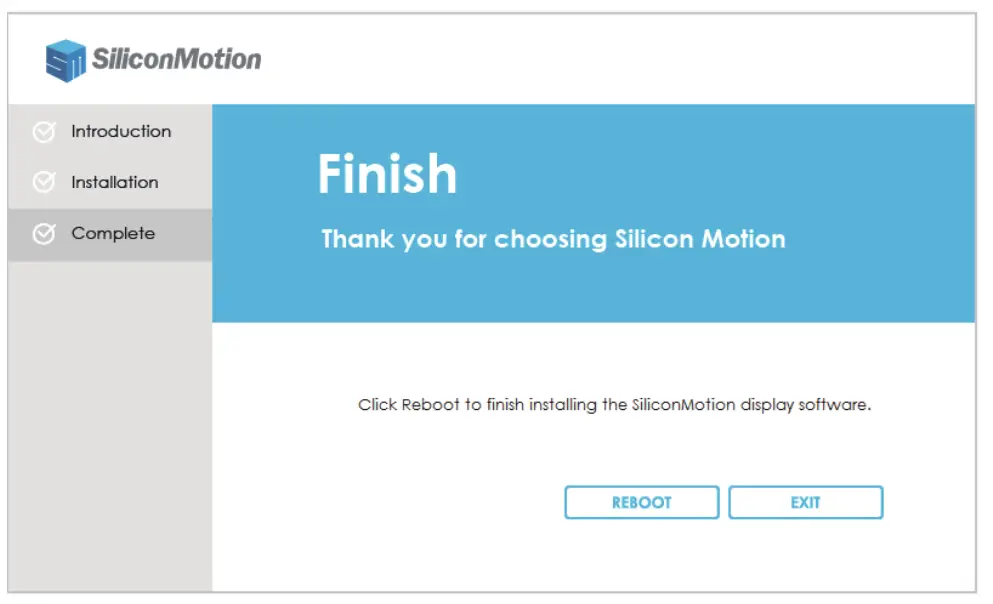
Display Mode Settings
For Windows Users
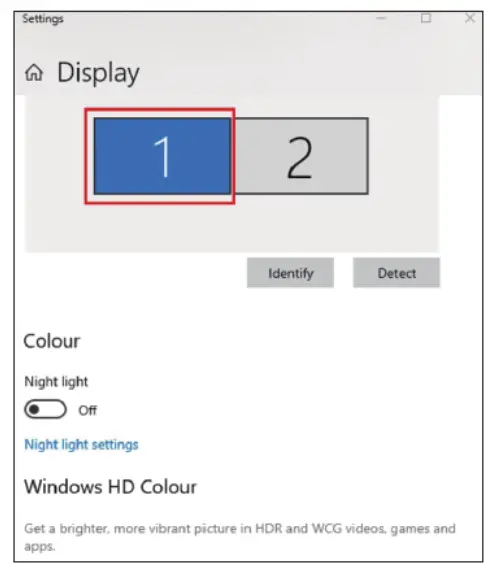
- Right-click at any spot on your desktop and select “Display settings”.

- In section “Display”, please select either monitor 1 or monitor 2.

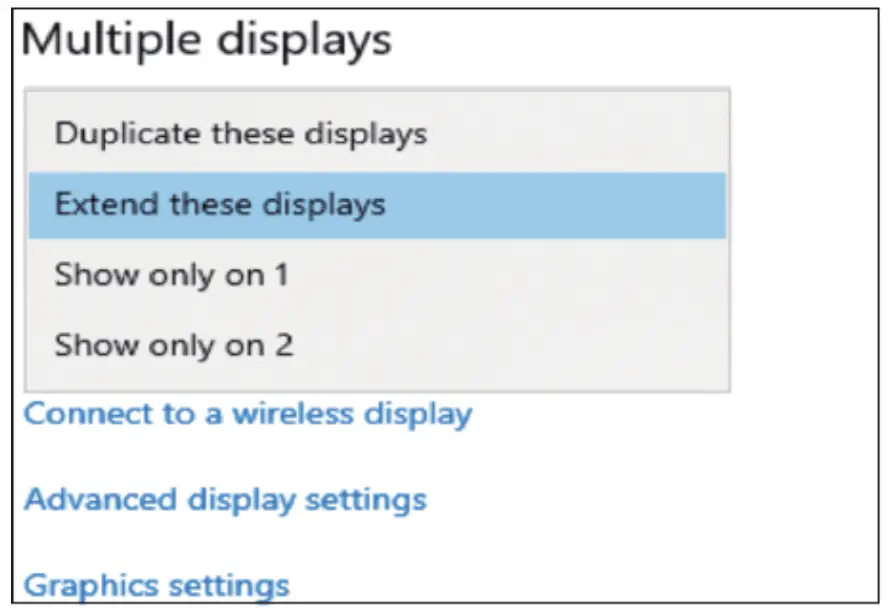
- Scroll down to the “Multiple displays”, and select the mode in the drop-down list that best fits your needs.

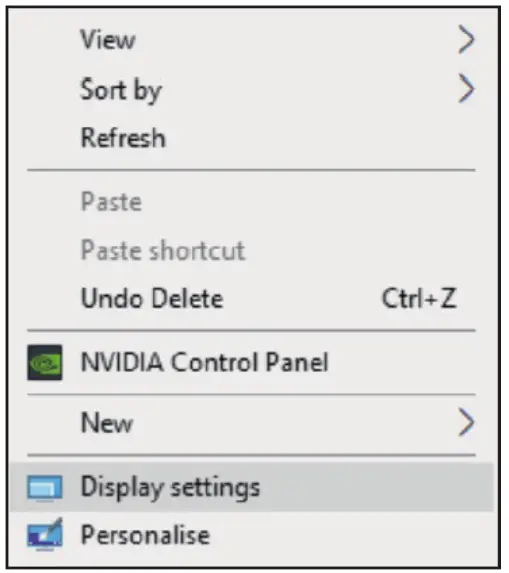
For Mac Users
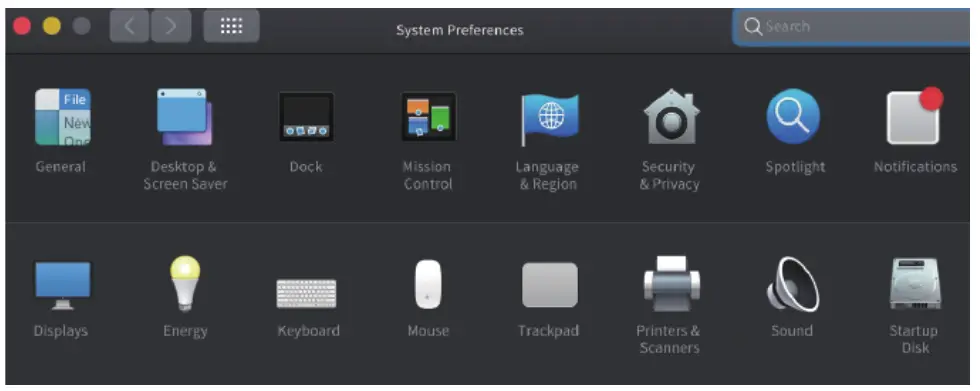
- Select “System Preferences” and choose “Displays”.

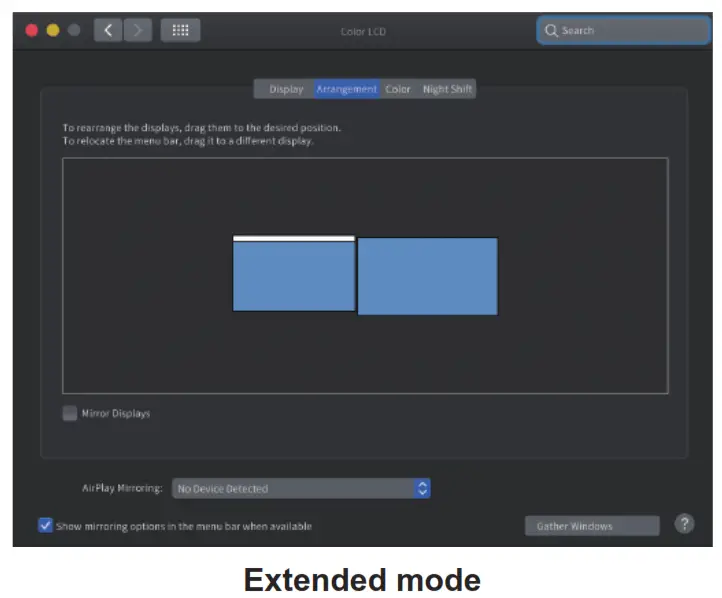
- Click on “Arrangement” to change the position of displays currently connected.

- To use the mirror mode, you must mark the “Mirror Displays” box below the central icon.

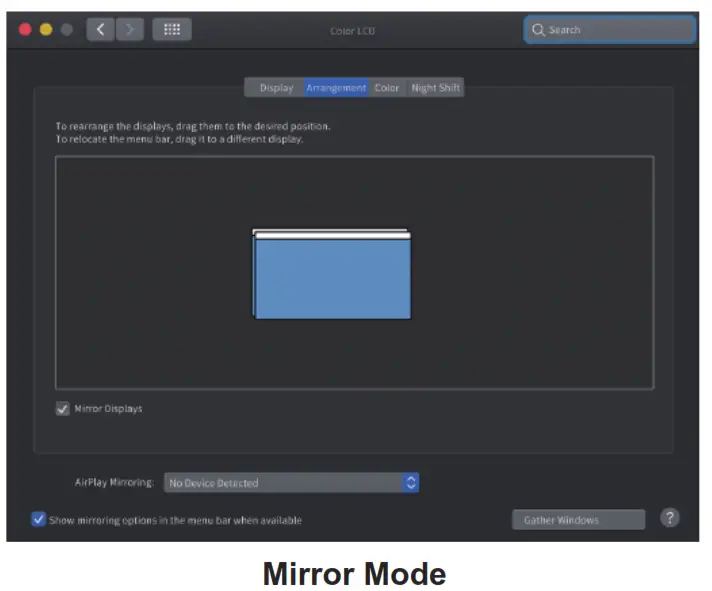
Notice: Due to privacy policy applied in Mac, you may experience the following issue: 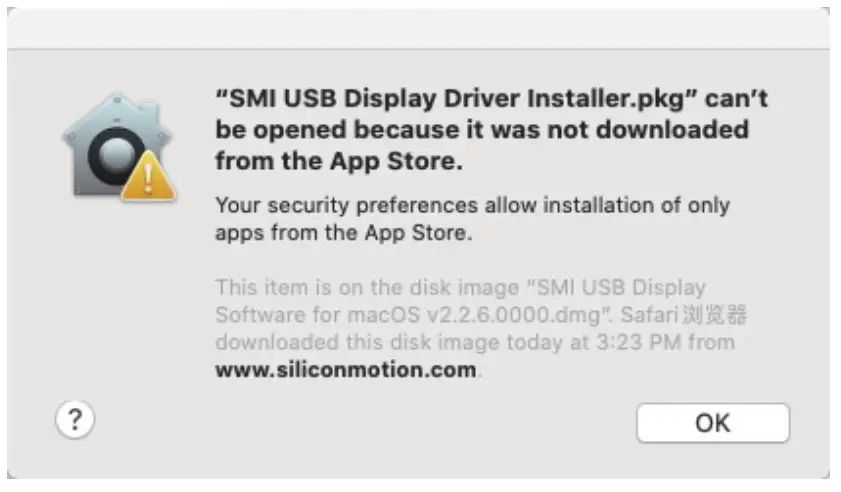 Select “System Preferences” and choose “Security & Privacy”, Click on “Open Anyway” to approve of the driver installation.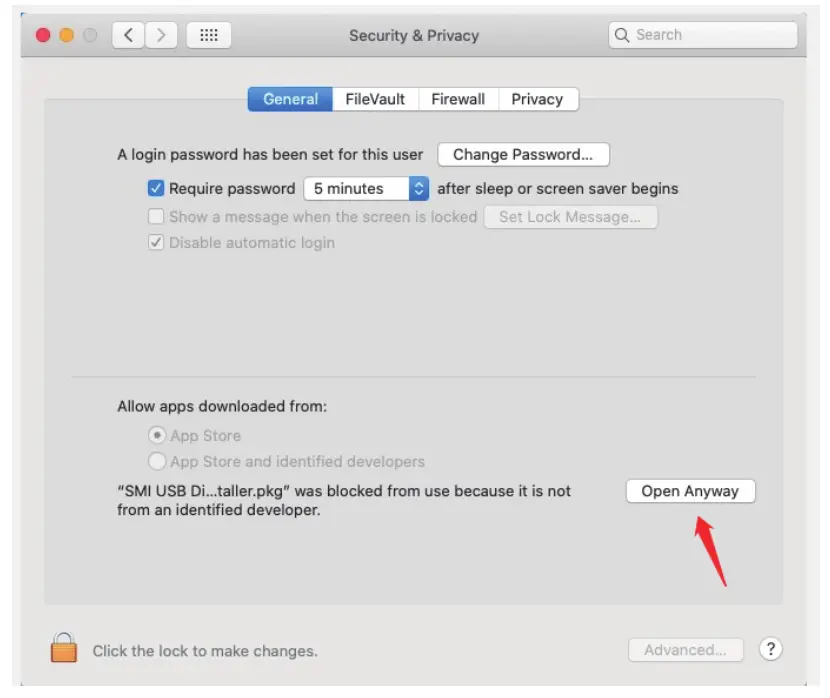
Supported Resolutions
Windows 10
| 3840×2160 | 30Hz |
| 2560×1440 | 60Hz |
| 1920×1080 | 60Hz |
| 1680×1050 | 60Hz |
| 1600×1200 | 60Hz |
| 1600×900 | 60Hz |
| 1440×1050 | 60Hz |
| 1440×900 | 60Hz |
| 1280×1024 | 60Hz |
| 1280×800 | 60Hz |
| 1280×720 | 60Hz |
| 152×864 | 60Hz |
| 1024×768 | 60Hz |
| 800×600 | 60Hz |
| 720×480 | 60Hz |
| 640×480 | 60Hz |
macOS
| 3840×2160 | 30Hz |
| 2560×1440 | 60Hz |
| 1920×1080 | 60Hz |
| 1920×1080 | 30Hz |
| 1600×900 | 60Hz |
| 1280×720 | 60Hz |
The exact list of supported resolutions depends on the supported features and performance of your monitor.
 Driver Downloads – VisionTek.com