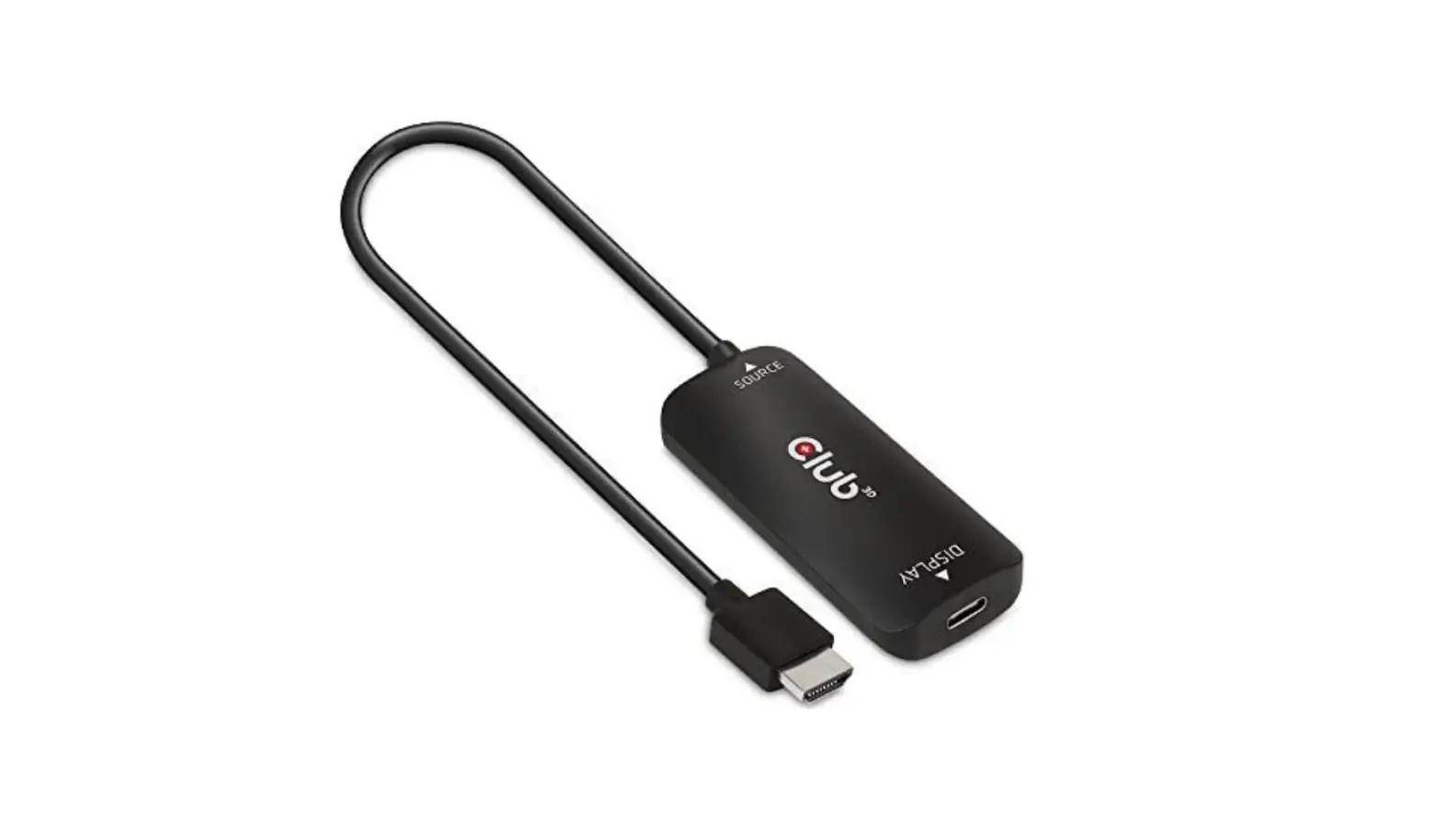
Club 3D CAC-1335 HDMI+ Micro USB to DisplayPort 4K 120Hz or 8K30Hz MF Active Adapter Installation Guide

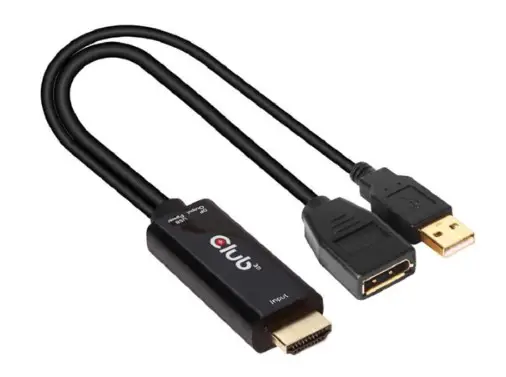
Thank you for purchasing our CAC-1335 Product.
After unpacking the product, please make sure you have all the items provided and checked for any damages.
In case of any missing/damaged parts please inform your supplier immediately.
You should have:
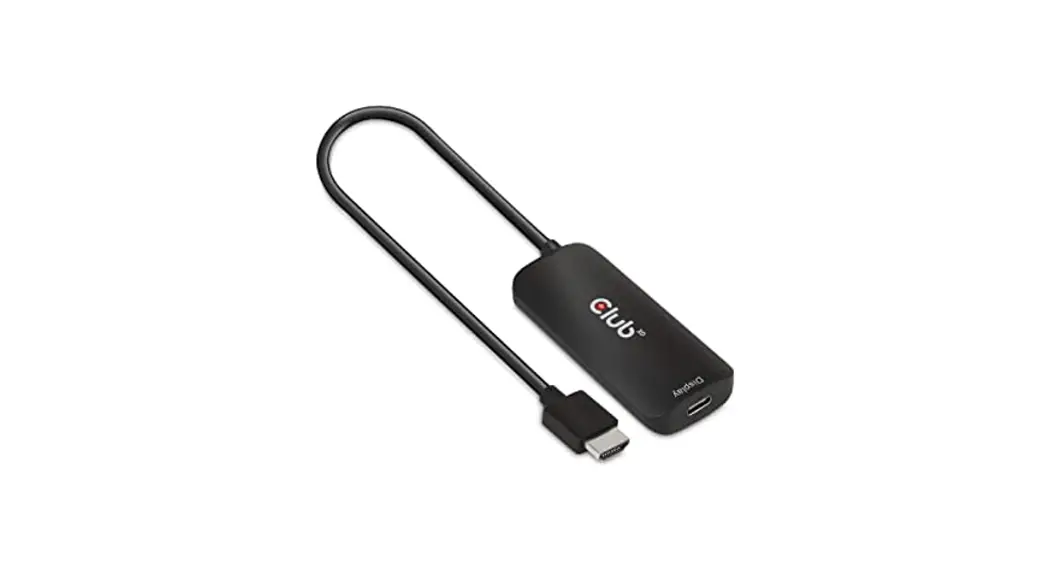
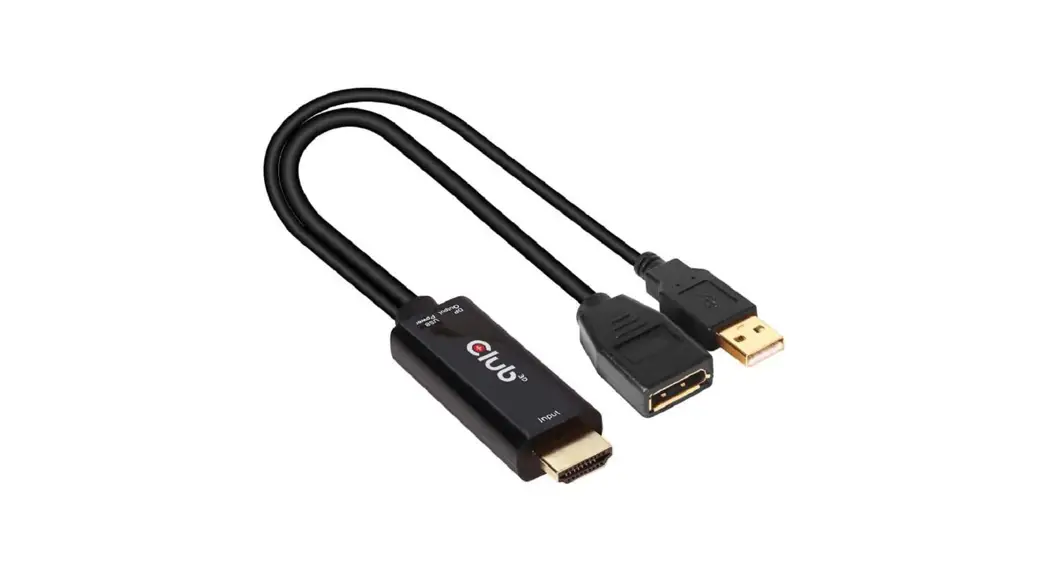
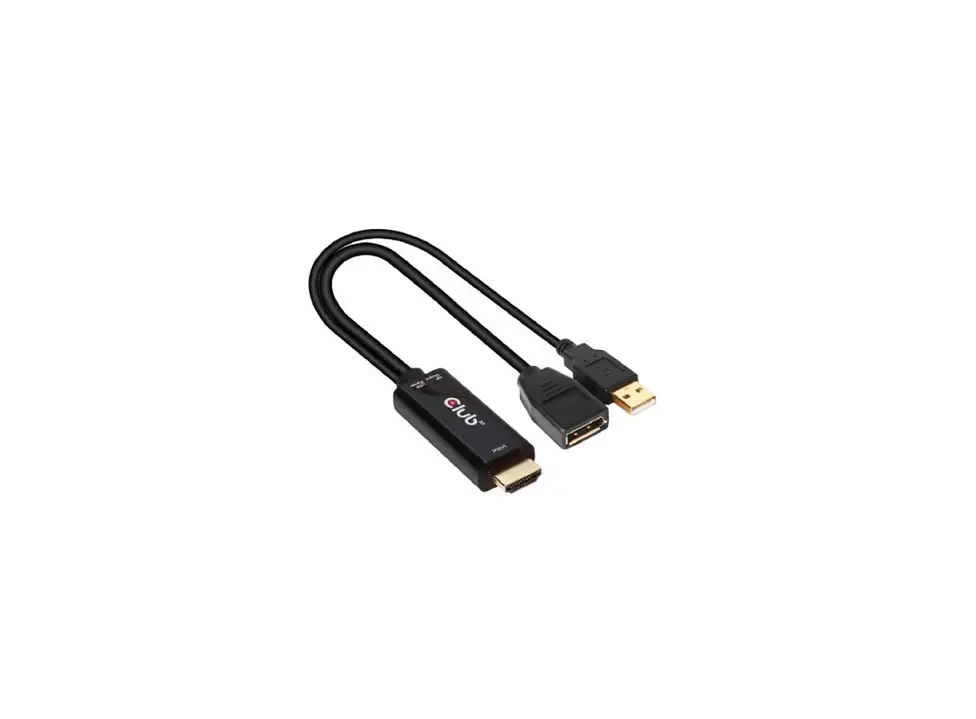
- 1x CAC-1335 HDMI™+ Micro USB to DisplayPort™ 4K120Hz or 8K30Hz M/F Active Adapter
- 1x USB A to Micro USB Power Cable 1 m/3.28 ft
Supports resolutions up to 3840×2160/120Hz or 7680×4320/30Hz.
ONLY games which are designed for 4K120Hz will provide this experience !

INSTALLATION: Simply connect the cables as shown below.
- Connect Source to your HDMI™ Device
- Connect your DisplayPort Cable to Display

- Connect the Power Cable with the Micro USB Connector to the CAC-1335
- Connect the USB Type A Connector with a USB Power**

** Connect a power adapter or computer to the USB Type A plug to supply power for the adapter. Please check whether your external power source supports 5V / 1.5A (7.5W).
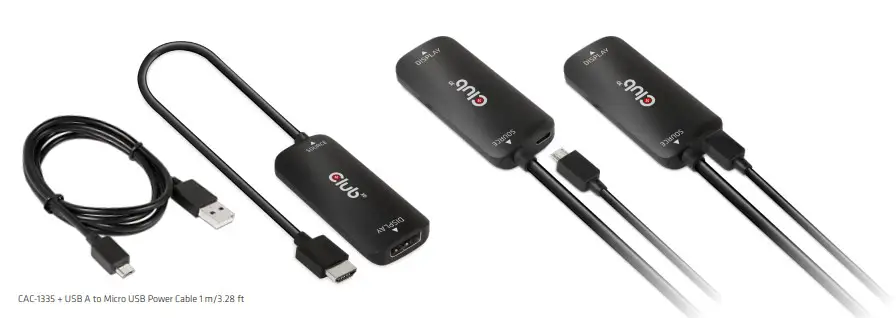
CAC-1335 + USB A to Micro USB Power Cable 1 m/3.28 ft
Disclaimer:
While we endeavor to provide the most accurate, up-to-date information available, the content on this document may be out of date or include omissions, inaccuracies or other errors. Therefore Club 3D does not accept any rights claimed on the content of this document.
Please refer to a full overview of our Legacy Terms and Conditions on www.club-3d.com. All other brand names are trademarks or registered trademarks and are the property of their respective owners. All content is subject to change without prior notice.
 Club 3D