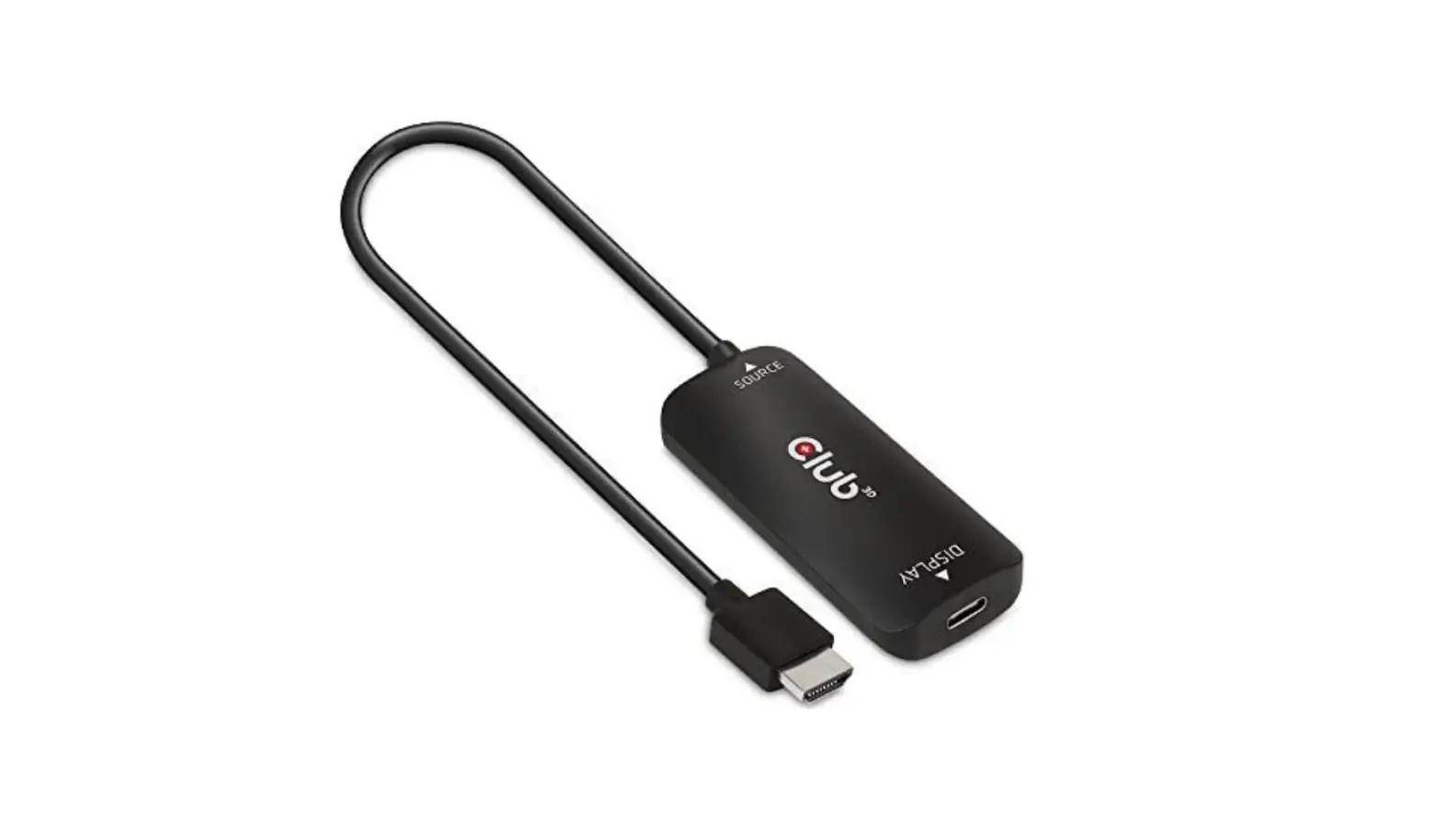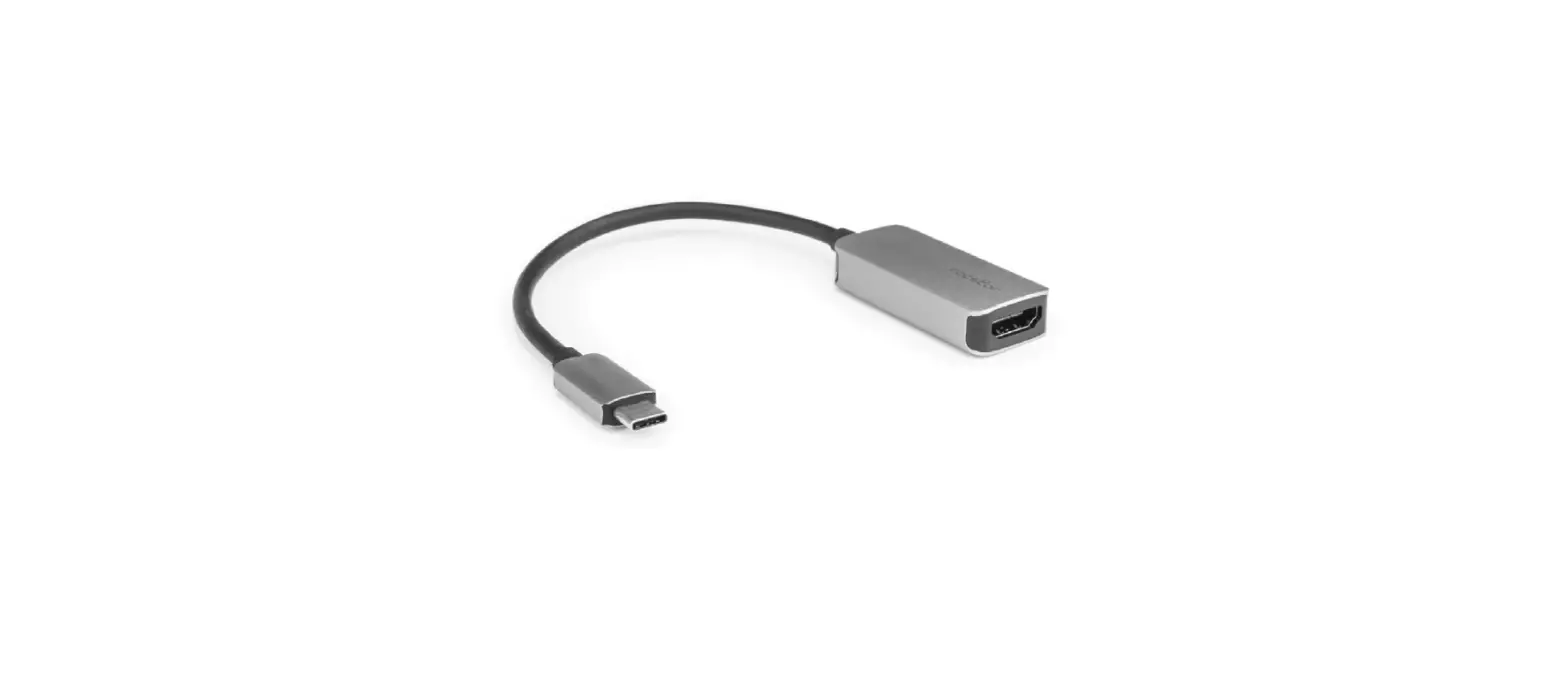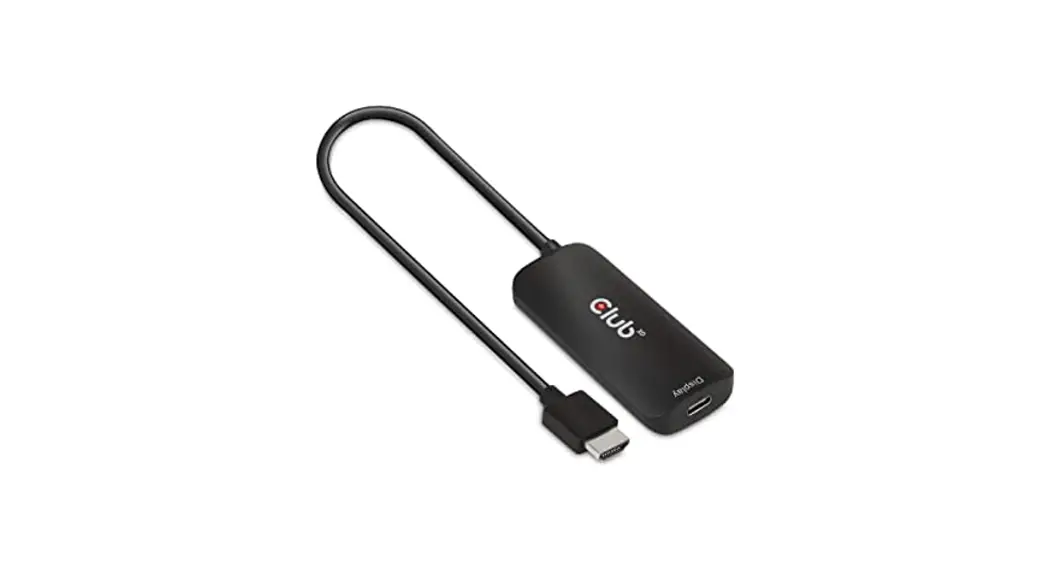
 CAC-1332
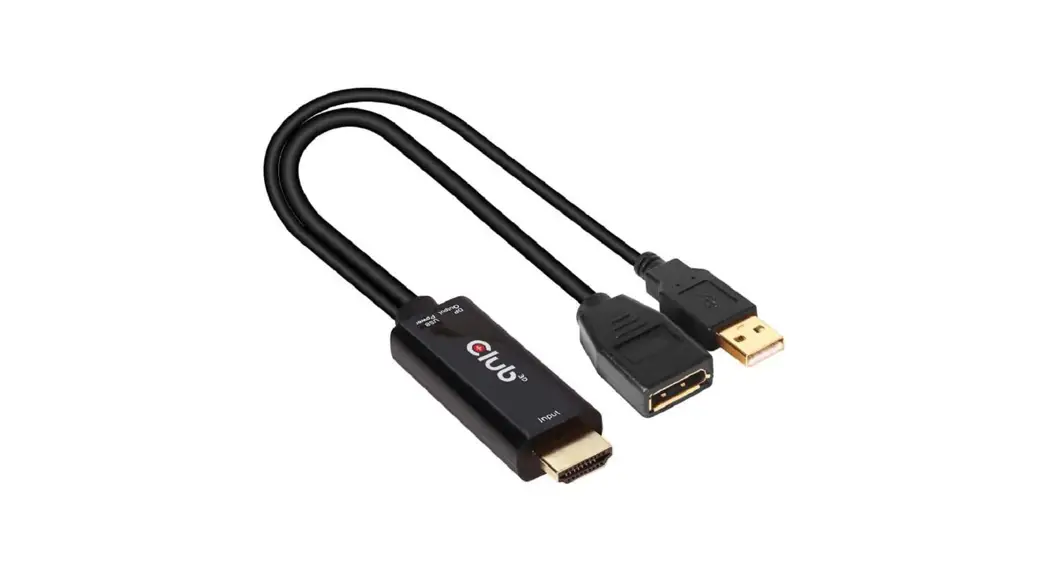
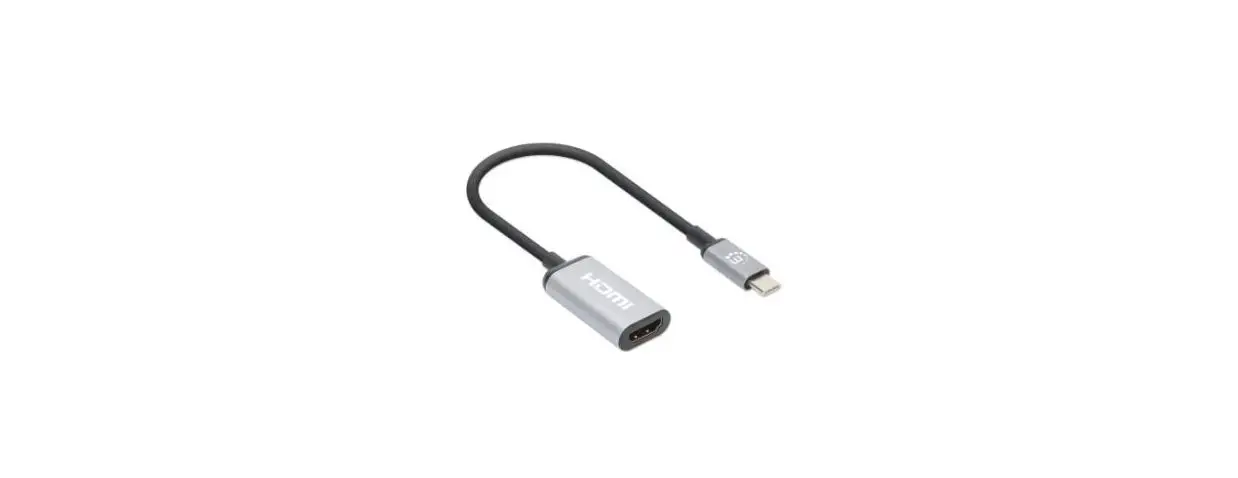
HDMI to USB C 4K60Hz Active Adapter M/F
+ Micro USB Power Cable 1 m/3.28 ft
QUICK INSTALLATION GUIDE
CAC-1332 HDMI to USB C 4K60Hz Active Adapter
Thank you for purchasing our CAC-1332 Product.
After unpacking the product, please make sure you have all the items provided and checked for any damages.
In case of any missing/damaged parts please inform your supplier immediately.
You should have:
- 1x CAC-1332 HDMI to USB C 4K60Hz Active Adapter M/F
- 1x USB A to Micro USB Power Cable 1 m/3.28 ft
Supports resolutions of 4096*2160 at 60Hz: Display must support USB C DisplayPort Alternate mode.
INSTALLATION
Simply connect the cables as shown below.
- Connect Source to your HDMI™ Device
- Connect your USB Type C Cable to Display
 * Included: a USB A to Micro USB Power Cable 1 m/3.28 ft
 - Connect the Power Cable with the Micro USB Connector to the CAC-1332
- Connect the USB Type A Connector with a USB Power**
 * Included: a USB A to Micro USB Power Cable 1 m/3.28 ft
** Connect a power adapter or computer to the USB Type A plug to supply power for the adapter.
Please check whether your external power source supports 5V / 1A.
Note: This adapter will only work on USB Type-C Displays that are self powered !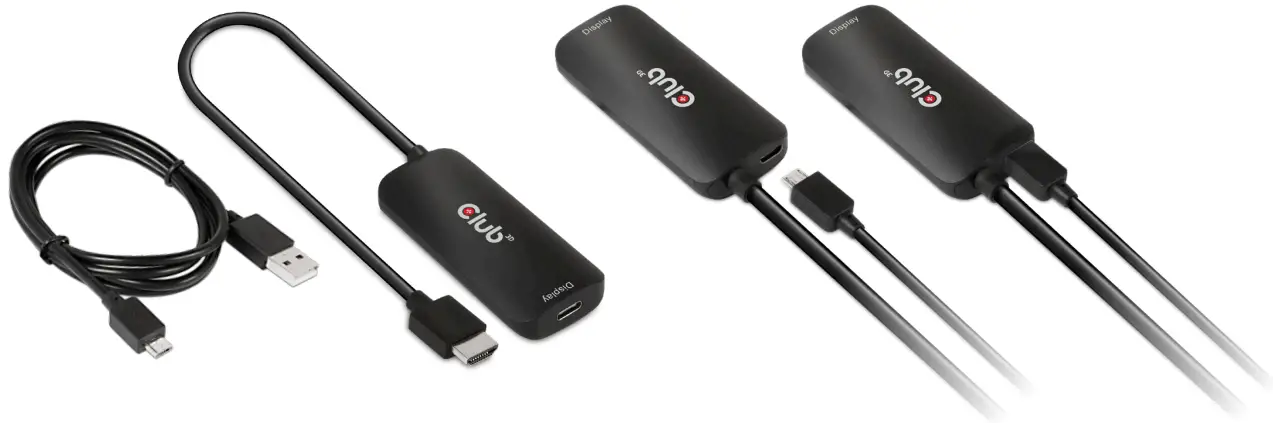 CAC-13320 + USB A to Micro USB Power Cable 1 m/3.28 ft

Disclaimer: While we endeavour to provide the most accurate, up-to-date information available, the content on this document may be out of date or include omissions, inaccuracies or other errors. Products might obtain a certification during their lifetime. This doesn’t change or alter the product specifications and/ or performance in any way. Club 3D will provide the updated information on their website www.club-3d.com at her discretion. Therefore Club 3D does not accept any rights claimed on the content of this document. Please refer to a full overview of our Legacy Terms and Conditions on www.club-3d.com. All other brand names are trademarks or registered trademarks and are the property of their respective owners. All content is subject to change without prior notice.
CAC1332 QIG Nov.-2022
Copyright © 2022, Club 3D B.V.
www.club-3d.com
 Club 3D