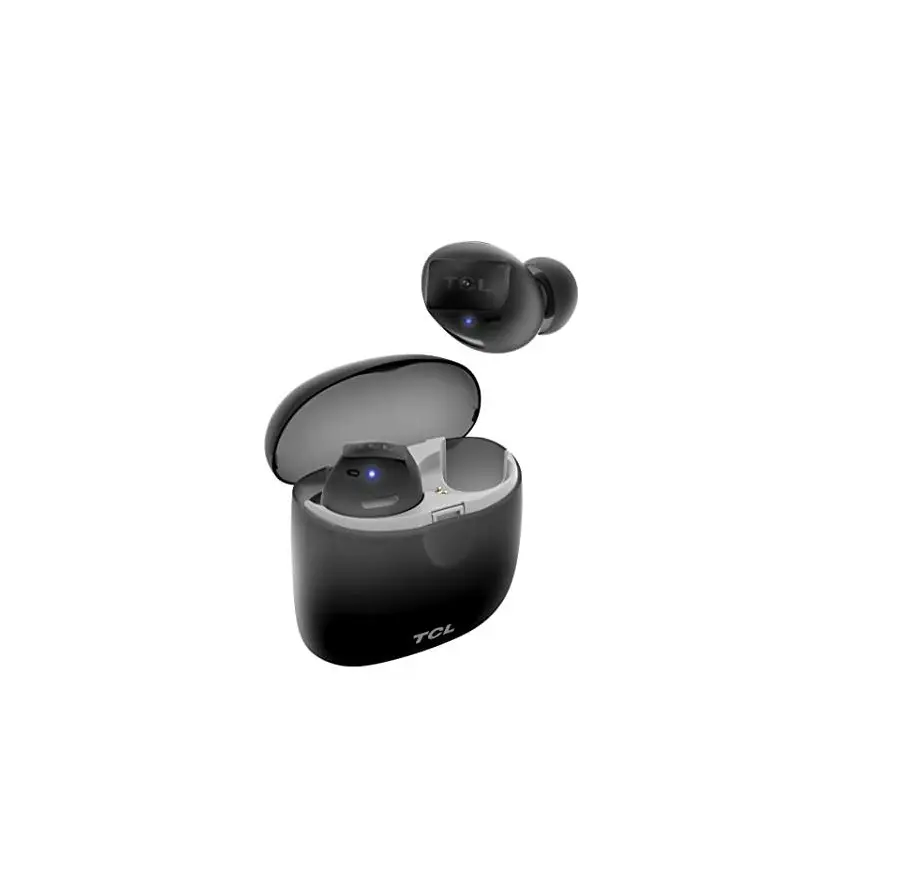
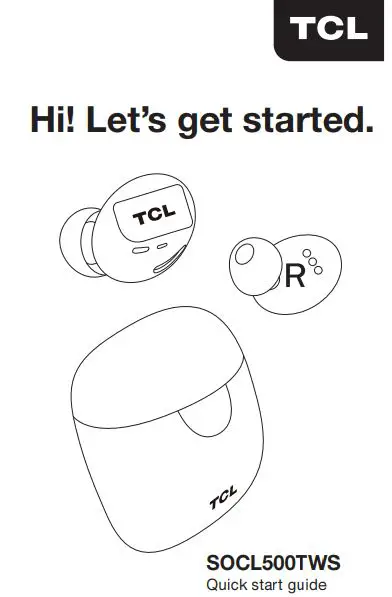
TCL SOCL500TWS Wireless Earbuds with
Pumping Base User Guide
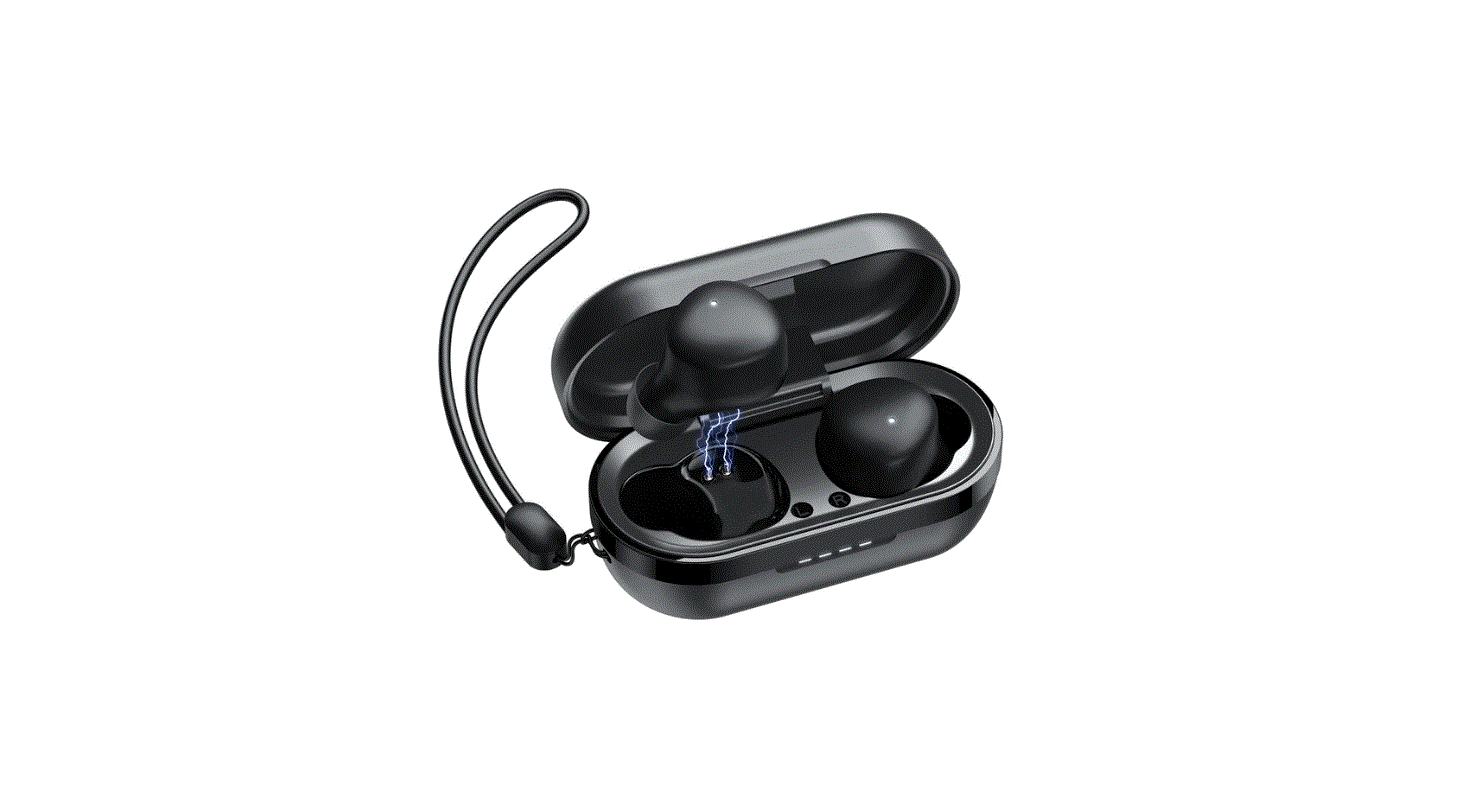
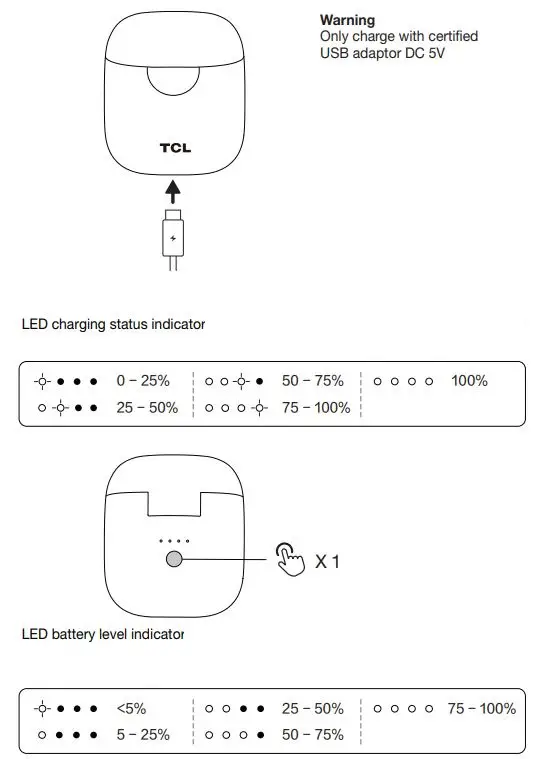
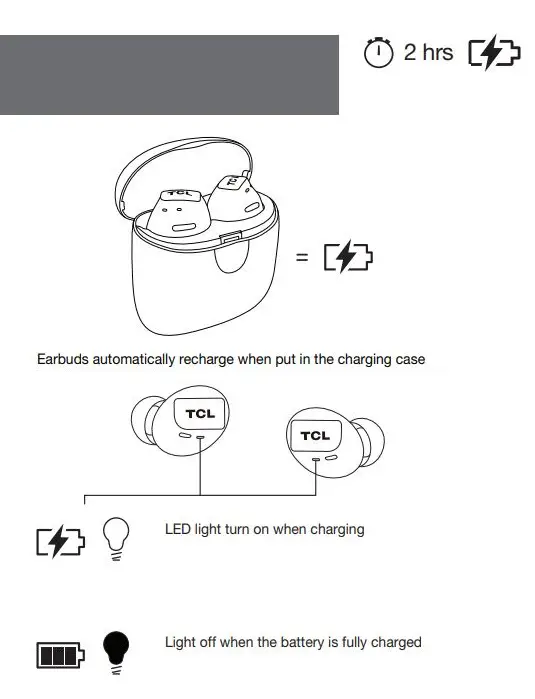
1. Charging
2. On/Off and pairing
Connect settings for stereo mode
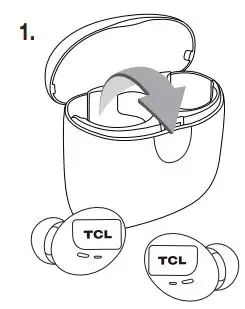
Power on automatically when the earbuds remove from the charging case
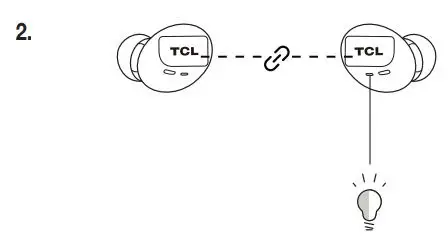
Flashing light for pairing mode
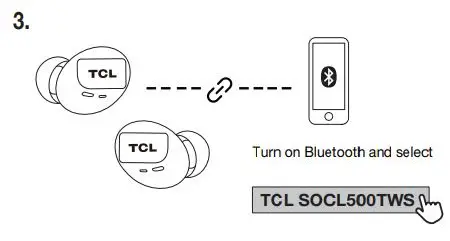
Connect settings for mono mode
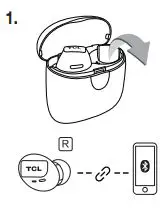
If the earbuds are already paired with the phone in stereo mode, when picking up the right earbud from the charging case, it will automatically turn on and connect to the phone.
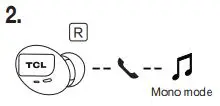
The right earbud can talk normally, music playback will change from stereo to mono.
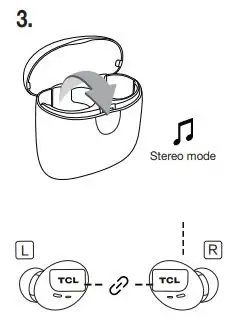
Take the left earbud from the charging case, the left and right earbuds will be connected automatically, and the music playback will change from mono to stereo
3. Voice prompt languages
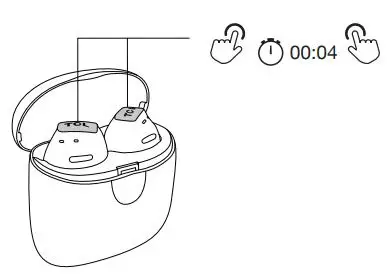
Put earbuds on the case and press both buttons for 4 seconds and release both buttons.
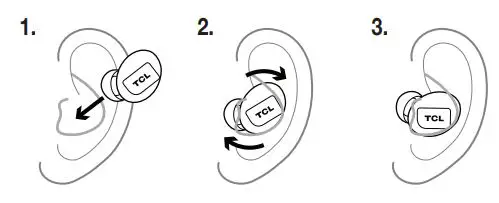
4. Wearing instructions
6. Reset
paper size: 400 (W) x 125 (H) mm
folding size: 80 (W) x 125 (H) mm
colour: 1C printing (double side printing)
WE ARE READY TO HELP
Contact us first with any questions
For the full user manual in all languages or for help visit: www.tcl.com
2019© TCL Entertainment Solutions Limited. All rights reserved. This product has been manufactured by and is sold under the responsibility of TCL Entertainment Solutions Limited.
Brand name/model number: TCL /SOCL500TWS This device complies with part 15 of the FCC Rules. Operation is subject to the following two conditions:
(1) This device may not cause harmful interference, and
(2) this device must accept any interference received, including interference that may cause undesired operation.
Suppliers Name: TTE Technology, Inc. Suppliers
Address (USA): 1860 Compton Ave, Corona, CA 92881, USA Suppliers phone number and /or internet contact information: www.tclusa.com


HVIN: SOCL500TWSL
IC: 24579-SOCL500TWSL
FCC ID: 2ARUDSOCL500TWSL
HVIN: SOCL500TWSR
IC: 24579-SOCL500TWSR
FCC ID: 2ARUDSOCL500TWSR
CMIIT ID can be found on product label