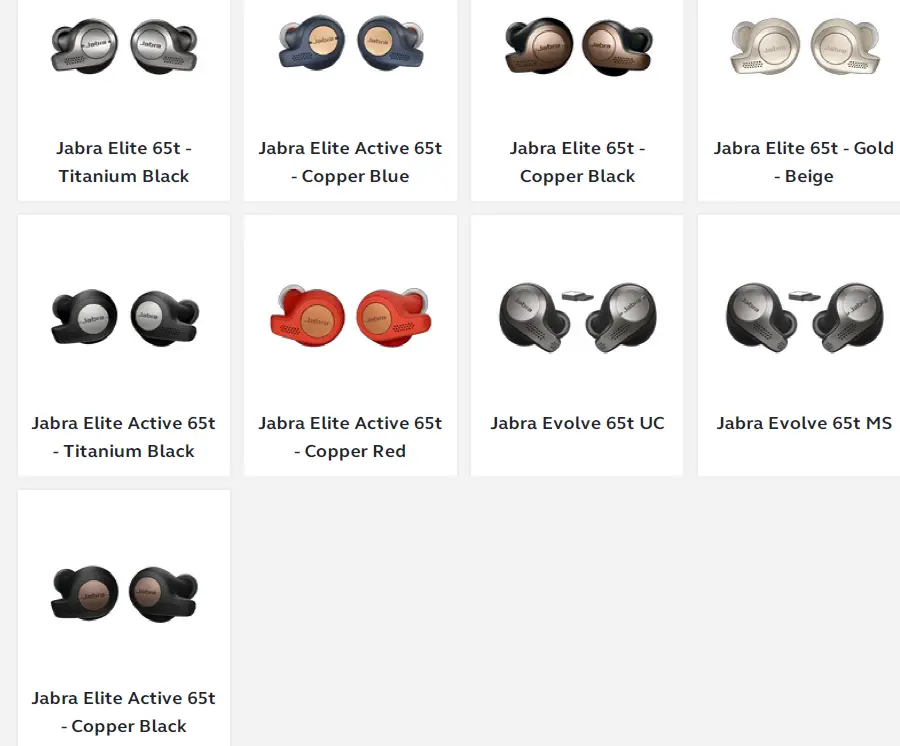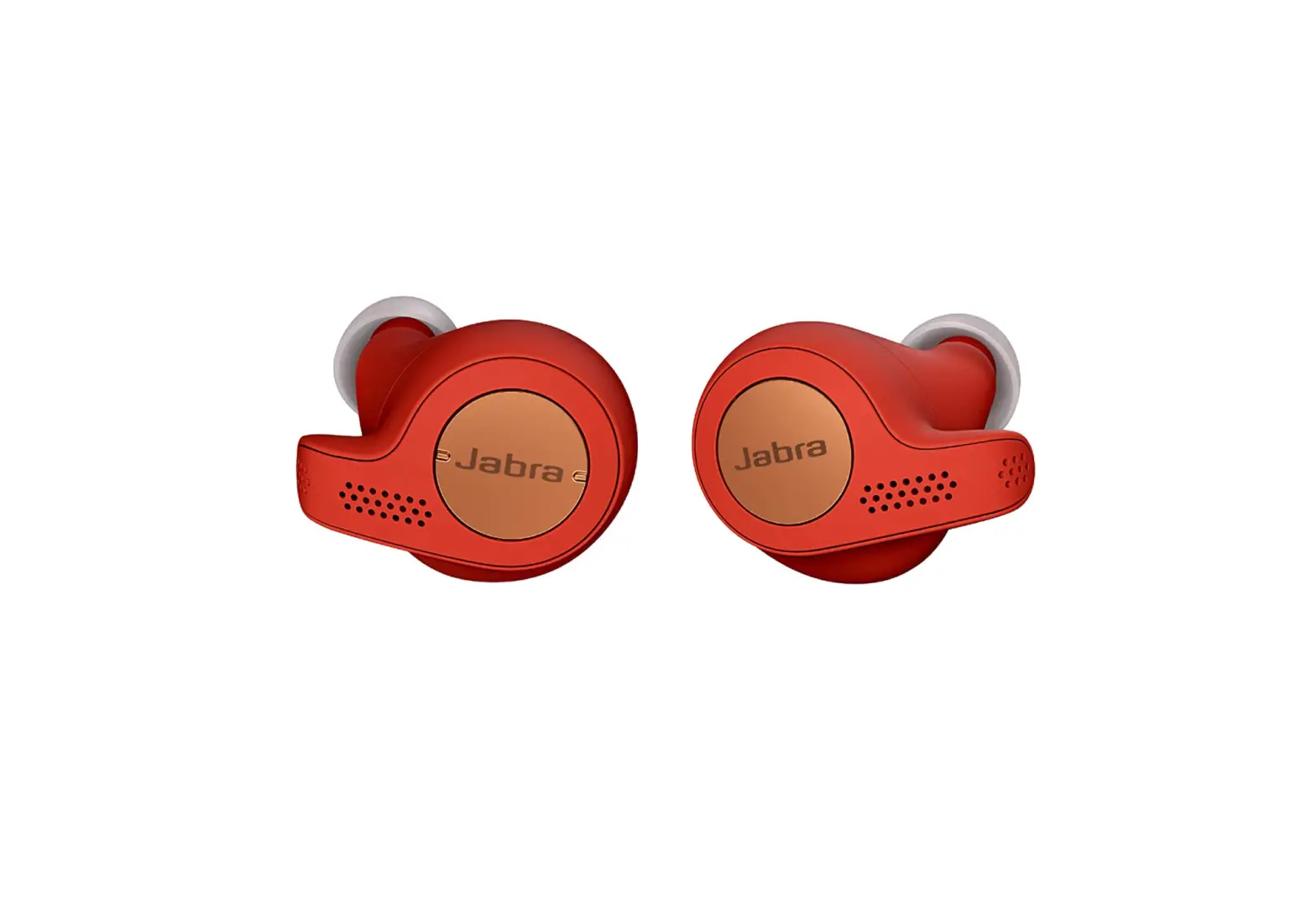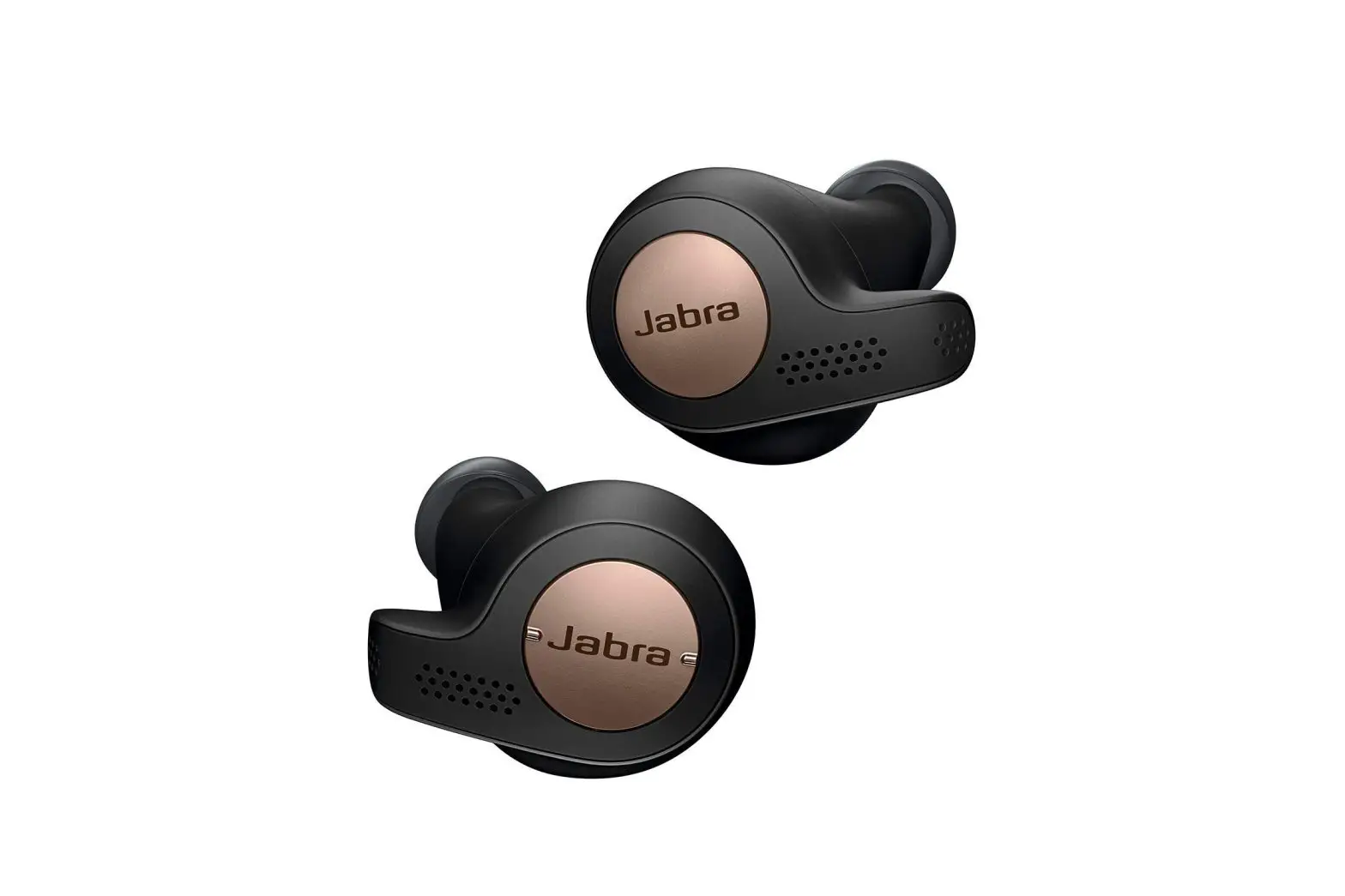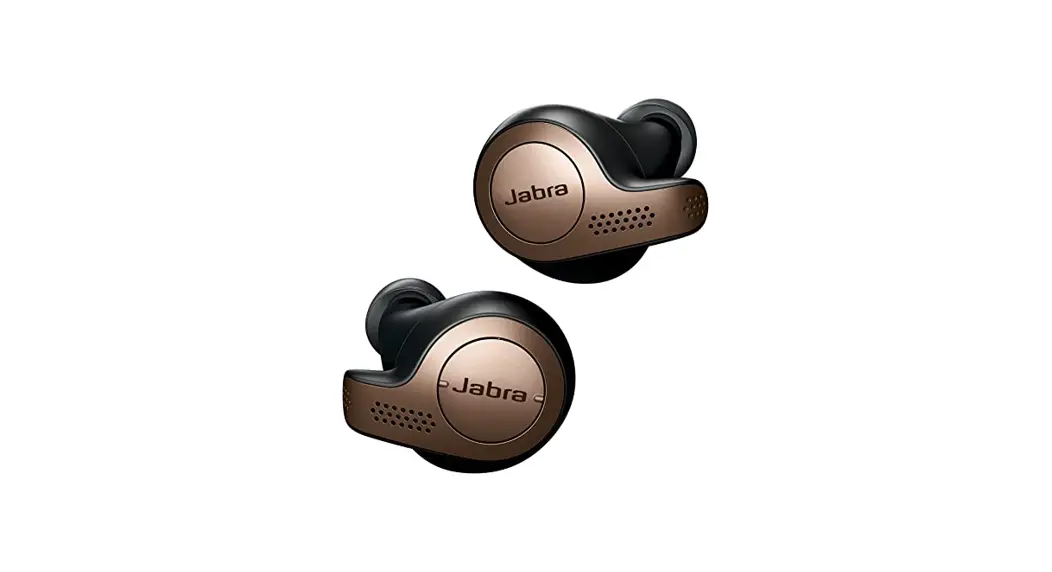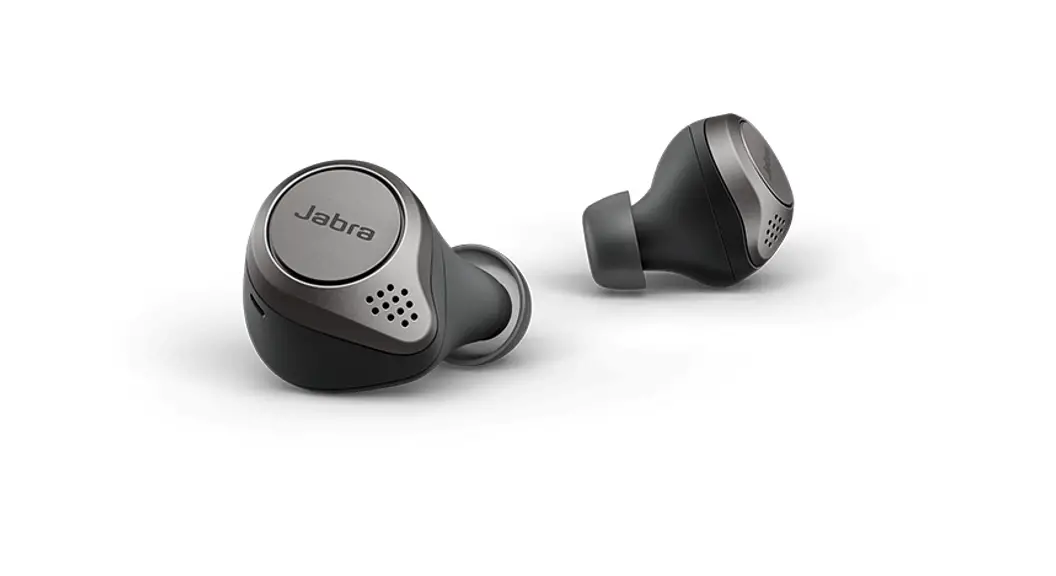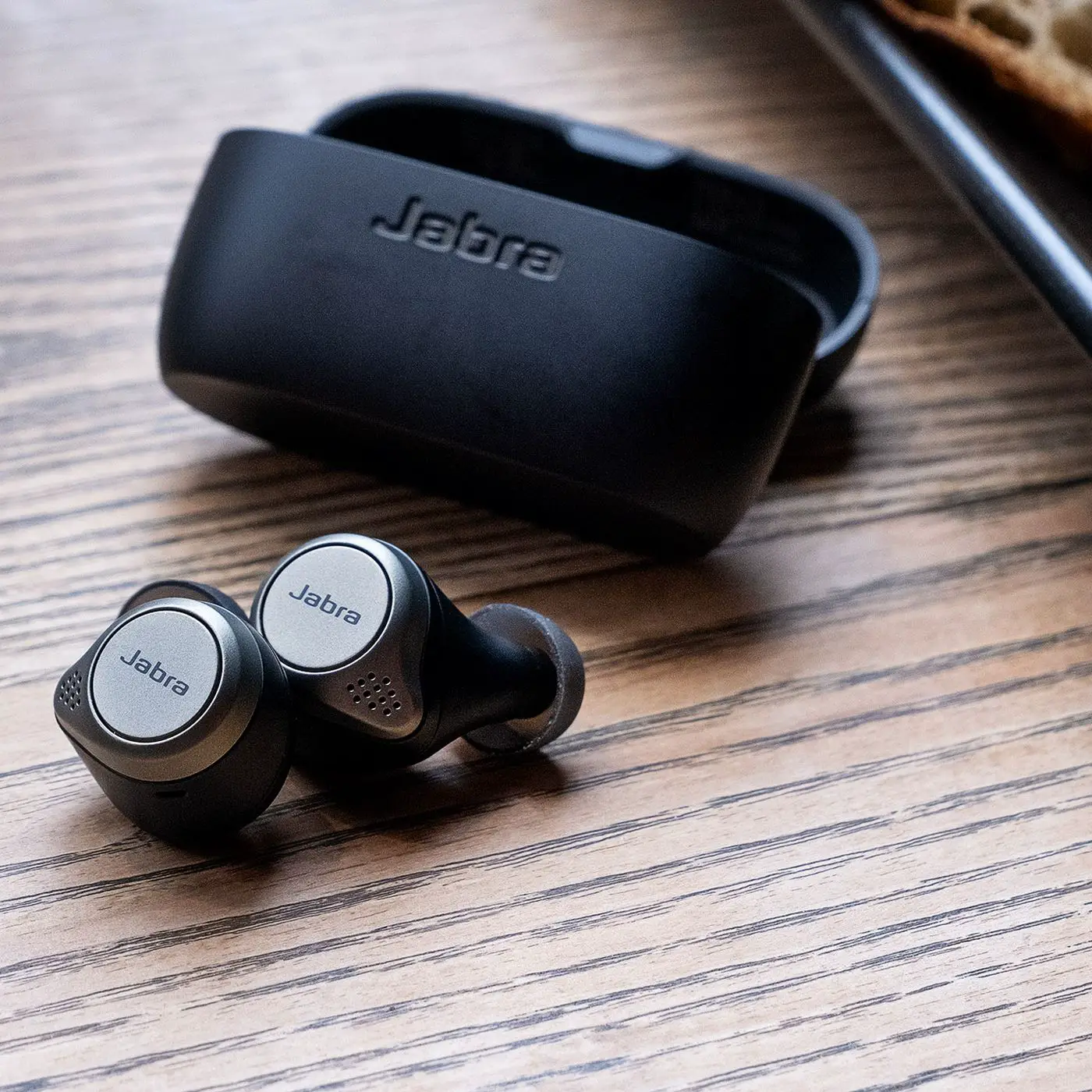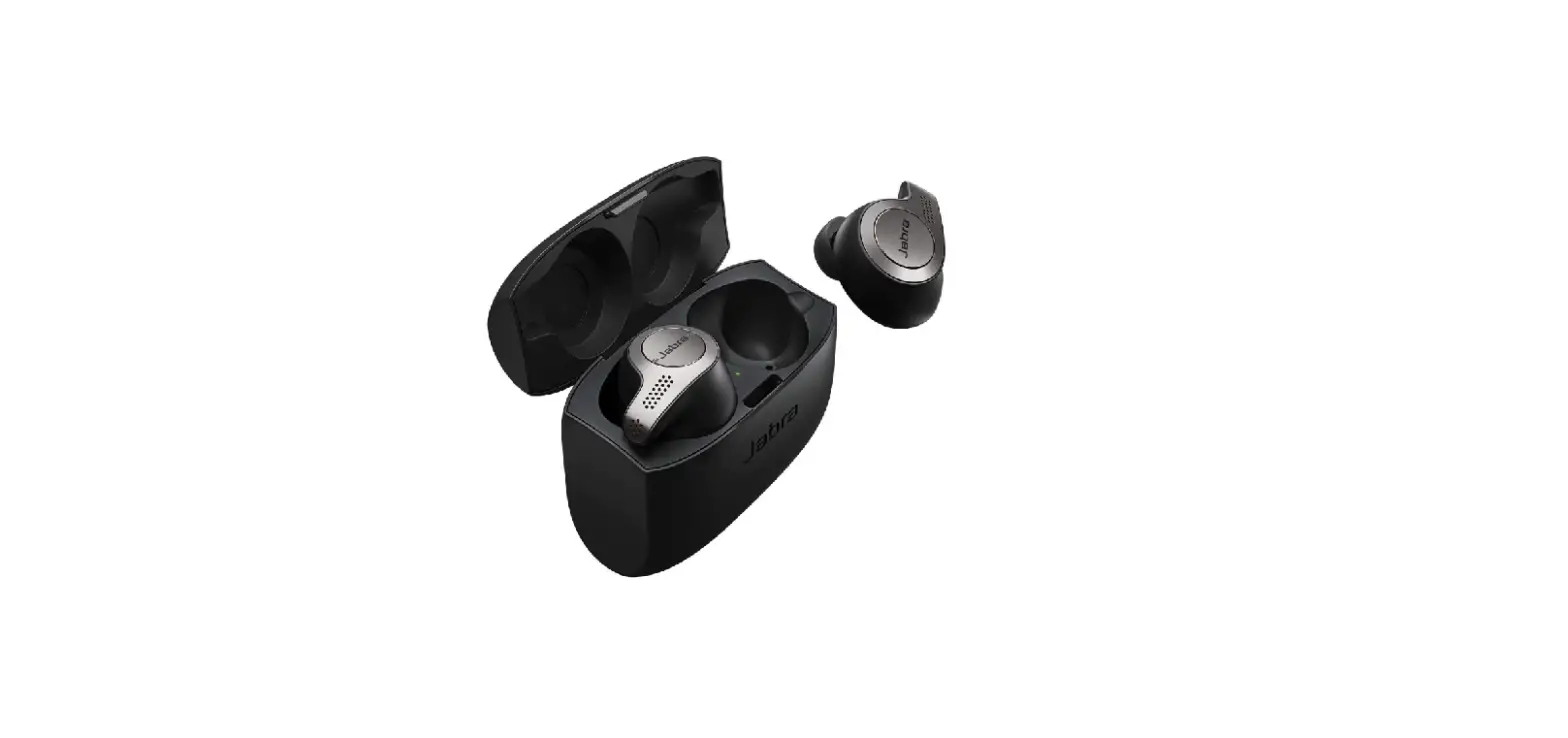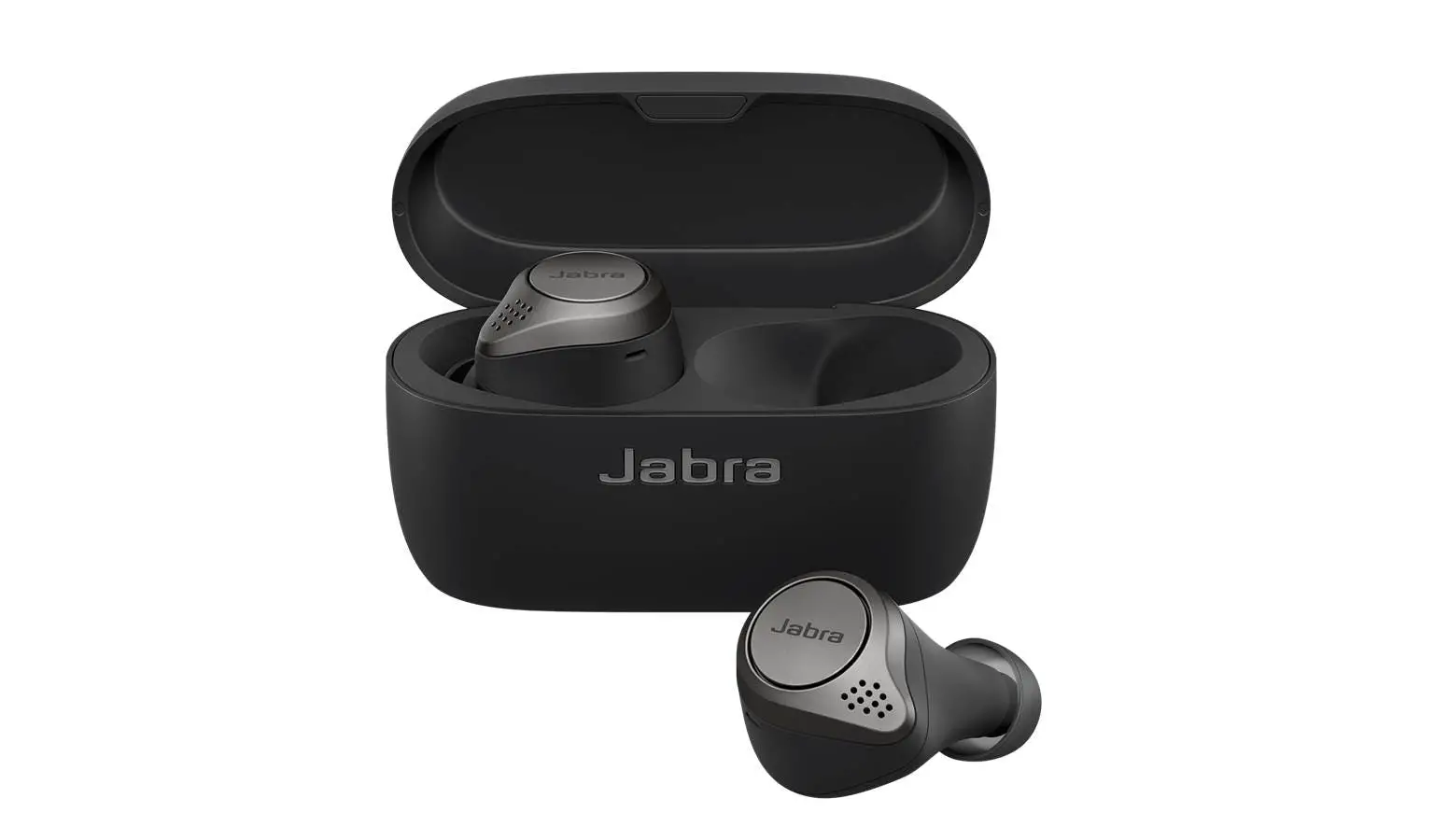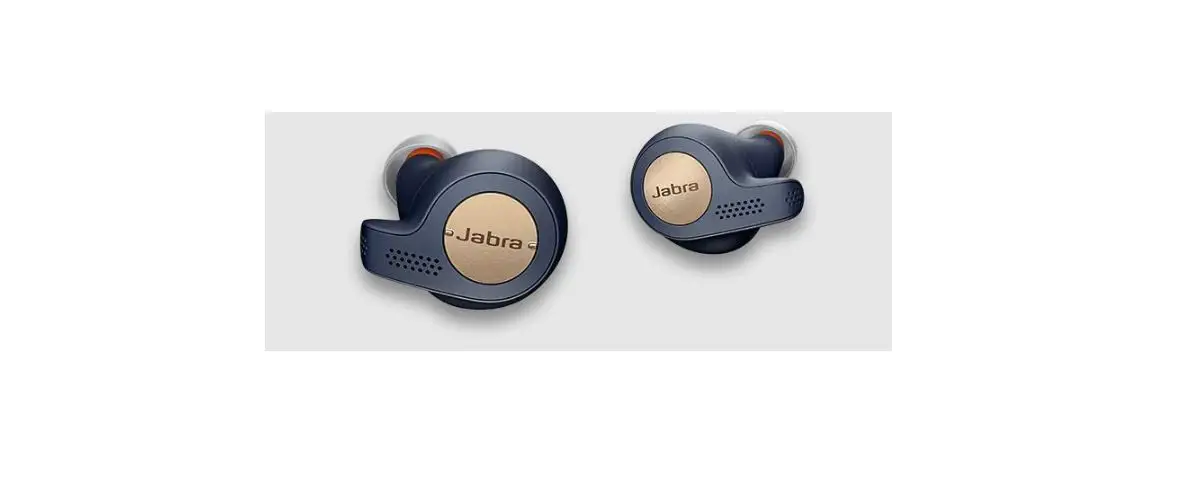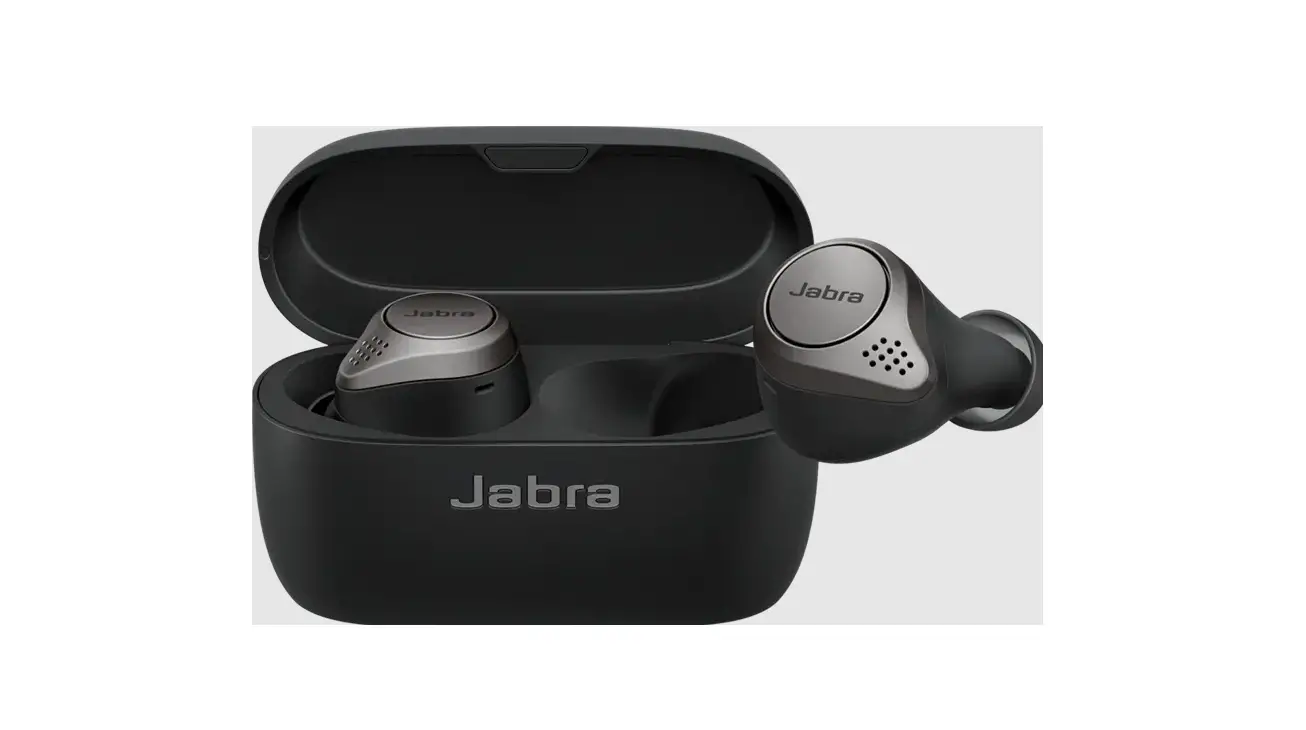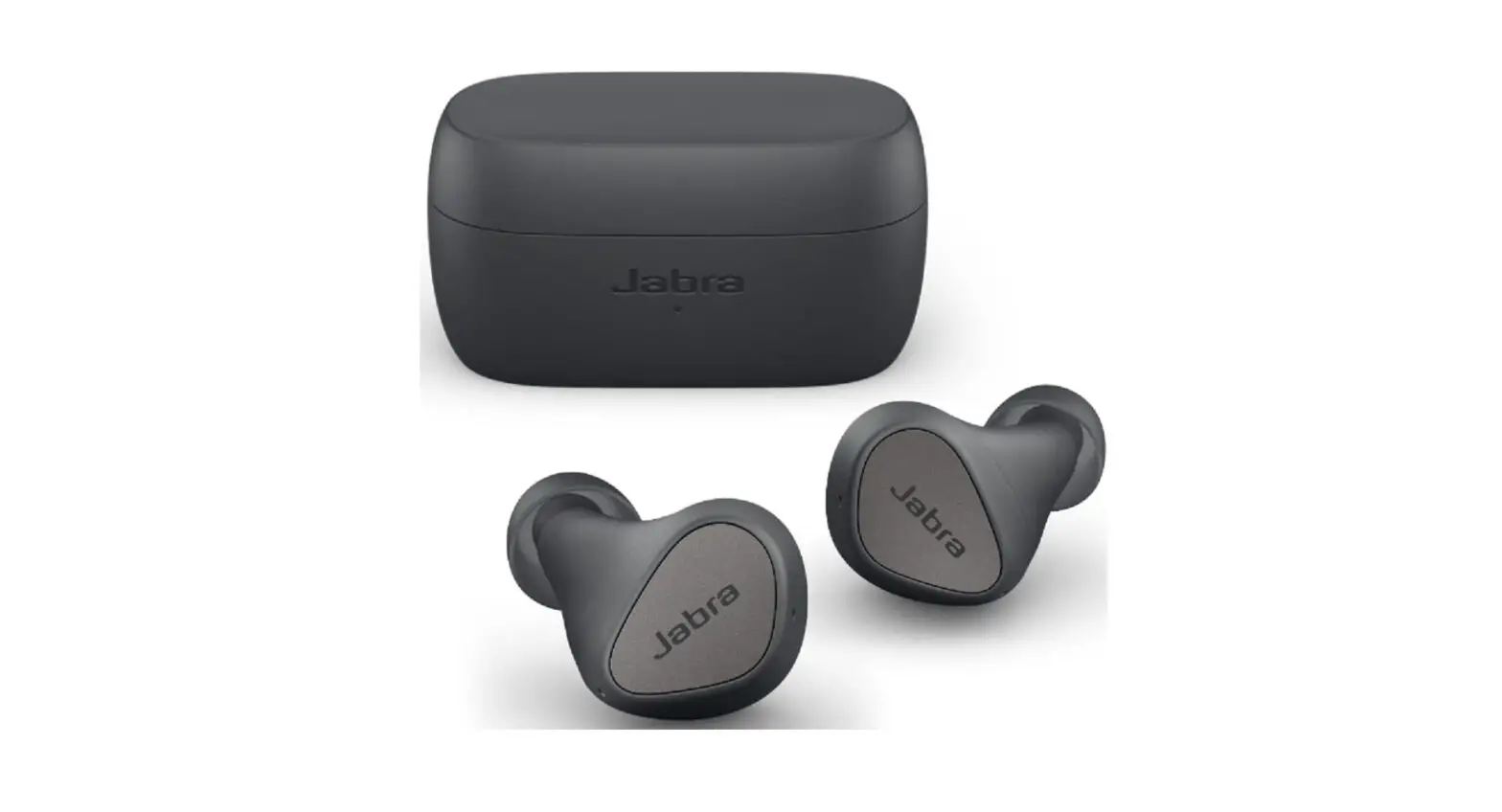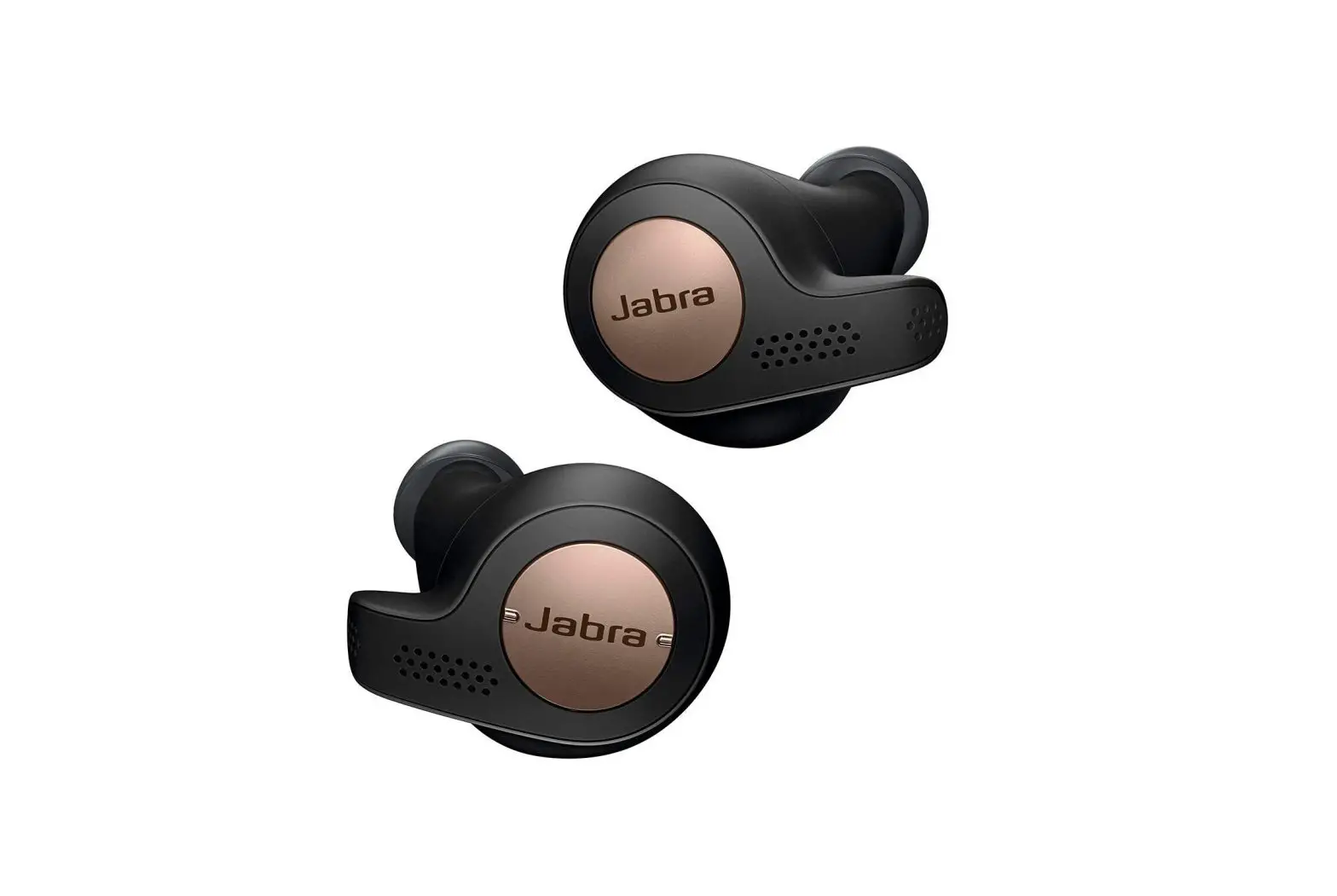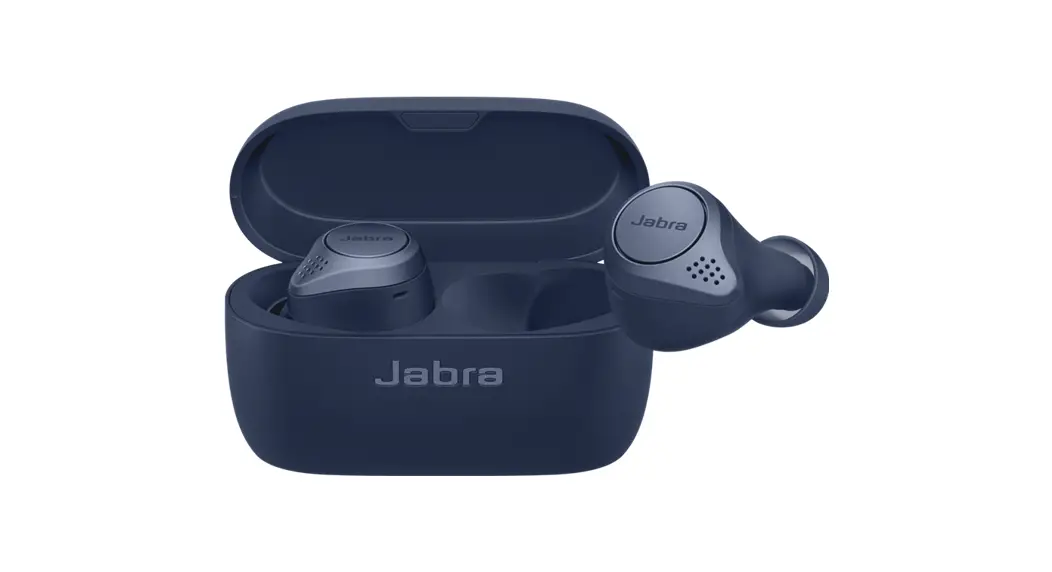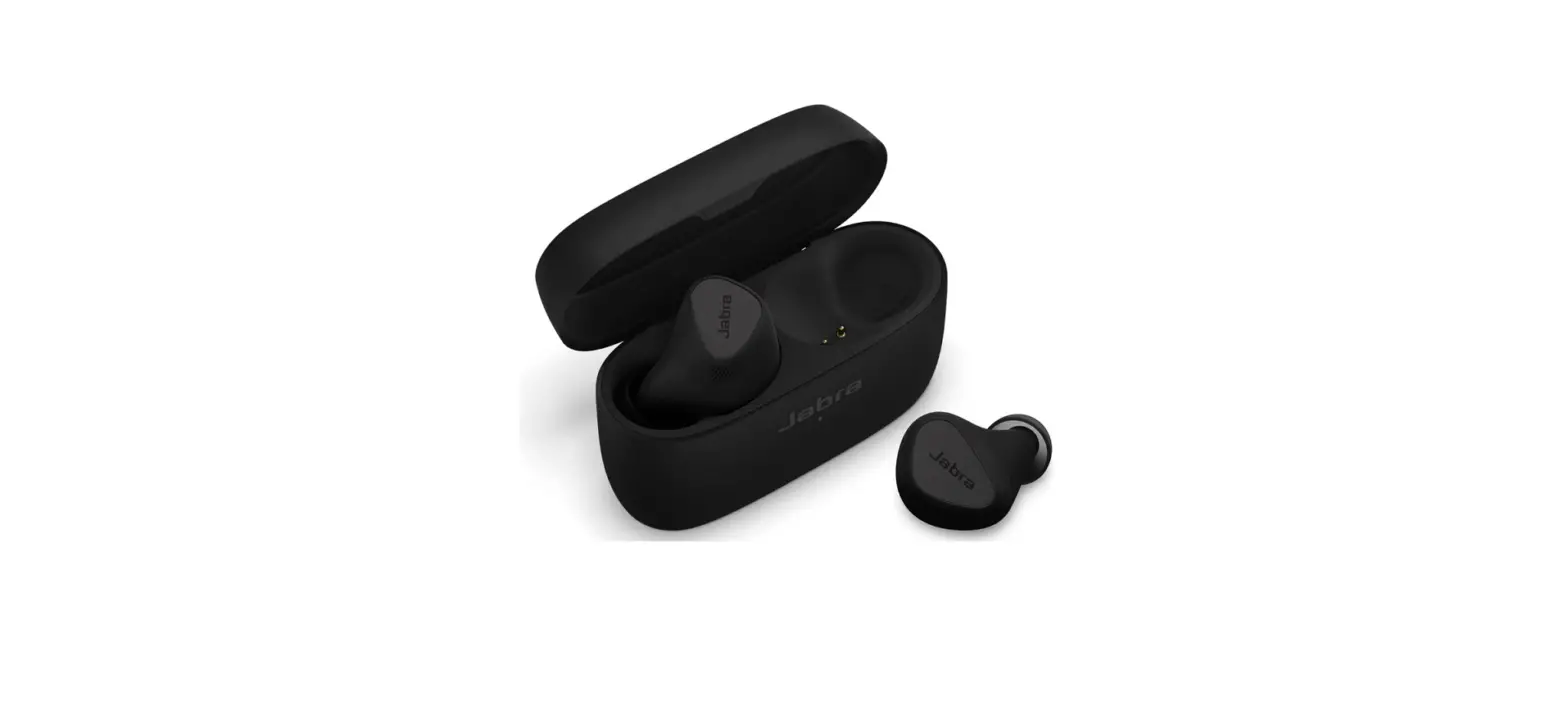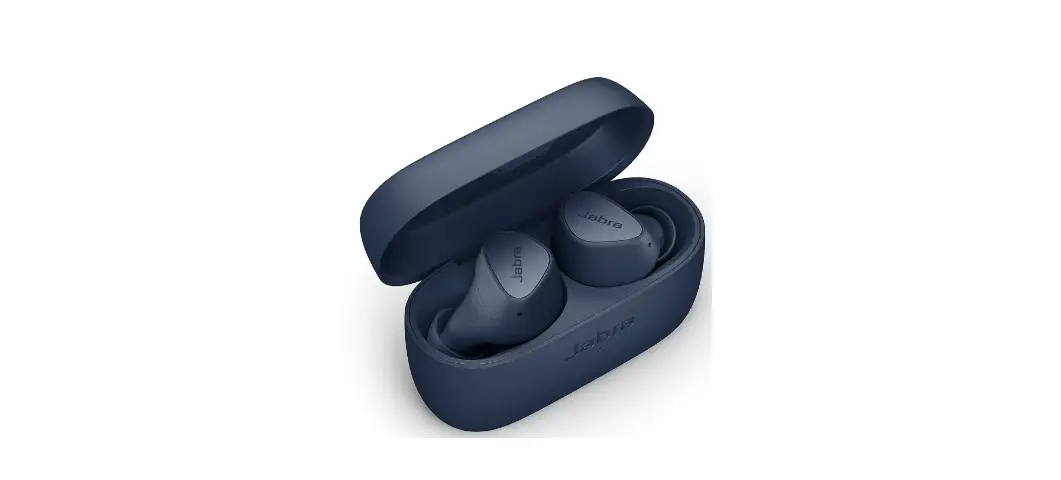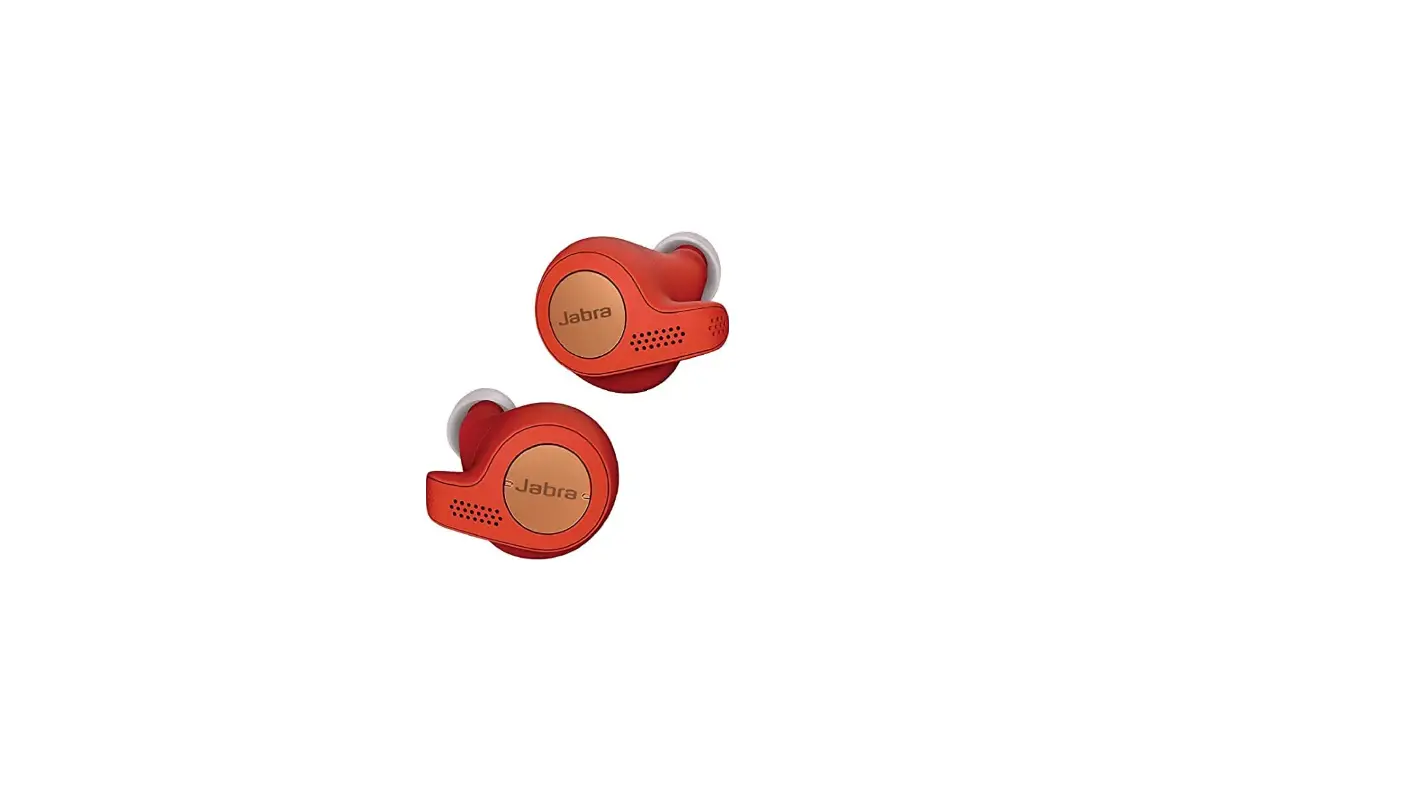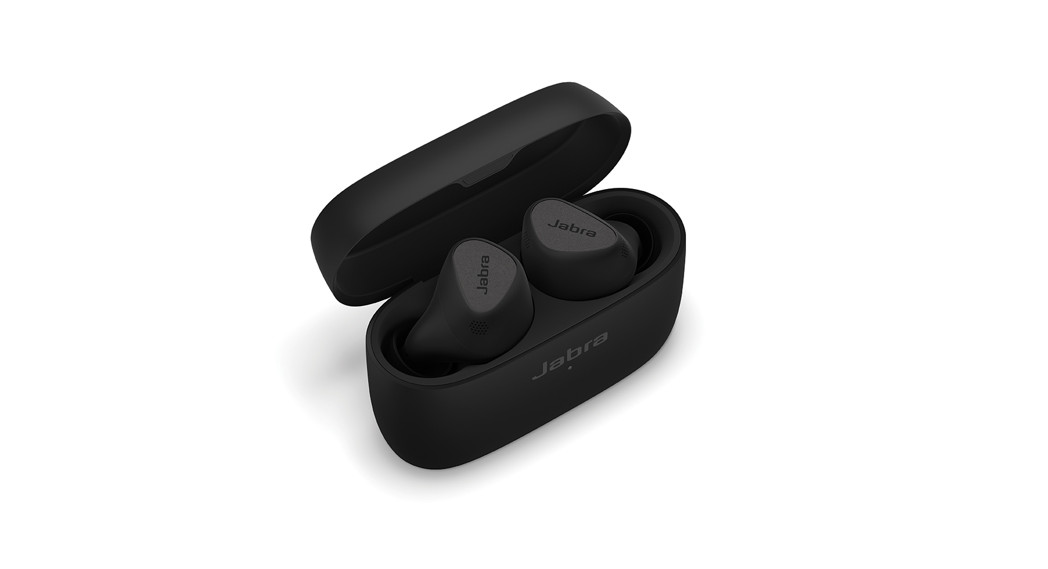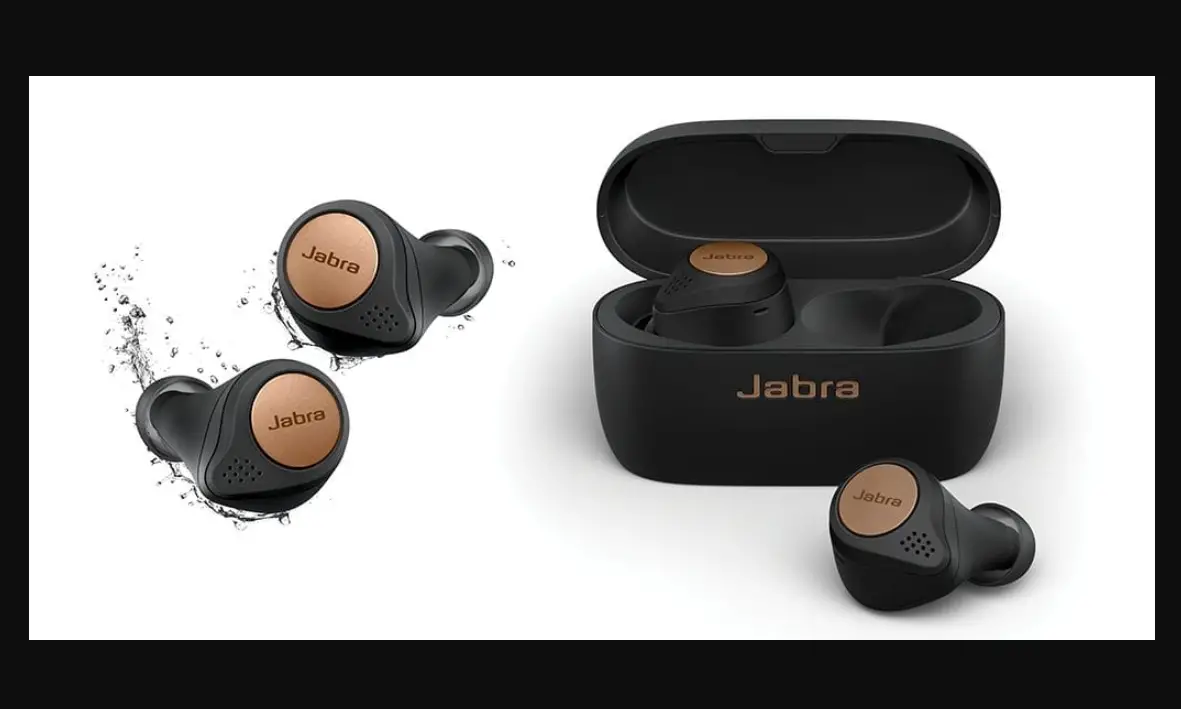

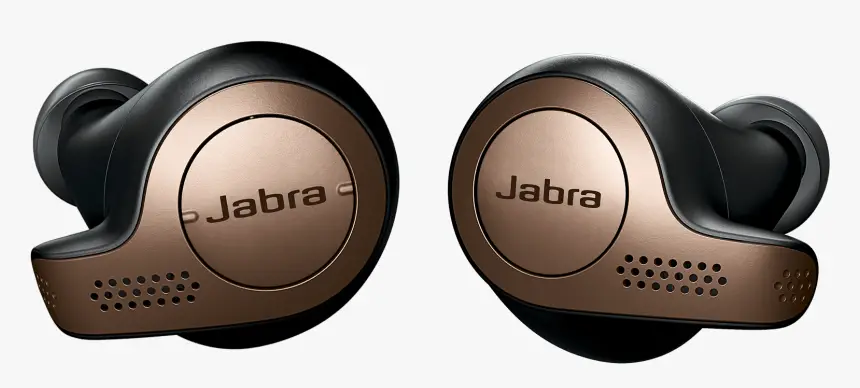
Jabra Elite 65t Copper Black Wireless Earbuds
How do I manually reset my Jabra true wireless earbuds?
When you reset your Jabra true wireless earbuds, previously paired devices and settings will be cleared.
Follow these steps to reset.
- Ensure the right earbud is sufficiently charged and turned on.
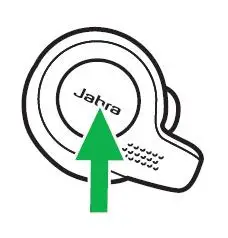
If the earbud is in the charging case, you will need to remove it. - Press and hold (approximately 10 seconds) the Multi-function button on the right earbud until the LED briefly flashes purple (note that the LED will flash red before it flashes purple).
The earbuds have now been reset. The LED will automatically turn green to indicate it is on and then blue to indicate pairing mode.
Before you re-pair your earbuds with your mobile device, remember to delete the previous pairing in the Bluetooth menu. Refer to the user manual of your mobile device for instructions.
Note
You can repeat these steps if you are unsuccessful or to verify the results.