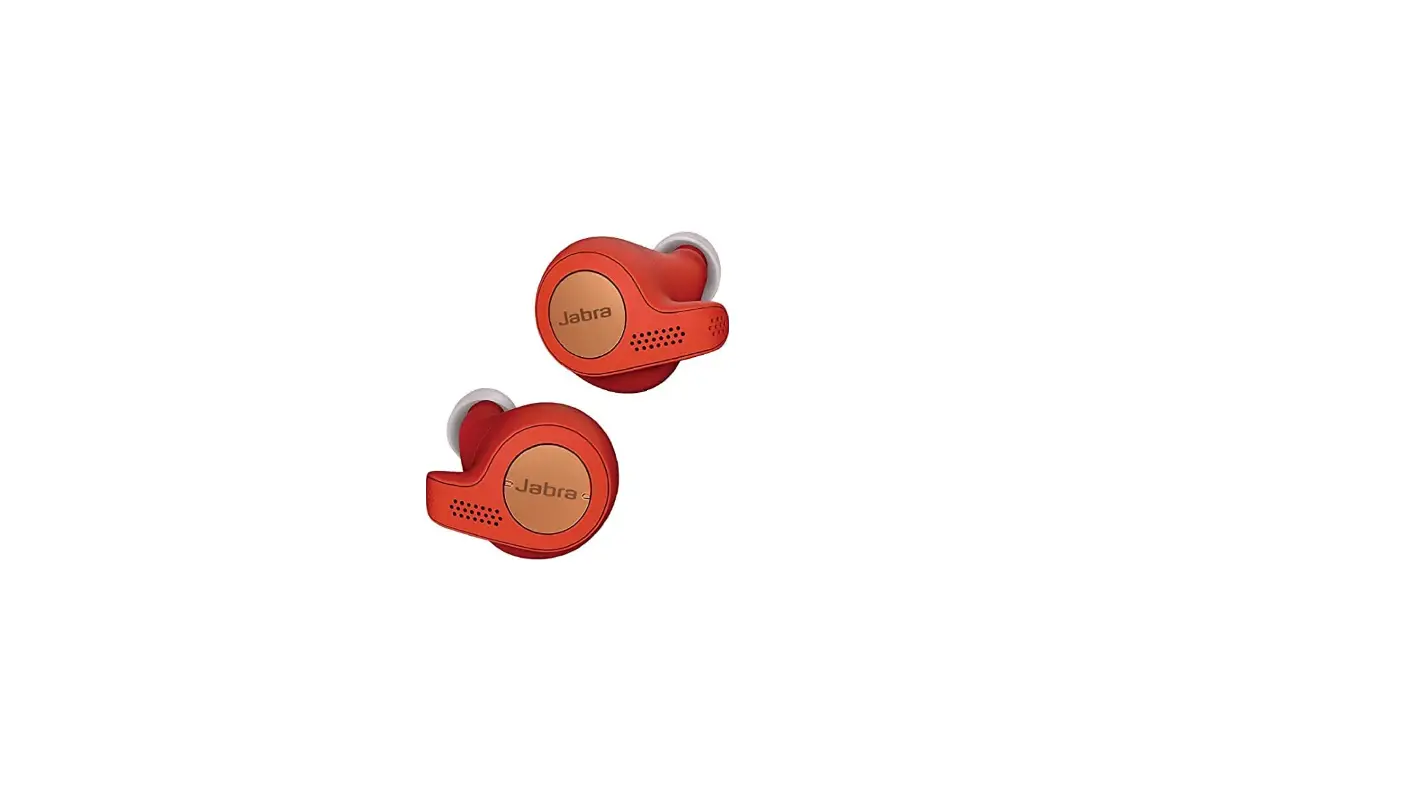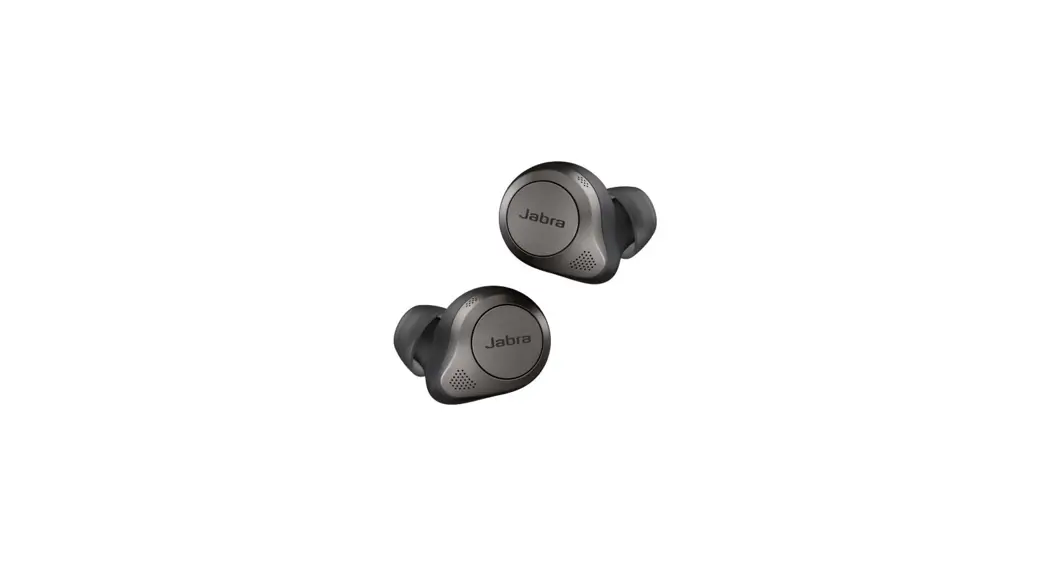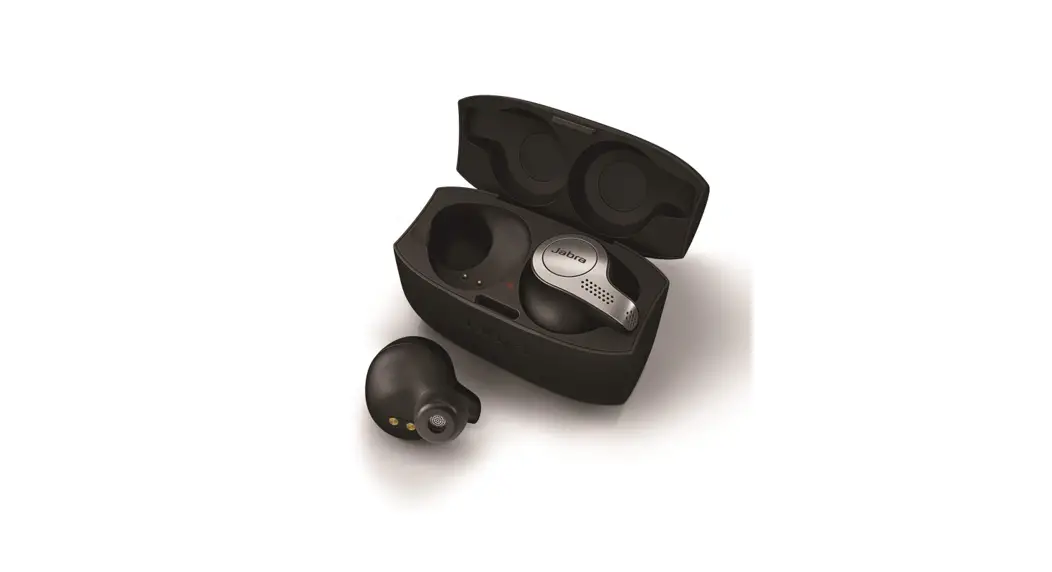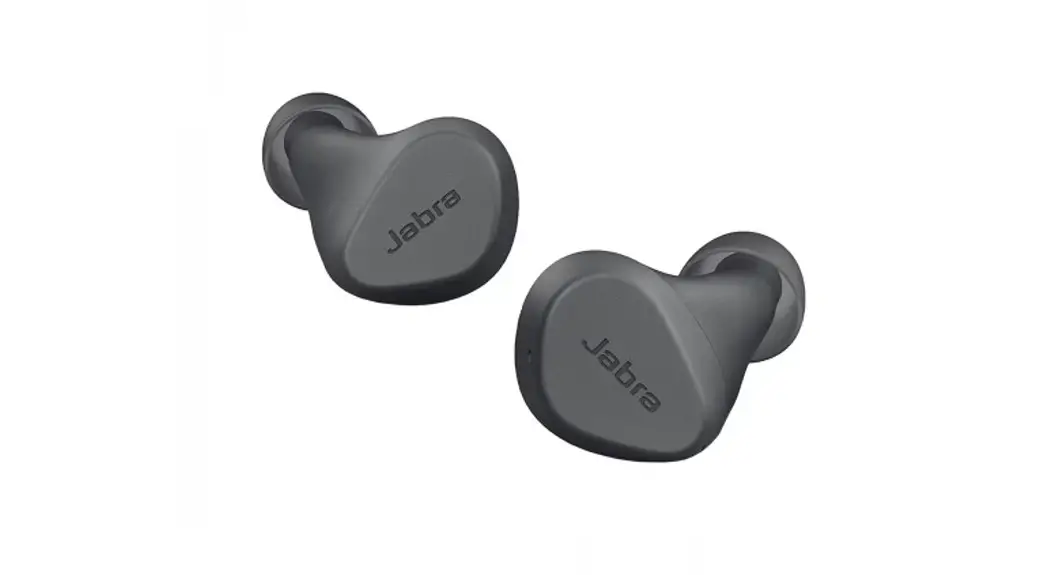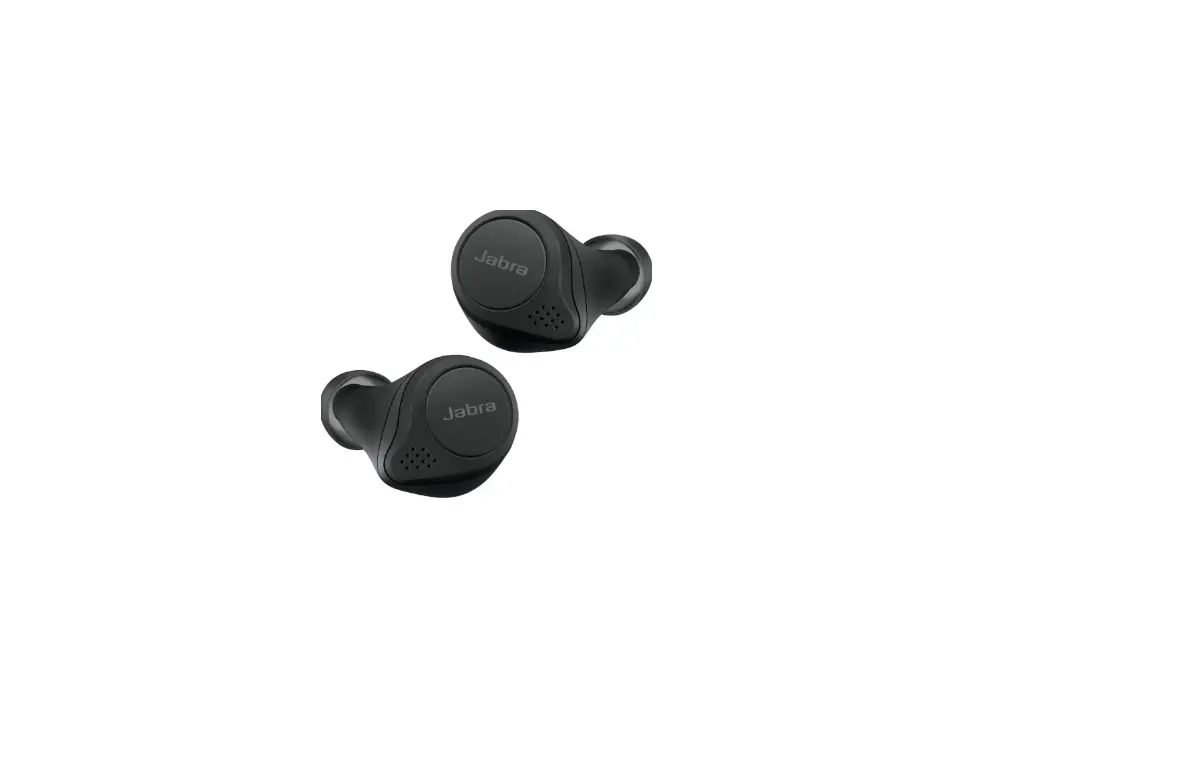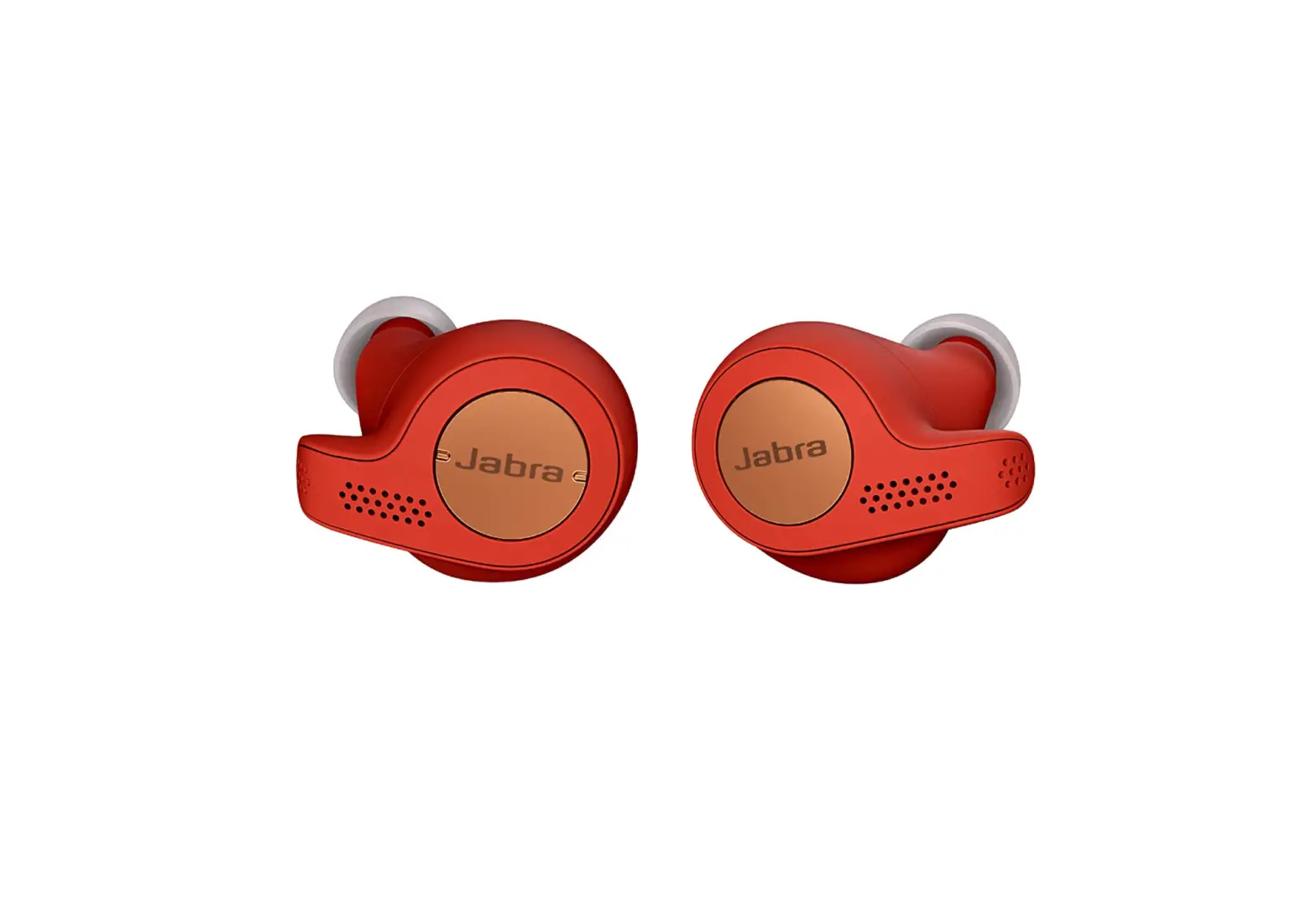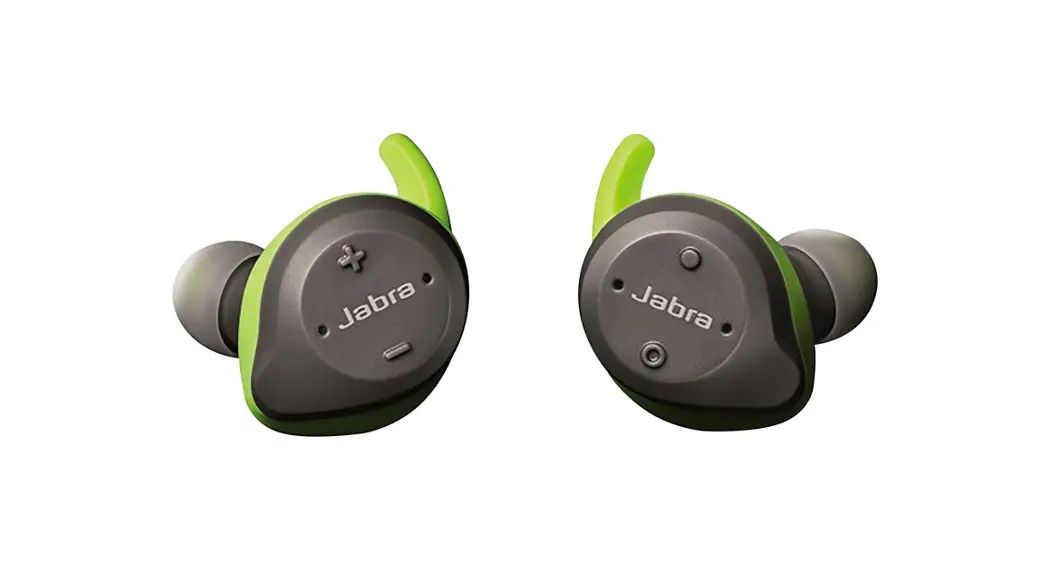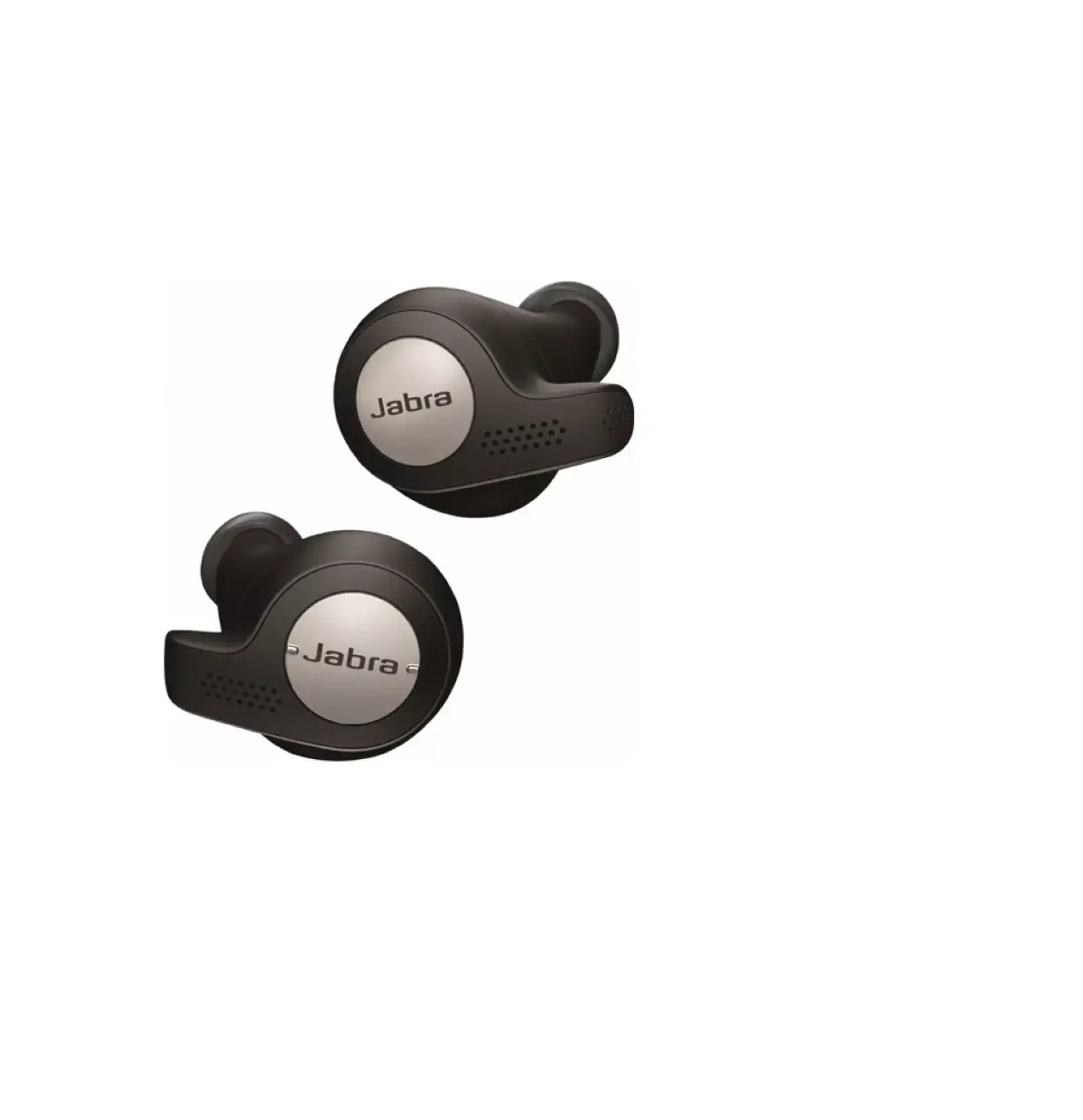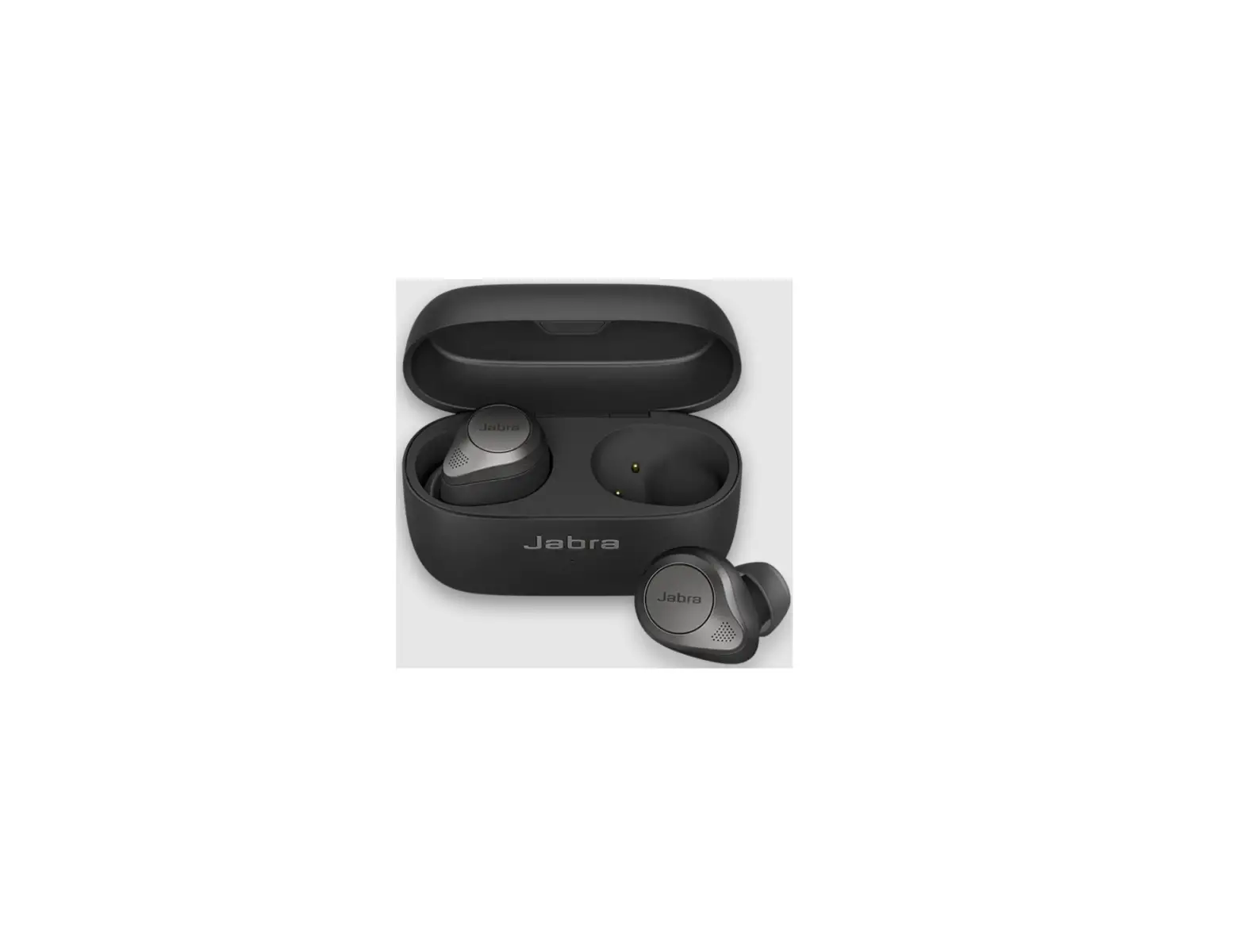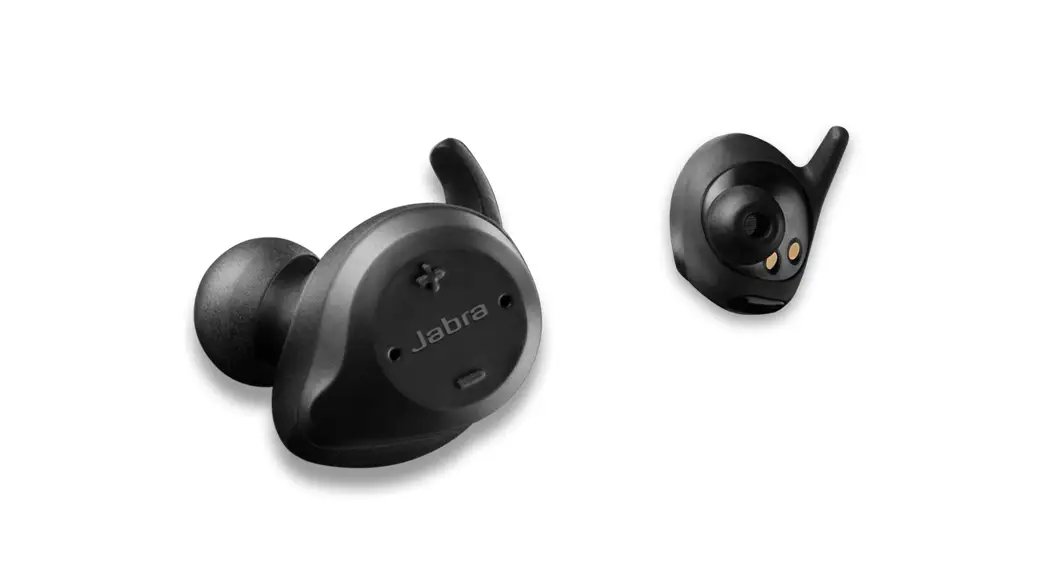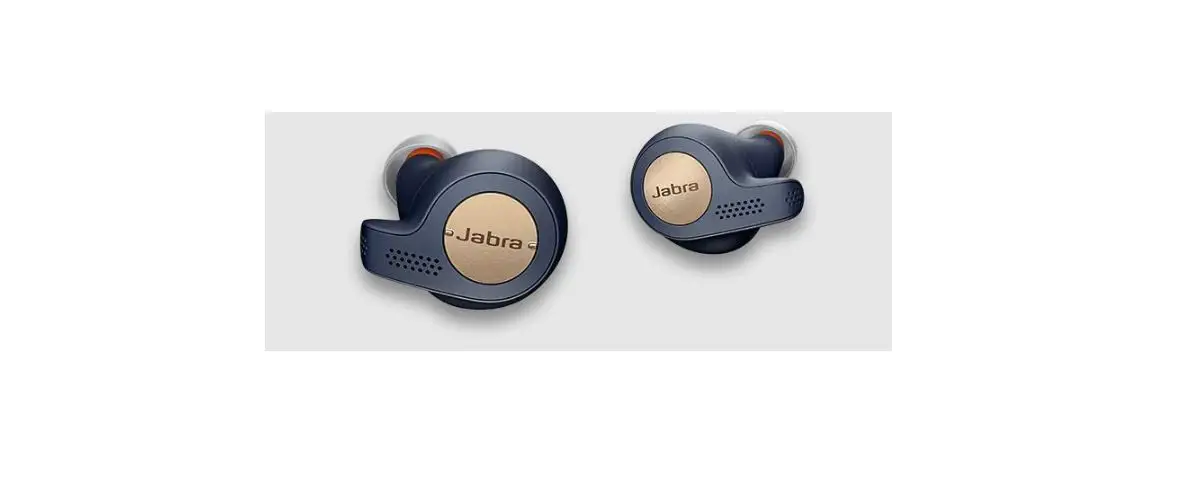
Jabra Elite Active 65t Copper Blue True Wireless
Earbuds Instructions

Jabra Elite Active 65t – Copper Blue
How do I manually turn HearThrough on/off?
To turn HearThrough on/off, double press the Multi-function button on the right earbud when not on a call.
Note:
You can also configure HearThrough settings using Jabra Sound+.
Applicable products

 How do I manually turn on/off HearThrough? | Jabra Elite Active 65t - Copper Blue | FAQ | Jabra Support