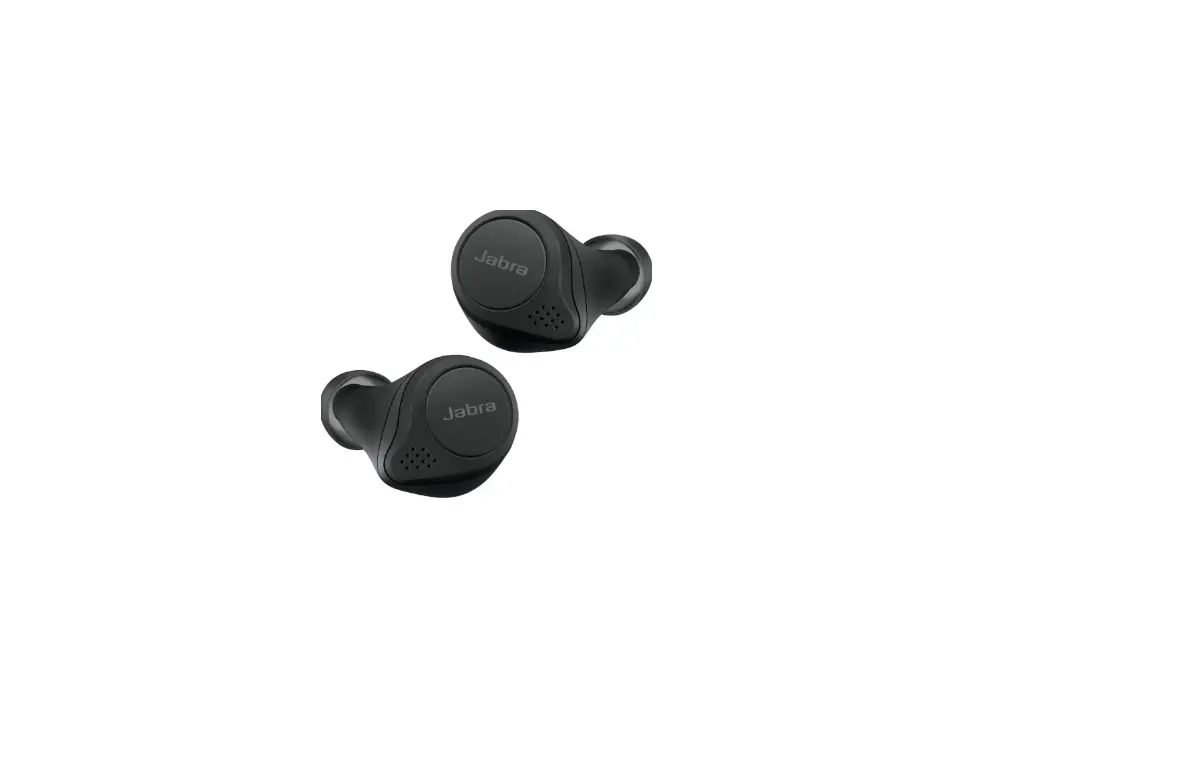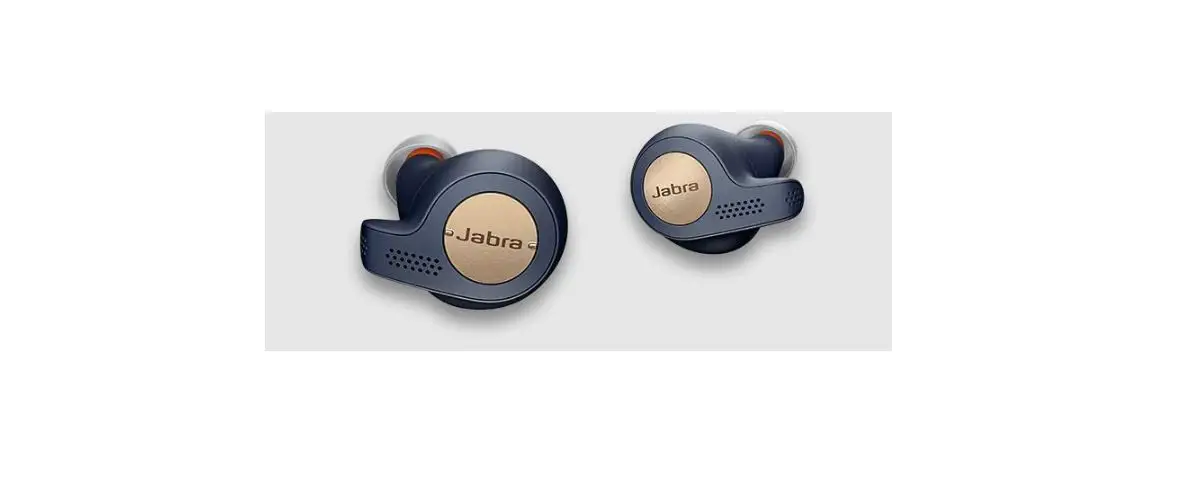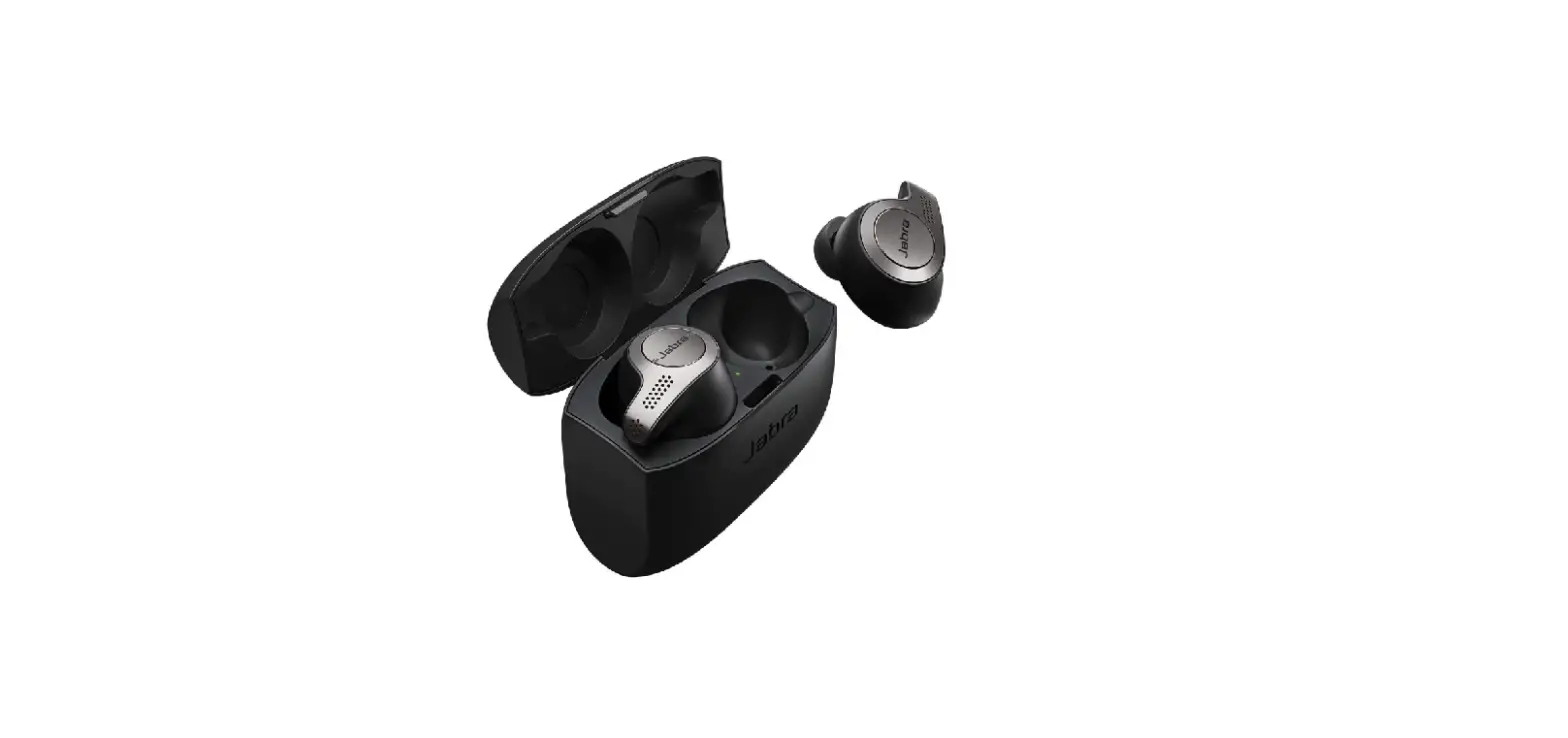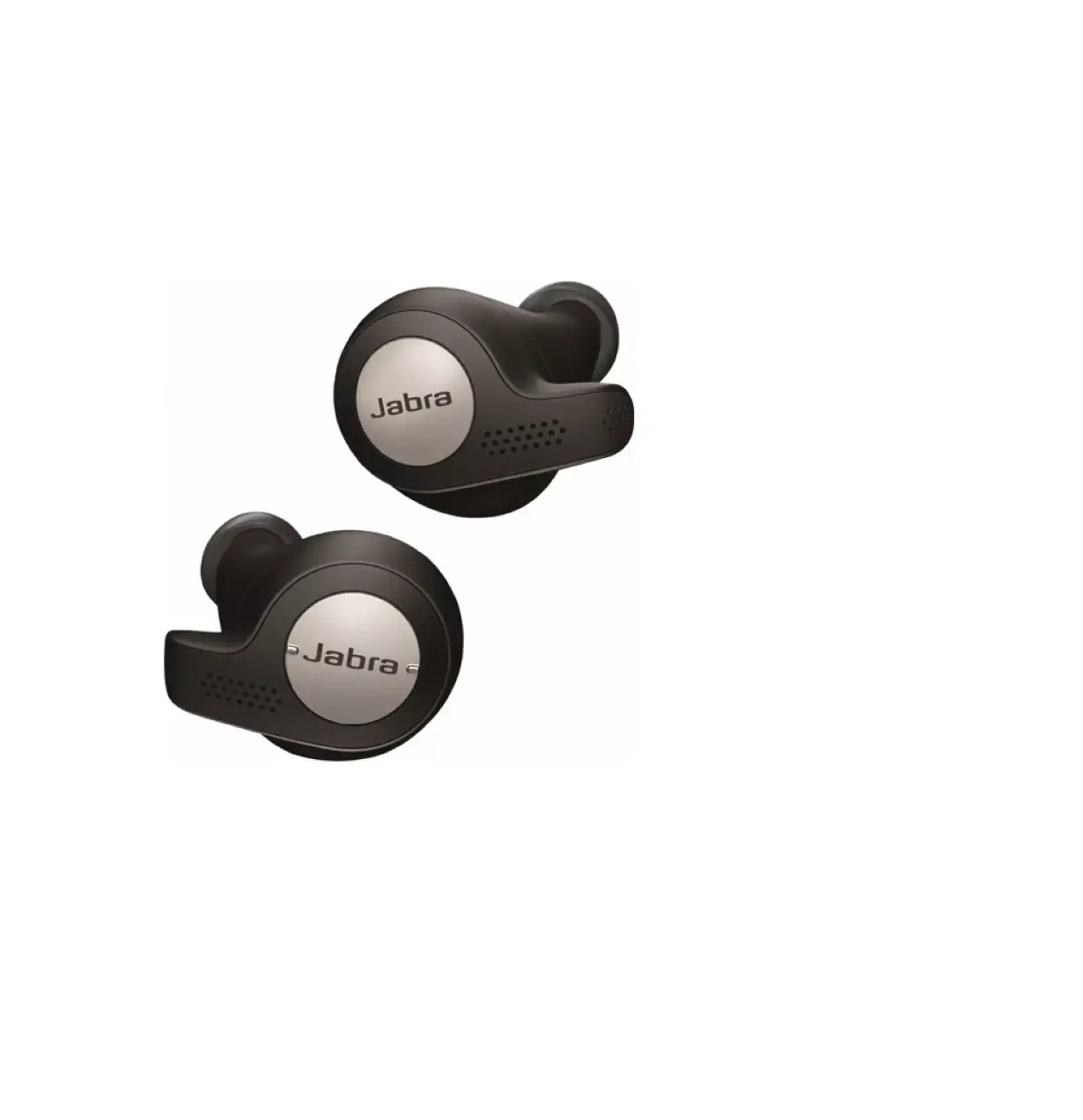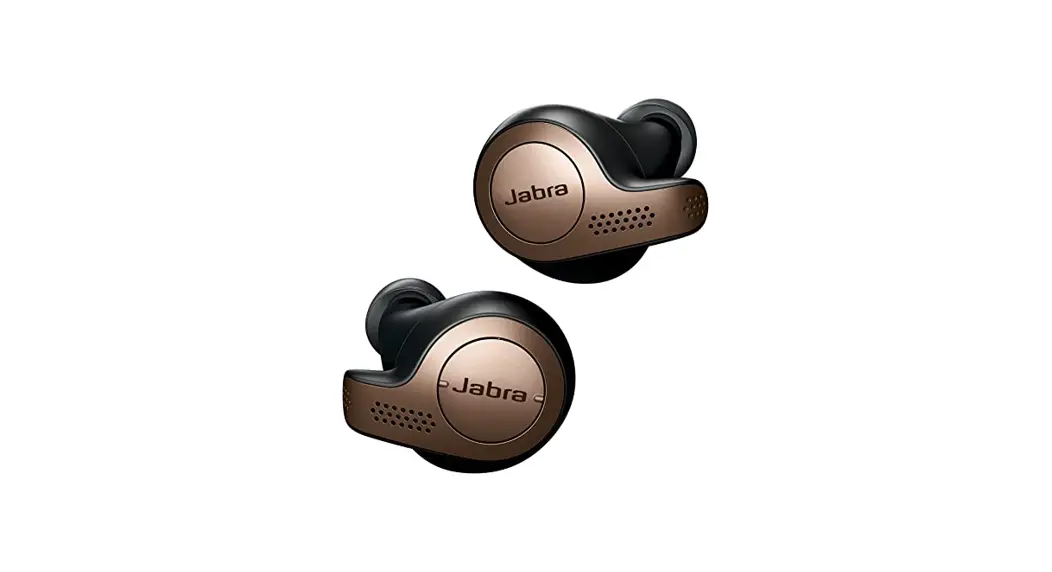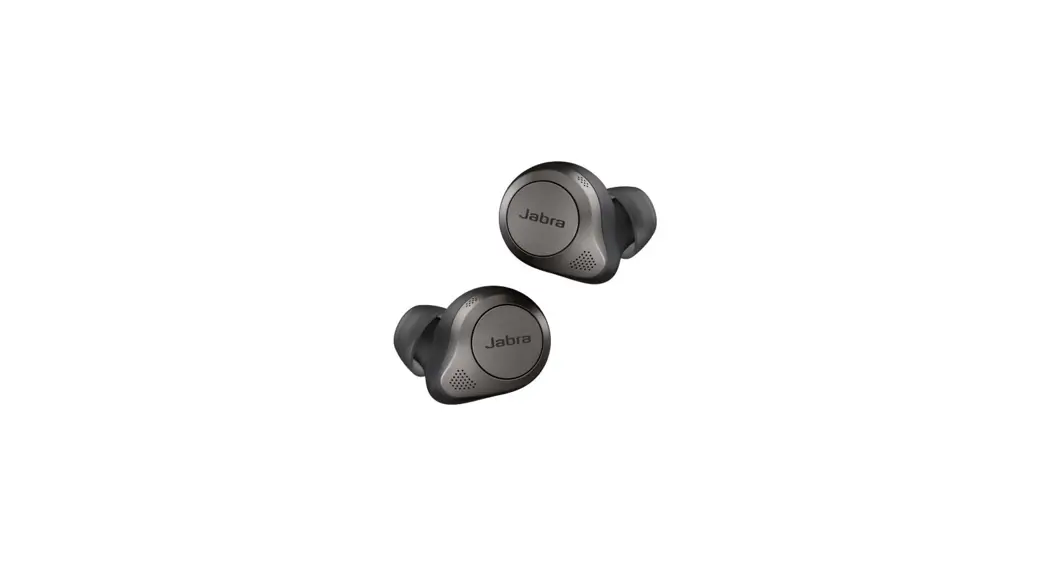
 Jabra Elite Active 65t – Titanium Black
Elite Active 65t True Wireless Earbud
What do the LEDs on my Jabra earbuds and charging case mean?
Here is an explanation of the LED colours and behaviours.
Note:
The following diagram is in English. For translated versions, check the available languages of the user manual in the Product documents section.
Battery status details
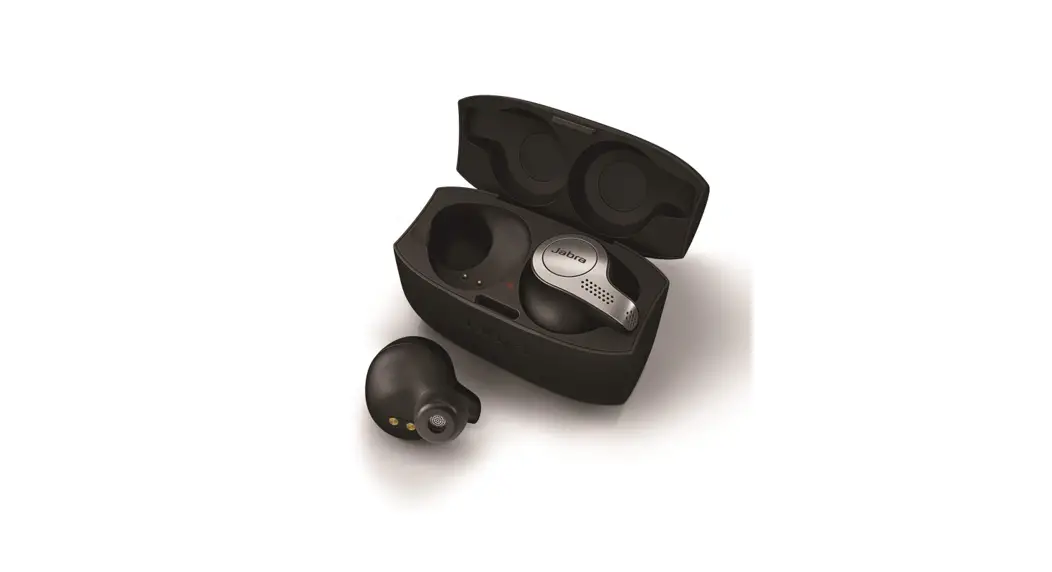
LED on individual earbud
Green: 67-100%
Yellow: 34-66%
Red: 0-33%
LED on charging case and combined earbuds
Green: 67-100%
Yellow: 34-66%
Red: 0-33%
LED on charging case
Green: 51-100%
Yellow: 11-50%
Red: 0-10%
Flashing red after a firmware update: The charging case was not updated correctly. We recommend you connect the charging case to a power supply. Then remove the earbuds from the case, replace them in the case, and close the lid. This will complete the firmware update.
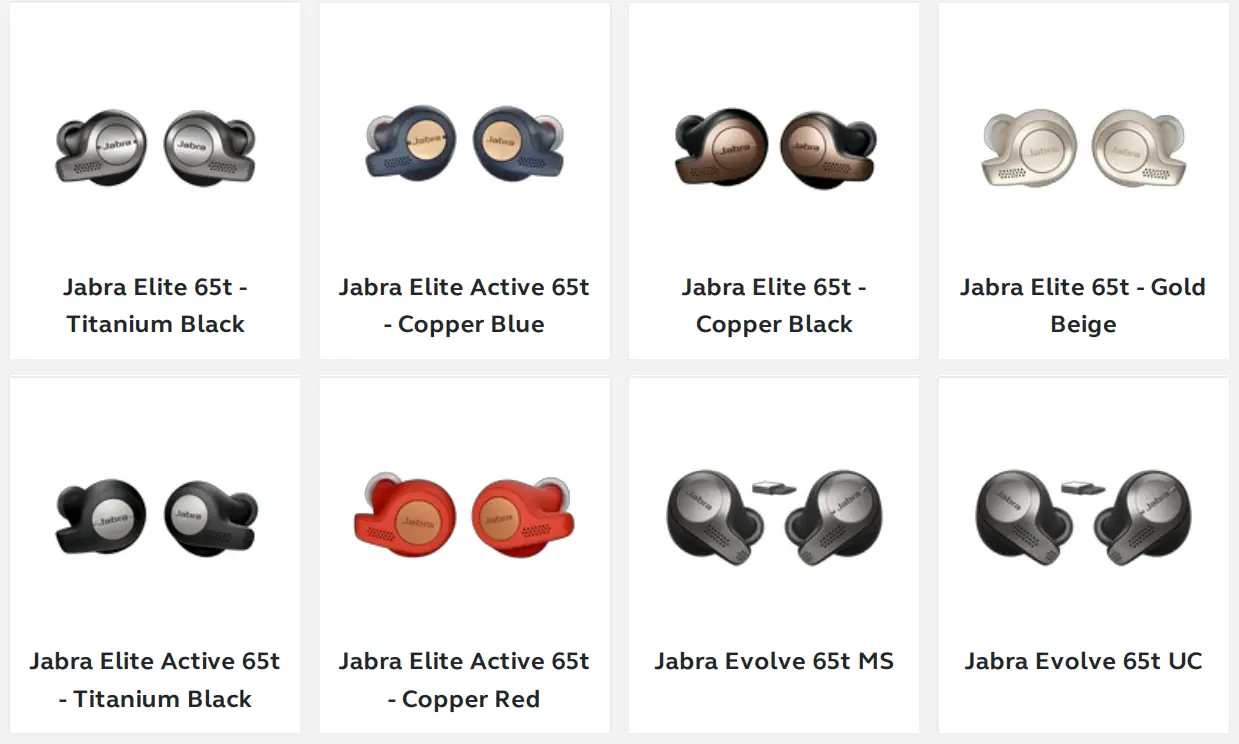
Applicable products
14/07/2022 12:52
 [FAQTitle] | Jabra Elite Active 65t - Titanium Black | FAQ | Jabra Support