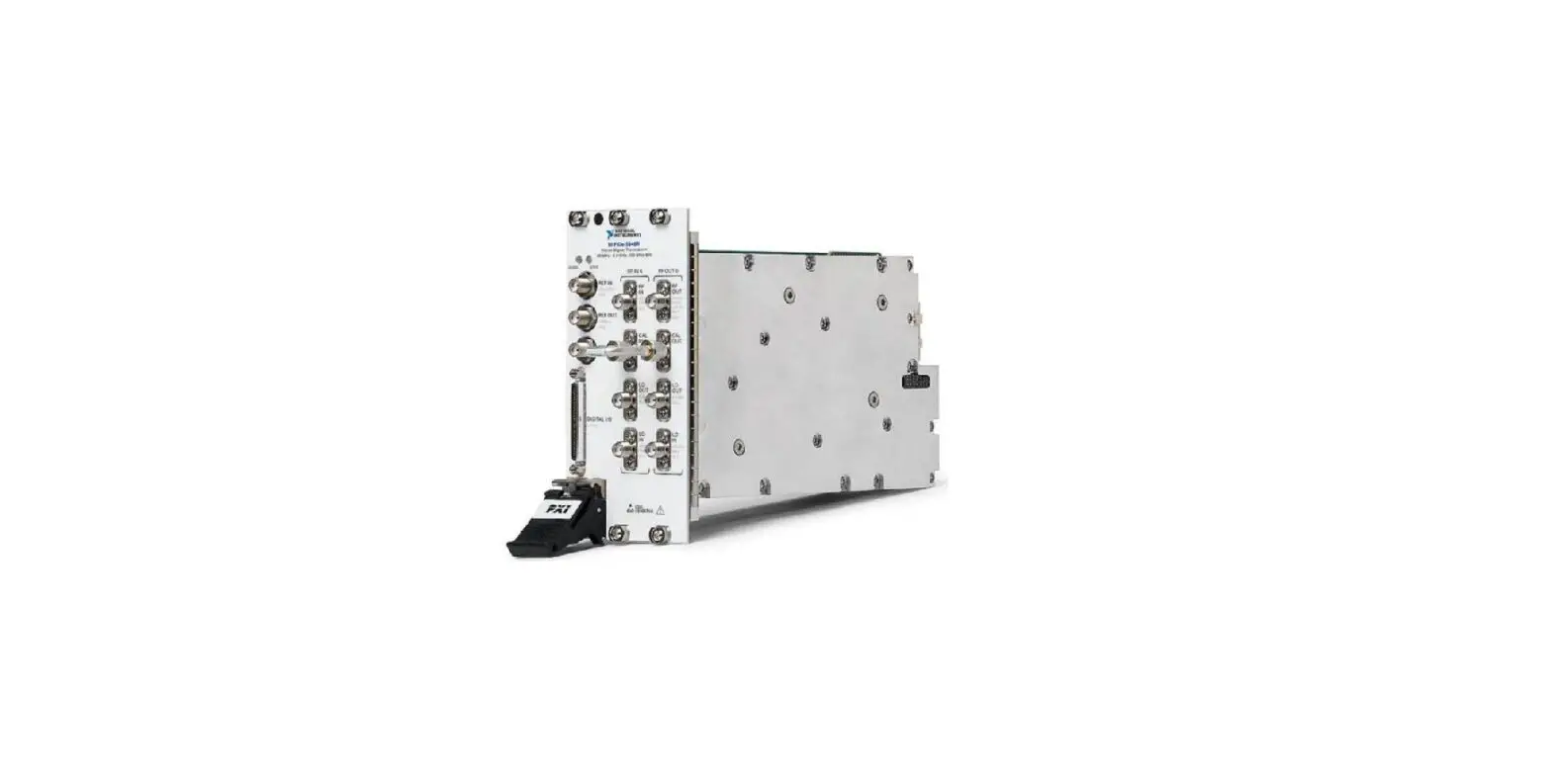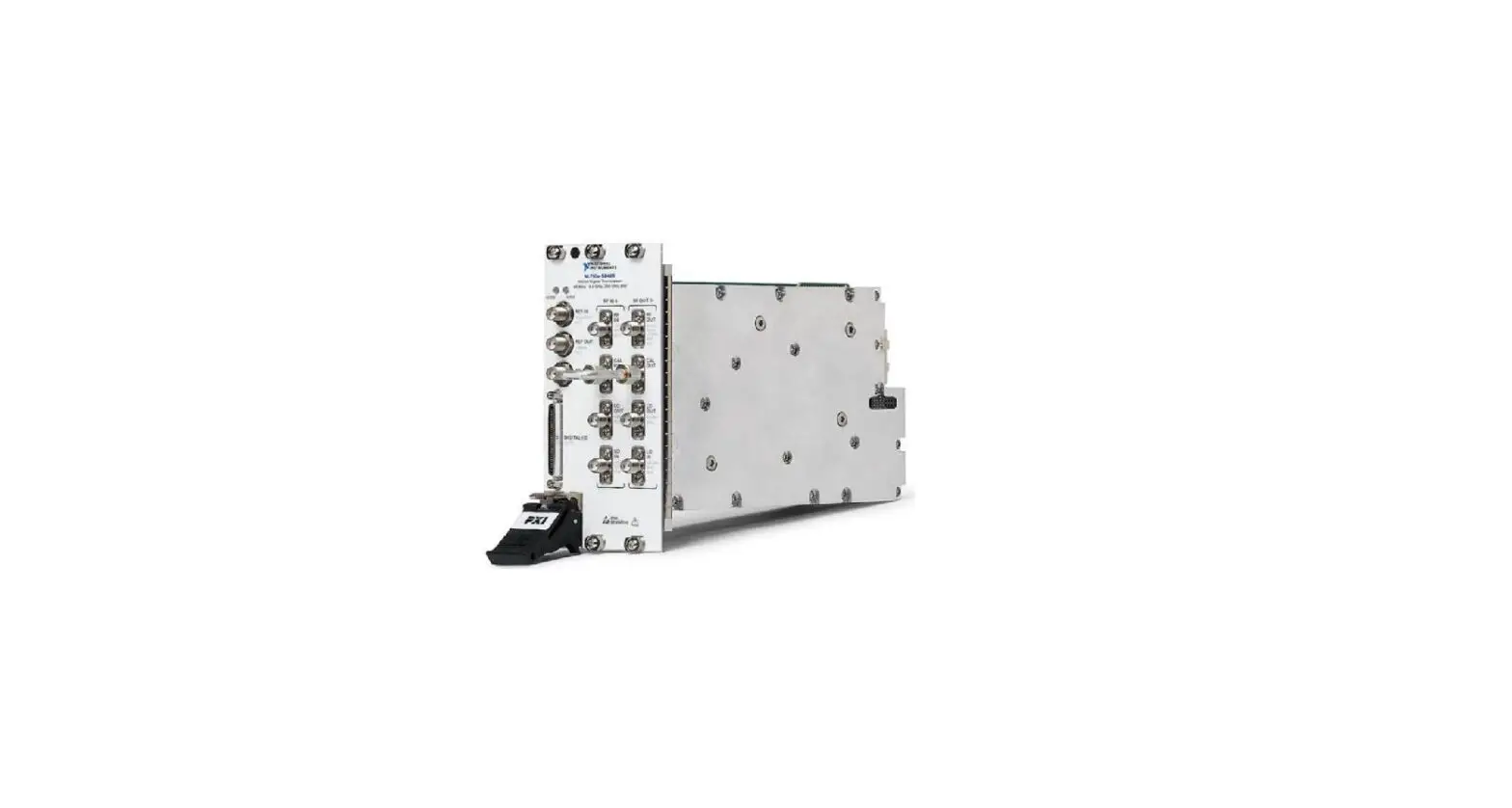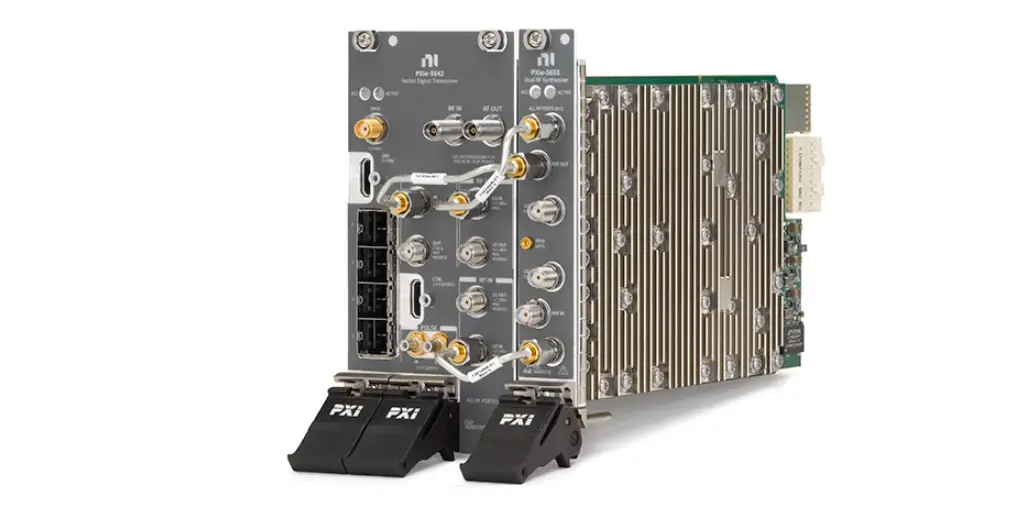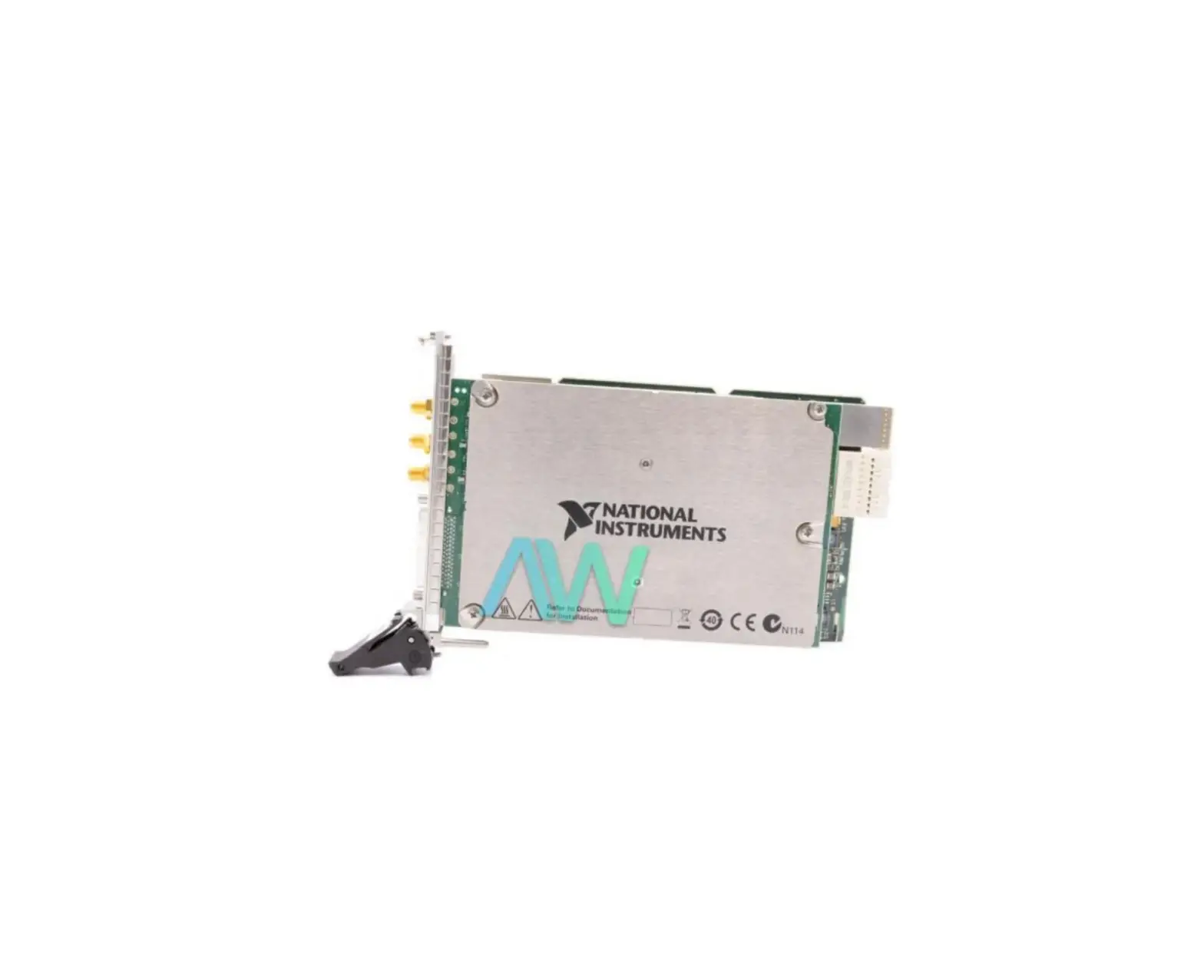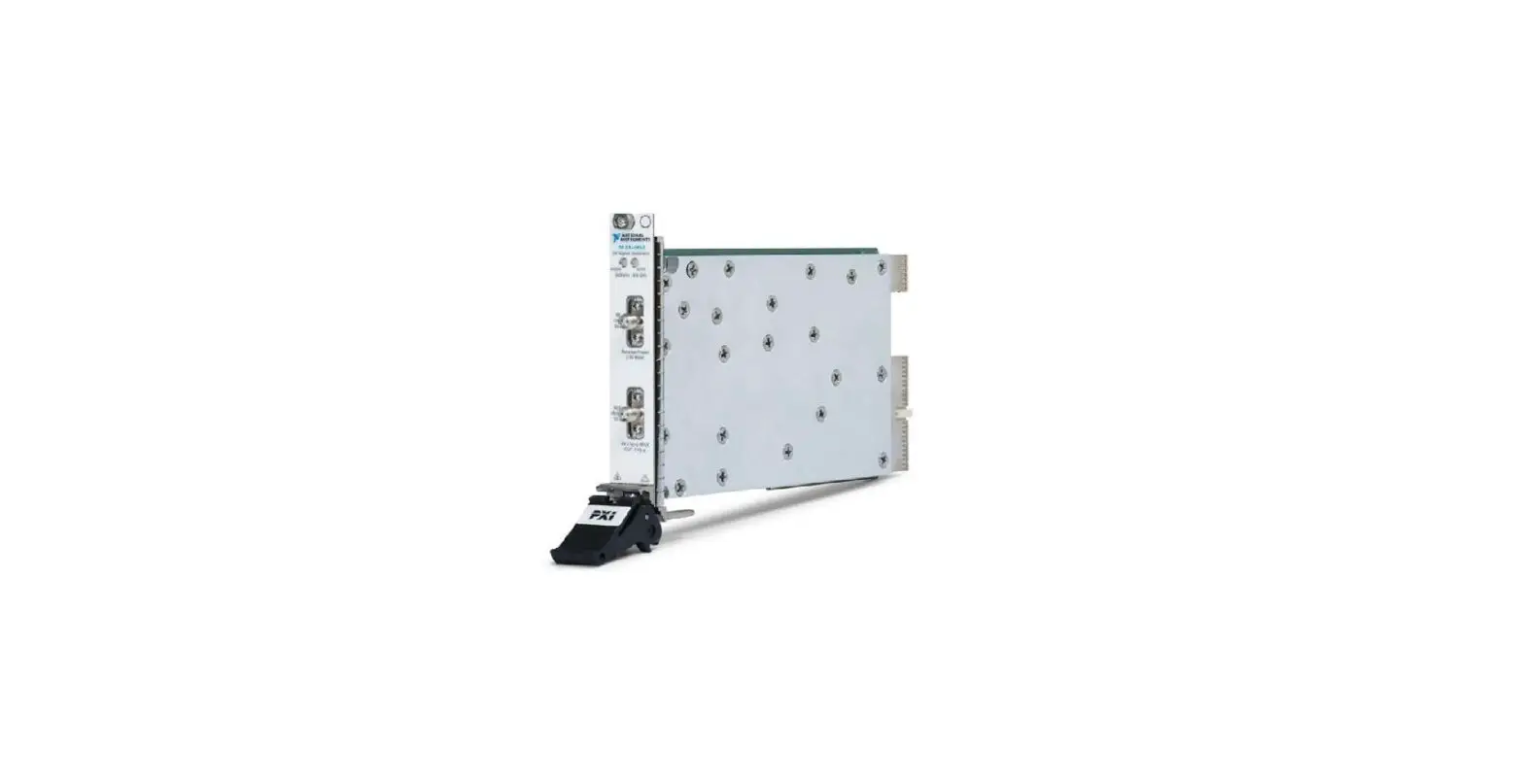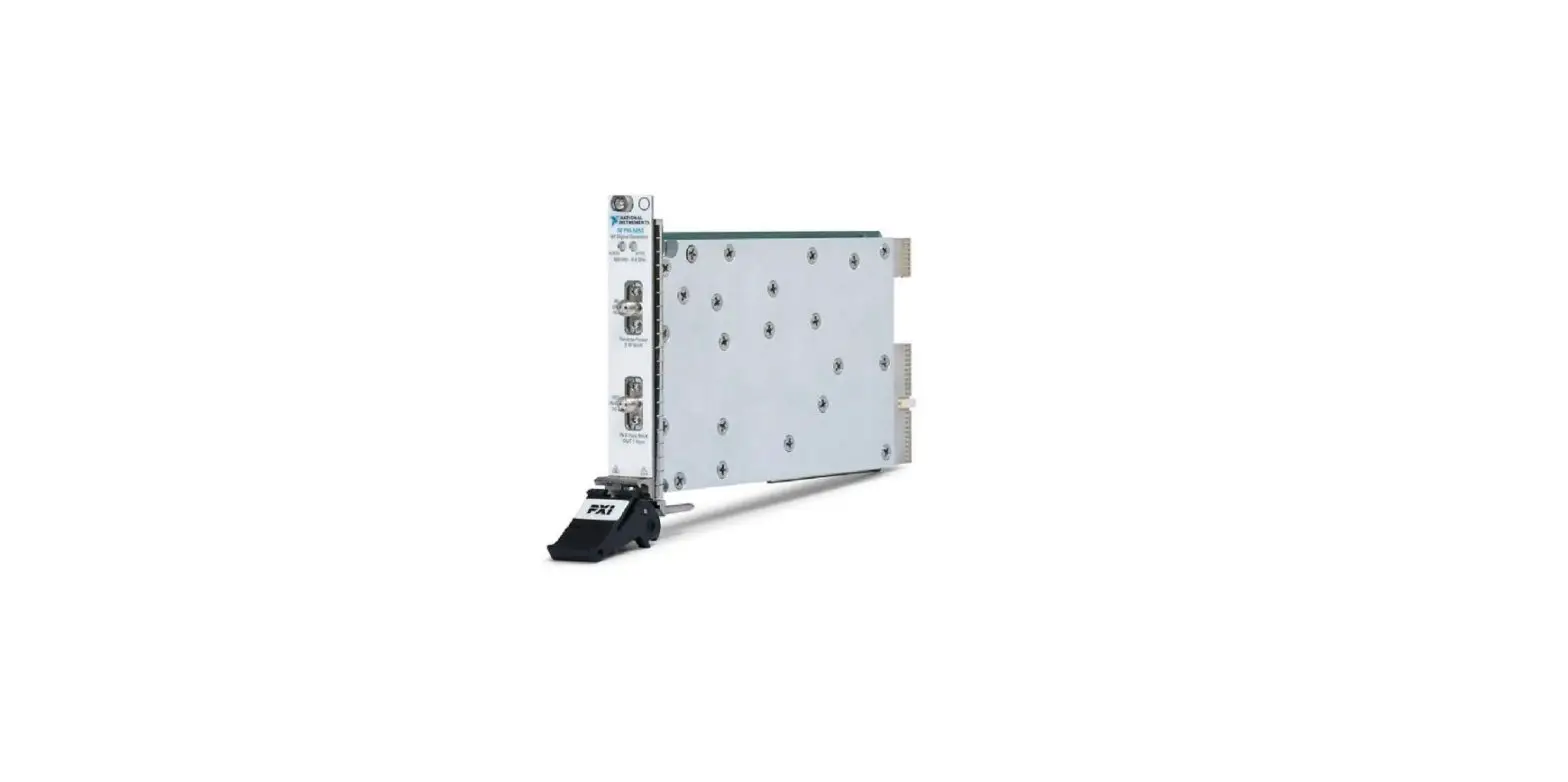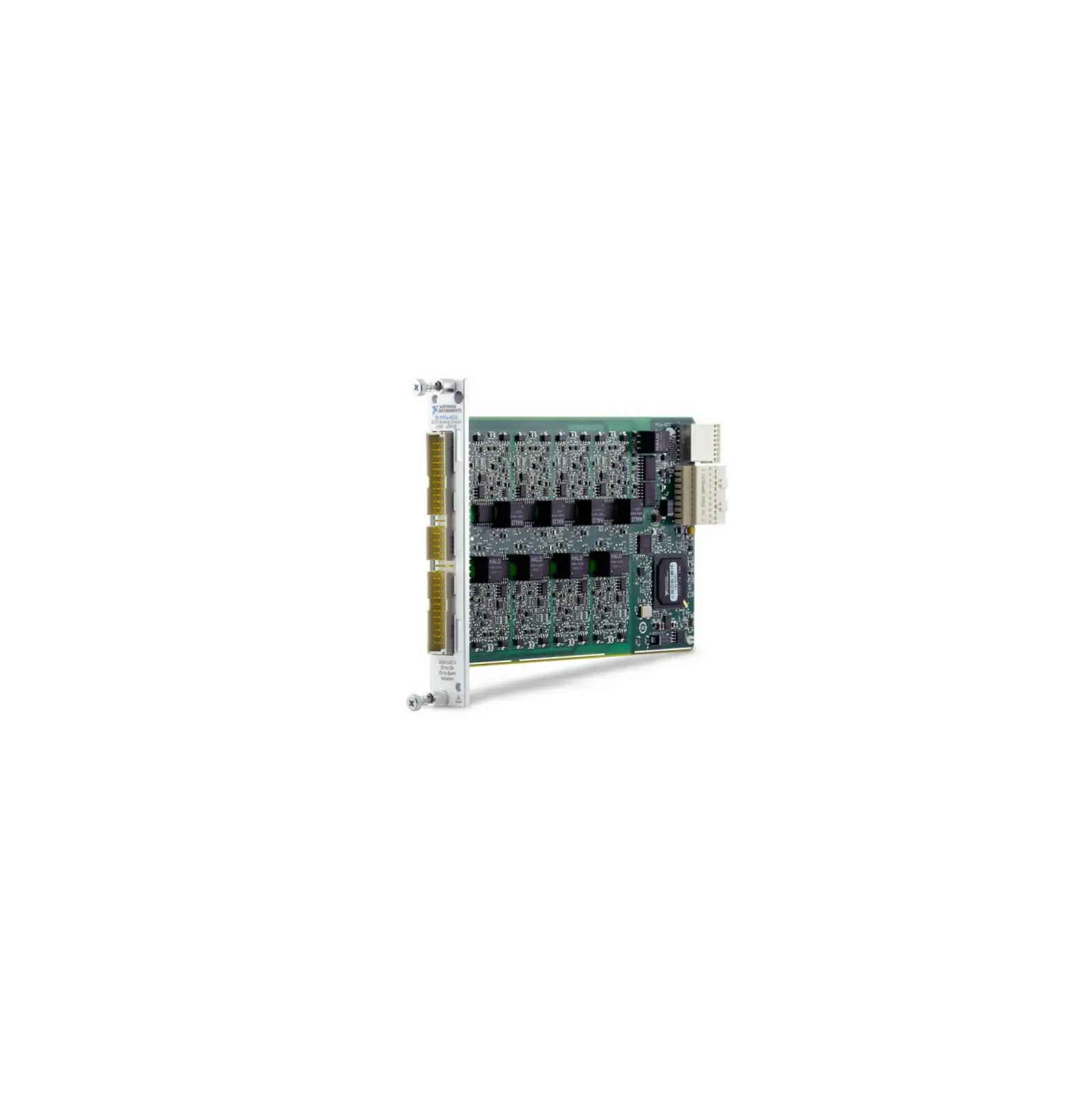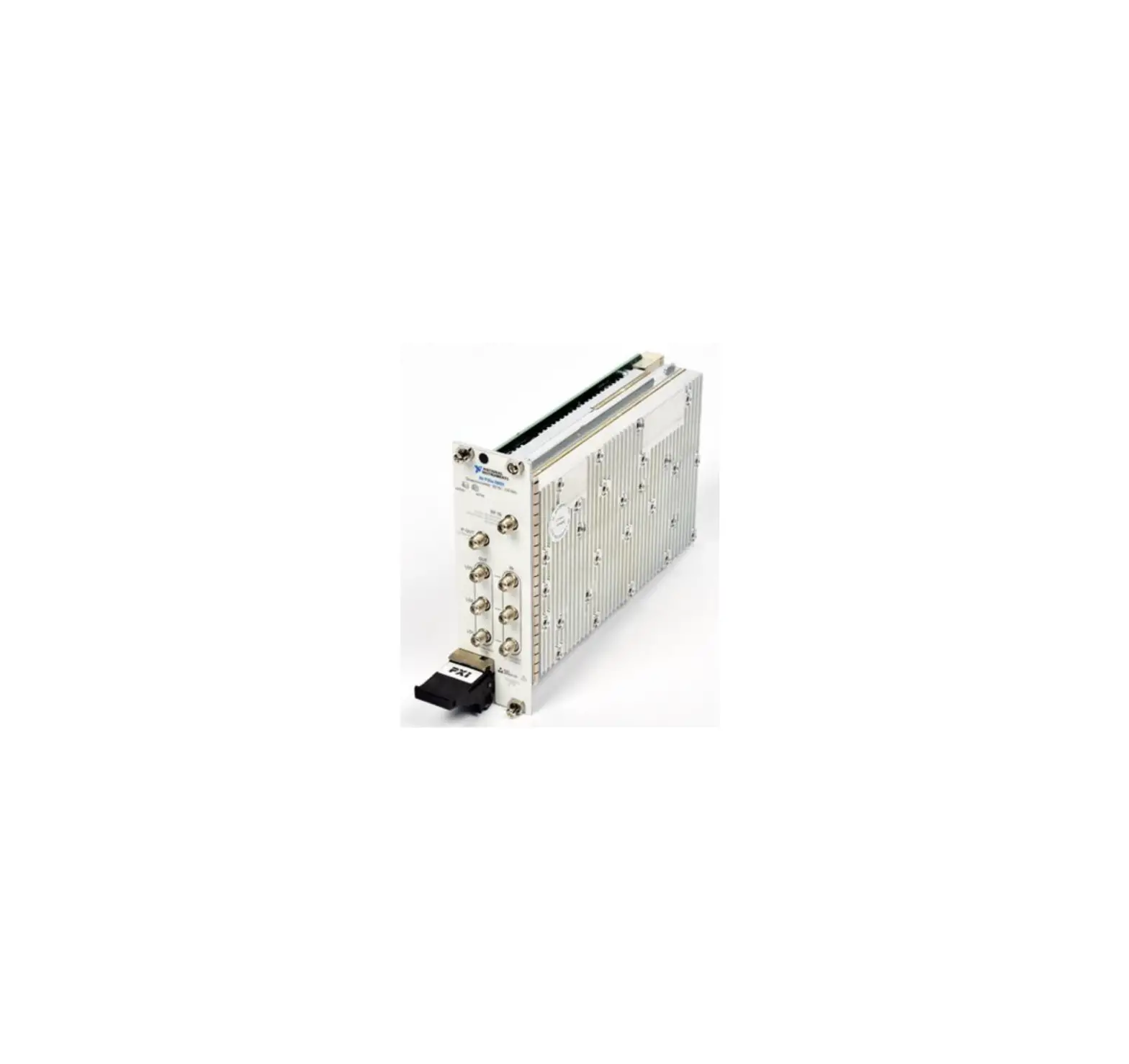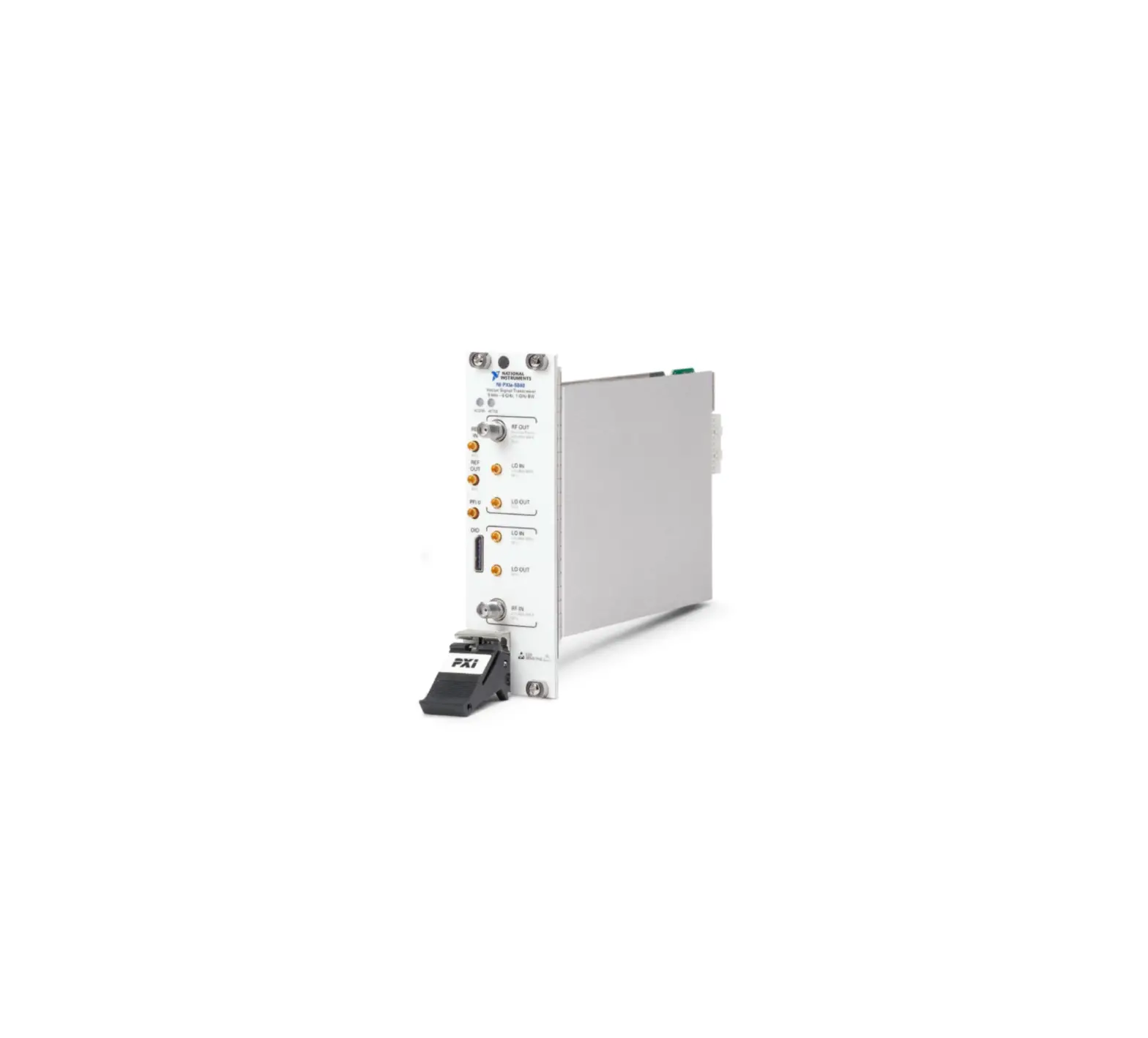
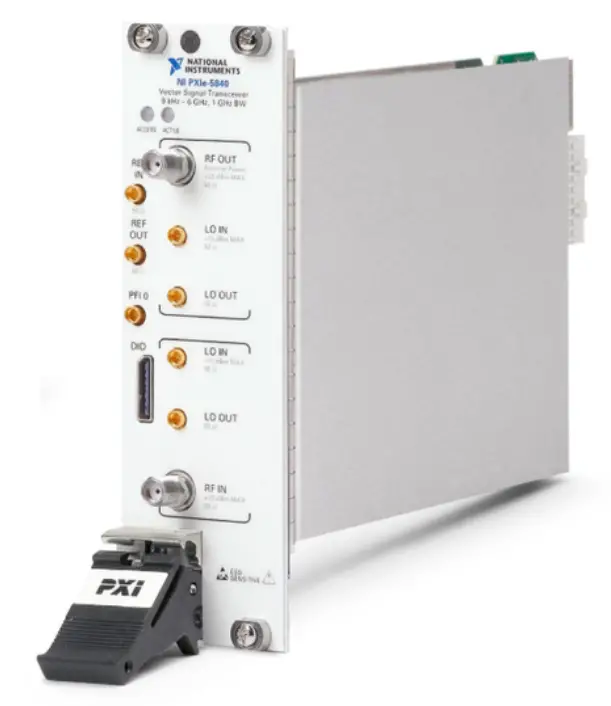
NATIONAL INSTRUMENTS PXIe-5840 Vector Signal Transceiver
COMPREHENSIVE SERVICE
We offer competitive repair and calibration service, as well as easily accessible documentation and free downloadable resources.
SELL YOUR SURPLUS
We buy new, decommissioned, and surplus parts from every NI series. We work out the best solution to suit your individual needs.
 Sell For Cash Get Credit Receive a Trade-In Deal
OBSOLETE NI HARDWARE IN STOCK & READY TO SHIP
We stock New, New Surplus, Refurbished, and Reconditioned NI Hardware.
Bridging the gap between the manufacturer and your legacy test system.
Request a Quote  CLICK HERE PXIe-5840
Manufacturer
National Instruments
Board Assembly Part Numbers
| Part Number and Revision | Description |
| 158395E-01L or later | PXIe-5840 |
Volatile Memory
| Target Data | Type | Size | Battery Backup | User1 Accessible | System Accessible | Sanitization Procedure |
| Waveform storage – Bank 1 | DRAM | 2 GB | No | Yes | Yes | Cycle Power |
| Waveform storage – Bank 2 | DRAM | 2 GB | No | Yes | Yes | Cycle Power |
| FPGA Image Memory | SDRAM | 32 MB | No | Yes | Yes | Cycle Power |
| FPGA Configuration PLD | RAM | 10 KB | No | No | No | Cycle Power |
| FPGA General User Memory | Block RAM | 6,615 KB | No | Yes | Yes | Cycle Power |
| FPGA Distributed User Memory | LUTRAM | 1,361 KB | No | Yes | Yes | Cycle Power |
| Instruction Storage | SRAM | 2 MB | No | Yes | Yes | Cycle Power |
| RF Input Control PLD | Block RAM | 48 KB | No | No | No | Cycle Power |
| RF Output Control PLD | Block RAM | 48 KB | No | No | No | Cycle Power |
Non-Volatile Memory (incl. Media Storage)
| Target Data | Type | Size | Battery Backup | User Accessible | System Accessible | Sanitization Procedure |
Device configuration
| Flash | 128 MB | No | No No Yes No | Yes Yes Yes Yes | None None Procedure 2 None |
| Spread Spectrum Clock | On-chip EEPROM | 48 Bytes | No | No No | Yes | None |
FPGA Configuration PLD
| Flash Flash | 8 KB 42 KB | No | No No | Yes Yes | None None |
Baseband Control PLD
| Flash Flash | 1 KB 1270 LEs | No | No No | Yes Yes | None None |
RF Input Control PLD
| Flash Flash | 114 KB 198 KB | No | No No | Yes Yes | None None |
- Refer to Terms and Definitions section for clarification of User and System Accessible
- Calibration constants that are stored on the device include information for the device’s full operating range. Any implications resulting from partial self-calibration can be eliminated by running the full self-calibration procedure.
Non-Volatile Memory (incl. Media Storage) (continued)
| Target Data | Type | Size | Battery Backup | User Accessible | System Accessible | Sanitization Procedure |
RF Output Control PLD
| Flash Flash | 114 KB 198 KB | No No | No No | Yes Yes | None None |
Procedures
Procedure 1 – Board Assembly Part Number identification:
To determine the Board Assembly Part Number and Revision, refer to the label applied to the surface of your product. The Assembly Part Number should be formatted as “P/N: 158395#-01L” where “#” is the letter module revision.
Procedure 2 – Device Configuration Flash (Calibration Metadata):
The user-accessible portion of the Device Calibration Flash is limited to a programmable calibration password which is exposed through an NI-RFSG attribute that can be programmed in LabVIEW. To clear this metadata, complete the following steps in an empty VI and run in LabVIEW:
- Open an RFSG session using the niRFSG Initialize VI.
- To clear/reset the calibration password:
a. Add the niRFSG Change External Calibration Password VI after the niRFSG Initialize VI.
b. Specify the current password in the “password” input of the niRFSG Change External Calibration Password VI.
c. Wire a string of 32 “0” characters to the “new password” input of the niRFSG Change External Calibration Password VI. - Close the RFSG session using the niRFSG Close VI.
Terms and Definitions
Cycle Power:
The process of completely removing power from the device and its components and allowing for adequate discharge. This process includes a complete shutdown of the PC and/or chassis containing the device; a reboot is not sufficient for the completion of this process.
Volatile Memory:
Requires power to maintain the stored information. When power is removed from this memory, its contents are lost. This type of memory typically contains application specific data such as capture waveforms.
Non-Volatile Memory:
Power is not required to maintain the stored information. Device retains its contents when power is removed. This type of memory typically contains information necessary to boot, configure, or calibrate the product or may include device power up states.
User Accessible:
The component is read and/or write addressable such that a user can store arbitrary information to the component from the host using a publicly distributed NI tool, such as a Driver API, the System Configuration API, or MAX.
System Accessible:
The component is read and/or write addressable from the host without the need to physically alter the product.
Clearing:
Per NIST Special Publication 800-88 Revision 1, “clearing” is a logical technique to sanitize data in all User Accessible storage locations for protection against simple non-invasive data recovery techniques using the same interface available to the user; typically applied through the standard read and write commands to the storage device.
Sanitization:
Per NIST Special Publication 800-88 Revision 1, “sanitization” is a process to render access to “Target Data” on the media infeasible for a given level of effort. In this document, clearing is the degree of sanitization described.
Notice: This document is subject to change without notice. For the most recent version, visit ni.com/manuals.
Customers Support
Contact: 866-275-6964
[email protected]
 1-800-915-6216




 Product Documentation - NI
 PXIe-5840 National Instruments PXI Vector Signal Transceiver | Apex Waves