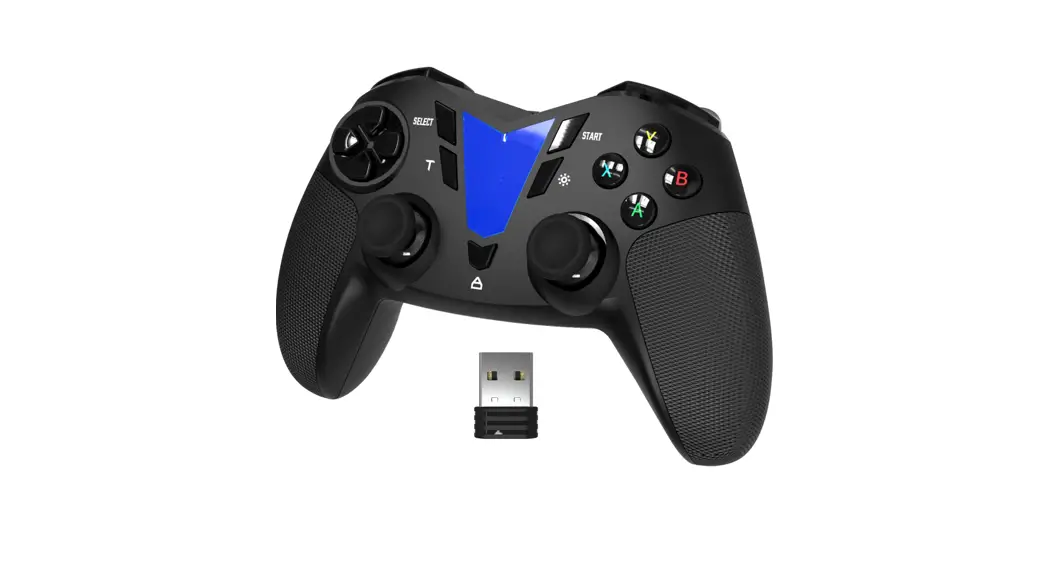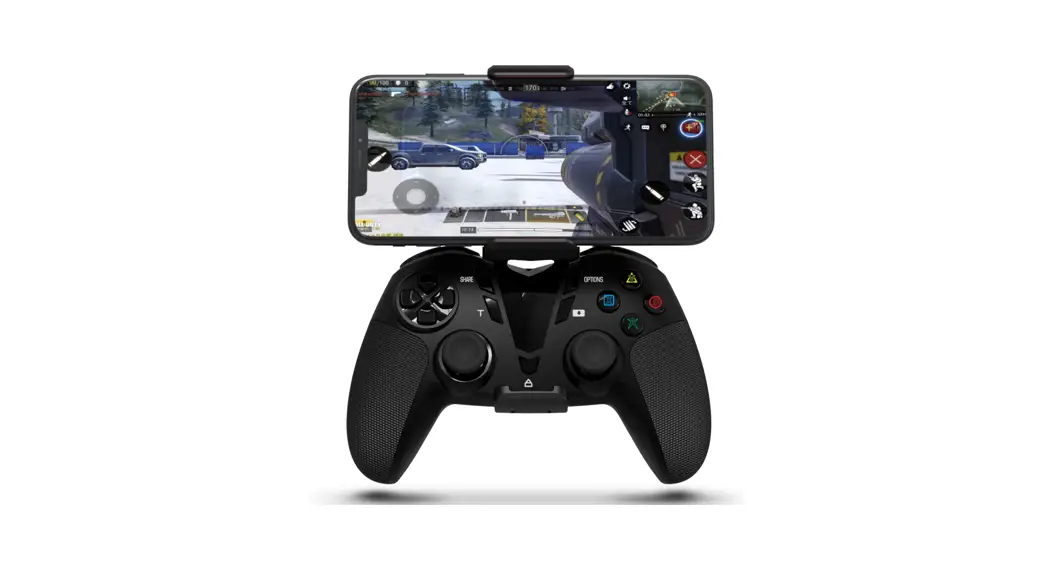

FO206A Mobile Controller Pad
User Manual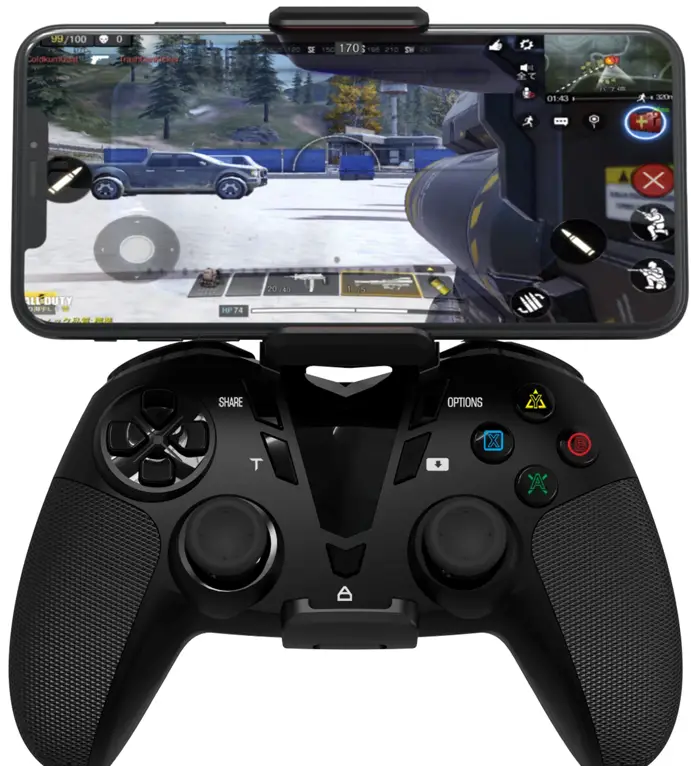
Let’s be friends.
 |  |  |
| http://twitter.com/Deltaessentials | http://www.facebook.com/mydarkwalker | https://www.youtube.com/channel/UC5fCwlutCmBhXgutvEM7LrA |

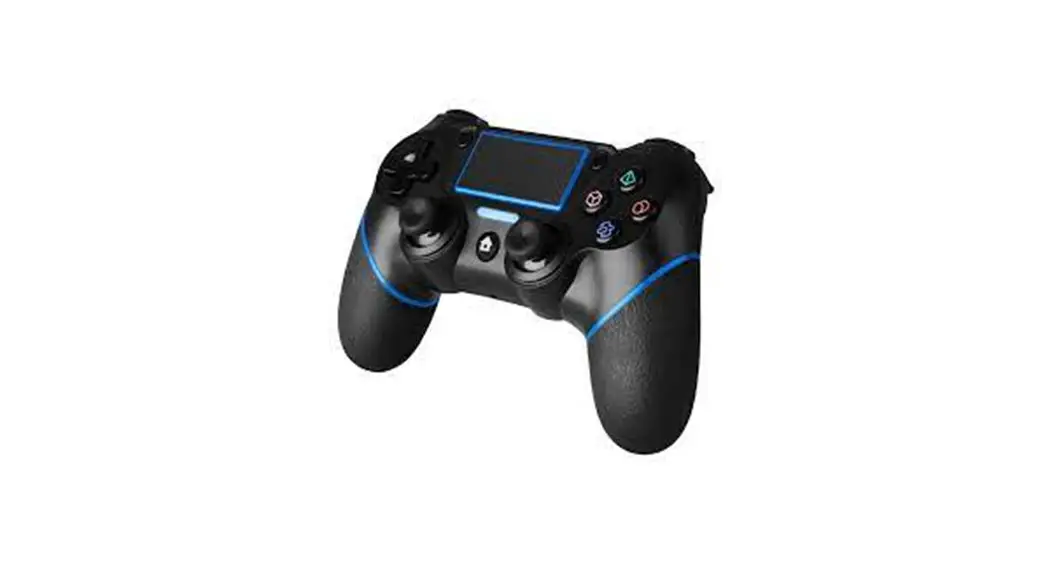
Pairing with Your PlayStation 4
Step 1: Connect the Controller to your PlayStation 4 with a USB-C cable.
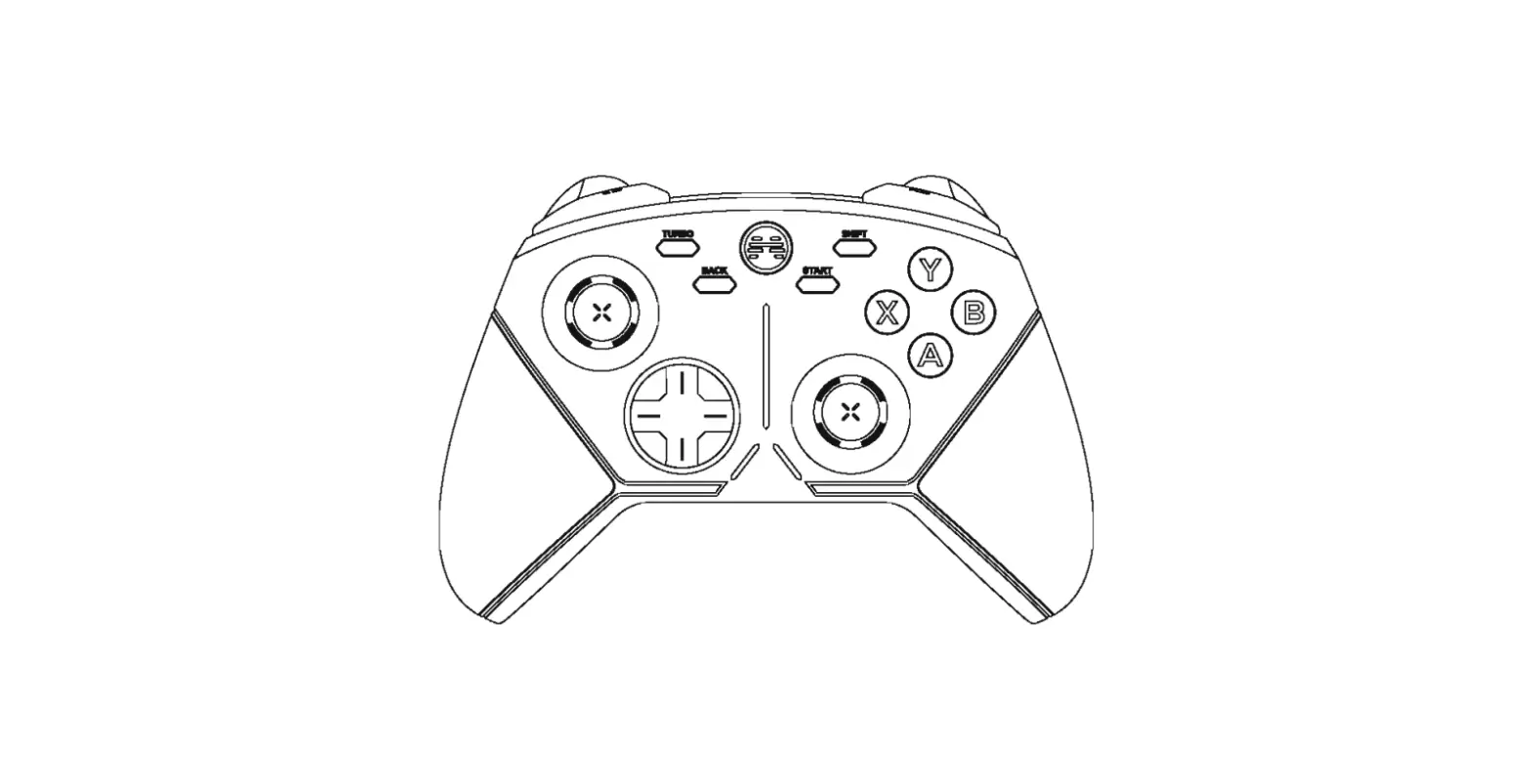
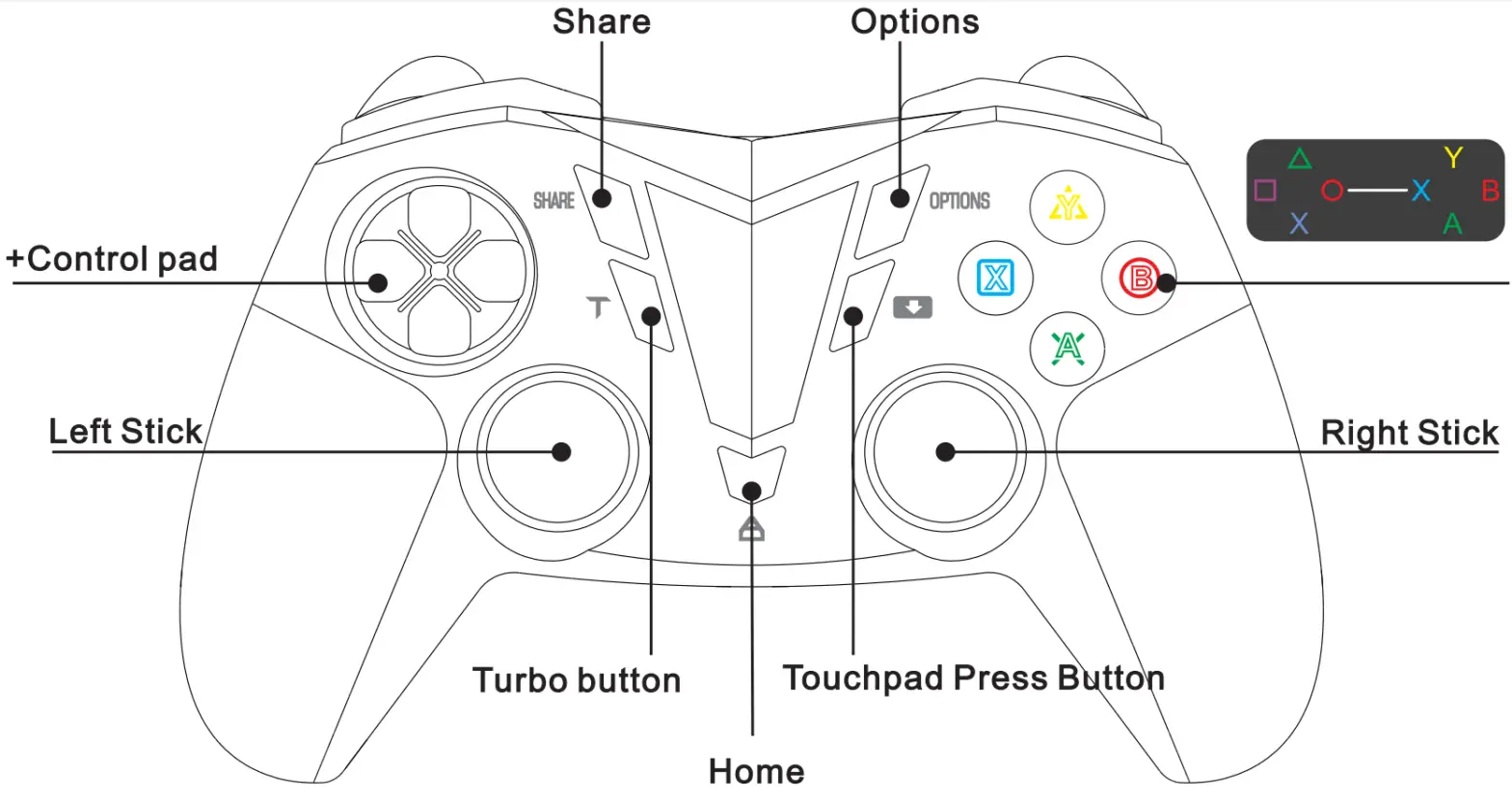
Step 2: Press the “HOME” button to pair it with your PlayStation 4.
Reconnect: Press the “HOME” button to reconnect.
Power: Hold down the “HOME” button for more than Los to power off the controller.
FAO:
Can’t register with your PS4?
A: Press the reset button(a small hole) on the back of the controller and then repair it with your PS4.
Pairing with Your iOS/Mac OS/Android OS Devices
Step 1: Hold down the “SHARE” button and then press the “HOME” button. The red light starts flashing.
Step 2: Go to Bluetooth settings on your smartphone and look for DualShock 4 Wireless Controller, tap it to pair.
Reconnect: Press the “HOME” button to reconnect.
Power: Hold down the “HOME” button for more than Los to power off the controller.
NOTE: Connect the controller first then run the game. It won’t work if you run the game in the background before you connect the controller.
FAQ:
Can’t pair it with your smartphone?
A: Press the reset button(a small hole) on the back of the controller and then repair it with your smartphone.
Pairing with Your PC Windows
It works as a wired Xbox controller for Windows. Connect the controller to PC via USB-C cable when the controller is in power-off status. Do not press the “HOME’ button before you connect the controller to the PC.
Parameter
Working Voltage: 3.7V
Battery Capacity: 600mAh
Input Voltage: 5V
Low Voltage Alarm: s3.7V
Pairing Time: s 10s
Reconnect Time: s 5s
Charging: LED light flash slowly
Fully charged: LED light on
Low battery indication: LED light flash fast
WARRANTY
2-month free replacement policy. If your product is broken or does not work properly after purchase. Please contact our after-sales support with your Amazon order number. Buyers can also extend the product warranty to 12 months. Please scan to extend the product warranty.