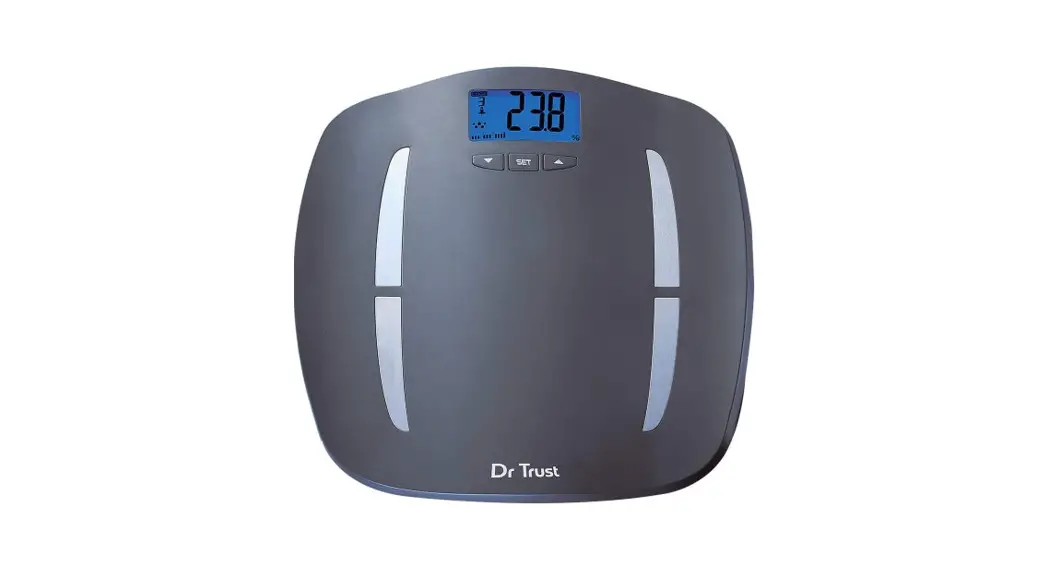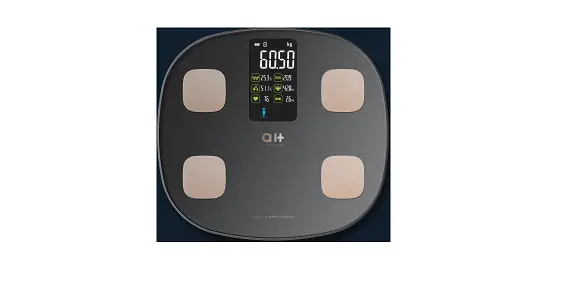

Aukey Home BM-X1 Body Composition Monitor
Product Information
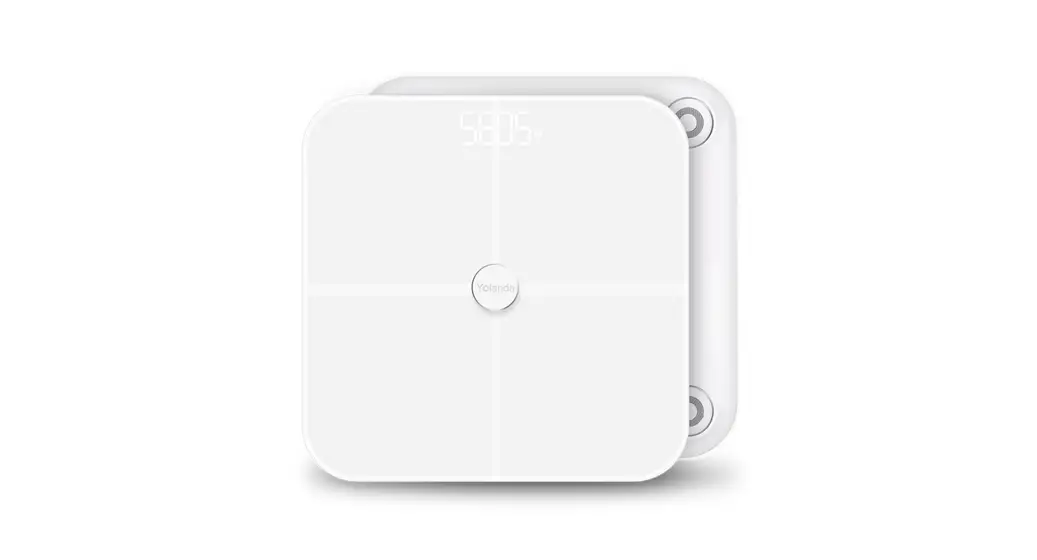
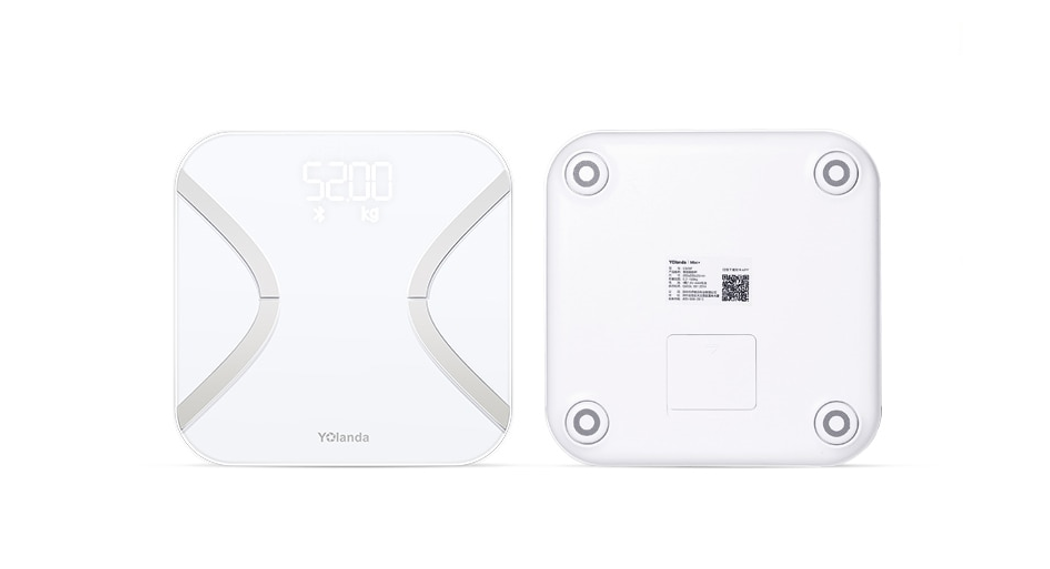
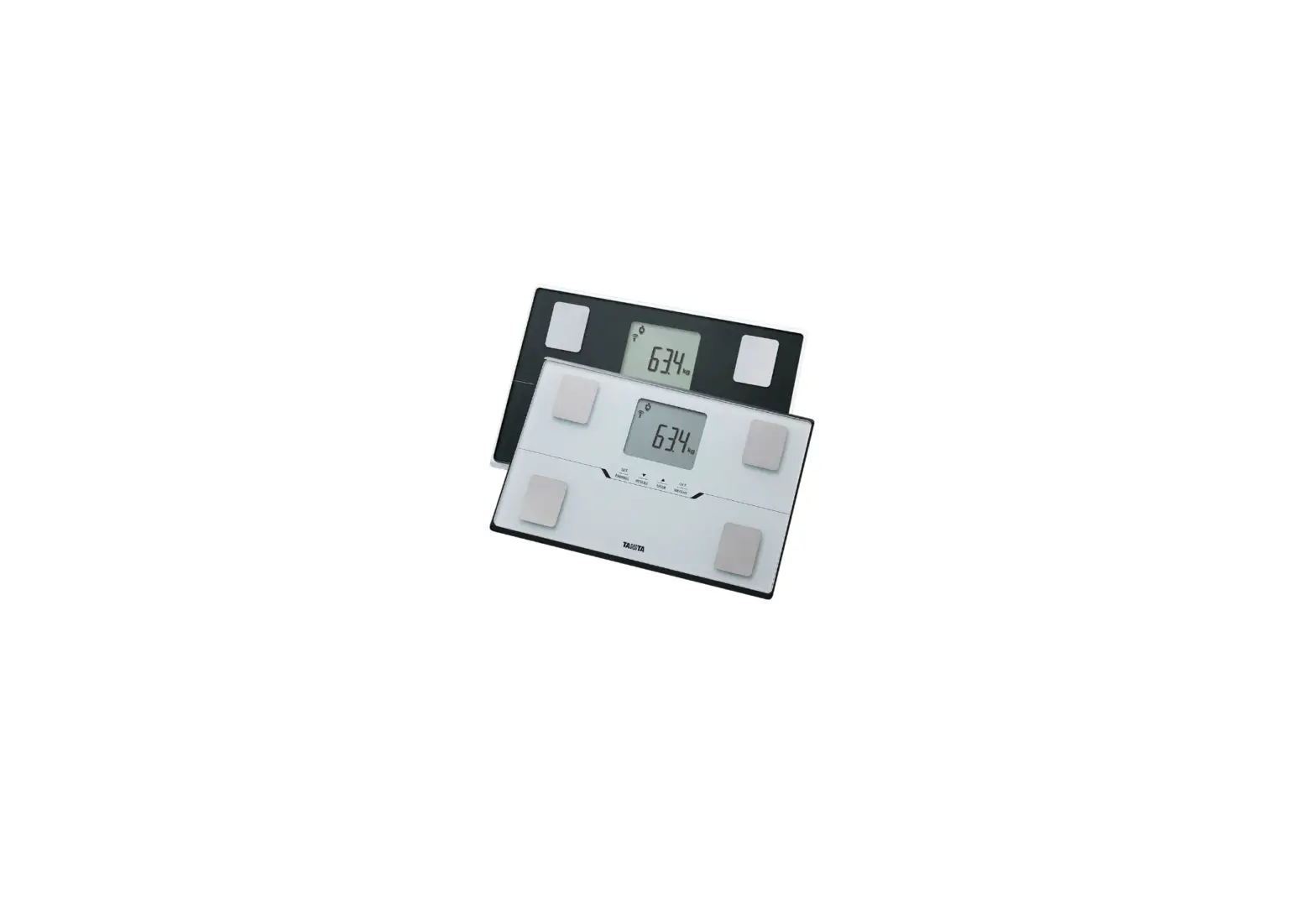
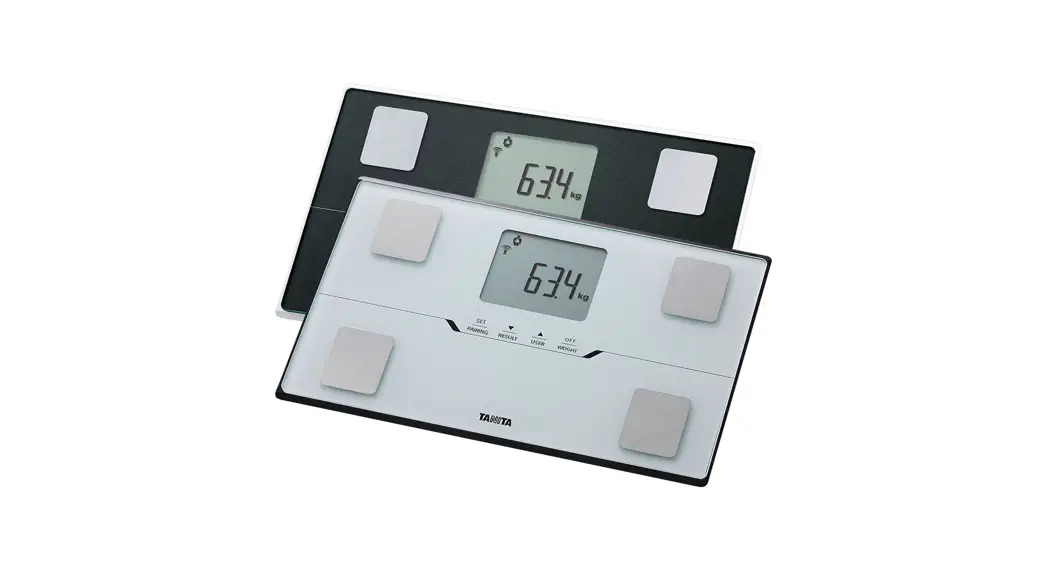
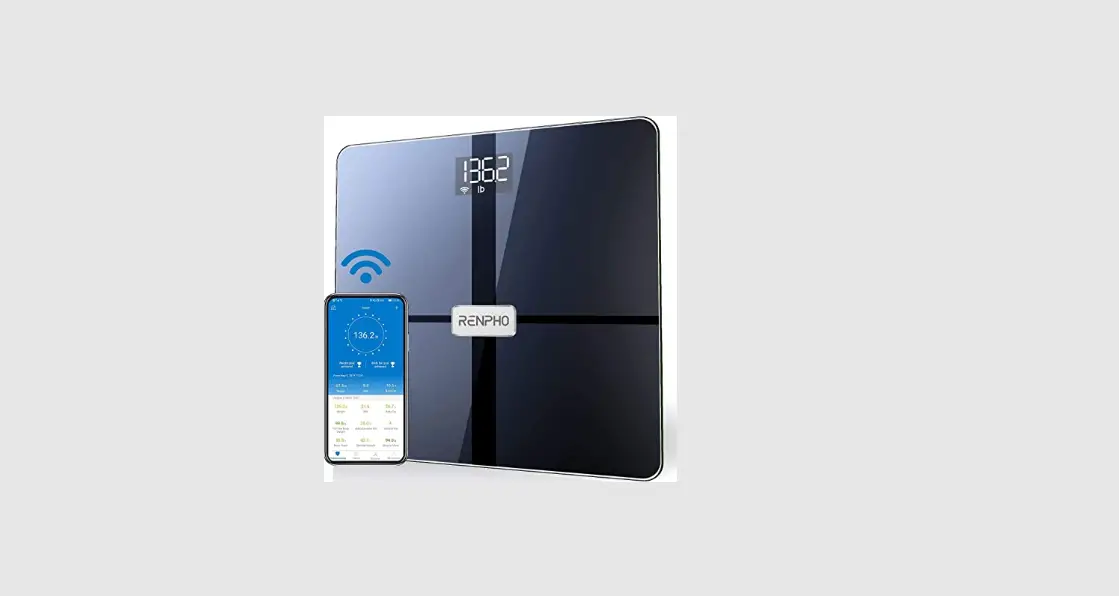
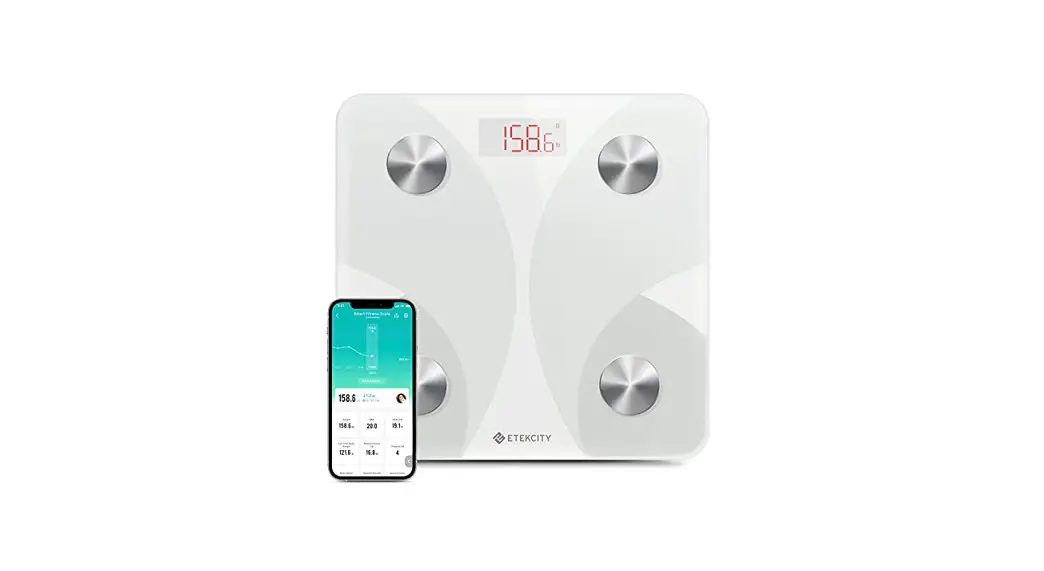
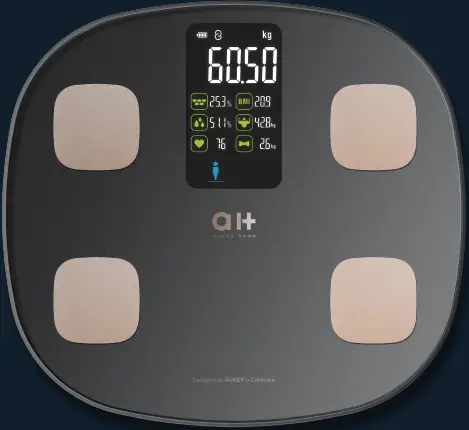
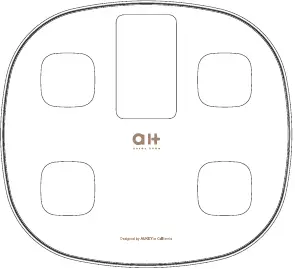
The BM-X1 is a body composition monitor designed by AUKEY in California and made in China. It is a smart scale that can measure various parameters such as weight, body water, BMI, BFR, muscle, bone mass, protein, weight without fat, skeletal muscle rate, BMR, heart index, body fat rate, body age, body fitness status, visceral fat, and height record. The device comes with an LCD display and requires AAA batteries for power supply. It supports Bluetooth connectivity and can be connected to the Fitdays App for long-term tracking.
Product Usage
- Activate the display by tapping your foot on the scale.
- Open the Fitdays App and keep it on the main interface before measuring weight.
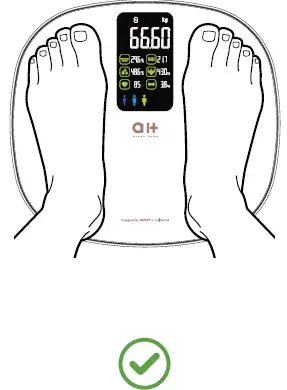
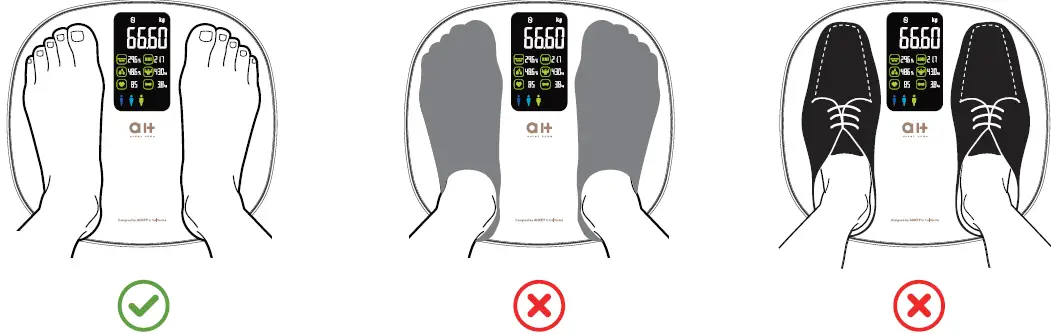
- Step on the scale with bare feet to measure body fat data. If stepping on the scale with socks, only weight and BMI will be measured and displayed on the main page.
- The number on the display will flash when the scale is weighing and analyzing. After flashing three times, the weight will be locked.
- Enter the fat measurement state. At this time, the heart rate icon and body fat icon will flash. After measuring the body fat rate, the heart rate icon will continue to flash, indicating that the heart rate is being measured.
- Continue to stand on the scale until all the data is displayed, which means the measurement is complete and the data has been synchronized to the Fitdays App. After displaying all data for 10 seconds, it will automatically turn off.
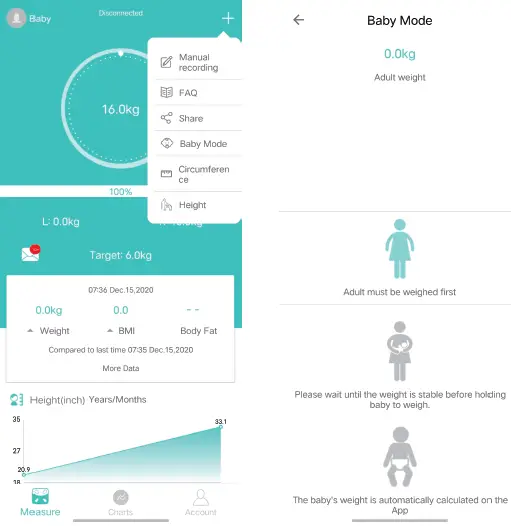
- To weigh a baby, click + –>Baby Mode. Step on the scale by yourself, then hold the baby to get their weight.
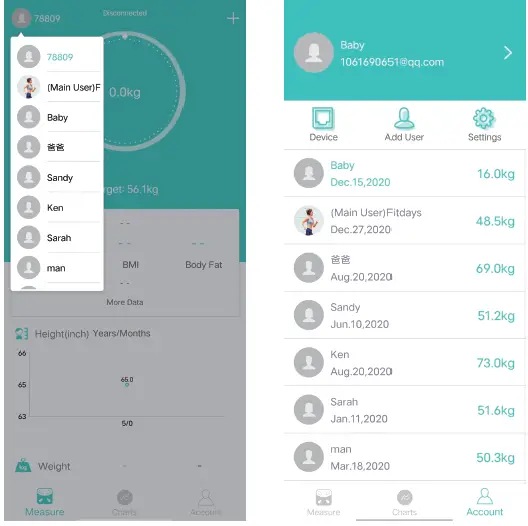
- Add and switch users by clicking , or click Me–> Manage users, then add personal data. The Smart Scale can recognize which user is stepping on it and remind the user to switch to the correct user. Each account can support 24 users.
Troubleshooting Guide
If you encounter problems such as Bluetooth not connected or no body fat data measured when weighing, try the following solutions:
- Make sure both the scale and smartphone have Bluetooth on and authorization.
- Check the IOS version of your smartphone, it must be IOS 8.0 or higher/Android 6.0 higher.
- Click Me—>My device find the scale ID.
- Insert 4 × AAA batteries which included in the package to the battery holder on the back at the back of the scale. Place the scale on the hard, flat ground.
| Problem | Easy solution |
| Bluetooth not connected |
|
| No body fat data measured when weighing |
|
| The scale is producing inconsistent weights |
|
| The App is display the incorrect fat-muscle ratio | The body parameter setting is incorrect, check to make sure you entered the correct gender, height, and age. |
| How do I re-calibrate the scale after moving it or change the batteries? | Step on the scale to turn it on. Let it automatically drop to 0.0kg to calibrate. |
| The scale does not turn on. | Remove the batteries and put it back. Make sure to insert the batteries in the correct direction. |
| How to exchange the unit? | When the scale is connected with the App, please go to setting and to select unit from Kg to Lb and st. |
If you still have questions or concerns regarding your new product, please reach out to AUKEY customer support at [email protected] or visit their website at www.aukeyhome.com.
THANK YOU FOR YOUR PURCHASE!
Contact our support team by Email:
[email protected]
Join the aukey home Community on Social Media
@aukeyhome
SPECIFICATION
If you have any questions or concerns regarding your new product, please reach out us at [email protected].
We hope you enjoy your new product!
| Product name | Body Composition Monitor |
| Product size | 300 × 275 ×25mm |
| LCD display | 108 × 62mm |
| Power supply | 4 × AAA batteries (6.0V) |
| Weight unit | Kg/Lb |
| Weight limit | 8kg-180kg |
| Account number | No limitation (Each account can add 24 persons) |
| Baby mode | Allow you to scale the weight of baby |
| Height record | Allow you to record the height info under 16 years old |
| Operating temperature | 5 C~35 C |
| Operation humidity | ≤40% RH~80% RH |
| Support devices | IOS 8.0 or higher, Android 6.0 or higher |
PACKAGE CONTENTS
- Body Composition Monitor
 AAA batteries
- User Manual

 AAA batteries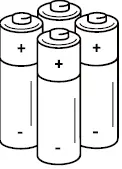
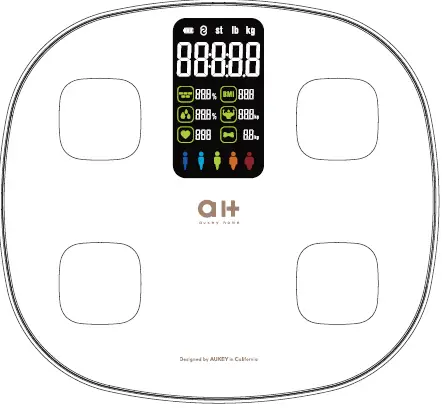
GETTING TO KNOW YOUR BODY COMPOSITION MONITORS
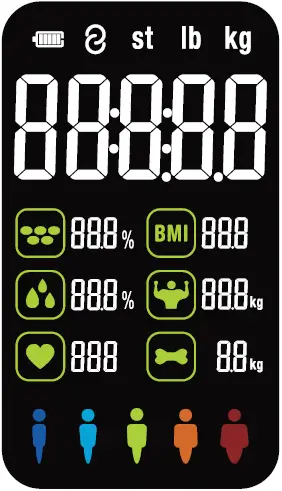 Recorded Parameters
| Weight | BMI | Body fat rate | Visceral fat |
| Body water | Skeletal muscle rate | Muscle mass | Bone mass |
| Protein | BMR | Body age | Height record (<16 years old) |
| Weight without fat | Heart index | Body Fitness status |
Indication Symbols
| Lo | Low battery – please change the batteries (4 × AAA batteries, 6.0V). |
| Err | Overload |
| C | An error has accorded during measurement. Step off the scales and step onto them again to repeat the measuring process. |
Install Fitdays App
- Search “Fitdays” in Apple Store or Google Play or scan the QR code on the left.
- Download and install the App on your device.
- The App icon will appear on your phone or tablet after the installation is completed.
IMPORTANT SAFEGUARDS
IMPORTANT: Please read these instructions in this manual carefully before using the device. Failure to comply with the instructions given in the manual or using this scale in ways other than the ones mentioned in this manual may result in injury to yourself or damage to the scale.
- DO NOT use with medical implants such as pacemakers.
- DO NOT stand on the edge of the scale or jump on it.
- DO NOT overload the scale(Max.180kg).
- DO NOT drop scale or droop and objects on it as this may damage the sensors.
- DO NOT immerse the scale in water or use chemical cleaning agents. Clean the scale with slightly damp cloth.
- NOT recommended for pregnant women.
- NOT recommended for infants, toddlers, and children under 16 years of age.
- Any measurement obtained using this device is for reference ONLY and should not be considered as a medical opinion.
- Consult your primary care doctor or physician before making changes to your diet, exercise plan or physical activities.
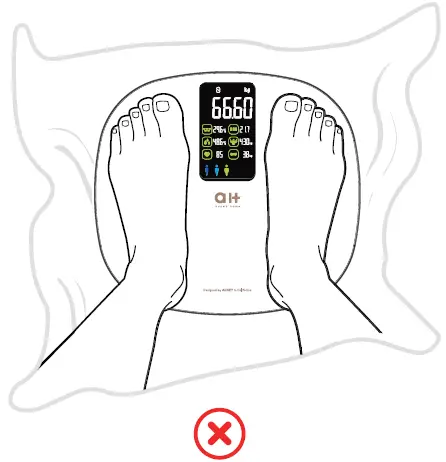
- ALWAYS place the scale on a hard, dry and flat surface before measurement.
- Make sure your feet are dry before stepping on the scale.
- Connect the batteries in accordance with the correct polarities indicated. Remove batteries if the scale is not be used for a prolonged period of time.
USING THE Fitdays APP
- Insert 4 × AAA batteries which included in the package to the battery holder at the back of the scale. Place the scale on the hard, flat ground.


- Open the Fitdays App and turn on the Bluetooth on your smart phone or tablet.
- Register your own ID by email or social media account.
NOTE
Enter the wrong gender, age, height, or corporeity level may result in measurement being inaccurate. - Pair the scale through Bluetooth. Automatic matching/Click Mine —-> Device —-> Bluetooth search device and pair, now your phone is connected with the scale.
Note:Please pair your bluetooth with your scale on working status.
- Tap your foot on the scale to activate the display.
- Step on the scale with BARE feet to measure body fat data.
 NOTE
NOTE
If stepping on the scale with socks, only weight and BMI will be measured and displayed on the main page. To get complete data, please step on the scale with bare feet. Before measuring weight, please open the Fitdays APP and keep it on the main interface. - The number on the display is flashing when the scale is weighing and analyzing. After starting to measure on the scale, the LCD screen will display your weight, and it will be locked after flashing three times.
Then enter the fat measurement state. At this time, the heart rate icon and body fat icon flash. After measuring the body fat rate, the heart rate icon will continue to flash, indicating that the heart rate is being measured. Continue to stand on the scale until all the data is displayed, which means the measurement is complete and the data has been synchronized to the Fit days App. After displaying all data for 10 seconds, it will automatically turn off.

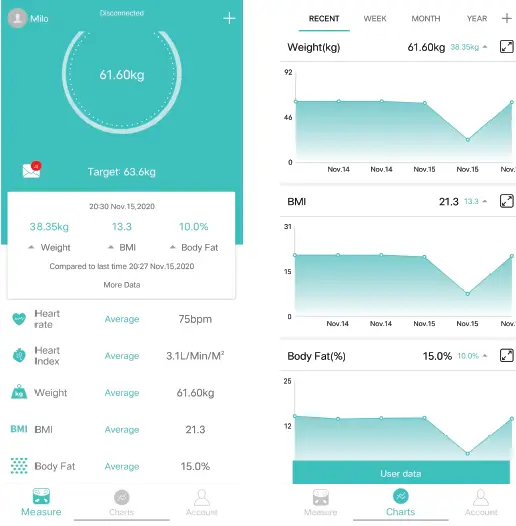
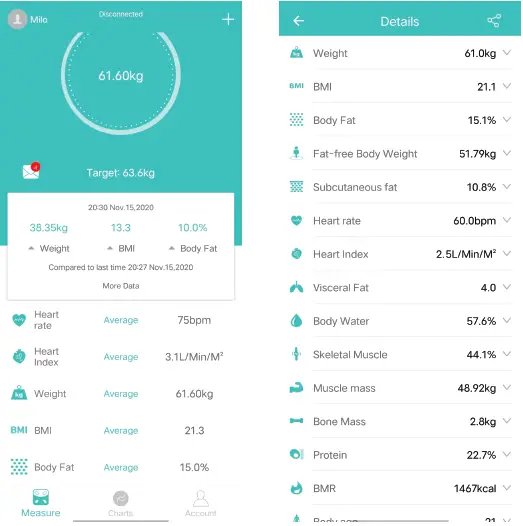
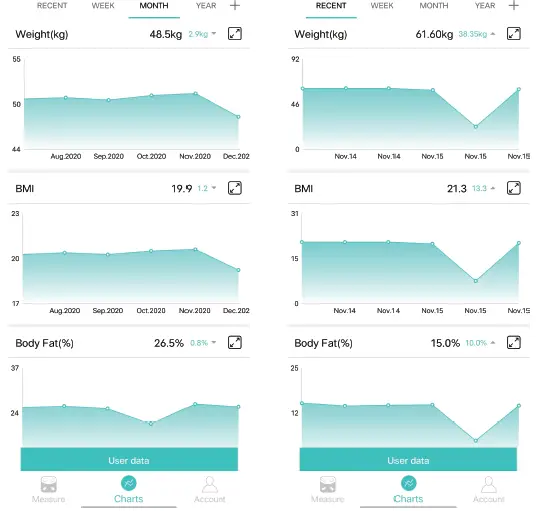
- You can find the analyzing report on Body Weight, BMI, BFR, Muscle, Bone Mass etc. (see full details on page 3 RECORDED PARAMETERS). When you click Record, you can see your long-term track chat form.
 9. Add, switch user by click , or click Me–> Manage users, then add personal data. The Smart Scale can recognize which user is step on it and remind user to switch the correct user. Each account can support 24 users.
 10. Weighing baby: click + –>Baby Mode. Step on the scale by you own, after scale gets your
 weight, and then hold the baby to get the weight of baby.
 NOTE
NOTE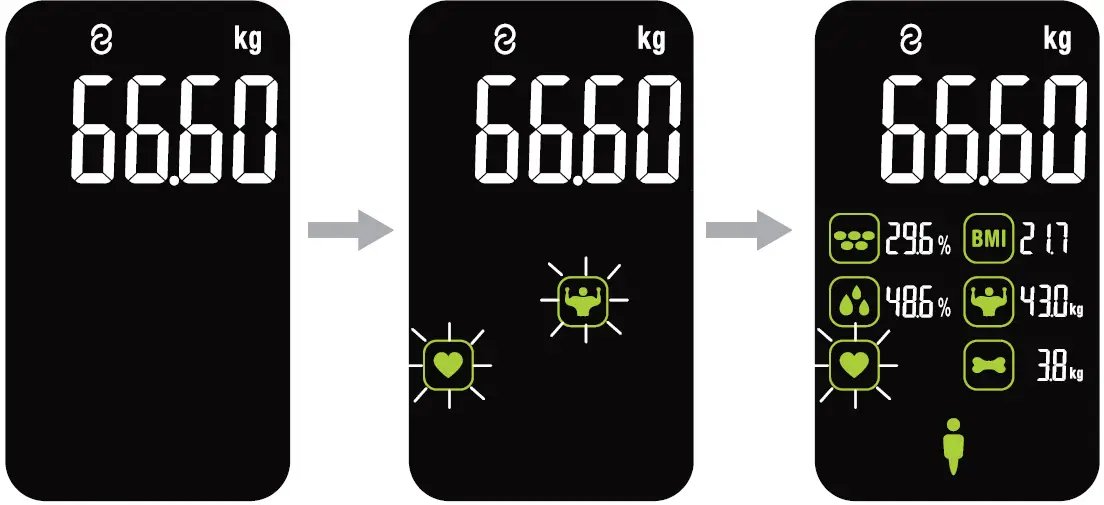
 9. Add, switch user by click , or click Me–> Manage users, then add personal data. The Smart Scale can recognize which user is step on it and remind user to switch the correct user. Each account can support 24 users.
 10. Weighing baby: click + –>Baby Mode. Step on the scale by you own, after scale gets your
 weight, and then hold the baby to get the weight of baby.
BATTERY ADVICE
- If the scale is not to be used for long periods, it’s recommended to remove the battery to avoid damage to the scale due to possible battery leakage.
- Keep the battery out of the reach of children.
- Do not mix old and new batteries, with different compositions or of different brands in order to prevent possible leakage, explosion.
- Do not heat or deform the batteries or explore to fire.
- Waste batteries should not disposed of with household waste.
- Please check with your local authority for battery recycling advice.
- Waste electrical products should not be disposed of with household waste.
Please recycle where facilities exist. Check with your local Authority or retailer for recycling advice.
Disposal
The packaging material is recyclable. Please dispose of it in an environmentally friendly manner and take it to a recycling centre. Dispose of the device in an environmentally friendly manner. Dispose of it at a recycling centre for used electrical and electronic devices. You can obtain more information from your local authorities. The batteries should be removed prior to disposal of the device and disposed of separately from the device. To protect the environment, non-rechargeable and rechargeable batteries may not be disposed of with normal household waste, but must be taken to suitable collection points. Also note the relevant statutory regulations governing the disposal of batteries.
WARRANTY
aukey home provides a two-year product warranty from the date of purchase for all our products. We will take care of all quality-related issues with a REPLACEMENT or FULL REFUND including any return shipping costs. If your product is defective and under warranty, please contact us at Email: [email protected].
Please carefully follow our warranty process to minimize any delays:
- Note the product model name. It can be found on a sticker located underneath or on the back of the product.
- Provide order number for a purchase made through Amazon.
Typical turn around time to address Warranty claims is 10 business days, depending on your geographical location and type of damage or Warranty claim.
This warranty does not apply to the following:
- Damage due to abuse, accident, alteration, misuse, tampering, or vandalism.
- Improper or inadequate maintenance.
- Damage in return transit.
- Unsupervised use by children under 18 years of age.
aukey home and its subsidiaries assume no liability for damage caused by the use of the product other than for its intended use or as instructed in the user manual. Some states do not allow this exclusion or limitation of incidental or consequential losses so the foregoing disclaimer may not apply to you. This warranty gives you specific legal rights and you may also have other rights which may vary from state to state.
ALL EXPRESSED AND IMPLIED WARRANTIES, INCLUDING THE WARRANTY OF MERCHANTABILITY, ARE LIMITED TO THE PERIOD OF THE LIMITED WARRANTY.
CUSTOMER SUPPORT
Any issues or questions regarding your new product , please feel free to contact our Customer Support Team.
CUSTOMER SUPPORT
Email: [email protected]
- Please have your order number ready before contacting Customer Support.