
User Manual
Smartwatch
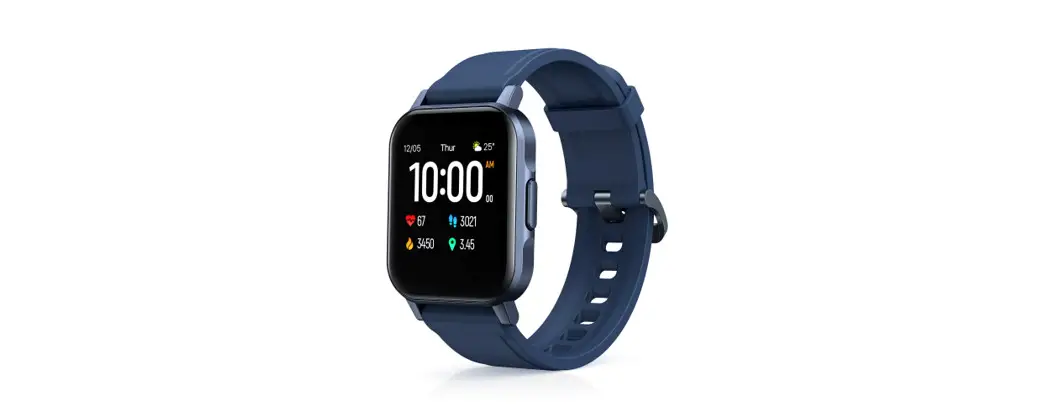
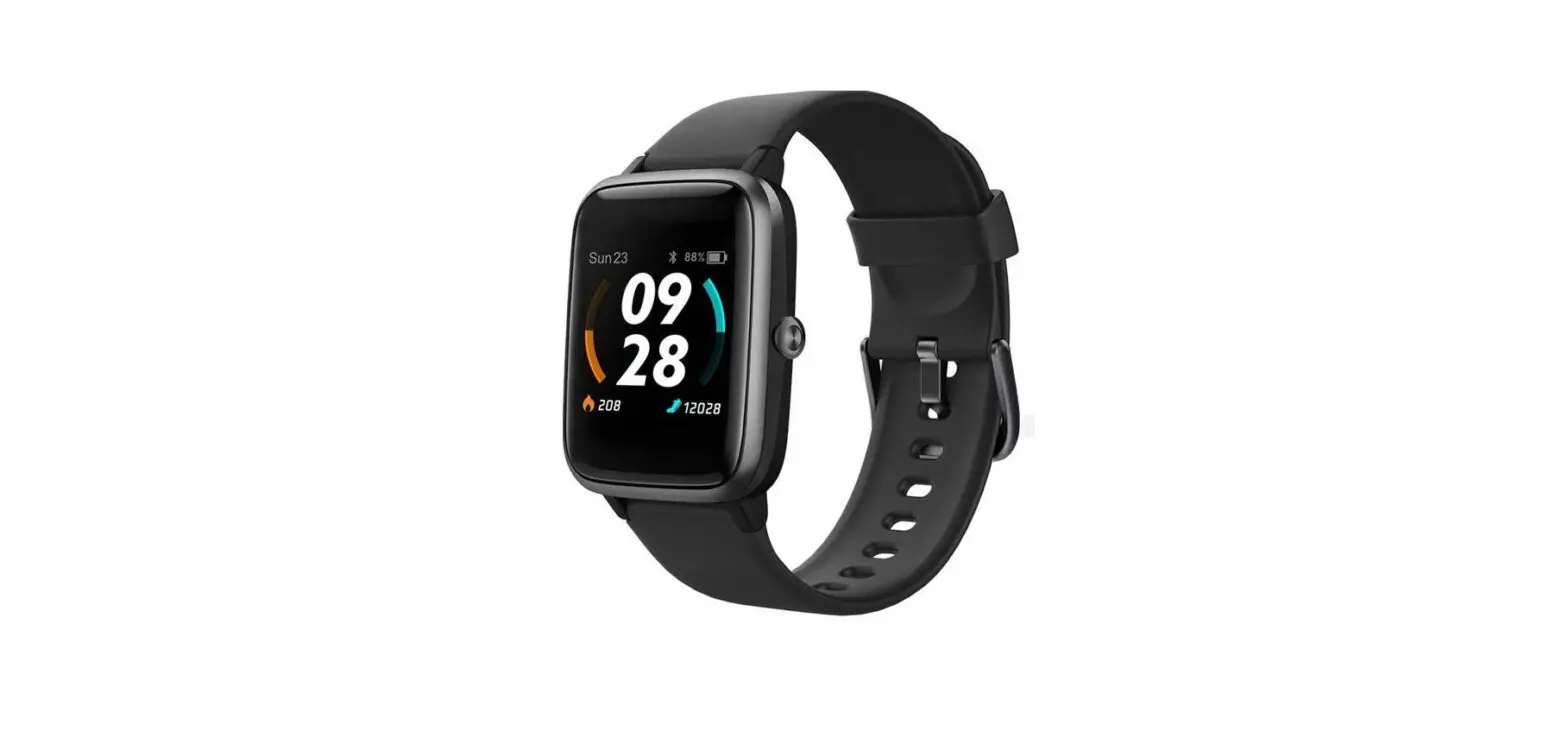
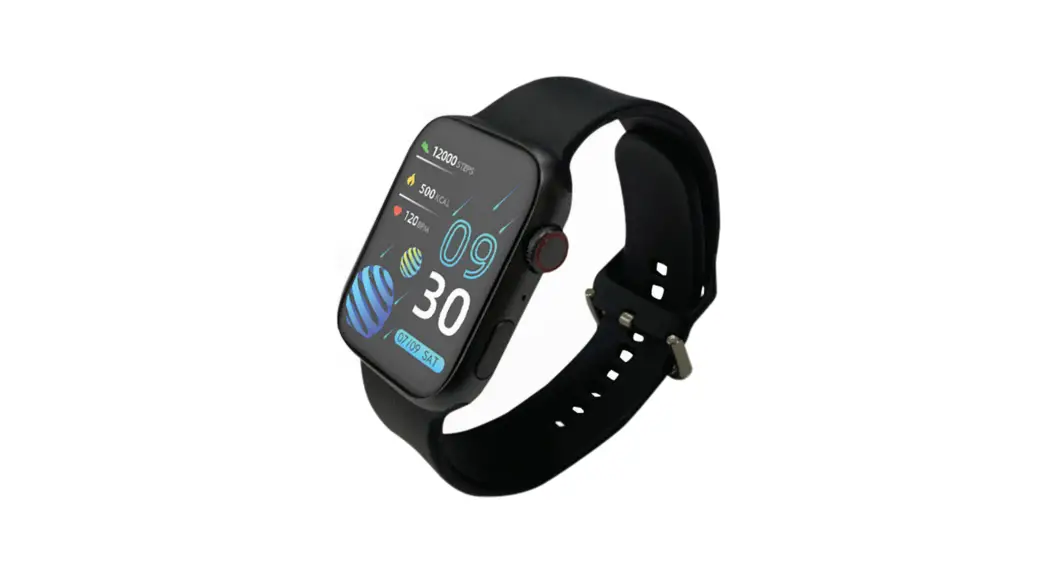
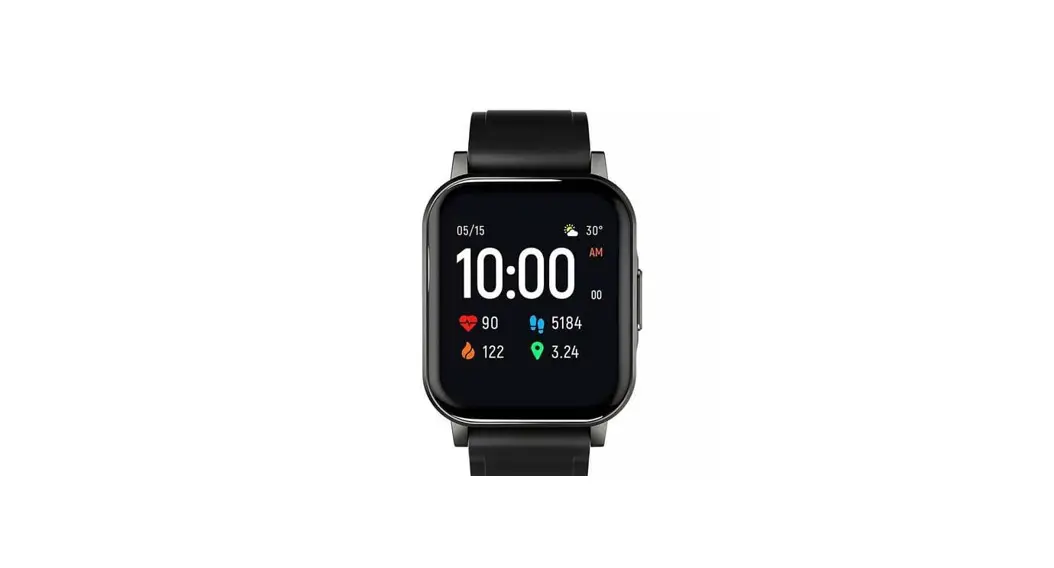
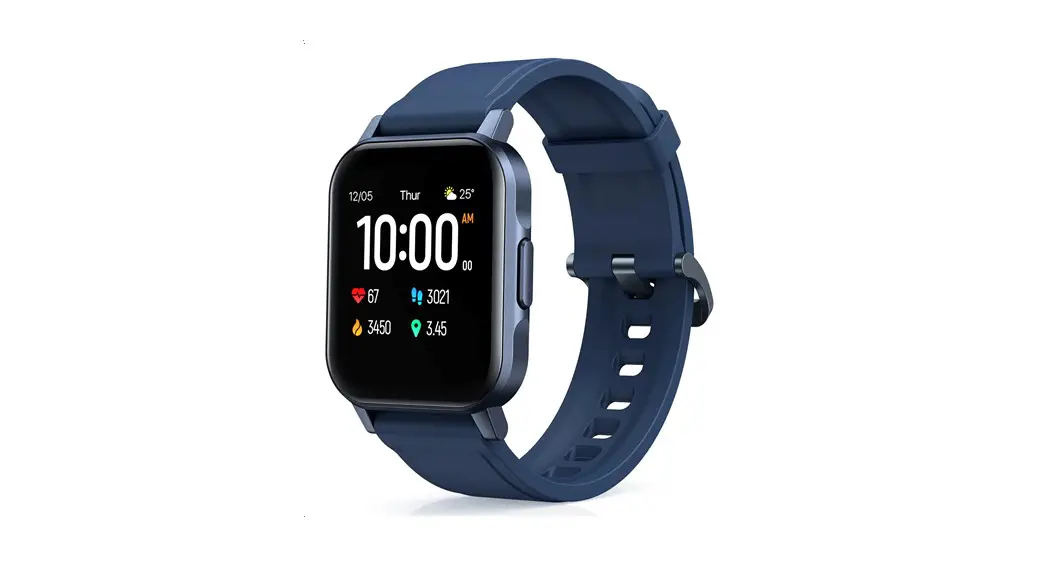
Thank you for purchasing the AUKEY LS02 Smartwatch. Please read this user manual carefully and keep it for future reference. If you need any assistance, please contact our support team with your product model number and Amazon order number.
Package Contents
Smartwatch
Charging Cable
User Manual
Warranty Card
Product Diagram
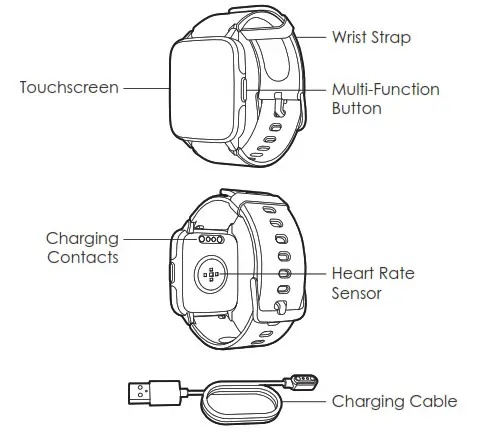
Specifications
| Model | LSO2 |
| Screen | 1.4-inch TFT LCD display |
| Resolution | 320 x 320p |
| BT Version | BT 5 |
| Sensors | Heart rate sensor, acceleration sensor |
| Battery Capacity | 260mAh |
| Battery Life | Up to 20 days |
| Operating Temperature | -20°C – 45°C / -4°F – 113°F |
| IP Rating | IP68 |
| System Compatibility | Android 4.4 / iOS 8.0 or higher |
| Data Sync Platform | AUKEY Fit app |
| Watch Body Dimensions | 148 x 36 x 12mm/ 1.89″ x 1.42″ x 0.47″ |
| Watch Strap Width | 20mm / 0.79″ |
| Weight (watch strap included) | 38g / 1.34oz |
Getting Started
Wearing
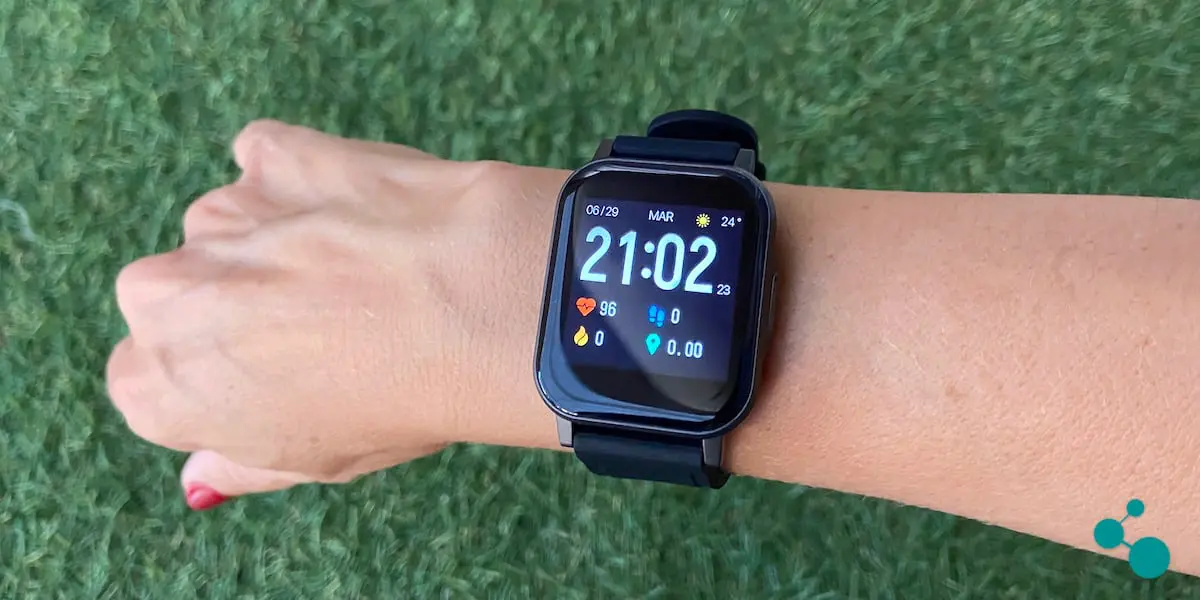
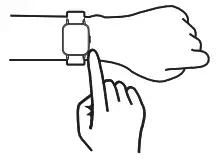
For maximum comfort, it’s recommended that you wear the watch one finger-width away from your wrist bones with the strap fastened firmly but not too tight.
Note
- A loose watch strap on your wrist may affect data collection of the heart rate sensor

Installing the AUKEY Fit App
Long-press the multi-function button to turn on the watch, and use your phone to scan the QR code on the watch screen or below to download and install the ‘AUKEY Fit’ app for data sync. This app is also available in your phone’s app store.
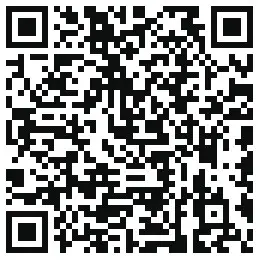 http://app.aukey.com/download/international.html
Note
- For stable and continuous connection between AUKEY LS02 Smartwatch and AUKEY Fit App, please ensure that the BT function of your device is on and AUKEY Fit App on your device is running in the background.
Pairing
Follow in-app instructions to pair the watch with your phone via BT.
Operating the Watch
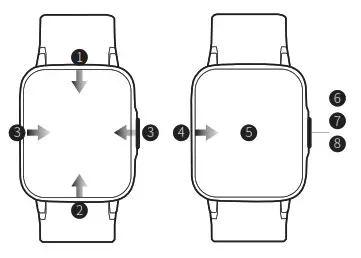
- Swipe down from the top of the homepage to open quick settings
- Swipe up from the bottom of the homepage to open control panel
- Swipe left or right across the homepage to switch to other main pages
- Swipe right from the left edge of pages within other functions to go back a level
- Press and hold on the homepage for 3 seconds to quickly switch watch faces
- Press and hold the multi-function button for 3 seconds to turn on/off the watch
- Short-press the multi-function button to return to the homepage from other main pages or go back a level from within other functions
- Short-press the multi-function button to pause or resume an activity

Note
- Practical operation may vary slightly from the description above. Please refer to in-app instructions for guidance on operation
Functions
 | Activities 12 activity modes: jogging, fast walking, mountain climbing, outdoor cycling, treadmill running, spinning, yoga, gym workout, integrated training, basketball, soccer, and rowing |
 | Heart Rate Continuous heart rate monitoring and you can view previous heart rate data anytime |
 | Sleep Records of your sleeping times & states in detail |
 | Weather Check the weather conditions and real-time temperatures for the next 3 days |
 | Music Control Control the music playing on your mobile device (music can’t be stored on the watch) |
 | Breath Training Helps you control your breathing for relaxation |
 | Stopwatch Precisely time events |
 | Timer Set a countdown timer |
 | Alarm Clock Set, adjust, and delete alarms |
 | Sedentary Reminder Reminds you to get up and move about if you stay seated too long |
Charging
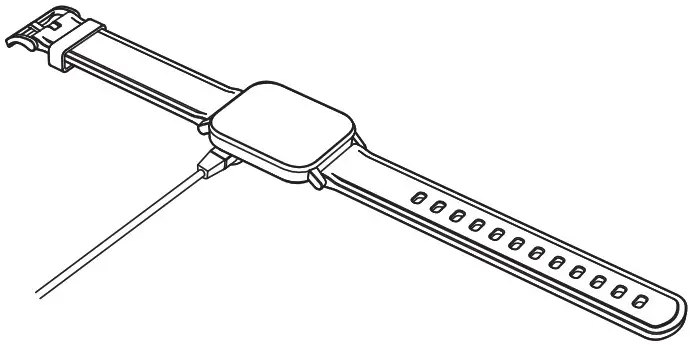
- Connect the charging cable to a standard 5V USB charger with 0.5A or higher output
- Connect the charging cable to the watch with the metal charging contacts in proper contact
Notes
- Charge the watch for over 2 hours before the first use
- If the watch battery is completely drained, the watch may take 1 minute to show the charging status icon after being connected to power
- Gently clean and dry the charging contacts before charging
Product Care & Use
- Avoid tight watch wearing in daily use and keep the area of watch contact clean & dry. Rinse the wrist strap regularly. If you experience skin irritation from wearing the watch, take it off and consult a doctor
- Do not operate the watch underwater. Wipe off water before pressing the button or operating the touchscreen
Warranty & Customer Support
For questions, support, or warranty claims, contact us at the address below that corresponds with your region. Please include your Amazon order number and product model number.
Amazon US orders: [email protected]
- Please note, AUKEY can only provide after-sales service for products purchased directly from AUKEY. If you have purchased from a different seller, please contact them directly for service or warranty issues.
Aukey Technology Co., Ltd.
www.aukey.com | [email protected]
Building P09, South China City Electronics Trading Center,
Longgang District, Shenzhen, Guangdong, 518111, China
FCC ID: 2ATIH-LS02
 AUKEY Official - No.1 Power & Charging Solutions | AUKEY Online...