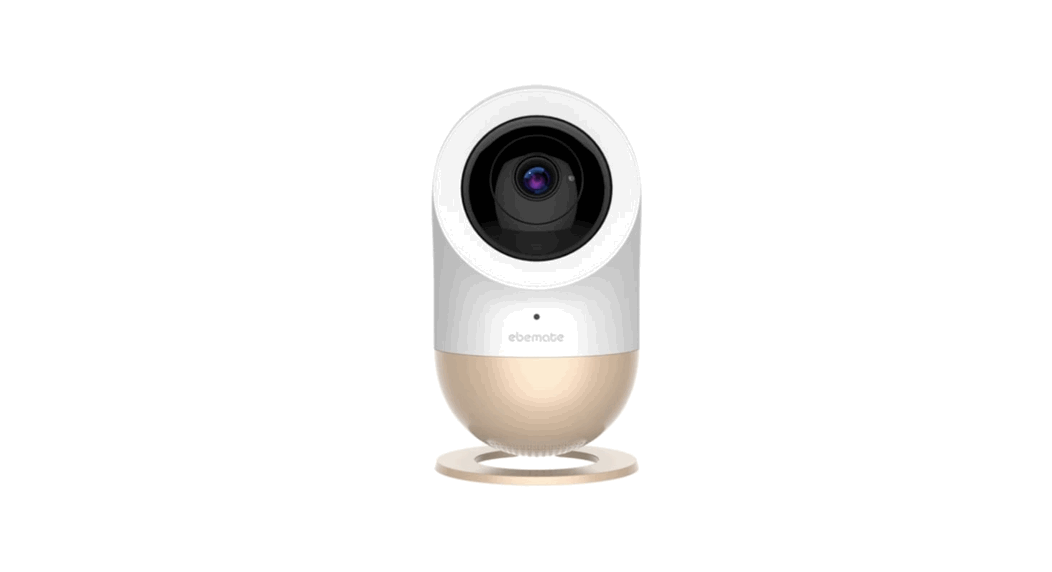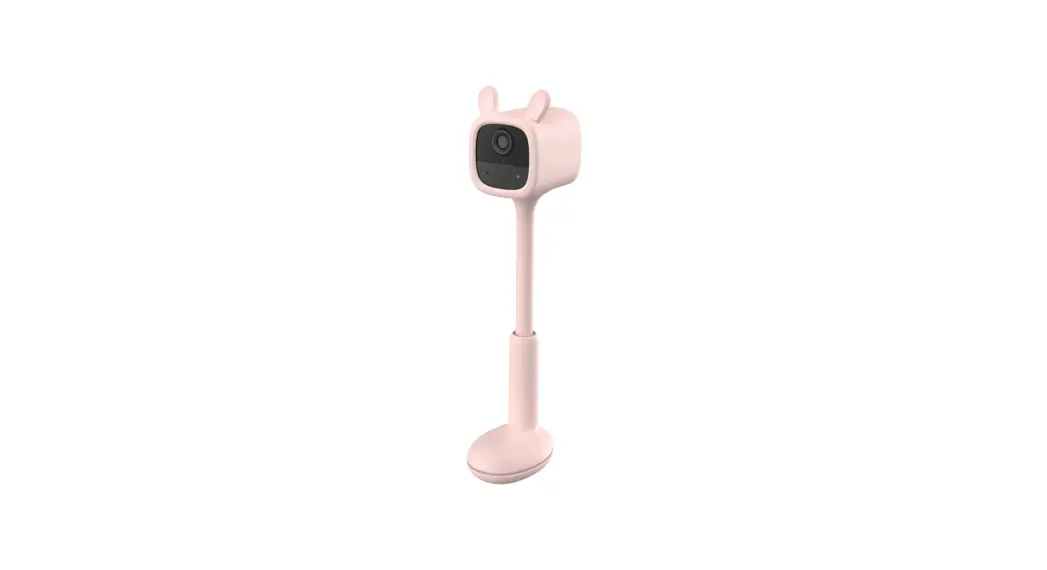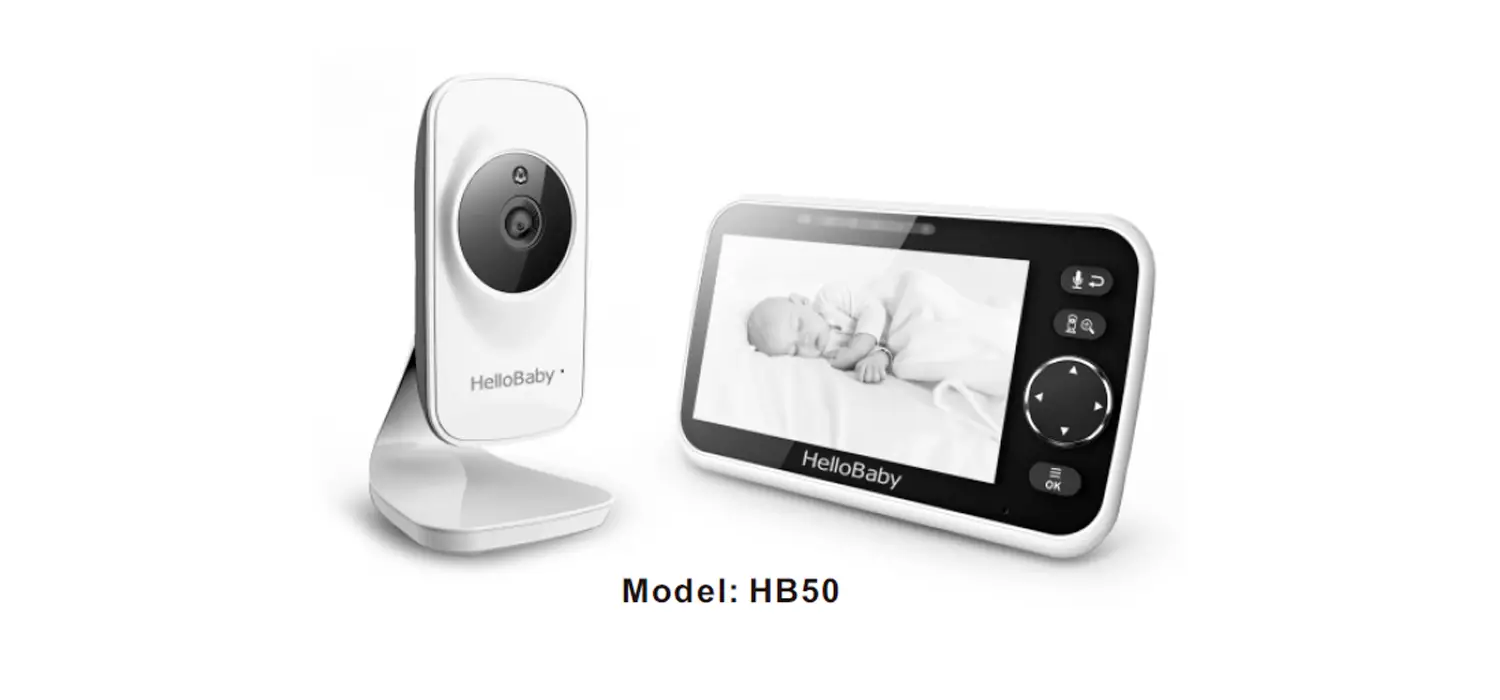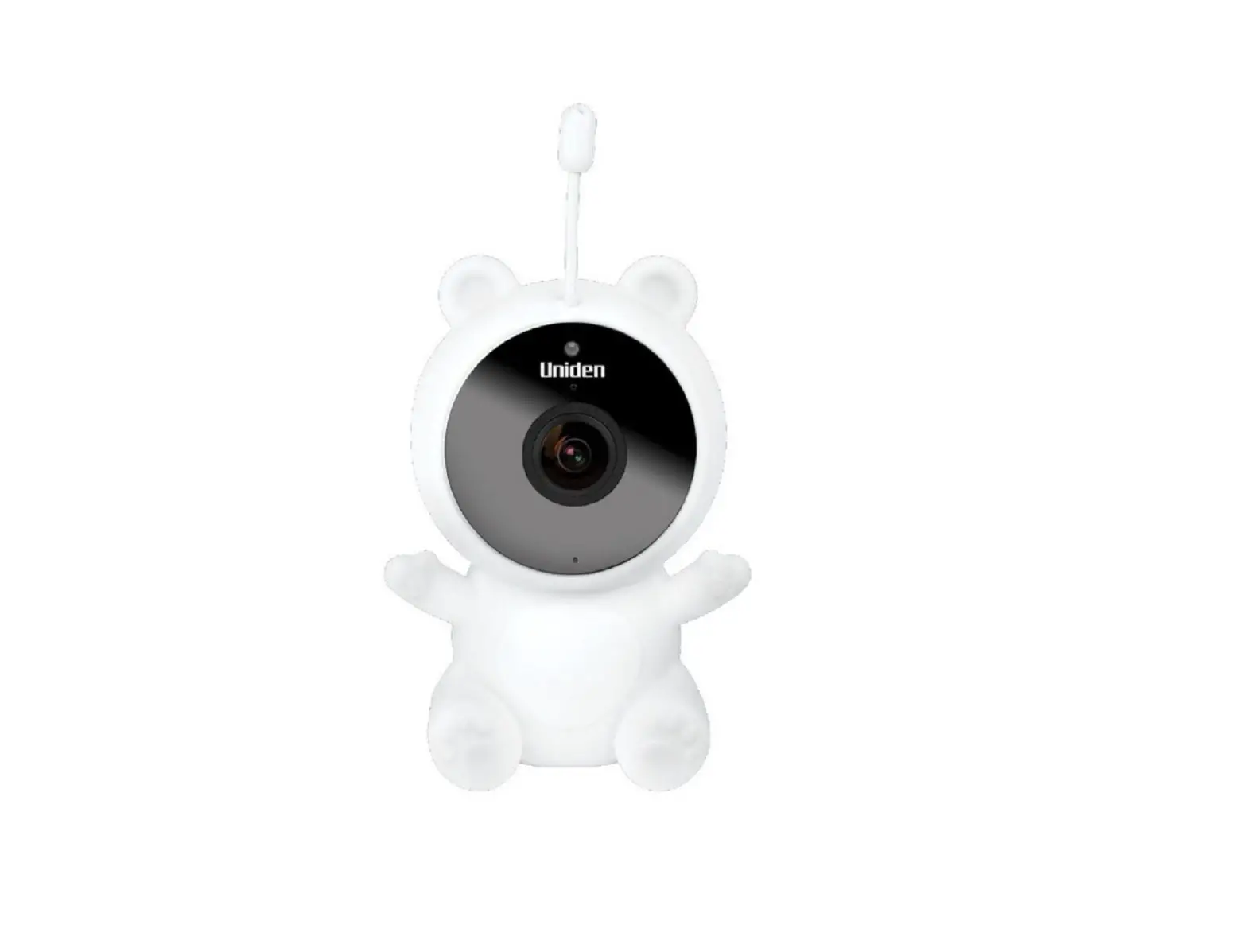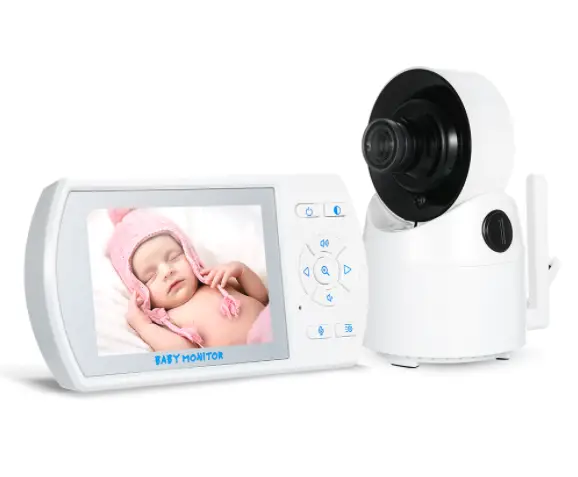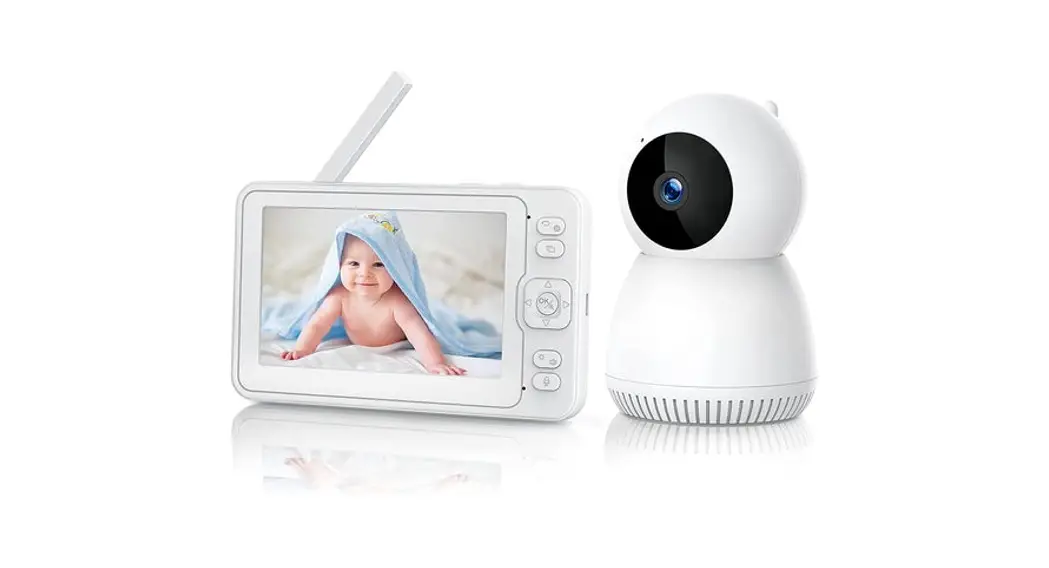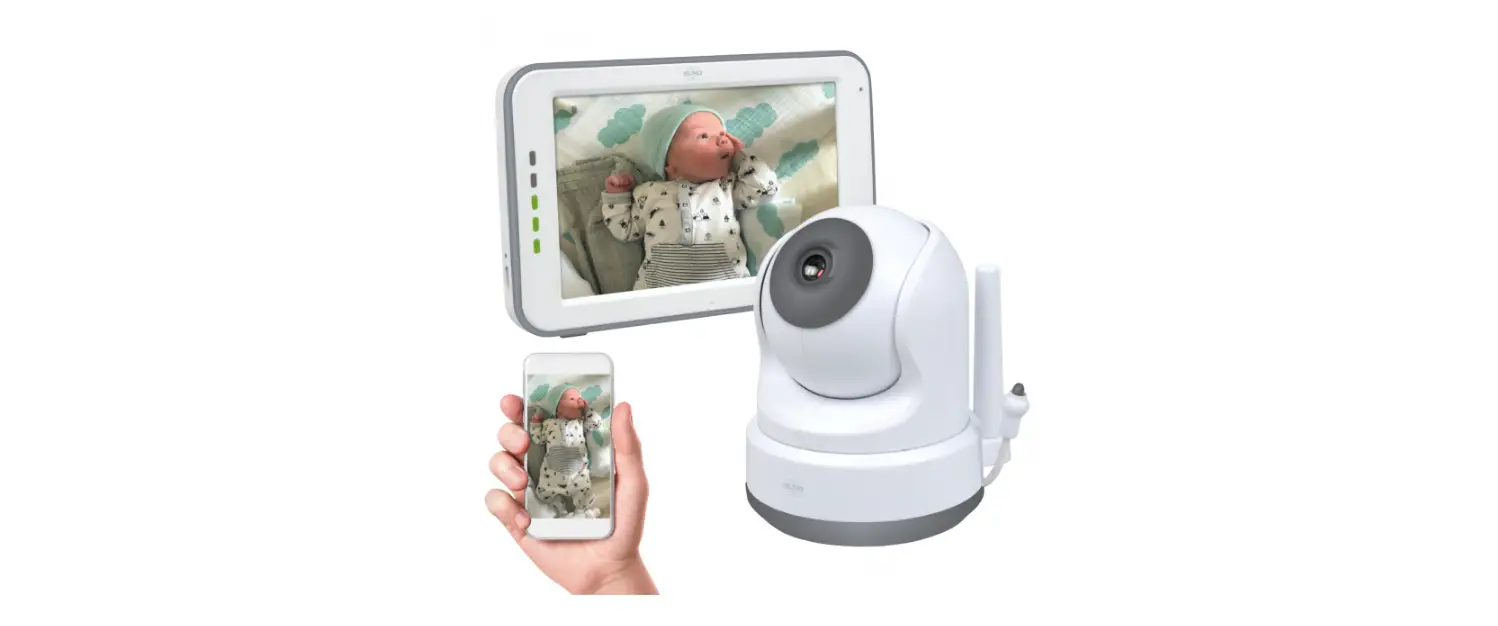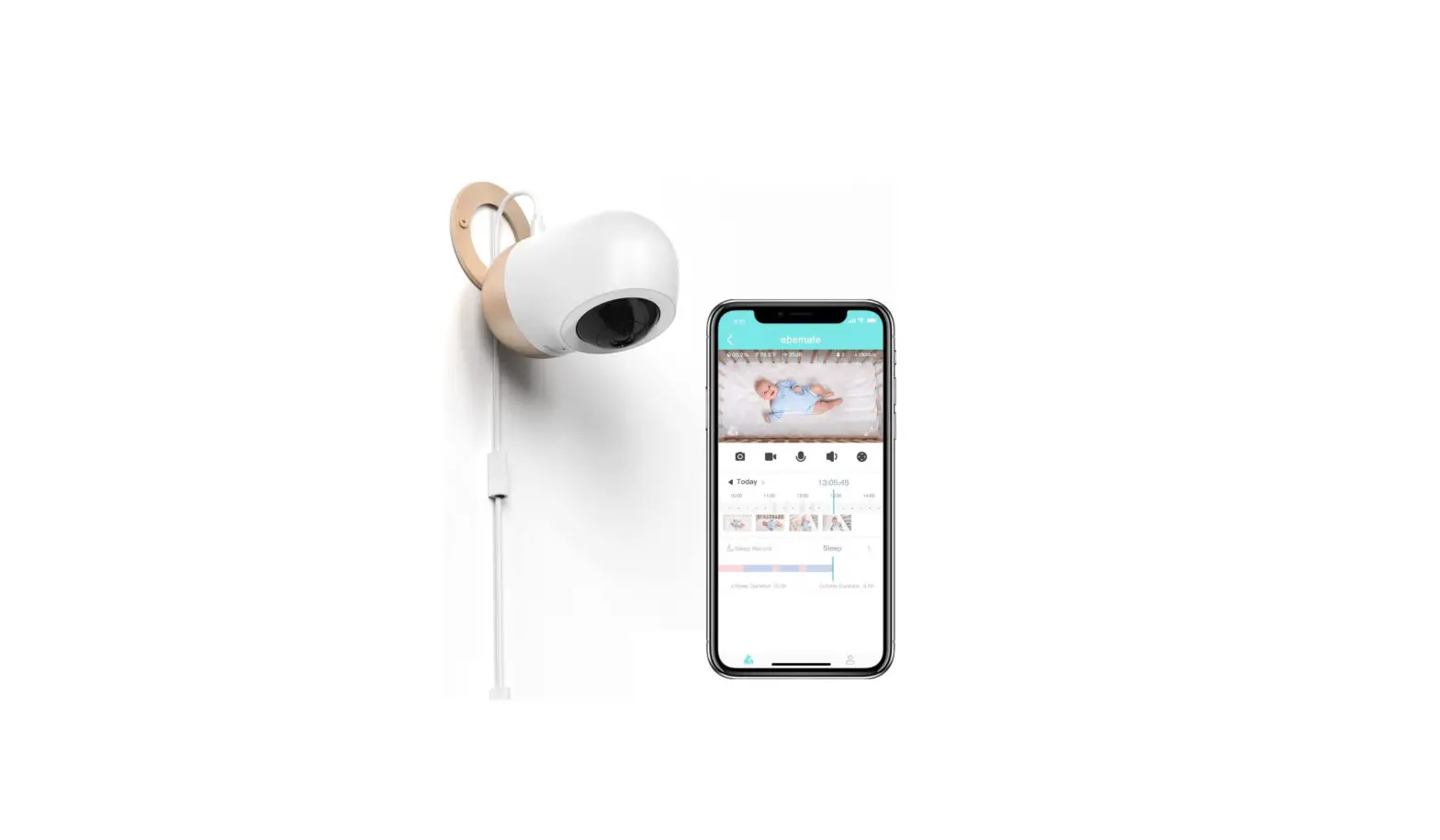

ebemate BM-U2 Smart Baby Monitor
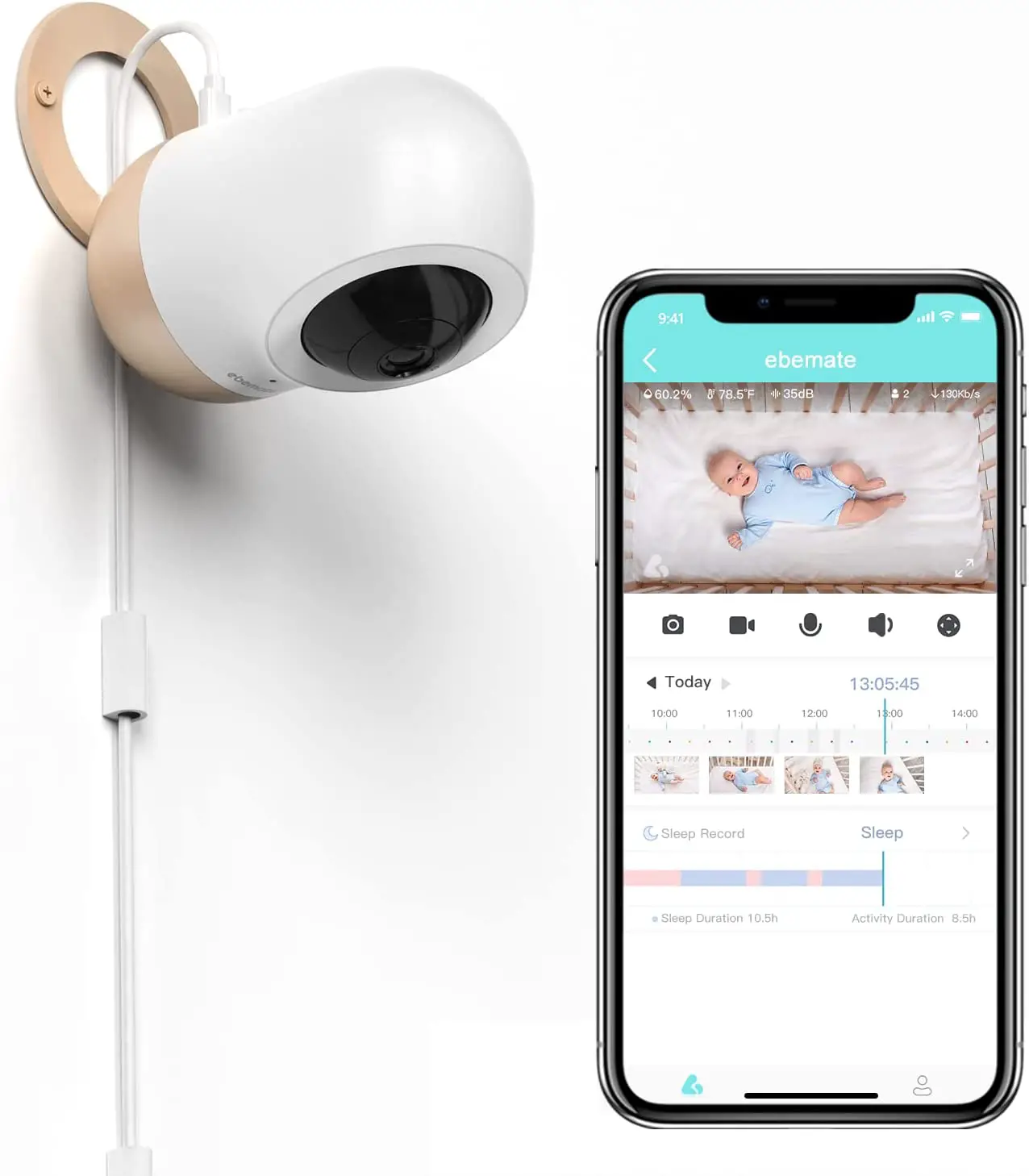
Thank you for supporting us and purchasing our Smart Baby Monitor Bella!
become your ultimate parenting assistant.
WARNING:
- For safety reasons. please DO NOT place the baby monitor close to or directly above the baby”s head.
- To gain the best observance and detection. it is highly recommended to place the baby monitor and the floor stand near the center of the crib.
- ALWAYS check the baby monitor is attached or mounted firmly and does not wobble with any movement.
Safety Instructions
WARNING:
- CHOKING HAZARD-This product contains small parts which may cause choking.
- SHOCK WARNING-To prevent electric shock, NEVER use the camera near water, Including near a bathtub, sink, laundry tub, wet basement, etc.
- Use only the DC adapters provided.
- Adult assembly Is required. Keep small parts away from children when uou are assembling.
- This product Is not a toy. Do not allow chlldren to play with It
- This product Is NOT Intended to replace proper adult supervtslon of children.
- You MUST check your child’s activity regularly, as this product will not alert parents to silent actlVlties of a chlld.
- Before using this product, read and follow all instructions and warnings contained in this booklet.
- Do not allow water damage to the camera unit, power adapter, or charging cable which cause overheating of the charging components.
- Do not use unofficial third party charging cables to charge the device. This may result in overheating of the charging port. Only use the charging cables provided in the box.
- Do not use unofficial third porty power adapters, especially high wattage adapters. This may result in overheating of the cable and/or charging port. Only use the adapter provided in the box.
FCC Statements
These devices, Including Baby Camera, comply with Part 15 of the FCC rules. Operation Is subject to the following two conditions:
These devices may not cause harmful interference. These devices must accept any interference received, Including Interference that may cause undesired operation. Class B Digital Device. This equipment have been tested and found to comply with the Hits for a Class B digital device pursuant to Part 15 of the FCC Rules. These limlts are designed to provide reasonable protection against harmful interference in a residential installation. These equipment generate, use, and can radiate radio frequency energy and, if not installed and used in accordance with the instructions, may cause harmful interference ta radio communications. However, there is no guarantee that interference will not occur in a particular installation. If this equipment do not cause harmful interference to radio or television reception, which can be determined by turning the equipment off and on, the user is encouraged to try to correct the interface by one or more of the following measures.
- Reorient or relocate the receiving antenna.
- Increase the separation between the equipment and receiver.
- Connect the equipment into an outlet on a circuit different from that to which the receiver is connected.
- Consult an experienced radio / TV technician for help.
Caution to the user. The Federal Communications Commission warns the users that changes or modifications of the unit not
expressly approved by the party responsible for compliance could void the user’s authority to operate the equipment.
Radiation Exposure Statement
This equipment complies with FCC radiation exposure limits set forth for an uncontrolled environment. This equipment should be installed and operated with minimum distance 20 cm between the radiator & your body.
Customer Service
Warranty Information
| Product Nome | Item | – Wor |
| Bella Smart Baby Monitor | Camera | 12 months |
| Power Adapter |
Please note that the above warranty does not cover the following:
- Wear and tear through normal product usage
- Accidental damage caused by product misuse
- The warranty will also be deemed void if any product parts are replaced by non-approved personnel
Support Information
- Should you have any questions, please feel free to contact us via our official email address:
Catalog
Baby’s Guardian
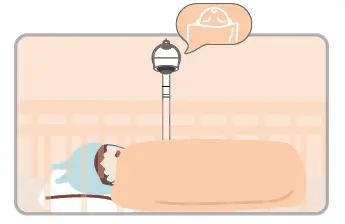
- Face Detection
 Bella will alert you if your baby’s face is not visible or rolls over in the crib.
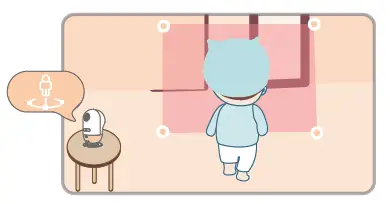
 - Danger Zone
 Bella will alert you if your baby is approaching a hazardous area you previously set.
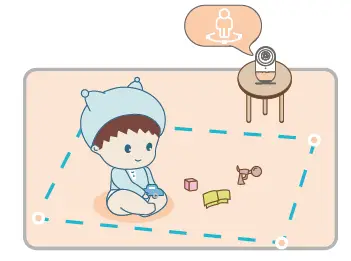
 - Safe Zone

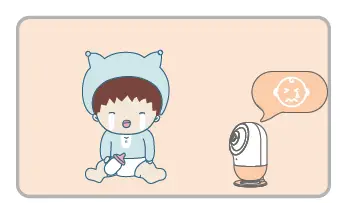
Bella will alert you if your baby leaves a predefined ‘Safe Zone’ - Cry Detection
 Bella will alert you if your baby cries
Placement
When placing Bella on a table or unit, please ensure the surface is flat and stable. 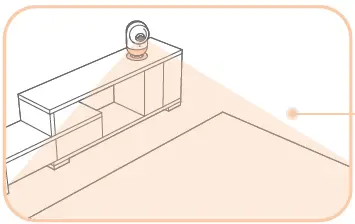
When you mount Bella on a wall.please ensure Bella is always kept out of the reach of your baby. 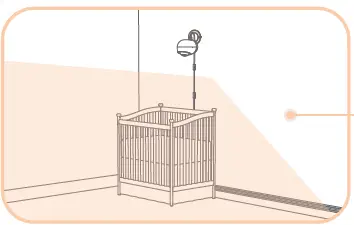
Multifunctional Base Installation
- Tighten the screw

- Snap the crib from the side
- Or snap the crib up and down

- Press down on the camera base
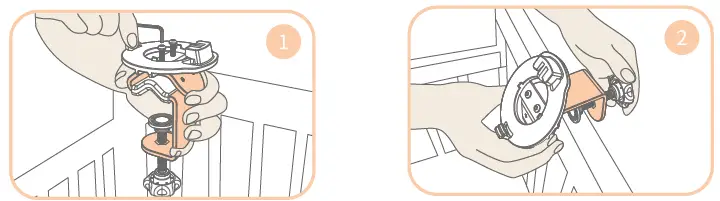
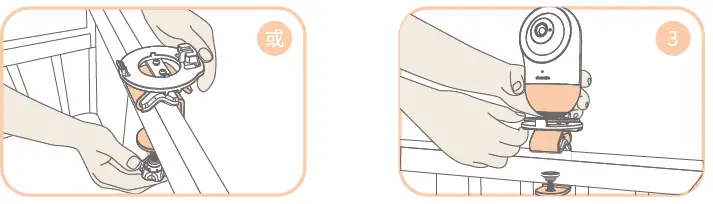
Movement Tracking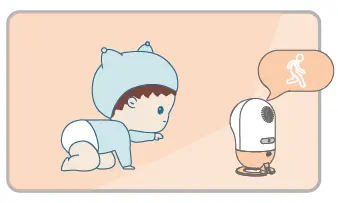
Bella will alert you if there’s any object movement
Sound Detection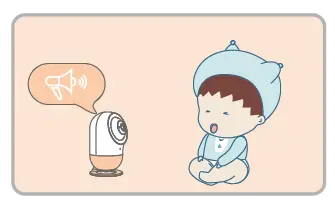
Bella will alert you if there’s any loud noises near your baby
Human Detection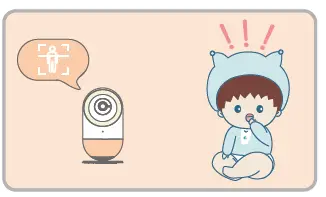
Bella will alert you as soon as someone enters the same space as your baby
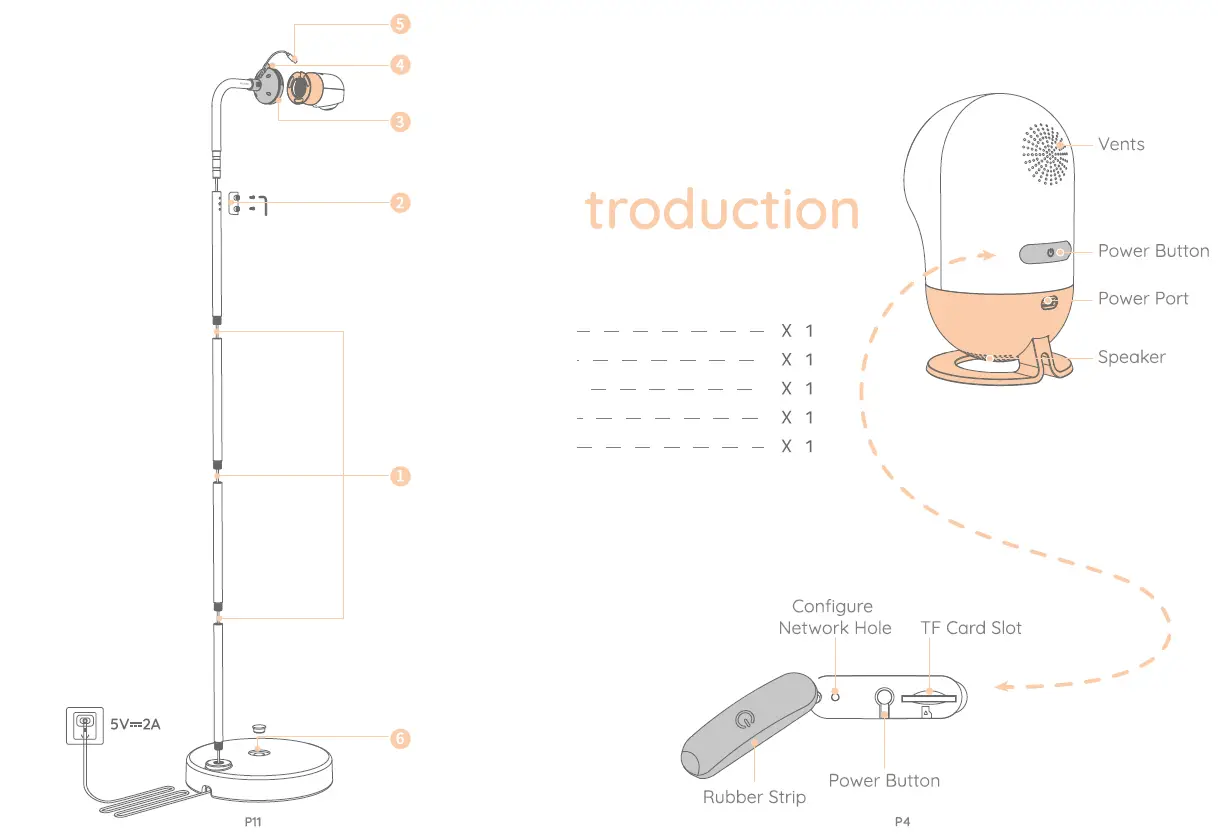
Product In 
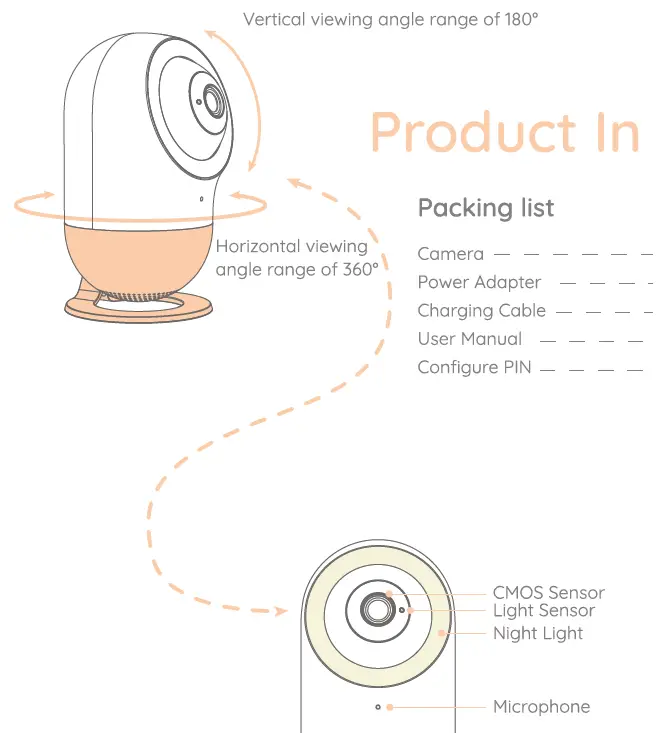
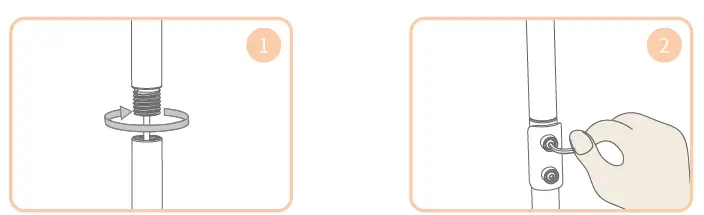
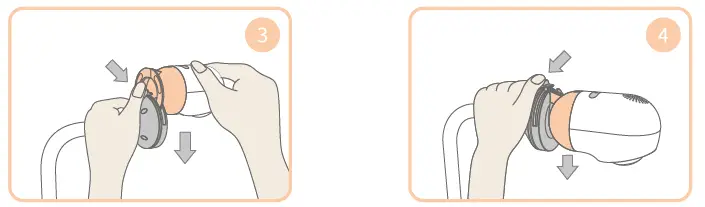
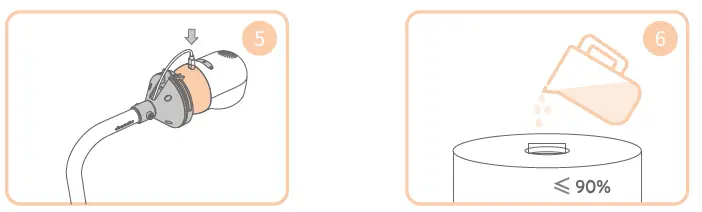
Multifunctional Base Floor Stand Installation
- Install the strut

- Install the fixing rod
- Install the camera on the top of the multifunctional base floor stand Inside the card slot

- Snap on the camera
- Connect the charging cable ta the camera

- Water injection into the bracket base, water injection volumes 90%
Quick Start
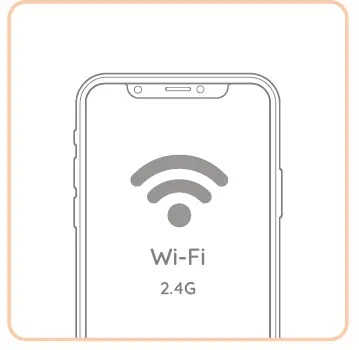
- Check network frequency
Please note that Bella only supports 2.4G Wi-Fi (it doesn’t currently support 5G Wi-Fi)
- Check network frequency
Please note that Bella only supports 2.4G Wi-Fi (it doesn’t currently support 5G Wi-Fi)
Specifications
| Input Voltage: | 5V | Operating Power: | < 1.5A |
| Night Vision: | YES | Picture Sensor: | GC4653 |
| Built-Len: | ELF 3.89 F2.2 | Operating Temerature: | 0-40C |
| Power Adapter: | 5V/2A | Charging Cable: | 2m |
| Exposure Control: | Auto | White Balance Control: | Auto |
| Vertical Turning Angle: | 355° | Horizontal Turnning Angle: | 110′ |
| Product Weight: | 318g | Dimensions(LxWxH): | 295x335x551(‘1) |
Product Warning
- Please keep this product and any associated small parts out the reach of children
- Please do not use unofficial 3rd party power adaptors which may present a fire risk
- Please keep the product dry at all times to prevent malfunction or safety issues
- Note that ebemate handle the protection of data security seriously and your privacy is of utmost importance to us. For more information, please visit www.ebemate.com
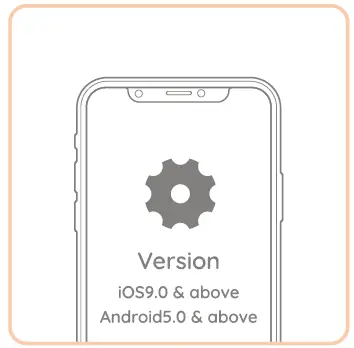
Network & Operating System Requirements
- Download App
Scan QR code to download App
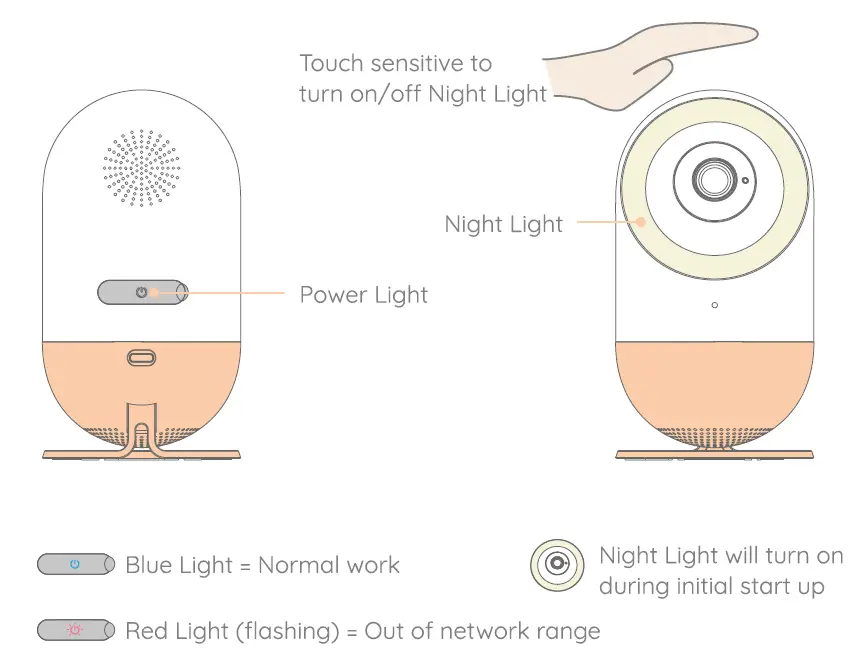
- Start Bella
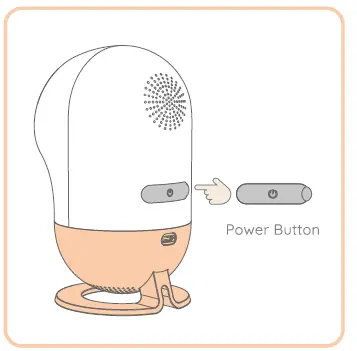
Press and hold power button until Nightlight illuminates

Connect App
- Download & Register
Download the App and follow the onscreen instructions to complete your initial registration
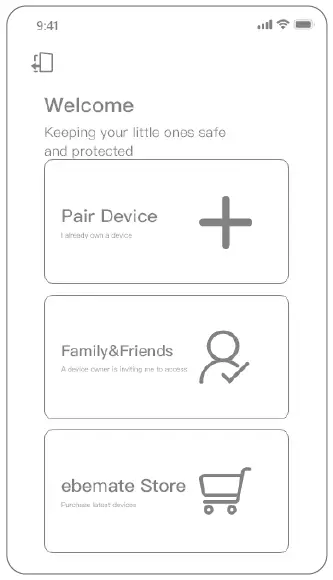
- Pair Device
Tap ‘Pair Device’ to pair your phone with your new smart baby monitor - Ready to begin
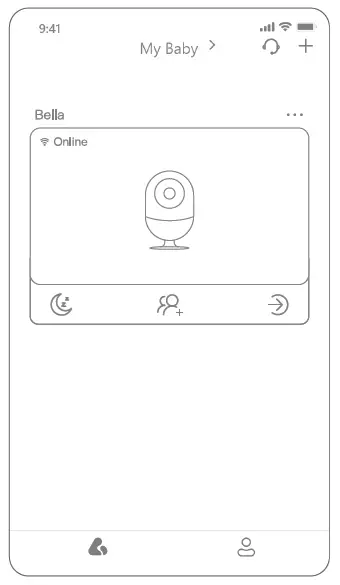
Now start your journey with Bellal