 by Schneider Electric
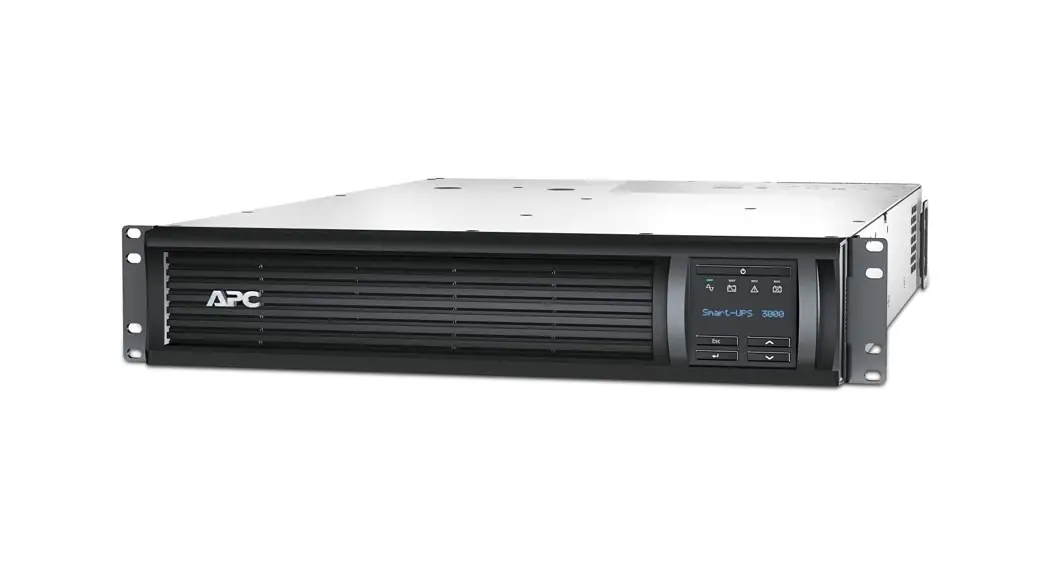
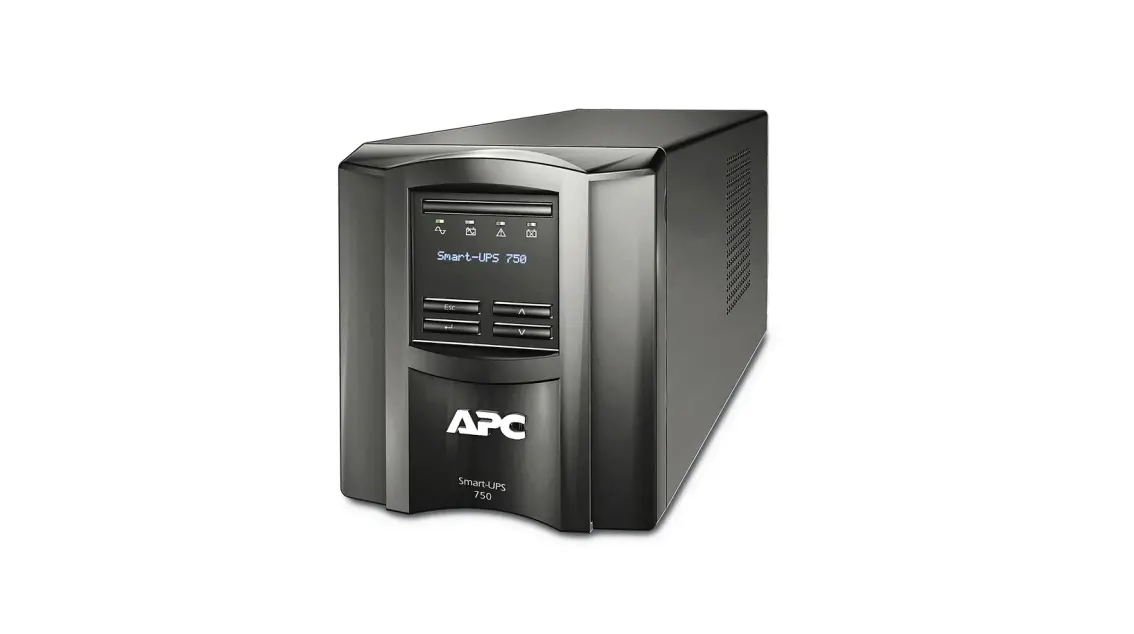
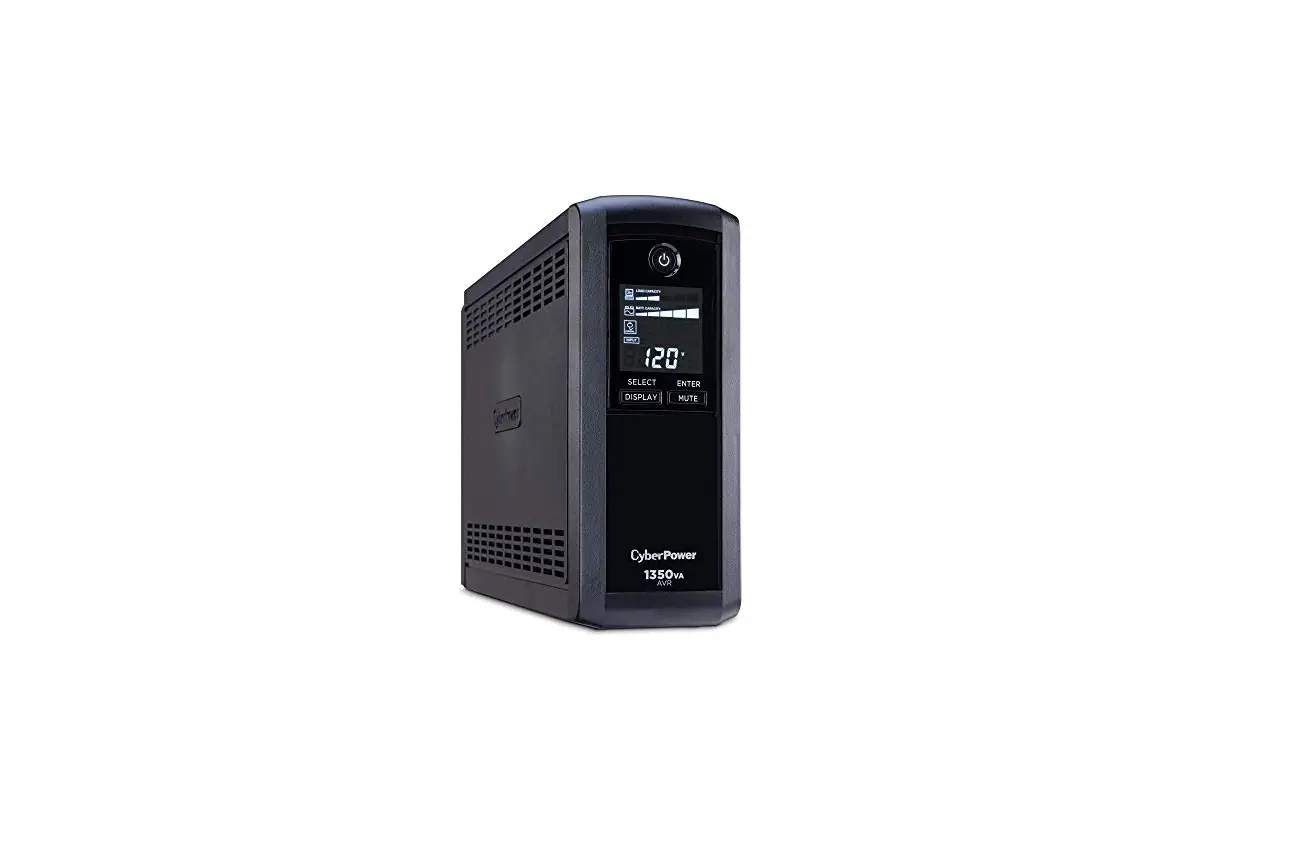
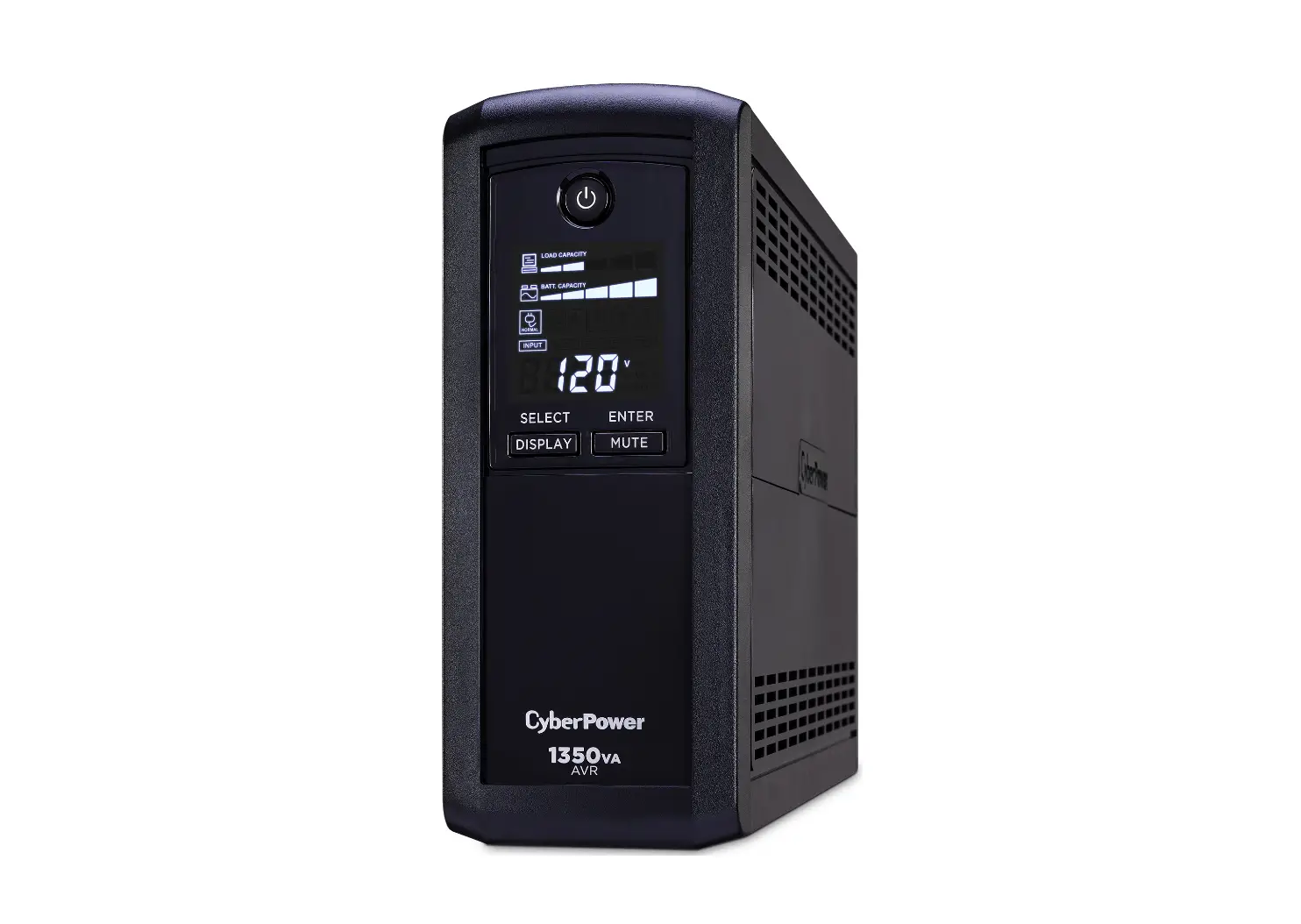
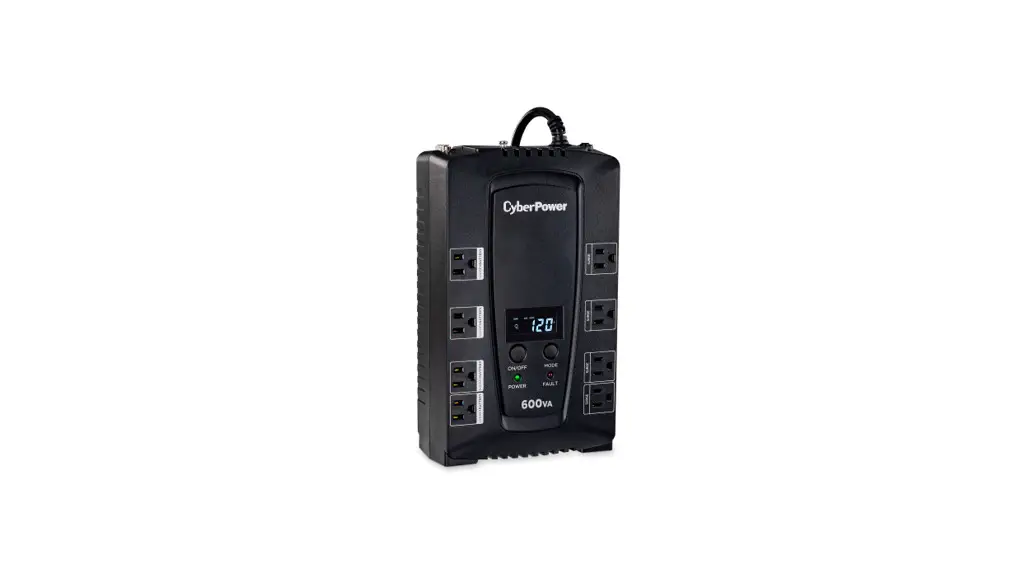
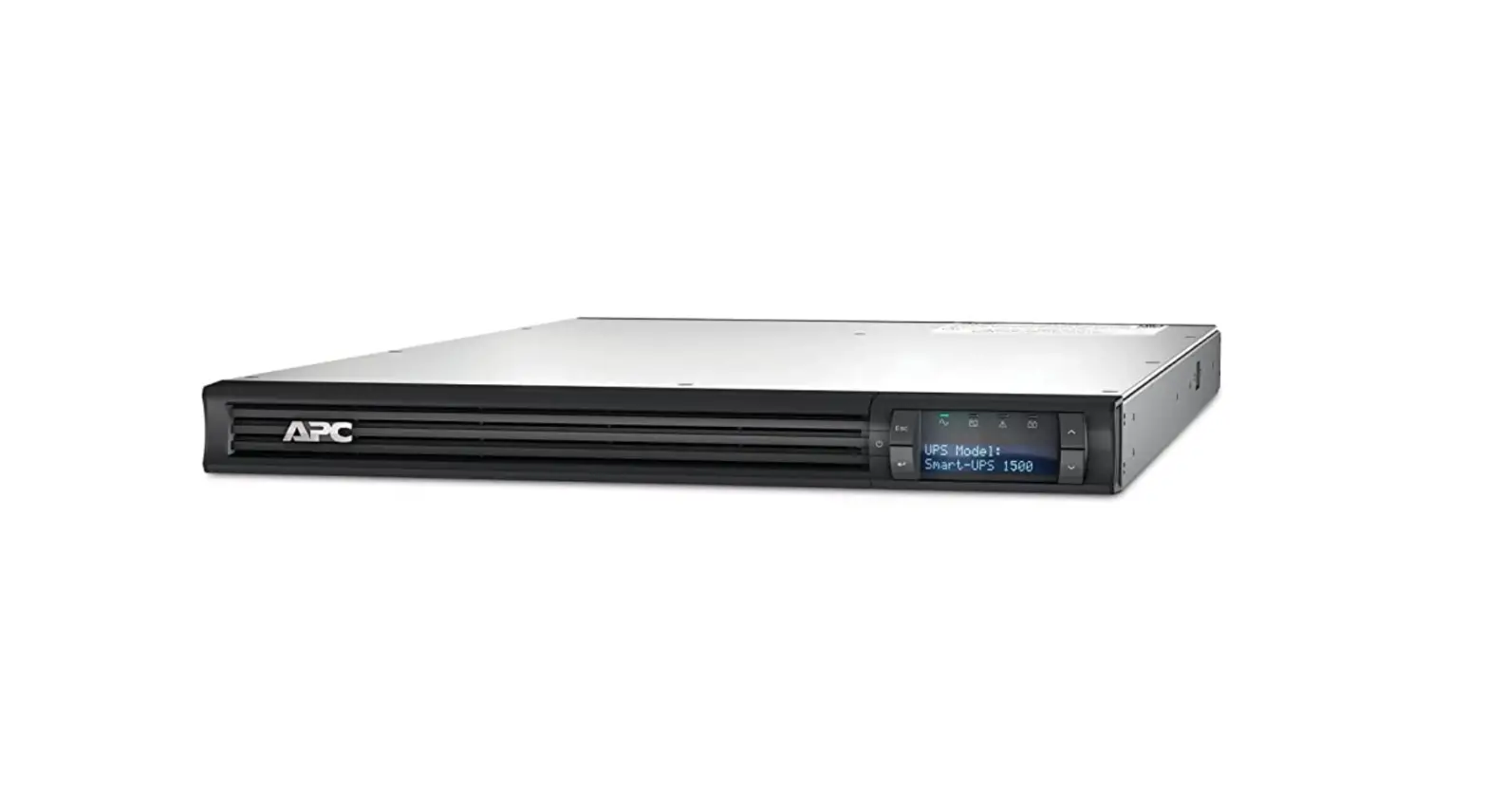
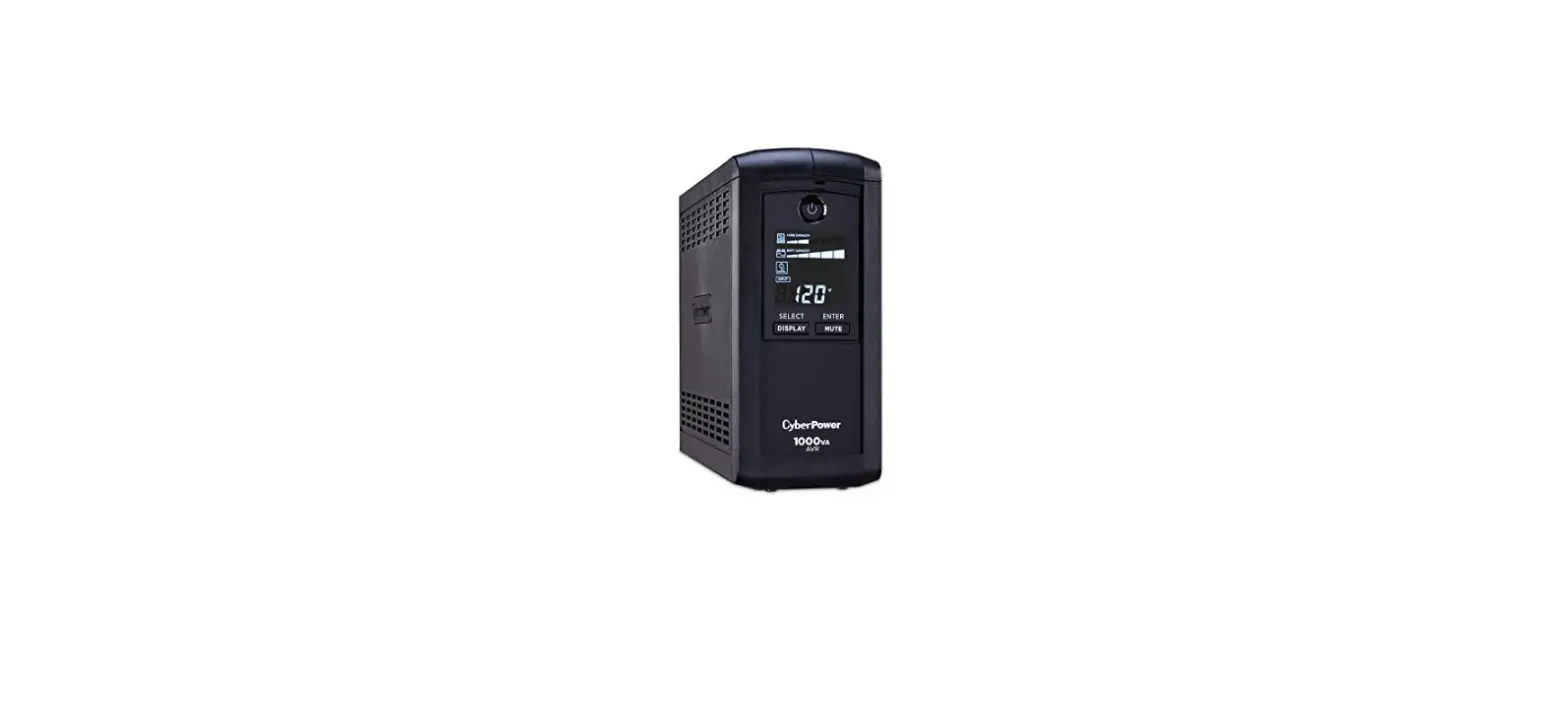
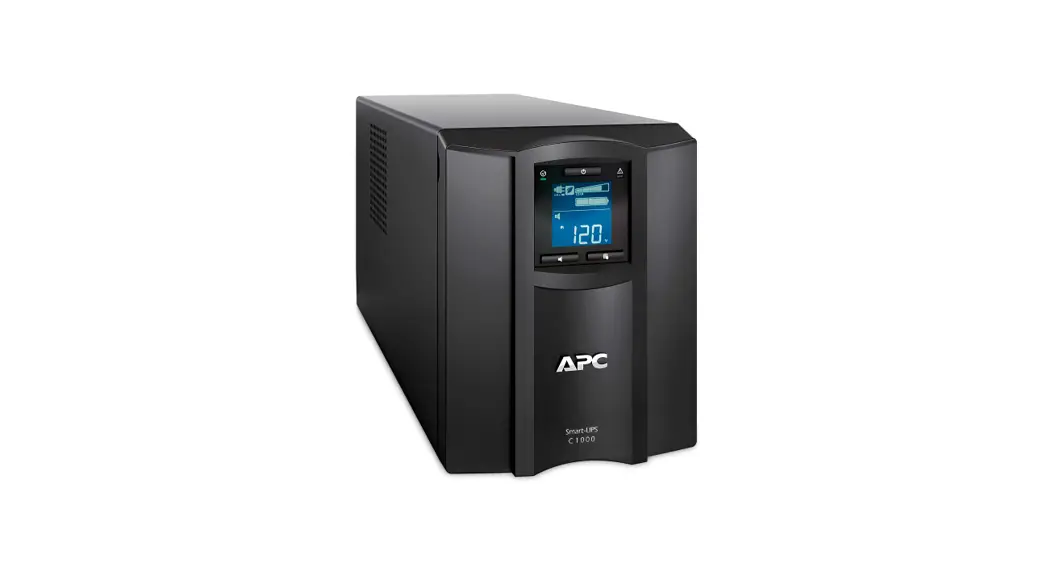
SMC1000C 1000VA 600W LCD Tower UPS
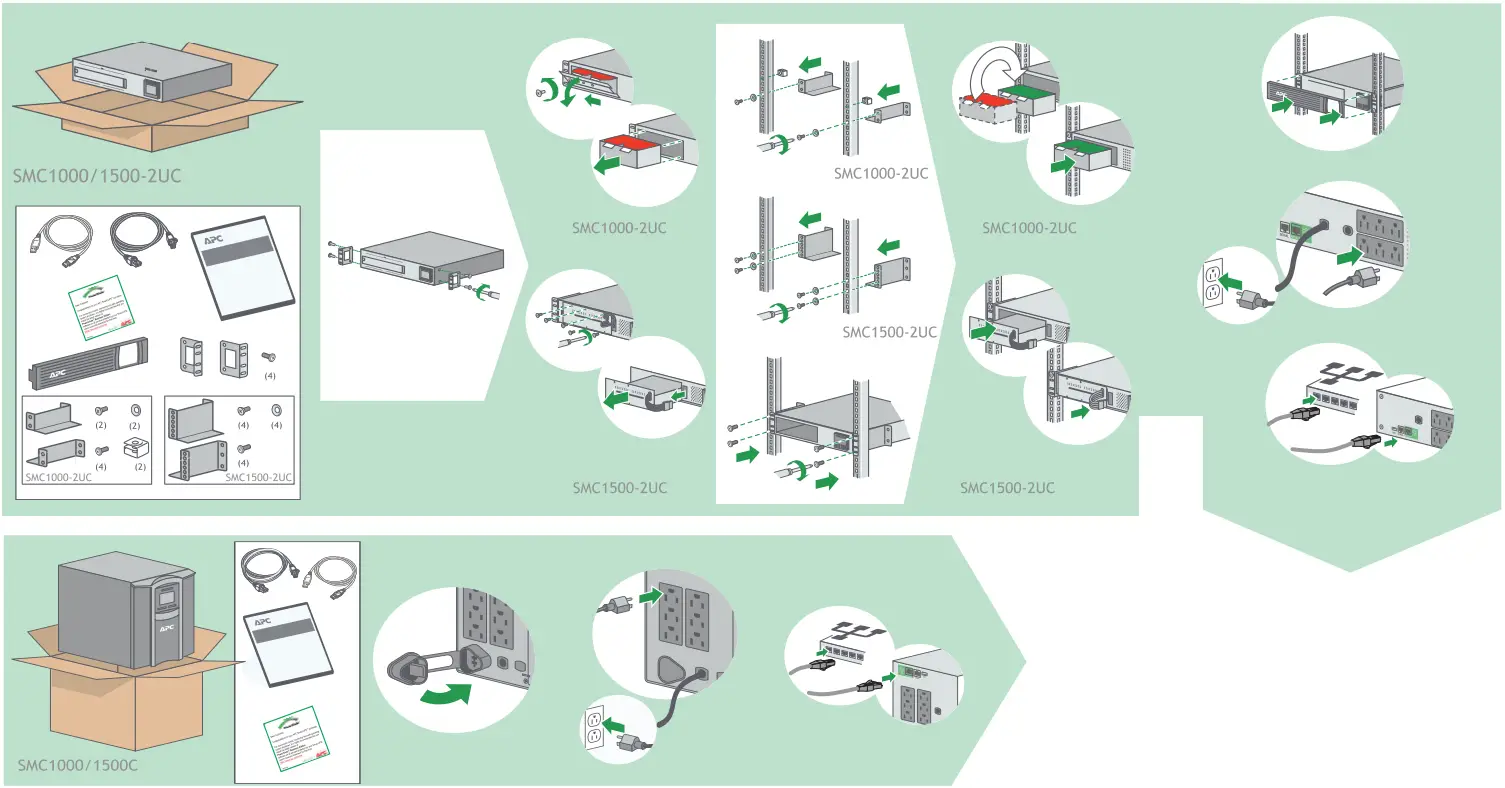
Installation Guide
SMC1000C 1000VA 600W LCD Tower UPS
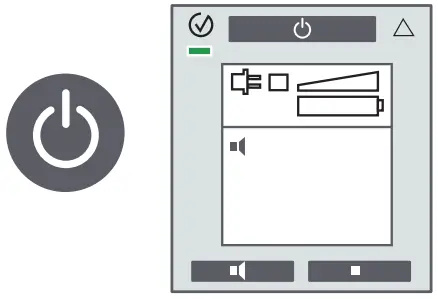
- Free additional 1-year battery warranty
- Remote monitoring
- Email notifications
- Remote firmware upgrade


Location of QR Code for User Documents
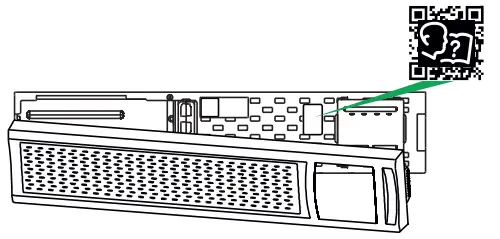
User Documents
- Scan QR Code
- Click“Documentation”.
- Click“Asset Lifecycle Documents”
- Click on the required document
By connecting this product to the Internet using APC SmartConnect port, you are agreeing to APC SmartConnectT erms of Use, as f ound at smartconnect.apc.com
Schneider Electric Data Privacy Policy can also be found at smartconnect.apc.com
 Smart-UPS™ - Welcome